If you've used Veo 3.1 and walked away thinking something's off, you're not wrong. The model is genuinely powerful, but it rewards specific workflow knowledge that almost nobody shares openly. The creators getting the best NSFW AI video results aren't starting with better tools. They know things that aren't in any official documentation. This is the real stuff, start to finish.
What Veo 3.1 Does That Veo 3 Didn't
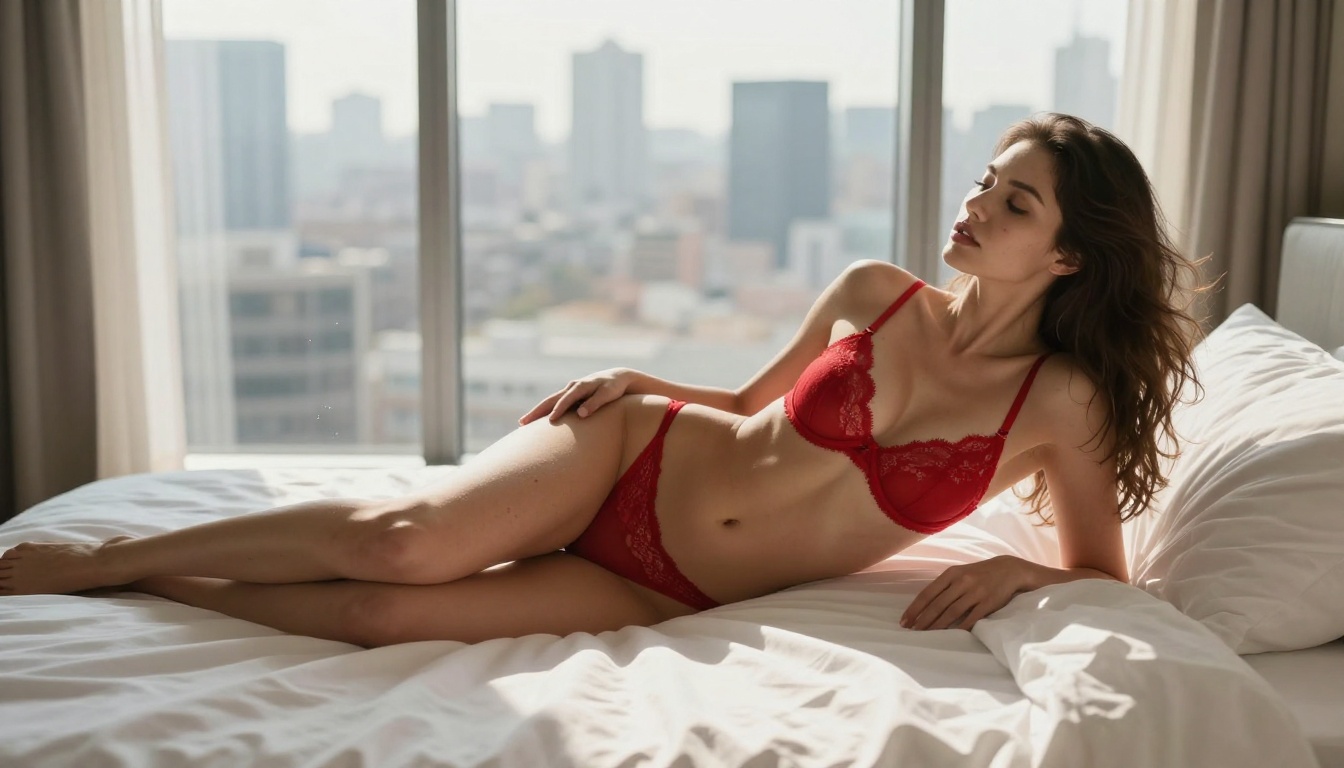
The Real Upgrade Nobody Documented
Veo 3.1 is available in three variants on PicassoIA: the full model, Veo 3.1 Fast, and Veo 3.1 Lite. Most people try one variant and form opinions about the whole family. That's the first mistake.
The full model generates 1080p video with native synchronized audio. The upgrade from Veo 3 isn't just resolution. Temporal coherence is dramatically better, meaning subjects move naturally over the full clip duration without drifting or destabilizing. For NSFW content, this matters enormously. Jittery movement or morphing skin kills immersion immediately.
Key improvements that matter for adult content:
- Skin texture consistency across frames, no flickering or melting between moments
- Fabric physics that respond to body movement realistically, including stretch, drape, and gravity
- Depth of field maintained consistently through the full clip duration
- Hair movement that follows physical logic rather than random noise patterns
- Lighting continuity so the mood doesn't shift or pop mid-clip
Compare this to Veo 3, where skin often flickers between frames, clothing can merge with skin on complex movements, and the model sometimes loses track of what it established in the opening second. Veo 3.1 fixed most of these problems.
Native Audio Changes Everything
Nobody discusses this enough. Veo 3.1 generates synchronized audio natively. For adult content, ambient sound design is the difference between a clinical image sequence and something genuinely immersive. You can prime this directly in your prompt.
💡 Tip: Include environment audio in your prompt. "...with the sound of ocean waves breaking softly in the background", "ambient jazz piano playing quietly", or "gentle rain on nearby windows" tells the model what sounds should fill the scene. The audio that generates is surprisingly accurate and dramatically affects how the video feels.
When intentional audio pairs with accurate motion, the result reads as real. That's the goal.
The Prompt Architecture Creators Hide
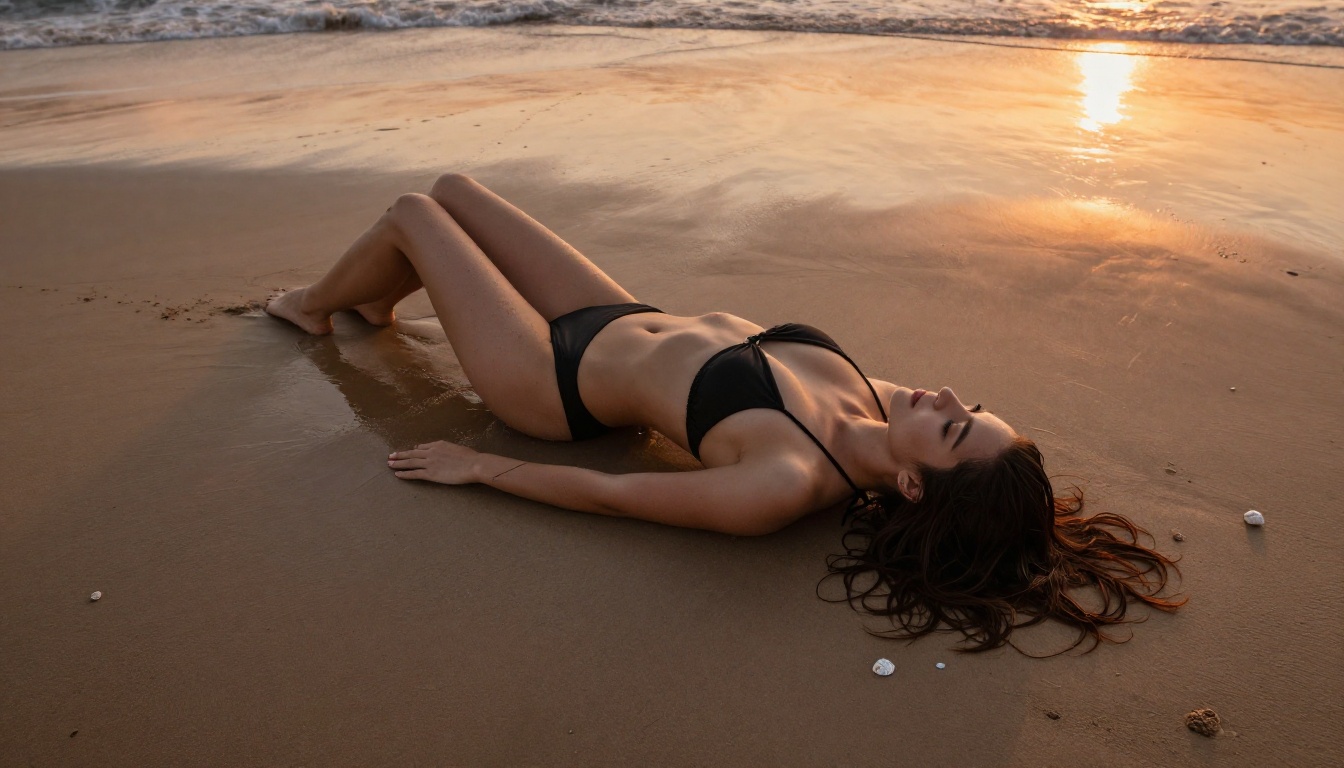
Nobody in the AI content space shares their actual prompt structure. They post results without the recipe. Here's the exact framework that produces consistent NSFW results.
Layer Your Descriptors, Not Stack Them
Most people stack adjectives: "beautiful, stunning, gorgeous woman in sexy lingerie on a beach." This approach fails because the model doesn't weight adjectives equally. It processes layers of semantic meaning, and when you stack synonyms, they compete rather than reinforce each other.
The structure that consistently works:
- Subject layer: Who is in the video, specific physical attributes, exact clothing description
- Context layer: Where they are and what they're doing at the start of the clip
- Atmosphere layer: Lighting quality, time of day, emotional tone of the scene
- Camera layer: Shot type, lens equivalent, camera movement direction and speed
- Audio layer: What sounds exist naturally in the environment
Weak prompt: "Sexy woman in bikini on beach looking beautiful."
Strong prompt: "A woman with long dark hair, wearing a minimal white string bikini, standing at the ocean's edge on a quiet Caribbean beach at golden hour. The camera begins wide at waist level and slowly dollies in as she turns her head toward the lens. Warm amber backlight from the setting sun creates rim lighting on her shoulders and hair. Ocean waves audible. Shallow depth of field, 85mm lens equivalent."
The gap in output quality between these two prompts is not subtle.
The Camera Language Trick
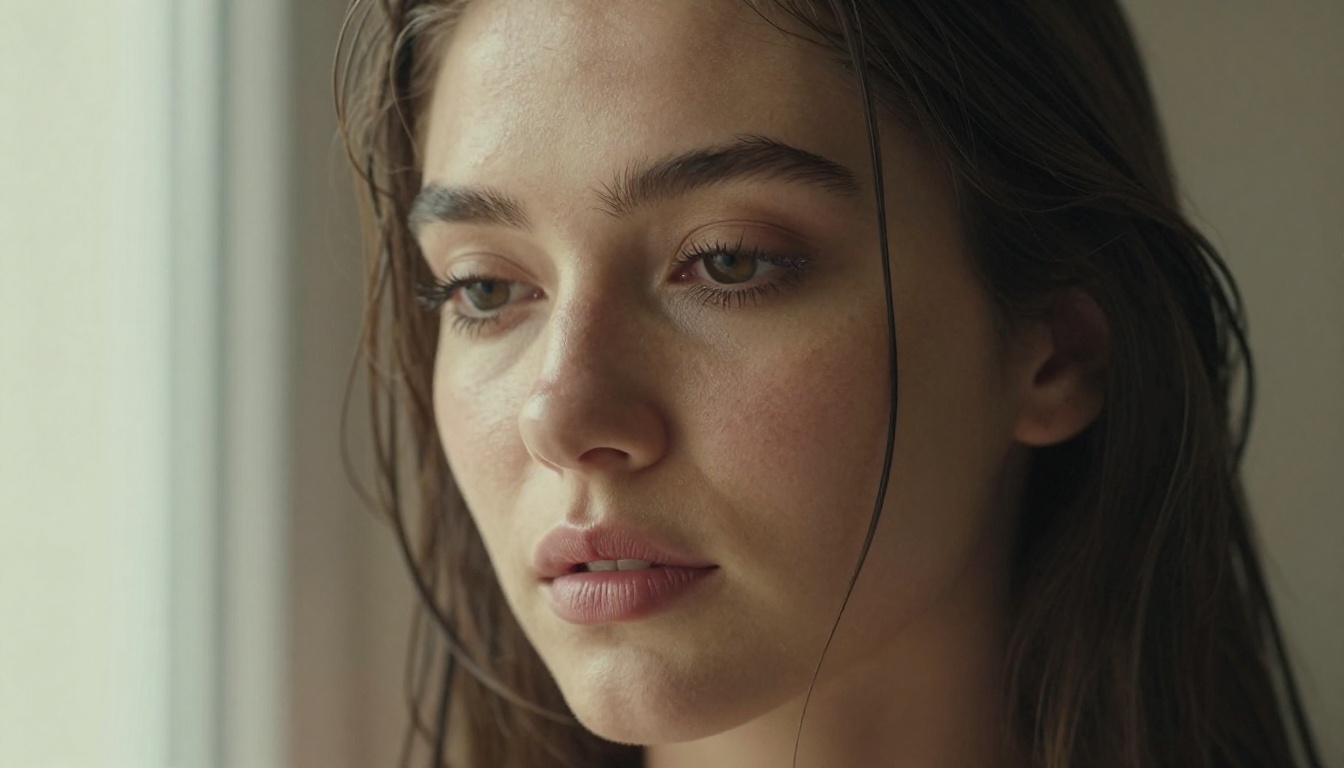
Veo 3.1 responds to cinematography vocabulary better than any other text-to-video model currently available. These specific terms consistently produce better results:
| Camera Direction | What It Does in Veo 3.1 |
|---|
| "Slow dolly-in" | Gradual approach that feels intimate, not mechanical |
| "Handheld with slight wobble" | Adds authenticity and realism to the scene |
| "Overhead drone shot" | Perfect for beach and pool content |
| "Eye-level medium shot" | Natural, relatable framing |
| "Low angle looking up" | Flattering, cinematic composition |
| "Behind-the-shoulder" | Creates perspective and intimacy |
| "Slow pan right" | Reveals environment gradually |
💡 Tip: Never say "zoom in" to Veo 3.1. Say "slow dolly-in" instead. Digital zoom is a crop. A dolly-in is physical camera movement and the model renders these completely differently. A dolly produces a genuine sense of approaching the subject through space.
Lighting First, Action Second
Most creators think about what happens in their video before thinking about light. Flip this completely. Lighting creates the emotional register. Action lives inside it.
For NSFW content, these lighting setups consistently work:
- Golden hour backlight: Creates silhouette and warmth. Safe for artistic nudity and flattering for all skin tones.
- Single candle or bedside lamp: Intimate, soft shadows. Makes everything feel private and intentional.
- Window light with overcast sky: Clean, editorial look. Works well for lingerie and glamour scenarios.
- Pool or ocean reflection: Dynamic, shifting light that adds movement even to relatively static subjects.
Avoid describing artificial neon, LED strips, or synthetic color grading. Natural light sources produce photorealistic results. Synthetic lighting descriptors often push the model toward a stylized aesthetic that undermines realism.
Seedream 4.5 Is Still the Image King
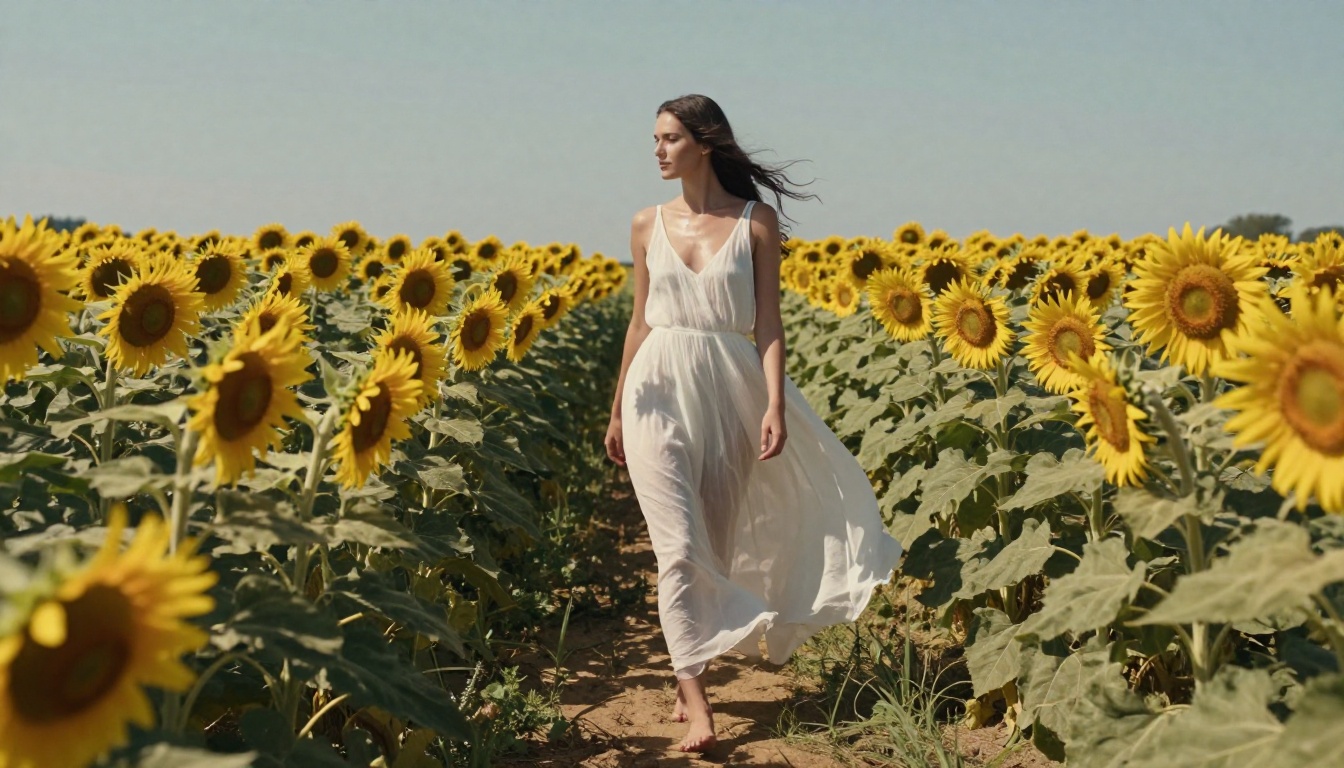
For still images, Seedream 4.5 remains the strongest choice for NSFW content on PicassoIA. The model has been trained on high-quality photography datasets that include adult content in tasteful, artistic contexts. The skin rendering that results stands apart from nearly every alternative.
Why It Outperforms
Seedream 4.5 consistently produces:
- Natural skin tones without the plastic or porcelain sheen common in many AI image models
- Accurate fabric physics for lingerie, silk, sheer, and wet materials at a microscopic level
- Consistent anatomy without the proportional distortions that plague competing models
- Hair detail that stands up to close inspection without dissolving into texture noise
- Eyes that read as alive, with accurate catchlights, depth, and directional awareness
The model runs fast on PicassoIA. You can iterate on a single prompt 20 times in a few minutes, which is exactly how you find the perfect source frame for video generation. Speed isn't a side feature here. It's central to the workflow because NSFW content demands iteration.
One important note: do not use Seedream 5 Lite for NSFW content. It includes stricter filtering that blocks adult content during generation without explanation. Stick with Seedream 4.5 for reliable, uncensored results.
The Three-Model Workflow
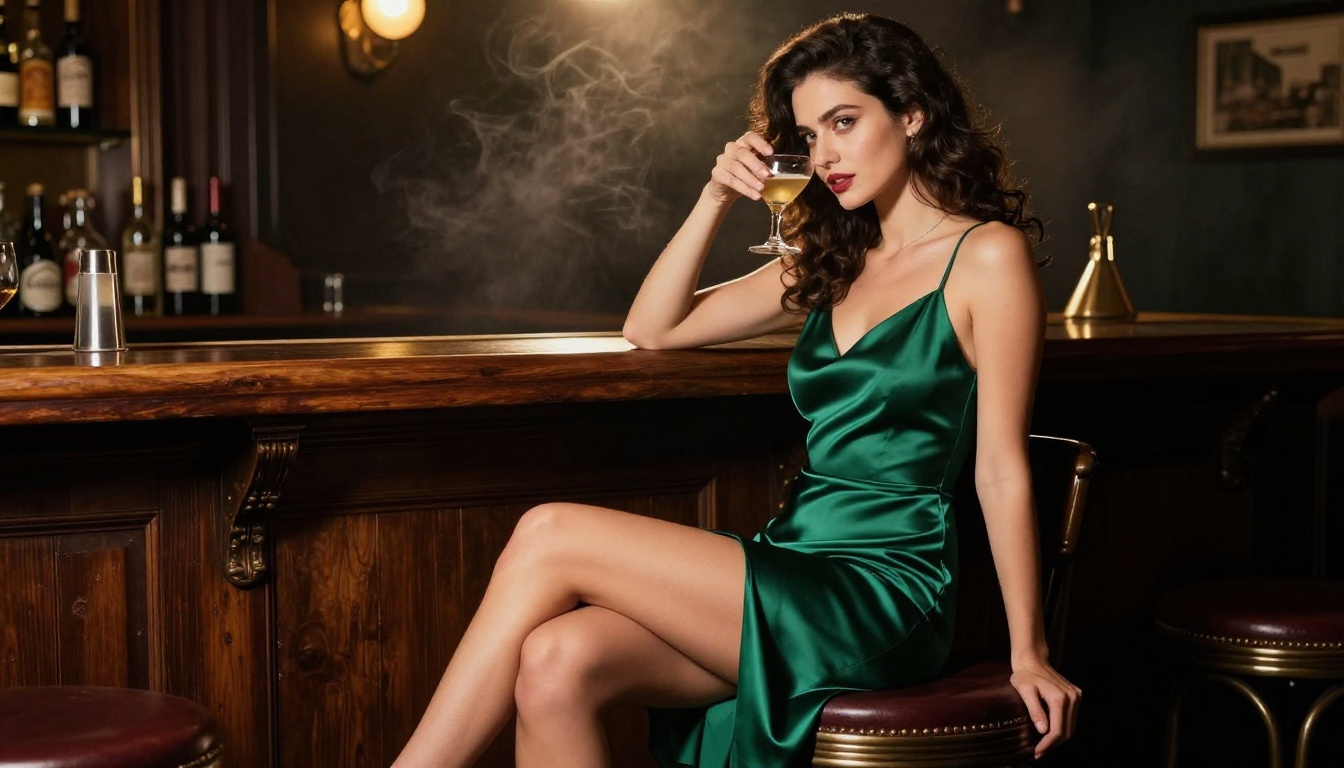
The pipeline most serious adult AI content creators quietly use on PicassoIA:
- Generate the still with Seedream 4.5. Nail the subject, lighting, and composition until it is exactly right.
- Refine if needed with PicassoIA Image Editor Pro. Use inpainting to fix specific details without regenerating the whole image.
- Use the image as first frame in Veo 3.1 image-to-video mode.
- Write the video prompt as a continuation of what's visible in the still. Describe motion that makes physical sense from that exact frame.
- Iterate the video prompt while keeping the source image fixed until you have the motion you want.
This workflow sidesteps Veo 3.1's occasional inconsistency with character generation from text alone. When you control the first frame precisely, the video model is forced to honor it.
Best Models for NSFW Video on PicassoIA
Ranked by Real Output
PicassoIA has over 107 text-to-video models. Most are irrelevant for serious NSFW work. Here are the ones that perform:
When to Use Each
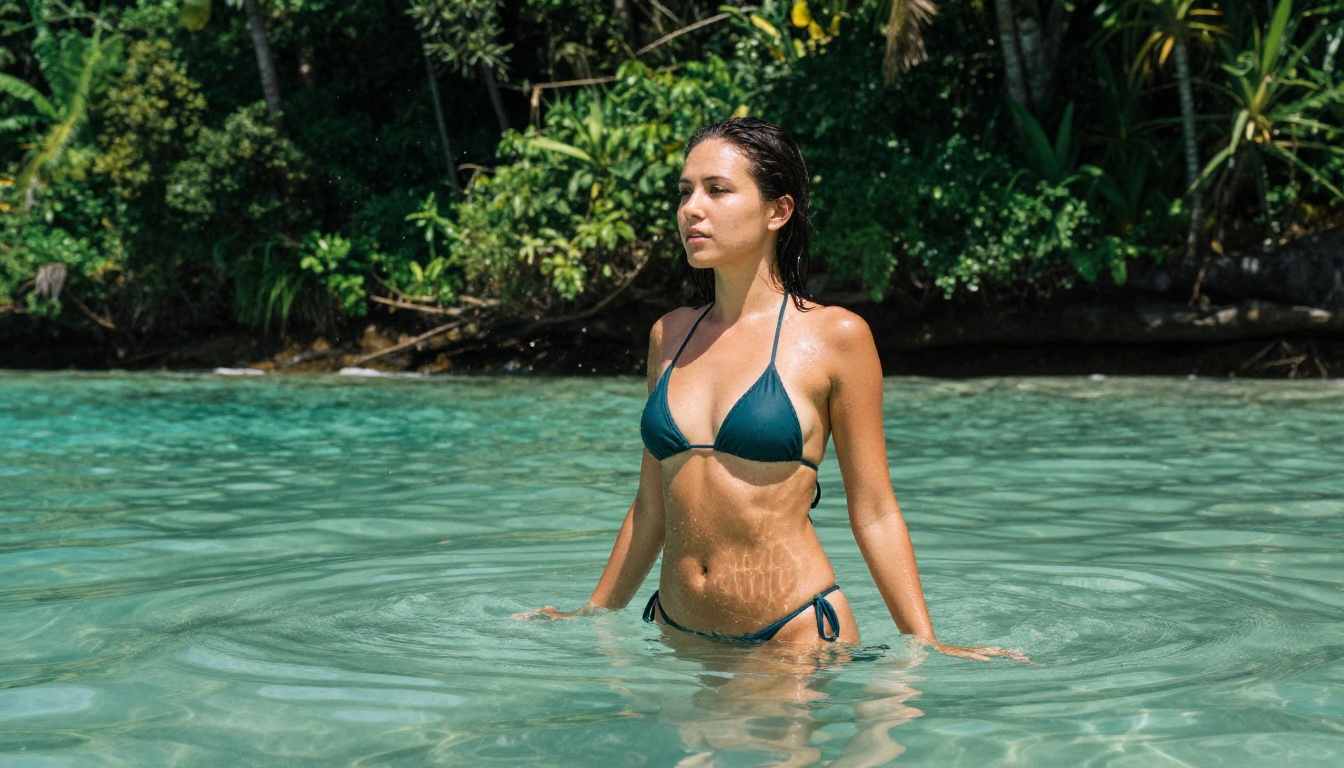
Veo 3.1: When output quality is the only metric that matters. Use for final renders once your prompt is proven.
Veo 3.1 Fast: For rapid iteration. Test 5 to 10 prompt variations in the time a single full-model generation takes. Then move the winning prompt to the full model.
Wan 2.7 I2V: When you have a strong source image and want faithful animation without the model departing from the original composition.
Kling v3: For dramatic sequences with complex camera movements and strong cinematic framing.
Seedance 2.0: For natural, everyday movements that need to feel completely unstaged and believable.
7 Tips Most Creators Skip
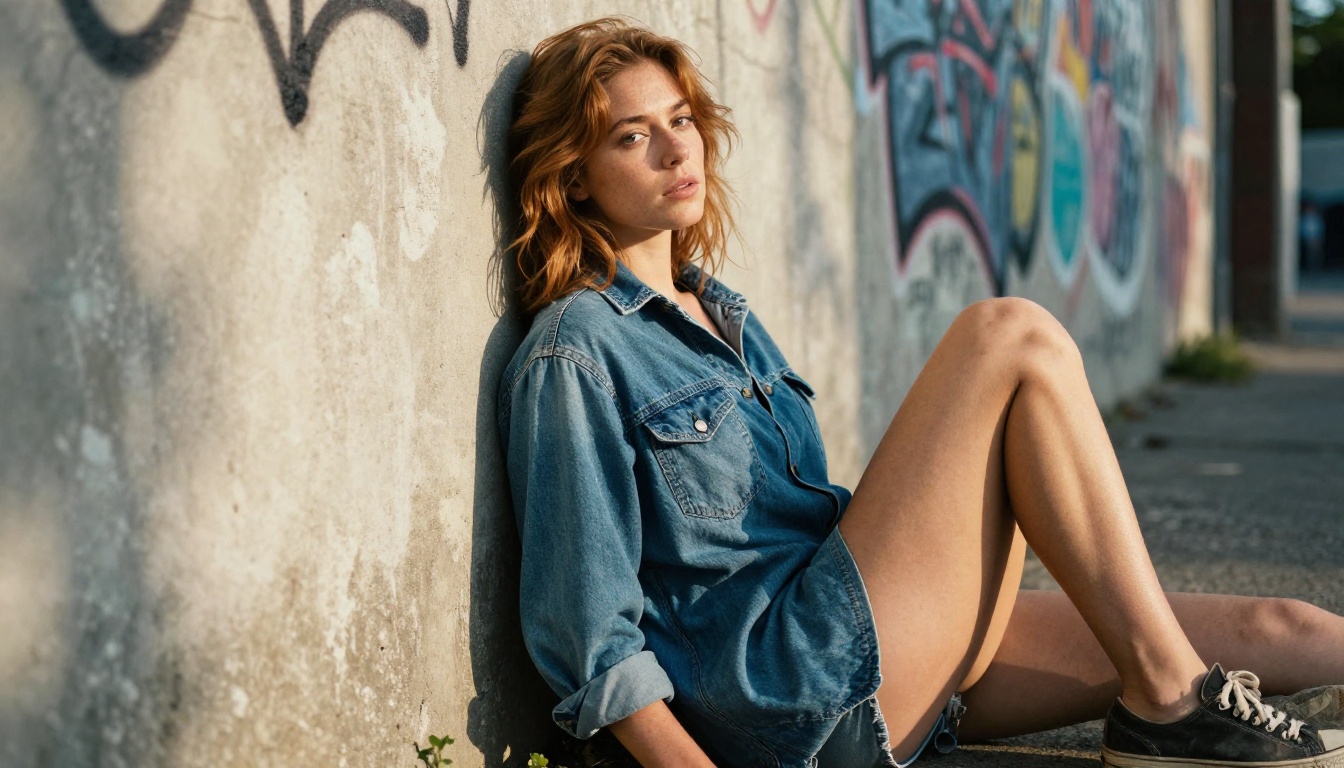
These separate average AI adult content from content that actually stops people scrolling.
One Motion Per Clip
For 5-second clips, pick one motion and describe it completely. "She slowly brushes her hair to one side, maintaining eye contact with the camera" fills 5 seconds naturally. "She turns, stretches, looks back, then adjusts her dress" is four motions rushed into 5 seconds. The model will execute none of them well. One complete, believable motion. Always.
The Reference Image Trick
Never generate video from text alone when you want a specific person or look. Generate 10 to 20 still images with Seedream 4.5 until you have exactly the subject you want. Then use that image as the video source frame. This maintains face, body, clothing, and lighting in a way text-to-video generation simply cannot guarantee on its own.
Describe the Transition, Not the State
The most important moment in a 5-second video is the transition. "She lets the silk robe slip from one shoulder" is a transition. "She's wearing a robe" is a static description. Describe the movement itself, not the beginning or end position.
Prompt the Environment
The environment is not just background. It's context the model uses to determine realistic physics, lighting, and sound. "A woman in a hotel room" gives the model almost nothing. "A woman in a high-floor hotel suite at night, city lights visible through floor-to-ceiling windows, bedside lamp casting warm amber light on white linen sheets" gives it a complete world to render accurately.
Use Camera Framing for Implied Nudity
For artistic and implied content, describe what the camera sees rather than what the subject is doing off-camera. "Shot from the shoulder up, bare skin implied below the frame" instructs the model through framing. This produces more reliable results than describing explicit actions directly.
Iterate the Prompt Before Switching Models
Most creators switch models when results disappoint. The correct move is to iterate the prompt first. The same model with a better-structured prompt will outperform a different model with a weaker one in nearly every case. Try 5 prompt variations on Veo 3.1 Fast before upgrading to the full Veo 3.1 for final output.
Respect the 30-Second Rate Limit
When generating multiple videos in one session, PicassoIA enforces a 30-second minimum between submissions. Use this time to write and refine the next prompt rather than waiting passively. You'll generate better prompts and better videos at the same time.
PicassoIA Image Editor Pro for NSFW Workflows
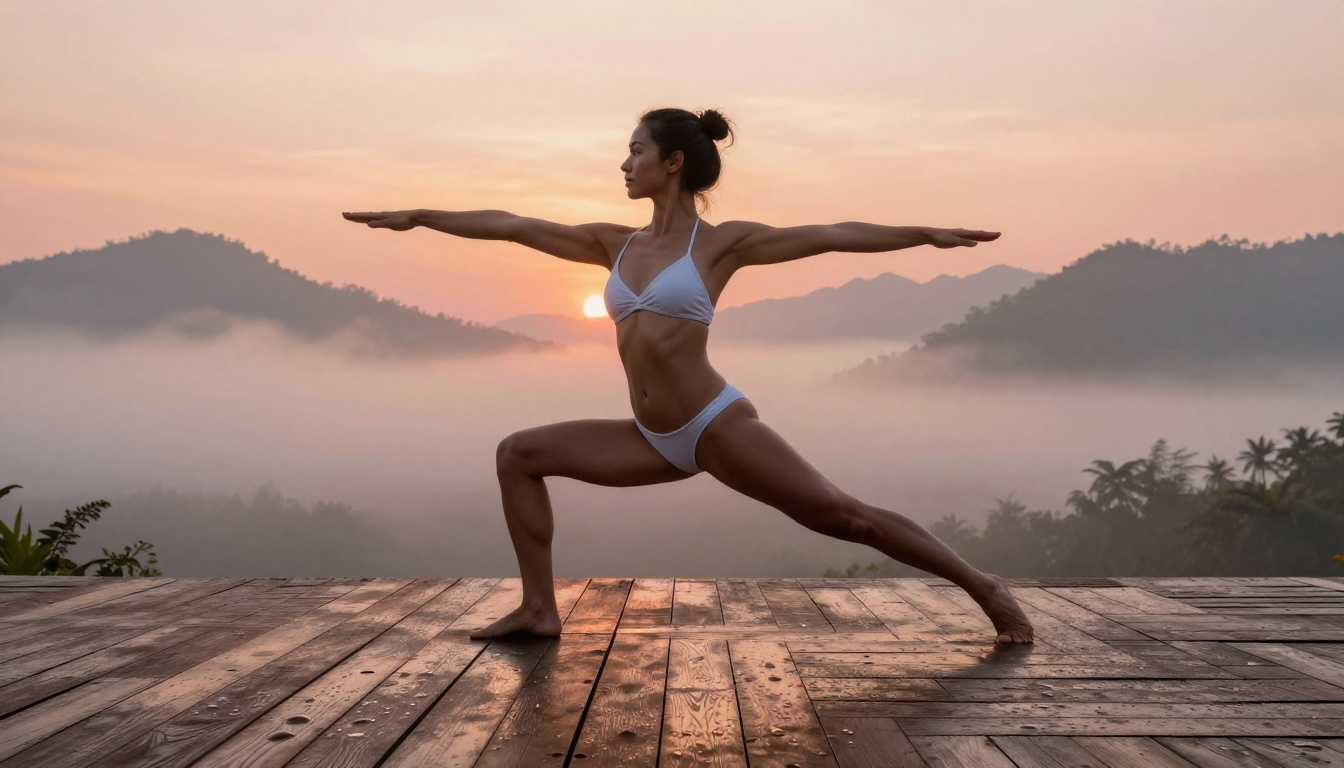
PicassoIA Image Editor Pro offers unlimited generations without per-credit restrictions. For NSFW workflows that demand volume and iteration, this matters. The four capabilities you'll use most often:
- Inpainting: Fix specific areas without regenerating the full image. Correct faces, hands, anatomy, or background elements while keeping everything that's working exactly as it is.
- Outpainting: Expand the canvas beyond the original frame. Turn a close portrait into a full-body shot suitable for video generation.
- Object replacement: Change clothing or accessories while keeping the subject, lighting, and environment consistent.
- Style and lighting transfer: Apply different lighting conditions or color grading to an existing image without losing the composition.
The inpainting capability alone justifies including this tool in every still-image workflow. Generate with Seedream 4.5, refine with PicassoIA Image Editor Pro, animate with Veo 3.1. That three-step pipeline is the backbone of serious adult AI content production on PicassoIA.
Prompt Examples That Actually Work
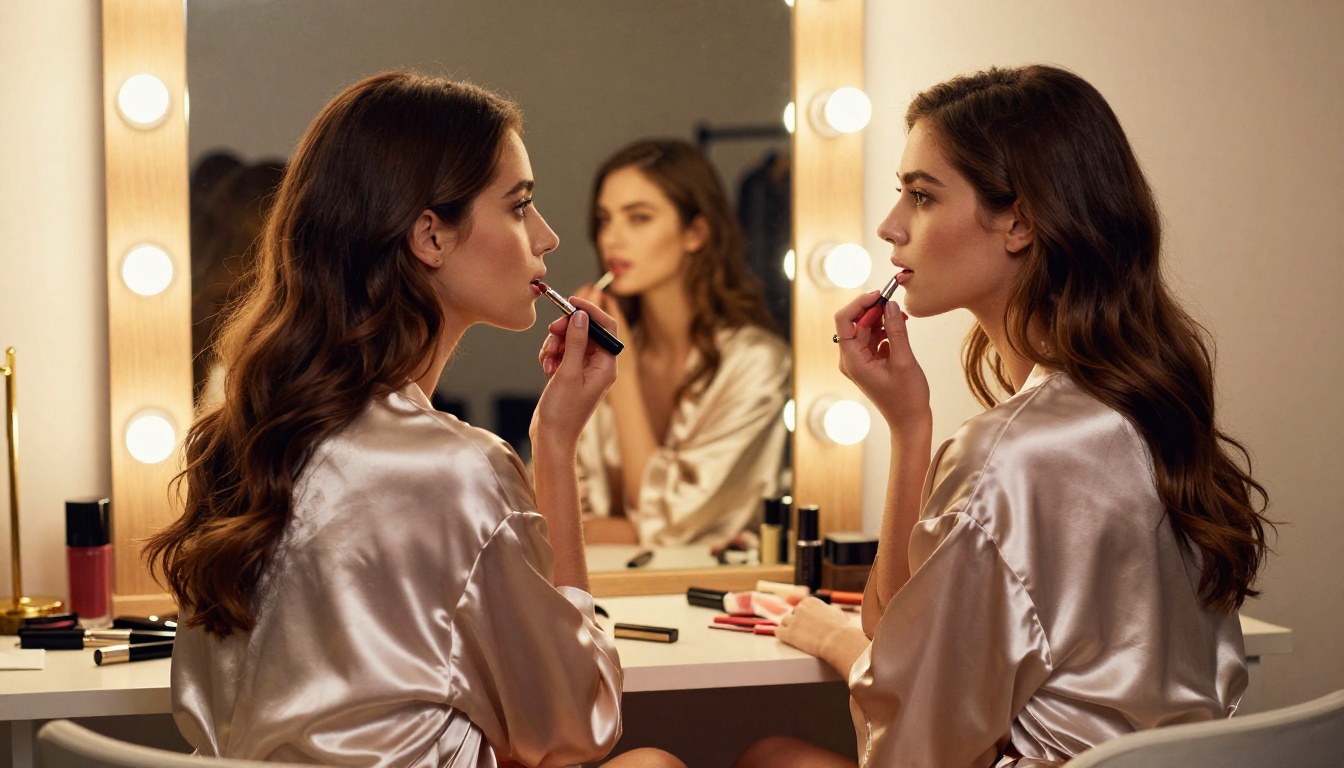
No theory without examples. These prompt structures produce consistent, high-quality results.
Glamour still with Seedream 4.5:
"A 24-year-old woman with auburn hair, wearing a minimal black string bikini, standing waist-deep in a tropical lagoon at noon. Shot from water level with a 28mm wide-angle lens. Water refracting light across skin. Natural tan lines visible. Kodak Ektar 100 film grain. RAW 8K photography."
Implied artistic nudity:
"A woman with a white linen sheet draped loosely across her body, standing in a stone-floored villa in Santorini. Morning light through an open arched window illuminating her silhouette through the fabric. Back to camera. 50mm lens. Film grain. No nudity visible. Artistic framing."
Veo 3.1 video motion prompt:
"The woman slowly rises from a white bed, morning light from the left window casting long shadows across the sheets. She stretches her arms above her head, arching slightly backward, then turns her head toward the camera. Fixed medium shot, 50mm equivalent. Ambient birdsong and distant traffic. 5 seconds."
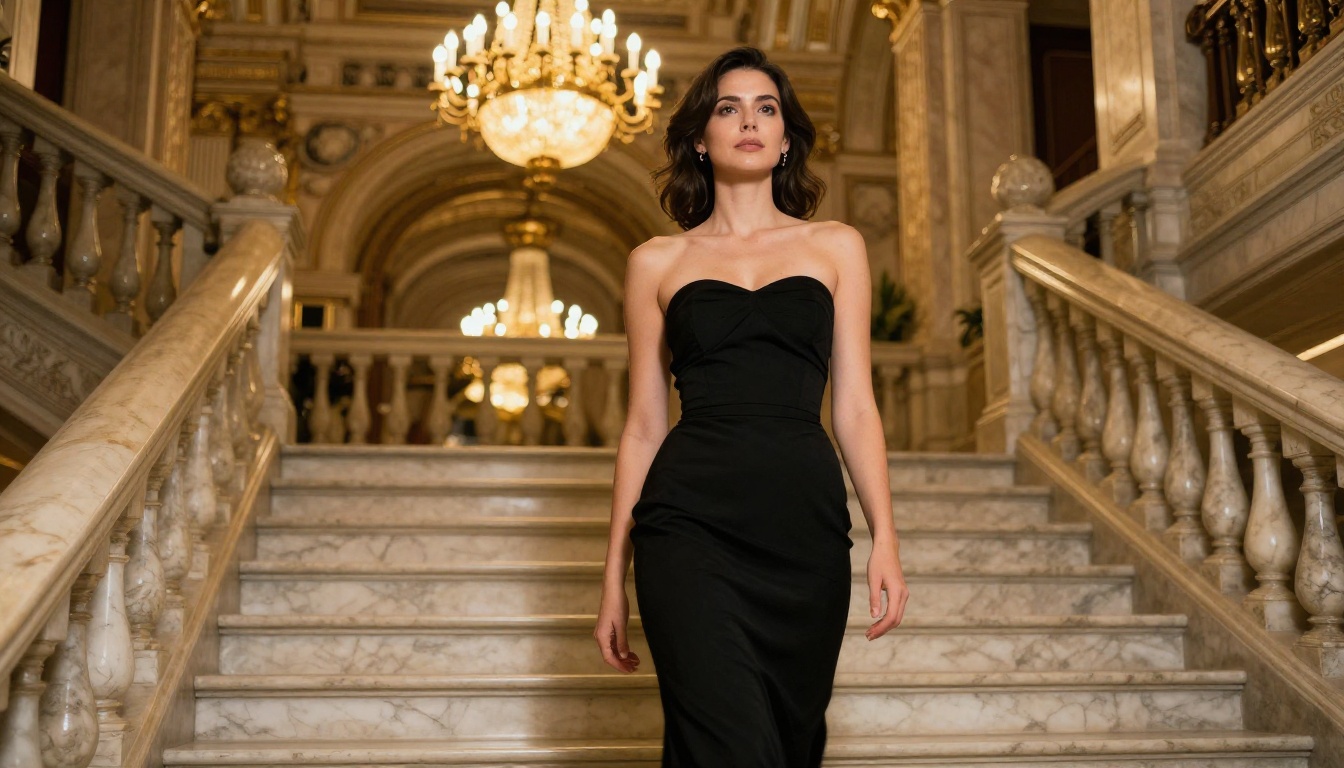
💡 Tip: Always describe the transition, not just the endpoint. "She slowly rises from sitting, using one hand on the mattress for balance, then straightens to standing while turning to face the camera" gives the model choreography to execute. "She stands up" gives it almost nothing to work with.
What makes a video prompt complete: subject position at frame one, exactly one primary motion, camera position and movement, lighting source and direction, ambient audio, duration. Every one of these elements included means less guesswork for the model and better output for you.
Start Creating on PicassoIA
Every model in this article is live and available right now at picassoia.com/en/all-models. No waitlists. No opaque credit walls blocking the core generation tools.
The workflow is simple in structure and powerful in execution: Seedream 4.5 builds your source image, PicassoIA Image Editor Pro refines it, and Veo 3.1 animates it. These three steps, applied with the prompt techniques above, produce results that look nothing like the generic AI output flooding every feed right now.
The creators who stay quiet about their workflow aren't protecting secrets. They're too busy generating.
Start with Veo 3.1 on PicassoIA and put these tips to work today.


