The short-form video space is moving fast. Every week, a new model drops claiming to produce the best clips, but two names keep appearing in every serious creator's conversation: Veo 3.1 from Google and Sora 2 Pro from OpenAI. Both generate cinematic, high-definition clips with native synchronized audio from a single text prompt. Both support 1080p output. But they handle motion physics, audio design, prompt interpretation, and cost-per-clip in ways that matter enormously once you are actually building a content pipeline at scale.
This is not a specs comparison. This is a breakdown of what you actually experience when you use each model for TikTok hooks, Instagram Reels transitions, and YouTube Shorts storytelling. You will see what breaks first under pressure, how each model handles the specific demands of vertical and widescreen short-form content, and which one fits your workflow right now in 2027.

The Two Contenders in 2027
Before diving into output quality, it helps to understand what each model was built to do. They share the same headline capability, but they come from very different design philosophies, and that difference shapes everything from prompt behavior to audio character.
Veo 3.1: Google's Physical Simulation Engine
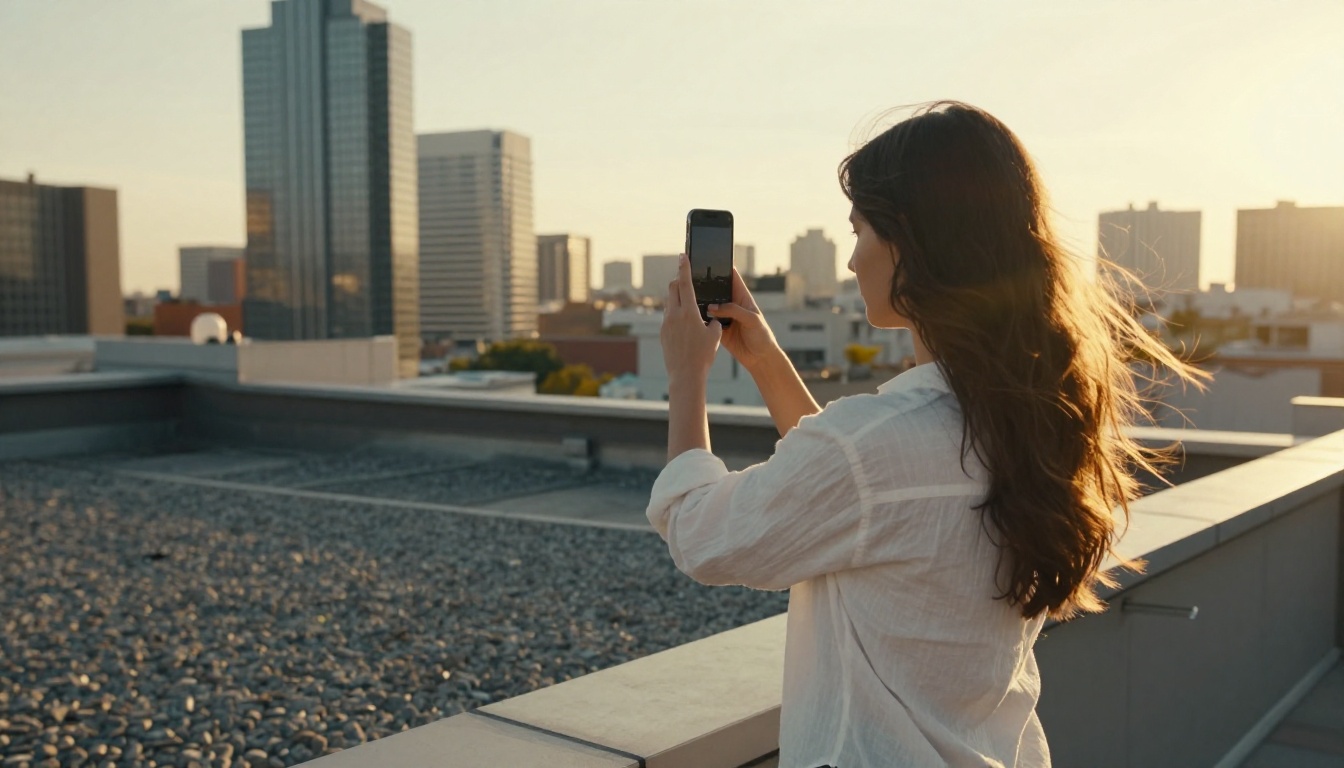
Veo 3.1 is Google DeepMind's flagship text-to-video model. It generates 1080p video with natively synchronized audio including ambient sound, environmental foley, and subtle dialogue that bakes directly into the generation rather than being added as a post-processing layer. The model's defining characteristic is physical realism: light scatters correctly off surfaces, fabric drapes and moves with authentic weight, liquids pour at realistic speeds, and atmospheric conditions like fog or rain follow predictable behavior.
For short-form content, physical consistency matters more than people expect. The brain processes micro-physics errors instantly, even when viewers cannot articulate what looks wrong. A shadow that fails to track the sun direction, a hair strand that moves against the wind, or a water surface that reacts too symmetrically, these details break immersion in under a second on a phone screen. Veo 3.1 handles these micro-details better than most competing models, which is why creators building lifestyle, travel, food, and product-focused content keep gravitating toward it.
The model family also includes lighter-weight variants. Veo 3.1 Fast trades some texture fidelity for significantly reduced generation time, and Veo 3.1 Lite is a free-tier option built for rapid prototyping and storyboarding. The full Veo 3 is also available for creators who want to compare generational improvements.

Sora 2 Pro: OpenAI's Narrative Architecture
Sora 2 Pro takes a different approach. Where Veo 3.1 excels at environmental simulation, Sora 2 Pro prioritizes narrative coherence: the ability to hold subject identity stable across the full clip duration, follow complex multi-clause prompts without dropping beats, and maintain the visual logic of a story unfolding over five to ten seconds.
If you write a prompt describing a character walking into a room, picking up an object, turning to look at the camera, and smiling, Sora 2 Pro is significantly more likely to execute all four beats in sequence without losing track of the subject mid-clip. This matters in short-form storytelling where the entire narrative arc has to live in under 15 seconds. A model that drops one beat out of four in a short clip is not a minor inconvenience, it is a failed clip.
Sora 2, the standard tier, handles a broader range of everyday prompts at a lower cost and is worth benchmarking alongside the Pro variant before committing to premium credits.
Quality for short-form is different from quality for long-form. On a 9:16 screen, viewers spend almost no time with establishing shots. The first two seconds decide retention. The last two seconds decide replay.
Motion Realism and Temporal Consistency
Veo 3.1 holds a clear edge in motion realism for environment-driven and physics-driven content. Water surfaces respond to objects correctly. Wind moves grass in directional patterns rather than in undifferentiated random noise. Human locomotion feels physically weighted rather than floaty or puppet-like. When the camera moves, the parallax between foreground and background elements behaves consistently with real lens behavior.
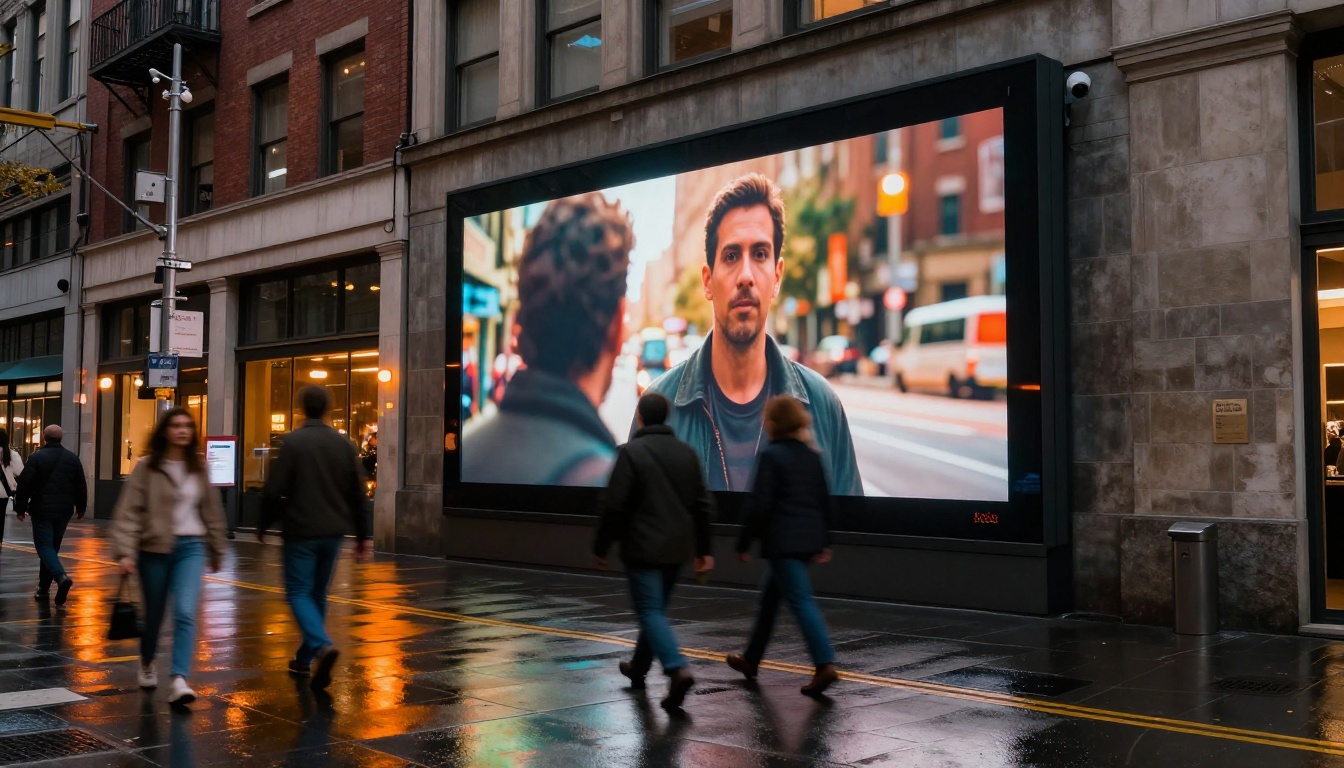
Sora 2 Pro handles character-driven motion with more intentionality. Gestures feel deliberate rather than procedurally generated. Facial expressions track emotion beats rather than defaulting to neutral. For short-form content centered on a person speaking, performing, or reacting, that advantage is meaningful, and it directly affects whether a clip feels worth resharing.
💡 Practical rule: If your short-form content features scenery, environments, products, or abstract motion, lean toward Veo 3.1. If it centers on a person or character performing an action sequence, Sora 2 Pro will give you more reliable results with fewer failed generations.
Native Audio Sync and Sound Character
Both models generate audio natively, but the outputs differ in character in ways that affect post-production workflow. Veo 3.1's audio leans toward ambient realism: room tone, natural environment sounds, and understated foley that matches the visual without competing with it. The sound feels like it was recorded on location. It does not overdo effects.
Sora 2 Pro's audio generation tends toward more dramatic, film-score-adjacent sound design. This works brilliantly for branded content and short narratives where you want the sound to carry emotional weight, but it can feel overblown for casual lifestyle clips or product demos where restraint is more appropriate.
For music-forward content like dance clips or synced-edit shorts, neither model should be your primary audio source. Import your own track in post. But for raw content generation where you need a clip that sounds plausible straight out of the tool, Veo 3.1's audio output is more versatile across more content categories.
Prompt Fidelity at Short Prompt Lengths
Short-form video prompts are typically brief, usually under 100 words. Both models handle brief prompts well, but there is a meaningful difference in how each model handles multi-step action sequences described in condensed language. Sora 2 Pro shows a consistent ability to follow complex multi-clause prompts without collapsing them. Veo 3.1 accurately generates the mood and visual tone of a prompt but sometimes simplifies complex action chains into a single dominant motion.
For creators who write detailed, storyboard-style prompts, this distinction matters a lot. For creators who write short, mood-based prompts, it matters much less.
Speed and Workflow for Scale
Time-to-publish is a real competitive factor in short-form. A model that takes 10 minutes per clip does not fit a creator who posts three times a day.
Generation Speed Comparison
At standard 1080p resolution, both models take between 2 and 5 minutes per clip depending on server load. Veo 3.1 Fast cuts this to under 90 seconds in most scenarios at the cost of some fine texture detail in backgrounds and complex surfaces. For rapid iteration across 10 or 15 draft clips, that tradeoff is almost always worth it.
Sora 2 Pro does not have a fast variant. Its base generation speed is consistent and predictable, but it does not accelerate. If generation speed is a critical variable in your workflow, the Veo 3.1 family wins on this dimension without question.
Iteration Behavior
Both models benefit from iterative prompting. Start with a clear description, generate two or three outputs, identify what is working, and refine the language. Sora 2 Pro tends to give more predictable variation between runs at similar prompt lengths, which makes iteration feel more systematic. You can change one variable and trust that the output change will track that variable. Veo 3.1 shows more inter-run variance, which is a genuine asset when you are looking for unexpected creative directions but adds friction when you are trying to lock down a specific look.
| Attribute | Veo 3.1 | Sora 2 Pro |
|---|
| Max Resolution | 1080p | 1080p |
| Native Audio | Yes | Yes |
| Fast Variant | Yes (Veo 3.1 Fast) | No |
| Environment Realism | Excellent | Good |
| Character Consistency | Good | Excellent |
| Multi-step Prompt Execution | Good | Excellent |
| Iteration Predictability | Moderate | High |
| Audio Character | Ambient realism | Dramatic / cinematic |
Best Use Cases: Matched to Content Type
The clearest way to make this decision is to match the model to your content format and subject matter.
Where Veo 3.1 Performs Best
Travel and scenery content. Coastal cliffs, mountain weather, urban streets at dusk, market scenes with ambient movement. These environments play to Veo 3.1's physical simulation strengths. The lighting behaves like real light, and atmospheric effects are convincing enough to anchor a Reel without a voiceover or music overlay.
Product-focused clips. A skincare product on a marble counter in morning light, a coffee cup with steam rising near a frosted window, a fabric draped across a wooden surface in late afternoon sun. Small-scale product moments benefit from Veo 3.1's close attention to material texture and realistic surface light interaction.
Fast-turnaround batch creation. The Veo 3.1 Fast variant is a genuine time-saver for creators who need 10 or more clips per day and refine in post. At under 90 seconds per generation, it fits into any posting schedule.
Where Sora 2 Pro Performs Best
Character-driven narratives. For mini-story formats, micro-dramas, or any clip where a character needs to perform more than one action in sequence, Sora 2 Pro is the stronger choice. Subject identity remains consistent across the clip, and action beats follow the prompt logic closely.
Branded storytelling. Advertisers who need a recognizable scene setup, a person discovering a product, reacting with surprise, then smiling at the camera, get more reliable execution from Sora 2 Pro. The narrative arc holds even within a 5-second window.
Complex prompt execution. If your prompt contains multiple scene elements, specific lighting conditions, camera movement descriptors, and character action beats in a single description, Sora 2 Pro is less likely to collapse or drop clauses.
Cost Per Clip: The Real Budget Math
Cost is often the deciding factor once quality clears a minimum threshold. Both models are premium-tier, and generating at scale adds up fast.
Veo 3.1 at 1080p sits in the mid-range of premium text-to-video pricing. Veo 3.1 Fast runs at roughly half the cost, which dramatically changes the economics if you generate 50 or more clips per month. Veo 3.1 Lite brings the cost to near zero for early ideation. Sora 2 Pro sits at the higher end of the market, consistent with OpenAI's premium positioning across its product lineup.
For solo creators or small teams watching a budget, the practical approach is a three-tier workflow: use Veo 3.1 Lite for concept testing, Veo 3.1 Fast for iterative development, and reserve full-quality Veo 3.1 or Sora 2 Pro for final deliverable clips only. This approach typically cuts total credit spend by 40 to 60 percent on a given project without any visible quality loss in the final output.
💡 Budget tip: Generate reference clips in the lite or fast variant, lock the concept and wording, then run the final version at full quality. You only pay premium credits for the clip you actually publish.
How to Use Veo 3.1 on PicassoIA
Both Veo 3.1 and Sora 2 Pro are available on PicassoIA without API setup, local GPU, or account management beyond a standard login. Here is the complete workflow:
Step 1: Select the model. Open the text-to-video collection on PicassoIA and select either Veo 3.1 or Sora 2 Pro. You can also bookmark both and switch between them during a session.
Step 2: Write a specific prompt. Describe the subject, the action, the environment, and the lighting in that order. Avoid vague descriptors without physical grounding. "Shot with a 35mm lens at golden hour from a low angle" generates a more reliable result than "cinematic mood." Specificity is leverage.
Step 3: Choose your resolution. Both models support 1080p. For draft work and iteration, use Veo 3.1 Fast to preserve credits.
Step 4: Generate two or three variations. Minor wording changes can shift output significantly. Run at least two variations before deciding on a direction. Compare them at full playback speed rather than by scrubbing.
Step 5: Download and post-process. PicassoIA outputs directly to your browser for instant download. Add your own audio track in your editing app if needed, apply any color grade, crop for your target aspect ratio, and publish.
Other Models Worth Testing
The Veo 3.1 vs. Sora 2 Pro decision is important, but it is not the only conversation worth having in 2027. Depending on your content type and budget, these alternatives merit a serious look:
Seedance 2.5 from ByteDance generates clips up to 30 seconds with built-in audio. That duration advantage matters for longer-format Reels or YouTube Shorts that push past the standard 15-second cut. The free Seedance 2.5 Lite is one of the strongest no-cost options currently available.
Ray 3.2 from Luma emphasizes HDR output and cinematic color grading baked into the generation. For creators who want a film-grade look without touching color tools in post, Ray 3.2 is worth a dedicated test session.
Kling v3 Video handles character motion with precision that puts it in direct competition with Sora 2 Pro for narrative short-form content. Kling v2.6 and Kling v3 Omni Video round out the family with different speed-quality tradeoffs.
Hailuo 02 from Minimax delivers consistent 1080p output at a price point that undercuts both Veo and Sora. For creators who need volume at a controlled budget, the Hailuo 02 Fast variant is particularly useful.
Pixverse v6 adds AI-generated audio to cinematic video output with a generation speed that makes it practical for high-frequency posting schedules.
LTX 2.3 Pro from Lightricks targets 4K resolution, positioning it above both Veo and Sora for creators building content that needs to hold up across heavy cropping or large-display playback. LTX 2.3 Fast offers the same 4K ceiling at reduced generation time.
The Decision Is Simpler Than It Looks
There is no universal answer, but the decision becomes straightforward once you match model to content type.
If you are building environment-driven content, product visuals, travel clips, or anything where physical realism is the primary value driver, Veo 3.1 is the right call. The Fast variant makes it economically viable even on a tight budget, and the output quality at full 1080p resolution is among the best available right now for this content category.
If your short-form content centers on characters, brand stories, or complex multi-beat action sequences, Sora 2 Pro will serve you better. The higher cost is justified by the reduction in failed generations, broken action sequences, and off-subject drift that cost you time in reshoots.
For most working creators, the practical answer is to use both in a tiered workflow. Run ideation on Veo 3.1 Fast, finalize environment-focused clips with full Veo 3.1, and move character-driven clips to Sora 2 Pro. Keep Veo 3.1 Lite active for rapid testing at zero credit cost. That three-tier structure covers almost every short-form production scenario without overspending.
💡 Pro move: Build a personal prompt library, a set of prompt structures that have reliably worked on each model. Once you know that a specific wording pattern generates strong output on Veo 3.1 but not on Sora, and vice versa, you stop guessing and start scaling with confidence.
Start Creating Right Now
The models covered in this article are available immediately on PicassoIA. No API key, no local setup, no GPU rental. You write the prompt, pick the model, and download the clip.

Whether you start with Veo 3.1 for a landscape-driven travel Reel or Sora 2 Pro for a character-focused brand story, the fastest way to find your answer is to generate 10 clips and observe what actually works. The catalog of 87-plus text-to-video models on PicassoIA means you can always pivot to a different model without switching platforms or rebuilding your workflow.
Explore the full model catalog at picassoia.com/en/all-models, including Veo 3.1 Fast, Veo 3.1 Lite, Sora 2, Seedance 2.5, Ray 3.2, the full Kling family, and the complete Pixverse lineup. Your next short-form clip is one prompt away.


