For creators stuck between imagination and execution, the gap between what you envision and what you can produce has always been the hardest part of video creation. Until now. Google's Veo 3.1 represents a fundamental shift in how video content gets made—turning text descriptions directly into professional-grade footage. The technology doesn't just generate random clips; it understands context, maintains subject consistency, and produces results that look like they came from a professional studio.
Extreme close-up of prompt creation showing natural skin texture and interface detail
What Veo 3.1 Actually Does
Veo 3.1 isn't another basic video generator. It's a sophisticated AI model that understands narrative structure, visual composition, and temporal continuity. When you type "a woman walks through a rainy city street at night, neon signs reflecting in puddles," the system doesn't just create random nighttime footage. It builds a coherent scene with proper lighting, realistic reflections, consistent character appearance, and natural movement physics.
The model supports three primary input methods:
- Text prompts: Detailed descriptions of what you want to see
- Starting images: Begin generation from a specific visual frame
- Reference images: Maintain character or object consistency across shots
💡 The reference image feature changes everything – upload 1-3 images of a person, product, or location, and Veo 3.1 will keep that subject consistent throughout the generated video. This solves the biggest problem in AI video: character consistency.
Why This Matters for Creators
Traditional video production requires equipment, locations, crew, editing software, and significant time investment. Even simple explainer videos take days to produce properly. Veo 3.1 collapses that timeline to minutes while maintaining professional quality.
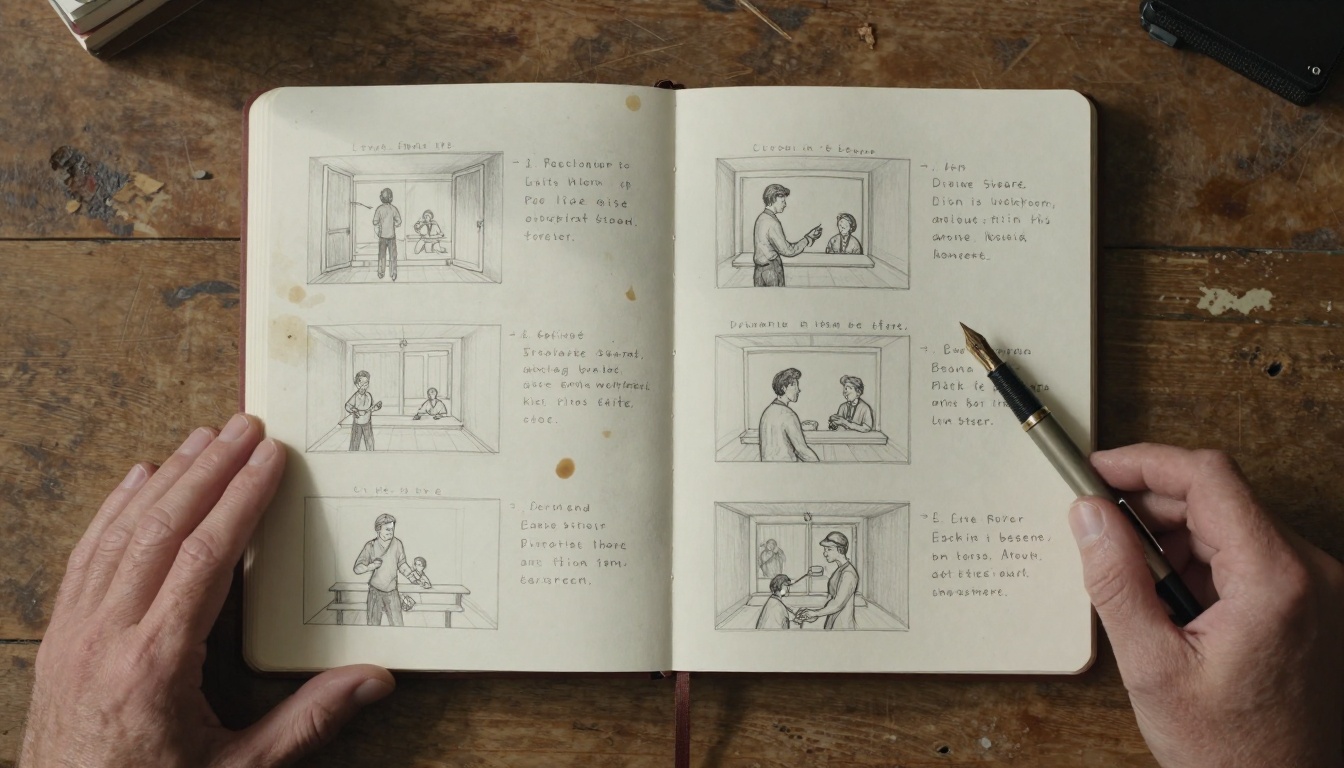
Storyboard to text prompt transition captured from aerial perspective
Practical applications where Veo 3.1 excels:
| Use Case | Traditional Method | Veo 3.1 Approach | Time Saved |
|---|
| Product demos | Filming with camera, lighting, editing | Text prompt + product reference images | 8-12 hours |
| Social media content | Shooting, editing, adding effects | Direct generation from concept description | 4-6 hours |
| Educational videos | Scripting, filming, post-production | Text-to-video with reference consistency | 6-8 hours |
| Concept visualization | Storyboarding, pre-visualization | Immediate visual representation | 2-3 days |
The financial implications are substantial. A small business creating weekly marketing content could save $15,000-$25,000 annually in production costs. Independent creators gain access to production quality previously reserved for studios with six-figure budgets.
Technical Capabilities That Make It Work
Veo 3.1's architecture addresses previous limitations in AI video generation:
1. Contextual Understanding
The model doesn't just match keywords to visuals. It understands relationships between elements. "A chef prepares pasta in a rustic Italian kitchen" generates appropriate kitchen decor, cooking equipment, and food appearance that all fit the described setting.
2. Temporal Coherence
Objects and characters move naturally through scenes. A person walking doesn't teleport or change appearance randomly between frames. Motion physics feel authentic.
3. Resolution and Quality
Output options include 720p and 1080p resolution at 16:9 or 9:16 aspect ratios. The 1080p output particularly stands out for professional applications, with detail quality sufficient for most digital platforms.
4. Audio Generation
Integrated audio creation matches the visual content. For a beach scene, you get appropriate ambient sounds without needing separate audio production.
Low-angle shot showing professional camera equipment and focused cinematographer
Real-World Workflow Examples
Marketing Agency Production
A digital marketing agency needs weekly content for five clients. Traditional workflow: 3-hour planning meetings, 8-hour shoots per client, 12 hours editing. With Veo 3.1: Morning briefings generate prompts, afternoon review of generated content, minimal polishing. Weekly time investment drops from 115 hours to approximately 20 hours.
Independent Filmmaker Pre-visualization
A director developing a short film can visualize scenes before casting or location scouting. "A tense conversation in a rain-soaked alley, two characters facing each other under a single flickering streetlight" generates test footage that informs lighting decisions, shot composition, and pacing.
E-commerce Product Videos
Online stores need product videos for hundreds of items. Physical filming requires product handling, studio setup, and post-production for each item. With Veo 3.1: Product photos become reference images, text descriptions generate dynamic videos showing products in use. Scalability becomes realistic.
How to Use Veo 3.1 on PicassoIA
The PicassoIA platform provides direct access to Veo 3.1 without complex setup or technical knowledge. The interface simplifies the powerful capabilities into accessible controls.
Video editor working late with AI-generated clips on timeline
Step-by-Step Tutorial
1. Access the Model
Navigate to Veo 3.1 on PicassoIA. The interface presents all available parameters in a clean layout.
2. Craft Your Prompt
Effective prompts include:
- Subject description (who/what)
- Action (what's happening)
- Setting (where)
- Mood/atmosphere (feeling)
- Specific details (lighting, weather, time of day)
Example: "A young entrepreneur presents a business idea to investors in a modern boardroom. Morning light streams through floor-to-ceiling windows. Professional but slightly nervous energy."
3. Configure Parameters
| Parameter | Options | Recommendation |
|---|
| Duration | 4, 6, or 8 seconds | 8 seconds for narrative scenes |
| Resolution | 720p or 1080p | 1080p for professional use |
| Aspect Ratio | 16:9 or 9:16 | 16:9 for standard video |
| Generate Audio | True/False | True for complete scenes |
| Negative Prompt | Text description | Specify unwanted elements |
4. Use Reference Images (Critical for Consistency)
Upload 1-3 reference images when you need character or object consistency. The model will maintain visual characteristics throughout the generated video. This works specifically with 16:9 aspect ratio and 8-second duration configurations.
5. Generate and Refine
First generation establishes baseline. Review output, then adjust:
- Prompt specificity
- Negative prompts to remove unwanted elements
- Seed values for variation
- Reference image selection
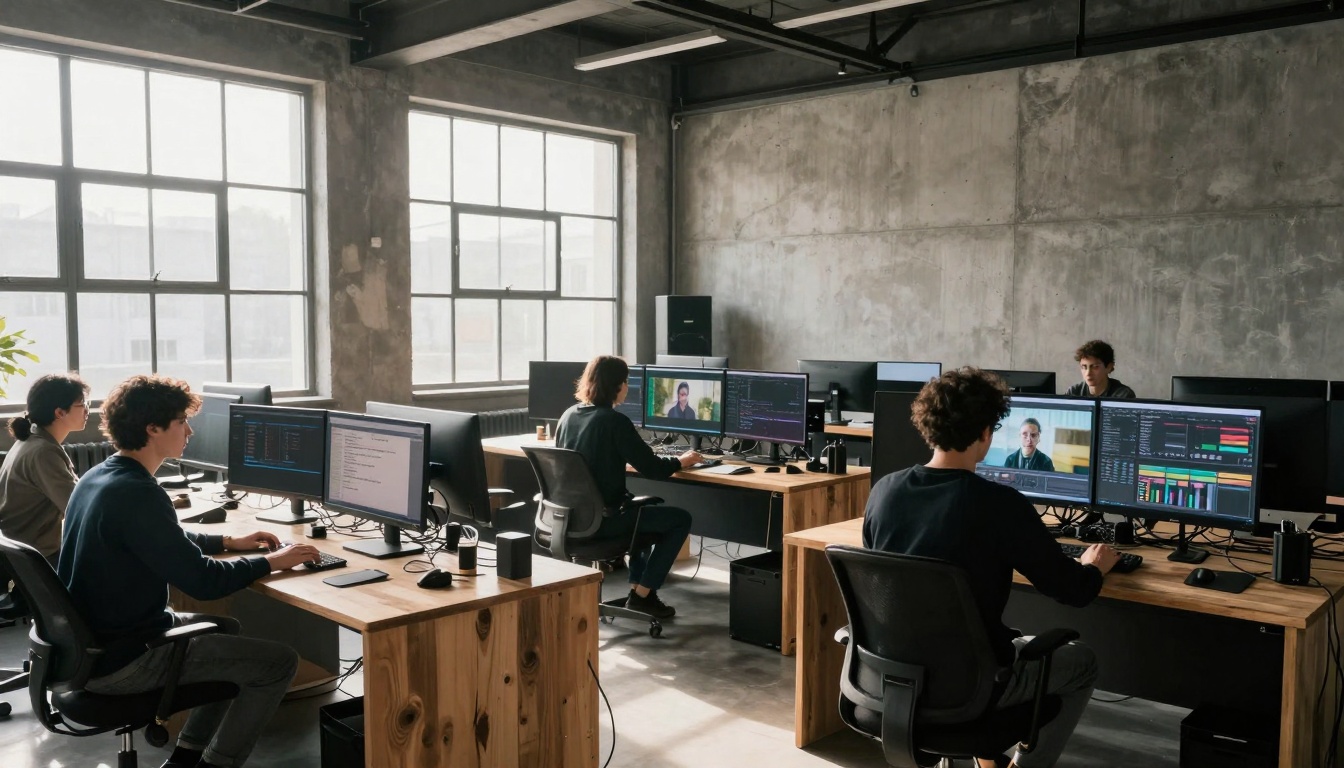
Wide establishing shot of modern post-production studio with multiple workstations
Advanced Techniques
Sequential Scene Generation
Create multi-scene narratives by generating individual clips with consistent reference images, then edit together. Maintain character appearance across different locations and actions.
Style Transfer Hints
Incorporate cinematic terminology in prompts: "shot on 35mm film," "shallow depth of field," "golden hour lighting," "Dutch angle composition." The model responds to these technical descriptors.
Negative Prompt Precision
Instead of general "low quality," specify exact issues: "blurry faces," "unnatural lighting transitions," "inconsistent character appearance." The model addresses these specific concerns.
Seed Control for Variations
When you find a generation you like but want slight variations, use the same seed value and modify specific prompt elements. This maintains core composition while exploring alternatives.
Veo 3.1 sits in a specific position within the AI video landscape:
| Feature | Veo 3.1 | Sora 2 | Kling V2.6 | WAN 2.6 |
|---|
| Reference Image Support | ✅ (1-3 images) | ❌ | Limited | ❌ |
| Audio Generation | ✅ Integrated | ❌ | ✅ | ❌ |
| Maximum Duration | 8 seconds | 20 seconds | 10 seconds | 10 seconds |
| Character Consistency | Excellent with references | Good | Moderate | Moderate |
| Resolution Options | 720p, 1080p | 1080p | 720p, 1080p | 720p, 1080p |
The reference image capability particularly distinguishes Veo 3.1 for commercial applications where brand consistency matters.
Practical Limitations and Workarounds
8-Second Maximum Duration
Workaround: Generate multiple 8-second clips with consistent reference images, then edit into longer sequences. Maintain narrative flow through careful prompt continuity.
Aspect Ratio Restrictions
16:9 and 9:16 cover most digital platforms, but vertical video (9:16) specifically targets TikTok, Instagram Stories, and YouTube Shorts formats.
Processing Time Considerations
Complex generations with multiple reference images take 70-110 seconds. Plan workflows accordingly—batch process overnight for larger projects.
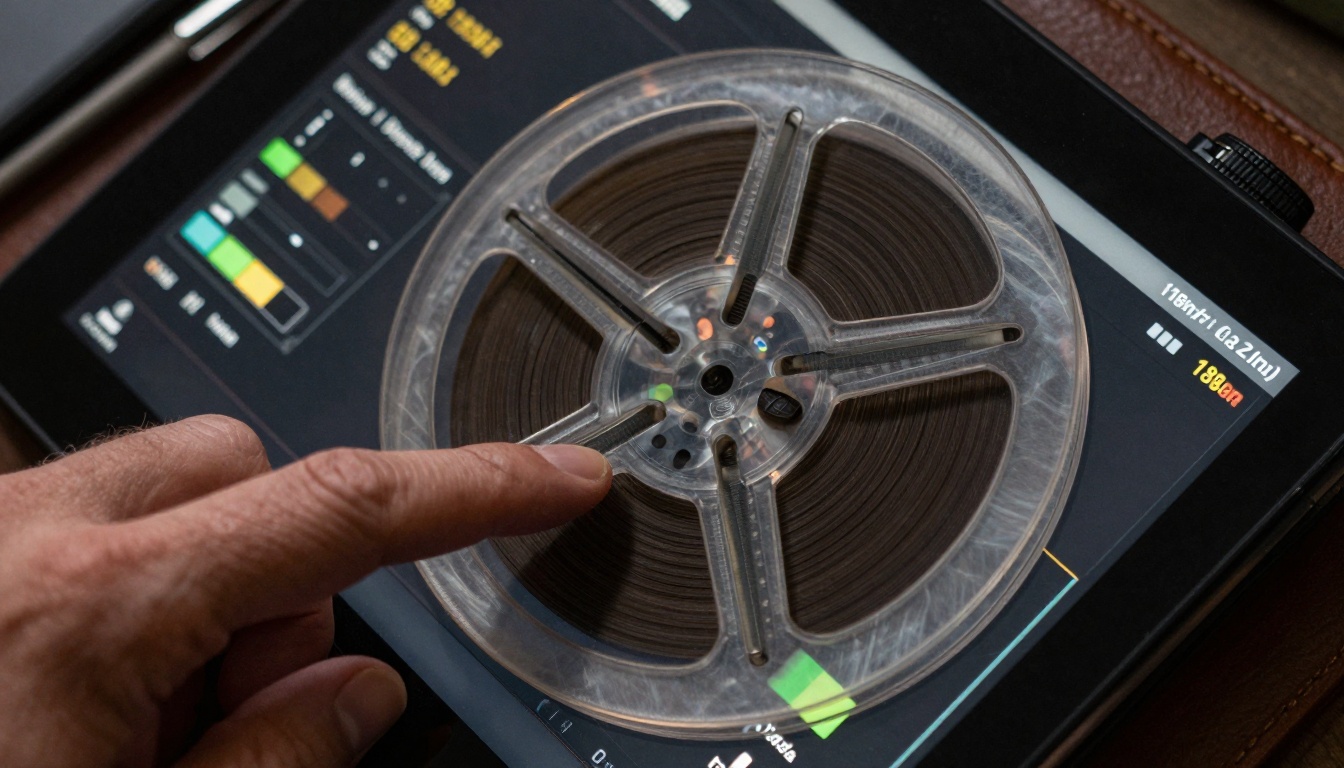
Extreme macro detail of video generation interface showing parameter controls
Integration with Existing Workflows
Veo 3.1 doesn't replace entire production pipelines—it optimizes specific segments:
Pre-production
- Concept visualization
- Storyboard generation
- Location/scene testing
Production
- Background plates
- Establishing shots
- Complex shots (aerial, time-lapse)
Post-production
- B-roll supplementation
- Visual effects elements
- Transition sequences
The most effective approach integrates AI generation where it excels (repetitive, scalable, concept visualization) while reserving traditional production for unique, human-centric, or highly specific requirements.
The Business Impact
For content-driven businesses, the economics shift dramatically:
Cost Structure Change
- Traditional: $500-$2,000 per finished minute of video
- Veo 3.1: Approximately $2-$10 per minute (platform costs)
Speed to Market
- Weekly content output increases 3-5x
- Campaign adjustments happen in hours, not days
Creative Experimentation
- Test multiple visual approaches without budget constraints
- Rapid iteration based on performance data
Scalability
- Content production scales linearly with demand
- Seasonal spikes manageable without additional hires
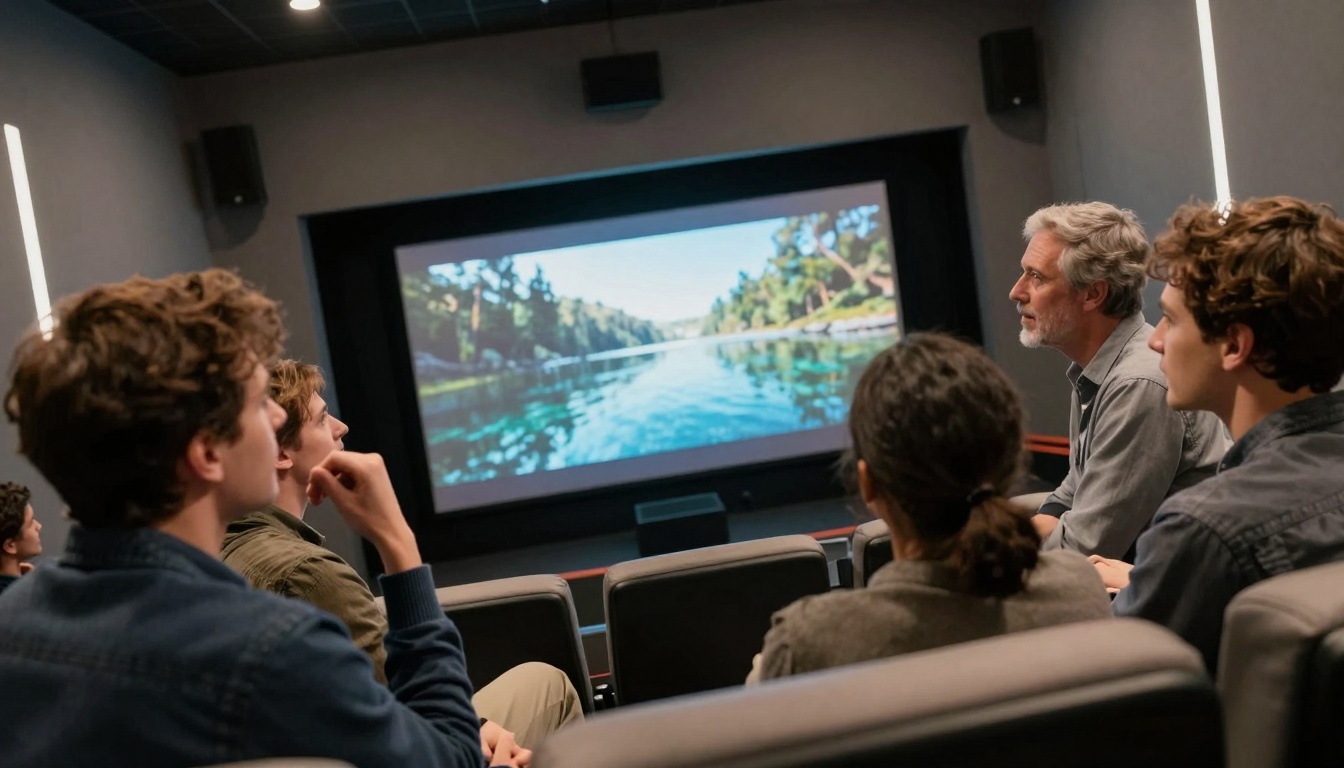
Creative team reviewing AI-generated video output in screening room
Getting Started Recommendations
1. Begin with Simple Concepts
Test with straightforward scenes before complex narratives. "A cat sleeping on a windowsill, afternoon sunlight" establishes baseline quality and generation behavior.
2. Document Prompt Formulas
Keep a spreadsheet of successful prompt structures, parameters, and results. Build a personal library of what works for your specific needs.
3. Establish Quality Benchmarks
Define what "good enough" means for your use case. Different applications have different standards—social media content versus corporate training videos.
4. Integrate Gradually
Don't overhaul entire workflows immediately. Replace one component (B-roll generation, product demos) and measure impact before expanding.
5. Stay Current with Updates
AI video technology evolves rapidly. Follow platform announcements for new features, improved capabilities, and expanded options.
What Comes Next
The current Veo 3.1 capabilities represent just the beginning. Expected developments include:
- Longer duration generations (20-30 seconds)
- More aspect ratio options (1:1, 4:3, cinematic ratios)
- Enhanced character consistency across longer sequences
- Improved physics simulation for complex actions
- Integration with editing software for seamless workflows
The trajectory points toward AI becoming a standard tool in video production, not a novelty. The creators who master these tools now will have significant advantages as adoption spreads.
Close-up portrait capturing genuine creative inspiration moment
Start Creating Today
The barrier between idea and execution has never been lower. What previously required weeks of planning, thousands of dollars, and specialized skills now happens with text descriptions and reference images. The practical reality: if you can describe it, you can visualize it.
Platforms like PicassoIA make this accessible without technical complexity. The Veo 3.1 interface presents professional capabilities in straightforward controls. The learning curve isn't software mastery—it's learning to articulate visual ideas clearly.
Experimentation costs nothing but time. Generate test scenes today. Upload reference images of products, locations, or characters you work with regularly. See how the technology responds to your specific needs. The most valuable insights come from hands-on experience, not theoretical understanding.
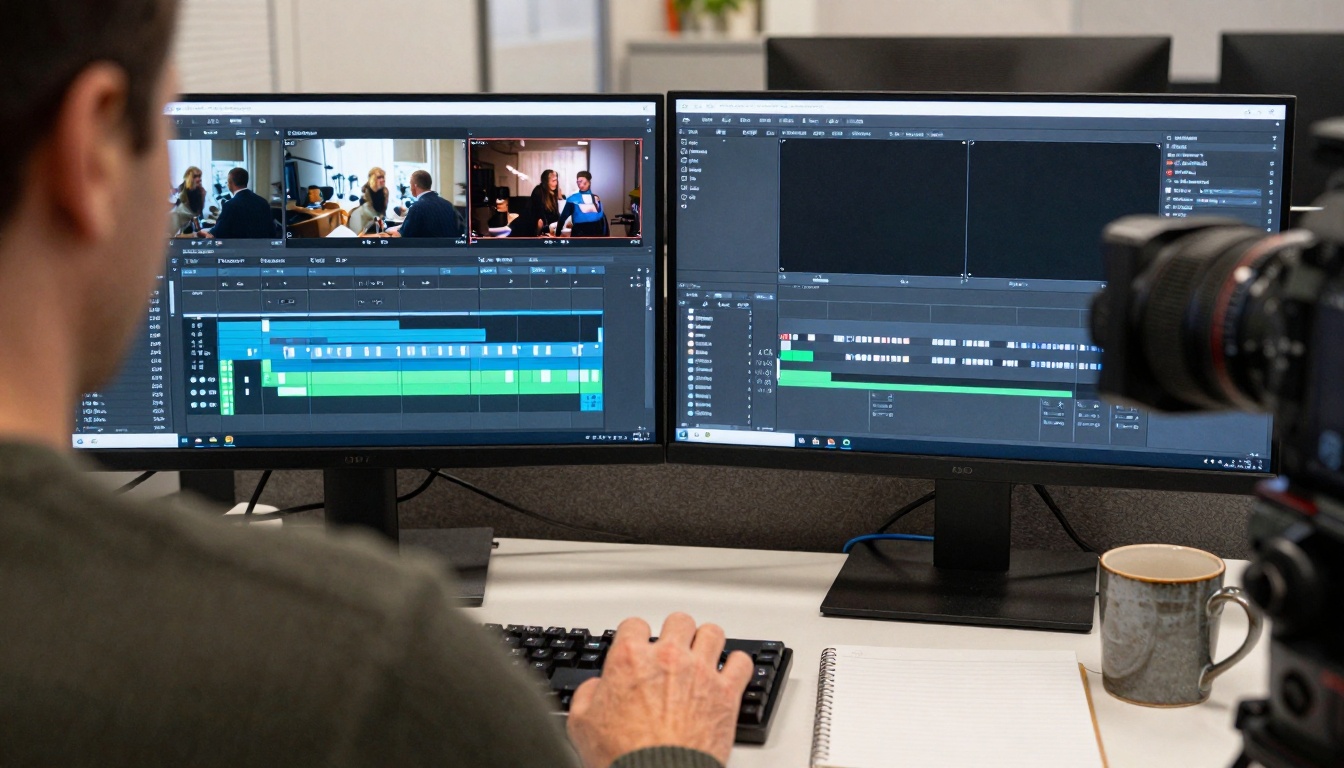
Over-the-shoulder comparison view showing traditional versus AI-enhanced workflows
Every creative field undergoes technological transformation. Photography moved from film to digital. Music production shifted from analog to software. Video creation now stands at a similar inflection point. The tools change, but the creative vision remains central. Veo 3.1 provides a new way to execute that vision—faster, more scalable, and accessible to more creators than ever before.
The question isn't whether AI video generation will become standard practice. It's how quickly you'll incorporate it into your creative process. The early adopters gain competitive advantages in production speed, cost efficiency, and creative experimentation. Start with simple projects, learn the patterns, and expand as confidence grows. The technology handles the technical execution—you provide the creative direction.


