A detailed technical examination comparing Google's Veo 3.1 and OpenAI's Sora 2 Pro for short video production. This analysis covers motion dynamics, character animation quality, lighting control, texture rendering, and practical implementation workflows for content creators working with short-form video content. The comparison evaluates technical architectures, motion quality differences, character animation capabilities, lighting control approaches, and practical workflow integration considerations for social media, advertising, and content marketing applications.
When you're creating short videos for social media, advertisements, or content marketing, the choice between Google's Veo 3.1 and OpenAI's Sora 2 Pro isn't just about which tool looks better—it's about which system delivers the specific technical capabilities your project requires. Both platforms represent the current peak of AI video generation, but they approach the problem from fundamentally different perspectives. Veo 3.1 emphasizes cinematic quality and motion dynamics, while Sora 2 Pro focuses on narrative coherence and character consistency. The decision between them depends entirely on what type of short video you need to produce.
Technical Foundations: How They Work Under the Hood
Understanding the technical architecture behind each system reveals why they excel in different areas. Google Veo 3.1 uses a diffusion-based approach with temporal coherence modeling specifically optimized for cinematic motion. The system analyzes motion vectors across frames to ensure smooth transitions, which is particularly valuable for short videos where every frame counts. This architecture allows Veo 3.1 to maintain consistent lighting and camera movement throughout sequences, making it ideal for product showcases, atmospheric mood pieces, and visual poetry.
OpenAI Sora 2 Pro, in contrast, employs a transformer-based architecture with narrative modeling built into the training process. The system doesn't just generate individual frames—it generates complete scenes with character consistency and story progression. This makes Sora 2 Pro particularly effective for narrative shorts, character-driven content, and educational videos where logical sequence matters more than cinematic polish.
💡 Technical Insight: Veo 3.1's diffusion architecture excels at maintaining visual consistency across frames, while Sora 2 Pro's transformer approach better handles logical narrative progression. For short videos under 30 seconds, Veo 3.1 often produces more visually polished results, while Sora 2 Pro delivers better story coherence for slightly longer pieces.
Motion Quality: What Moves Better?
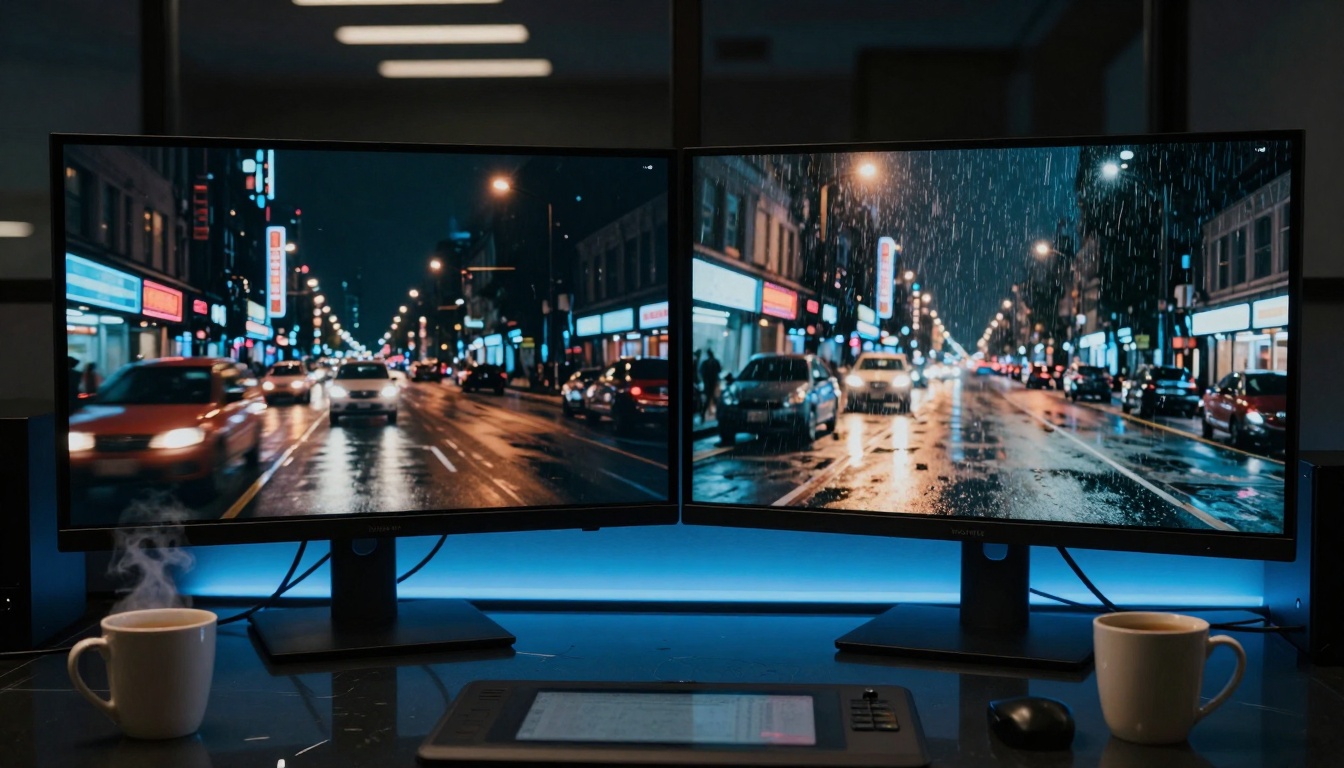
The single most important factor for short videos is motion quality. Nobody watches a 15-second clip with choppy movement or unnatural physics. Veo 3.1 demonstrates superior motion dynamics in several key areas:
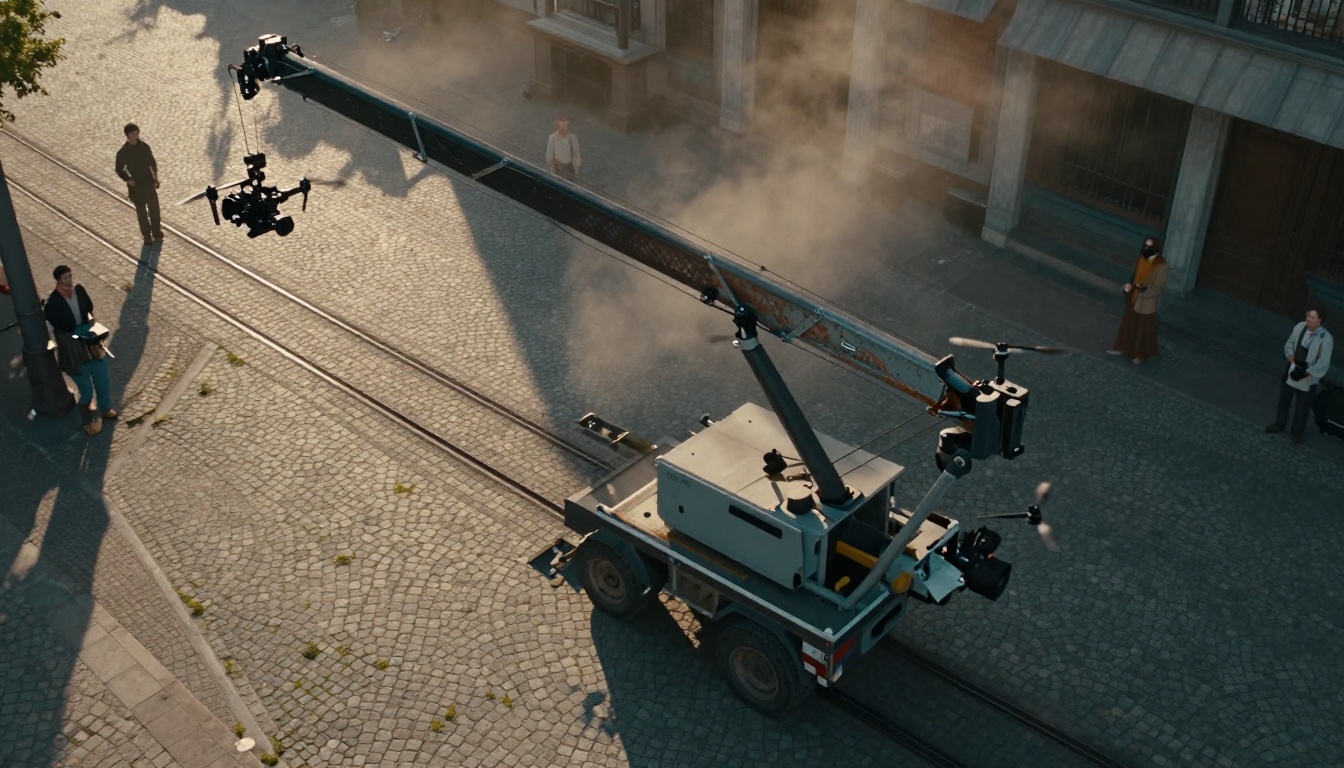
Natural motion blur: Camera pans and object movements show appropriate motion blur that mimics real cinematography
Fluid transitions: Scene changes and object movements maintain temporal coherence without jarring jumps
Physics accuracy: Water flows, fabric movement, and particle effects behave with convincing realism
Sora 2 Pro takes a different approach to motion, prioritizing logical movement over cinematic quality. Characters move with purpose rather than beauty, which can be either an advantage or limitation depending on your content needs. For explainer videos or tutorials, Sora 2 Pro's deliberate pacing works well. For artistic or mood-based content, Veo 3.1's cinematic motion produces more emotionally engaging results.
Motion Comparison Table
Motion Characteristic
Veo 3.1 Performance
Sora 2 Pro Performance
Best For
Camera Movement
Smooth pans, dolly shots, crane movements
Basic tracking, static shots
Product showcases
Character Animation
Natural weight shifts, balanced movement
Purposeful, directed actions
Narrative shorts
Particle Effects
Realistic smoke, water, fire physics
Simplified, functional effects
Atmospheric content
Temporal Coherence
Excellent frame-to-frame consistency
Good narrative consistency
Quick social clips
Motion Blur
Cinematic, direction-appropriate
Minimal, functional
Visual poetry
Character Animation: Humans and Creatures
For short videos featuring people or characters, animation quality becomes critical. Veo 3.1 handles human movement with particular sophistication, especially for subtle gestures and facial expressions. The system's training on cinematic footage shows in how characters interact with their environment—a hand resting on a surface shows appropriate weight distribution, a turn of the head includes natural neck tension, and eye movements follow believable patterns.
Sora 2 Pro excels at character consistency across longer sequences. If your short video needs a character to perform multiple actions in logical progression, Sora 2 Pro maintains that character's appearance, clothing, and basic mannerisms more reliably. This makes it the better choice for simple explainer videos with talking heads or character-driven narratives.
Character Animation Differences
Veo 3.1 Advantages:
Superior facial micro-expressions
Natural body language and posture
Realistic interaction with props and environments
Emotional conveyance through subtle movement
Sora 2 Pro Strengths:
Consistent character appearance across shots
Logical action sequences
Clear communication of intention through movement
Better handling of multiple characters in frame
💡 Practical Tip: For influencer-style content or beauty/fashion videos, Veo 3.1's superior facial animation makes characters more relatable. For educational or corporate content, Sora 2 Pro's clarity and consistency serve communication goals better.
Lighting Control: Setting the Mood
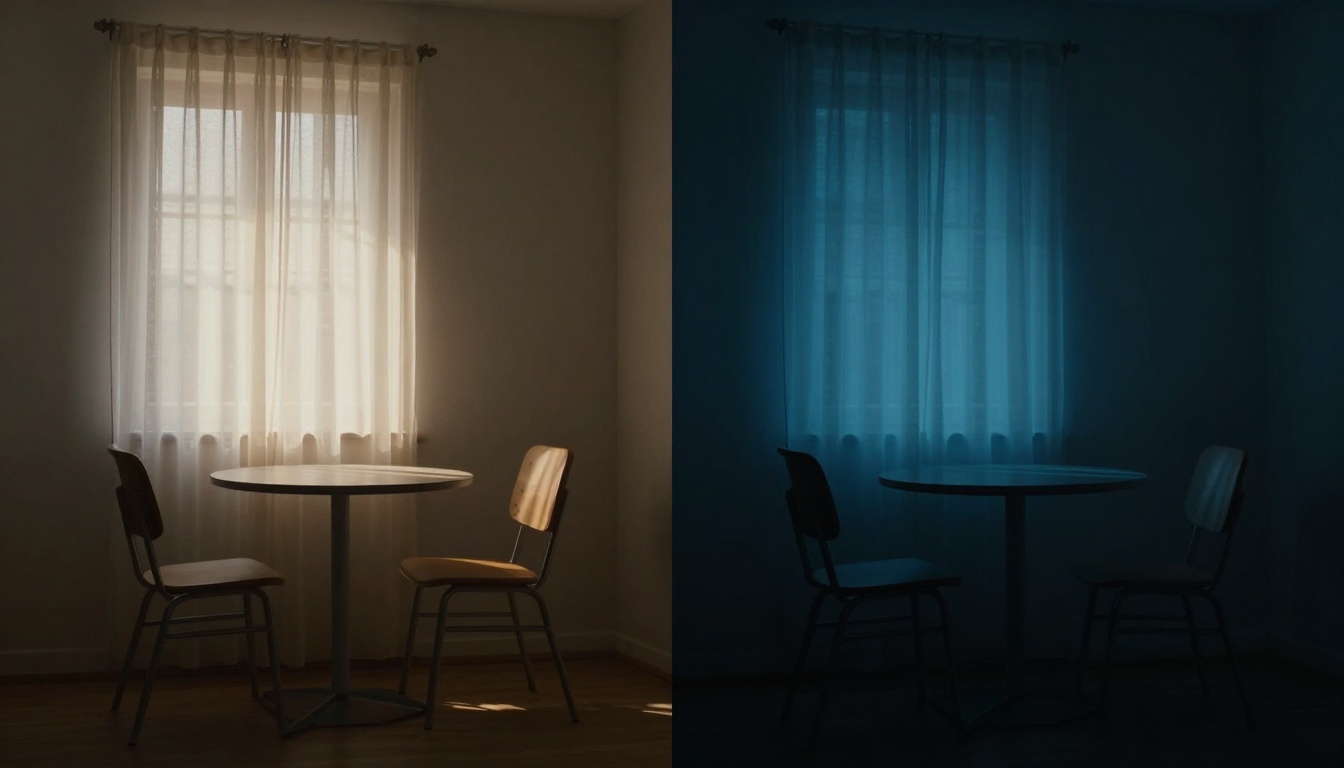
Lighting establishes emotional tone in short videos more powerfully than any other visual element. Veo 3.1 offers sophisticated lighting control that mimics professional cinematography:
Directional lighting: Clear light sources with appropriate falloff
Color temperature shifts: Warm interiors versus cool exteriors
Atmospheric effects: Volumetric lighting, god rays, lens flares
Shadow quality: Soft versus hard shadows based on light source
Sora 2 Pro provides functional lighting that serves narrative clarity rather than artistic expression. Scenes are well-lit for visibility, shadows exist where logically required, but the system doesn't prioritize cinematic lighting aesthetics.
Lighting Scenarios Comparison
Scenario 1: Product Showcase
Veo 3.1: Three-point lighting setup with rim light separation, soft shadow under product, highlight glints on metallic surfaces
Sora 2 Pro: Even front lighting, minimal shadows, clear product visibility
Scenario 2: Mood Piece
Veo 3.1: Low-key lighting with high contrast, colored gels, atmospheric haze
Sora 2 Pro: Adequate visibility, basic illumination, functional rather than artistic
Scenario 3: Outdoor Scene
Veo 3.1: Golden hour lighting with long shadows, warm skin tones, lens flare
Sora 2 Pro: Daylight illumination, even exposure, clear visibility
Camera Movement and Composition
Short videos live or die by their framing and camera work. Veo 3.1 understands cinematic language at a sophisticated level:
Rule of thirds composition: Balanced framing with intentional negative space
Depth of field control: Selective focus for visual hierarchy
Camera movement: Smooth pans, tilts, and dolly shots
Angle variety: High, low, and Dutch angles for visual interest
Sora 2 Pro uses simpler, more functional composition:
Center-weighted framing: Subjects typically centered for clarity
Deep focus: Most elements in frame remain sharp
Basic camera moves: Simple pans and zooms
Standard angles: Eye-level shots for narrative clarity
Composition Styles by Content Type
Content Type
Veo 3.1 Approach
Sora 2 Pro Approach
Product Demo
Dynamic camera moves, focus racks
Static shots, clear views
Tutorial
Over-shoulder angles, focus on hands
Straight-on instructional view
Testimonial
Interview framing, shallow depth of field
Talking head, even lighting
Mood Piece
Artistic angles, creative composition
Functional framing
Social Clip
Quick cuts, varied angles
Clear, straightforward shots
Texture and Detail Quality
Texture rendering affects perceived production value significantly. Veo 3.1 excels at material representation:
Surface textures: Fabric weave, metal scratches, wood grain
Transparency effects: Glass refraction, water clarity, translucent materials
Weathering details: Rust, patina, wear patterns
Sora 2 Pro renders textures adequately for recognition but without the same level of material sophistication. Surfaces look like what they're supposed to be, but lack the subtle variations that make them feel tangible.
Sora 2 Pro uses naturalistic color reproduction without strong stylistic grading. Colors appear as they would in well-lit reality rather than through a cinematic filter.
Color Application Examples
Brand Content:
Veo 3.1: Brand color integration, consistent palette across shots
Sora 2 Pro: Product colors accurate, natural environment
Emotional Content:
Veo 3.1: Color psychology (blue for calm, red for energy)
Sora 2 Pro: Neutral color representation
Seasonal Content:
Veo 3.1: Autumn warmth, winter coolness, spring vibrancy
Sora 2 Pro: Seasonal colors present but not emphasized
Workflow Integration and Practical Considerations
How each system fits into production workflows matters for efficiency. Veo 3.1 integrates particularly well with existing video editing pipelines:
Format compatibility: Standard video formats with appropriate codecs
Metadata preservation: Timecode, color space information
Post-production ready: Appropriate bit depth for grading
Sora 2 Pro outputs workable video files but may require more adjustment in post:
Basic format support: Common video formats
Limited metadata: Basic file information
Edit considerations: May need transcoding for certain workflows
Color correction: Often needs adjustment for consistency
Production Pipeline Comparison
Production Stage
Veo 3.1 Integration
Sora 2 Pro Integration
Pre-production
Storyboard visualization, mood boards
Concept testing, narrative structure
Production
Background plates, establishing shots
Character scenes, action sequences
Post-production
Seamless compositing, color matching
Basic integration, overlay work
Delivery
Broadcast-ready files, social formats
Web-ready files, basic formats
Cost and Accessibility Factors
For short video production, cost-effectiveness matters alongside quality. Both systems follow different pricing models that affect their suitability for various project types.
Veo 3.1 Pricing Structure:
Per-second generation costs
Higher quality tiers available
Batch processing discounts
Enterprise volume pricing
Sora 2 Pro Pricing Approach:
Per-video generation pricing
Quality levels included in base price
Simple tiered pricing
Developer API access
Cost Analysis by Project Scale
Small Projects (1-5 videos):
Veo 3.1: Competitive for high-quality needs
Sora 2 Pro: Often more cost-effective for basic needs
Medium Projects (6-20 videos):
Veo 3.1: Volume discounts improve value
Sora 2 Pro: Consistent pricing, predictable costs
Large Projects (20+ videos):
Veo 3.1: Enterprise pricing optimizes costs
Sora 2 Pro: Simple scaling, less negotiation needed
Use Case Recommendations
Based on technical capabilities and practical considerations, here are specific recommendations for different short video types:
Best for Veo 3.1:
Product Launch Videos - Cinematic quality enhances perceived value
Example:
"cinematic slow-motion, dolly zoom from medium shot to close-up, golden hour backlighting, female athlete stretching before competition, urban rooftop at sunset, determined focused atmosphere, shot on 85mm f/1.8 at 1/250s"
Example:
"teacher explaining photosynthesis to students, middle-aged female educator, classroom with whiteboard, educational clarity, even classroom lighting, medium static shot"
💡 Advanced Tip: Create prompt libraries for different video types. Save successful prompts with notes on what worked. Build templates that can be customized for specific projects. This systematizes quality and efficiency.
Quality Control and Review Processes
Implementing consistent review ensures quality across productions.
Technical Quality Checklist:
Motion smoothness and temporal coherence
Character consistency and animation quality
Lighting continuity and appropriate mood
Composition effectiveness and visual hierarchy
Texture detail and material representation
Color consistency and grading appropriateness
Creative Review Criteria:
Emotional impact and audience engagement
Message clarity and communication effectiveness
Brand alignment and visual identity consistency
Story progression and narrative coherence
Production value and professional appearance
Performance Metrics and Optimization
Measure what matters to improve continuously.
Key Performance Indicators:
Generation time: Seconds per video generated
Revision cycles: Average iterations to final approval
Quality consistency: Variation across multiple generations
Cost efficiency: Value per second of usable content
Integration effort: Time spent in post-production adjustment
Train team members: Share techniques and best practices
Integrate with workflows: Connect to editing and approval processes
Monitor performance: Track metrics and adjust approach
Iterate and improve: Refine based on results and feedback
The landscape of AI video generation continues evolving rapidly. Both Veo 3.1 and Sora 2 Pro represent significant advances, each with distinct strengths for short video production. The most successful creators don't choose one exclusively—they understand both systems deeply and apply each where it delivers maximum value for their specific content needs.
Your specific short video projects will reveal which system serves them best. Start with small tests, compare results against your quality standards, and build your approach based on what actually works for your content, audience, and production workflow. The tools exist at unprecedented capability levels—your strategic application of them determines the final quality reaching your viewers.