The landscape of AI video generation has become intensely competitive, with two titans battling for supremacy: Google's Veo 3.1 and OpenAI's Sora 2 Pro. Both systems represent the cutting edge of text-to-video technology, but they approach the problem from fundamentally different architectures and philosophical perspectives.

Close-up examination of Veo 3.1's neural architecture reveals sophisticated pattern recognition systems
When you're choosing between these platforms on PicassoIA, you're not just selecting a tool—you're picking a philosophical approach to video synthesis. The differences extend beyond mere technical specifications into how each system understands narrative, visual coherence, and temporal dynamics.
Core Architecture Differences
Google Veo 3.1 builds upon Google's extensive research in transformer-based diffusion models, leveraging their expertise from Imagen Video and Phenaki systems. The architecture emphasizes temporal consistency and natural motion physics, with particular strengths in maintaining object persistence across longer video sequences.
💡 Technical Insight: Veo 3.1 uses a novel "temporal attention" mechanism that tracks objects across frames, reducing the "object flickering" common in earlier video generation models.
OpenAI Sora 2 Pro represents a different evolutionary path, extending the original Sora architecture with enhanced spatial understanding and complex scene composition. Where Veo focuses on temporal stability, Sora 2 Pro prioritizes visual richness and detailed environmental simulation.

Sora 2 Pro's workflow interface emphasizes detailed scene control and parameter adjustment
Video Quality Assessment
Resolution and Frame Rate
| Feature | Google Veo 3.1 | OpenAI Sora 2 Pro |
|---|
| Maximum Resolution | 1280×720 @ 30fps | 1920×1080 @ 24fps |
| Common Output | 1024×576 @ 30fps | 1280×720 @ 24fps |
| Upscaling Options | AI Super-Resolution to 4K | Native 1080p, external upscaling recommended |
| Frame Consistency | Excellent temporal stability | High spatial detail per frame |
Veo 3.1 delivers smoother motion with its 30fps output, making it particularly effective for action sequences and dynamic camera movements. The temporal coherence means objects maintain their identity and position more consistently across frames.
Sora 2 Pro sacrifices some frame rate for per-frame visual fidelity. Each individual frame contains more detail, better texture reproduction, and superior lighting simulation—but at 24fps, motion can appear slightly less fluid.
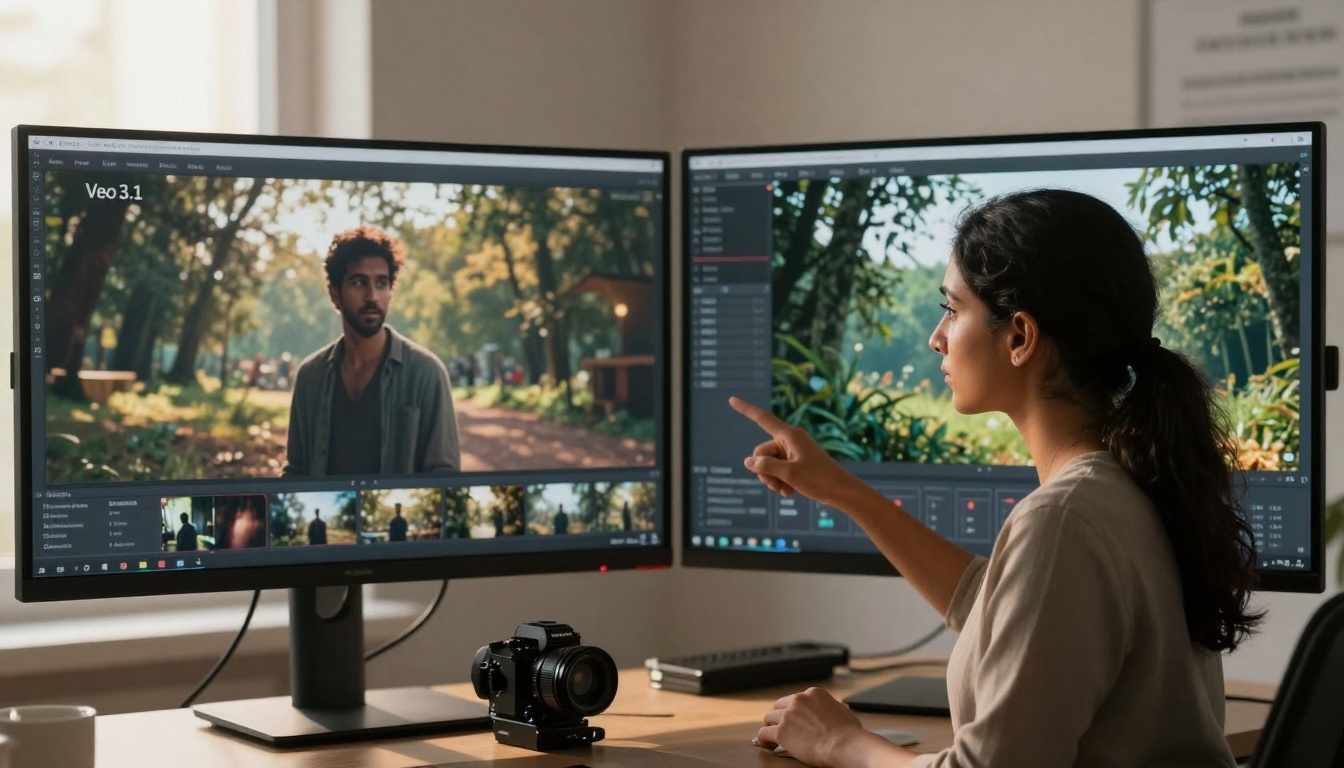
Direct comparison reveals Veo's motion smoothness versus Sora's frame detail
Lighting and Environmental Realism
Sora 2 Pro demonstrates superior global illumination simulation, with more accurate shadows, reflections, and ambient occlusion. Complex lighting scenarios like sunset scenes, interior spaces with multiple light sources, and atmospheric effects show Sora's architectural advantage.
Veo 3.1 excels at consistent lighting across time. When the camera moves or objects interact with light sources, Veo maintains more believable lighting continuity. This makes it better suited for cinematic sequences where lighting consistency is critical for narrative coherence.
Processing Speed and Efficiency
Generation Times (Comparative Benchmarks)
| Video Length | Google Veo 3.1 | OpenAI Sora 2 Pro |
|---|
| 3-second clip | 45-60 seconds | 90-120 seconds |
| 10-second clip | 2-3 minutes | 4-6 minutes |
| 20-second clip | 5-7 minutes | 10-15 minutes |
| Batch Processing | Parallel generation supported | Sequential processing recommended |
Veo 3.1 leverages Google's optimized inference pipelines for faster generation times. The model architecture includes specific optimizations for parallel processing, making it more efficient for production workflows where time is a critical factor.
Sora 2 Pro requires more computational resources but delivers higher quality per computational unit. The extended processing time correlates directly with the visual complexity and detail density in the output.
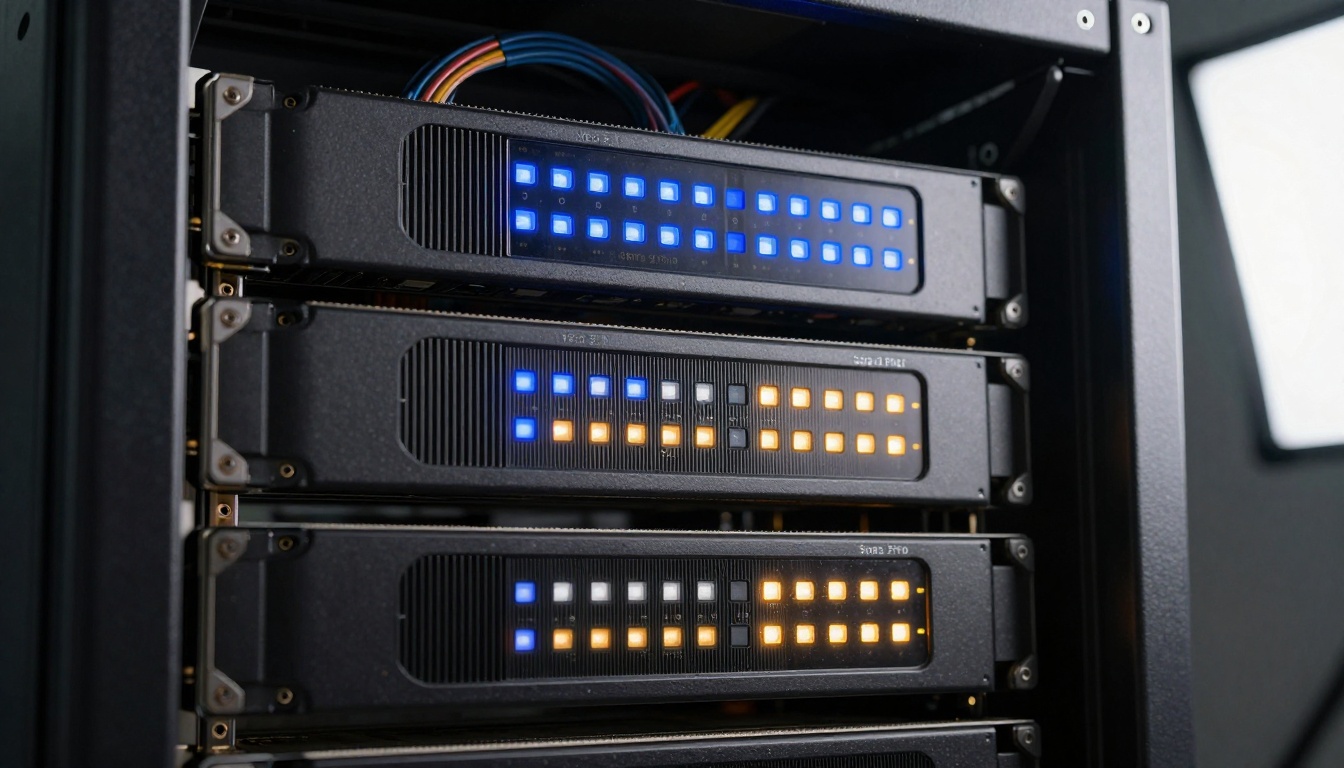
Hardware requirements differ significantly between the two architectures
Creative Control and Parameter Adjustment
Prompt Engineering Effectiveness
Veo 3.1 responds exceptionally well to cinematic terminology and technical camera specifications. Prompts that include terms like "dolly zoom," "rack focus," "Dutch angle," or specific lens descriptions (e.g., "85mm f/1.8") produce remarkably accurate camera simulation.
Sora 2 Pro understands artistic concepts and compositional terminology more effectively. Descriptions of mood, atmosphere, color palettes, and artistic styles yield more faithful interpretations. The system has particularly strong comprehension of art historical references and visual art terminology.
Professional creative directors evaluate output based on narrative coherence and visual storytelling
Style Transfer and Aesthetic Consistency
When working with PicassoIA's extensive model library, you can combine these video generators with complementary image models. Veo 3.1 integrates particularly well with Google's own image models for consistent visual style across media types.
Sora 2 Pro demonstrates better cross-model style consistency when paired with diverse visual systems. The architecture maintains aesthetic coherence even when combining outputs from different AI systems.
Practical Applications Analysis
Best Uses for Google Veo 3.1
- Marketing and Advertising Videos: The 30fps output and smooth motion work well for product demonstrations and brand storytelling
- Educational Content: Temporal consistency helps maintain focus on educational subjects across sequences
- Social Media Shorts: Faster generation times align with rapid content production cycles
- Motion Graphics Templates: Consistent object behavior allows for reliable template creation
- Real-time Visualization: Lower latency makes it suitable for interactive applications
Best Uses for OpenAI Sora 2 Pro
- Cinematic Pre-visualization: Detailed frames provide excellent reference material for film production
- Concept Art Generation: High per-frame detail supports artistic development workflows
- Architectural Visualization: Superior environmental simulation and lighting accuracy
- Game Development Assets: Rich textures and complex scene composition
- High-end Commercials: Visual quality justifies longer rendering times for premium content
Integration into traditional filmmaking pipelines requires different approaches for each system
Cost and Accessibility Considerations
Pricing Structures
Both models are available through PicassoIA with transparent pricing:
Google Veo 3.1 Pricing:
- Per-second pricing: $0.015 per second of generated video
- Bulk discounts: 20% discount for volumes over 1000 seconds
- API access: REST API with comprehensive documentation
- Free tier: 30 seconds per month for testing
OpenAI Sora 2 Pro Pricing:
- Quality-based pricing: $0.025 per second for standard quality, $0.045 for premium
- Enterprise plans: Custom pricing for high-volume users
- Integration options: Python SDK and webhook support
- Free tier: 15 seconds per month with watermarked output
Platform Integration
Veo 3.1 offers more extensive third-party integration options, with plugins available for major video editing suites including Adobe Premiere Pro, Final Cut Pro, and DaVinci Resolve. The API supports real-time feedback and incremental generation.
Sora 2 Pro focuses on quality over quantity in integrations, with official support for professional post-production workflows and color grading pipelines. The system includes metadata preservation and color space management.
Technical Limitations and Workarounds
Common Issues with Veo 3.1
- Limited Complex Scene Composition: Struggles with scenes containing more than 5-7 primary elements
- Texture Repetition: Can exhibit pattern repetition in detailed environments
- Color Bleeding: Sometimes shows color contamination between adjacent objects
- Workaround: Use simpler scene descriptions and post-process for complexity
Common Issues with Sora 2 Pro
- Object Persistence: Occasionally loses track of minor objects across longer sequences
- Motion Artifacts: Can show "swimming" effects in fluid simulations
- Generation Consistency: Output quality varies more between generations
- Workaround: Generate multiple variations and composite the best frames
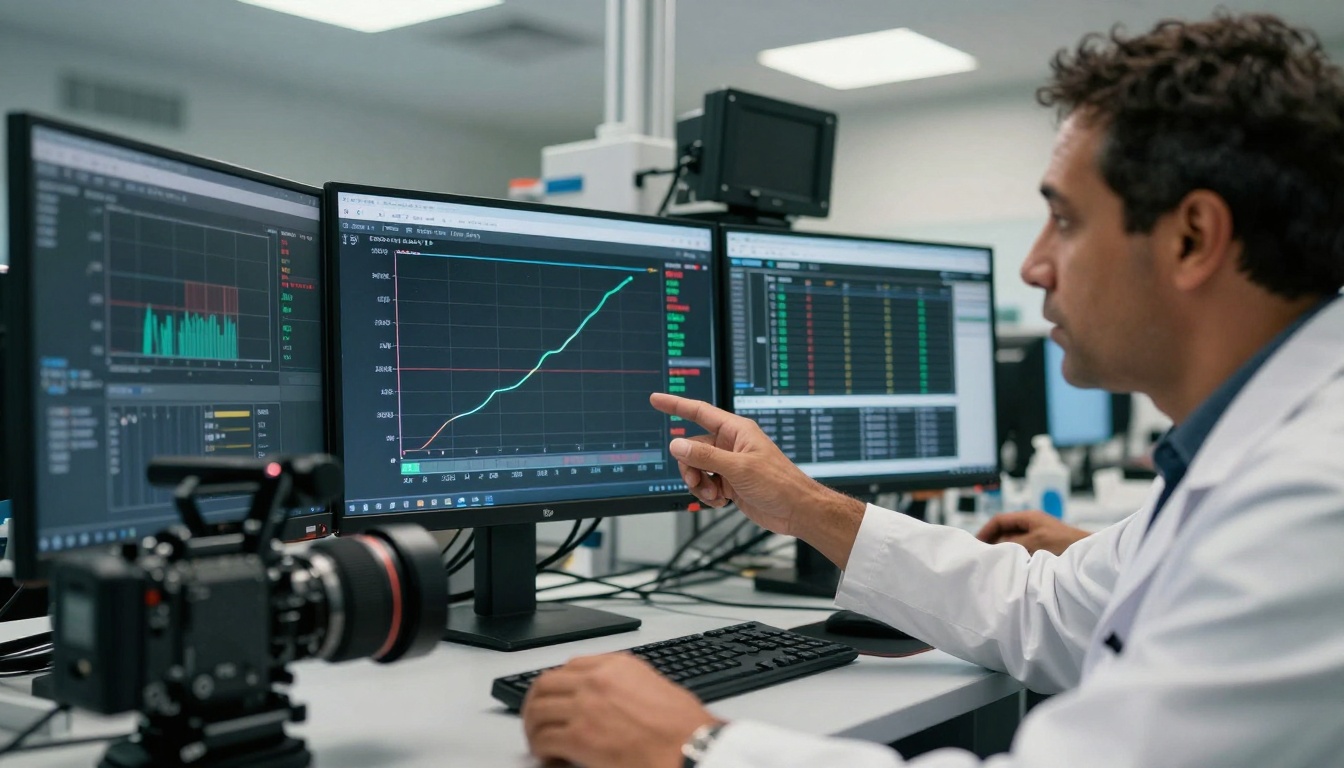
Detailed performance analysis reveals strengths and weaknesses in specific scenarios
Future Development Trajectories
Google's Roadmap for Veo
Industry analysis suggests Google is focusing on:
- Extended sequence length (beyond 60 seconds)
- Interactive video generation (user-directed scene evolution)
- Multi-modal integration (combining audio, text, and video generation)
- Real-time capabilities for live applications
OpenAI's Roadmap for Sora
Expected developments include:
- Higher resolution outputs (approaching 4K capabilities)
- Enhanced physics simulation (more accurate material interactions)
- Character consistency (maintaining identity across extended narratives)
- Style transfer improvements (better artistic interpretation)
Hybrid Approaches and Complementary Usage
The most effective production workflows often combine both systems strategically:
- Use Veo 3.1 for motion-heavy sequences where temporal consistency is paramount
- Employ Sora 2 Pro for key establishing shots where visual detail carries narrative weight
- Leverage Veo's speed for rapid iteration during concept development
- Apply Sora's quality for final deliverables where visual impact matters most
This hybrid approach maximizes the strengths of each system while minimizing their respective weaknesses.
Aerial view of comparative testing setup showing distinct workflow stations
Decision Framework: Which System to Choose
Choose Google Veo 3.1 When:
- Speed matters more than ultimate quality
- You need consistent 30fps output
- Your content involves extensive camera movement
- Budget constraints require lower per-second costs
- You're producing content for social media platforms
Choose OpenAI Sora 2 Pro When:
- Visual quality is the primary consideration
- You're creating premium or cinematic content
- Scene complexity requires detailed environmental simulation
- Lighting accuracy is critical for your application
- You have time for longer generation cycles
Testing Your Own Projects
The best way to determine which system works for your specific needs is to test both with your actual content. PicassoIA makes this straightforward:
- Create parallel test projects using identical prompts on both Veo 3.1 and Sora 2 Pro
- Evaluate output based on your specific criteria (motion quality, visual detail, generation time)
- Consider workflow integration with your existing production pipeline
- Calculate cost-effectiveness for your production volume
- Assess team familiarity with each system's interface and parameter sets

Final team evaluation considers all factors beyond mere technical specifications
Beyond Technical Specs: The Human Factor
Ultimately, the "winner" in this competition depends entirely on human factors—the specific needs of your team, your creative vision, and your production constraints. Technical specifications provide guidance, but creative intuition determines success.
Veo 3.1 empowers teams that prioritize efficiency and motion. Its faster workflow and smoother output support rapid iteration and dynamic content creation.
Sora 2 Pro serves creators who value visual richness and detail. Its architectural strengths in lighting and composition align with cinematic sensibilities and premium production values.
The real competition isn't between these systems—it's between different approaches to creative expression. Each represents a valid path toward compelling AI-generated video, with tradeoffs that reflect deeper philosophical choices about what matters in visual storytelling.
Your choice should reflect your creative priorities, not abstract technical scores. Test both, evaluate their output against your specific needs, and select the system that best supports your unique creative vision and production workflow.


