If you've been paying attention to AI video in 2027, you already know that generating realistic footage is no longer the hard part. The hard part has been sound. For years, the standard workflow involved generating video first, then separately adding audio in post-production. Veo 4 changes that entirely. Google's most powerful video model generates audio and video together, in a single pass, with the two streams synchronized at the frame level from the moment of creation. This is not a cosmetic improvement. It is a structural change in how AI video models are built and what they can produce.

What Sets Veo 4 Apart
The headline feature of Veo 4 is native multimodal output: the model outputs both a video stream and an audio stream simultaneously, without routing through a separate audio model after the fact. Every version before it required either silence or a bolted-on audio pipeline. Veo 4 bakes audio awareness directly into the generation process.
The Shift to Multimodal Output
Most video generation models are trained on visual data only. They are built to recognize what things look like. Veo 4 is trained on paired audio-video data, meaning it is trained on what things sound like at the same time as what they look like. A wave breaking on rocks doesn't just look a certain way. It has a specific acoustic signature. A crowd in a stadium doesn't just move. It roars. Veo 4 encodes these relationships.
This matters because audio-visual correlation is something humans take for granted. When we watch a video, we expect the sound of footsteps to match the cadence of walking. We expect a door slamming to coincide with the frame it appears in. Veo 4 satisfies these expectations automatically because the audio and video are generated from the same latent representation, not assembled from separate processes.
One Pass, Two Streams
The architecture works by extending the model's token prediction to cover both visual frames and audio frames simultaneously. Where a standard video model predicts the next frame given all previous frames, Veo 4 predicts the next audiovisual unit, taking into account both the visual state and the acoustic state up to that point.
This means the model maintains temporal coherence across both modalities. If a car accelerates on screen, the engine sound pitch rises to match. If a character whispers, the ambient noise around them drops to accommodate the quieter register. The relationship is bidirectional: the visual output informs the audio, and the audio output shapes what the visual continues to do.

How Audio Generation Actually Works
Understanding the mechanics behind Veo 4's audio output requires separating the system into its three main components: environmental audio, speech and dialogue, and music or score.
Ambient Sound and Environmental Layers
The first and most foundational layer is environmental audio. When you prompt Veo 4 to generate a coastal scene, it doesn't just paint water and sky. It generates the appropriate mix of wave action, wind, seabird calls, and the subtle low-frequency rumble of deep water. These sounds are drawn from learned acoustic patterns associated with those visual environments.
The model handles acoustic perspective as well. If the camera angle is close to the water surface, wave sounds are full and immediate. If the shot is aerial, the acoustic signature shifts: sounds become distant, wind becomes dominant, and the mix reflects the physical reality of being high above a scene. This kind of spatial audio awareness was not available in earlier video generation systems without extensive post-production work.
💡 Environmental audio is often where AI video generation adds the most perceptible realism. A busy street scene without traffic noise, birdsong, or ambient crowd murmur feels profoundly wrong, even at 4K resolution. Veo 4 fills this gap automatically.

Speech and Dialogue in Video
Where Veo 4 becomes genuinely powerful for narrative content is in speech synthesis synchronized to on-screen characters. If your prompt describes a person speaking, Veo 4 can generate lip movements and a corresponding voice in sync. The voice is not a generic text-to-speech output dropped over a silent animation. It is a voice generated in context with the visual character, matching the pacing, volume, and emotional register of what the character is doing on screen.
This has significant implications for storytelling. Short films, branded content, and educational videos no longer require a separate voiceover recording and lip-sync alignment step. The character speaks as they move, with the audio woven into the fabric of the video generation process itself.
The model is also capable of generating non-speech dialogue sounds: sighs, laughter, gasps, and similar vocal expressions. These short vocalizations are often overlooked in audio post-production but contribute enormously to how natural a video feels. Veo 4 generates them in context, tied to character behavior visible in the frame.
Music and Soundtrack Creation
Beyond environmental audio and speech, Veo 4 can generate adaptive music that fits the visual tone of the generated content. This is not background music selected from a library. It is music generated to match the mood, pacing, and subject matter of what is happening on screen.
A high-energy action scene receives a propulsive rhythmic score. A slow emotional moment receives something quieter and more sustained. The model adjusts musical energy to match visual energy, creating a soundtrack that feels composed for the specific content rather than applied to it.
💡 The music generation component uses a separate audio diffusion process that runs in parallel with the visual stream, conditioned on the same semantic embeddings that drive the video. This is why the music feels contextually appropriate rather than randomly assigned.

The Synchronization Engine
Generating audio and video at the same time is one thing. Keeping them synchronized is another. Veo 4's synchronization engine is what makes the difference between audio that happens to accompany video and audio that is structurally bound to it.
Frame-Level Audio Alignment
The model operates at a frame-by-frame level of audio-visual correlation. For every visual frame generated, the audio component computes what acoustic output is consistent with that frame's content. This happens within the same forward pass, so there is no lag or estimation gap between the visual and audio outputs.
This is fundamentally different from post-hoc synchronization, where an audio model looks at a completed video and tries to match sounds to what it sees. With Veo 4, neither stream is "completed" before the other. They are built together, each influencing the other's trajectory as the generation progresses through time.
Why Temporal Coherence Matters
Temporal coherence is the property that makes a sequence of frames feel like a continuous reality rather than a collection of still images. For video, this means objects maintain consistent appearance, lighting evolves smoothly, and motion follows physical laws. For audio, it means sound events have duration and decay, tones rise and fall naturally, and acoustic transitions between sounds feel physically plausible.
Veo 4 maintains temporal coherence across both modalities. This is the hard technical problem. A model that generates each frame independently will produce visually jarring results. A model that generates each audio sample independently will produce sonic chaos. Veo 4 addresses both by maintaining a shared context window across time that covers both visual and audio state.
The result is that a sound begun in one frame continues naturally into the next, with decay and reverberation behaving as they would in physical space. A visual event that begins building, such as a thunderstorm approaching on the horizon, is anticipated in the audio through distant rumble growing louder before the visual consequence arrives.

Veo 4 vs. Earlier Models
Understanding how Veo 4 differs from its predecessors and from competing models helps clarify exactly what changed and why it matters.
| Feature | Veo 2 | Veo 3 / 3.1 | Veo 4 |
|---|
| Native Audio | No | Yes (basic) | Yes (full) |
| Speech Sync | No | Partial | Yes |
| Adaptive Music | No | No | Yes |
| Acoustic Perspective | No | No | Yes |
| Frame-Level Audio Sync | No | Partial | Yes |
| Audio Reverberation | No | No | Yes |
| Bidirectional AV Conditioning | No | No | Yes |
Veo 2 was a strong visual-only model. Veo 3 and Veo 3.1 introduced native audio for the first time, with Veo 3.1 Fast providing a faster generation variant. Veo 3.1 Lite offers a lightweight path for creators who need speed over full audio fidelity. Veo 4 represents the full realization of the multimodal architecture these earlier versions began building toward.
Competing models have taken different approaches. Seedance 2.0 from ByteDance generates video with built-in audio, with a faster variant available as Seedance 2.0 Mini. Sora 2 from OpenAI pairs audio and video generation. Pixverse v6 offers cinematic video with integrated audio. Hailuo 02 from Minimax provides high-quality audio-video output. Q3 Turbo from Vidu generates 1080p video with audio. Each takes a different architectural approach, but the shared direction is clear: the field has decided that visual-only video generation is no longer sufficient.
What Veo 4 does that most competitors have not yet fully achieved is bidirectional conditioning: the audio shapes the visual and the visual shapes the audio at every step of generation, not just at the start.
Real-World Use Cases
The practical applications of synchronized audio-video generation are wide. Here are the three areas where the difference is most immediately felt.
Short Films and Social Media
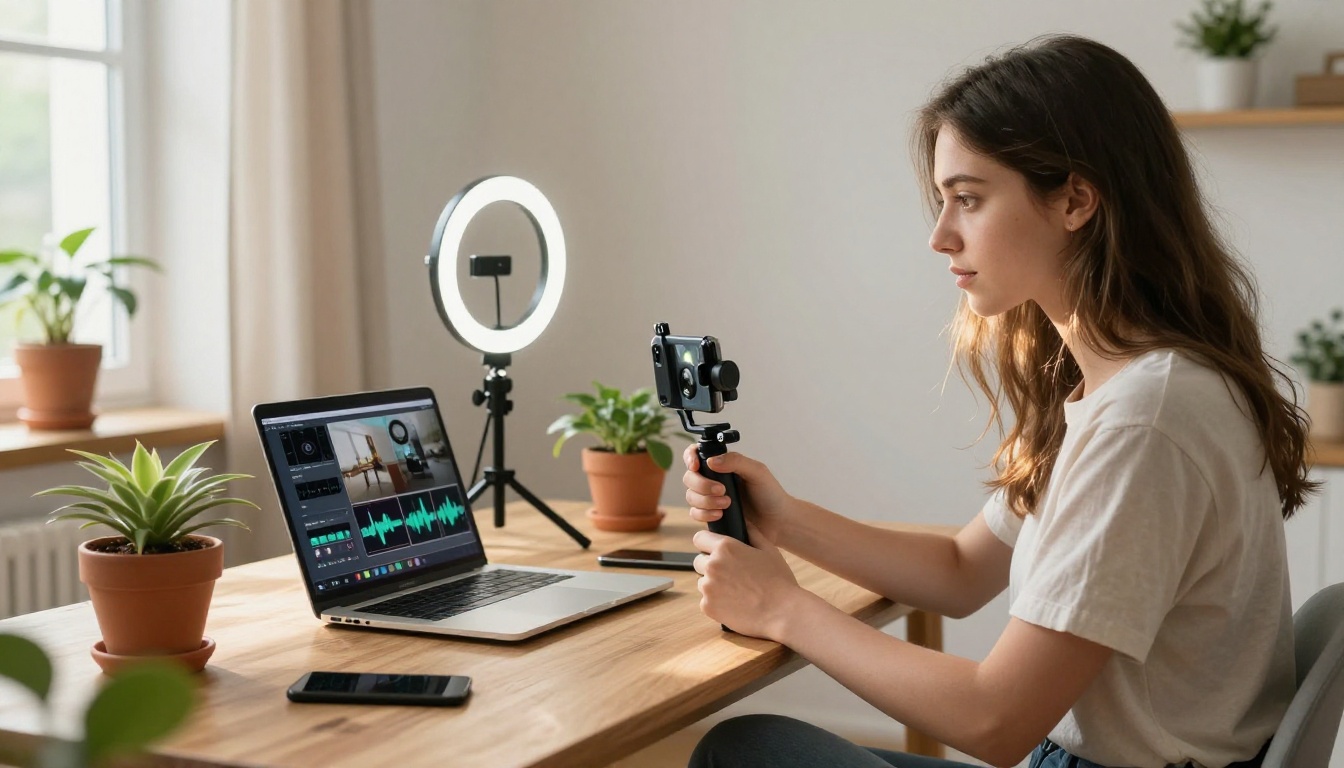
Short-form content for platforms like Instagram, TikTok, and YouTube Shorts depends heavily on audio-visual impact. A silent video with music added afterward can work. A video where the visuals and sound were designed together from the start works better. Veo 4 allows creators to generate complete short scenes with sound, speech, and appropriate music in a single prompt.
This dramatically reduces the production cycle. What previously required separate generation, download, audio editing, and re-export can now be achieved in one step. For creators producing at volume, this is a meaningful productivity change.
Brand and Commercial Videos
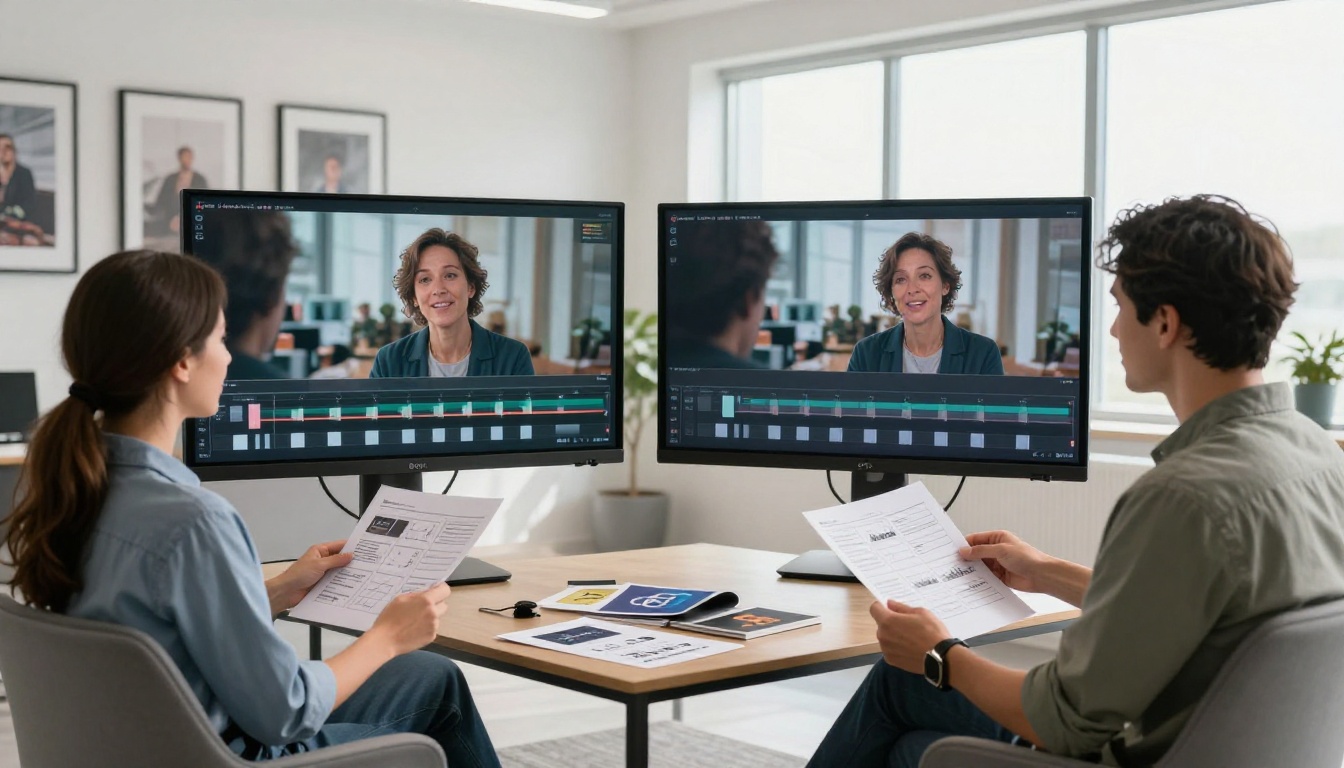
Commercial content has strict audio-visual requirements. A product reveal needs the right sound design to feel premium. A testimonial video needs voice audio that matches the on-screen speaker. Veo 4's ability to generate speech-synchronized character video with adaptive music puts production-quality commercial content within reach of teams that do not have full audio post-production pipelines.
The model's acoustic perspective capability also helps with product shots. A product shown in an outdoor environment will carry appropriate ambient audio for that environment, making the overall result feel location-specific rather than studio-generic.
Educational and Explainer Content
Educational video benefits enormously from well-synchronized narration. A presenter explaining a concept while visual diagrams appear behind them needs the voice and visuals to be tightly coupled. With Veo 4, educational scenarios can be generated with a character narrating, audio cues tied to visual transitions, and background music that fades appropriately when speech is happening.
This is the kind of production work that previously required a team. Now, with the right prompt, a single generator call handles the audio and visual elements together.
💡 For educational content, consider using LLMs like Gemini 3.1 Pro or Claude Sonnet 5 to draft your video script and narration text first. Then feed that script into Veo 4 as part of the prompt. The tighter your input, the more accurate the speech-video synchronization.
Try Veo-Compatible Models on PicassoIA
You don't need direct access to Veo 4 to start working with synchronized audio-video generation. PicassoIA makes the full Veo model family accessible alongside dozens of competing audio-video models, all in one platform.
Step-by-Step with Veo 3.1
Veo 3.1 on PicassoIA gives you native audio-video generation with Google's architecture. Here is how to get strong results:
-
Write a scene description, not just a visual description. Include sound cues. "A crowded train station with announcement speakers, rolling luggage sounds, and distant platform noise" gives the model acoustic targets to work with alongside visual ones.
-
Specify character speech if you want it. If a character should speak, include what they say and how (quietly, urgently, conversationally). The model uses this to calibrate voice generation and lip sync.
-
State the mood for music. "Tense and minimal" versus "warm and cinematic" will produce very different soundtracks. Be explicit.
-
Use Veo 3.1 Fast for iteration. When testing prompts, the fast variant generates output quickly. Switch to the full Veo 3.1 for final quality output.
-
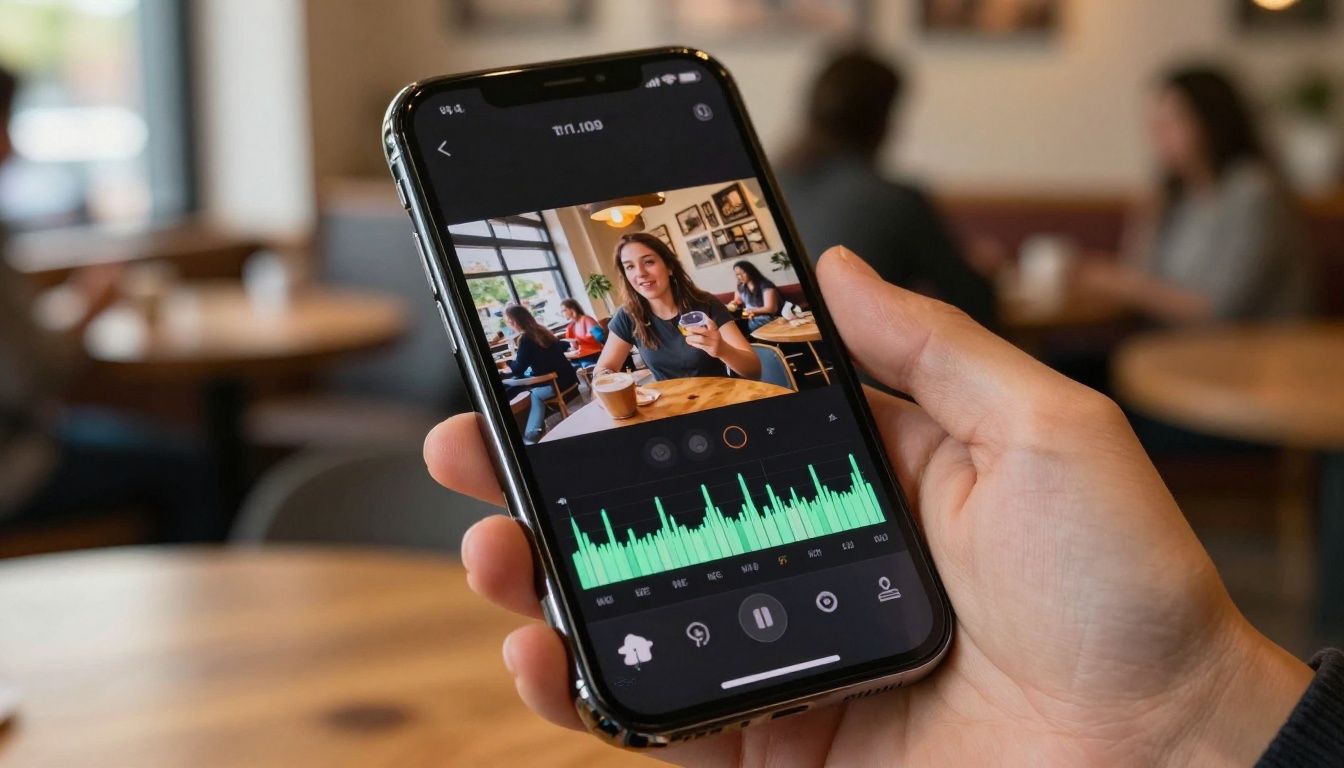
Check audio-visual sync on the timeline. Before committing to a result, scrub through the video and verify that speech, sound effects, and music all align with the corresponding visuals. Minor re-prompting often corrects any drift.
More Audio-Video Models to Try
PicassoIA hosts a broad selection of models that produce audio-synchronized video. Each has different strengths:
| Model | Strength | Best For |
|---|
| Veo 3.1 | Full audio-visual coherence | Cinematic scenes with speech |
| Veo 3.1 Lite | Speed with native audio | Rapid content prototyping |
| Seedance 2.0 | Up to 30-second audio clips | Long-form narrative scenes |
| Seedance 2.0 Mini | Fast audio-video generation | Social media clips |
| Pixverse v6 | Cinematic motion with audio | Brand and commercial video |
| Hailuo 02 | 1080p with rich audio | High-resolution output |
| Sora 2 | Synced audio storytelling | Narrative short films |
| Q3 Turbo | 1080p with audio at speed | Fast professional output |
| Flux 3 | Synced audio video | General purpose creation |
| Grok Imagine Video 1.5 | Image-to-video with audio | Animated photo scenes |
| Audio to Video | Sound-driven video animation | Music videos and reactive content |
| Wan 2.7 T2V | 1080p text-to-video | HD environmental content |
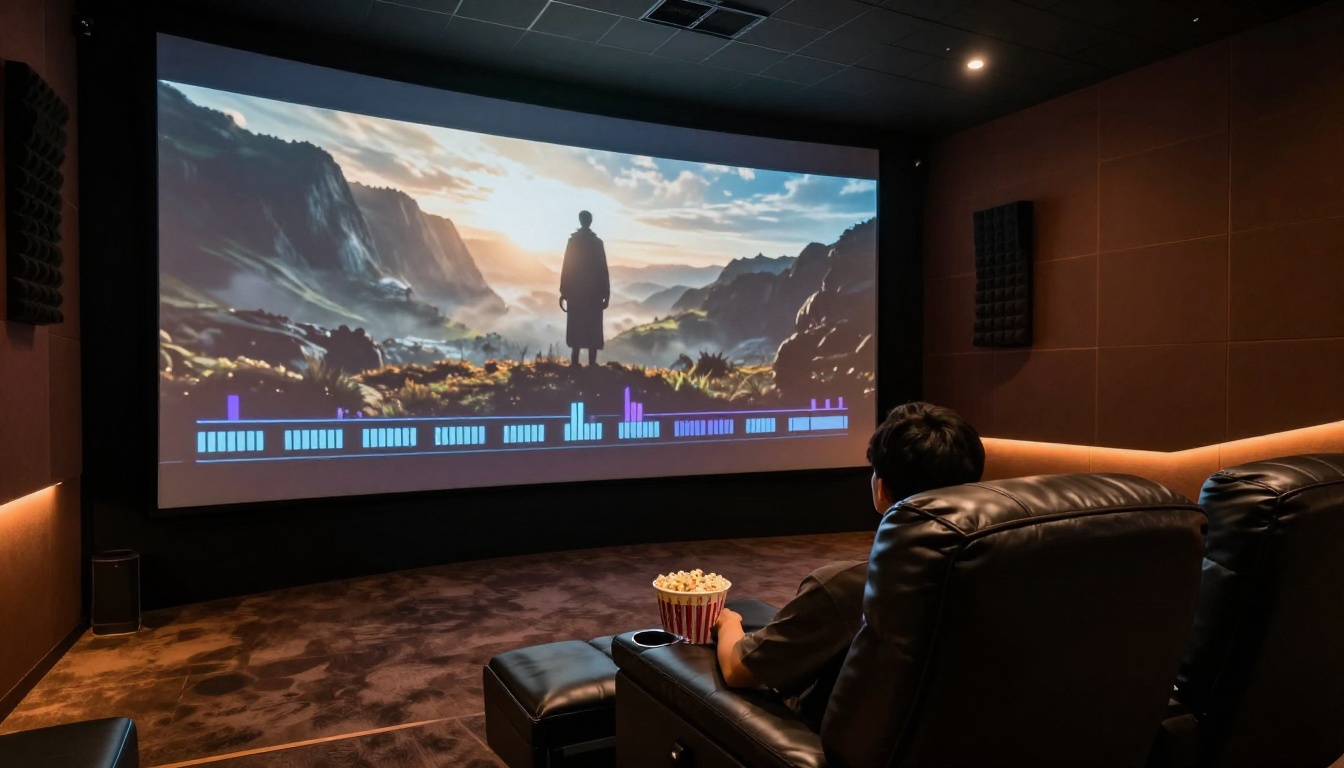
The Audio to Video model from Lightricks is worth special attention: it lets you drive video generation from an audio input, inverting the typical workflow. If you already have a soundtrack or voice recording, you can generate visuals that animate in response to it.
For content that pairs strong visuals with AI-analyzed scripts or narration, combining a model like GPT 5 for scriptwriting with a video model like Veo 3.1 for generation produces tightly controlled results.
Start Creating Synchronized Video Now
Veo 4's audio-video architecture is not a future capability. It is available, it works, and models built on the same multimodal principles are accessible on PicassoIA right now. The core insight from how Veo 4 works is this: audio and video are not separate problems. They are one problem that previous models happened to split apart. When you generate them together from the same latent representation, the result is content that feels whole in a way that post-produced audio never quite achieves.
The practical steps are straightforward. Pick a scene. Write a description that includes acoustic cues, speech, and music tone. Choose a model from the audio-video catalog. Generate. Adjust the prompt based on what you hear as much as what you see.
PicassoIA puts the full range of synchronized audio-video models at your fingertips, from Veo 3.1 Fast for rapid iteration to Hailuo 02 for high-resolution output. There are over 87 video models available, many with native audio. Browse the full collection at picassoia.com/en/all-models and see what synchronized audio-video generation can produce for your specific creative work.


