Google dropped Veo 4 quietly in mid-2025, and the reaction from anyone who actually tested it was the same: silence, then a slow exhale. This isn't another incremental update. Veo 4 generates video that holds texture, obeys physics, follows multi-step prompts, and ships with synchronized native audio, all in a single generation. The jump from Veo 3 to Veo 4 is roughly equivalent to the jump from a smartphone camera to a cinema rig. If you work with video at any level, this matters.
But access is still limited. Most creators can't reach Veo 4 directly. And a growing number of genuinely powerful alternatives are available right now on PicassoIA, with no waitlist. This article breaks down exactly what Veo 4 does, where it leads, where it falls short, and which models to use while you wait, or instead of waiting.

What Veo 4 Actually Does
Cinematic Realism Beyond What Competitors Offer
Veo 4's output has a quality that is difficult to describe without seeing it: the light behaves. Surfaces reflect correctly. Water moves with coherent physics. Faces hold their identity across cuts instead of drifting. This isn't a prompt engineering trick. It's a model that has internalized how the physical world looks at the optical level.
The core improvement over Veo 3 and Veo 3.1 is prompt fidelity. In earlier versions, complex multi-element scenes would often drop or merge subjects. A prompt like "a chef slices vegetables while a cat sits on the counter watching rain fall outside a window" would produce two of those three elements, maybe all three, but rarely with correct spatial relationships intact. Veo 4 handles it. The model processes compositional instructions as a structured scene description, not a keyword bag.
Motion blur is applied correctly at native shutter angles. Camera movements respond to natural physics. Handheld shake, slow push-ins, rack focus shifts, all of these look like decisions a human cinematographer would make, not artifacts from a generative process.

Audio That Ships With the Video
The single biggest leap in Veo 4 is synchronized audio generation. Earlier AI video models either produced silent clips or bolted on a separate audio track as a second pass. Veo 4 generates video and audio together in a unified pass. The footsteps fall when the feet land. The door slam hits at the right frame. Ambient sound fills the space correctly based on the visual environment.
This matters for production because it removes the most expensive post-production step: audio sync and Foley work. A creator using Veo 4 to produce a 30-second clip of a rain-soaked street at night gets rain on concrete, distant traffic, and wind through the trees, all correctly spatialized. No additional audio work required.
The audio generation reads the same prompt as the video model. A scene described as "a quiet library in the afternoon, students studying, pages turning" produces exactly that acoustic signature, not generic ambient music or silence.

Veo 4 vs the Competition
The AI video space in 2027 is not short of ambitious models. Here's how Veo 4 stacks up against the strongest alternatives.
Veo 4 vs Sora 2
Sora 2 from OpenAI is the closest thing to a direct peer. Both models prioritize physical realism and prompt fidelity. The difference shows in texture handling at high motion speeds and in audio. Sora 2 produces excellent static and slow-motion scenes but loses some texture coherence in fast action sequences. Veo 4 maintains material integrity at higher motion rates. Sora 2's audio, when available, tends to feel slightly generalized rather than precisely spatialized.
That said, Sora 2 is available on PicassoIA right now. Creators who want Sora-tier quality without the Veo 4 waitlist can run Sora 2 immediately.
| Capability | Veo 4 | Sora 2 |
|---|
| Prompt fidelity | Excellent | Excellent |
| Native audio | Yes, synchronized | Limited |
| Fast-motion texture | Best in class | Very good |
| Access | Waitlist | Available now |
| Max clip length | ~8s | 20s |
Veo 4 vs Kling v3
Kling v3 Video takes a different approach. Where Veo 4 is optimized for realism, Kling v3 is optimized for cinematic motion. The camera movements in Kling v3 feel intentional in a way that reads as directed, not generated. Slow dolly-ins, motivated pan cuts, these are Kling's strength.
Veo 4 wins on texture accuracy and audio. Kling v3 wins on the feel of the movement and tends to produce clips that look more like film footage from a director with a deliberate point of view. For brand content, narrative shorts, or anything where camera language matters, Kling v3 is worth reaching for first. Kling v2.6 offers similar control with faster output.
Veo 4 vs Seedance 2.5
Seedance 2.5 from ByteDance competes on volume and speed. Where Veo 4 is a precision instrument, Seedance 2.5 is a production line. You can generate 30-second videos with built-in audio faster than any other major model. The realism ceiling is lower than Veo 4, but the throughput is dramatically higher.
For content creators who need 20 clips per day rather than 2 perfect clips, Seedance 2.5 makes more practical sense. The free tier, available as Seedance 2.5 Lite, is unlimited and produces solid results for social content at scale.

Where Veo 4 Still Falls Short
Access Is the Real Problem
Veo 4 isn't available to most creators right now. Google is rolling it out through Vertex AI and via Flow, their AI filmmaking tool, with priority given to enterprise accounts and early access partners. Independent creators, small studios, and freelancers are mostly looking at waitlist timelines measured in months.
The models that are actually available today on PicassoIA, Veo 3.1, Veo 3.1 Fast, Veo 3, and Veo 2, are still excellent. Veo 3.1 in particular is close enough to Veo 4 in realism that most social content won't show a visible difference on a phone screen.
💡 Access tip: Veo 3.1 Fast on PicassoIA delivers 1080p video with native audio in significantly less time than standard Veo 3.1. For high-volume production, start there.
Long Clips Still Cost
Veo 4's published maximum is around 8 seconds per generation. For narrative content that needs 30, 60, or 120 seconds, that means stitching multiple clips together, each of which must maintain character and scene consistency across edits. Achieving that consistency is a skilled editorial task, and it adds time. Seedance 2.5 generates up to 30 seconds natively. For long-form AI video, that's a meaningful workflow advantage.

5 Things Veo 4 Does Better Than Any Model Right Now
These are the genuine differentiators, where Veo 4 actually leads the field in verifiable, testable ways.
| Capability | Why It Matters |
|---|
| Synchronized audio generation | No post-production audio work needed |
| Multi-subject scene composition | Handles complex prompts without dropping elements |
| Physical material accuracy | Cloth, water, glass, and metal all behave correctly |
| Consistent character identity | Faces and objects stay stable throughout the clip |
| Temporal coherence | No flickering, morphing, or frame-to-frame inconsistency |
The synchronized audio point deserves extra weight. Every other model in this comparison generates either silent video or adds a decoupled audio track as a separate step. Veo 4's audio is part of the same generation pass, which means it is causally linked to what's happening visually. That is not a small update. It changes the production workflow entirely.

How to Use Veo 3 and Veo 3.1 on PicassoIA
Veo 4 isn't available yet, but the Veo 3 family is, and the quality gap for most use cases is smaller than the access gap. Here's how to work with them effectively.
Step 1: Choose the Right Veo Model
- Veo 3.1: Best overall quality, 1080p output, native audio. Use this for final-quality deliverables.
- Veo 3.1 Fast: Same model family, faster generation. Better for iteration and concept testing.
- Veo 3.1 Lite: Fastest and lightest. Good for volume runs when precision matters less.
- Veo 3: The original with native audio. Still excellent for most creative work.
- Veo 3 Fast: Rapid generation from text with audio included, no wait.
Step 2: Write Prompts That Work With the Model
Veo models respond best to scene-based prompts, not keyword lists. Think like a director writing a shot description.
Weak: "sunset mountains cinematic"
Strong: "A lone hiker crests a ridgeline at sunset, silhouetted against amber sky, a warm wind lifts dust from the trail, camera holds steady at medium-wide, natural ambient sound of wind and distant birds"
The model reads your prompt for subject, environment, camera position, and audio cues. Give it all four elements and the output improves significantly.
Step 3: Direct the Audio
Both Veo 3 and Veo 3.1 generate synchronized audio. You can influence the audio by describing it directly in the prompt. Reference sound sources explicitly: "the crackle of a campfire", "rain on a tin roof", "a crowded train station with announcements in the background." The more specific your audio description, the more accurate the output.
Step 4: Polish the Output
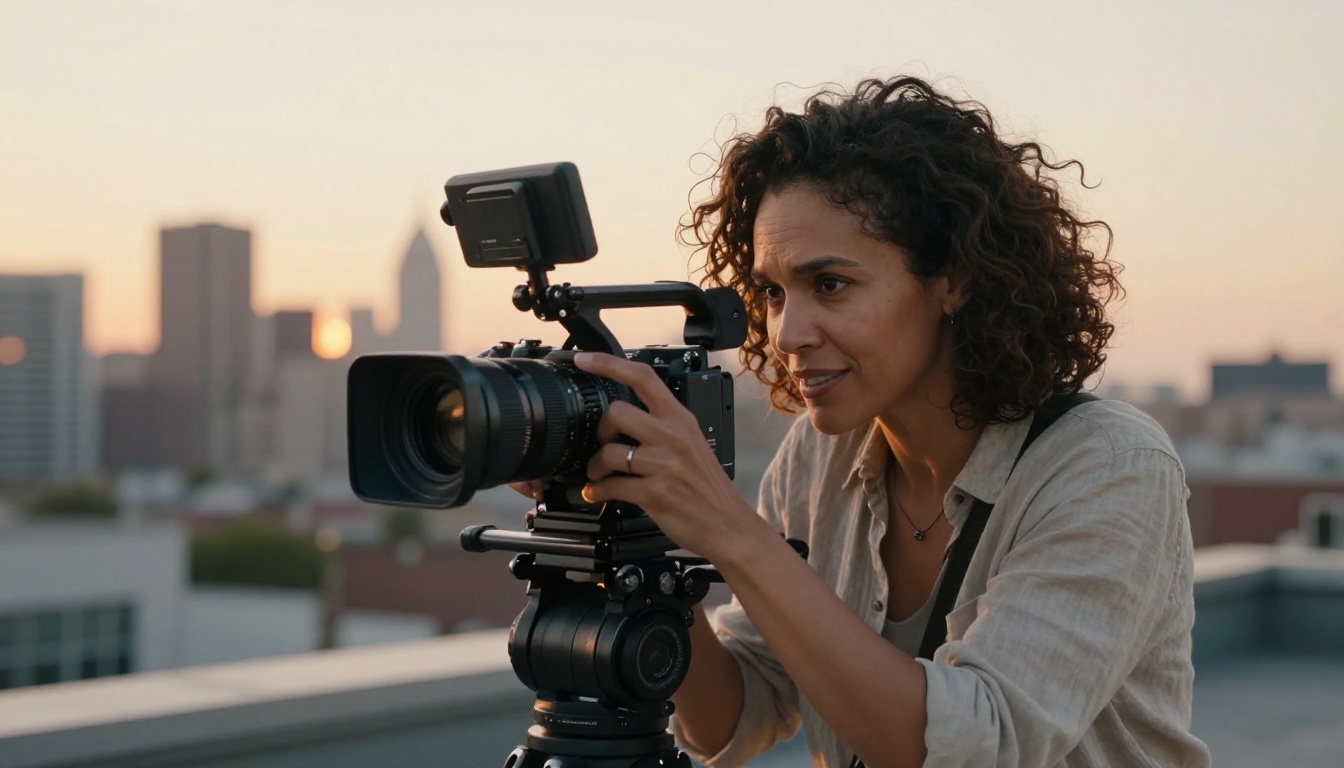
Raw Veo output at 1080p is strong, but for broadcast or commercial work, running the clip through Video Upscale by Topaz Labs adds sharpness, reduces compression artifacts, and handles frame rate conversion up to 120fps. Runway's Upscale v1 is a fast alternative for lighter 4K upscaling needs.
The Fastest Alternatives Right Now
When you need results today and the Veo 4 waitlist isn't an option, these are the models that consistently deliver.
Seedance 2.5 for Speed and Length
Seedance 2.5 generates up to 30 seconds of video with native synchronized audio, faster than any comparable model at this quality level. ByteDance built this to compete at the top of the market, and the output reflects that ambition. Colors are vivid, motion is stable, and prompt following is reliable for single-subject scenes.
The free version, Seedance 2.5 Lite, has no usage cap. For creators who need to produce a large number of clips quickly, this is the right starting point. Seedance 2.0 and Seedance 2.0 Fast are available for specific speed or quality tradeoffs within the same family.
Kling v3 for Cinematic Motion
If camera language is part of your creative brief, Kling v3 Video is unmatched in how its camera movements feel. The model has a sense of visual grammar that other generators don't. A slow push-in on a subject doesn't just move forward, it breathes and feels motivated by a point of view.
For camera trajectory control, Kling v3 Motion Control lets you specify camera paths directly. Kling v2.6 and Kling v2.5 Turbo Pro handle shorter, faster generation needs within the same ecosystem.
Hailuo 02 for 1080p Quality
Hailuo 02 from Minimax produces 1080p output with strong temporal stability, meaning frames don't flicker or shift between them. For content where a single perfect clip matters more than volume, Hailuo 02's output quality at 1080p is competitive with anything on the market. Hailuo 02 Fast cuts the wait time at 512p for rapid iteration cycles.
Wan 2.7 for Open-Source Power
Wan 2.7 T2V is the most capable open-weight video model available right now. For creators who want full control over the generation pipeline without a proprietary API in the loop, Wan 2.7 runs at 1080p with excellent motion quality. The image-to-video version, Wan 2.7 I2V, animates still images with the same quality ceiling. That is useful for animating reference photographs or storyboard frames into motion.
💡 Quick picks: Ray Flash 2 720p from Luma is free, fast, and solid for text-to-video. Gen 4.5 from Runway handles stylized cinematic content. Pixverse v5.6 and Pixverse v6 are strong options with built-in audio at 1080p. Q3 Turbo from Vidu also hits 1080p with audio at speed.

Lipsync Videos That Actually Match
One capability that Veo 4 doesn't cover, and that has a mature, dedicated toolset on PicassoIA, is lipsync. If you produce talking-head videos, dub content for new markets, or animate a portrait to speak, the lipsync category has specific tools built exactly for that workflow.
Lipsync Precision from HeyGen is the standard for quality, matching mouth movements frame-accurately to audio. Lipsync Speed trades some precision for faster turnaround, which makes sense for draft reviews and client previews.
For animating a static portrait photo into a talking video, Omni Human 1.5 from ByteDance is the most realistic option available. Upload a single photo, provide an audio file, and the model generates a video of that person speaking with natural head movement and correctly synced lips. The earlier Omni Human handles the same workflow with slightly less refinement.
Lipsync 2 Pro and Kling Lip Sync both handle pre-existing video. If you have a clip where the audio doesn't match, a dub, a re-voiced take, or a translated version, these models resync the mouth movements to the new audio track. Video Translate goes further still, handling multilingual dubbing across 150+ languages with full lipsync.
💡 Workflow tip: Generate your video with Veo 3.1 or Seedance 2.5, then pass it through a lipsync tool if a speaking subject needs mouth-accurate audio sync. The two-step workflow produces better results than trying to prompt-engineer perfect lipsync into the original generation.
Sharper Output After Generation
Raw AI video output, even from Veo 3.1 or Hailuo 02, benefits from one pass through an upscaling tool, especially if the end use is broadcast, large-screen display, or high-bitrate streaming.
Video Upscale by Topaz Labs is the professional standard. It handles 4K upscaling, 120fps conversion, deblurring, and compression artifact removal in a single pass. The output routinely surpasses the visual quality of the original source clip because the model is trained specifically on film and video restoration at scale.
Upscale v1 from Runway is lighter and faster, suited for creators who need a quick quality pass without deep processing time.
For older or degraded footage, AI video restoration tools handle noise reduction and color correction, bringing archival clips up to modern quality standards without manual grading work.
Start Creating AI Videos Now
Veo 4 is impressive, and it will eventually be available to everyone. Right now, the practical choice is to work with what's accessible, and on PicassoIA, the accessible options are genuinely strong.
Veo 3.1 and Veo 3 give you Google's proven video architecture with native audio today. Seedance 2.5 handles volume and length. Kling v3 Video delivers cinematic camera work that few models match. Hailuo 02 produces rock-solid 1080p quality. And Wan 2.7 T2V brings open-weight power to creators who want full pipeline control.
The free unlimited video generator on PicassoIA is the fastest way to start without any cost commitment. From there, the full model catalog at picassoia.com/en/all-models covers every use case from fast social clips to broadcast-quality cinematic output.
AI video generation in 2027 is not a technology you're waiting to mature. It's ready. The question is which model fits what you're making right now.


