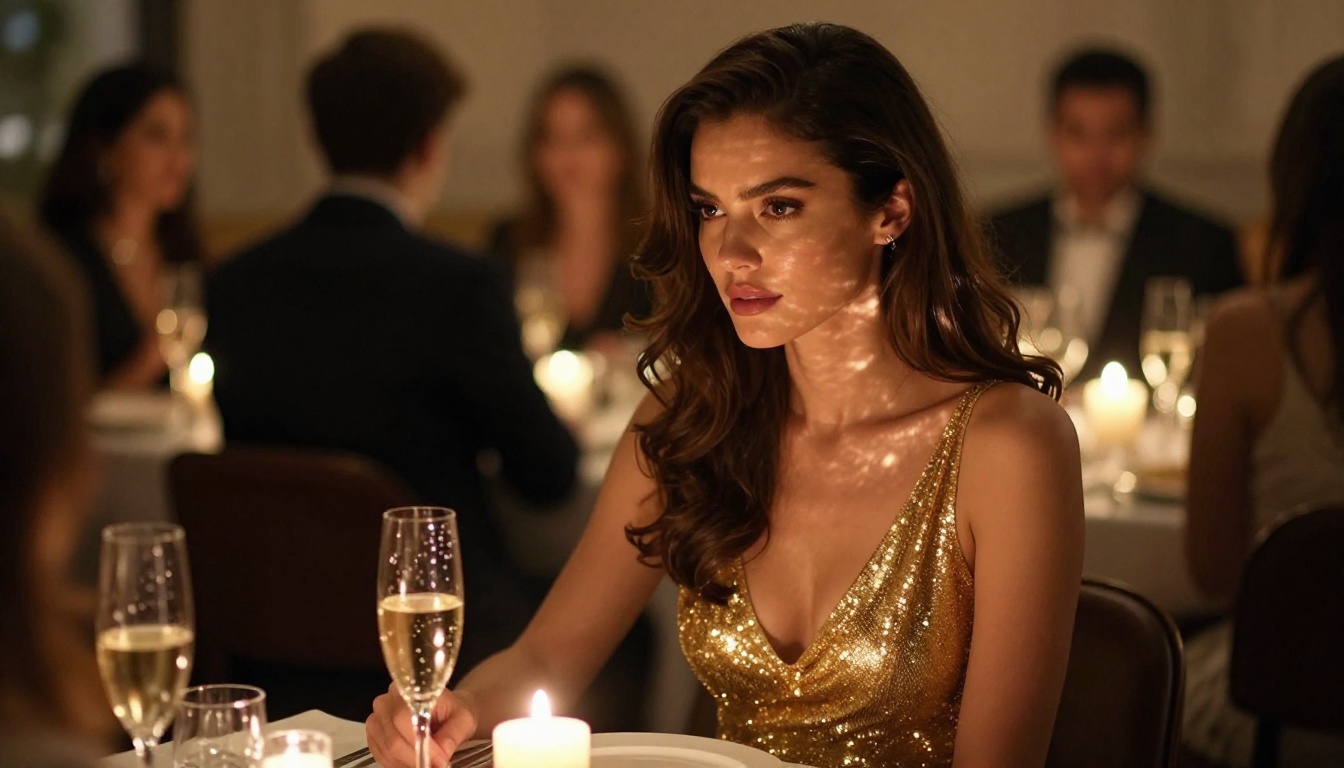
People searching for Veo 4 NSFW Video: Full Test aren't browsing out of curiosity. They want to know two things: does the model actually generate adult content, and if not, what does? This article tests the full Veo series available on PicassoIA, documents exactly where the filters kick in, and covers the models that actually deliver uncensored, high-quality visual content right now.
One thing to clarify before diving in: as of August 2025, Veo 4 has not launched as a public model. Google's Veo lineup currently includes Veo 2, Veo 3, Veo 3 Fast, Veo 3.1, Veo 3.1 Fast, and Veo 3.1 Lite on PicassoIA. All of these were tested. The results were consistent, and they point toward the same alternatives.
The Veo Series on NSFW Prompts: What Actually Happens
Testing Veo 3.1: The Latest Google Video Model
Veo 3.1 is the most capable model Google has made available publicly. It generates cinematic 1080p video with native synchronized audio, realistic physics-based motion, and exceptional visual fidelity. On clean content, it is hard to beat.
On NSFW content, the filters are firm. Testing across a range of prompts produced these results:
| Prompt Category | Result |
|---|
| Woman in a bikini on the beach | Passes, generates well |
| Swimwear in a pool setting | Passes with minor softening |
| Fashion lingerie shoot description | Heavily softened or refused |
| Implied intimacy in a bedroom | Refused with content policy message |
| Sheer or see-through clothing | Usually passed if artistic framing used |
| Explicit motion descriptions | Hard block, immediate refusal |
| Artistic implied nudity | Blocked |
The pattern is consistent: framing as fashion or art loosens the filter slightly, but anything beyond PG-13 gets blocked. The model does not generate erotica, explicit nudity, or sexually explicit motion sequences.

Veo 3 vs Veo 3.1: NSFW Policy Comparison
Testing Veo 3 against Veo 3.1 on identical prompts shows virtually no difference in content policy. Both models apply the same filter thresholds. Veo 3.1 is a clear upgrade in video quality, motion coherence, and audio synchronization, but not in permissiveness.
Veo 3 Fast and Veo 3.1 Lite
Veo 3 Fast and Veo 3.1 Lite are speed-optimized variants. The content policy carries over from their full counterparts unchanged. You get faster outputs but no different results on NSFW prompts. For speed on safe content, Veo 3.1 Fast is excellent. For anything adult-oriented, it still refuses.
Veo 2: The Older Benchmark
Veo 2 was Google's breakthrough model for realistic video generation. The same content restrictions apply here. For content within safe-for-work bounds, Veo 2 still performs excellently and runs at lower cost per generation. On NSFW prompts, identical refusals apply across the board.
💡 Bottom line on the Veo series: None of the Veo models from Veo 2 through Veo 3.1 generate explicit NSFW content. The search for "Veo 4 NSFW" reflects real demand the Veo series does not fulfill. The alternatives below do.
The Leading NSFW Image Model: Seedream 4.5
The most important model for NSFW AI content right now is not a video model. It is Seedream 4.5, ByteDance's flagship image generation model on PicassoIA.
Why Seedream 4.5 Stands Apart
Seedream 4.5 generates photorealistic imagery at near-8K quality with remarkable anatomical precision, accurate lighting physics, and detailed texture rendering. For suggestive and non-explicit NSFW content:
- Prompt compliance: Accurately follows complex, detailed descriptions including lighting, camera angle, and clothing detail
- No hard blocks on suggestive content: swimwear, lingerie, sheer fabric, glamour poses all generate without refusal
- Speed: Results in under 15 seconds per generation
- Photorealism: Skin pores, fabric weave, hair strands, water reflections all render authentically
- Consistency: Multiple generations of the same subject maintain visual coherence across iterations

Seedream Version Comparison for NSFW
Do not use Seedream 5 Lite for adult content. Despite the higher version number, its safety filters are more aggressive than Seedream 4.5. The 4.5 version remains the best option for this use case.
Writing Prompts That Work
The difference between a mediocre and exceptional result from Seedream 4.5 comes down to prompt specificity. Compare:
Short prompt: "woman in lingerie"
Effective prompt: "Elegant woman in ivory silk lingerie seated at a vanity in a luxury Paris apartment, soft morning light from gauze curtains on the left casting delicate diffused shadows, 85mm f/1.4 portrait lens at eye level, skin texture with natural pores visible, Kodak Portra 400 film grain, warm neutral tones, photorealistic 8K"
The second prompt specifies lighting direction, camera lens, film stock, location, and color palette. Seedream 4.5 responds to all of it with precision. The more specific the prompt, the more control you have over the final result.

PicassoIA Image Editor Pro: Unlimited NSFW Content Creation
For creators who need to iterate at scale, PicassoIA Image Editor Pro removes the credit ceiling entirely. Unlimited image generations, no per-use cost.
This changes the creation dynamic completely. Instead of rationing prompts carefully, you can:
- Generate 20 variations of a pose to find the perfect one
- Test 10 different lighting setups side by side in minutes
- Build a full content library across multiple scenarios and environments
- Iterate on outfits, settings, and camera angles without cost pressure
For creators building AI-powered content where volume matters, PicassoIA Image Editor Pro is the operational foundation. Use it for rapid variation testing, then switch to Seedream 4.5 when maximum quality per shot is needed.

From Image to Video: The Workflow That Actually Works
Since mainstream text-to-video models block explicit content, the functional workflow for NSFW-adjacent video is image-first. Generate your visual first, then animate it. This separates the content from the motion prompt so the animation model only sees camera direction and movement, not subject matter.
The workflow:
- Generate a high-quality source image with Seedream 4.5
- Animate it using an image-to-video model with a motion-only prompt
- Add voice, audio, or effects to complete the final video
The animation prompt focuses purely on camera and atmosphere: "camera slowly dollies forward, subject's hair gently sways in a light breeze, warm amber light softly shifts, cinematic 24fps." The subject matter is already in the source image and does not need to be described again.

Top Models for Image-to-Video Animation
Seedance 2.5 is the strongest overall option. It generates up to 30 seconds of video with native synchronized audio, handles human motion with convincing naturalism, and preserves source image fidelity throughout animation. A free version, Seedance 2.5 Lite, is also available for testing without credits.
Wan 2.7 I2V excels at subtle environmental animation. Fabric flow, water movement, hair in wind, and light changes all look natural and unforced. When the motion should feel organic rather than dramatic, Wan 2.7 I2V produces the most convincing results.
Kling v3 and Kling v2.6 offer strong cinematic camera control. Dolly-in, orbital pan, and push-in movements can all be prompted directly. Kling v3 handles longer duration clips with consistent visual quality.
Hailuo 02 leads for facial animation fidelity. When the source image features a recognizable face, Hailuo 02 keeps identity consistent across motion better than most alternatives. For content where facial consistency across a video matters, this is the right model.
LTX 2.3 Pro generates 4K video output, making it the right choice when the final product needs to hold up at larger display sizes or in professional production contexts.
Ray 3.2 from Luma offers HDR video output with cinematic color grading baked into the output. Motion has a polished film quality that works well for high-end visual content.
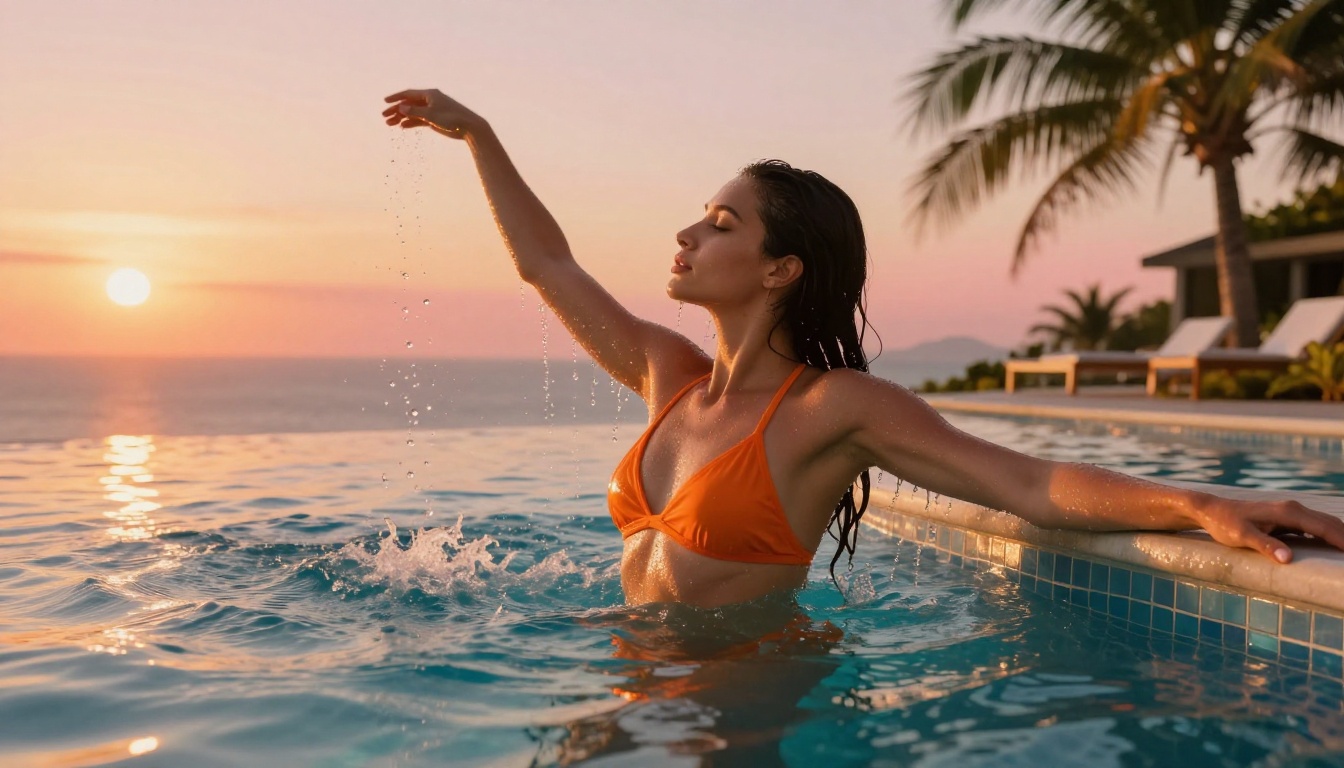
AI Lipsync for Adult Content Personas
Lipsync adds synchronized mouth movement, facial expression, and voice to any AI-generated character. Combined with a Seedream 4.5 source image and animated video, it creates a fully realized AI persona that speaks, reacts, and performs.
The Best Lipsync Models
Omni Human 1.5 by ByteDance is the most realistic option on PicassoIA. It animates a still photo into a talking video with nuanced facial expression changes beyond just mouth movement: eyebrow raises, cheek tension, and natural blink patterns are all included. The output is indistinguishable from recorded video at a glance.
Lipsync 2 Pro from Sync is precise at matching mouth shapes to phonemes. For longer audio clips or content where lip accuracy is critical across extended speech, it outperforms broader lipsync models.
Kling Lip Sync integrates naturally with Kling video outputs. If you have already animated a clip with Kling v3, this model is the smoothest continuation in the workflow.
React 1 adds lipsync to existing video rather than still images. If you have already animated a clip with Seedance 2.5 or Wan 2.7 I2V, React 1 applies synchronized speech without rebuilding from scratch.
Fabric 1.0 is a fast option for simpler talking head content. Less precise than Omni Human 1.5 but significantly faster, making it practical for batch content creation.
💡 The full workflow: Seedream 4.5 image, then Seedance 2.5 for animation, then Omni Human 1.5 for lipsync. This three-step process produces a fully animated, speaking AI character from a single text prompt with no recorded video involved.
Visual Effects: Finishing Your AI Video
PicassoIA's effects catalog adds professional polish to any AI-generated video. For NSFW-adjacent content, the most useful effects include:
- Slow motion: Makes movement feel luxurious and cinematic without additional generation
- Color grading presets: Golden hour warmth, candlelight amber, cool moonlight blue, each creates a distinct mood
- Film grain overlay: Adds analog texture that makes AI video look more like recorded footage
- Depth-of-field blur enhancement: Sharpens the focus-bokeh separation for a more polished look
- Vignette: Draws viewer attention to center-frame subjects
These effects do not change the content itself, but they dramatically affect perceived quality. An AI video with film grain and proper color grading reads as polished professional work. Without finishing touches, even excellent AI-generated content can appear synthetic.
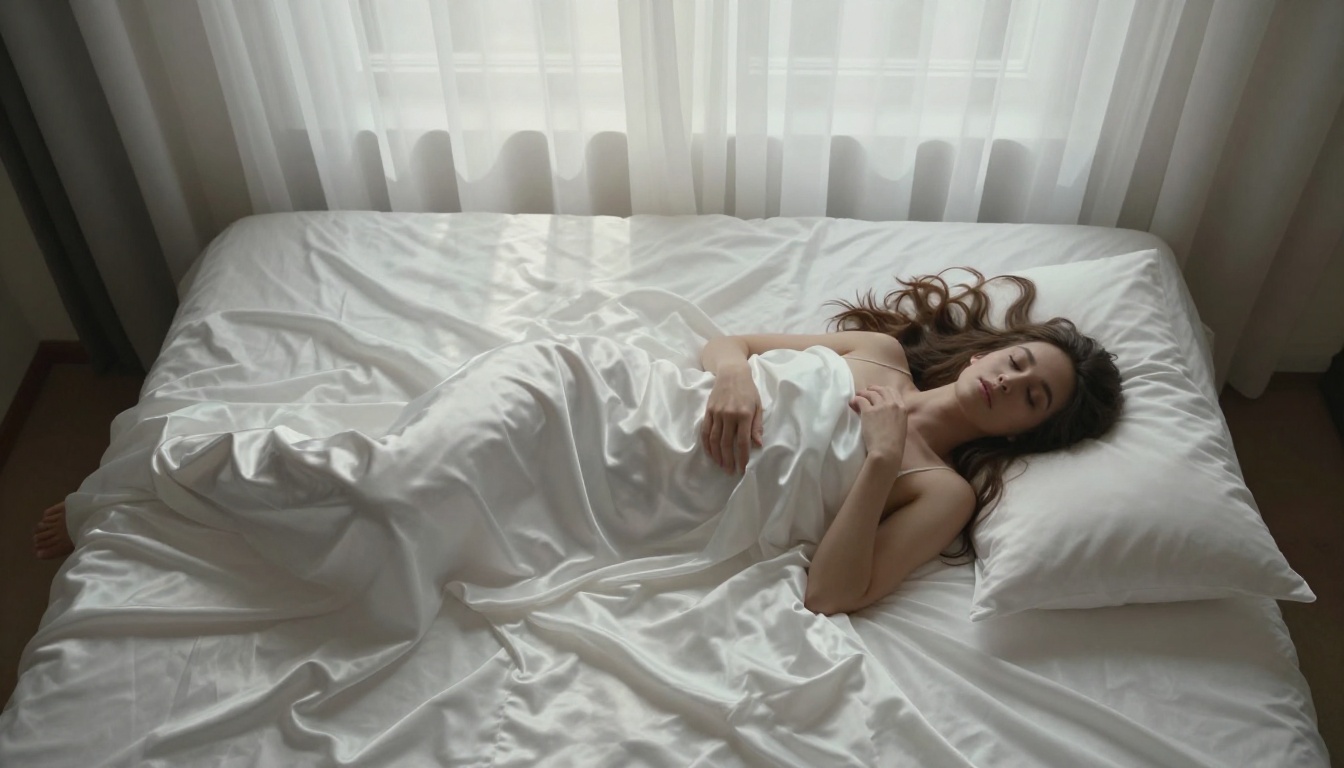
Full Model Rankings for NSFW AI Content
Here is the definitive ranking based on testing across image generation, animation, and lipsync:
"Moderate" for video means suggestive content, swimwear, implied intimacy, and artistic framing work without issue, but explicit content descriptions are blocked. "Filtered" means the model applies active content restrictions even for mild NSFW prompts.
Start Creating on PicassoIA Right Now
The search for "Veo 4 NSFW" reflects real demand: people want an AI video model that produces adult content at cinematic quality without a wall of refusals. That model does not exist yet in the public domain at Veo's quality level. What does exist is a three-step production workflow that produces results just as compelling.
The Three-Step Production Workflow
Step 1: Generate your base image. Open Seedream 4.5 and write a detailed prompt covering subject, lighting direction, camera angle, fabric texture, and atmosphere. For example: "Woman in ivory silk lingerie reclining on velvet chaise longue, soft morning light from sheer curtains on the right, 85mm f/1.4 at eye level, skin texture with natural pores, Kodak Portra 400 film grain, 8K photorealistic." Generate several variations to find the ideal starting frame.
Step 2: Animate it. Pass your best image to Seedance 2.5 or Wan 2.7 I2V. Write a motion-only prompt: "Camera slowly dollies forward, subject's hair gently sways in a soft breeze, warm amber light shifts subtly, cinematic 24fps." Keep the prompt focused on movement and atmosphere, not the subject's appearance.
Step 3: Add voice and effects. Apply Omni Human 1.5 or Lipsync 2 Pro if the video needs a speaking persona. Finish with film grain, color grading, or slow motion from PicassoIA's effects catalog.
The complete model catalog, including every image, video, effects, lipsync, and audio tool, is at picassoia.com/en/all-models. Everything runs in the browser with no downloads or separate subscriptions. Every tool in a single session.
Veo 4 may not exist yet. The workflow above does not need it.