If you create adult-oriented content with AI, you have probably spent hours comparing tools. Two names keep coming up in 2027 creator circles: Veo and Seedream. They look like competitors at first glance. They are not. One is a video engine; the other is an image powerhouse. Knowing which one actually fits your workflow as an NSFW creator is the difference between wasting credits and building a library of content your audience pays for.
This article breaks down both tools honestly, explains where each one falls short for adult creators, and shows you the fastest path to uncensored, high-quality results.
What Veo Actually Does
Google's Veo series (Veo 2, Veo 3, Veo 3 Fast, and Veo 3.1) generates short video clips from text prompts. That is its one job, and it does it remarkably well for commercial and creative content.
It Generates Video, Not Images
Veo does not produce still images. It takes a text description and outputs a 5-to-8-second video clip with synchronized audio in newer versions. The results are cinematic, with natural motion, realistic physics, and impressive scene depth. For creators producing fully clothed, artistic, or cinematic short clips, Veo competes with the best tools on the market.
Where Veo Fails for NSFW Creators
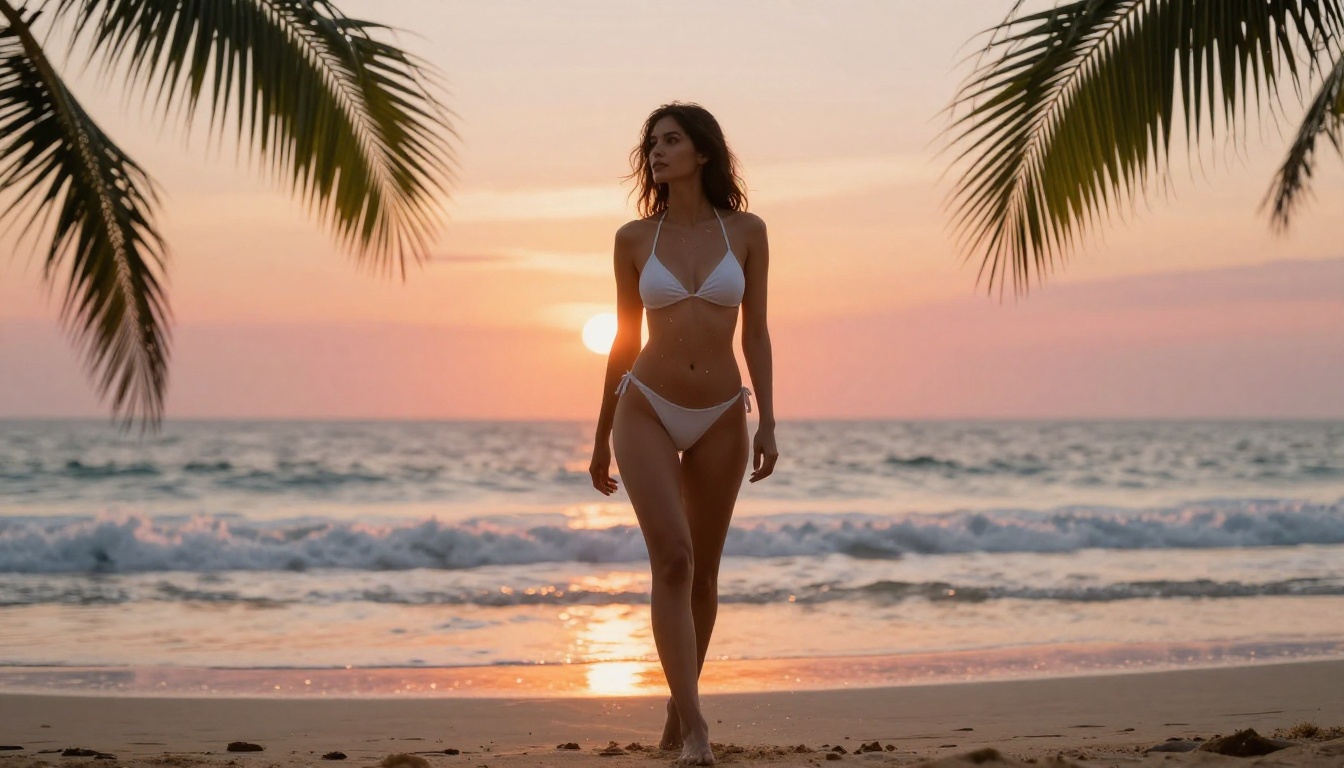
Here is the core problem for adult content creators: Veo is built by Google and runs on Google infrastructure. That means content filters are deeply baked into the model itself. Veo will not generate nudity, explicit scenarios, or even borderline suggestive content. The filters are aggressive. Prompts that describe swimwear, lingerie, or implied intimacy often get rejected or produce heavily altered outputs that bear little resemblance to what you wrote.
💡 The bottom line on Veo for NSFW creators: Veo is outstanding for non-explicit cinematic content. For adult content, it is the wrong tool. Full stop.
On PicassoIA, you can access Veo 3, Veo 3 Fast, Veo 3.1, and Veo 2 for cinematic, non-explicit video creation. They are exceptional at what they do. They are just not the NSFW solution you are looking for.
Veo Strengths Worth Noting
Even if Veo is off-limits for adult content, the capabilities are worth understanding:
- Native audio generation: Veo 3 produces video with synchronized ambient sound, dialogue, and music
- Physics accuracy: Object movement, fluid dynamics, and lighting transitions are best-in-class
- Prompt fidelity: Scene composition matches complex prompts with fewer hallucinations than older models
- 1080p output: Veo 3.1 delivers full HD video quality
For creators who produce both NSFW and safe-for-work content, Veo earns a spot in the toolkit for the SFW side.
Seedream 4.5: A Different Animal
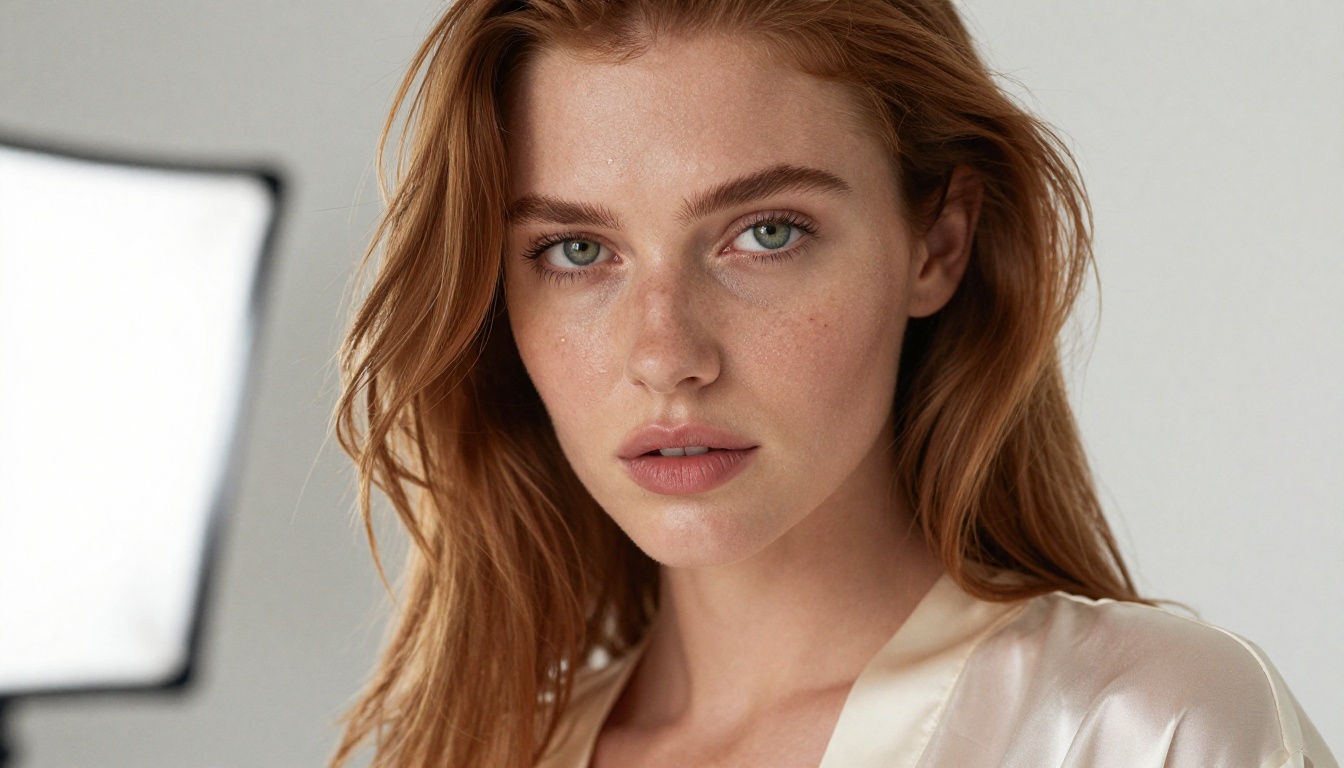
Seedream 4.5 is a text-to-image model developed by ByteDance. While Veo leans into the cinematic video space, Seedream focuses on generating ultra-realistic still images from text descriptions, and it accepts adult content without filtering it into oblivion.
Why It Tops the NSFW Rankings
Seedream 4.5 holds the top spot in the PicassoIA NSFW lineup for several concrete reasons:
- Accepts explicit and suggestive prompts without refusing or heavily modifying the output
- Generates in under 3 seconds, making high-volume content production genuinely practical
- Supports image editing, so you can refine specific areas of a generated image rather than starting from scratch
- Photorealism at the top tier: skin texture, lighting nuance, body proportions, and hair detail all render with natural accuracy
For creators producing large volumes of adult content, Seedream 4.5 is not just competitive. It is the starting point every serious NSFW creator should test first.
Speed That Reshapes Your Production Schedule
Three seconds per image is a number worth sitting with. Producing a set of 30 images for a content package takes 90 seconds. Compare that to tools running 20-40 seconds per image and your entire production timeline shifts. At scale, that speed advantage compounds into saved hours every single week. When you are batching content for subscription platforms, that difference is the gap between sustainable output and burnout.
💡 Speed tip: Run multiple prompt variations in rapid succession using Seedream 4.5. Generate 5-10 iterations of the same scenario, pick the strongest, then use the editing mode to refine details rather than regenerating entirely.
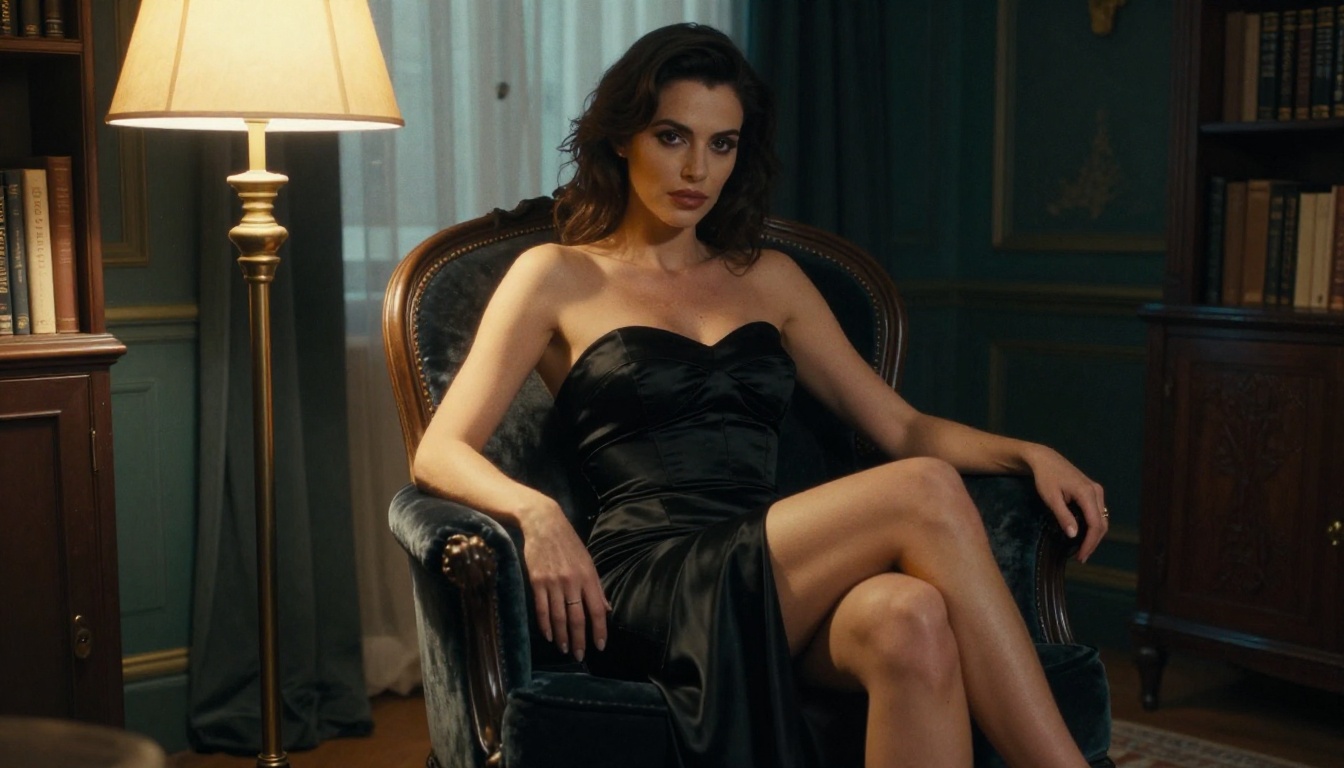
The comparison between Veo and Seedream is not a fair fight in the traditional sense: they produce fundamentally different output formats. Veo is a video tool. Seedream is an image tool. What matters is understanding which format your audience and platform actually needs.
Video vs Image for Adult Content Workflows
| Factor | Veo (Video) | Seedream 4.5 (Image) |
|---|
| Output type | 5-8s video clips | Still images |
| NSFW support | No (Google policy) | Yes |
| Generation speed | 30-60 seconds per clip | Under 3 seconds |
| Image editing | Not applicable | Yes, built-in |
| Censorship level | Heavy | Minimal |
| Cost per output | Higher | Lower |
| Volume production | Impractical at scale | Highly practical |
| Best use case | Cinematic non-explicit clips | Adult image content |
The table tells the story. If your primary output is adult image content, the comparison is already settled.
Platform Restrictions vs Model Restrictions
Veo models carry Google's restrictions regardless of which platform you use them on. The content policy is enforced at the model level, not the platform level. Running Veo 3 on PicassoIA will not bypass those restrictions because PicassoIA does not control the model's internal filters.
Seedream 4.5 on PicassoIA operates without additional censorship layers on top. PicassoIA does not add extra filters on models that already support adult content, which is why the platform is the recommended home for this workflow.
💡 Why this matters: Running Seedream 4.5 on a platform that adds its own content filters means you lose the NSFW capability entirely. Platform choice is as important as model choice for adult content creators.
Output Quality: What Seedream 4.5 Actually Produces
When creators test Seedream 4.5 against other models for adult content, several quality characteristics consistently stand out.
Anatomy and Proportions
The most common failure in NSFW AI images is anatomical distortion. Hands, body proportions, and lighting transitions across skin surfaces are where most models collapse. Seedream 4.5 handles these noticeably better than older SDXL variants or early Stable Diffusion models. Body proportions remain consistent across the full image frame. Skin gradients from highlight to shadow are smooth rather than patchy.
Prompt Adherence
You write a detailed prompt and you want the model to follow it. Seedream 4.5 delivers stronger prompt adherence for explicit scenarios than most competing models. Clothing placement, poses, and environmental details match prompts with higher accuracy. This matters when you are producing content for specific niche audiences who have precise expectations about what they are paying for.
The Editing Advantage
One capability that separates Seedream 4.5 from pure text-to-image models: built-in image editing. Generate an image, then refine specific areas without regenerating the full frame. Need to adjust clothing? Change the background lighting? Modify an expression? The editing mode handles targeted changes with surgical precision. For subscription content creators running high-output pipelines, this is a major workflow benefit.
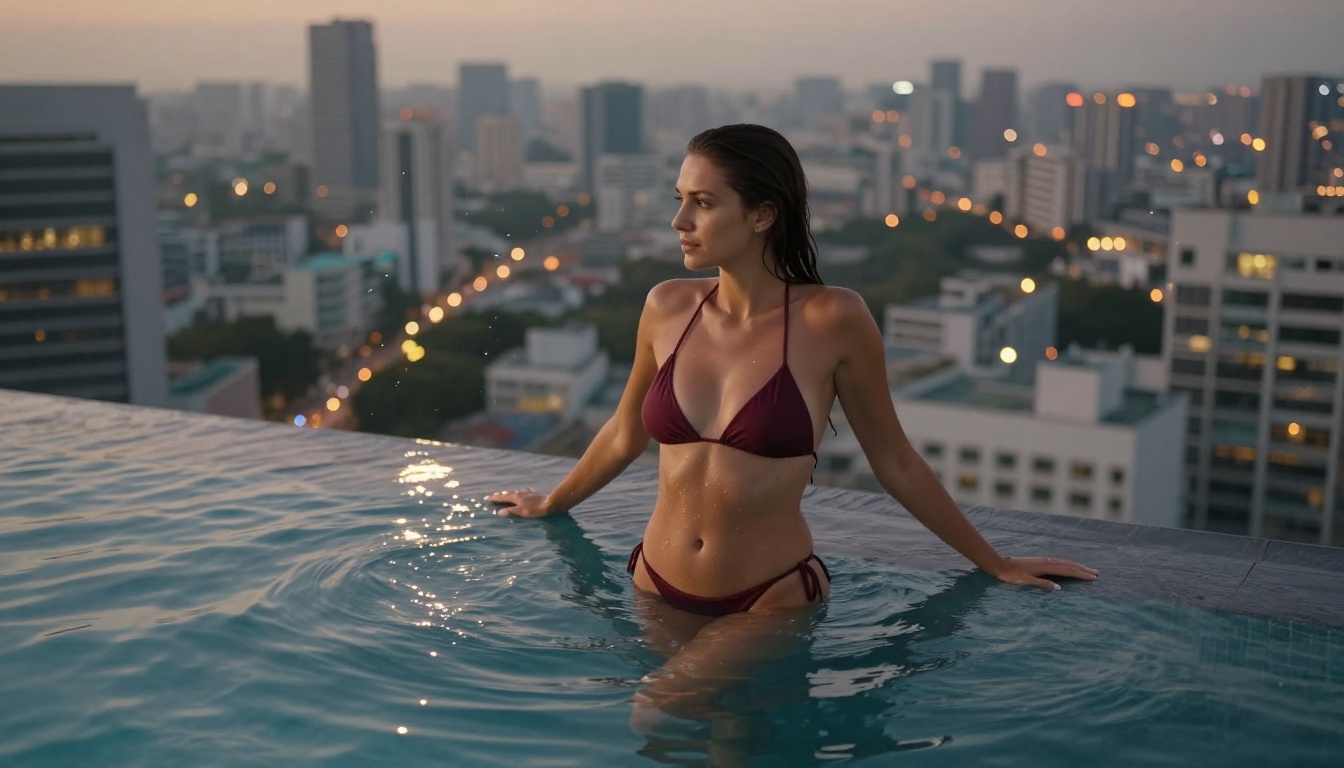
How to Use Seedream 4.5 on PicassoIA
Since PicassoIA hosts Seedream 4.5, here is the direct workflow for NSFW image creation.
Getting Your First Image
- Go to Seedream 4.5 on PicassoIA
- Write a detailed prompt: describe the subject, pose, clothing or lack thereof, lighting direction, environment, and camera angle
- Set your aspect ratio: 16:9 for horizontal content, 9:16 for vertical social media formats
- Hit generate and receive the first image in under 3 seconds
- Review the output against your prompt and note any areas that need refinement
Refining with Image Editing
- Select your generated image and open the editing interface
- Mark the specific region you want to change using the inpainting or area selection tool
- Write a targeted prompt for just that region, for example: "soft natural curls, warm auburn highlights"
- Generate the edit and compare it against the original frame
- Iterate on specific areas until the full image matches your content requirements
💡 Prompt structure tip: Describe lighting direction explicitly. "Warm window light from the left, soft fill shadow on the right side of the face" produces far more consistent and professional results than generic terms like "good lighting" or "natural light."
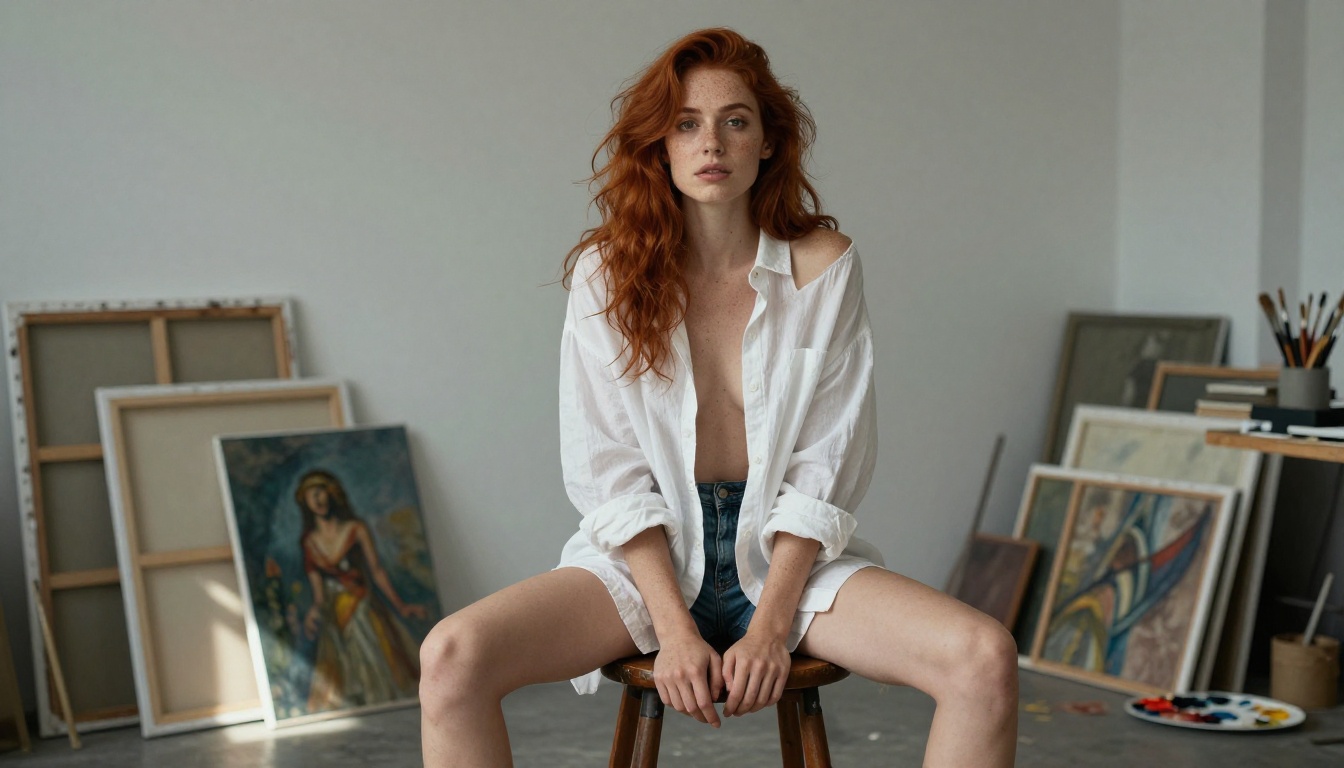
Best NSFW Models on PicassoIA Right Now
Seedream 4.5 is the flagship recommendation, but PicassoIA hosts a full lineup of models that support adult content. Here is the complete picture.
Image Generation Models
-
Seedream 4.5 ⭐ — The top pick for NSFW image creation. Accepts adult content, supports image editing, and generates in under 3 seconds. Start here.
-
PicassoIA Image Editor Pro — The unlimited option for high-volume creators. Elite and Infinite plan subscribers generate without caps. Need 1,000 images for a content package? That is 1,000 images at no extra cost. For comparison, the same volume on models like Nano Banana 2 runs approximately $100. Results in under one second. Free trial of 3 generations with no credit card required.
-
Qwen Image 2 — Open-source model with strong realism. Edit or generate from scratch in seconds with detailed, accurate outputs.
-
Grok Imagine Image — Specialist at realistically converting any reference image into a bikini or swimwear format.
-
Recraft V4 — Text-to-image only, but delivers exceptionally realistic results for adult content prompts.
-
P-Image — NSFW text-to-image generation in under 1 second. Fastest option when speed is the priority.
-
Wan 2.2 Image — Generate highly realistic images from text descriptions without content restrictions.
NSFW-Friendly Video Models
For adult creators who want to move into video content without Google's content restrictions:
-
PicassoIA Video — Unlimited video generation from text prompts at up to 720p and 5 seconds per clip. No generation caps on Elite and Infinite plans.
-
P-Video — Text, image, or audio to video at up to 1080p with the safety filter off by default. Draft mode delivers instant low-resolution previews before the final render.
-
Grok Imagine Video — Clips up to 15 seconds from a text prompt, a reference image, or an existing clip. No watermarks. Eight aspect ratios.
-
LTX 2.3 Pro — Highest-fidelity NSFW video option at up to 4K/50fps. Includes retake mode to replace specific segments and extend mode to append footage.
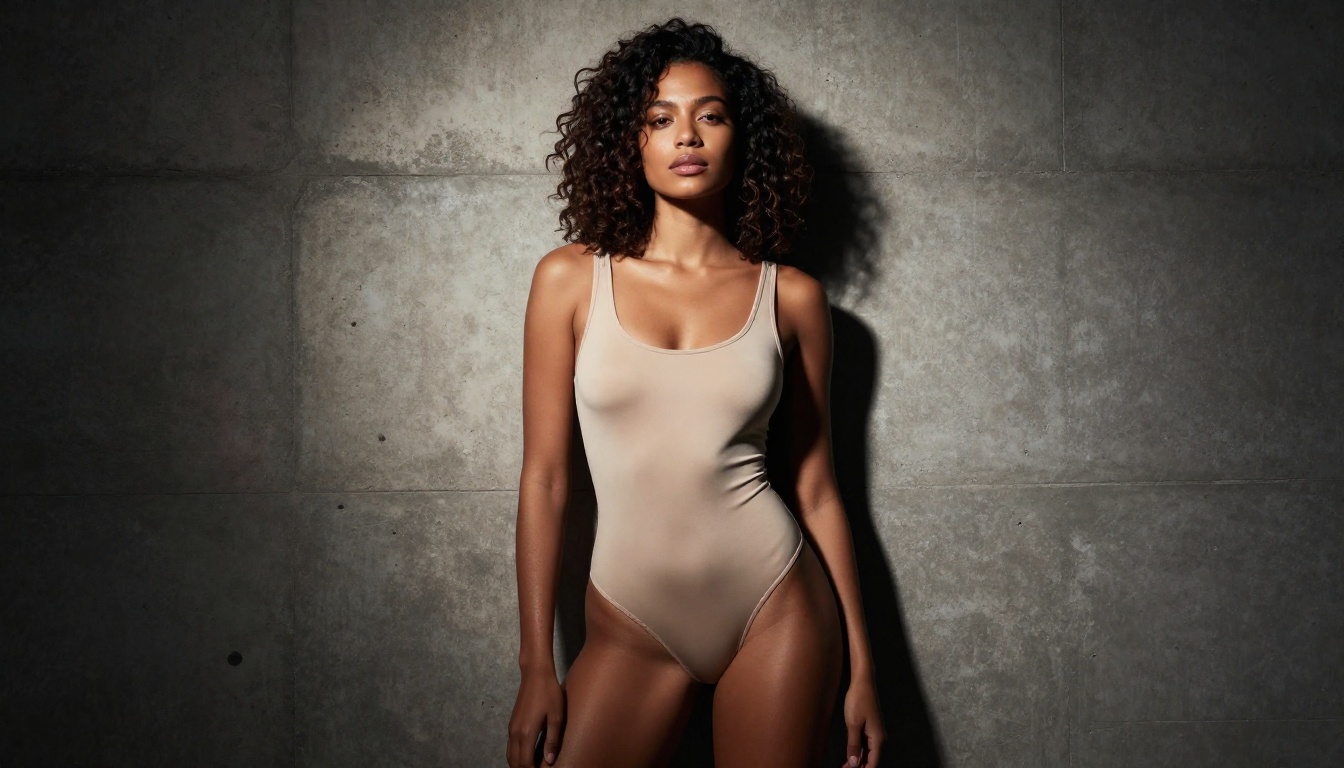
Veo Has Its Place, Just Not Here
This is not a dismissal of Veo. Veo 3 and Veo 3.1 are genuinely impressive tools for cinematic text-to-video production. For YouTube content, commercial brand videos, artistic narrative shorts, or any fully safe-for-work application, these models produce results that rival professional video teams.
The limitation is purely about content policy. Google has made a deliberate business decision to filter adult content at the model level, and that is not changing. For non-explicit glamour photography-style video, editorial fashion clips, or artistic movement content, Veo is worth having in the toolkit. Just do not expect it to function as your NSFW workhorse.
For NSFW video specifically: PicassoIA Video with unlimited generation is the cleaner starting point. P-Video offers higher resolution with the safety filter disabled by default. LTX 2.3 Pro is the choice when you need 4K output with full editorial control.
The Verdict
For still image NSFW content: Seedream 4.5 wins clearly. The combination of NSFW support, sub-3-second generation, image editing, and photorealistic output makes it the first model any adult content creator should set up and test.
For high-volume production without per-image costs: PicassoIA Image Editor Pro is the right fit for Elite and Infinite plan subscribers. A thousand images costs the same as one.
For NSFW video: Skip Veo entirely. Use PicassoIA Video, P-Video, or Grok Imagine Video instead.
💡 Start free: PicassoIA Image Editor Pro offers 3 free generations with no credit card required. That is enough to see the quality difference before committing to a plan.
Create Your First Set Right Now
The only real test is running your own prompts. Text descriptions of what works for your audience will tell you more than any comparison article. PicassoIA puts every model covered here in one platform, with no extra setup required.
Start with Seedream 4.5 for your first batch. Move to PicassoIA Image Editor Pro for high-volume content packages. Bring in P-Video or PicassoIA Video when you are ready to add motion to your catalog.
The full lineup of uncensored, high-performance AI models is available at picassoia.com/en/all-models. Every model covered in this article is there, alongside hundreds of others built for creators who need results without restrictions getting in the way.


