Veo and Sora dominate every AI video conversation right now. Both produce jaw-dropping clips, both have massive backing from the biggest tech companies on the planet, and both are accessible through multiple platforms. But when you ask the real question — which one actually works for NSFW content — the answer is identical for both: neither.
If you've already tried running adult prompts through Veo 3 or Sora 2 and hit a content policy wall, you're not alone. This is the honest breakdown of what each model does well, where both collapse completely, and which uncensored alternatives actually deliver.
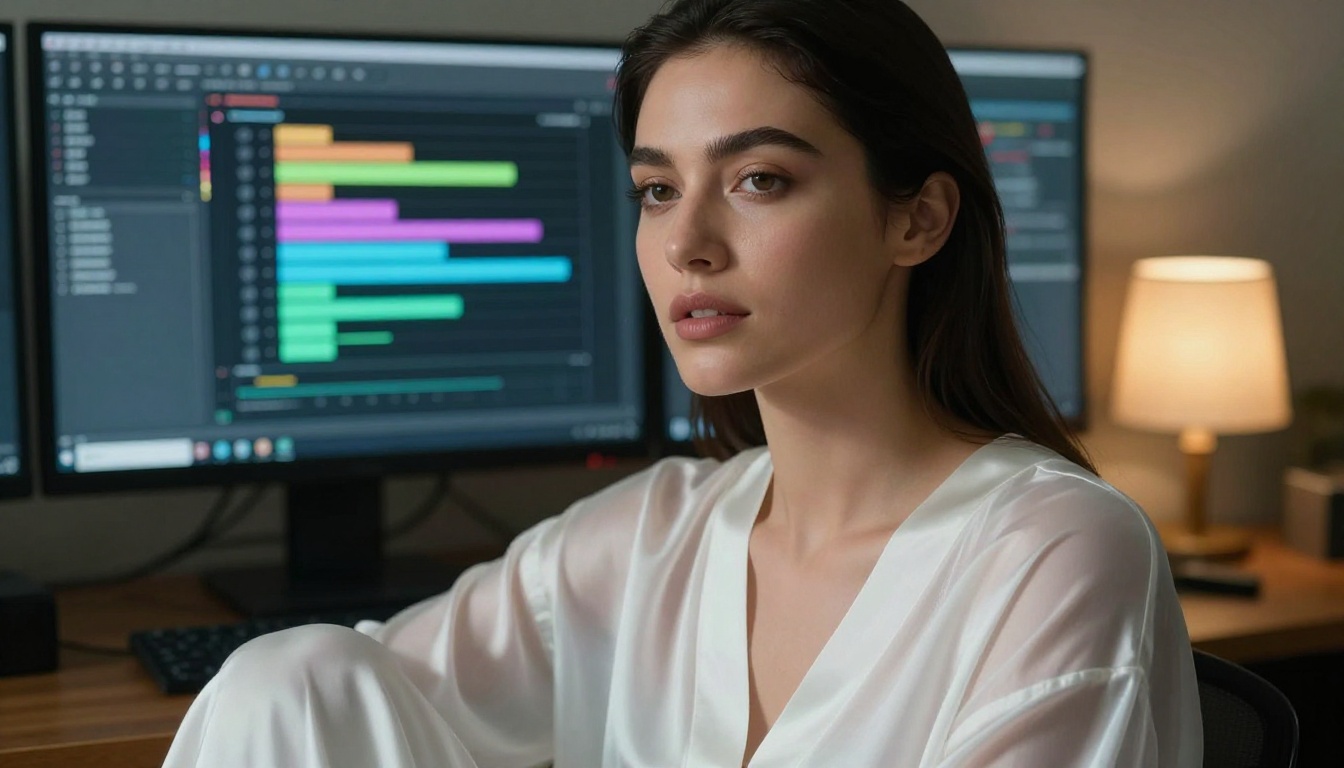
What Veo 3 Actually Does Well
Veo 3 is Google DeepMind's flagship video model, and for general content it is genuinely impressive. It generates clips with native synchronized audio, supports 1080p output, and handles complex scene transitions with a coherence that most other models cannot match. Veo 3.1 pushes this further with improved motion stability and better prompt adherence for longer clips.
Where Veo Shines
- Native audio generation: Dialogue, ambient sound, and music synchronize automatically to the visual content
- 1080p at 24fps: Consistent cinematic quality across short clips without post-processing
- Long-form coherence: Characters and environments stay stable across multiple seconds
- Photorealistic motion: Physics, hair, and natural body movement look genuinely real
Veo 3 Fast and Veo 3.1 Fast offer faster generation at slightly lower quality for rapid creative iteration. Veo 2 remains available for users who prefer the previous generation's output characteristics.
Veo's Hard Content Limit
Veo enforces Google's safety policies aggressively. Any prompt touching nudity, explicit scenarios, suggestive poses, or even ambiguous adult themes returns a policy violation. The model does not produce a softened version of your request — it refuses entirely. Attempts to rephrase, use euphemisms, or work around the filter through indirect prompting consistently fail because the safety layer operates at the model level, not the interface level.
💡 What this means: No amount of prompt engineering will generate adult content through Veo. The restriction is not a settings toggle you can disable.
What Sora 2 Brings to the Table
Sora 2 from OpenAI approaches video generation differently. Where Veo leans into photorealism and audio, Sora focuses on narrative coherence, stylistic range, and camera movement control. It handles diverse visual styles from documentary realism to stylized cinematic aesthetics with impressive accuracy. Sora 2 Pro extends this to longer durations and higher quality outputs for professional production workflows.
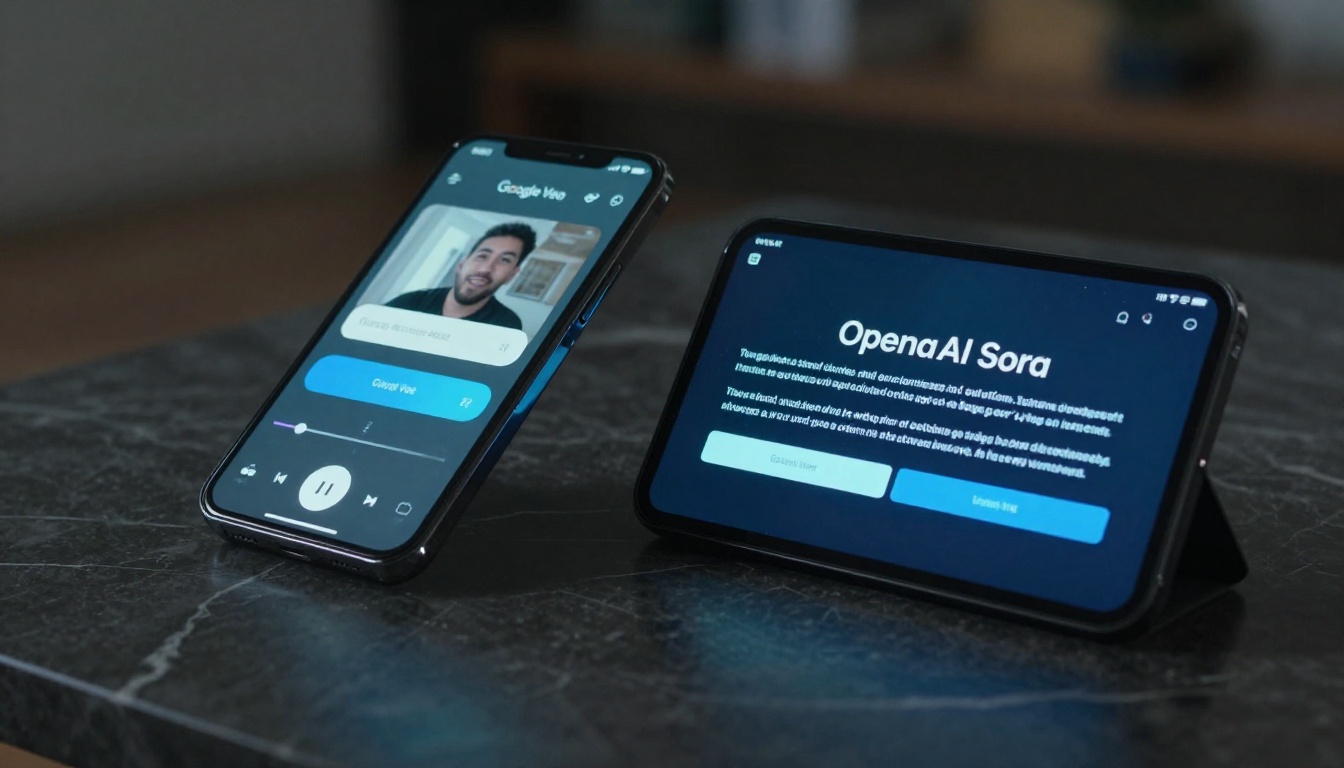
Where Sora Stands Out
- Camera movement precision: Dolly-ins, pans, and crane shots execute accurately from plain text descriptions
- Style range: Works across documentary, noir, commercial, and cinematic visual styles
- Longer clips: Sora 2 Pro supports extended generation beyond 10 seconds
- Scene consistency: Characters, faces, and environments hold stable across the full clip duration
Sora's Hard Content Limit
Sora 2 operates under OpenAI's usage policies, which prohibit adult content at the same level as Veo. What makes Sora's restrictions particularly limiting is that they extend further than most mainstream models — even suggestive content or implied adult scenarios trigger refusals. Where some platforms allow bikini photography or artistic glamour content, Sora flags these categories and declines generation without exception.
💡 Bottom line: Sora 2 has exceptional creative capabilities for storytelling and commercial production. For NSFW work, it is a complete non-starter regardless of how the prompt is written.
Why Both Models Block NSFW Content
The fundamental issue is not technical — it is strategic. Both Google and OpenAI built their video models as consumer-facing and enterprise products. Their business models depend on maintaining advertiser-friendly policies, complying with platform terms on major distribution channels, and avoiding regulatory attention from governments scrutinizing AI content generation.
| Feature | Veo 3 | Sora 2 |
|---|
| Max Resolution | 1080p | Up to 4K (Pro) |
| Native Audio | Yes | No |
| NSFW Support | No | No |
| Prompt Flexibility | Moderate | High |
| Censorship Level | Strict | Very Strict |
| Free Tier | No | No |
| Best For | Photorealistic motion | Narrative storytelling |
The content restrictions on Veo and Sora are not bugs or oversights — they are deliberate architectural decisions. These models will never support adult content generation because their parent companies have made public commitments that would be directly violated by offering uncensored output. Trying to jailbreak either model through prompt manipulation is not only ineffective, it risks permanent account bans on every platform that provides access to them.
The Real Answer for NSFW AI Video
If you need to create adult content with AI, the path runs through platforms built specifically for that use case — not through trying to coax mainstream models into violating their policies. The most effective approach starts with generating images first, then animating them into video.
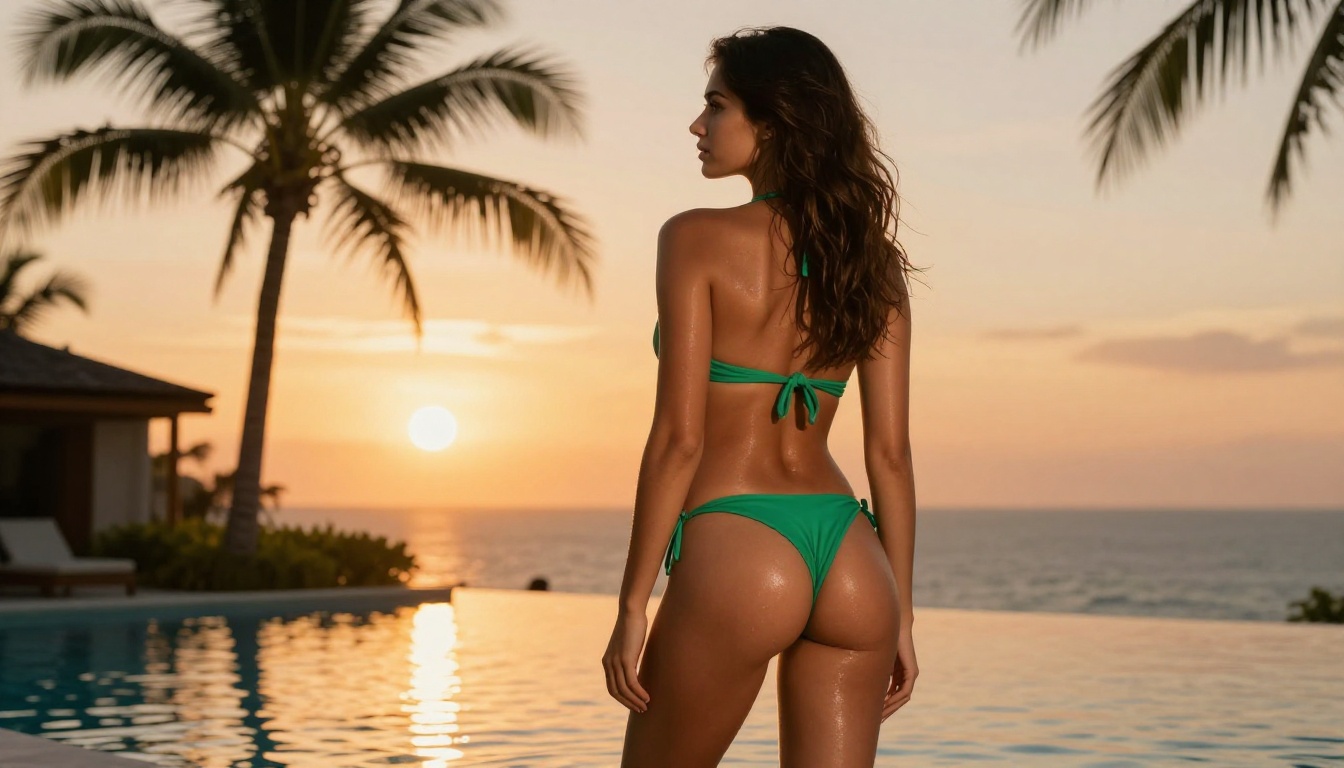
Seedream 4.5: Start Here
Seedream 4.5 leads every serious NSFW AI workflow in 2027. It generates photorealistic images with anatomical accuracy, skin texture realism, and pose flexibility that mainstream image generators deliberately block. The model handles suggestive scenarios, artistic nudity, and glamour photography without the censorship layers that make tools like Veo and Sora unusable for this content category.
The image-first approach gives you far more control over your final video output than text-to-video alone provides. It also bypasses the content filters that video models enforce most aggressively against direct adult text prompts.
PicassoIA Image Editor Pro: Iterate Without Limits
Once you have a strong base image, PicassoIA Image Editor Pro gives you unlimited generations without per-credit restrictions. You can iterate on poses, expressions, lighting setups, and wardrobe rapidly without hitting generation caps that stall your workflow. This is the refinement tool for perfecting your source image before animation.
Best Uncensored Video Models on PicassoIA
These are the video models that work for adult content, accessible without the content restrictions that define Veo and Sora.
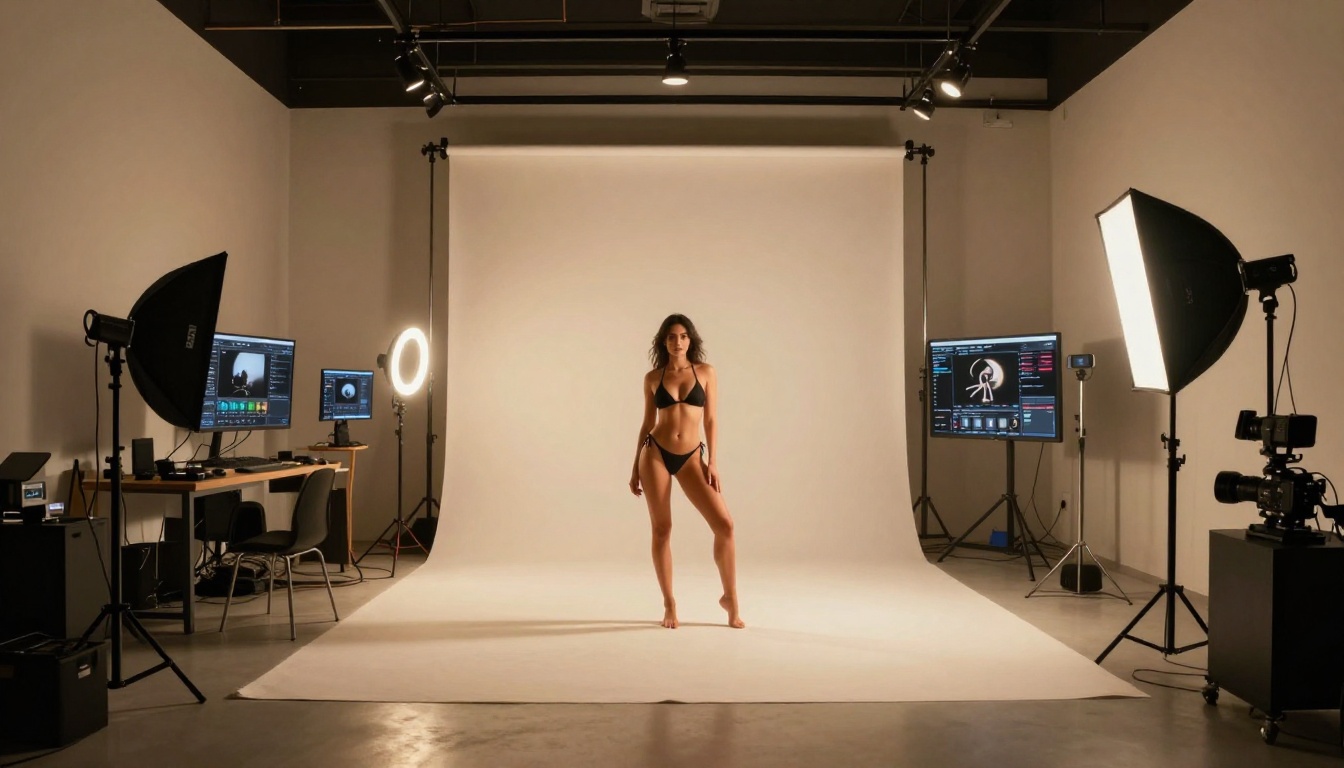
Seedance 2.5: Up to 30 Seconds
Seedance 2.5 from ByteDance supports video generation up to 30 seconds — significantly longer than most competing models. It includes built-in audio generation and handles image-to-video animation with smooth, physics-accurate motion. The free Seedance 2.5 Lite offers access without credits for lower-resolution creative testing.
For NSFW video, Seedance 2.5 leads the recommendation list because long-form support means more narrative content per clip, skin texture preservation from source images is excellent, and motion feels genuinely natural rather than synthetic.
Kling v3: Cinematic Quality
Kling v3 Video delivers cinematic 1080p output with controlled camera movements and superior character consistency across the full clip duration. When you animate a character from an image into video, Kling v3 maintains facial features, body proportions, and lighting conditions accurately through every frame. Kling v2.6 provides a slightly faster alternative at comparable quality.
💡 Tip: Kling v3's motion control feature lets you specify camera direction explicitly in your prompt. "Slow dolly-in from medium shot to close-up, camera holds steady" consistently produces intimate, high-production-value output.
Wan 2.7: Speed Without Filters
Wan 2.7 T2V and Wan 2.7 I2V generate fast, high-quality clips without the censorship restrictions of mainstream models. The I2V (image-to-video) variant is particularly powerful — feed it a base NSFW image and it animates it with realistic, fluid motion. Generation speed is among the fastest available, making it practical for rapid creative iteration when you need to test multiple motion approaches on the same source image.
Pixverse v6: Cinematic Motion with Audio
Pixverse v6 consistently produces cinematic output with native audio sync and 1080p quality. Its strength is in handling complex physical motion: hair flow, fabric movement, water reflections, and natural breathing — in ways that make animated subjects feel genuinely photographic rather than synthetic. Pixverse v5.6 offers a solid alternative at slightly lower computational cost.
How to Create NSFW AI Video: Step by Step
The most reliable NSFW video workflow on PicassoIA combines image generation with image-to-video animation. Every step below is possible without credits running out or content policy walls stopping your work mid-session.
Step 1: Generate Your Base Image
Start with Seedream 4.5 or browse the full catalog at picassoia.com/en/all-models. For NSFW image generation, effective prompts always include four elements:
- Subject: Body type, pose, expression, and eye contact direction
- Wardrobe: Specific garment description covering fabric, color, and coverage
- Environment: Lighting setup, background setting, and time of day
- Camera: Focal length, shooting angle, and depth of field
Vague instructions produce generic outputs. "Sexy woman" yields nothing specific. "Beautiful woman in a sheer black satin bodysuit, seated on velvet upholstery, warm studio rim light from the left, 85mm f/1.8 portrait lens, confident direct gaze" produces a specific, usable image you can animate with precision.
Step 2: Animate to Video
Take your best image into Wan 2.7 I2V or Seedance 2.5 for animation. The video prompt should describe motion only — the source image handles the subject description completely:
- Effective motion prompt: "Subject shifts weight slowly from right to left, hair falls softly forward, natural breath movement visible, camera holds completely still, warm ambient light unchanged"
- Ineffective motion prompt: "Sexy woman in a studio" — re-describing the subject instead of specifying what moves during the animation
Step 3: Refine with Specialized Tools

Use Kling v3 Motion Control for clips where precise camera movement matters most. Use Pixverse v6 when ambient audio adds production value to the final output. Use Ray 3.2 when HDR lighting quality is the primary concern. The full iteration loop is: generate image, animate, evaluate, adjust image, re-animate. PicassoIA's unlimited generation through Image Editor Pro makes this iteration cost-free from the second generation onward.
Veo vs Sora: Which Wins for Non-NSFW Work
For NSFW content, the comparison between Veo and Sora is irrelevant — both are off the table. But for general creative production, both models are genuinely excellent in distinct ways worth understanding.
Choose Veo 3 when:
- Your project requires native synchronized audio in the clip
- Photorealistic motion and physics accuracy are the top creative priority
- You need ambient sound, music, or dialogue synced to visual output
Choose Sora 2 when:
- Stylistic range and precise camera movement control matter more than audio
- You need longer clips or complex multi-beat narrative sequences
- You are producing commercial video or visual storytelling content
Choose PicassoIA's uncensored models when:
- Your content involves adult, NSFW, or suggestive themes at any level
- You want creative freedom to iterate without content restrictions or account risks
- You are building a production workflow that needs to scale without interruptions
💡 The honest verdict: Veo and Sora are the best general-purpose video AI models available. For NSFW production, they are the wrong tools entirely — not because of technical limitations, but because they will never be the right tools for this use case by design.
Models Worth Watching Right Now
The NSFW AI video space is moving faster than mainstream coverage tracks. Several models available on PicassoIA are worth following closely as they continue to improve:
- Hailuo 02: Minimax's 1080p model with strong natural motion realism and quick generation times
- LTX 2.3 Pro: 4K video generation with excellent skin detail and texture preservation from source images
- Gen 4.5: Runway's cinematic motion model, particularly strong for aesthetics-driven adult content workflows
- Ray 3.2: Luma's HDR video model with exceptional lighting control and cinematic color grading
- Hailuo 2.3: A reliable alternative when you need consistent results at volume
None of these impose the content restrictions that make Veo and Sora non-options for adult creators. All are accessible directly at picassoia.com/en/all-models.
Create Without Limits on PicassoIA
The Veo vs Sora debate matters for commercial production, storytelling, marketing, and cinematic art. For NSFW content creation, the debate is settled before it starts: both models will reject your prompts without exception, and no platform-level workaround changes that fact.
The right starting point is picassoia.com/en/all-models. Pick a model built for the content you actually want to create. Run the image-to-video workflow outlined in this article. The quality ceiling on uncensored platforms has risen dramatically in 2027 — Seedance 2.5, Kling v3, and Seedream 4.5 collectively deliver output that matches or surpasses what Veo and Sora produce for general content, with zero of the restrictions that make those models frustrating for adult creators.
Start with your image. Animate it with an uncensored model. Iterate without hitting walls.


