The reality is that most podcasters sit on hours of video content that never sees the light of day as audio. YouTube interviews, webinar recordings, TikTok explainers—they're all trapped in visual formats when the real value lives in the audio. Converting video clips into podcast episodes isn't just about file format changes; it's about unlocking hidden content assets and building an audio-first strategy without re-recording everything.
Why Video Content Deserves Audio Attention
Video-to-audio conversion solves three major problems for content creators:
1. Extended Content Lifespan: YouTube videos typically have 48-hour visibility windows, while podcast episodes circulate for months in listeners' queues. A single video interview can become 4-5 podcast episodes when properly segmented.
2. Platform-Specific Optimization: Audio-only formats allow different pacing, editing, and narrative structures. What works visually often drags in audio—removing visual references creates tighter, focused content.
3. Accessibility Expansion: Audio content reaches listeners during commutes, workouts, and chores—times when screens aren't practical. One study showed podcast listeners consume 6.5 hours weekly versus 2.1 hours for video viewers.
💡 Critical Insight: The most successful podcast conversions maintain audio integrity while removing visual dependencies. If your video says "as you can see here," that moment needs audio description or removal.
Dedicated Extraction Software
| Tool Type | Best For | Format Support | Key Feature |
|---|
| Desktop Apps | Studio workflows | MP4, MOV, AVI, MKV | Batch processing, metadata preservation |
| Web Tools | Quick conversions | YouTube, Vimeo, MP4 | No installation, cloud processing |
| Command Line | Automation pipelines | Any container format | Scripting integration, high-speed conversion |
Desktop Applications like Adobe Audition and Audacity offer manual control but require technical knowledge. Web-based tools provide simplicity but often compress audio quality. The sweet spot? Specialized converters that balance ease with professional output.
AI-Powered Enhancement Platforms
Modern tools don't just extract audio—they enhance it. Using platforms like PicassoIA's extract-audio model, creators get cleaned, leveled audio ready for podcast publishing.
💡 Pro Tip: Always extract at the highest possible bitrate (320kbps MP3 or lossless WAV). You can compress later, but you can't add quality back.
The PicassoIA Workflow: Automated Professional Results
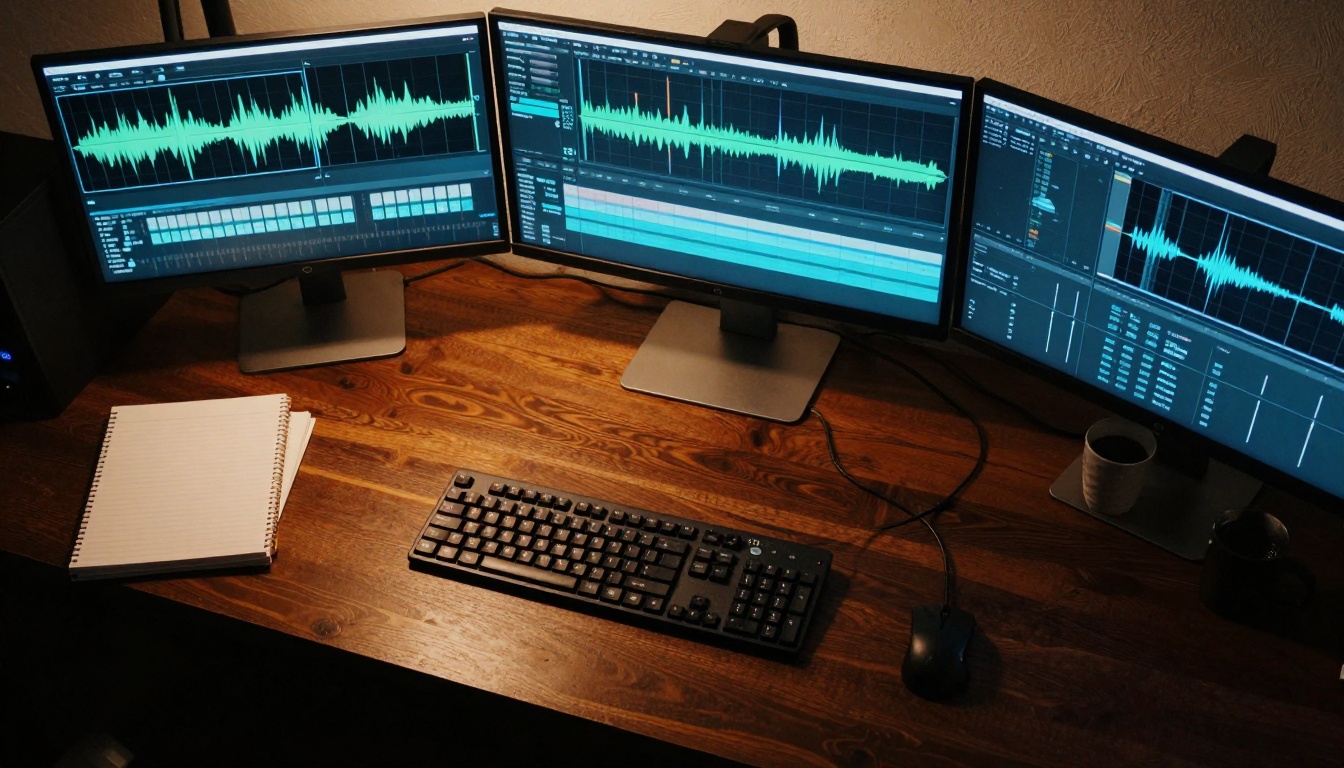
PicassoIA's integrated tools transform video-to-audio from technical chore to creative opportunity. The platform offers several models perfect for podcast production:
Core Models for Podcast Workflows
- extract-audio - Direct video-to-audio conversion with format preservation
- gemini-3-pro - Advanced transcription for show notes
- gpt-4o-transcribe - Accurate speech-to-text for editing markers
- stable-audio-2.5 - Background music generation for intros/outros
Workflow Integration: These models connect seamlessly. Extract audio → transcribe → generate music → produce final episode. No switching between ten different apps.
Parameter Optimization for Podcast Quality
When using PicassoIA's extraction tools, these settings matter:
Bit Depth: 24-bit preserves dynamic range better than 16-bit
Sample Rate: 48kHz matches professional podcast standards
Noise Reduction: Light application (15-20%) removes HVAC hum without vocal artifacts
Normalization: Target -16 LUFS for podcast platforms (Spotify: -14 to -16 LUFS, Apple: -16 LUFS)
💡 Audio Science: Human speech occupies 300Hz-3kHz range. Excessive low-end filtering (<80Hz) prevents muddiness. High-shelf boosts at 8-12kHz add air without sibilance issues.
The Four-Step Polish Process
Step 1: Volume Leveling
- Apply compression with 3:1 ratio, -20dB threshold
- Use makeup gain to hit -18dB average
- Avoid over-compression—podcasts need dynamic conversation flow
Step 2: Equalization Sweetening
- High-pass filter at 80Hz (removes rumble)
- Gentle boost at 2kHz for vocal presence
- Cut at 250Hz if voices sound "boxy"
- Shelf boost at 12kHz for brightness
Step 3: Noise Management
- Use noise gates for silent sections
- Apply light de-essing if sibilance peaks
- Consider room tone preservation for natural feel
Step 4: Final Limiting
- Limit to -1dB true peak
- Ensure no clipping on plosives (p, b sounds)
- Check loudness compliance with platform specs
Common Processing Mistakes
Over-EQing: Adding 6dB at multiple frequencies creates harsh, unnatural sound
Gate Abuse: Too aggressive gating creates "pumping" effect between words
Compression Overkill: Podcasts aren't music—4:1 ratio often suffocates conversation
Sample Rate Mismatch: Converting 44.1kHz to 48kHz (or vice versa) creates artifacts
Content Repurposing Strategies That Actually Work
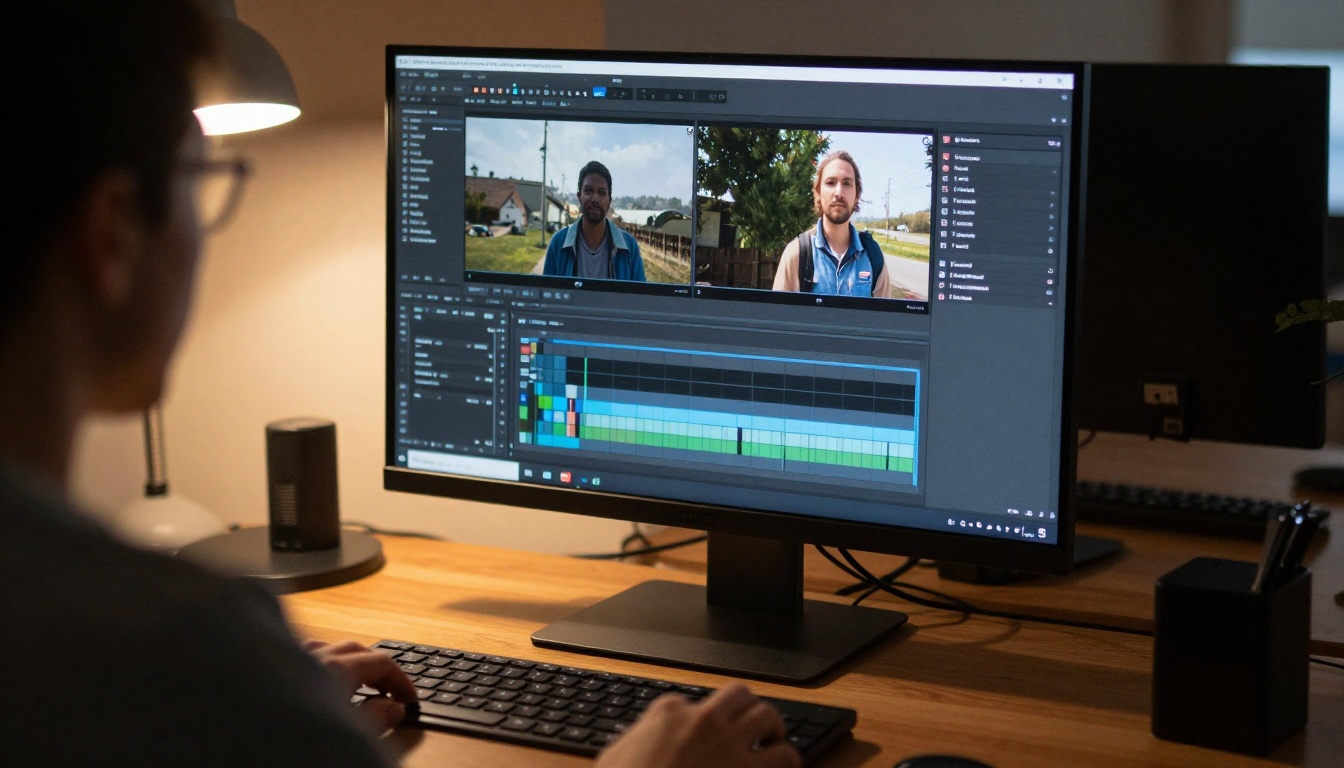
The 1:5 Content Multiplier
One hour of video content typically yields:
- 3 standalone podcast episodes (20 minutes each)
- 5 social media clips (60-90 seconds)
- 1 comprehensive blog post with transcribed highlights
- 2 newsletter segments with audio embeds
- 1 audio course module with supplemental materials
Segmentation Logic: Cut at natural topic transitions, not arbitrary time markers. Listeners prefer complete thoughts over chopped content.
Platform-Specific Optimizations
Spotify: Requires chapter markers in metadata—use transcription timestamps
Apple Podcasts: Benefits from enhanced artwork per episode
YouTube Audio: Visual waveforms increase engagement 27%
Social Audio: 90-second clips with hook-replay-preview structure perform best
💡 Distribution Hack: Upload the same audio file everywhere. Platforms detect duplicate content but don't penalize—they prioritize based on listening metrics.
Technical Considerations for Professional Results
File Format Hierarchy
| Format | Use Case | Bitrate | Pros | Cons |
|---|
| WAV | Master archive | 1411 kbps | Lossless, editable | Large file size |
| FLAC | Distribution master | 900 kbps | Lossless, compressed | Less compatibility |
| MP3 | Final distribution | 320 kbps | Universal support | Lossy compression |
| AAC | Apple ecosystem | 256 kbps | Better quality than MP3 | Limited outside Apple |
| OGG | Open source platforms | 192 kbps | Good compression | Niche adoption |
Golden Rule: Archive in WAV/FLAC, distribute in MP3/AAC. Never distribute compressed files as masters.
Metadata That Matters
Podcast platforms parse these metadata fields:
ID3 Tags for MP3:
- Title (episode name)
- Artist (podcast/show name)
- Album (season/category)
- Track number (episode number)
- Year (recording date)
- Genre (Podcast)
- Comments (show notes snippet)
Chapter Markers (MP4/M4A):
- Timestamp
- Title
- URL (optional link)
Embedded Artwork:
- 3000x3000 pixels minimum
- RGB color space
- JPEG or PNG format
- Under 500KB file size
Real-World Workflow: From YouTube to Podcast Feed
Step-by-Step Conversion Pipeline
-
Source Assessment
- Identify video files with strong audio content
- Check original recording quality
- Note visual-dependent sections needing adaptation
-
Batch Extraction (Using PicassoIA's extract-audio)
- Process multiple videos simultaneously
- Preserve original sample rate/bit depth
- Output to organized folder structure
-
Transcription & Markup (Using gemini-3-pro)
- Generate accurate transcript
- Mark timestamps for natural breaks
- Identify quotable moments for social clips
-
Audio Enhancement
- Apply consistent leveling across all episodes
- Remove room noise without affecting voices
- Sweeten EQ for podcast listening environments
-
Segmentation Strategy
- Cut at topic transitions, not time markers
- Create coherent episode arcs
- Preserve narrative flow across segments
-
Metadata Population
- Add ID3 tags with episode information
- Embed chapter markers for navigation
- Include relevant artwork
-
Distribution Setup
- Upload to podcast hosting platform
- Schedule staggered release if creating series
- Configure platform-specific optimizations
💡 Efficiency Metric: A 60-minute video should convert to podcast-ready audio in under 15 minutes using automated tools. Manual processes typically take 2-3 hours.
Quality Control: What Makes Podcast Audio "Professional"
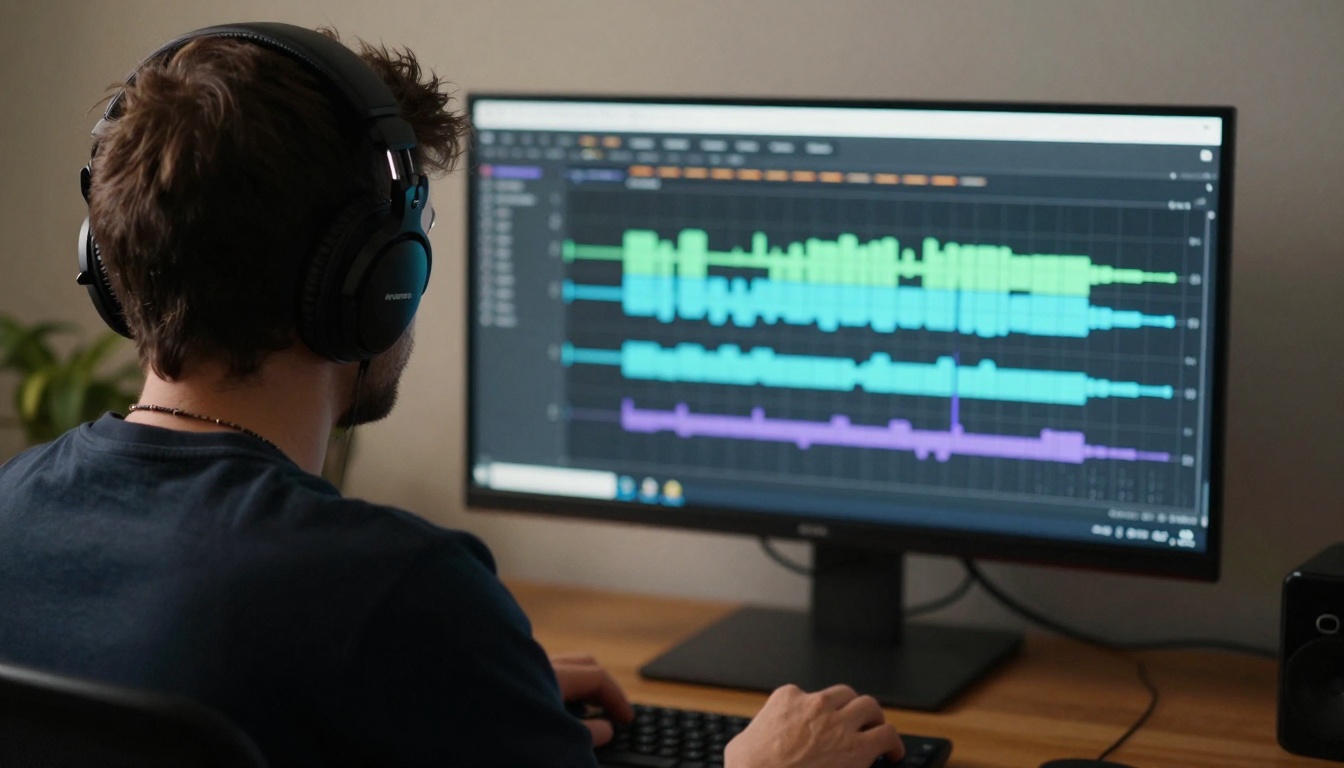
The Listening Test Checklist
First 30 Seconds:
- Does the intro hook immediately?
- Is volume consistent with other episodes?
- Are there abrupt edits or awkward transitions?
Mid-Episode Sampling:
- Check every 5 minutes for level consistency
- Verify noise floor remains stable
- Ensure EQ doesn't vary between speakers
Final 60 Seconds:
- Does outro provide clear next steps?
- Is call-to-action audible and compelling?
- Does music fade appropriately?
Technical Validation Points
Loudness Compliance:
- Spotify: -14 to -16 LUFS
- Apple Podcasts: -16 LUFS
- YouTube: -13 to -15 LUFS
- All platforms: True peak below -1dB
Frequency Analysis:
- Bass range (20-200Hz): Minimal content except for music
- Vocal presence (300Hz-3kHz): Clear and prominent
- Air frequencies (8-20kHz): Present but not harsh
Stereo Imaging:
- Mono compatibility check (collapse to mono)
- Phase correlation above 0.8
- No extreme panning that loses content in mono
The Future of Video-to-Audio Conversion
AI Advancements Changing the Game
Context-Aware Extraction: Tools that understand content type (interview, tutorial, narrative) and apply appropriate processing automatically.
Multi-Track Separation: Extracting dialogue, music, and effects separately for flexible remixing.
Real-Time Conversion: Live video streams converting to podcast episodes instantly with AI-powered editing.
Platform-Native Tools: Social media platforms building audio extraction directly into their creator studios.
Emerging Best Practices
Preservation-First Mentality: Archive original video masters, not just extracted audio. Future AI may extract better audio from the same video.
Metadata Inheritance: Automatically carrying video metadata (description, tags, chapters) into audio files.
Quality Monitoring: Real-time analysis during extraction flagging potential issues before final output.
Integration Ecosystems: Single platforms handling extraction, enhancement, distribution, and analytics.
Your Next Steps with PicassoIA
The tools exist. The workflows are proven. The extract-audio model on PicassoIA represents the simplest entry point—upload video, download podcast-ready audio. But the real power comes from the integrated ecosystem: transcription for show notes, music generation for branding, and AI assistance for content planning.
Start with one video. Extract the audio. Listen to it during your next commute. Notice what works, what doesn't, what needs adaptation. Then build your system. Batch process. Create templates. Develop your signature sound.
The content already exists in your video library. The audience wants it in audio form. The tools make conversion trivial. The only question remaining: which video will you convert first?


