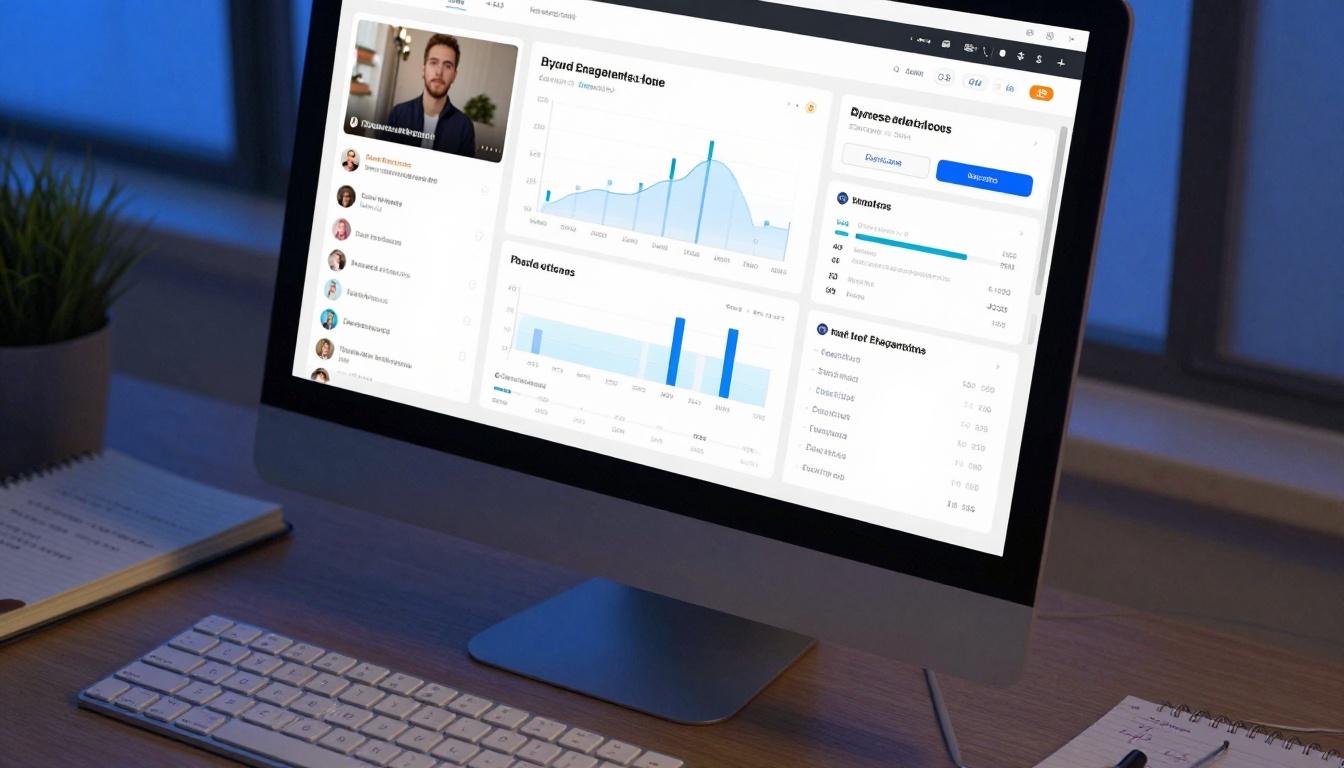
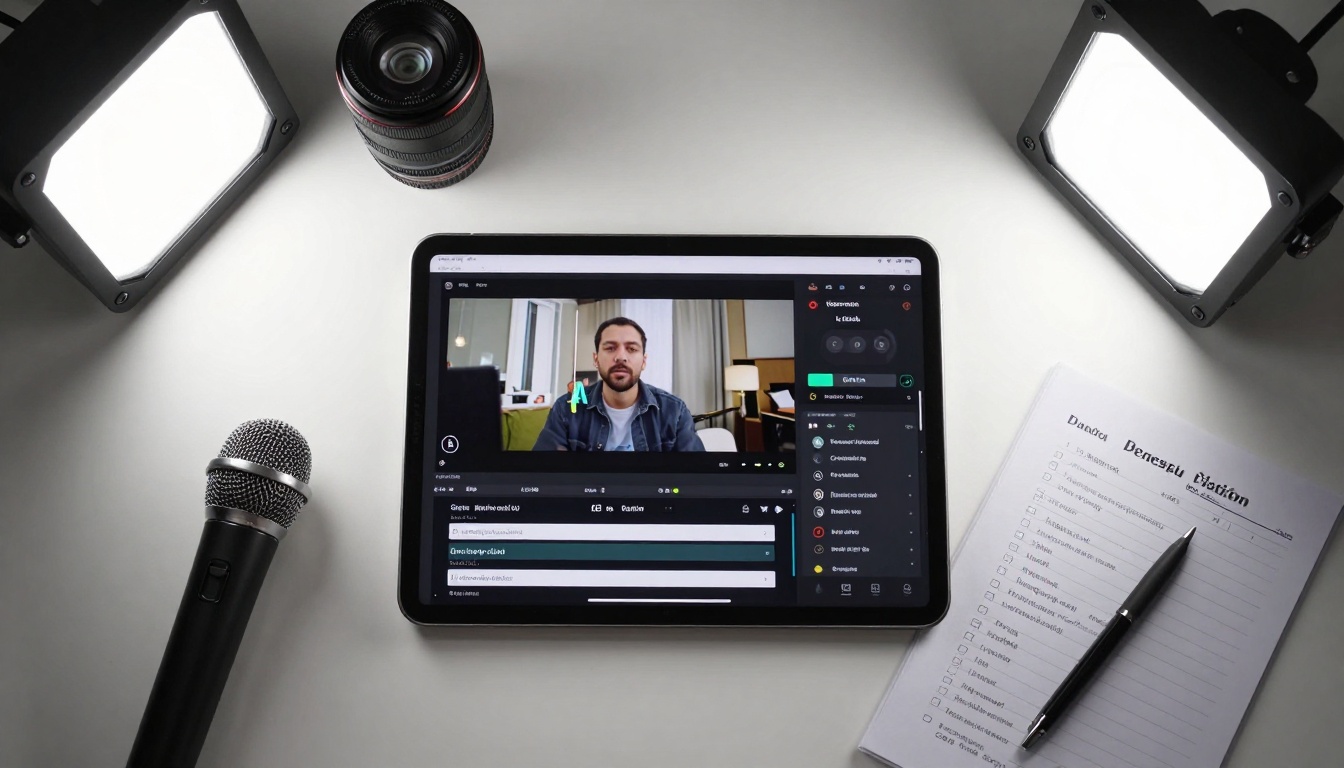
Modern content creation demands efficient video-to-text conversion for accessibility, search optimization, and content repurposing. This exploration covers automatic transcription tools that extract dialogue, generate synchronized captions, and create editable scripts from video files. From social media content to professional presentations, discover how AI-powered speech recognition transforms visual media into searchable, accessible text assets without manual transcription effort.
Every minute of video uploaded today represents potential text content waiting to be unlocked. Video to text conversion isn't just about accessibility compliance—it's about content discoverability, repurposing efficiency, and audience engagement. When dialogue transforms into searchable text, your video's reach expands exponentially.
Consider this reality: 85% of social media videos play without sound. Captions aren't optional anymore; they're the difference between content that engages and content that gets skipped. Automatic transcription tools solve this at scale, converting hours of video into minutes of editable text.
Why Automated Transcription Matters Now
Manual transcription costs $1-3 per minute with turnaround times measured in days. Automatic tools deliver results in minutes at fractional costs. Beyond economics, the practical benefits stack up:
Search engine visibility: Text from videos gets indexed, driving organic traffic
Content repurposing: Transcripts become blog posts, social snippets, email content
Multilingual expansion: Translate once, subtitle across languages
Accessibility compliance: Meet WCAG and ADA requirements automatically
Analytics: Measure which parts resonate through caption engagement data
The shift happened when AI speech recognition accuracy crossed 95% for clear audio. Today's tools handle accents, background noise, and multiple speakers with precision that matches human transcribers for most content types.
Core Video to Text Tool Categories
Real-time Transcription
Tools that caption live streams, meetings, and presentations as they happen. These systems process audio with sub-300ms latency, making them suitable for:
Live events and webinars
Video conferences with international participants
Educational lectures with instant captioning
Broadcast television with live subtitles
💡 Pro tip: Real-time systems work best with dedicated microphones and minimal background noise. For critical live events, always have a human monitor ready for corrections.
Batch Processing
Upload multiple videos for overnight transcription. These handle:
YouTube channel backlogs
Archived webinar libraries
Documentary footage libraries
Podcast video conversions
Batch advantages:
Cost efficiency through bulk processing
Consistent formatting across multiple files
Integration with content management systems
Automated quality control checks
Specialized Transcription
Tools optimized for specific content types:
Content Type
Special Features
Accuracy Range
Medical/legal
Terminology recognition, confidentiality
98-99%
Academic lectures
Formula recognition, citation formatting
96-98%
Interview podcasts
Speaker differentiation, emotion markers
94-96%
Social media clips
Hashtag detection, trend identification
92-95%
Technical Requirements for Quality Results
Transcription quality depends heavily on input quality. The golden rule: Garbage in, garbage out. Here's what actually works:
Audio Quality Checklist
Sample rate: 16kHz minimum, 44.1kHz preferred
Bit depth: 16-bit for speech, 24-bit for music/video
Signal-to-noise ratio: >20dB for acceptable results
Microphone placement: 15-30cm from speaker's mouth
Container limitations: Some tools struggle with MKV containers
Codec support: H.264, H.265, VP9 for video; AAC, PCM for audio
Processing Power Considerations
CPU vs GPU: GPU acceleration cuts processing time by 50-70%
RAM requirements: 8GB minimum for 4K video processing
Storage speed: SSD recommended for large batch operations
Network bandwidth: 10Mbps upload for efficient cloud processing
AI Models Powering Modern Transcription
Today's transcription tools leverage specialized AI models trained on millions of hours of speech data. The PicassoIA platform offers several models perfect for video-to-text conversion:
Speech-to-Text Specialists:
Gemini 3 Pro: Google's multimodal model with 99.2% accuracy on clear English speech. Handles technical terminology and multiple accents exceptionally well.
GPT-4o Transcribe: OpenAI's transcription-optimized model with real-time processing capabilities. Excellent for live captioning scenarios.
GPT-4o Mini Transcribe: Cost-effective alternative with 95%+ accuracy for standard content.
Caption-Specific Tools:
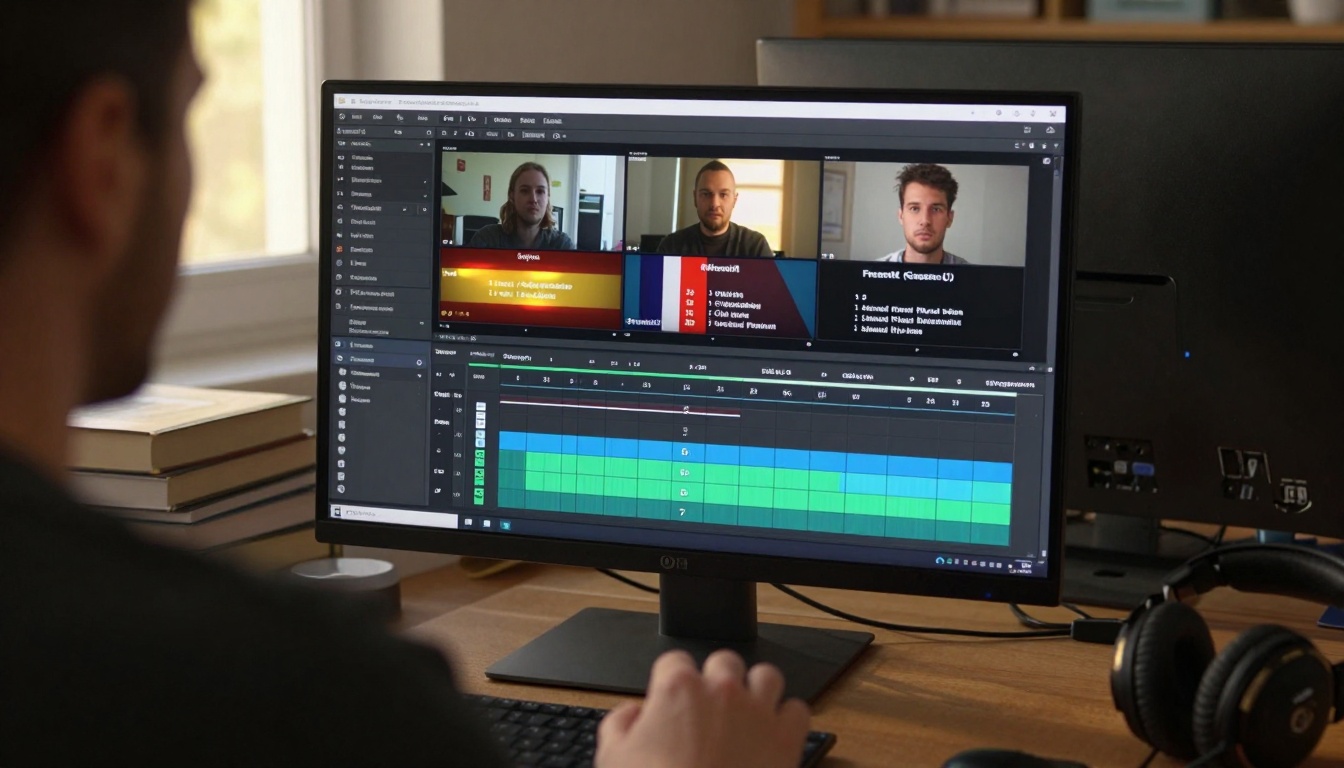
AutoCaption: Dedicated caption generation with automatic timing synchronization. Creates SRT and VTT files ready for video platforms.
How These Models Differ
Model
Best For
Processing Speed
Language Support
Gemini 3 Pro
Technical content, medical/legal
1.2x real-time
50+ languages
GPT-4o Transcribe
Live events, interviews
Real-time
30+ languages
GPT-4o Mini
Budget projects, social media
0.8x real-time
20+ languages
AutoCaption
YouTube/Vimeo integration
0.5x real-time
10+ languages
Accuracy Factors You Control
While AI models handle the heavy lifting, preparation determines outcome quality. These factors directly impact accuracy:
Pre-Processing Steps
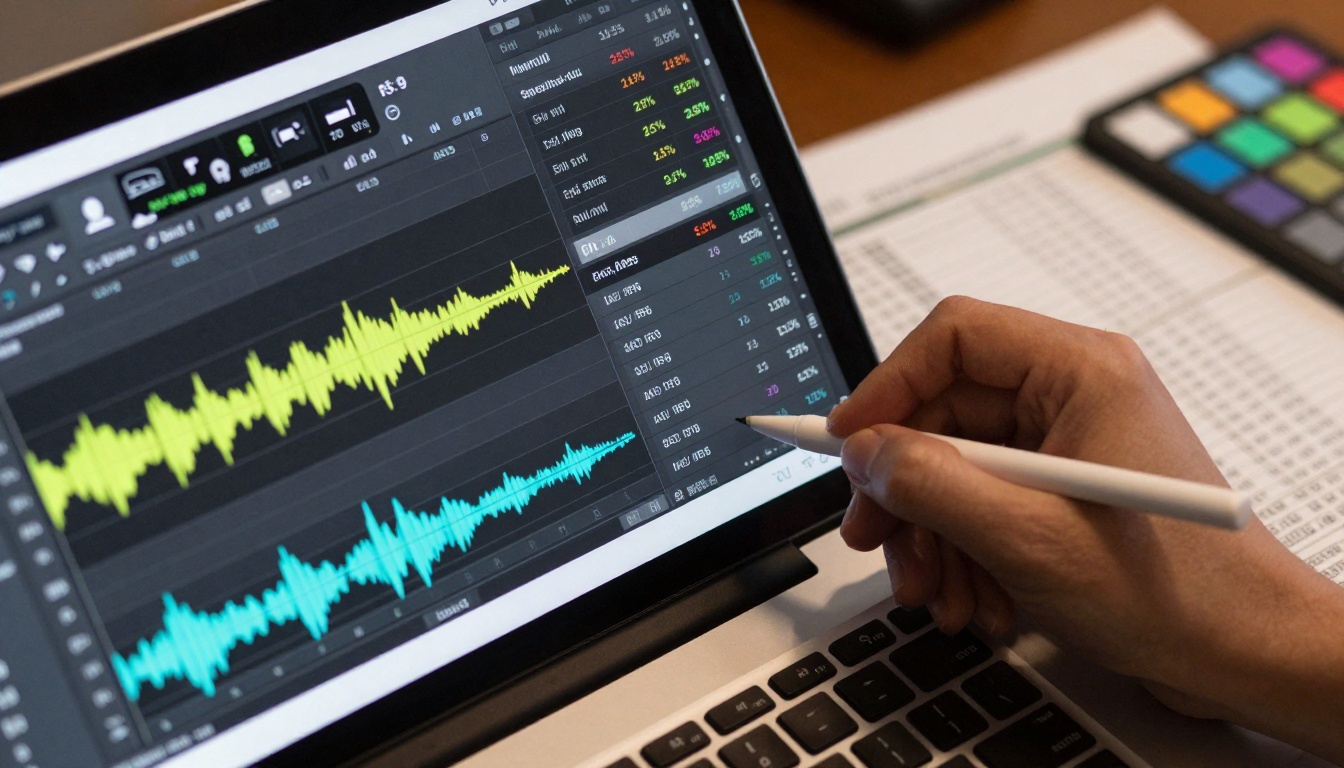
Audio extraction: Separate audio track before processing
Redaction: Automatically censor sensitive information
Confidentiality: End-to-end encryption for legal/medical content
Audit trails: Track who accessed, edited, or exported transcripts
Retention policies: Automatic deletion after specified periods
Cost Considerations and ROI
Transcription costs have plummeted while quality has skyrocketed. Current pricing models:
Pay-As-You-Go
Audio minutes: $0.006-$0.02 per minute
Video minutes: $0.01-$0.03 per minute (includes processing)
Bulk discounts: 20-50% off for monthly commitments
Enterprise plans: Custom pricing based on volume
ROI Calculation Example
10-hour webinar series
Manual transcription: 10hr × $1.50/min × 60 = $900
AI transcription: 10hr × $0.01/min × 60 = $6

Time saved: 40 hours of manual work
Content generated: Blog post, 5 social threads, newsletter
SEO value: 10,000+ words indexed
Accessibility: WCAG compliance achieved
Net value: $6 investment returns $900+ in saved labor plus ongoing content value
Implementation Checklist
Before committing to any transcription tool:
Technical Requirements
API access for automation
Batch processing capabilities
Format support matching your media library
Integration with existing CMS/platform
Data export options (JSON, CSV, TXT, SRT)
Accuracy Validation
Test with your actual content (not just samples)
Verify technical term handling
Check speaker differentiation
Validate timing accuracy for captions
Test multilingual capabilities if needed
Workflow Integration
Automate uploads from recording locations
Set up notification systems for completion
Establish quality review process
Train team on editing/correction interface
Create content repurposing templates
Future Trends in Video to Text
The evolution continues with emerging capabilities:
Real-time Translation
Live events with simultaneous translation captions in multiple languages. Viewers select their preferred language, and AI generates subtitles with 2-3 second latency.
Transcriptions that include emotional markers and emphasis indicators, useful for script analysis and performance evaluation.
Integrated Content Creation
From transcript to full article generation with images, citations, and SEO optimization in one automated workflow.
Getting Started Today
Begin with a small pilot project:
Select one video type (interviews, tutorials, or presentations)
Process 3-5 samples with different tools
Compare accuracy, speed, and cost
Implement winning solution at scale
Measure impact on engagement and content output
The PicassoIA platform offers immediate access to models like Gemini 3 Pro for high-accuracy transcription and AutoCaption for direct video integration. Start with free tiers or trial credits to validate performance with your specific content.
The barrier to quality transcription has evaporated. What once required specialized teams and days of work now happens automatically while you focus on creating content. Every minute of video you've produced contains text waiting to be discovered—tools exist to unlock it at scale.