If you've spent any time looking at AI video generators recently, two names keep showing up in every comparison thread: Vidu AI and Runway. One is a rising force from China with impressive motion quality claims. The other is the established Western player with a massive creator following and a polished product suite. But which one actually delivers better video? And more importantly, which one is worth your time and money right now?
This is a direct, honest comparison. No vague impressions. Real outputs, real pricing, real trade-offs.
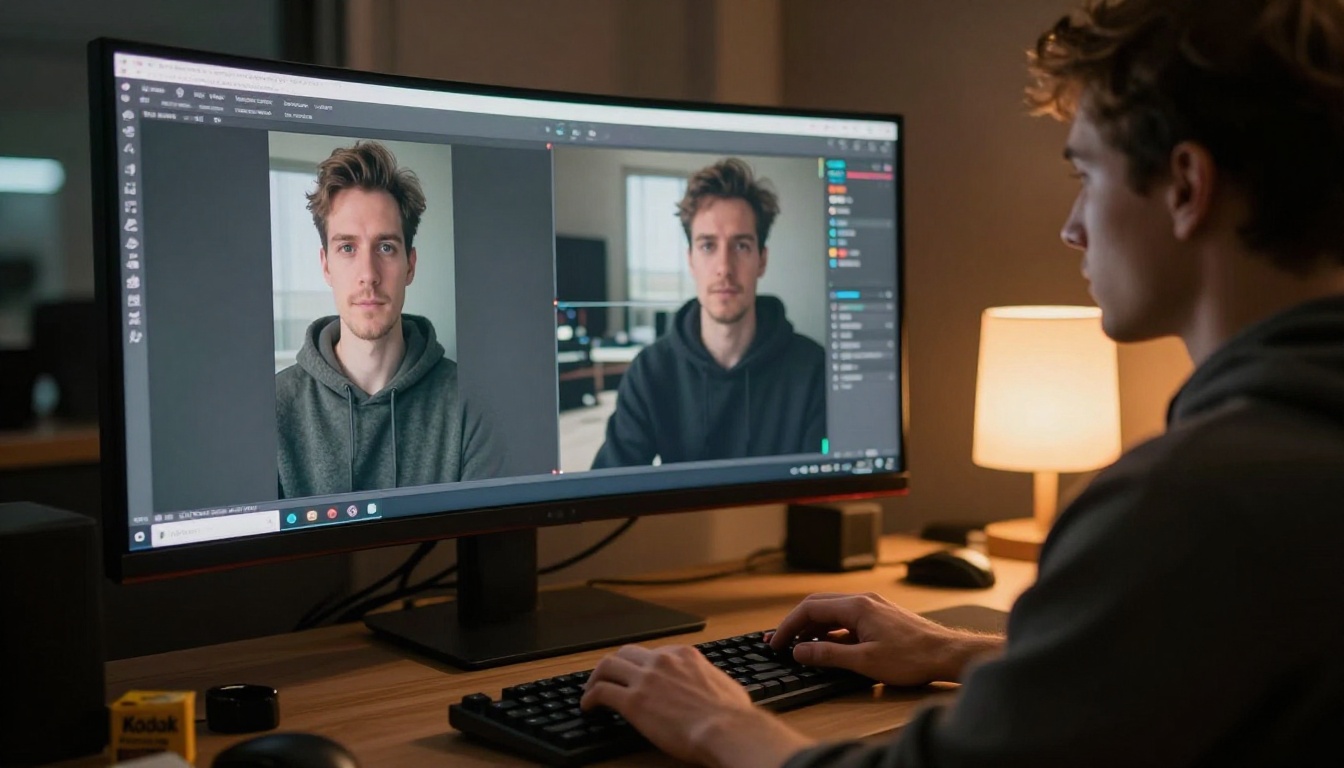
Before diving into quality, it helps to understand what Vidu AI and Runway are actually trying to do. They share the same general category but approach it with different priorities.
Vidu AI at its core
Vidu AI is a text-to-video and image-to-video platform built by Shengshu Technology in collaboration with Tsinghua University. It specializes in high-resolution output and strong motion realism. Its latest models, Q3 Pro and Q3 Turbo, push 1080p generation with native audio support and notably smooth physics simulation.
Vidu positions itself as a tool for creators who need cinematic results without needing to become prompt engineers. The interface is clean, the defaults are solid, and the outputs tend toward dramatic, visually impressive footage. Version Q3 in particular marked a significant leap in photorealism, especially for human subjects and natural environments.
Runway at a glance
Runway has been in the AI video space since before most people knew it existed. Founded in 2018 and used during the production of Everything Everywhere All at Once, it carries serious creative credibility. Its Gen 4.5 and Gen4 Turbo models are the current flagships, offering text-to-video, image-to-video, and a full suite of video editing tools.
Runway leans into professional workflows, consistent character generation, and tight camera control. It's built for people who want to do more than generate clips. It wants to be your entire video production environment, from ideation to final export.

Video Quality Side by Side
This is the core question, and it's where things get interesting.
Resolution and sharpness
Both platforms now support 1080p output, so raw resolution alone no longer separates them. The real difference shows up in texture rendering and fine detail within each frame.
Vidu's Q3 Pro produces noticeably sharp facial textures and fabric details. Hair strands, skin pores, and fabric weaves render with convincing depth. Runway's Gen 4.5, on the other hand, prioritizes overall scene coherence. Individual textures can be softer, but the whole frame tends to look more intentional and cinematically composed.
| Metric | Vidu Q3 Pro | Runway Gen 4.5 |
|---|
| Max resolution | 1080p | 1080p |
| Facial detail | Excellent | Good |
| Texture rendering | Very sharp | Soft, cinematic |
| Background coherence | Good | Excellent |
| Prompt adherence | High | Very high |
| Native audio | Yes (Q3) | Limited |
Motion realism
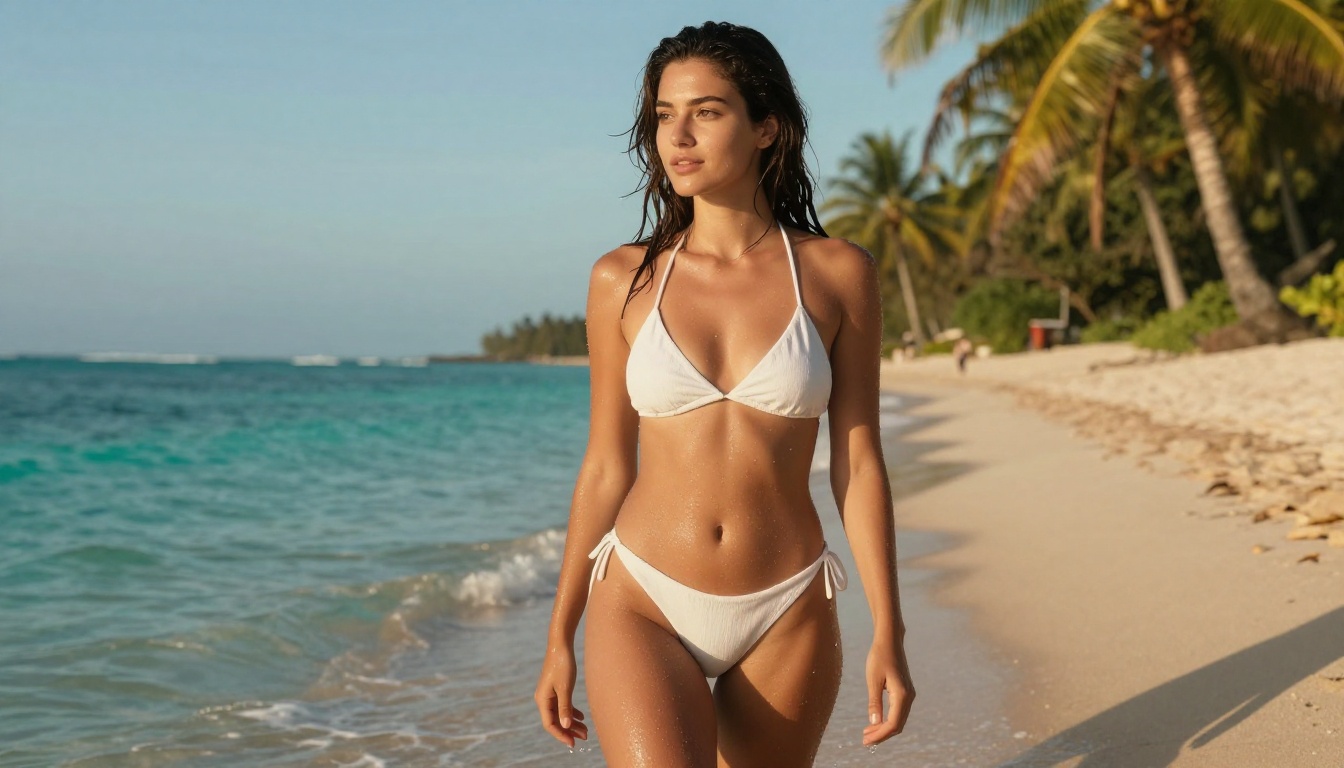
Motion quality is where the gap becomes more visible. Vidu has clearly invested heavily in physics simulation. Water flows naturally, fabric ripples convincingly, and human body movement, especially walking and dancing, avoids the "rubber limb" effect that plagues many competitors.
Runway Gen 4.5 has strong character consistency across a clip. If you generate a scene where a character turns around, their face remains the same person throughout the sequence. Vidu sometimes struggles with character consistency in longer clips, but the motion itself feels more natural and less processed.
💡 Tip: For short, visually impactful clips (3-5 seconds), Vidu often wins on motion realism. For longer clips with recurring characters, Runway maintains more consistent identity across the generation.
Color grading and cinematic tone
One area where Runway has a consistent edge is its default color grading. Outputs from Gen 4.5 tend to come out looking already color-graded, with slightly desaturated midtones, rich shadow detail, and a cinematic warmth. Vidu outputs are brighter and more saturated by default, which can look stunning for lifestyle and outdoor content but may need additional post-processing for more restrained, professional aesthetics.
Speed and Output Time
Time matters when you're iterating on creative work. A tool that takes 10 minutes per generation fundamentally changes how you work compared to one that delivers in under a minute.
How fast is Vidu?
Q3 Turbo lives up to its name. Generation times for a 4-second 1080p clip typically land between 30 and 90 seconds, depending on queue load. The standard Q3 Pro takes longer, sometimes 3 to 5 minutes, but the output quality justifies it for final renders where every frame matters.
Vidu also offers a reference image feature that significantly speeds up the creative process. Instead of writing exhaustive prompts, you drop in a reference photo and the model uses it as a visual anchor for motion and lighting decisions.
Runway's generation speed
Runway Gen4 Turbo is designed for speed within a professional creative pipeline. Expect 1 to 3 minutes for most standard generations. The full Gen 4.5 runs slower, around 3 to 6 minutes, but includes more granular camera control options that experienced users genuinely use.
One meaningful advantage Runway has: its interface lets you queue multiple generations simultaneously. If you're doing rapid iteration across multiple concepts, this matters more than raw generation speed per individual clip.
Pricing: What You Actually Pay
Neither platform is free for serious use. Here's what the real-world cost looks like when you get past the free tier experiments.
Vidu AI cost breakdown
Vidu uses a credit system. The free tier gives you limited credits per month, enough to test the platform but not for any sustained production work. Paid plans start around $15/month for the Basic plan, providing roughly 200 credits that translate to about 50-80 standard generations depending on clip length and quality settings.
The Pro plan runs $35/month with around 600 credits. Each 1080p generation from Q3 Pro costs approximately 8-10 credits. The credit math can feel opaque at first, but once you know your typical workflow it becomes predictable.
Runway's pricing tiers
Runway's pricing structure is more tiered and better documented. The free plan gives 125 credits for initial testing. The Standard plan at $15/month provides 625 credits. The Pro plan at $35/month gives 2250 credits.
At first glance, Runway looks significantly more credit-generous. But Runway's generations also cost more credits per clip, especially at higher quality settings with extended duration. In practice, the actual number of finished videos you get per dollar is broadly comparable between the two platforms at similar quality levels.
| Plan | Vidu AI | Runway |
|---|
| Free tier | Limited monthly credits | 125 one-time credits |
| Entry paid | ~$15/mo | $15/mo |
| Mid tier | ~$35/mo | $35/mo |
| Estimated clips/mo (mid) | ~50-80 clips | ~40-70 clips |
| Suite tools included | Basic | Extensive |
💡 Tip: Before committing to a paid plan on either platform, test both free tiers with the same prompt. The gap in output style will be obvious immediately and will tell you which aesthetic fits your project better.
Prompting: Which One Listens Better?
Writing prompts for AI video is different from image prompting. You're not just describing a scene, you're describing motion, timing, camera behavior, and atmosphere across time.
Text prompt accuracy
Runway Gen 4.5 is the stronger text follower of the two. Describe a camera pan from left to right, and it pans. Describe a character sitting down at a specific moment, and it often does exactly that. This level of prompt adherence comes from Runway's years of training specifically on directed cinematic sequences with detailed motion annotations.
Vidu is improving here but can still be less literal. It excels when you give it a mood and a subject rather than a precise action sequence. Think of Vidu prompts as directing by feel and Runway prompts as writing a shot list. Both approaches work, but they require different writing instincts.
Image-to-video performance
Both platforms offer image-to-video generation, and this is where many creators actually spend most of their working time.
Vidu's image-to-video is exceptional for portrait work. Load in a photo and ask it to animate natural breathing with a subtle head turn, and the result is often startlingly lifelike. The Q3 Pro model handles portrait animation especially well, producing micro-expressions and skin texture movement that reads as genuine.
Runway's image-to-video via Gen4 Turbo is more controlled. Motion is smoother and less likely to distort the original input image. If preserving the exact likeness matters above all else, Runway is the safer choice. If you want more dramatic, organic movement that breathes life into a still image, Vidu delivers.

Best Use Cases for Each
Knowing when to use each tool is more practical than trying to declare one absolute winner.
When Vidu is the right call
- Short social media clips where motion drama and visual impact matter most
- Portrait and beauty content where facial texture realism is important
- Lifestyle and fashion video where natural human movement sells the product
- Quick iterations using Q3 Turbo when speed is the priority
- Image-to-video workflows where you want organic, expressive movement from a still photo
Vidu's core strength is making things feel alive. The physics, the motion, and the texture rendering work together to produce footage that doesn't feel synthetic. For content where emotional impact comes from visual naturalism, Vidu is currently ahead of most competitors.
When Runway is the right choice
- Longer sequences requiring consistent recurring characters across multiple clips
- Branded content where camera movement must be precise and repeatable
- Professional post-production workflows that benefit from Runway's full editing suite
- Prompt-heavy creative control where exact compositional compliance is required
- Team-based production environments that need organizational features and account management
Runway is the tool for creators who think in workflows, not just individual clips. Its ecosystem is deeper, its consistency is higher, and its professional credibility matters when you're working on anything client-facing or broadcast-ready.
Alternatives Worth Watching
The AI video space is moving fast enough that a tool best-in-class six months ago may not hold that position today. Vidu and Runway are strong, but they are not alone.
Other AI video models worth testing
Kling v3 Video from Kwai has become one of the most serious competitors in the 1080p cinematic video category. Its motion consistency rivals Runway while its visual sharpness approaches Vidu.
Kling v2.6 offers a strong balance between speed and quality for creators who need volume output without sacrificing visual integrity across a large batch of generations.
Veo 3 from Google is arguably the most technically impressive model currently available for pure cinematic realism, with native audio generation built directly into the video output. If budget is not a constraint, it is worth serious consideration.
Seedance 1 Pro from ByteDance delivers excellent motion quality with built-in audio at 1080p, and is now accessible on PicassoIA without requiring a direct ByteDance subscription.
Hailuo 2.3 from Minimax produces strikingly cinematic footage with sharp textures. Its fast variant keeps generation times competitive with Q3 Turbo.
Sora 2 from OpenAI brings strong physical plausibility and coherent long-form generation. For sequences longer than 10 seconds, it remains one of the most consistent options available.
LTX 2 Pro outputs up to 4K, making it the standout option when maximum resolution delivery is non-negotiable for your project.
Pixverse v5 rounds out the accessible alternatives with a strong free tier and 1080p output quality that consistently beats its price point.

How to Run a Head-to-Head on PicassoIA
Here's where it gets practical. You do not need separate accounts for Vidu and Runway to test them head-to-head. PicassoIA gives you access to both under one roof, alongside dozens of additional AI video models, all under a single credit system.
Step 1: Open the Q3 Turbo model page. Write your text prompt or upload a reference image.
Step 2: Run the identical prompt on Runway Gen4 Turbo. Keep inputs exactly the same so the comparison is fair.
Step 3: Compare outputs side by side. Pay attention to motion smoothness, how closely the model followed your description, and the overall visual character of the footage.
Step 4: If neither fully satisfies, test Kling v3 Video, Veo 3, or Seedance 1 Pro with the same prompt. The right model for your content type often becomes obvious after two or three tests.
Step 5: Once you know your preferred model, optimize your prompting for its specific strengths. Vidu rewards mood-driven, sensory descriptions with strong emotional atmosphere. Runway responds better to camera direction and explicit action sequencing.
💡 Tip: Always test with a 3-5 second clip before committing credits to a longer generation. Short tests reveal motion quality and texture rendering far faster than reading specs or watching other people's sample outputs.
The fastest way to stop wondering which AI video tool is better for your work is to run the same prompt on both and let the output decide. Start with Q3 Turbo for speed, switch to Q3 Pro when quality is the priority, and keep Runway Gen 4.5 in your workflow for anything requiring precise camera control or consistent character identity across a sequence.

Both tools are genuinely capable. The better question is not which one wins overall but which one wins for your specific project, budget, and creative style. Test both on PicassoIA and the answer will be clear within a few generations.


