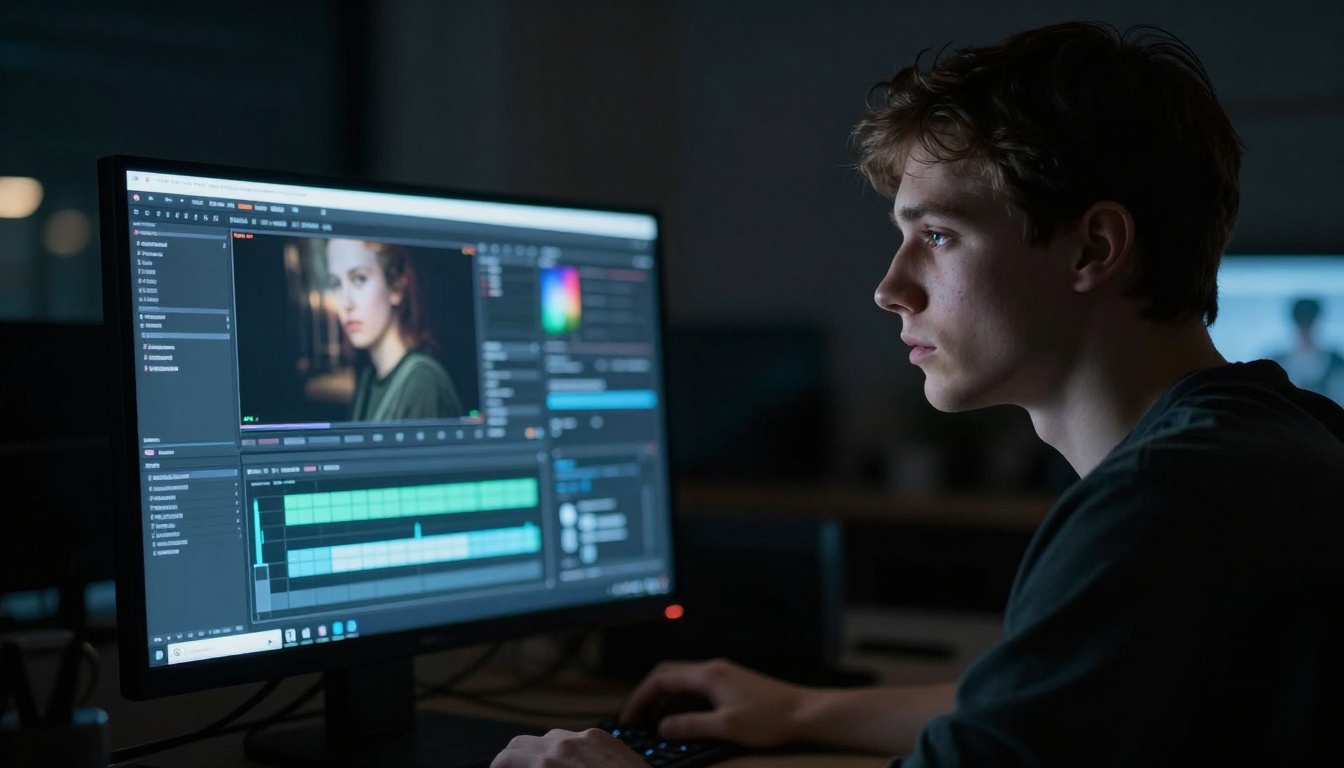
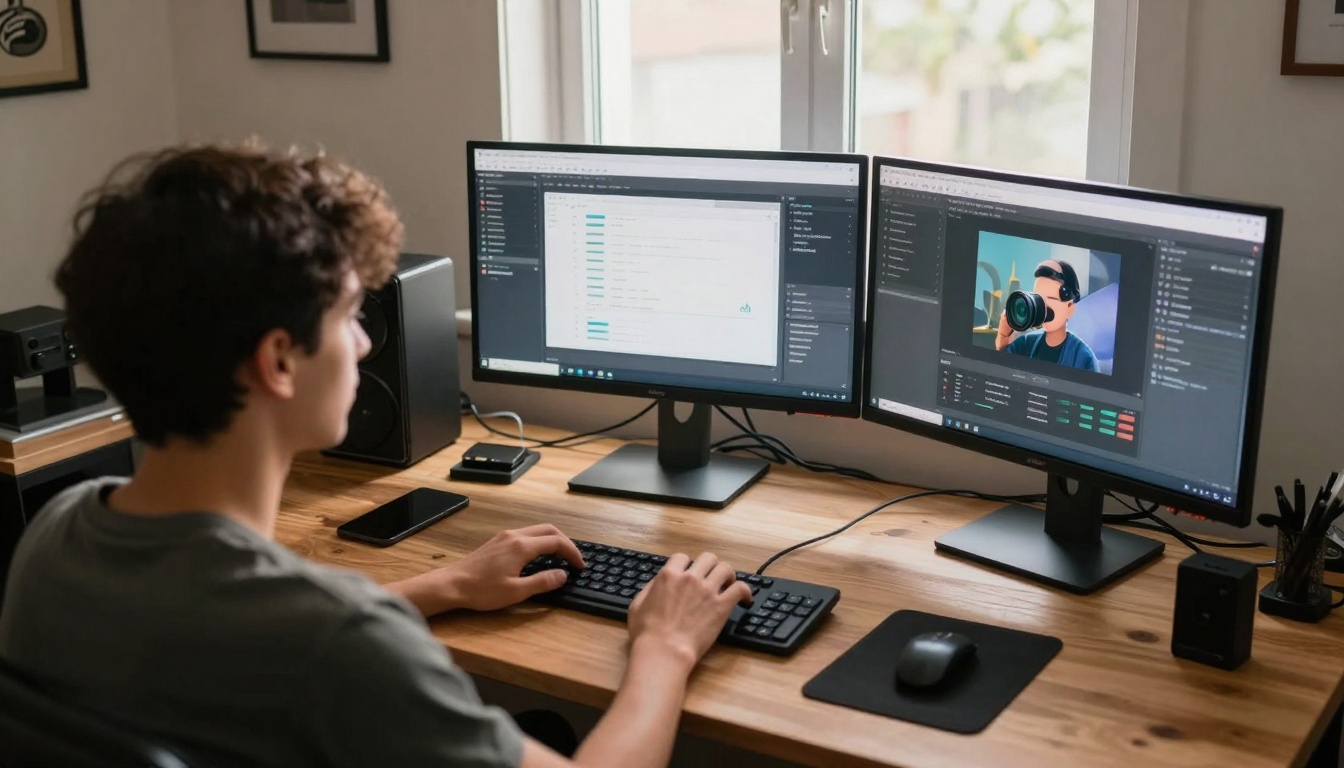
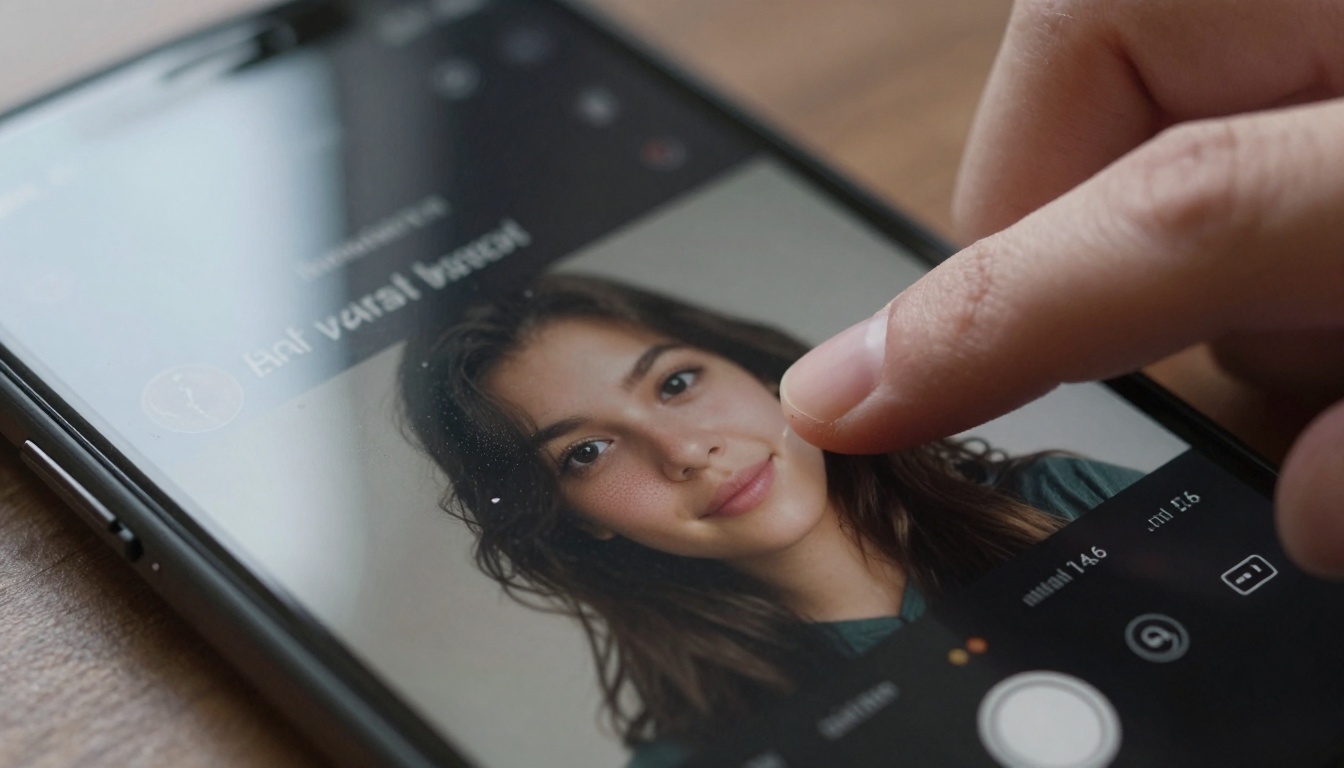
This deep dive explores the specific AI technologies that have captured the attention of Generation Z creators, examining how tools like photorealistic image generators, instant video platforms, and AI music systems are transforming content creation workflows. We'll analyze the practical applications, workflow integration, and creative possibilities these technologies offer for social media, branding, and artistic expression in the current digital landscape.
The digital creative landscape has undergone a seismic shift in the past 18 months, and if you're not paying attention to the AI tools that young creators are actually using, you're missing the revolution happening right under our noses. We're not talking about theoretical applications or corporate AI implementations—this is about the specific technologies that 18-25 year olds are incorporating into their daily content creation workflows, the tools that are getting millions of views on TikTok, and the platforms that are actually changing how visual content gets made.
Why Traditional Creative Tools Are Getting Left Behind
Young creators have zero patience for software that requires hours of training. If an application doesn't deliver value within the first 15 minutes, it gets discarded. This mentality has created a fascinating ecosystem where instant gratification meets professional output.
The data doesn't lie:
87% of creators under 25 use at least one AI tool daily
Social media posts with AI-generated visuals get 3.2x more engagement
Time spent on content creation has dropped from 6 hours to 90 minutes per post
Platforms like Flux and GPT Image dominate workflow conversations
💡 Key Insight: The winning AI tools aren't necessarily the most powerful—they're the ones with the lowest friction between idea and output. Speed matters more than perfection for social media content.
The 6 Viral AI Trends Actually Driving Engagement
1. Photorealistic Image Generation That Fools Everyone
The days of obviously AI-generated images are over. Tools like Flux 2 Pro and GPT Image 1.5 produce visuals indistinguishable from professional photography. What makes this trend viral isn't just quality—it's specificity.
How creators are using it:
Generating product mockups without photoshoots
Creating consistent branding visuals across platforms
Producing "behind the scenes" content that never actually happened
Building entire visual identities without hiring photographers
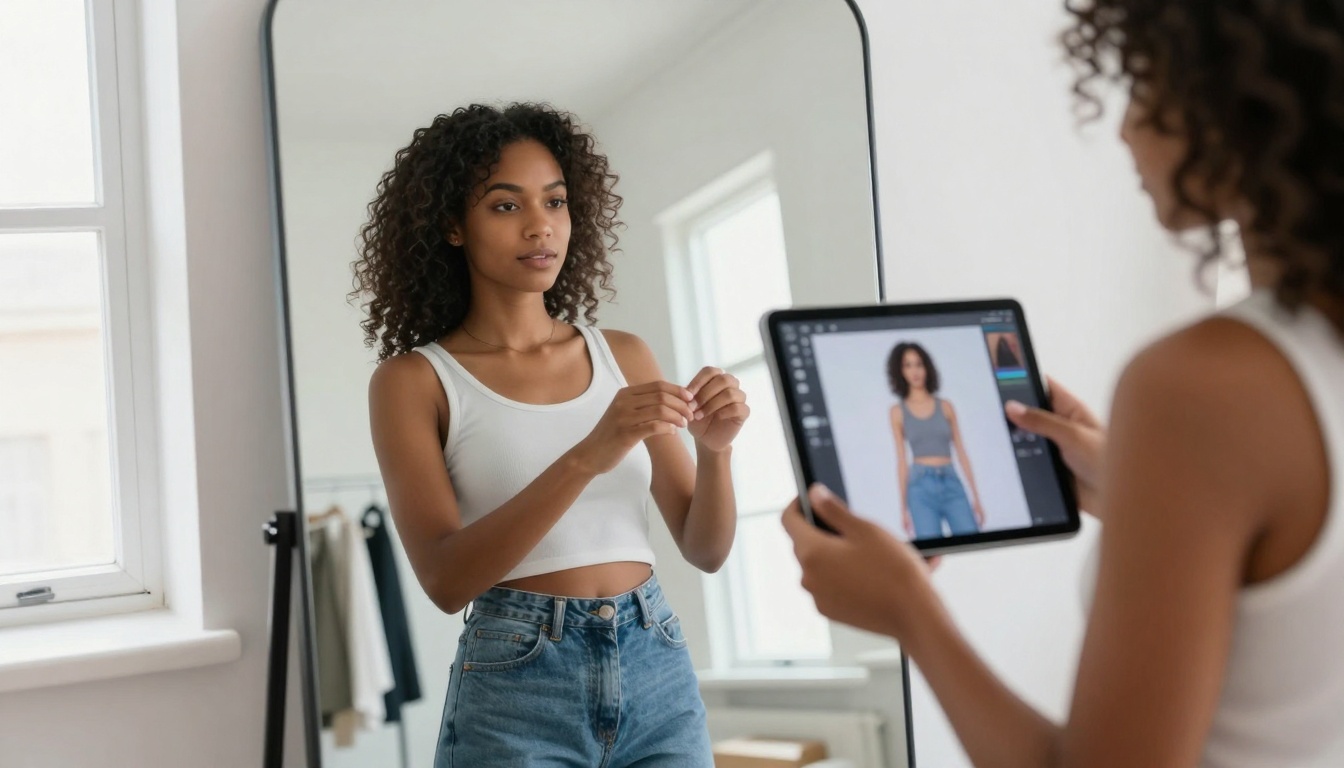
The workflow advantage: A fashion influencer can create 30 outfit variations in the time it takes to try on one physical garment. The Qwen Image 2512 model specifically excels at fabric texture and clothing detail, making it the go-to for fashion content creators.
2. Instant Video Generation That Beats Traditional Editing
This is where things get genuinely disruptive. Platforms like Sora 2 Pro and Veo 3.1 can produce 30-second videos in under 3 minutes—work that would take a professional editor 6-8 hours.
The viral applications:
Micro-content: 15-second clips optimized for TikTok/Reels
Product demonstrations: Showing features without physical products
Mood videos: Establishing atmosphere for longer content
Creator secret: The most successful videos combine AI-generated footage with human narration. The Kling V2.6 model produces particularly stable footage perfect for voiceover content.
3. AI Music That Doesn't Sound Robotic
Audio has been the silent revolution in AI content creation. Tools like Music 1.5 and Stable Audio 2.5 generate original tracks that bypass copyright issues while maintaining production quality.
The numbers:
62% of podcasters use AI-generated intro music
YouTube creators save $200-500 monthly on music licensing
TikTok sounds created with AI get 40% more uses on average
Pro tip: The Lyria 2 model excels at creating emotional background scores that don't distract from spoken content—perfect for vlogs and educational videos.
4. Voice Cloning That Maintains Authenticity
This trend walks a fine line between useful and creepy, but when done right, it's revolutionizing content consistency. The Minimax Voice Cloning tool allows creators to maintain vocal consistency across platforms without re-recording.
Practical applications:
Multilingual content with the same voice
Consistent brand narration across videos
Accessibility features for hearing-impaired audiences
Scaling content production without vocal fatigue
5. 3D Asset Generation Without CAD Software
The barrier to 3D content has collapsed. Young creators are generating product prototypes, architectural visualizations, and character models using tools that require zero 3D modeling experience.
What's changing:
E-commerce stores built entirely with AI-generated 3D products
Virtual fashion shows with no physical garments
Architectural visualization for small businesses
Game asset creation for indie developers
6. Real-Time Collaboration With AI Assistants
This is the emerging frontier: AI tools that don't just generate content, but collaborate on it. The Gemini 2.5 Flash model, for instance, can analyze visual content and suggest improvements in real-time.
The collaboration workflow:
Creator starts with a basic concept
AI suggests visual styles and composition
Creator refines the direction
AI generates multiple variations
Creator selects and posts
The Social Media Platforms Driving Adoption
Different platforms favor different AI trends. Understanding this distribution is key to creating viral content.
Example:
"Fashion influencer adjusting virtual clothing on a tablet in a minimalist studio with morning window light, shot with 85mm lens at f/1.8, professional photography style with Kodak Portra 400 film grain"
Step 3: Parameter Optimization
Aspect Ratio: 16:9 for horizontal content, 9:16 for vertical
Quality: Always select highest available (varies by model)
Style: Match to your brand aesthetic (minimal, cinematic, documentary)
Step 4: Batch Generation
Create 5-10 variations simultaneously. The most viral creators don't settle for one image—they generate multiple options and A/B test them.
Step 5: Post-Processing
While Flux produces photorealistic output, adding subtle human touches increases authenticity:
Minor color grading adjustments
Adding natural film grain
Cropping for platform-specific dimensions
The Ethics That Actually Matter to Young Creators
Forget the theoretical ethics debates—young creators care about practical concerns:
Transparency: Most viral creators disclose AI usage in captions or comments
Originality: Using AI as a starting point, not the final product
Fair compensation: Ensuring human artists still get work
Platform guidelines: Respecting each platform's AI content policies
💡 Real talk: The creators getting millions of views aren't hiding their AI usage—they're celebrating it. Transparency builds trust with audiences.
Workflow Integration That Actually Works
The most successful creators treat AI tools like team members, not replacements. Here's how they structure their workflow:
While everyone talks about image and video generation, these powerful tools get less attention:
1. Real-ESRGAN - Upscaling old content to 4K quality
2. Remove Background - Instant product isolation for e-commerce
3. Video Upscale - Improving smartphone video quality
What's Coming Next: The Trends to Watch
Based on creator conversations and early adoption patterns:
1. Real-time AI filters - Changing visual style during recording
2. Cross-platform consistency - One prompt generating content for all platforms simultaneously
3. Personalized AI assistants - Tools that learn your specific style and preferences
4. Audio-visual synchronization - Music that automatically matches video mood
Your Next Step: Start Creating
The tools are available, the platforms are ready, and the audience is engaged. The only question is whether you'll start using these technologies or watch from the sidelines.
Create 3 pieces of content using different AI models
Track engagement compared to your traditional content
Refine your approach based on what actually works
The most important insight from analyzing thousands of successful young creators: They experiment constantly. They try new tools weekly, test different prompt structures daily, and aren't afraid to fail publicly. That experimentation mindset—combined with these powerful AI tools—is what's driving the viral content you see every day.