Two of the most-discussed AI video models right now are going head to head for one specific use case: adult content creation. Whether you are a solo creator building a premium fan content library or a studio scaling production, the choice between Wan 2.6 and Kling v2.6 will define everything from render times to how convincing your final clips actually look. This piece breaks down each model on the metrics that matter most for NSFW AI video generation in 2027.
What Each Model Actually Does
Before comparing outputs, it helps to know what you are actually working with. Both Wan 2.6 and Kling v2.6 are large-scale diffusion-based video generation systems, but they were built with different priorities and use different architectural approaches that produce visibly different results in real production scenarios.
Wan 2.6 at a Glance
Wan 2.6 is the latest iteration from Wan Video, a model family that has consistently pushed the limits of open-weight video generation. The 2.6 release ships in both text-to-video and image-to-video variants. The Wan 2.6 I2V version is particularly relevant for adult content work because it lets you start from a specific character image, which means consistent faces and body types across multiple clips without complex rigging or manual keyframing.
- Architecture: Diffusion transformer (DiT) based
- Output resolution: Up to 1080p
- Modalities: Text-to-video and image-to-video
- Core strength: Open-weight availability with strong prompt adherence for nuanced suggestive scenes
- Clip length: Up to 10 seconds per generation
- Flash variant: Wan2.6 I2V Flash for rapid low-cost iteration
Kling v2.6 Pro at a Glance
Kling v2.6 is developed by Kwai, one of the largest short-video platforms in Asia, and the training data behind it shows. The model was built on an enormous corpus of real human motion capture data, which is why its body movement and facial expressions look more natural than most competing systems. The Kling v2.6 Motion Control variant adds a precision layer over camera paths and subject trajectories.
- Architecture: Proprietary hybrid diffusion system
- Output resolution: Up to 1080p at 30fps
- Modalities: Text-to-video and image-to-video
- Core strength: Photorealistic motion dynamics and human anatomy fidelity throughout the clip
- Clip length: 5 to 10 seconds per generation
- Pro variant: Kling v2.6 Motion Control for precise camera choreography
Motion Quality, Frame by Frame
This is where the real gap appears. Motion quality in AI video is not just about whether things move. It is about whether movement looks physically plausible, whether limbs maintain correct proportions, and whether the motion carries weight and inertia across the full clip duration. For adult content specifically, natural human movement is the single biggest factor in whether a video looks believable or robotic.
Wan 2.6 Motion Behavior
Wan 2.6 produces motion that is smooth and fluid, particularly in slower, deliberate movements. It handles hair physics and fabric motion very well, which matters for the glamour and intimate content most creators produce. The model generates slower, more controlled movements by default, which works well for sensual content where subtlety reads as more effective than exaggerated motion.
Where it occasionally struggles is with complex multi-limb movement at higher speeds. Fast motion can introduce temporal artifacts or minor consistency breaks. For most adult content scenarios where slow, intentional poses and controlled movement are preferred, this is rarely a meaningful problem in practice.
Kling v2.6 Pro Motion Behavior
Kling v2.6 has a clear edge in body motion realism. Because its training data includes vast amounts of real human movement at high frame rates, it handles things like weight shifts, breathing cycles, and subtle micro-movements that make a video feel genuinely alive. The model's anatomy engine keeps bodies proportionally correct through motion better than almost any other publicly accessible model.
The Kling v2.6 Motion Control variant adds a trajectory layer that allows creators to specify camera movement paths, opening up creative possibilities for dynamic scene compositions that would be impossible to direct otherwise.
💡 For NSFW content specifically: Kling v2.6's superior body physics make it the better choice for any scene where natural human movement is the centerpiece. Wan 2.6 is stronger when you need precise prompt adherence and character consistency from a reference image across multiple clips.
Realism and Skin Texture Fidelity
For adult content, photorealism is not optional. Audiences can immediately detect artificial skin rendering, incorrect lighting on body surfaces, or the telltale flat look of early-generation AI models. Both Wan 2.6 and Kling 2.6 have made significant progress here, but in noticeably different ways.
How Wan 2.6 Handles Skin and Hair
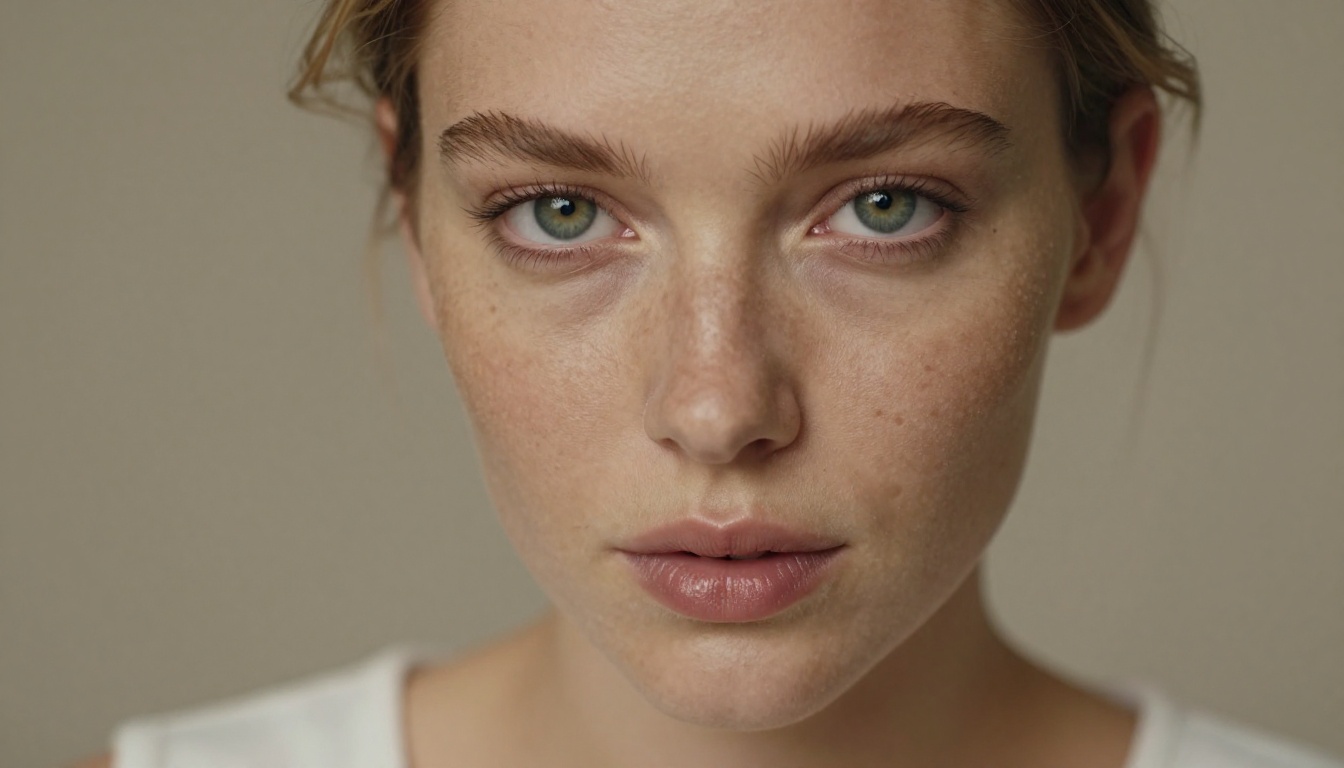
Wan 2.6 renders skin with excellent subsurface scattering simulation. Light appears to pass through skin at the ears, nose, and fingertips realistically, producing that translucent warmth that reads as genuinely human. Its hair generation is particularly strong: individual strands catch light correctly and move with believable physics even through camera movement. In close-up shots and portrait-framing, Wan 2.6 produces some of the most convincing skin detail of any current generation model.
The model also preserves facial features consistently across frames, which is critical when working from a reference character using Wan 2.6 I2V. The face does not drift or morph between frames the way earlier models would, making it far more viable for building a consistent character identity across a content library.
Kling's Approach to Photorealism
Kling v2.6 takes a different approach by prioritizing environmental realism alongside skin rendering. The result is that scenes feel more holistically real. The interplay between skin, fabric, and ambient light looks more cohesive. Shadows fall correctly across the body based on the lighting conditions described in the prompt, and specular highlights on skin look physically accurate in ways that feel natural rather than post-processed.
Where Kling occasionally falls short is at extreme close-up distances. At a macro level, Wan 2.6 produces finer pore-level detail. Kling's skin reads as more realistic from a medium or full-body shot distance, which covers the majority of adult content use cases in practice.

| Category | Wan 2.6 | Kling v2.6 |
|---|
| Prompt adherence for suggestive scenes | Excellent | Good |
| Character consistency across frames | Excellent | Good |
| Body motion realism | Good | Excellent |
| Skin and fabric texture rendering | Excellent | Excellent |
| Camera movement control | Limited | Excellent |
| Close-up facial detail retention | Excellent | Good |
| Environmental and scene realism | Good | Excellent |
| Generation speed per clip | Fast | Moderate |
| Flash/fast variant available | Yes | No |
Prompt Adherence for Suggestive Content
Wan 2.6 is notably strong when it comes to following detailed, nuanced prompts. If you write a carefully worded description of a specific scene, wardrobe, lighting setup, and mood, Wan 2.6 tends to honor more of those specifics than Kling. For adult content where particular aesthetics matter, like a defined setting, specific outfit details, or a precise camera framing, this precision reduces iteration cycles significantly.
Kling v2.6 sometimes interprets prompts more liberally, applying its own creative direction rather than strict adherence. This can produce beautiful results but requires more generation attempts to nail a specific creative vision.
Character Consistency Across Frames
This is one of the biggest practical challenges in AI adult video production. Characters that change face shape, body proportions, or skin tone between frames immediately break immersion and make the content look cheap. Using Wan 2.6 I2V or Wan2.6 I2V Flash with a reference image locks in the character's appearance at the start frame and maintains it throughout the clip. This gives creators a reliable foundation for building a consistent character library at scale.
Kling also supports image-to-video input, but character drift tends to be slightly more pronounced over longer clips. For shorter 5-second clips the consistency is comparable across both models.
Speed, Cost, and Workflow
Real production decisions are not just about output quality. They are about how many clips you can produce, how fast, and at what cost per clip when you are operating at scale.
Generation Time Comparison
Wan 2.6 is generally faster per generation, particularly the flash variants. Wan2.6 I2V Flash cuts generation time down significantly at a modest quality trade-off that is often acceptable for test iterations. On comparable hardware, the standard Wan 2.6 generates a 5-second clip in roughly 2 to 4 minutes.
Kling v2.6 takes longer, typically 4 to 8 minutes for a standard-quality 5-second clip at 1080p. The additional processing time reflects the model's more detailed motion physics calculations. If you are running batch production and generation throughput is the constraint, Wan 2.6 has a practical speed advantage that compounds over a full production session.
Pricing Reality Check
Both models are accessible on PicassoIA through a credit-based system. The cost per generation varies by model variant and output resolution:
- Wan 2.6 T2V and I2V: Mid-tier credit cost per clip, with the flash variant at a lower cost per generation
- Kling v2.6 Standard: Comparable to Wan 2.6 per clip on average
- Kling v2.6 Motion Control: Higher credit cost due to the additional parameter processing for trajectory control
For creators doing high-volume production, the difference in cost-per-clip between these two models is relatively small. The more meaningful cost factor is iteration rate. If Kling requires three to four generations to nail a specific scene that Wan 2.6 hits on the first or second attempt, the effective cost advantage shifts regardless of nominal per-generation pricing.
💡 Workflow tip: Start with Wan 2.6 I2V to lock in your character and establish the scene composition. Once the basic scene reads correctly, regenerate the motion-heavy portions with Kling v2.6 for more natural body physics. This hybrid workflow gives you character stability from Wan and physical believability from Kling.
How to Use Both on PicassoIA
Both models are available directly on PicassoIA with no API setup, local GPU installation, or technical configuration required. Here is how to get the most out of each for adult content production.
Using Wan 2.6 on PicassoIA
- Go to Wan 2.6 T2V for text-only generation, or Wan 2.6 I2V to start from a reference image.
- For image-to-video: upload your reference character image. Use a high-quality, well-lit photo with the character clearly framed for best results.
- Write your prompt with scene-specific detail: describe the setting, lighting quality, clothing material, camera angle, and the type of movement you want to see.
- Set the aspect ratio to 16:9 for standard video or 9:16 for vertical mobile formats.
- Adjust the motion strength slider. For subtle, sensual movement keep it at 50 to 60%. For more active scenes push to 70 to 80%.
- Generate and preview. If the character has drifted from the reference image, lower the motion strength or add a more constrained movement description in the prompt.
- For rapid iteration, use Wan2.6 I2V Flash to test prompt variations before committing credits to the full-quality version.
Prompt tips for adult content with Wan 2.6:
- Describe lighting with precision: "warm side lighting from the upper left casting soft shadows across the collarbone" produces more flattering skin rendering than generic scene descriptions.
- Be specific about fabric: "silk," "lace," and "satin" produce noticeably different texture and movement results.
- Use camera angle descriptors: "medium shot from a low angle looking up slightly" guides the model toward flattering, intentional framing.
Using Kling v2.6 on PicassoIA
- Navigate to Kling v2.6 on PicassoIA.
- For scenes where camera movement adds production value, use Kling v2.6 Motion Control instead.
- Write a motion-focused prompt. Kling responds well to action verbs and physical descriptions: "slowly turns to face the camera," "raises arms overhead with a relaxed posture," "walks toward the camera with soft steps."
- For the best body realism, describe how the character moves rather than just how they look. Movement intention produces better physics than appearance descriptions alone.
- Use the professional mode setting for higher-quality output at 1080p resolution.
- If using Motion Control, define a smooth arc trajectory rather than abrupt directional changes. The model produces more natural-looking movement when the camera path follows a continuous curve.
Prompt tips for adult content with Kling v2.6:
- Kling handles ambient environments particularly well. Background detail improves the overall scene: "soft candlelight in a luxury hotel room" produces more atmospheric output than a plain setting description.
- For naturalistic skin rendering, avoid over-specifying every light source. Let the model interpret the ambient mood rather than trying to control each individual shadow.
- The 5-second clip length tends to produce better body and character consistency than the 10-second option for complex scenes with multiple elements in frame.
Which One to Pick
There is no universally correct answer, but the decision breaks down clearly based on your specific production priorities.
Choose Wan 2.6 when:
- Character consistency across a content library is your top priority
- You need precise control over what appears in the video frame by frame
- The content is close-up or portrait-dominant
- Production speed and cost efficiency are critical constraints
- You want to test prompts rapidly with Wan2.6 I2V Flash before committing to full generations
Choose Kling v2.6 when:
- Natural body movement is the centerpiece of the content
- You are producing full-body or environmental scenes where motion physics sell the realism
- You need camera movement for dynamic, cinematic shots
- Scene atmosphere and lighting cohesion are production priorities
- You want the Motion Control variant for precise camera choreography
For most adult content creators, the most effective workflow combines both models. Use Wan 2.6 I2V to establish characters and static compositional scenes, then bring in Kling v2.6 for motion-driven sequences where body physics need to read as genuinely human. This gives you character stability from Wan and physical believability from Kling within the same production pipeline.
Create Your Own on PicassoIA Right Now
Both models are live and accessible without any technical setup. PicassoIA hosts Wan 2.6 T2V, Wan 2.6 I2V, Wan2.6 I2V Flash, Kling v2.6, and Kling v2.6 Motion Control alongside more than 80 other video generation models, all accessible directly from the browser.
The platform makes it simple to run side-by-side tests with the same prompt across both models, so you can see the real difference firsthand rather than relying on written descriptions. Start with a character reference image and a detailed scene prompt, run both models with identical inputs, and compare the outputs. The difference in motion quality, character consistency, and scene realism will be immediately visible.
If you need to create characters first, PicassoIA also provides access to more than 91 text-to-image models for photorealistic character generation. Build your character once in a high-quality image generator, then bring them to life in video with Wan 2.6 or Kling v2.6. The full pipeline, from character creation to animated video, runs entirely within one platform.
The production quality difference between these two models and anything available two years ago is substantial. Both are capable of producing content that passes a serious realism check. The choice between them is now about matching your workflow to your specific creative goals rather than working around fundamental quality limitations.