Wan 2.7 does something most AI models don't: it handles both still image generation and full video synthesis inside the same architecture. That means you're not switching between two completely separate tools. You're choosing between two modes of the same engine, and knowing which does what is what separates forgettable outputs from genuinely impressive results.
This article breaks down exactly how Image Mode and Video Mode work in Wan 2.7, what each one is actually good at, where they fall short, and how to use both on PicassoIA right now.
What Wan 2.7 Actually Is
Wan 2.7 is the latest release from Wan Video, a diffusion-based AI model that operates across multiple output types from a unified architecture. Unlike earlier generations of AI video tools that treated image generation as a separate concern, Wan 2.7 was built from the ground up to handle both modalities with equal attention.
The version includes three specialized pipelines available on PicassoIA:
- Wan 2.7 T2V: Text to Video. Input a prompt, get a 1080p video clip.
- Wan 2.7 I2V: Image to Video. Input an image, get an animated video from it.
- Wan 2.7 R2V: Reference to Video. Use a reference image to drive subject-consistent video animation.
The "Image Mode" discussed in this article refers specifically to using Wan 2.7's generation backbone for still image output, rather than activating its temporal pipeline for video. This distinction is architectural, not cosmetic.
One Model, Two Operating States
Most people assume that generating an image and generating a video are fundamentally different operations requiring completely different models. With Wan 2.7, that's not the case. The model's diffusion backbone runs a single noise-to-signal process, but the output is conditioned differently depending on which mode you select.
In Image Mode, the model collapses the temporal dimension entirely. It generates a single, fully resolved latent frame and decodes it to a still image. This means all of the model's capacity is focused on one output, which is why Wan 2.7 in Image Mode can produce results with dramatically higher per-pixel fidelity than many dedicated image-only models.
In Video Mode, the model operates across a sequence of latent frames simultaneously, introducing temporal attention layers that ensure each frame connects coherently to the previous and next. This is computationally more intensive and introduces trade-offs in fine detail per frame, but delivers something Image Mode physically cannot: motion, transition, and time.
Why the Shared Architecture Matters
The practical implication of sharing a backbone is consistency. When you generate a character or scene in Image Mode, then animate it with Video Mode using I2V, the subject retains its visual identity across both outputs. This is something you simply can't replicate with tools that use entirely different models for image and video generation.
💡 Real workflow tip: Generate your final composition in Image Mode first. Once you're happy with the subject, lighting, and composition, feed that image into Wan 2.7 I2V to animate it. You get the precision of Image Mode with the motion of Video Mode, in two steps.
Image Mode: What It Actually Produces
Image Mode in Wan 2.7 is not simply "video generation without motion." It's a specific operational state that reallocates all available compute toward a single frame. The results show it.
Resolution and Detail
In Image Mode, Wan 2.7 can output images at significantly higher effective resolutions than its video pipeline. While Video Mode is optimized for temporal coherence across frames at resolutions like 720p and 1080p, Image Mode concentrates on spatial density within a single frame. You get richer texture detail, finer edge resolution, and more precise rendering of complex surfaces like fabric, hair, skin pores, and architectural elements.
This is one of the clearest practical advantages of Image Mode: if the end product is a still, there's no reason to run the full video pipeline. You're paying compute cost for temporal layers you don't need.
Generation Speed
Image Mode is substantially faster. Because the model only needs to decode one frame rather than a sequence of 24 or more, inference time drops accordingly. On PicassoIA's infrastructure, this translates to noticeably quicker turnaround, which matters a lot when you're iterating on prompts to get composition, lighting, or subject appearance exactly right.
For prompt testing and concept validation, always start in Image Mode. Lock down your scene. Then switch to Video Mode when you need motion.
3 Things Image Mode Does Better
1. Per-pixel sharpness. All compute goes to one frame, making textures, edges, and fine details crisper than any equivalent frame pulled from a video clip.
2. Faster iteration. Prompt variations render in a fraction of the time. You can test 10 different compositions in the time one video generation takes.
3. Lower cost. A single image generation uses significantly fewer credits than a video generation. For high-volume workflows, this adds up fast.
Where Image Mode Shines
| Use Case | Image Mode | Video Mode |
|---|
| Portfolio shots | Excellent | Not applicable |
| Product photography | Excellent | Overkill |
| Character design reference | Excellent | Good for testing |
| Social media stills | Excellent | Depends on platform |
| Thumbnails and headers | Excellent | Inefficient |
| Animated content | Not applicable | Required |
| Short-form video | Not applicable | Required |
| Motion-based visual effects | Not applicable | Required |
💡 Format tip: Use Image Mode for anything that will be displayed as a still. Using Video Mode for static outputs wastes generation credits and processing time with no quality benefit.
Video Mode: The Full Picture
Video Mode in Wan 2.7 introduces temporal attention, which is the mechanism that makes video generation actually work rather than just concatenating unrelated frames. Without temporal coherence, you get flickering, identity drift, and motion inconsistency. Wan 2.7 addresses all three.
T2V, I2V, and R2V Explained
Wan 2.7 T2V takes a text prompt and generates a video clip from nothing. No reference image required. The model constructs a scene, subjects, lighting, and motion from the prompt alone. This gives you maximum creative freedom but requires precise prompting to get the motion you actually want.
Wan 2.7 I2V takes a static image as its first frame and animates forward from it. The advantage here is control: you know exactly what the first frame looks like because you supplied it. The motion flows naturally from the visual information in your source image.
Wan 2.7 R2V works with a reference subject, maintaining that subject's appearance and identity through the video even as the background, camera angle, or action changes. This is particularly useful for character animation where identity consistency is non-negotiable.
What Makes Wan 2.7 Video Different
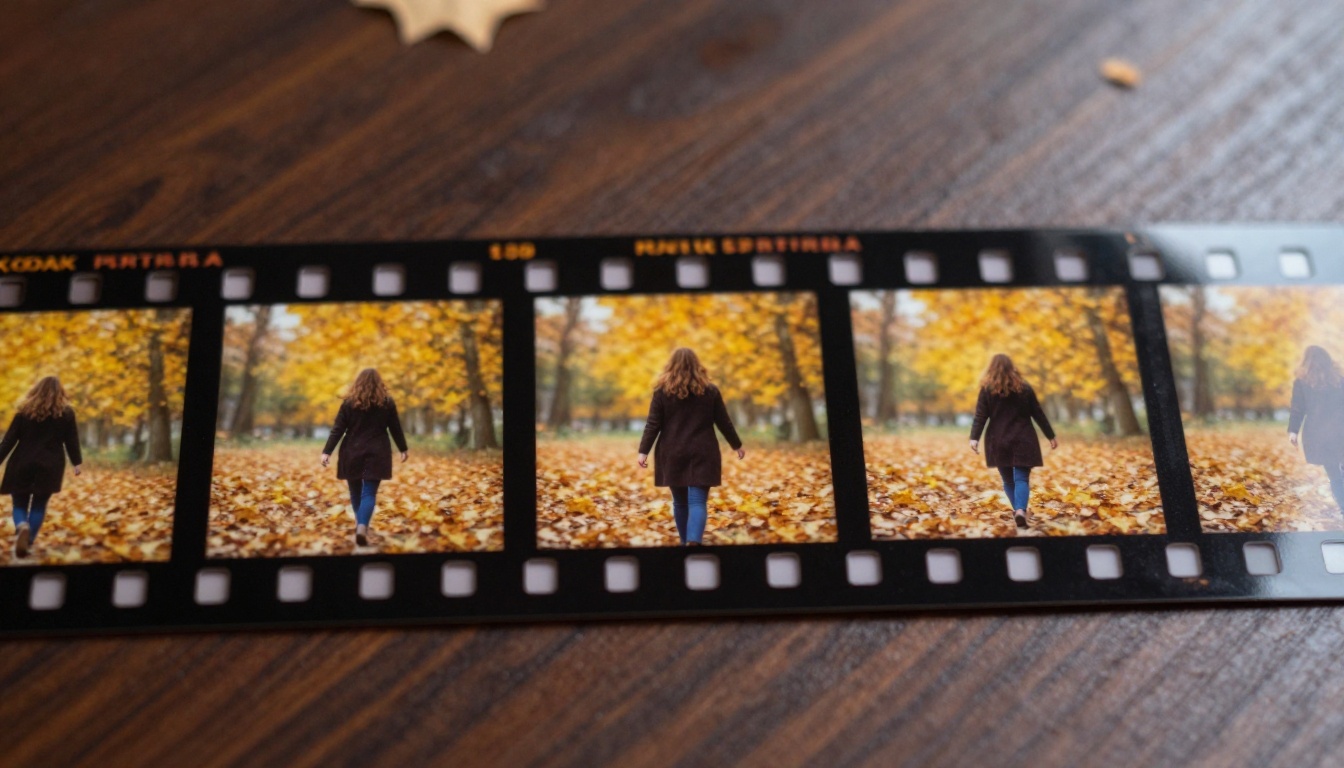
The most common failure mode in AI video generation is "temporal drift": the subject in frame 1 looks slightly different from the subject in frame 12, and by frame 24, the character has subtly changed hair color, facial structure, or clothing. This is what separates production-usable video generators from experimental ones.
Wan 2.7 handles temporal consistency better than most models at this tier. The cross-frame attention layers actively compare each latent frame against its neighbors, correcting for drift before it compounds. The result is video where characters and objects remain visually stable across the full clip duration.
This makes Wan 2.7 Video Mode genuinely usable for content creation rather than just experimentation, which is why it's one of the most-used video models on PicassoIA.
Temporal Consistency Done Right
The practical test for temporal consistency is simple: does the main subject look the same from the first frame to the last? In lower-quality video generators, the answer is often "mostly," which creates an uncanny, unstable feeling in the final clip.
Wan 2.7 passes this test consistently. Faces stay structurally identical. Clothing maintains its colors and textures. Hair doesn't shift between frames. When you're building content that will be viewed by an audience rather than just tested internally, this level of stability is not optional.
Frame Rate and Duration
Wan 2.7 Video Mode generates at 24 fps, which is the standard cinematic frame rate. Clips are typically 5 seconds, giving you 120 frames of content per generation. For social media short-form content, product demos, and animated headers, this is often exactly the right length.
For longer content, you can chain multiple Video Mode generations together, using the last frame of one clip as the starting image for the next I2V generation. This is how longer continuous sequences are built from Wan 2.7 without requiring exponentially more compute in a single generation.
Head-to-Head: The Numbers That Matter
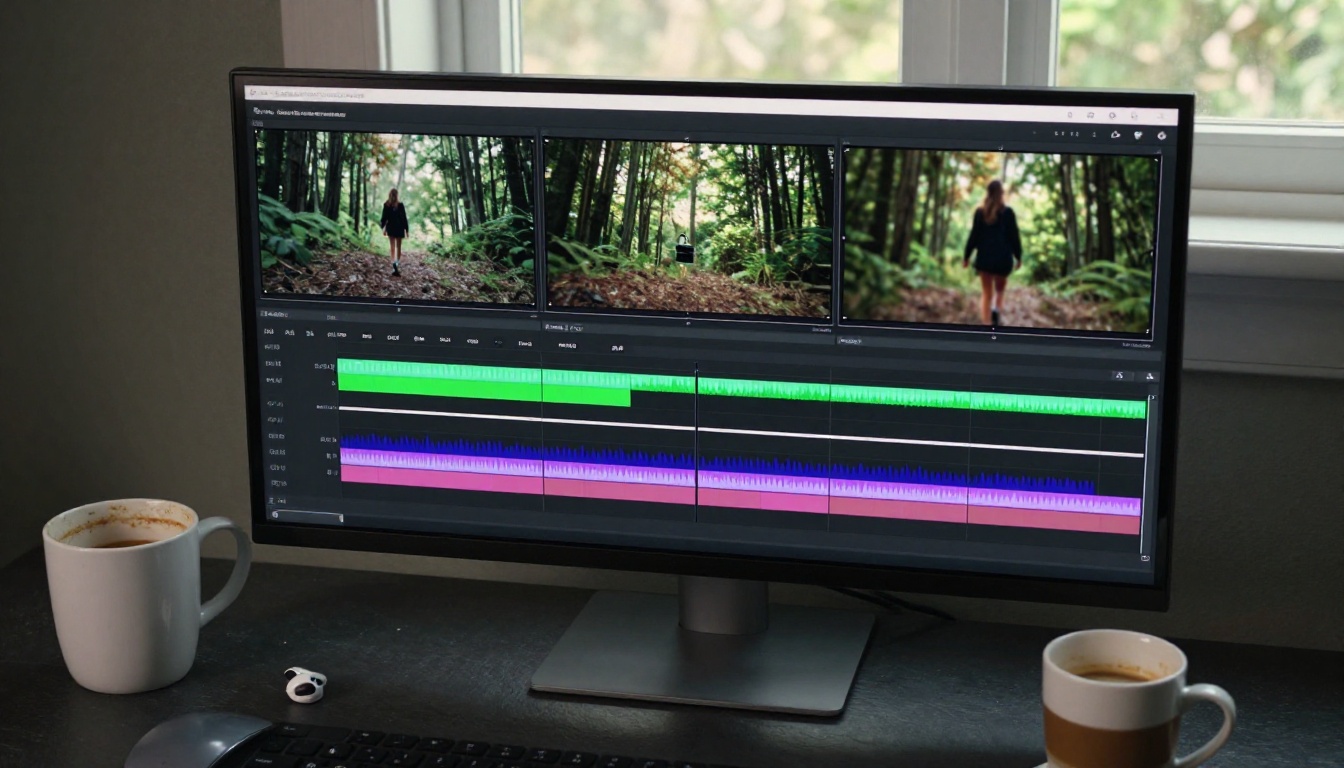
Here's where Image Mode and Video Mode actually diverge in practical terms:
| Metric | Image Mode | Video Mode (T2V / I2V) |
|---|
| Output type | Single frame | 5s @ 24fps (120 frames) |
| Max resolution | High (single-frame focused) | 1080p (multi-frame) |
| Per-pixel detail | Very high | Moderate (distributed across frames) |
| Inference speed | Fast | Slower (sequential frames) |
| Temporal coherence | N/A | Strong |
| Best for iteration | Yes | No |
| Requires reference image | Optional | Optional (I2V yes, T2V no) |
| Credit cost | Lower | Higher |
When Speed Matters
If you're iterating on a concept, prompt testing, or building a reference image bank, Image Mode wins on pure efficiency. A single image costs a fraction of a video generation. For studios or solo creators running many generations per session, this difference compounds significantly over a project timeline.
When Quality Per Frame Matters
In Video Mode, the model's capacity is split across 120 frames. Each frame gets less dedicated compute than a single Image Mode output. This means if you need a specific frame from a video at maximum quality, you'll almost always get better results by generating that frame in Image Mode separately.
💡 Production tip: For thumbnail images extracted from a video sequence, don't screenshot the video frame. Generate the equivalent scene in Image Mode for a dramatically sharper result.
How to Use Wan 2.7 on PicassoIA
PicassoIA has all three Wan 2.7 pipelines available, each accessible directly from the platform with no setup required.
Try Wan 2.7 T2V Now
Head to Wan 2.7 T2V on PicassoIA to generate video directly from a text prompt. The interface accepts standard natural language prompts. For best results:
- Describe motion explicitly: "A woman walks slowly left to right" works far better than just "a woman in a park."
- Set the camera: Mention camera movement if you want it. "Slow dolly forward" or "static locked shot" gives the model specific instructions.
- Describe lighting conditions: "Golden hour backlight" or "overcast diffused light" gives the temporal pipeline consistent visual anchors across frames.
Try Wan 2.7 I2V Now
Wan 2.7 I2V on PicassoIA takes your image and animates it. Start with an image from Image Mode, or upload your own, then write a motion prompt describing what should happen. The model uses the image as frame zero and synthesizes forward from there.
This is the most controlled way to use Wan 2.7 Video Mode. You know the starting composition, and you direct the motion from it.
Try Wan 2.7 R2V Now
Wan 2.7 R2V on PicassoIA is for subject-consistent animation. Upload a reference of your subject, a character portrait works particularly well, and describe the action and setting. The model maintains the reference subject's appearance through the entire clip duration.
Which Mode Should You Choose?
The answer depends entirely on what you're making. There's no universally better mode, only the right mode for the specific output you need.
When Image Mode Wins
- You need a still for print, social media, or a website.
- You're iterating on prompt variations to find the right look.
- You need maximum per-pixel detail and texture fidelity.
- You're building reference images for later animation.
- You want faster generation for higher-volume work.
- Your use case involves product shots, portraits, or architecture.
When Video Mode Wins
- Your output will be shown as moving content, such as social media video, a presentation, or an ad.
- You need to convey motion, time passing, or character action.
- You want to animate an existing photograph or illustration.
- You're building short-form content for Instagram Reels, TikTok, or YouTube Shorts.
- You need temporal visual effects that a still image cannot express.
The Smart Two-Step Workflow
The most effective approach is not choosing one over the other. It's using them in sequence:
- Use Image Mode to build your perfect scene.
- Confirm composition, lighting, and subject appearance.
- Feed that image into I2V or R2V to add motion.
This two-step workflow gives you the precision of Image Mode with the expressive power of Video Mode. It's how professional AI content creators on PicassoIA produce results that consistently stand out.
Other Models Worth Knowing
While Wan 2.7 is the focus here, PicassoIA's video catalog has strong alternatives depending on your project:
- Seedance 2.5: ByteDance's latest, handles 30-second clips and excels at free-flowing motion with native audio support.
- Kling v2.6: Cinematic quality at 1080p, strong on precise camera motion control.
- Ray 3.2: Luma's HDR-capable model, excellent for scenes with wide lighting contrast.
- LTX 2.3 Pro: 4K video output for when resolution is the top priority.
- Veo 3.1: Google's 1080p AI video with realistic audio synchronization built in.
- Pixverse v5.6: Fast 1080p video with strong stylistic range.
- Hailuo 02: MiniMax's 1080p generator with excellent motion realism.
Each of these models on PicassoIA gives you access to the full generation pipeline without subscriptions, software installs, or GPU configuration.
Start Generating Now
Wan 2.7 is available on PicassoIA right now, across all three pipelines. You don't need to download anything, configure a GPU environment, or manage model weights. Open the platform, write your prompt, and generate.
For anyone building a consistent content pipeline, the Image Mode / Video Mode workflow is one of the most powerful combinations available in AI generation today. Start with Image Mode to perfect your visual concept, then bring it to life with Video Mode when the project calls for motion.
The tools are there. The quality is real. The only question is what you want to make.
Whether you're creating product photography, character references, short-form social video, or animated brand content, Wan 2.7 on PicassoIA handles all of it from a single platform. Pick Image Mode when you need precision and speed. Pick Video Mode when you need motion and narrative. Use both together when you need the best of everything.