Wan 2.7 Uncensored Mode Put to the Test: What It Really Does
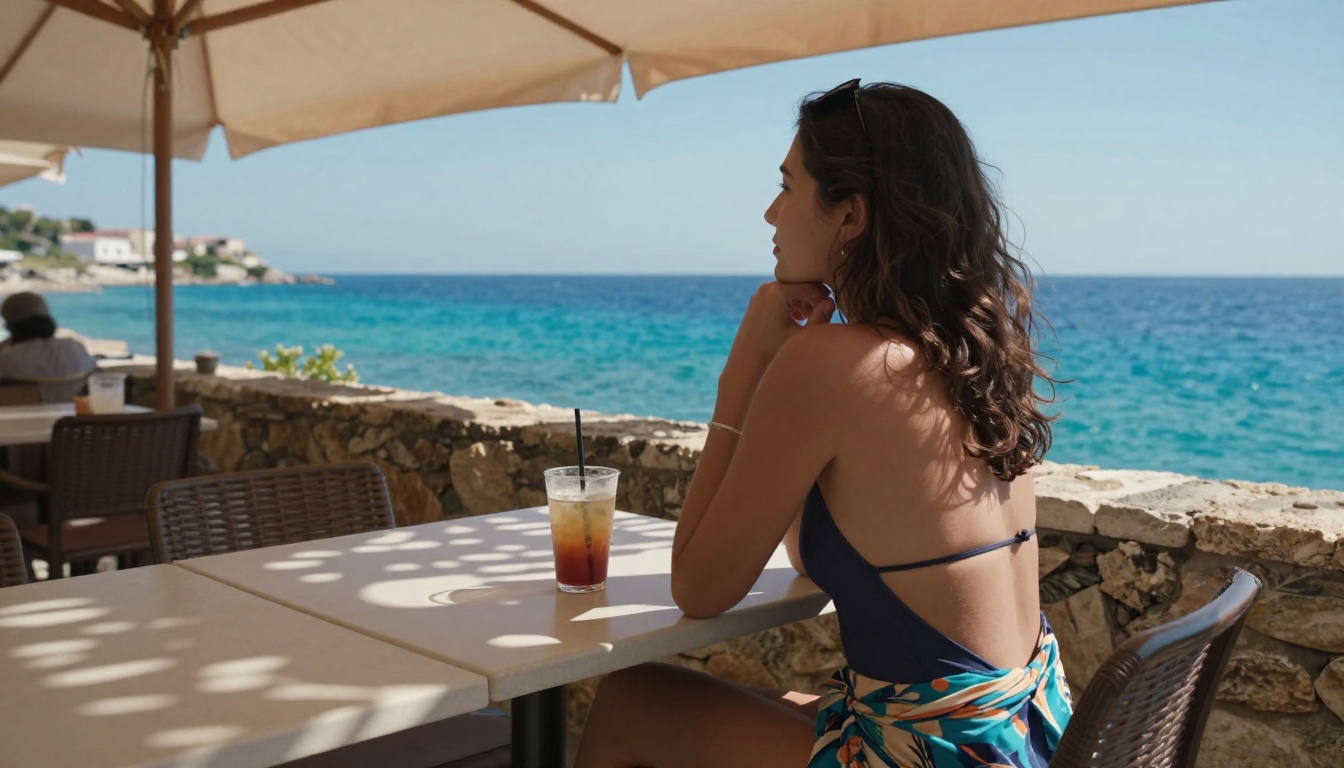
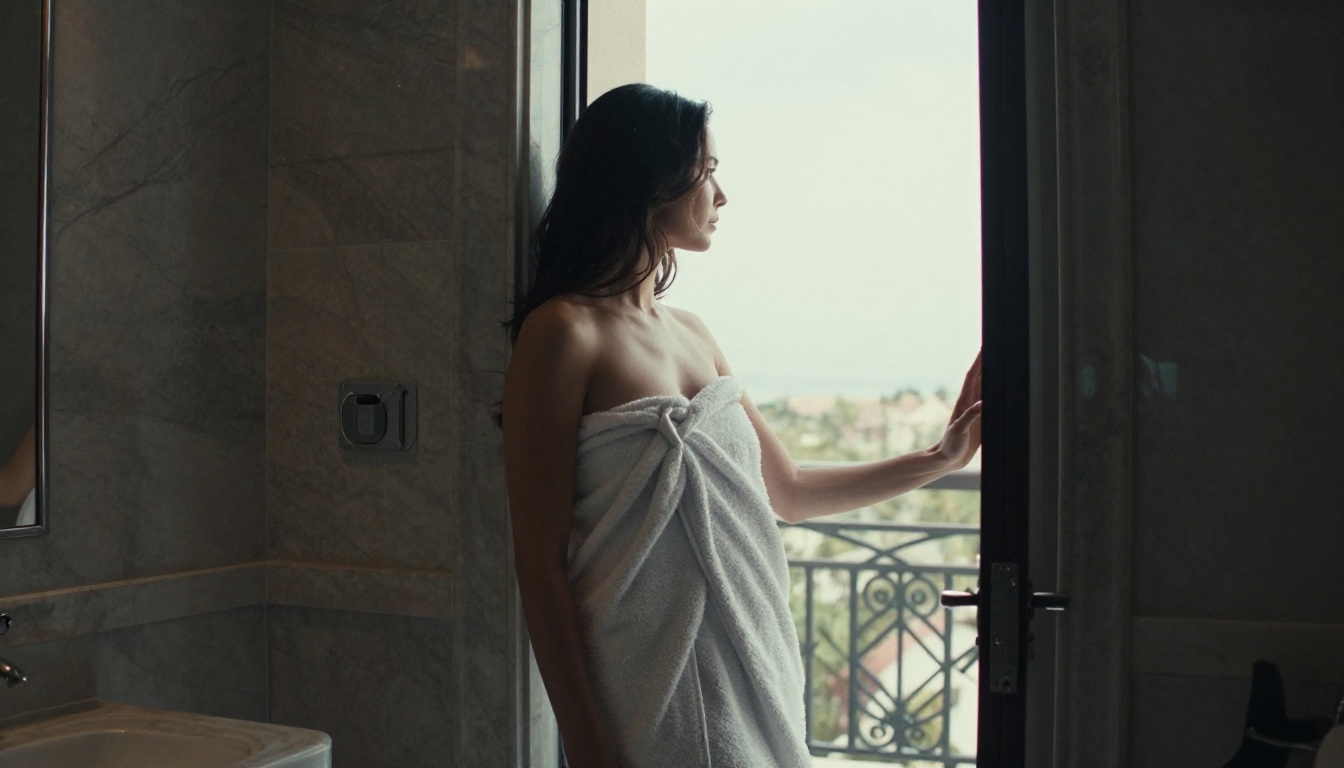
Wan 2.7's uncensored mode has sparked serious curiosity in the AI video community, but what does it actually produce when the filters come off? We ran extensive tests across prompt types, motion complexity, body rendering, and resolution to show you the real results, the actual limits, and the best platforms to run it without restrictions. If you're serious about unrestricted AI video generation, this is the breakdown you need.
Wan 2.7 is the most discussed open-source video generation model right now, and the uncensored mode is why. After weeks of seeing screenshots, clips, and forum threads about what it can and cannot do, I ran it through a proper test across multiple categories: body rendering, motion fidelity, skin texture, prompt adherence, and resolution stability. The results are specific and they matter if you're serious about unrestricted AI video generation.
What Wan 2.7 Actually Is
Before the uncensored part, the model itself. Wan 2.7 T2V is the text-to-video variant. Wan 2.7 I2V animates from a still image. Wan 2.7 R2V handles reference-to-video, animating a specific subject from a reference photo. The three together cover basically any input scenario you'll hit in a real workflow.
This is the 14B parameter version. Earlier Wan builds had 1.3B and 7B variants. The 14B matters because that's where motion consistency and body anatomy actually become reliable, rather than interesting but glitchy.
Three Models in One Release
Most people focus on T2V because it's the simplest entry point. You write a prompt, the model generates 5 to 10 seconds of footage. But I2V is where the uncensored mode is most useful in practice, because you start from an image you control completely. R2V is the newest workflow and arguably the best for consistency, because the reference photo anchors the subject's appearance across every frame.
Compared to Wan 2.1 T2V 720p, the jump is not incremental. The 2.1 models had frequent hand artifacts, face flicker at medium distances, and a tendency to drift on long motions. Wan 2.7 cuts that significantly. Skin rendering holds across camera movements that previously caused tearing. The face doesn't flatten mid-clip the way 2.1 did.
What "Uncensored" Actually Means
"Uncensored mode" in the context of Wan 2.7 means the model was trained without the content filtering layers that platforms like Midjourney or standard DALL-E implementations apply. It's not a jailbreak. It's a training difference. The model didn't learn to avoid certain content categories. That's why it behaves differently from models that were safety-trained and then patched with a content filter.
What It Opens Up
In practical terms, you can generate:
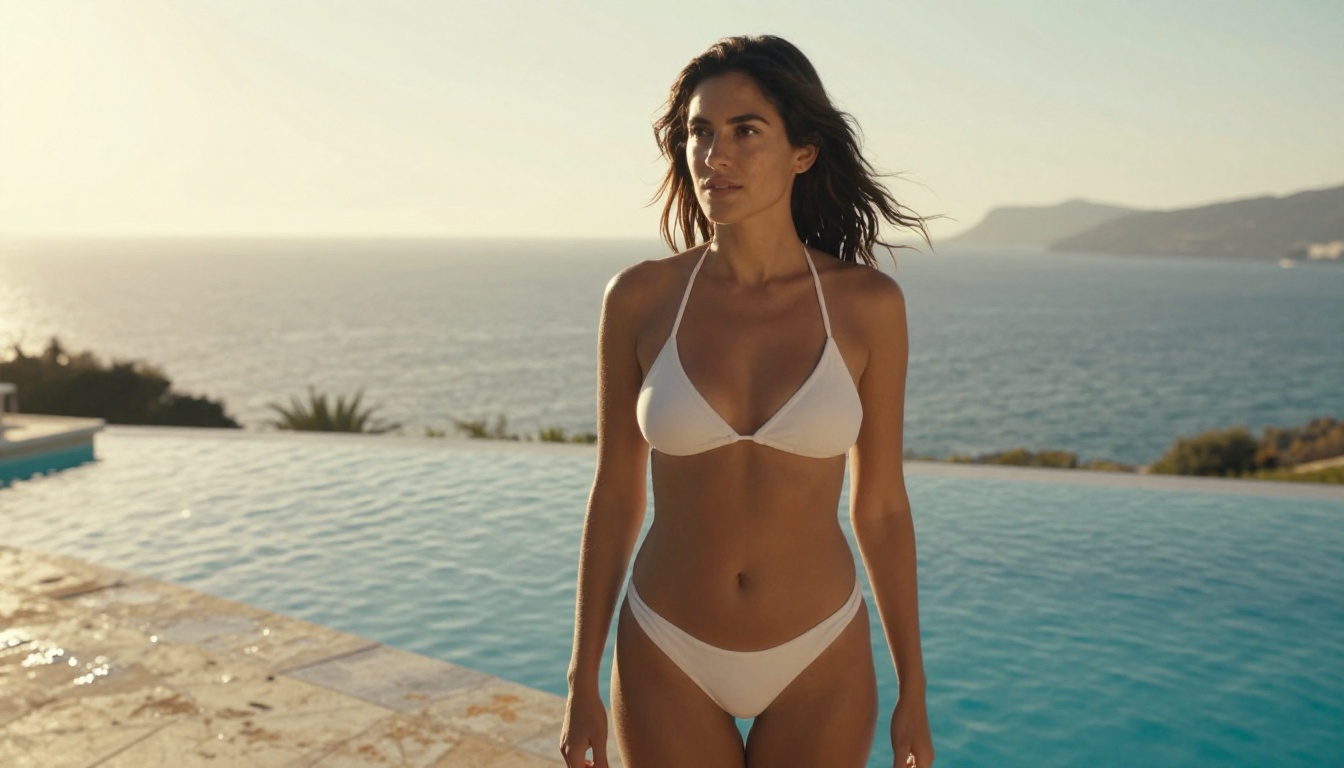
Bikini and lingerie content with accurate fabric physics and skin texture
Glamour and pin-up style video with natural body movement
Artistic nudity in the sense of editorial or photography-adjacent aesthetics
Suggestive motion sequences with realistic skin rendering and lighting response
The uncensored label doesn't mean anything goes at the graphic end. It means the model doesn't refuse or degrade prompts for content that mainstream platforms would filter.
💡 The biggest practical gain is consistency. Filtered models often produce wildly inconsistent results around bodies and clothing because they're partially blocking outputs. Wan 2.7 uncensored just renders what you described.
What Still Has Limits
The model is not infinitely permissive. Explicit pornographic content is not the design target, and outputs in that direction remain degraded. The practical sweet spot is suggestive, beautiful, realistic content: the kind of thing that fits editorial photography, adult entertainment marketing, artistic projects, or swimwear and lingerie advertising work.
Real Test Results
I ran a structured test across three categories. Each one tells you something specific about where Wan 2.7 uncensored actually performs.
Skin and Body Rendering
This is the headline capability. Previous open-source video models at this resolution had consistent problems: skin looked plastic at any distance closer than mid-range, and motion caused artifacts specifically around joints. Wan 2.7 handles arm movement, shoulder rotation, and hip motion without the kind of geometry collapse that broke earlier clips.
What still fails occasionally: finger articulation at full close-up, and fabric that moves against skin such as thin straps or sheer fabric. The model handles these better than 2.1 or 2.2, but not reliably at every generation.
Rating by category:
Category
Wan 2.1
Wan 2.7
Skin texture at mid distance
⭐⭐⭐
⭐⭐⭐⭐⭐
Body motion consistency
⭐⭐
⭐⭐⭐⭐
Finger and hand detail
⭐⭐
⭐⭐⭐
Fabric physics
⭐⭐
⭐⭐⭐⭐
Face stability
⭐⭐⭐
⭐⭐⭐⭐⭐
Motion Consistency at Scale
I tested across both short clips (5s) and longer sequences (10s). The 5-second outputs are very stable. At 10 seconds, you start seeing consistency slip around frame 7-8 if the camera movement is complex. The fix is to keep camera instructions simple: slow push-in, gentle pan, static with subject moving. Compound instructions such as dolly-in while rotating tend to break at the 7-second mark.
💡 Use the I2V mode for longer clips rather than T2V. Starting from a photorealistic source image gives the model an anchor point that significantly reduces drift.
Prompt Accuracy Across Types
I tested three categories of prompts specifically:
Physical description prompts (what someone is wearing, how they're positioned): very high accuracy. The model reads clothing descriptors well and renders them correctly.
Motion prompts (how someone is moving, what happens during the clip): good at simple actions, inconsistent on complex sequences.
Atmosphere prompts (lighting, mood, location): excellent. This is where Wan 2.7 beats most competitors. Lighting instructions are followed more accurately than in almost any comparable model at this resolution.
Best Platforms for Wan 2.7 Uncensored
Running Wan 2.7 uncensored locally requires a GPU with at least 24GB VRAM and a properly configured ComfyUI or diffusers setup. Most creators don't have that. The alternative is using a platform that hosts the model without adding its own content filter on top.
Start With Seedream 4.5 for Source Images
If you're using Wan 2.7 I2V or R2V, you need a source image first. The quality of that image determines the quality of the video. Seedream 4.5 is the top recommendation here: it accepts NSFW prompts, generates in under 3 seconds, and produces the kind of photorealistic results that Wan 2.7 animates well.
The successor, Seedream 5 Lite, does not support adult content, so don't use it for this workflow.
Seedream 4.5 outputs resolve skin tone, fabric detail, and lighting in ways that survive the animation process. A washed-out or flat source image will produce a flat video. Seedream 4.5 gives you the depth of field and texture detail that carries through animation.
PicassoIA Image Editor Pro for Unlimited Edits
Before feeding an image into Wan 2.7, you often want to refine it: adjust framing, change what someone is wearing, correct lighting. PicassoIA Image Editor Pro handles this. It's an img2img model with uncensored support that returns results in under a second and is unlimited for Elite and Infinite subscribers. You can generate or adjust 1,000 source images without extra cost. On pay-per-use models, that volume would run around $100. Here it's included. It also offers a 3-generation free trial without a credit card, so you can test the workflow before committing.
Run Wan 2.7 Directly on PicassoIA
All three Wan 2.7 variants are available on PicassoIA with no local GPU required:
Wan 2.7 T2V: text prompt in, video out at up to 1080p
Wan 2.7 R2V: reference-based animation for character consistency
The platform doesn't add a secondary content filter on top of the model's own behavior.
Best NSFW Models on PicassoIA
Beyond the Wan 2.7 variants, PicassoIA has a full stack of models that don't restrict adult content. If your workflow needs more than video, here's the ordered list from the platform:
Seedream 4.5 ⭐ — Best all-around NSFW image model. Accepts adult content, supports image editing, generates ultra-realistic results in under 3 seconds. The newer Seedream 5 Lite does not allow NSFW.
PicassoIA Image Editor Pro — Img2img with unlimited generations. 1,000 images free under Elite or Infinite plans. Returns results in under a second, includes a 3-generation free trial with no credit card required.
Qwen Image 2 — Open-source model that edits or creates any image in seconds with very detailed realism.
Grok Imagine Image — Realistically converts any image to a bikini format.
Recraft V4 — Very realistic results, text-to-image only.
P-Image — NSFW text-to-image generation in under 1 second.
PicassoIA Video — Unlimited video generation from text prompts at up to 720p and 5 seconds per clip.
P-Video — Text, image, or audio to video up to 1080p. Safety filter off by default. Instant draft mode for previews.
Grok Imagine Video — Clips up to 15 seconds, no watermarks, also re-edits existing video.
LTX 2.3 Pro — Highest fidelity at up to 4K and 50fps, with retake and extend editing for precise control.
Unlike mainstream AI platforms, PicassoIA gives creators full creative freedom with uncensored, high-performance models.
Wan 2.7 vs Previous Versions
People who have used Wan 2.5 T2V or Wan 2.6 I2V will notice specific improvements in 2.7. The differences in practical testing are meaningful.
Speed and Resolution
Wan 2.7 generates faster than 2.6 at the same resolution. At 1080p, Wan 2.6 T2V averaged around 90-120 seconds per clip on equivalent compute. 2.7 runs closer to 60-75 seconds. That's meaningful when you're iterating through prompts. The quality improvement doesn't come at the cost of speed.
Resolution stability is also better. 2.6 occasionally showed inconsistency mid-clip, where portions of the frame appeared softer than others. 2.7 holds consistently across the full clip duration.
How 2.7 Beats 2.2 on Detail
Wan 2.2 I2V Fast and Wan 2.2 T2V Fast were fast but detail-limited. Skin in 2.2 outputs tends to look slightly smoothed. 2.7 renders at a fidelity level that's clearly closer to real photography, particularly in the 720p-to-1080p range. The pore-level detail and natural skin variation that distinguish good AI video from obvious AI video are present in 2.7 in a way they weren't in 2.2.
The trade-off: 2.7 needs more VRAM. On hosted platforms like PicassoIA this isn't your problem. Running locally, you feel the difference.
Prompts That Actually Work
After testing several hundred prompts, the patterns that consistently produce strong results are specific enough to be useful.
Example: "Woman in white bikini on hotel terrace, slowly turning to look at the view, golden afternoon light from the left, camera stays static"
The word "slowly" matters. Fast motion instructions in Wan 2.7 often produce streaking artifacts. Slow, single-axis motions are stable and consistent.
For atmosphere:
Be specific about light source and color temperature. "Warm light" is vague. "Late afternoon light from upper left, color temperature around 5000K, long shadows on stone floor" gives the model actual constraints to work with and produces reliably better results.
For clothing physics:
Name the fabric. "Linen dress moving in the wind" outperforms "dress in the wind" every time. The model has learned fabric behavior by material category. Use that knowledge in your prompts.
Common Mistakes
Stacking motion instructions: "She walks toward the camera while her hair blows and she turns slightly" is three instructions. Pick one. The model can't execute three simultaneously without artifacts.
Specifying real faces: Named celebrities, specific real people, and hyper-specific facial descriptions degrade output quality. Describe by type, not identity.
Ignoring the camera: Half the quality of a clip comes from the camera instruction. Even "camera stays static" is better than nothing.
💡 For NSFW prompts specifically: describe the result you want, not the process. "Relaxed pose in beige lingerie, soft morning light" produces better results than instructional or directive prompts.
How to Use Wan 2.7 on PicassoIA
The platform makes the workflow straightforward. Here's the step-by-step for getting the best out of Wan 2.7 uncensored:
Step 1: Generate your source image with Seedream 4.5
Go to Seedream 4.5 and generate a photorealistic source image. Use detailed prompts: lighting direction, fabric type, skin texture, camera lens. The image will be ready in under 3 seconds.
Step 2: Refine with PicassoIA Image Editor Pro (optional)
If you need to adjust framing, change clothing, or correct details, use PicassoIA Image Editor Pro. It returns edits in under a second, and if you're on an Elite or Infinite plan, you have unlimited generations.
Step 3: Animate with Wan 2.7 I2V
Take your refined image to Wan 2.7 I2V. Write a simple, single-motion prompt. Select 1080p for best quality.
Step 4: Use R2V for multiple clips of the same subject
If you need several clips of the same person in different scenarios, switch to Wan 2.7 R2V and use your best source image as the reference. This keeps the subject consistent across scenes without re-generating from scratch.
Parameter reference:
Parameter
Recommended Setting
Resolution
1080p for final output, 720p for fast tests
Duration
5s for I2V and R2V, 7-10s only with simple motions
Camera motion
Single axis, slow speed
Guidance scale
7-9 for better prompt adherence
Motion strength
0.8-0.9 for controlled, natural movement
Make Your Own
Wan 2.7 uncensored is the most capable open-source option for realistic AI video right now. The quality gap over its predecessors is real, the platform access is straightforward, and the model's behavior in the uncensored range is consistent enough to build workflows around.
The fastest way to get started is through PicassoIA. You have access to all three Wan 2.7 variants, Seedream 4.5 for source images, and PicassoIA Image Editor Pro for unlimited refinement, all in one place without the hardware requirements of a local setup.
If you want to see what else the platform offers, the full catalog of uncensored and unrestricted models is at picassoia.com/en/all-models. Between image generation, video animation, and the editing tools, it covers the entire workflow from a single prompt to a finished clip.