Reference to Video on Wan 2.7: How It Actually Works
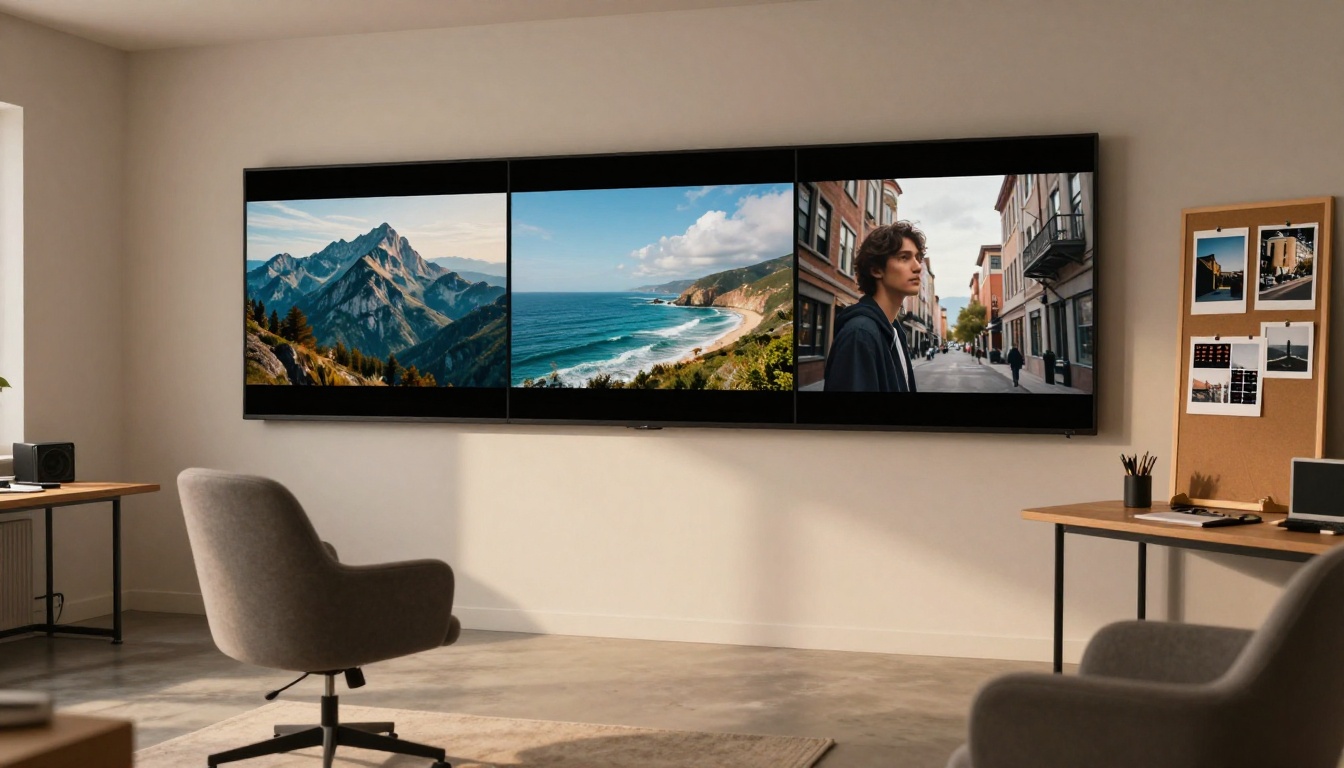
Wan 2.7 is the most capable open-source video generation model of 2027, offering three distinct modes: text-to-video, image-to-video, and reference-to-video. This article breaks down how each mode works under the hood, what makes temporal consistency hold up across frames, and how to use all three variants on PicassoIA to produce cinematic 1080p video from any starting point.
Wan 2.7 is not just another incremental update to an existing model. It represents a genuine architectural shift in how open-source video generation handles motion, subject fidelity, and temporal coherence simultaneously. Whether you are starting from a text prompt, a still image, or a reference subject, the results sit in a different league from what the 2.1 and 2.5 lines produced. This article pulls apart how each of the three Wan 2.7 modes actually works, so you know exactly what to feed the model and why.
What Wan 2.7 Actually Is
Wan 2.7 is a diffusion-based video generation model developed by Wan Video. It belongs to the same model family as Wan 2.1, 2.2, 2.5, and 2.6, but introduces a substantially revised approach to cross-frame attention and motion modeling. The result is dramatically better subject consistency, more natural camera motion, and sharper resolution at 1080p than any prior version.
What sets it apart is that all three variants share a common backbone but specialize at the conditioning layer. That single architectural decision is why T2V, I2V, and R2V feel cohesive rather than three disconnected tools.
Three Modes, One Architecture
The Wan 2.7 family ships with three distinct variants:
Wan 2.7 T2V: Generates video from a text prompt alone, targeting 1080p output.
Wan 2.7 I2V: Takes a still image as the first frame and animates it forward in time.
Wan 2.7 R2V: Accepts a reference image of a specific subject and animates that subject within a new scene described by a text prompt.
Each mode addresses a different creative workflow. T2V suits concept creation from scratch. I2V brings existing photos to life. R2V solves the harder problem of keeping a particular character or object consistent while placing it in a completely new context.
What Shifted from Earlier Versions
The Wan 2.5 line (T2V, I2V) already produced credible video at 720p. The 2.6 generation (T2V, I2V) pushed into HD quality. Wan 2.7 adds three things none of the predecessors had in combination: a dedicated R2V conditioning path, improved temporal attention windows that reduce flickering across long sequences, and a higher-fidelity motion prior trained on cinematic footage rather than web video alone.
How the T2V Mode Works
Text-to-video is the most intuitive entry point. You write a description of what you want to see, and the model produces a sequence of frames that matches it. But the mechanism underneath is more interesting than that summary suggests.
From Text to Moving Frames
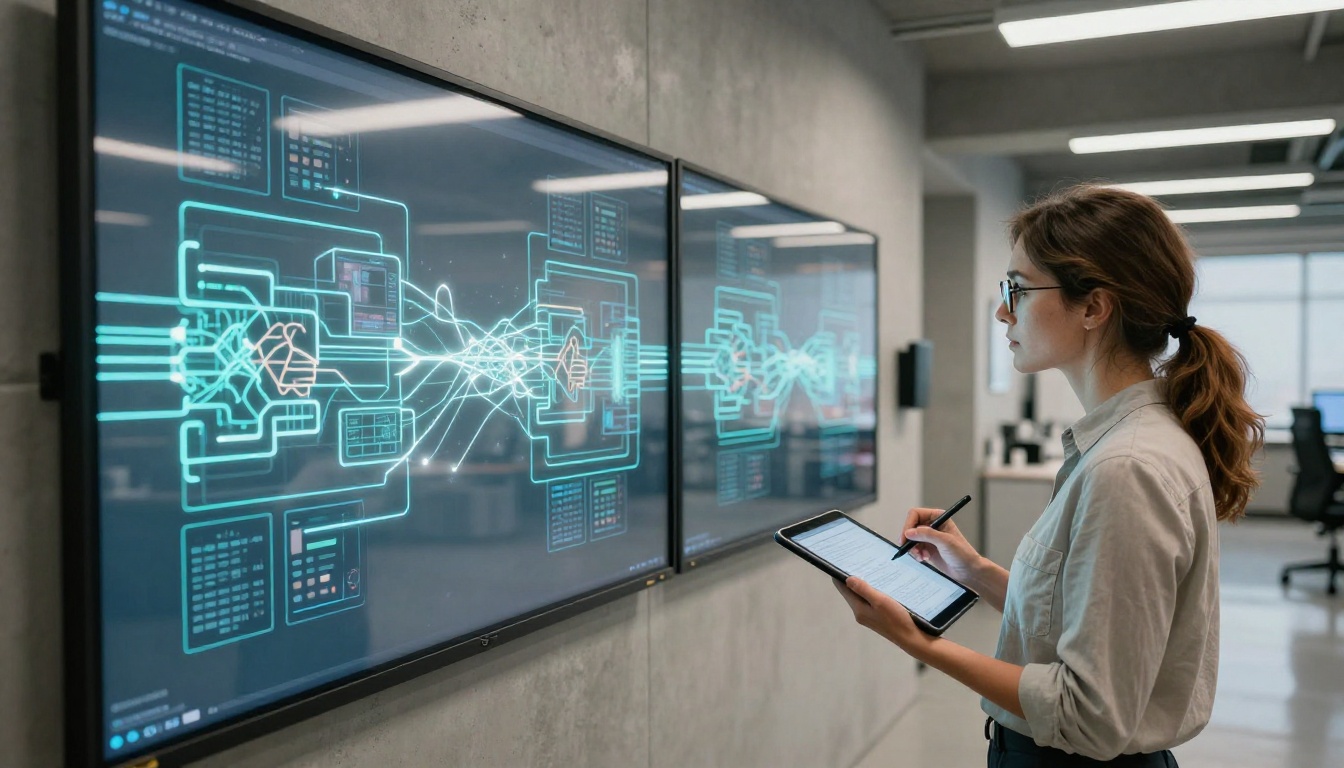
Wan 2.7 T2V operates as a latent diffusion model with a transformer-based denoising backbone. When you submit a prompt, it first passes through a text encoder based on a large language model that converts your words into a dense vector representation. That representation conditions the entire denoising process.
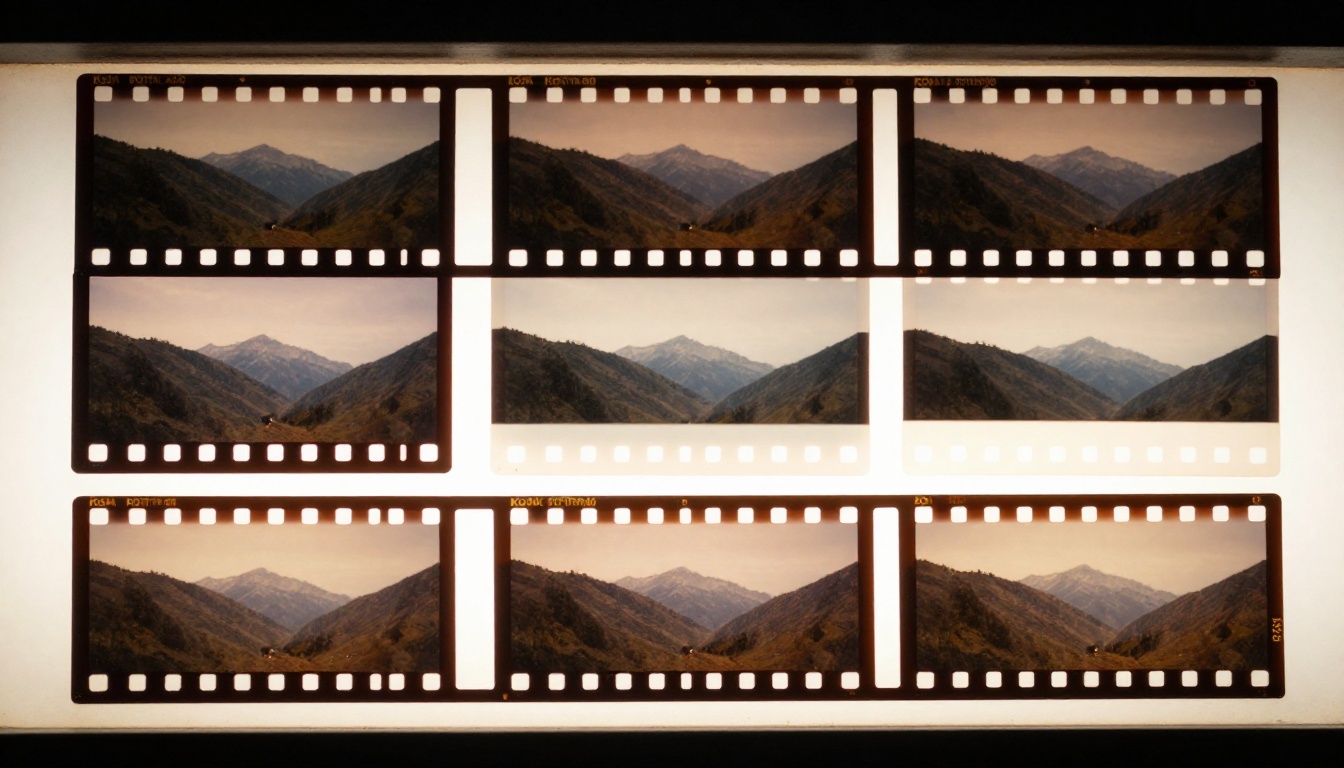
The model does not generate frames one at a time. It generates all frames simultaneously in a compressed latent space, then decodes that latent cube into pixels at the end. This full-sequence approach is why it handles motion so much more naturally than autoregressive video models: it can attend to information from frame 12 while deciding what frame 3 should look like, rather than being stuck in a strict left-to-right sequence.
💡 Practical tip: Wan 2.7 T2V responds well to camera motion descriptions. Phrases like "slow dolly forward," "gentle handheld pan right," or "static wide shot" significantly shape the output, not just subject descriptions.
Where Temporal Consistency Comes From
Temporal consistency is the hardest thing to get right in video generation, and it is where Wan 2.7 most noticeably outperforms Wan 2.2 T2V Fast and earlier variants like Wan 2.1.
The model uses a 3D attention mechanism that operates across both spatial dimensions and the time dimension simultaneously. Each video "patch" attends to neighboring patches in the frame and to the same spatial location in adjacent frames. This is computationally expensive but it forces the model to maintain consistent textures, lighting, and subject identity across the full clip rather than optimizing each frame independently.
The practical result: faces do not flicker, hair does not randomly change color between frames, and background elements stay anchored. Earlier models needed specific negative prompts to fight these artifacts. With Wan 2.7, they are rare rather than the default.
How the I2V Mode Works
Image-to-video generation asks a different question from T2V: given this exact visual starting point, what is a plausible continuation? Wan 2.7 I2V is built specifically for this, and the conditioning architecture differs meaningfully from T2V.
Your Image as the First Frame
When you supply a source image, Wan 2.7 I2V encodes it through a separate visual encoder, not the text encoder, to extract deep feature representations, then concatenates those features with the noised latent at every denoising step. This is not just "start the video from this image" in a naive sense. The model is continuously referencing your image's feature map throughout generation, which is why even in scenes with complex motion, the original subject appearance stays largely intact.
The text prompt you add on top of the image acts as a motion and direction controller. It tells the model what should happen in the scene, while the image tells it what the scene should look like.
How Motion Gets Synthesized
The model has been trained on paired data: real video clips where specific frames were used as conditioning inputs. This training regime teaches it the natural physics of motion. Water should ripple outward, hair should blow in a consistent direction, facial expressions should transition smoothly. The motion prior built into the model acts as a regularizer that keeps generated movement naturalistic even when your prompt is abstract.
💡 Practical tip: For I2V, short motion descriptions work better than long ones. "Hair blowing gently left, soft smile, static camera" outperforms a multi-clause prompt describing simultaneous competing actions. Simpler motion instructions give the model's learned motion prior more room to operate.
The R2V Mode Is the Real Story
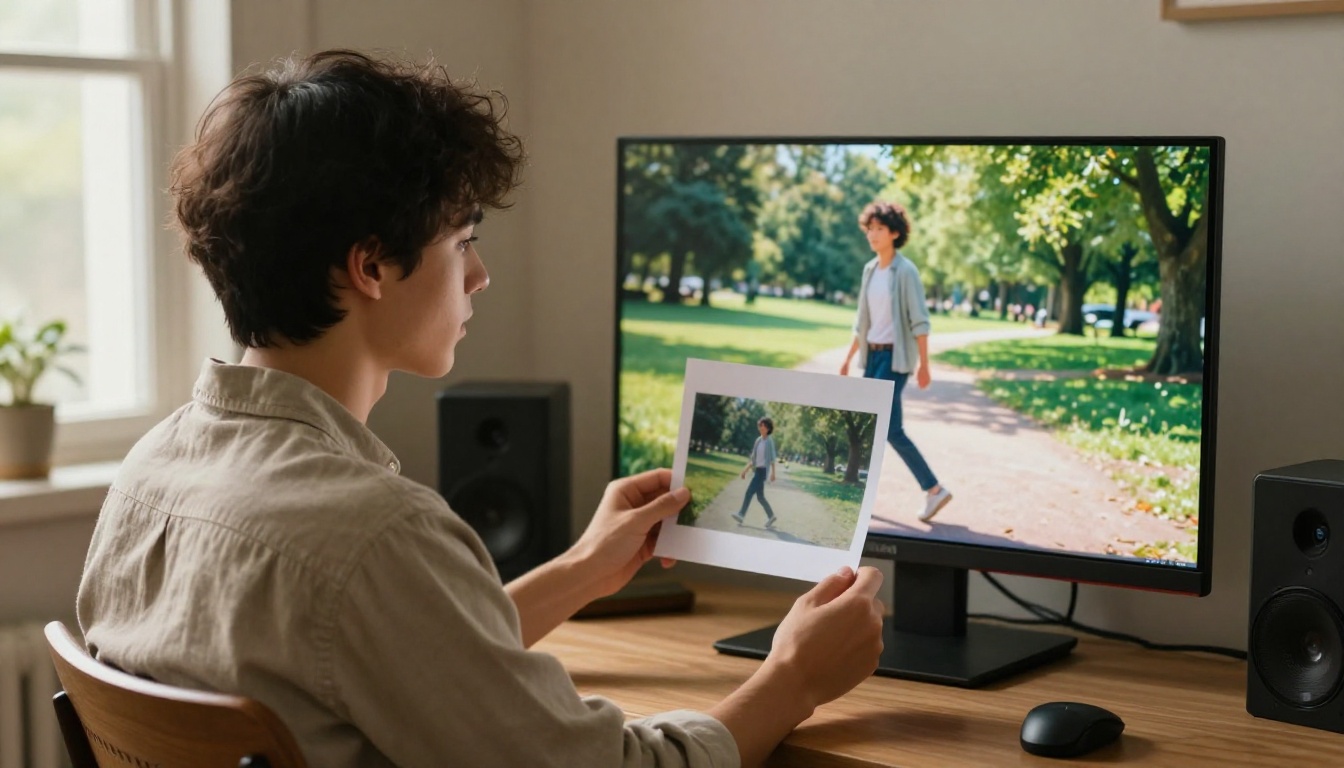
If T2V is convenient and I2V is powerful, Wan 2.7 R2V is the mode that solves a problem the others could not. Reference-to-video takes a photo of a specific person, animal, or object and animates that subject inside a new scene you describe via text prompt. The subject's visual identity is preserved even though the background, lighting, and motion are completely generated.
Why Subject Preservation Matters
Before R2V-capable models, keeping a consistent character across AI-generated video required either heavily engineered workflows such as ControlNet, LoRA fine-tuning, and IP-Adapter stacking, or accepting that the character would drift in appearance. Neither was workable for production use.
R2V changes that by adding a dedicated subject conditioning pathway. The reference image is processed through an identity encoder that extracts appearance-specific features, separate from the scene-level conditioning that comes from text. The model learns to honor identity features throughout all frames, treating them as hard constraints rather than soft suggestions.
How Reference Conditioning Works
Your reference image is encoded twice. Once through the main visual encoder to capture scene-level features, and once through an identity encoder specifically trained to capture person-level or object-level appearance attributes. Both sets of features condition the denoiser at different scales, with identity features injected at higher-level layers where semantic information is represented.
The text prompt then controls scene context and motion only, because the "what does the subject look like" question has already been answered by the reference image. This separation of concerns is what makes R2V outputs feel more controlled than applying IP-Adapter conditioning on top of a standard T2V model.
How to Use Wan 2.7 on PicassoIA
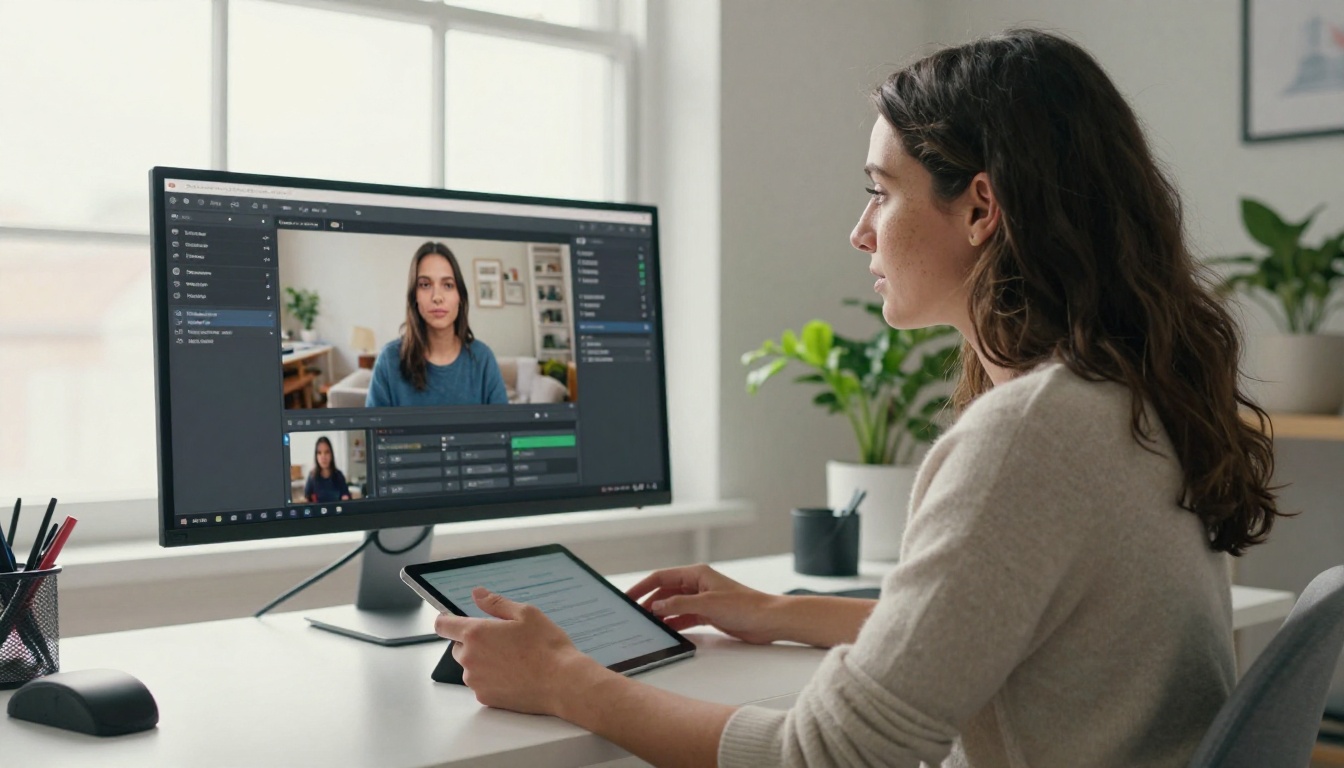
All three Wan 2.7 variants are available on PicassoIA. Here is how to use each one effectively.
Starting with T2V
Open Wan 2.7 T2V on PicassoIA. The prompt field accepts free-form text, but structured prompts produce consistently better results. Use this order:
Subject: Who or what is in the scene, with appearance details.
Action: What is happening and how it moves.
Environment: Where the scene takes place, including time of day.
Camera: What the camera is doing (static, panning, tracking, etc.).
Style: Photorealistic, cinematic, natural lighting, etc.
The model generates at 1080p by default, which is one of the highest native resolutions available across any open-source video model. Generation time is higher than the Wan 2.2 T2V Fast variant, but the quality difference is significant enough to justify it for anything beyond rapid prototyping.
Animating Photos with I2V
Upload your source image to Wan 2.7 I2V. The image should be clean, well-lit, and contain the subject you want to animate. Blurry or low-contrast images reduce output quality noticeably because the model has less visual information to anchor from.
Write a motion-focused prompt. Focus on describing movement and environment rather than repeating the subject's appearance (the model already has that from the image). "Waves crashing gently against shore, golden hour light, static wide shot" is better than a long compound description trying to specify everything at once.
R2V: Animating Specific Subjects
Wan 2.7 R2V requires two inputs: a reference image of your subject and a text prompt describing the new scene. For the reference image, portrait-style photos with a clear subject against a relatively simple background work best. The identity encoder performs better when the subject is not heavily occluded or surrounded by visually similar elements.
For the text prompt, describe the new scene as if the reference subject is already in it. "Walking through a sunlit forest path in autumn, leaves falling, gentle breeze, slow tracking shot." The model handles placing your reference subject into that context automatically.
Prompt Writing That Actually Works
The quality of Wan 2.7 outputs is disproportionately affected by prompt quality. A poorly written prompt wastes a generation. A well-structured one consistently produces usable video on the first try.
The Structure That Gets Results
Use this template for T2V and I2V prompts:
[Subject + appearance] [action] in [environment], [time of day / lighting], [camera motion], photorealistic, [quality modifiers]
Weak prompt:
"A woman walking in a city at night"
Strong prompt:
"A woman in her late 20s wearing a dark wool coat walks along a rain-slicked cobblestone street, warm shopfront lights reflecting on wet pavement, gentle forward tracking shot at street level, photorealistic, 8K"
The structured version gives the model subject identity, motion specifics, environment, lighting, camera behavior, and quality guidance. Every one of those dimensions shapes a different aspect of the output.
4 Mistakes That Waste Generations
Too many simultaneous actions. Wan 2.7 handles one primary action per clip well. Multiple competing actions produce inconsistent motion.
Skipping camera direction. If you do not specify camera motion, the model makes a choice that may not match your intent. Always name it.
Overly abstract subjects. "A feeling of loneliness" does not generate well. "A person sitting alone on a park bench, pigeons pecking nearby, overcast light" does.
Ignoring aspect ratio. The model defaults to 16:9. If your source image for I2V is portrait-oriented, results improve when you crop or pad to 16:9 before uploading.
Wan 2.7 vs. the Competition
Wan 2.7 does not exist in a vacuum. Here is how it sits relative to other leading text-to-video models available on PicassoIA:
Wan 2.7's main advantage is the R2V mode, which none of the listed competitors offer natively. For pure T2V quality, Veo 3.1 and Seedance 2.5 compete closely, and Seedance wins on clip length with 30-second outputs. For maximum resolution, LTX 2.3 Pro at 4K is the current ceiling. For the combination of subject fidelity, motion quality, and open-source accessibility at 1080p, Wan 2.7 sits at the top of that specific stack.
💡 When to use which mode: If you are starting from zero, use T2V. If you have a photograph you want to animate, use I2V. If you need a consistent character placed into different scenes, R2V is the only mode designed specifically for that.
Start Creating Your First Video
Wan 2.7 is available right now across all three modes on PicassoIA, and getting your first clip is simpler than the model's technical depth might suggest. Start with Wan 2.7 T2V if you have a creative concept and want to produce it from a text description. Move to Wan 2.7 I2V when you have a still image you want to bring to life. Use Wan 2.7 R2V when you need a specific person or subject to appear consistently across generated video without additional training.
The broader PicassoIA text-to-video collection also gives you access to over 87 models at different speed, resolution, and style tradeoffs. Picassoia Video offers unlimited free generation if you want to prototype quickly before committing a higher-quality generation to Wan 2.7. Ray 3.2 is worth trying if HDR cinematic color is a priority for your output.
What separates good from great AI video right now is not the model choice alone. It is prompt precision and clear intent. Pick your mode, write a prompt that specifies subject, action, environment, camera, and style, then let Wan 2.7 do what it was built for. The results at 1080p from an open-source model at this quality tier were not possible eighteen months ago. They are available to anyone on PicassoIA today.