Wan 2.6 is the kind of release that changes what people expect from AI video. Not because it promises something new, but because it delivers something people have been waiting for: cinematic motion that actually holds up. If you've been following the rapid progression of the Wan Video series from Alibaba, you know each version has meaningfully raised the bar. Version 2.6 does not break that trend.
This article breaks down the architecture behind Wan 2.6, what specifically changed from its predecessors, how the three available variants (T2V, I2V, and I2V Flash) differ, and how to put all of it to work.

What Wan 2.6 Actually Is
Wan 2.6 is an open-source video generation model developed by Alibaba's Wan Video team. It sits in the family of latent diffusion-based video models, meaning it operates in a compressed latent space rather than generating pixels directly. This approach allows for significantly higher resolution outputs and more coherent long-range motion without the computational explosion of pixel-space methods.
The "2.6" version tag marks it as a significant mid-cycle update within the Wan 2.x generation, landing between the widely adopted Wan 2.5 series and the newer Wan 2.7 variants. It targets HD video generation with improved temporal understanding and a noticeably tighter alignment between text prompts and visual output.
From Wan 2.1 to 2.6
The Wan series has been on an aggressive release cadence. Wan 2.1 introduced the series' baseline architecture with 480p and 720p text-to-video support. Wan 2.2 added audio-synced variants and improved motion modeling with the S2V (sound-to-video) approach. Wan 2.5 brought image animation to a new level of fidelity, particularly for slow and mid-speed motion scenes.
Wan 2.6 takes what 2.5 did well and pushes it further in three directions: resolution sharpness, subject persistence across frames, and natural physics simulation for cloth, hair, and liquid motion.
💡 Worth knowing: Wan Video releases are open-weight, meaning the model weights are publicly available. This matters for anyone running local inference or building custom pipelines.
The Core Architecture
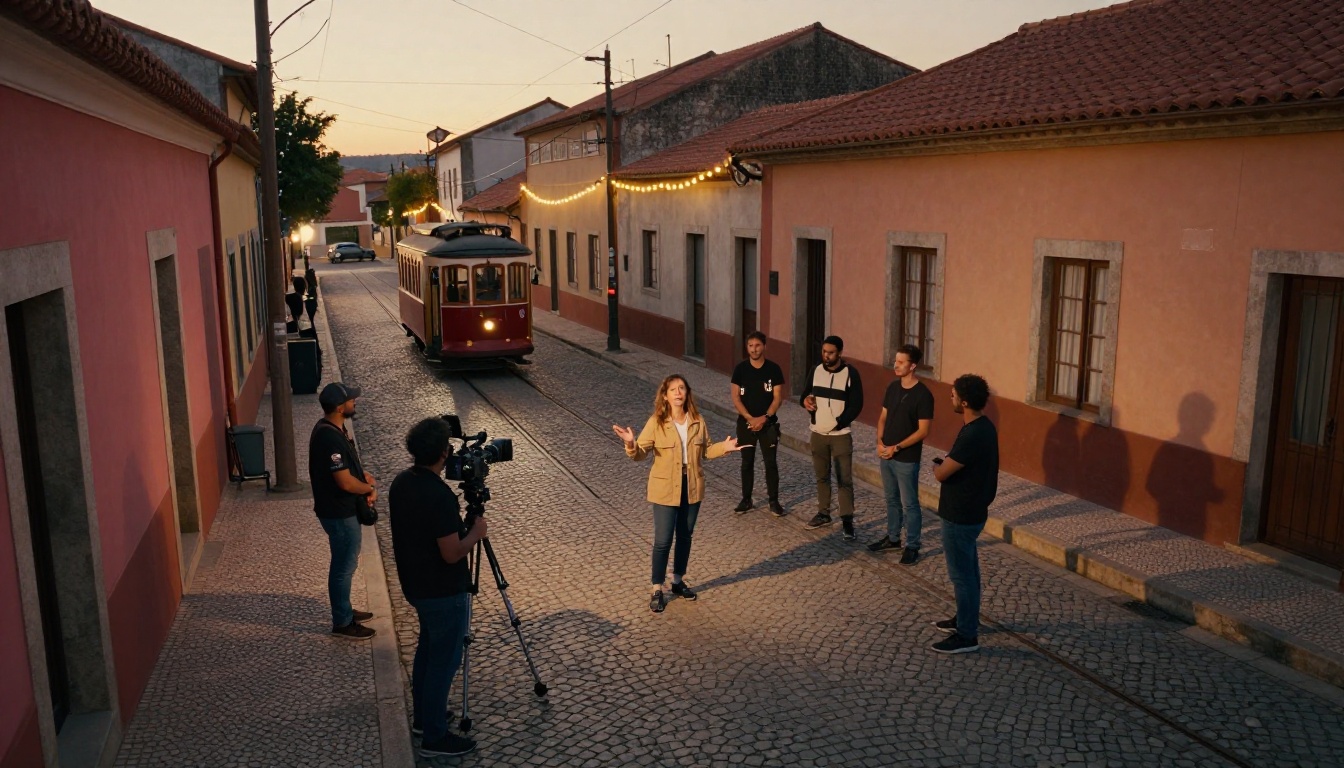
At its core, Wan 2.6 uses a 3D variational autoencoder (VAE) to encode both spatial and temporal information simultaneously. This is what separates it from older frame-based video models that treated time as an afterthought. The diffusion process operates on spatio-temporal tokens, so the model has a continuous understanding of how pixels move across time, not just how they look in a single frame.
The text conditioning uses a large-scale CLIP-style encoder fine-tuned on video-caption pairs. This gives the model a much richer vocabulary for motion-related language: concepts like "slow dolly forward," "hair caught in wind," or "subject walking into frame" translate more directly into video behavior than in earlier text-to-video systems.
What Changed from Wan 2.5 to 2.6
This is the section most people want. The marketing language around AI models is often vague, so let's be specific about what Wan 2.6 does differently and where those differences actually show up.
Motion Coherence Got Real
In Wan 2.5, fast motion sequences had a tendency to drift. A subject running across a frame would sometimes exhibit subtle identity shifts: a slightly different face angle, a change in clothing wrinkles, an arm that moved through space in a physically implausible arc. Wan 2.6 addresses this through improved temporal attention mechanisms that enforce stronger cross-frame identity consistency.
Practically, this means:
- Faces hold their structure through pan and tilt camera movements
- Clothing maintains its wrinkle patterns frame-to-frame during motion
- Background parallax looks more physically grounded during dolly or drone shots
Temporal Consistency at Scale
One of the hardest problems in AI video is maintaining scene coherence over longer clips. Most models are trained on 5-16 frame sequences and then stretched to generate longer outputs, which introduces compounding errors. Wan 2.6 extends its native training window and adds a hierarchical temporal attention scheme that allows it to maintain scene state over more frames before quality degrades.
The result: you can generate clips that feel more like excerpts from a longer scene rather than isolated short moments.
💡 Prompt tip: Describe your scene with explicit camera language ("static medium shot," "slow tracking left") to get the most out of Wan 2.6's improved motion modeling.
T2V vs I2V vs I2V Flash
Wan 2.6 comes in three variants, each optimized for a different use case. Choosing the right one is the single biggest factor in output quality.
| Variant | Input | Best For | Speed |
|---|
| Wan 2.6 T2V | Text prompt | Original scene creation | Standard |
| Wan 2.6 I2V | Image + prompt | Animating photos, product shots | Standard |
| Wan 2.6 I2V Flash | Image + prompt | Fast iteration, previews | Fast |
Which Format to Use
Use T2V when you're creating a scene from scratch, the visual doesn't exist yet, or you want maximum creative flexibility from a written description. T2V gives the model the most latitude and tends to produce the most cinematically interesting results when paired with detailed prompts.
Use I2V when you have a reference image, a still photograph, a product shot, or a character design that you want to bring to life. The model uses the image as a locked first frame and generates motion forward from it. This dramatically increases consistency for commercial and branded work.
Use I2V Flash when you need to iterate quickly. It's the same image-to-video pipeline but with a distilled, faster inference path. Quality is slightly lower than the standard I2V, but it's the right choice for testing prompt variations before committing to a full-quality generation.
Prompt Tips That Work
Effective Wan 2.6 prompting follows a specific structure that differs from image generation prompting:
- Establish the subject with physical detail first
- Describe the action with realistic, physics-grounded language
- Specify the camera with conventional cinematography terms
- Define the environment with lighting and atmosphere details
Example: "A woman in her late 20s, loose white dress, walking slowly through tall grass in a meadow at golden hour. Camera static, medium shot, slight wind in the grass and her hair, warm amber backlight."
Avoid abstract descriptors like "beautiful" or "cinematic" alone. Instead, describe the physical conditions that produce beauty: the angle of light, the texture of surfaces, the weight of motion.

How to Use Wan 2.6 on PicassoIA
PicassoIA has all three Wan 2.6 variants available in its text-to-video collection. Here's how to put them to work, step by step.
Step 1: Pick Your Mode
Open the Wan 2.6 T2V model page for original content, or the Wan 2.6 I2V page if you're starting from an image. If you want to test multiple prompt variations before picking a direction, start with Wan 2.6 I2V Flash for faster turnaround.
Step 2: Write a Strong Prompt
Following the four-part structure above (subject, action, camera, environment), write your prompt in plain descriptive language. Think less like you're writing instructions for an AI and more like you're describing a scene to a director of photography on set. Specific physical details outperform abstract quality modifiers every time.
What works:
- "Camera dollies slowly right as subject turns to look at window"
- "Slight lens flare from direct sunlight, subject backlit"
- "Fabric of dress ripples in the wind, hair moves with it"
What doesn't:
- "Epic cinematic masterpiece 4K ultra quality"
- "Beautiful, stunning, gorgeous lighting"
- "Make it look professional"
Step 3: Set Your Parameters
Wan 2.6 gives you control over several key parameters:
- Duration: Start with 5 seconds to test the motion, then extend once the direction is confirmed
- Resolution: 720p is the sweet spot for speed vs. quality; use 1080p for final outputs
- Guidance scale: Higher values increase prompt adherence but can reduce natural motion. A setting around 7.5 tends to balance both well
- Seed: Lock your seed once you find a result you like, then iterate on the prompt while keeping the seed stable
💡 Workflow tip: Generate at 480p first to check motion and composition, then re-run at 1080p for the final output. This saves significant compute time.
Wan 2.6 vs the Competition
Wan 2.6 doesn't exist in isolation. The AI video space in 2027 is dense with strong alternatives, each with different strengths.
| Model | Strength | Limitation |
|---|
| Wan 2.6 T2V | Open-weight, strong motion physics | Slower than commercial models |
| Kling v2.6 | Cinematic camera control | Less physics realism in fast motion |
| Veo 3 | Native audio, photorealistic output | Closed, rate-limited access |
| Sora 2 | Scene consistency at length | Limited to OpenAI ecosystem |
| Wan 2.7 T2V | Latest iteration, 1080p native | Newer, fewer community prompts available |
The key differentiator for Wan 2.6 is its open architecture combined with commercial-grade motion quality. While Veo 3 and Sora 2 produce impressive results, they're locked behind proprietary access gates. Wan 2.6 gives you comparable output on open infrastructure.
For pure speed with image animation, Wan 2.6 I2V Flash is still faster than most alternatives at similar quality levels. It's the model to reach for when iteration speed matters more than absolute fidelity.
Real-World Use Cases
Theory is one thing. Here's where Wan 2.6 actually earns its place in a production workflow.
Short-Form Social Content
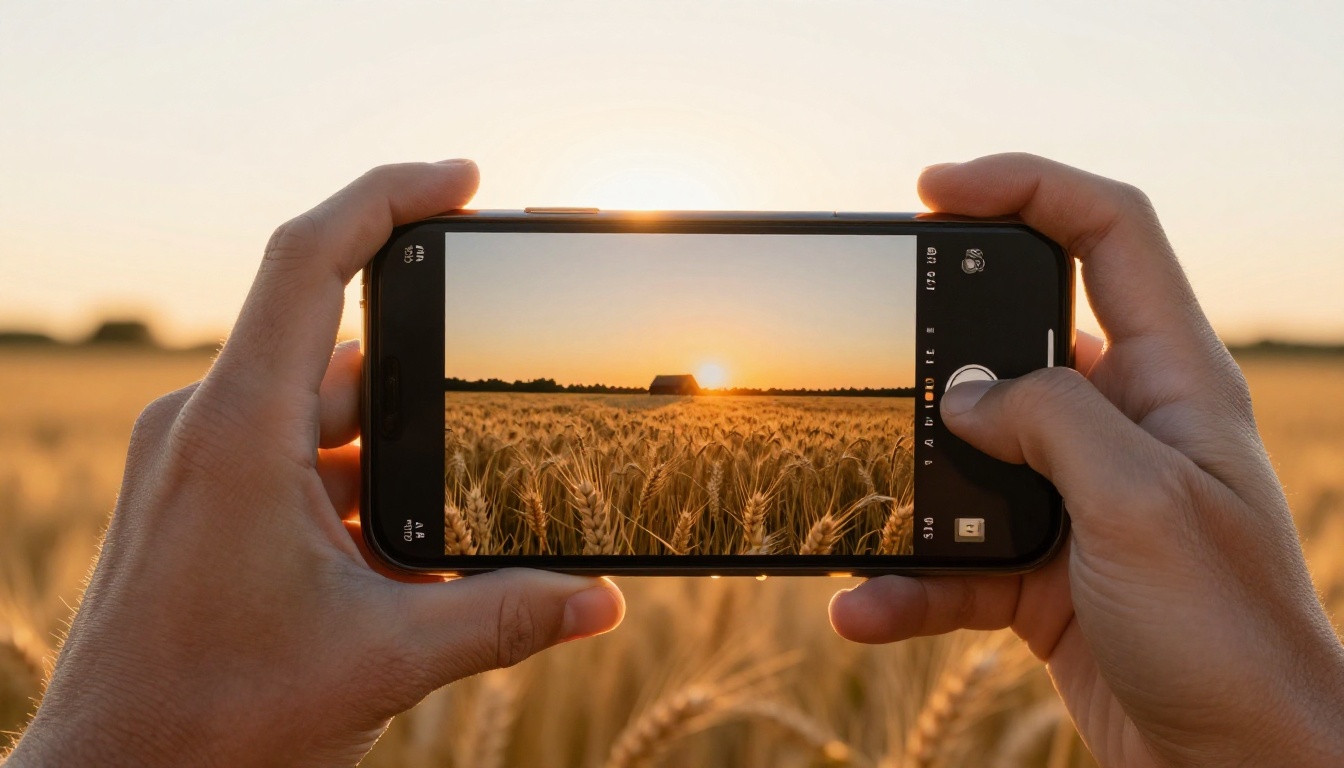
For social media production, Wan 2.6 T2V handles the full pipeline from concept to output clip. A travel brand can describe a destination scene, generate a 5-7 second clip, and have a scroll-stopping video asset without a location shoot. The key is keeping the motion subtle: slow camera moves, gentle environmental animation (wind, water, light shifts) rather than complex action sequences.
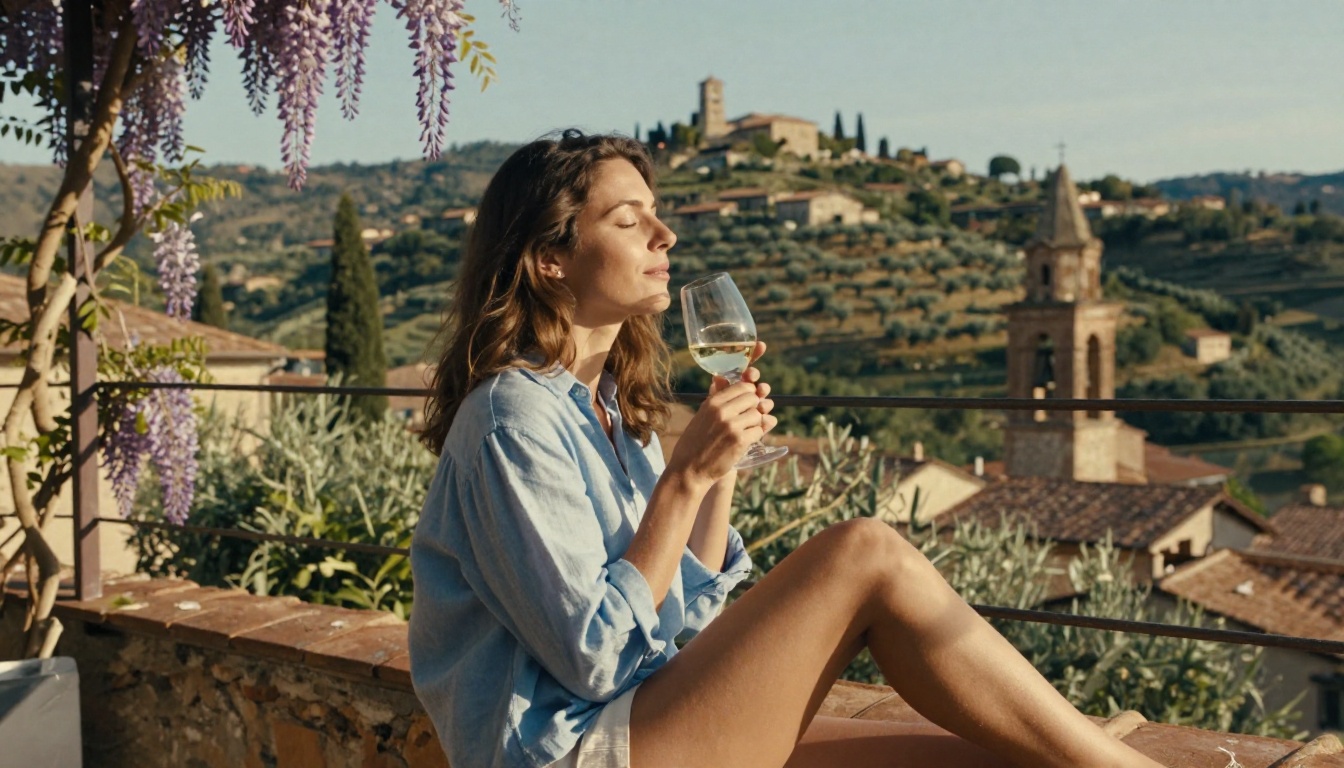
The model handles lifestyle scenarios particularly well. A woman walking through a farmer's market, a couple at a terrace restaurant at dusk, someone reading by a window in morning light. These quiet, photographic scenes are where Wan 2.6's improved temporal consistency shines most visibly.
Film Pre-Visualization
Pre-vis (pre-visualization) is one of the highest-value applications for AI video in professional production. Directors use storyboards to communicate intent to crew, but animated pre-vis communicates camera movement, pacing, and blocking far more effectively.
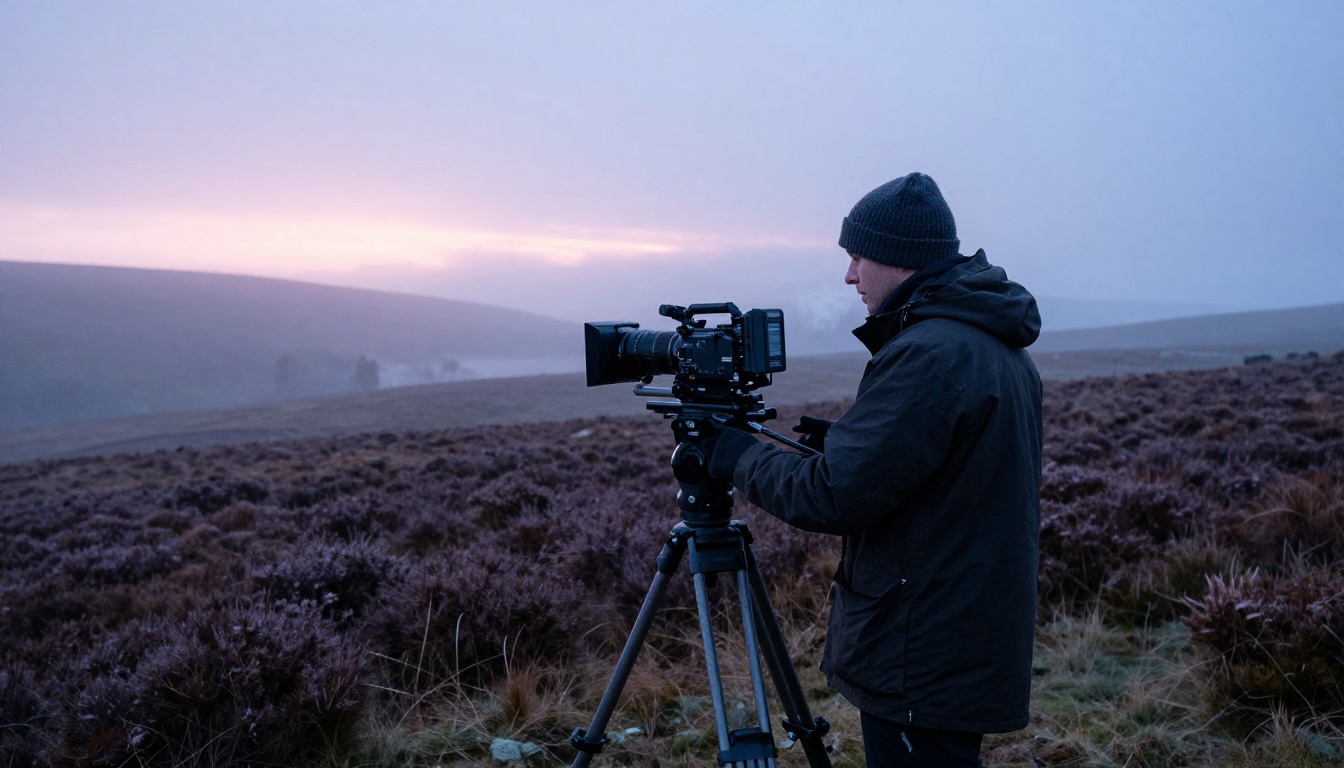
Wan 2.6 is strong enough to generate rough pre-vis for dialogue scenes, establishing shots, and transitions. The Wan 2.6 I2V variant is particularly useful here: feed in a location reference photograph, describe the camera movement, and get an animated version of how the shot might feel before committing crew time.
Product and Brand Video
E-commerce and brand video is an area where the consistency improvements in Wan 2.6 matter most commercially. When animating a product shot, the subject identity needs to stay locked across frames. Earlier Wan versions sometimes drifted on product surface details, particularly reflective materials and labels.
Wan 2.6 handles product animation significantly better, especially for controlled motion: a slow rotation, a product emerging from water or mist, a subtle zoom with environmental context. For brands not ready to invest in commercial video production, this is a compelling alternative.
For product video specifically, start with Wan 2.6 I2V: provide a clean product photograph on a neutral background, describe the desired motion, and let the model handle the animation. The results are most predictable when the first-frame image is high quality.
The Wan 2.x Roadmap and What's Next
Wan 2.6 sits in a rapidly evolving series. The Wan 2.7 T2V and Wan 2.7 I2V models are already available, offering 1080p native output and improved audio synchronization capabilities. The companion Wan 2.2 S2V model handles sound-to-video if your project requires audio-driven animation.
The trajectory of the Wan series points toward:
- Longer clip generation with maintained coherence (current sweet spot is 5-10 seconds)
- Native audio integration alongside video synthesis
- Stronger prompt fidelity for complex multi-subject scenes
- Faster inference through distillation, similar to what I2V Flash demonstrates
For anyone building AI video into a regular workflow, Wan 2.6 represents a reliable, high-quality checkpoint in that development arc. It's the version where AI video crossed from "impressive demo" to "actual production tool."
💡 Model comparison: If you want the latest and fastest from the Wan family, Wan 2.7 T2V is worth testing alongside 2.6. The differences are most visible in 1080p outputs and complex camera movement sequences.

Try It on PicassoIA
The fastest way to see what Wan 2.6 actually does is to run it yourself. PicassoIA has all three variants available: Wan 2.6 T2V, Wan 2.6 I2V, and Wan 2.6 I2V Flash, with no local infrastructure or API key setup required.
If you're starting fresh, try T2V with a simple descriptive prompt. Describe a person, a location, a time of day, and a camera position. That's enough to get a compelling first result. Once you're comfortable with how the model interprets motion language, move to I2V and start from a photograph you already have.
Beyond Wan 2.6, PicassoIA gives you access to the full landscape of frontier video models: from Kling v2.6 for camera-controlled shots, to Veo 3 for audio-integrated video, and Sora 2 for long-form scene generation. Having all of these in one place means you can test the same prompt across multiple models and immediately see which one fits your production style.
The era of AI video as a serious creative tool is not approaching. It's here. Wan 2.6 is one of the clearest demonstrations of that.


