WAN 2.6 and Sora 2 sit at the exact center of the most important debate in AI video today: does open-source freedom outperform the polish of a closed, corporate platform? Both models generate video from text. Both can animate images. But the philosophy driving each one shapes everything from pricing to creative control to what you can actually do with the output. This comparison breaks both models down without the hype, so you can pick the right tool for your specific workflow.
What WAN 2.6 Actually Is
WAN 2.6 is the latest iteration of Wan-Video's open-source text-to-video family, released with full model weights available for community use, fine-tuning, and local deployment. That last part matters more than most reviews acknowledge. When a model ships with open weights, it shifts the power dynamic entirely. You are not renting access to someone else's system. You own the inference pipeline.
The WAN series gained serious traction with version 2.1, which offered competitive 720p and 480p video quality at zero licensing cost. By version 2.5, temporal consistency improved dramatically, meaning objects and people no longer morphed unexpectedly between frames. Version 2.6 pushed resolution capabilities higher and refined motion physics, particularly for fabric, hair, and fluid movement.
The Open Weights Advantage
Open weights means researchers, indie developers, and production studios can all download and run WAN 2.6 on their own hardware. No API call. No subscription ceiling. No content policy that arbitrarily blocks a creative direction your project requires. That freedom has a real cost, which is hardware. Running WAN 2.6 locally at full quality requires a modern GPU with at least 16GB VRAM. For most creators without that setup, cloud-based platforms become the practical access point.
On PicassoIA, you can run Wan 2.6 T2V directly in the browser, generating HD video from a text prompt with no local hardware requirement. The Wan 2.6 I2V variant takes a still image as input and animates it into a video clip, which opens a completely different set of creative workflows. There is also Wan 2.6 I2V Flash for faster turnaround when speed matters more than maximum fidelity.
What the Model Can Do
WAN 2.6 handles text-to-video generation, image animation, and reference-based video synthesis across multiple aspect ratios. It performs particularly well on:
- Natural scenes: landscapes, weather effects, environmental movement
- Human subjects: walking, turning, basic gestures with consistent face structure
- Object physics: water, fire, fabric, and particle systems with believable behavior
- Camera movement simulation: zoom, pan, and orbital motion baked into generation

What Sora 2 Actually Is
Sora 2 is OpenAI's second-generation text-to-video model and the direct successor to Sora, the model that dominated headlines when it launched in early 2024. The second version refines output quality substantially and adds synchronized audio generation, which the original model lacked entirely. Sora 2 generates video at up to 1080p resolution with temporal coherence that rivals the best proprietary systems available.
The catch: Sora 2 is entirely closed. You cannot download the weights. You cannot run it locally. You access it through OpenAI's infrastructure, which means every generation goes through their servers, their content filters, and their pricing model.
On PicassoIA, both Sora 2 and Sora 2 Pro are available, giving you access to both the standard and premium tiers without needing a separate OpenAI subscription.
Behind the Closed Doors
Closed-source AI video models have one clear argument in their favor: polish. When a single company controls the entire training pipeline, post-processing stack, and quality filtering system, the output tends to be more consistently presentable. Sora 2 rarely produces the kinds of artifacts that sometimes appear in open-source generation. Fingers look like fingers. Text in video stays legible longer. Physics do not suddenly break mid-clip.
That consistency has a price beyond the literal subscription cost. Sora 2's content policies are strictly enforced, and those policies evolve without community input. Creative directions that feel entirely reasonable can get blocked by automated filters, with no recourse beyond rephrasing the prompt.
Head-to-Head: Quality
This is where the conversation gets nuanced. A surface-level comparison favors Sora 2 on most single-clip benchmarks. But real production workflows involve more than one clip.
| Dimension | WAN 2.6 | Sora 2 |
|---|
| Max Resolution | 1080p (HD) | 1080p (HD) |
| Temporal Consistency | Very Good | Excellent |
| Motion Physics | Good | Very Good |
| Prompt Adherence | Good | Excellent |
| Audio Sync | Not native | Native |
| Fine-tune Support | Yes | No |
Resolution and Detail
Both models generate at 1080p. The difference lives in micro-detail: Sora 2 tends to render finer texture on surfaces, more convincing specular highlights, and sharper edge definition. WAN 2.6, by contrast, has a slightly more organic quality that some creators actually prefer for content that should feel naturalistic rather than perfectly rendered.
Motion Coherence
Sora 2 has a clear edge in long-duration clips. Over 10 to 20 second generations, subjects maintain consistent appearance, and camera movement behaves predictably. WAN 2.6 performs well up to around 5 to 8 seconds. Longer clips sometimes show drift, where the model loses track of a subject's exact appearance across frames.
Head-to-Head: Cost and Access
The cost picture changes depending on your volume and use case.
| Factor | WAN 2.6 | Sora 2 |
|---|
| Local Run Cost | Hardware only | Not available |
| API Access | Community-hosted options | OpenAI API |
| Per-Generation Cost (cloud) | Lower | Higher |
| Fine-Tuning | Free on own hardware | Not supported |
| Commercial License | Open for most uses | Restricted by ToS |
Running WAN 2.6 Locally
With sufficient hardware (RTX 3090 or better), WAN 2.6 runs at near-zero marginal cost per generation. A studio generating hundreds of clips per day for social media or advertising would find this calculus compelling very quickly. The initial hardware investment pays back through volume.
💡 If you do not have a GPU capable of local inference, PicassoIA gives you cloud access to Wan 2.6 T2V and Wan 2.7 T2V without any setup. Pay per generation, no hardware required.
Sora 2 Pricing Reality
Sora 2 access is tiered through OpenAI Plus and Pro subscriptions, with per-generation costs that scale based on resolution and duration. A single 10-second 1080p clip costs meaningfully more than equivalent WAN 2.6 cloud generation. For individual creators doing light usage, this is manageable. For production pipelines generating high volumes, it adds up fast.
Who Controls Your Output
This is the philosophical core of the open vs. closed debate, and it is worth spending real time on.

Fine-Tuning and Customization
WAN 2.6's open weights make fine-tuning possible. A production studio can train the model on proprietary visual assets, locking in a specific aesthetic, character design, or brand identity that persists across every clip. This is simply not possible with Sora 2. You prompt Sora 2 and hope the output matches your vision. With fine-tuned WAN 2.6, the model already knows your visual language.
This capability is not theoretical. Sports brands, fashion labels, and advertising agencies have already fine-tuned open-source video models to generate brand-consistent content at scale, without licensing restrictions and without every clip going through a third-party server.
Content Policies
Sora 2 enforces OpenAI's content policy, which means anything the system classifies as potentially harmful, misleading, or inappropriate gets blocked. The policy is conservative by design and catches edge cases that are entirely legitimate. Documentary filmmakers working with conflict imagery, horror fiction creators, or even advertising agencies depicting alcohol or gambling in certain contexts can run into walls.
WAN 2.6 has no built-in content policy when run locally. Responsible use is the responsibility of the operator. Cloud-hosted platforms add their own layers, but the fundamental model does not refuse by default.
Speed and Hardware Requirements
Local Inference Realities
WAN 2.6 on a consumer GPU (RTX 4090) generates a 5-second 720p clip in roughly 3 to 5 minutes. At 1080p, expect closer to 8 to 12 minutes depending on the complexity of the prompt and motion requested. This is fine for asynchronous workflows where you queue overnight renders, but prohibitive for real-time creative sessions where you want to iterate quickly.
Faster WAN variants like Wan 2.6 I2V Flash reduce this significantly at the cost of some fidelity. For rapid prototyping, the flash variant is genuinely useful.
Cloud Latency Trade-Offs
Sora 2 via API typically returns a 5 to 10 second clip in 2 to 5 minutes, similar to WAN 2.6 on mid-tier hardware. The difference is that Sora 2's cloud speed is consistent and does not depend on your local setup. WAN 2.6's cloud speed depends on the platform and how many other users are generating simultaneously.
💡 For fast iterations without local hardware, Wan 2.2 T2V Fast and Wan 2.5 T2V Fast offer quick turnarounds in the PicassoIA model library.
How to Use WAN 2.6 on PicassoIA
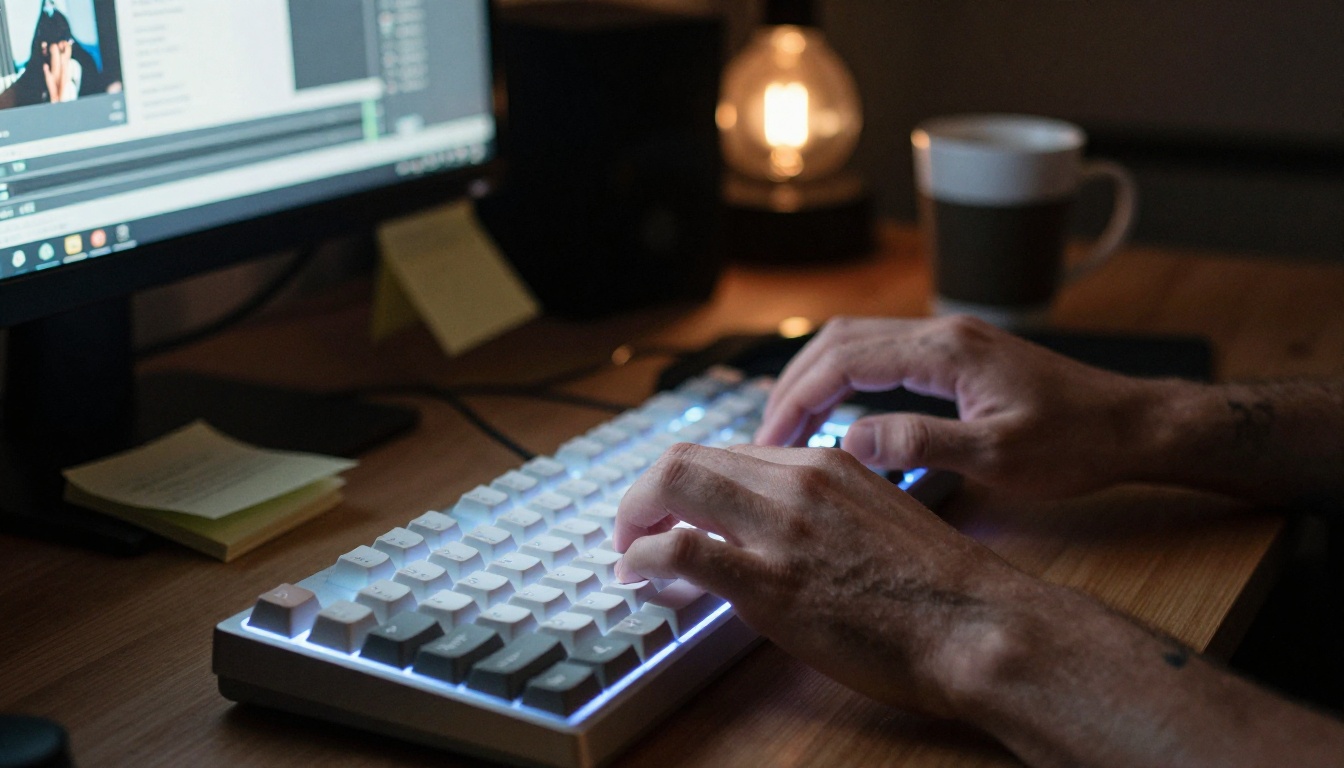
PicassoIA hosts multiple WAN 2.6 variants, making the model accessible without any local setup. Here is how to get the best results.
Using Wan 2.6 T2V (Text to Video)
- Go to Wan 2.6 T2V on PicassoIA
- Write a descriptive prompt. Lead with the subject, then action, then environment, then lighting
- Specify camera motion if needed: "slow dolly in", "overhead pan", "static shot"
- Set duration. Start with 4 to 5 seconds for faster iteration
- For aspect ratio, 16:9 works best for most social and web use cases
- Run the generation and review. Refine the prompt based on what drifts or gets lost
Prompt tips that actually work:
- Be specific about lighting direction ("soft window light from the left")
- Name materials explicitly ("worn leather jacket", "polished concrete floor")
- Include camera lens simulation ("shallow depth of field", "wide-angle distortion")
- Avoid long action sequences in one clip. Break complex scenes into multiple generations
Using Wan 2.6 I2V (Image to Video)
- Open Wan 2.6 I2V on PicassoIA
- Upload a high-resolution still image (1920x1080 or better for best results)
- Write a motion prompt describing how you want elements in the image to move
- Reference specific elements by position: "the trees on the left sway gently", "the water surface ripples outward"
- Keep motion subtle for photorealistic results. Dramatic movement often breaks consistency
- Use Wan 2.6 I2V Flash for quick previews before committing to full-quality generation
How to Use Sora 2 on PicassoIA
Sora 2 on PicassoIA is straightforward but benefits from understanding how the model interprets prompts differently from open-source alternatives.
Using Sora 2 and Sora 2 Pro
- Open Sora 2 or Sora 2 Pro on PicassoIA (Pro for higher resolution and longer clips)
- Write a scene-based prompt rather than a technical one. Sora 2 responds better to narrative descriptions than camera specifications
- Include the emotional tone of the scene: "peaceful", "tense", "joyful" affects both motion and color rendering
- Mention the time of day and weather for automatic lighting coherence
- For audio sync, describe sound elements in the prompt: "gentle piano", "urban street noise", "wind through leaves"
- Review output and iterate. Sora 2's prompt adherence is high, so small changes produce predictable variations
Parameter tips for Sora 2 Pro:
- Use longer duration (up to 20 seconds) for scenes requiring sustained motion
- Higher resolution setting reveals more texture detail on close-up subjects
- Cinematic prompts consistently outperform abstract or technical descriptions

Which One Fits Your Workflow
The choice between WAN 2.6 and Sora 2 is not about which model is objectively better. It is about which model serves the specific demands of your work.
For Independent Creators
If you are a solo creator producing content for social media, personal projects, or client work at moderate volume, WAN 2.6 via PicassoIA gives you competitive quality at lower per-generation cost with more creative latitude. The ability to run Wan 2.7 I2V directly alongside earlier variants means you can benchmark quality across model generations without leaving the platform.
Sora 2 makes sense when a specific project demands that extra consistency tier or when a client specifically requests output that matches Sora's visual signature. The native audio generation also saves a post-production step for talking-head style content.
For Businesses and Studios
Production environments with high clip volume, brand consistency requirements, or sensitive content categories lean heavily toward WAN 2.6. The fine-tuning pathway, the absence of content policy friction, and the per-generation economics all favor the open-source approach at scale.
For one-off high-stakes productions where you need maximum polish and cannot afford to iterate extensively, Sora 2 Pro delivers reliable results faster.
| Use Case | Recommended Model |
|---|
| Social media content at high volume | WAN 2.6 T2V |
| Brand-consistent video at scale | Fine-tuned WAN 2.6 |
| Polished corporate presentation | Sora 2 Pro |
| Image animation for advertising | WAN 2.6 I2V |
| Talking-head video with audio sync | Sora 2 |
| Rapid prototyping and iteration | WAN 2.6 Flash variants |
| Documentary or editorial content | WAN 2.6 (fewer restrictions) |
Beyond these two models, the AI video space has expanded dramatically. Kling v2.6 and LTX 2 Pro represent strong alternatives when neither WAN 2.6 nor Sora 2 hits the right mark. Seedance 1 Pro is worth trying for clips that need both visual quality and audio generation in a single pass.
Start Generating Today
The fastest way to understand the actual difference between WAN 2.6 and Sora 2 is to run both on the same prompt and compare the output directly. No written comparison captures what your eye will catch in seconds when you see both clips back to back.

PicassoIA hosts both models alongside the full WAN 2.6 family, Sora 2 Pro, and over 80 other text-to-video models. You can run Wan 2.6 T2V and Sora 2 with the same prompt and see the results side by side. That hands-on comparison will tell you more about which model fits your aesthetic than any benchmark or written breakdown. Pick a scene you care about, write a strong prompt, and run both. The answer to which one wins for your work will be immediately obvious.


