Two of the most talked-about AI video models right now are Wan 2.6 and Veo 3.1, and for good reason. Wan comes from the open-source world, fast-moving and surprisingly capable. Veo 3.1 comes from Google, polished and loaded with native audio generation. If you are trying to figure out which one to actually use for your next project, this comparison cuts through the noise and gives you a direct answer.
What Wan 2.6 Actually Does
Wan 2.6 is the latest generation in the Wan series developed by the Alibaba-backed wan-video team. It is an open-weight model, meaning the underlying architecture is publicly available, which has driven a large community of fine-tunes and optimizations. On PicassoIA, you can access it through Wan 2.6 T2V for text-to-video generation, or Wan 2.6 I2V if you want to animate an existing image.
The T2V and I2V Difference
Text-to-video (T2V) takes a written prompt and builds a clip from scratch. Image-to-video (I2V) takes your existing photo and brings it to life with motion. Wan 2.6 does both well, but its I2V capability is particularly strong. The model preserves the original image's structure, color palette, and subject identity while adding convincing motion that feels organic rather than forced.
For creators who already have stills from a photoshoot or product images, Wan 2.6 I2V is a practical shortcut to animated content. You set the reference image, write a motion prompt, and the model handles the rest. There is also Wan 2.6 I2V Flash for faster generation when you need speed over maximum quality.
Motion Quality and Prompt Fidelity
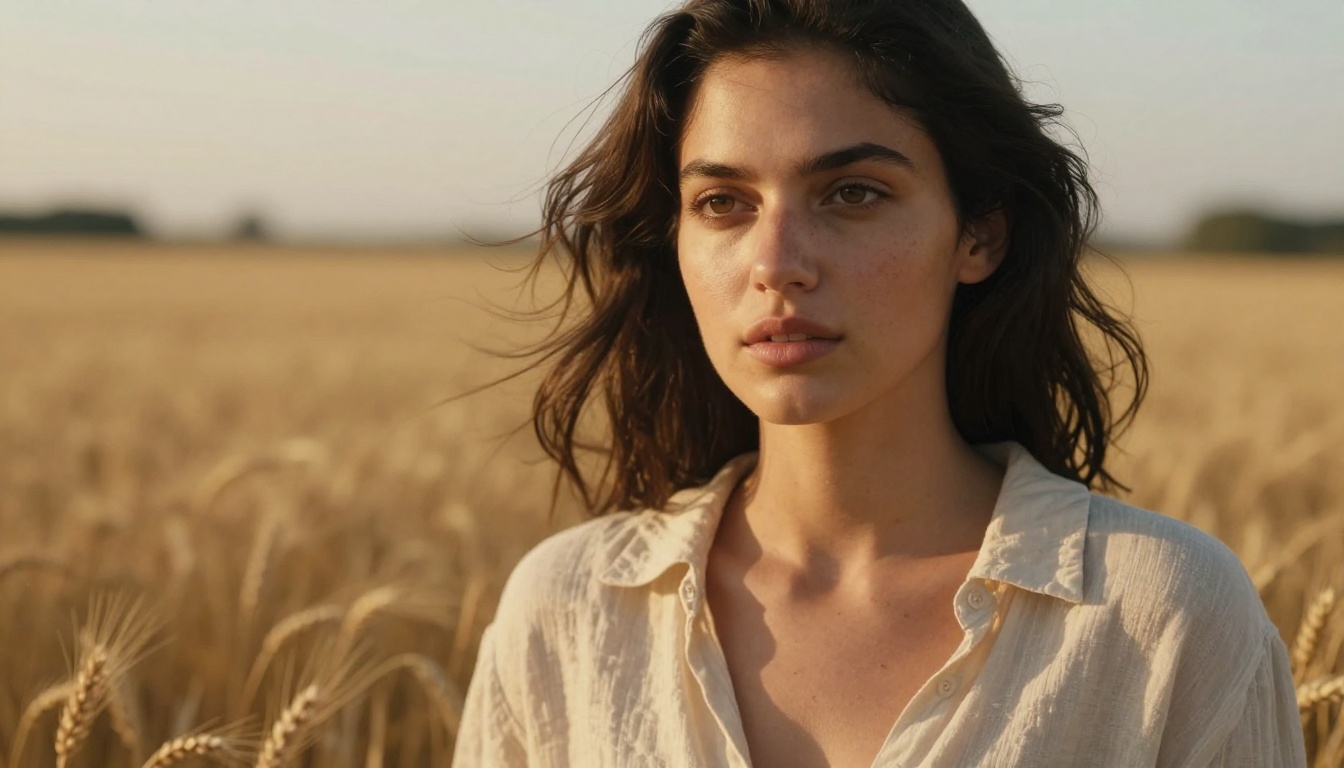
Wan 2.6 handles slow, cinematic motion exceptionally well. Hair flowing in wind, water surface ripples, fabric movement in a breeze, these all render with convincing physics. Where it occasionally struggles is with fast action and complex multi-subject interactions.
Prompt fidelity is solid. If you write "a woman walks slowly through a sunlit corridor," the model typically respects the subject, the action, and the lighting condition. It is not perfect, but it is reliable enough for production work without constant retries.

What Veo 3.1 Brings to the Table
Veo 3.1 is Google DeepMind's latest text-to-video model, and it sits at the top of the quality benchmark for a reason. The headline feature is native audio generation: unlike most AI video models that produce silent clips, Veo 3.1 generates ambient sound, music, and synchronized dialogue alongside the video in a single pass.
You can access three variants on PicassoIA: the full Veo 3.1, the quicker Veo 3.1 Fast, and the lightweight Veo 3.1 Lite. Each trades some generation speed or output fidelity for cost efficiency depending on what your project needs.
Native Audio Is the Big Deal
Most AI video workflows require a separate audio generation step. You produce the video, then layer in sound using a text-to-speech model or music generator. Veo 3.1 collapses that into a single pass. Write "a busy cafe with espresso machines humming and people talking in the background," and the model generates both the visuals and the matching soundscape.
💡 For content creators building short-form social videos, this audio-native output is a significant time saver. One prompt, one clip, done.
Visual Realism at 1080p
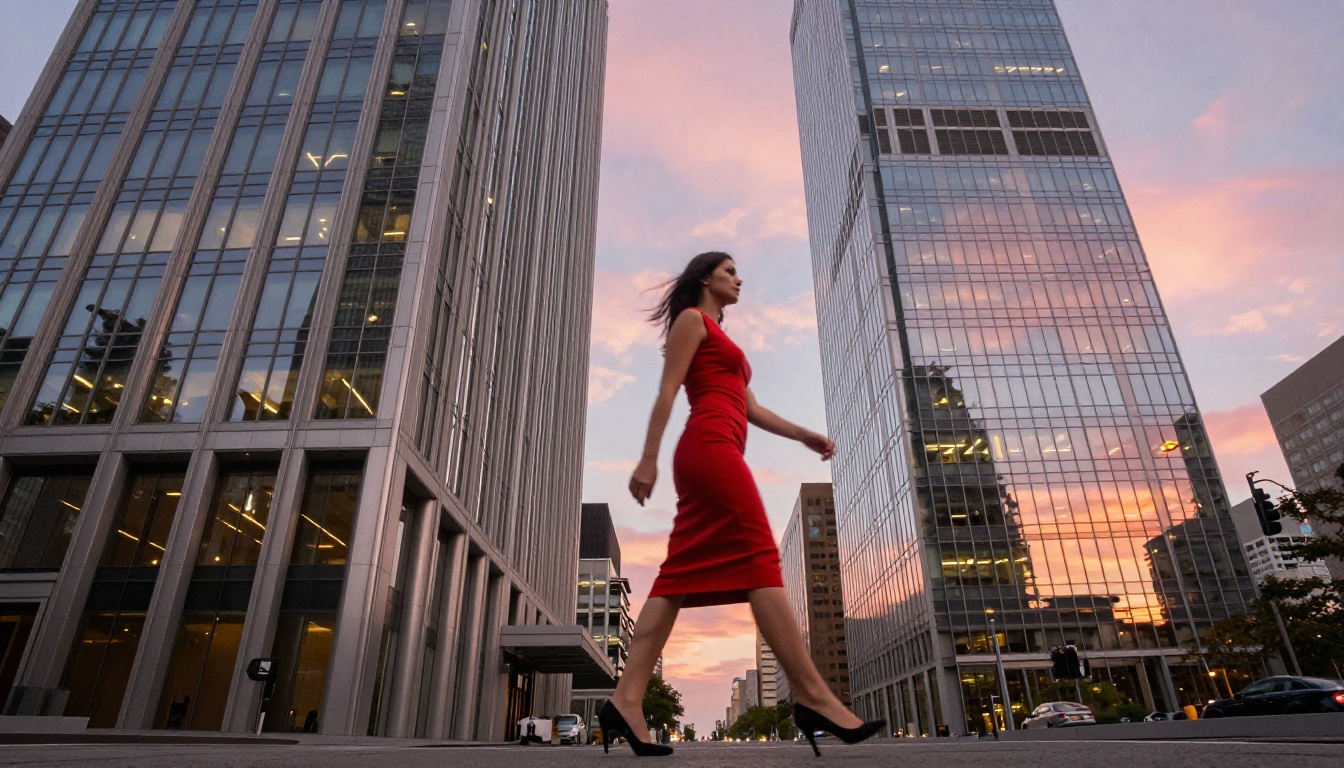
Veo 3.1 outputs at 1080p by default, and the visual quality reflects that resolution. Skin texture, fabric detail, and environmental lighting are rendered at a level that competes with production-grade footage. The model also handles cinematic camera movement well, including dolly shots, pans, and zooms that feel intentional rather than random.
Head-to-Head: The Numbers
Here is a direct comparison of the core specifications:
| Feature | Wan 2.6 | Veo 3.1 |
|---|
| Output Resolution | Up to 720p (standard) | 1080p native |
| Native Audio | No | Yes |
| Model Type | Open-weight | Closed (Google) |
| I2V Support | Yes (dedicated model) | Limited |
| Generation Speed | Fast (Flash variant) | Moderate |
| Prompt Fidelity | Strong | Very Strong |
| Max Clip Length | ~10 seconds | ~8 seconds |
| PicassoIA Access | T2V / I2V / Flash | Full / Fast / Lite |
Speed Comparison
Wan 2.6 I2V Flash lives up to its name. Generation times are noticeably shorter than the standard variant, making it ideal for iterating quickly through prompt variations before committing to a final run on a project.
Veo 3.1 Fast offers a similar speed tier for Veo users, trading a fraction of visual fidelity for a significantly faster turnaround. If you are prototyping a short-form video campaign and need to move through many concepts quickly, this is the variant to use.
Resolution and Output Specs
Veo 3.1's 1080p output is a real advantage for anyone publishing to YouTube, Instagram Reels, or professional portfolios. Wan 2.6's 720p output is still perfectly usable for social media, but the pixel count difference becomes visible when cropping or scaling for larger formats.
The Wan series has already pushed further with Wan 2.7 T2V and Wan 2.7 I2V. But for the 2.6 vs 3.1 comparison specifically, Veo wins on pixel count.
Where Each Model Wins
Not every project has the same requirements. Here is where each model genuinely outperforms the other.
Wan 2.6 Wins Here
- Image-to-video workflows: If you have existing photos, Wan 2.6 I2V is the stronger dedicated tool
- Rapid iteration: The Flash variant makes quick experimentation practical
- Open-source flexibility: The community ecosystem means more fine-tunes and style controls
- Slow motion and atmospheric content: Hair, fabric, water, and natural elements render convincingly
- Cost-per-generation: Generally more accessible for high-volume projects
Veo 3.1 Wins Here
- Native audio in a single pass: No separate audio workflow needed
- 1080p resolution out of the box: Better for professional publishing contexts
- Cinematic camera movement: Dolly shots, tracking shots, and zooms feel intentional
- Multi-subject scenes: Better at keeping multiple characters coherent across the clip
- Polished output for client work: Final frame quality is consistently impressive

Audio Sync in AI Video
Audio is increasingly where AI video models differentiate themselves. Silent clips require post-production audio work, which adds time and cost. Models that generate audio natively change that equation entirely.
How Veo 3.1 Handles Sound
Veo 3.1 generates audio that is semantically tied to the visual content. If you prompt for a rainstorm, you hear rain. If a person is shown speaking, the model generates matching lip-synced dialogue. This is not a simple overlay, it is audio that responds directly to the prompt's visual context.
The quality varies with clip complexity. Simple environmental sounds like wind, ocean, and city ambiance are reliably good. Dialogue sync is impressive but not flawless. For most social content and marketing use cases, it is production-ready without additional processing.
Wan 2.6 with External Audio
Wan 2.6 produces silent video clips. To add audio, you pair it with a dedicated tool. PicassoIA offers Wan 2.2 S2V for audio-synced video from sound inputs, which fits naturally into a layered workflow. You can also use the platform's text-to-speech and AI music generation capabilities to build an audio layer separately and merge them in post.
💡 The two-step workflow (video then audio) gives you more granular control over each layer. If speed matters more than control, Veo 3.1's native audio is the faster path.

Using Both on PicassoIA
Both models are available directly through PicassoIA without any local setup, API keys, or hardware requirements. You write a prompt, choose your model, and generate in the browser.
How to Use Wan 2.6 T2V
- Go to Wan 2.6 T2V on PicassoIA
- Write a descriptive prompt including subject, action, environment, and lighting. Example: "A woman in a white dress walks slowly along a foggy coastal cliff at dawn, slow motion, cinematic"
- Set duration and motion strength parameters based on your desired output
- Hit generate and review the output before committing credits to a longer run
- For image animation, switch to Wan 2.6 I2V, upload your reference image, and add a motion prompt describing what should move
- Use Wan 2.6 I2V Flash when speed matters more than peak quality
Tips for better Wan 2.6 output:
- Describe motion explicitly ("flowing," "drifting," "swaying") rather than leaving it implied
- Keep scenes focused on one or two subjects for best coherence across the clip
- Reference lighting direction: "side-lit by morning sun" produces better results than just "outdoors"
- For I2V, use high-resolution, well-lit source photos for cleanest animation output
How to Use Veo 3.1
- Go to Veo 3.1 on PicassoIA
- Write a detailed prompt including sound context if you want audio: "A busy morning market in Tokyo, vendors calling out prices, light rain, handheld camera feel"
- Veo 3.1 will generate video and audio together in one pass
- For faster turnaround on drafts, use Veo 3.1 Fast
- For lightweight testing, Veo 3.1 Lite is the most resource-efficient option
Tips for better Veo 3.1 output:
- Include audio cues in your prompt to activate audio generation: ambient sounds, music style, or dialogue hints
- Describe camera movement explicitly: "slow push-in," "gentle pan left," "static wide shot"
- Veo 3.1 responds well to lighting descriptions, be specific about time of day and quality of light
- Keep prompts under 200 words for best coherence across the full clip duration
Other Models Worth Watching
The Wan and Veo families are not the only serious players in AI video. If neither fits your use case, these alternatives on PicassoIA are worth testing:
- Kling v3 Video: Cinematic quality with strong motion coherence, particularly good for character-driven clips
- Seedance 2.0: ByteDance's latest, includes built-in audio and produces polished 1080p output
- Sora 2: OpenAI's model with audio sync, strong on complex multi-shot scenes
- Veo 3: The previous Google generation, still highly capable and faster for simpler prompts
- LTX 2 Pro: Lightricks' 4K-capable model, worth it if ultra-high resolution is the priority
- Kling v2.6: Strong on text-to-video with cinematic motion control
- Hailuo 02: MiniMax's 1080p model, reliable for a wide range of prompt styles
Each sits in a different cost and capability tier. Testing a few with the same prompt is the fastest way to find your default model for a given project type.

Which One Should You Use?
Here is the short version, and it is not complicated.
Choose Wan 2.6 if:
- You are animating existing images and need dedicated I2V quality
- You need fast iteration at lower cost per generation
- Your project is atmospheric: landscapes, fashion, nature, slow-motion beauty shots
- You want open-source flexibility and access to community fine-tunes
Choose Veo 3.1 if:
- You need audio without a separate production step
- 1080p output quality matters for your publishing context
- You are building polished short-form content for social or client delivery
- Your prompts involve precise camera movement or multi-subject scenes
The good news is you do not have to pick just one. Both are available on PicassoIA, and running the same prompt through each model takes minutes. Real comparison beats spec sheets every time.
💡 Try generating the same clip with Wan 2.6 T2V and Veo 3.1 side by side on PicassoIA. The quality difference will be obvious within your first three tests, and you will know exactly which one fits your workflow.
The AI video space is moving fast. Wan 2.7 T2V and Wan 2.7 I2V are already available, pushing the open-source ceiling higher. Google's Veo line keeps climbing in resolution and audio fidelity. The best time to build your AI video workflow is now, while the tools are powerful, accessible, and continuing to improve.
Start with one prompt. Try both models. Build from there.


