The AI video generation space shifted when Wan 2.7 dropped its latest update. Clip duration limits, which had long been one of the most frustrating constraints for independent creators, were extended dramatically across all resolution tiers. For uncensored creators who need longer, uninterrupted sequences without platform-level restrictions, this is the most consequential single update to the Wan model family to date.
This article breaks down exactly what changed, which of the three Wan 2.7 variants to use for different workflows, and how to start generating immediately on PicassoIA without hitting a generation ceiling.
What Actually Changed in Wan 2.7
The headline change is clip duration. Previous versions of the Wan model family capped high-resolution output at 4-5 seconds, which pushed creators into a tedious stitching workflow: generate multiple short clips, manually blend them in post-production, and hope the continuity held across the seams. Wan 2.7 eliminates most of that overhead.
The extended clip length scales with resolution:
| Resolution | Max Clip Duration | Best Use Case |
|---|
| 480p | Up to 21 seconds | Rapid iteration, maximum clip length |
| 720p | Up to 13 seconds | Balanced quality and duration |
| 1080p | Up to 10 seconds | Final output, maximum detail |
💡 At 480p, you can generate a 21-second clip in a single pass. That is enough for a complete short narrative without any stitching required.
The jump from 4-5 seconds to 10-21 seconds across resolution tiers is not just more time. It is enough time for camera movement arcs to complete, character interactions to play out, and scene transitions to happen within one generation. These are narrative units that previously required 3-5 separate clips to produce.
The Three Main Variants
Wan 2.7 ships as three distinct models, each optimized for a different starting point:
Wan 2.7 T2V generates video from a text prompt only. Write a detailed scene description, choose a resolution, and the model builds the entire clip from scratch. This is the fastest path from concept to video and gives you full creative control over subject, environment, and motion.
Wan 2.7 I2V takes a static image as the first frame and animates it forward. The model reads composition, lighting, and subject positioning from your image and generates realistic motion extending from that starting point. This gives you precise control over subject appearance from frame one.
Wan 2.7 R2V focuses on animating a specific subject from a reference image while generating the surrounding environment independently. Use this when you have a character design you want to preserve exactly but want the background and scene context generated by the model.
Why the Duration Limit Mattered
Shorter clip limits were a direct function of the computational cost of maintaining temporal coherence, which is how the AI keeps lighting, character appearance, and physics consistent across multiple seconds of video. Wan 2.7 improved the underlying temporal coherence model significantly enough to push those limits without quality degradation.
The Old 5-Second Ceiling
With Wan 2.5 T2V, Wan 2.5 I2V, and Wan 2.2 T2V Fast, high-resolution outputs stopped at around 4-5 seconds before quality degraded or generation simply halted. The workaround was a multi-clip stitching workflow: generate clip A, generate clip B, blend the transition in post-production.
The seam-hiding process added hours to production. Motion blur tricks, cut points, and transition effects were all workarounds for a core technical limit. Wan 2.7 removes most of that overhead.
What 21 Seconds Actually Contains
For context, here is what fits inside a 21-second AI-generated clip:
- A full dialogue beat between two characters
- A camera move from wide establishing shot to close-up
- An action sequence with setup, action, and reaction
- A product reveal with context and detail
- An environment walkthrough from entrance to focal point
These are narrative units that previously required multiple separate generations. Wan 2.7 T2V at 480p produces all of them in a single pass, with no seams.
For uncensored creators specifically, this matters beyond convenience. When multiple clips need to be generated and stitched, each generation is a fresh opportunity for a content filter to trigger inconsistently. Single-pass longer generations reduce that surface area considerably.
Using Wan 2.7 on PicassoIA
All three Wan 2.7 variants are available on PicassoIA without generation caps. No per-clip credits. No daily limits. Generate until the result is what you need.
Wan 2.7 T2V Step-by-Step
- Open Wan 2.7 T2V on PicassoIA
- Write a detailed scene description in the prompt field. Include: subject appearance, the action progression, the environment, lighting quality, and any camera movement
- Select your resolution. Start with 480p for maximum clip length (up to 21 seconds) and fastest generation. Use 1080p only when you need final output quality
- Set clip duration to the maximum for your chosen resolution
- Click generate
💡 Prompt structure for long clips: Write a clear action arc. "She walks slowly across the room, pauses at the window, then turns back toward camera" gives the model a beginning, middle, and end to distribute across the full duration. Static scene descriptions produce loop artifacts in longer clips.
Wan 2.7 I2V Step-by-Step
- Open Wan 2.7 I2V on PicassoIA
- Upload your starting image. The model reads composition, lighting, and subject positioning from it
- Write a motion prompt describing what happens from this starting point forward. Focus on action and camera movement, not the static scene (the image already handles that)
- Choose resolution and clip duration
- Generate. The output begins from your exact starting frame and animates forward
This workflow is most powerful when you have generated a specific character or scene with an image model and want to bring it to life. Face, costume, and environment all carry over from the source image.

Wan 2.7 R2V for Character Consistency
Wan 2.7 R2V is the right choice when you need the same character or subject to appear identically across multiple clips. Upload a reference subject image, write a scene and motion description, and the model anchors the subject's appearance while generating the surrounding environment and motion from the text prompt.
This is particularly useful for content series where character consistency is required across many separate generations.
Edit Clips with Wan 2.7 Videoedit
The 2.7 family also includes Wan 2.7 Videoedit, which takes an existing video clip as input and applies text-directed edits to specific sections. Generate with T2V or I2V, then refine sections with Videoedit without regenerating the entire clip from scratch. This completes the production loop within the Wan 2.7 family.
How Wan 2.7 Compares to the Top Field
Wan 2.7's extended clip duration changes how it stacks up against other leading models currently available on PicassoIA.
vs. Seedance 2.5
Seedance 2.5 from ByteDance supports up to 30 seconds per clip at certain resolutions, which beats Wan 2.7's 21 seconds at 480p. Seedance 2.5 also includes native audio generation in the output. If you need audio-synced video at maximum duration, Seedance 2.5 has an edge.
Where Wan 2.7 wins: subject control via the I2V and R2V variants. The ability to anchor your character's exact appearance from a source image gives you a level of consistency that Seedance 2.5 Lite does not match at equivalent resolutions.
| Feature | Wan 2.7 | Seedance 2.5 |
|---|
| Max clip at 480p | 21 seconds | 30 seconds |
| Max clip at 1080p | 10 seconds | ~10 seconds |
| Image-to-video | Yes, I2V variant | Yes |
| Subject reference locking | Yes, R2V variant | Limited |
| Native audio output | No | Yes |
vs. LTX 2.3 Pro
LTX 2.3 Pro from Lightricks generates in 4K resolution, which no Wan 2.7 variant matches. For workflows requiring 4K-native output for large-format display or high-end streaming, LTX 2.3 Pro is the current platform leader. The trade-off is that 4K generation clips are shorter per pass.
For most independent creator workflows, 1080p is sufficient and Wan 2.7 gives more seconds of output per generation. LTX 2.3 Fast is the speed-optimized alternative when iteration pace matters more than peak resolution.
vs. Kling v3 Video
Kling v3 Video produces excellent cinematic motion, particularly for complex camera movements and scene transitions. Its temporal coherence on camera arcs is among the strongest in the current field. However, Kling v3 carries tighter content restrictions than Wan 2.7 on PicassoIA.
Kling v2.6 is worth testing alongside Wan 2.7 when benchmarking cinematic quality for a specific project that needs both options compared.
Resolution Settings in Practice
When you open Wan 2.7 for the first time, the resolution selector defaults to 480p. That is the right starting point for most workflows.
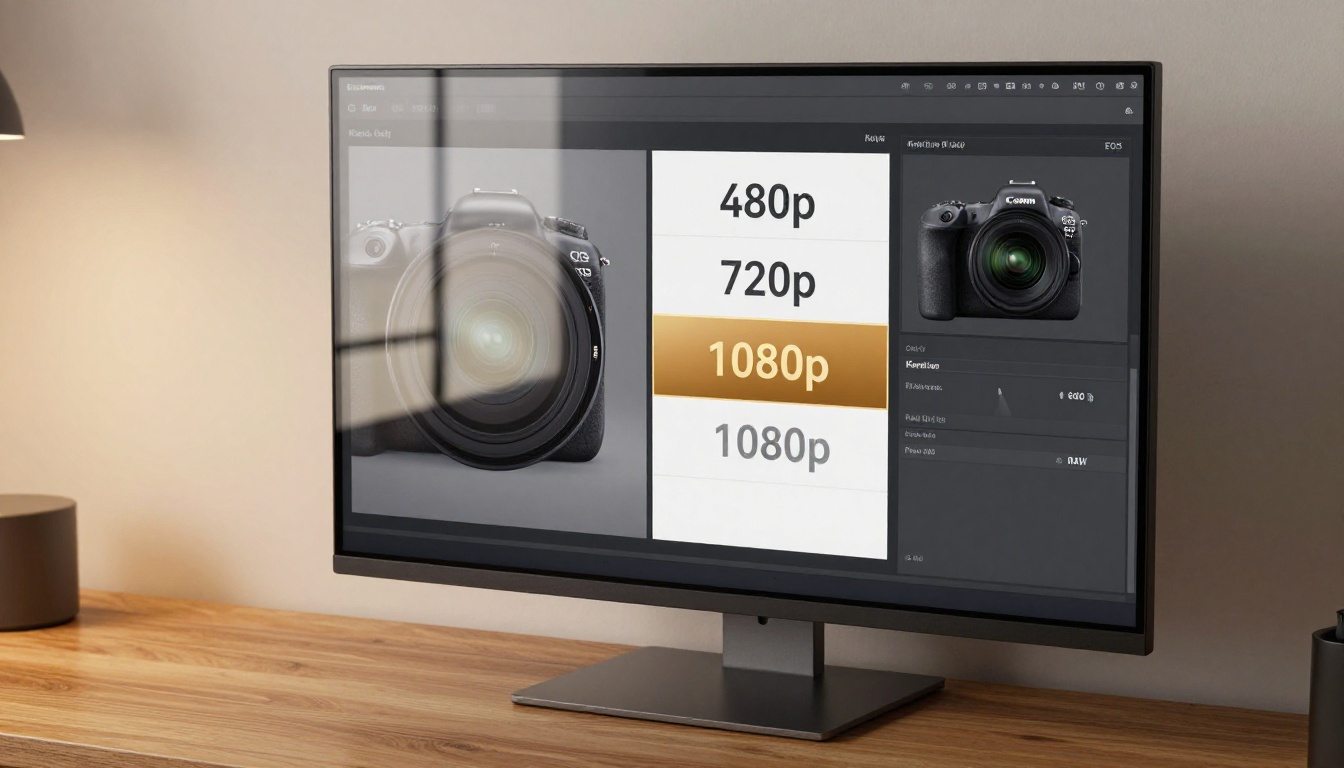
Here is when to change it:
Use 480p when:
- You are still refining your prompt
- You need the full 21-second clip length
- You plan to upscale in post with a dedicated tool
Use 720p when:
- The prompt is finalized and you want a quality preview
- 13 seconds covers your full narrative
- You are not planning a separate upscale pass
Use 1080p when:
- This is your final output pass
- The scene requires sharp fine detail in the first generation
- 10 seconds is sufficient for your scene
Do not default to 1080p on every run. Iteration speed at 480p is significantly faster, and the generate-then-upscale workflow typically produces results that match or exceed direct 1080p quality while giving you longer clips.
Upscaling Your Wan 2.7 Output
For the generate-then-upscale workflow: generate at 480p to get the full 21-second clip, then run it through Video Upscale by Topaz Labs on PicassoIA. Topaz maintains strong temporal consistency during upscaling, keeping character faces and scene elements stable across frames. Video Increase Resolution by Bria is the free alternative, supporting output up to 8K.
💡 Two-step workflow: Generate 21-second clip at 480p with Wan 2.7 T2V, then run through Topaz Video Upscale to 1080p or higher. Result: long, high-resolution, single-pass coherent video without choosing between duration and quality.
Writing Prompts for Long Clips
Writing prompts for 10-21 second clips is a different discipline than writing for 4-5 second clips. Longer clips need structured action in the prompt. Without it, the model will loop or stall the motion mid-clip.
What works:
- A clear action arc: opening state, middle action, ending state
- Camera movement as part of the action ("the camera slowly pulls back as she stands up" fills duration with continuous motion)
- Pacing language: "slowly," "gradually," "pauses, then moves"
- Specific physical progression: "she walks to the window, leans against the frame, looks out at the street below"
What does not work:
- Static scene descriptions at maximum duration ("a woman standing in a forest" for 21 seconds produces subtle loop artifacts)
- Multiple unconnected actions in one prompt
- Vague action language that gives the model no temporal structure to fill
💡 If your scene requires more than 21 seconds total, break it into two separate generations and connect them with a clean cut. Two well-structured 21-second clips produce better results than one overpacked single prompt.
The Full Wan Family on PicassoIA
PicassoIA carries the complete Wan model family, giving you options across the full quality and speed range:
The 2.7 models are the top of the family hierarchy. The older models remain useful for speed-first workflows where you are iterating on prompts and do not need final quality on every generation run.
For text-directed editing of clips you have already generated, Wan 2.7 Videoedit, Aleph 2 by Runway, and Lucy Edit 2 by Decart all handle text-directed clip editing on PicassoIA.
Two Creators, One Production Loop
The image below captures what most Wan 2.7 workflows actually look like in practice: two people reviewing output together, comparing clip variants, and deciding which generation to build from next.
AI video generation moves fast enough that knowing which model to reach for and how to structure your prompts is a skill with direct output quality implications. The difference between a well-structured 21-second prompt and a vague one at the same resolution is not subtle. It is the difference between a coherent clip and a looping artifact.
Wan 2.7 is currently one of the most capable open-access models on PicassoIA for extended clip generation. It runs without generation limits, and all three variants are available alongside the rest of the Wan family for iteration and fallback.
Start Generating Right Now
The fastest way to see what Wan 2.7 actually does is to run a generation. Open Wan 2.7 T2V, write a 2-3 sentence scene description with a clear action arc, set resolution to 480p, push the clip duration to maximum, and generate. The output will be longer than anything the previous Wan generations produced at the same resolution.
If you have a specific character or subject image to animate, switch to Wan 2.7 I2V and upload it as your starting frame. The unlimited generation model on PicassoIA means you iterate until the result is right without a credit ceiling.
The full Wan 2.7 family, alongside 87 other text-to-video models, is available at picassoia.com/en/all-models. Longer clips, higher resolution, no restrictions.


