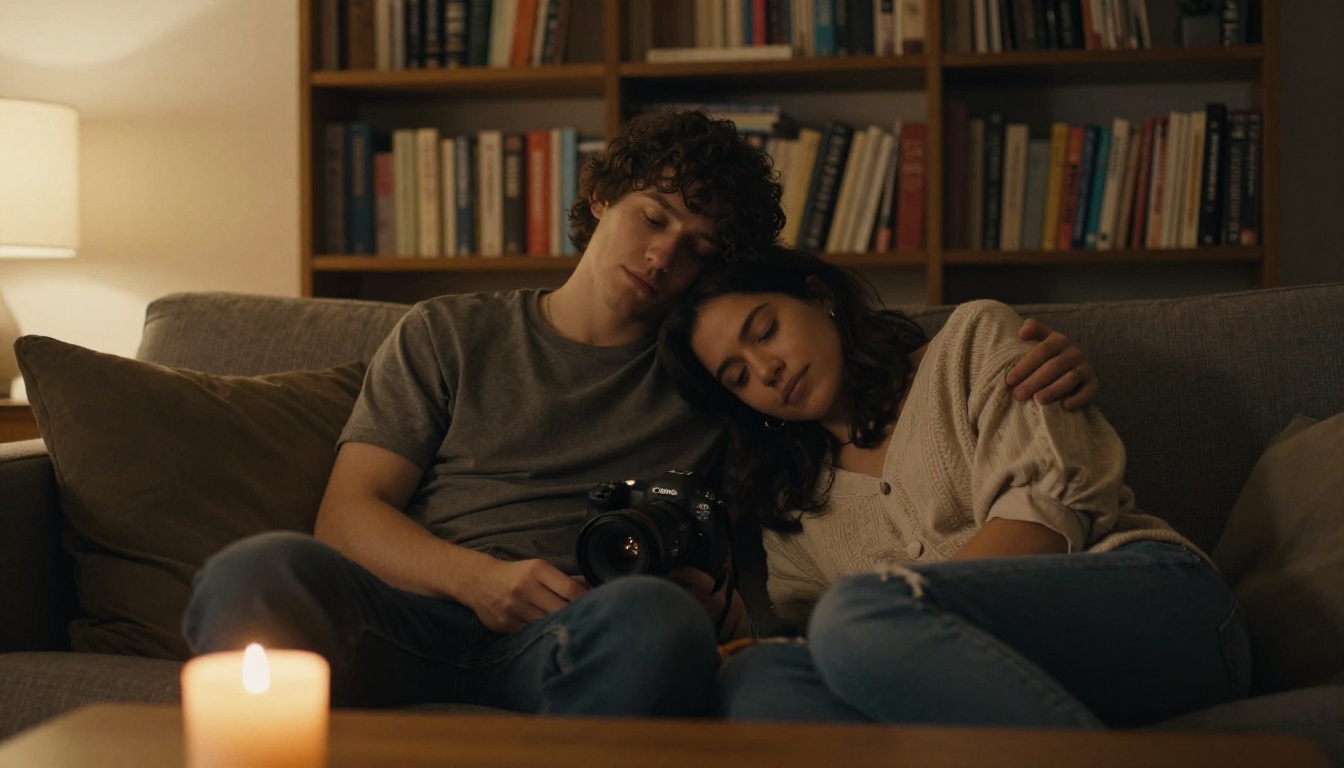
Wan 2.7 is one of the most capable open-weight video generation models available right now. It produces fluid motion, respects composition, and handles complex prompts with a level of photorealism that was out of reach just a year ago. But if you've been testing it for anything adjacent to adult content, you've already hit the wall. And that wall isn't always where you'd expect it.
This article maps out exactly where Wan 2.7 draws those lines, how its content detection actually works, and what you can do when the model blocks something you consider completely reasonable. We'll also cover which platforms give creators more room to work, and which models handle what Wan 2.7 won't.
What Wan 2.7 Actually Refuses
Wan 2.7's content policy comes in two tiers. The first tier is absolute: certain content categories will always get blocked, regardless of context, framing, or how the prompt is worded. The second tier is situational, and that's where most creator frustration happens.
Absolute Content Blocks
At the hard floor, Wan 2.7 refuses to generate:
- Explicit sexual acts of any kind, including implied explicit content where body positions strongly suggest it
- Nudity involving minors, which the model treats with zero tolerance across every context
- Non-consensual scenarios presented approvingly, regardless of prompt framing
- Content designed to harass or sexualize real individuals by name or recognizable appearance
These blocks are not negotiable and not platform-dependent. If you're running Wan 2.7 through any interface, including PicassoIA, these restrictions apply at the model level. No amount of prompt rephrasing will work around them, and attempting to use coded language or misdirection simply results in either a refusal or a sanitized output that looks nothing like what was requested.
The Gray Zone
The more interesting area, and the more frustrating one for creators, is the gray zone. This is where Wan 2.7's content detection becomes inconsistent.
Content that frequently gets blocked even though it isn't explicitly prohibited:
- Suggestive poses where the framing is artistic but the subject's posture is deemed too close to explicit
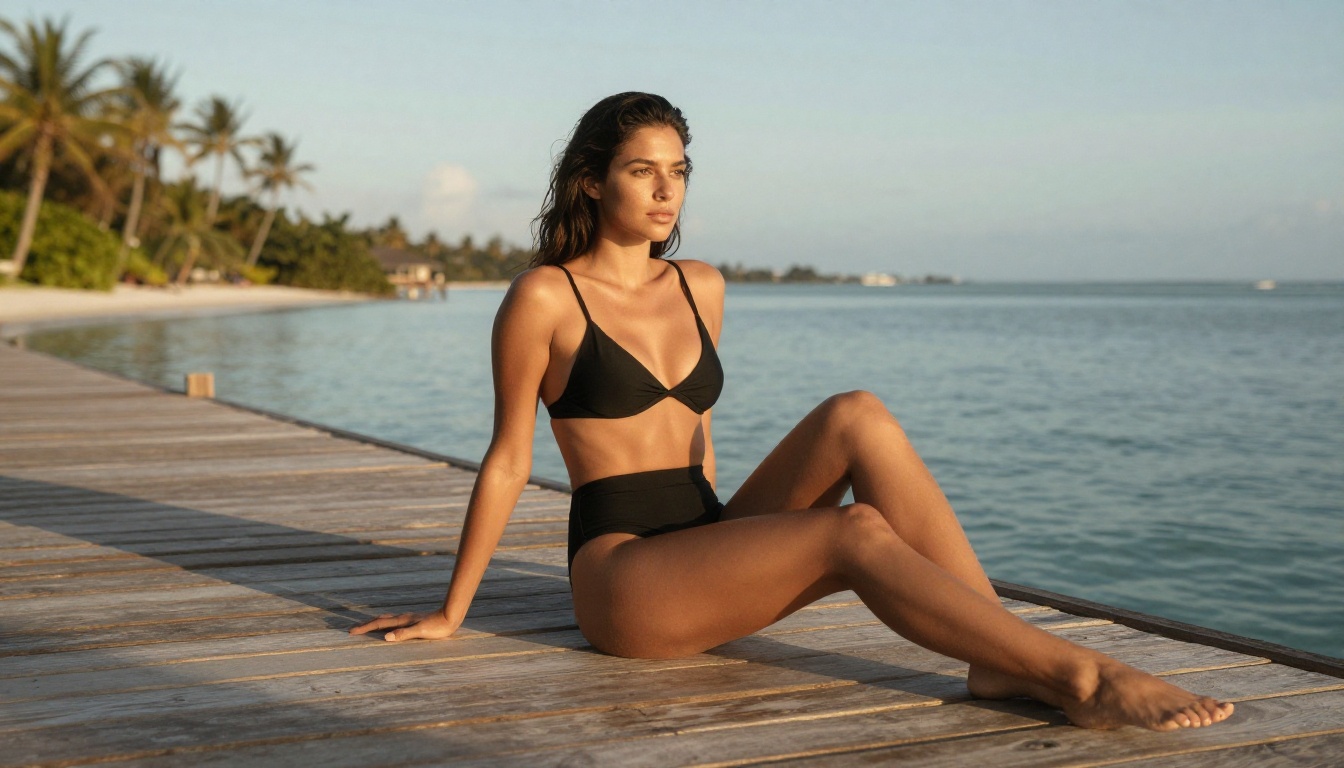
- Swimwear and lingerie content that would be acceptable in any mainstream fashion publication
- Romance scenes involving physical contact without any explicit element
- Specific words in prompts like "intimate," "sensual," or "passionate" that trigger keyword-level detection before the model evaluates semantic context
This is where creators lose hours. A prompt for two people kissing on a beach at sunset gets blocked. A fashion-forward bikini shot gets refused. An artistic boudoir scene in soft natural lighting generates an error message instead of a video.
How the Filter Reads Your Prompts
Understanding why certain prompts get flagged requires understanding the two-stage process Wan 2.7 uses to evaluate content.
Keyword Detection vs. Context Reading
The first pass is keyword-based. Before the model even starts generating, the prompt is scanned for flagged terms. These aren't only the obvious ones. The list includes descriptive words common in creative, non-explicit writing: "bare," "skin," "body," "touch," "desire," "pleasure," and dozens of others.
If a flagged term appears, the prompt goes to a secondary evaluation layer. This layer looks at context: who is the subject, what is the action, what is the setting. The problem is that this secondary layer is far less reliable than the keyword scan. It makes frequent errors on both sides, blocking genuinely safe content and, occasionally, passing content that should have been stopped.
Why Innocent Prompts Get Blocked
The secondary layer tends to fail on prompts that involve:
Ambiguous subjects. If the prompt doesn't clearly establish the nature of the subject and their relationship, the model often defaults to a more conservative interpretation and refuses.
Stacked physical descriptors. Prompts that pile on words like "toned," "fit," "slim," and "smooth skin" in close proximity trigger pattern recognition that associates them with adult content prompts, even when the actual content being described is safe.
Non-literal phrasing. Wan 2.7's training data skews toward English. Prompts written in a more poetic or translated style get misread more often than plain descriptive English.
💡 Tip: Write prompts in direct, plain English. Describe the scene like a film director giving instructions, not like a novelist writing atmosphere. "Woman in red dress, rooftop, golden hour" clears filters that "sensuous figure bathed in the dying light of evening" will not.
What Wan 2.7 Does Allow
Despite the restrictions, Wan 2.7 actually has fairly broad creative range when prompts are written correctly.
Suggestive Content That Passes
The following content types consistently generate without issue when prompted cleanly:
| Content Type | Passes Consistently | Notes |
|---|
| Swimwear in outdoor settings | Yes | Keep framing natural, avoid explicit pose descriptors |
| Glamour and fashion shoots | Yes | Describe as editorial rather than intimate |
| Dance and movement | Yes | Avoid "sensual" and related terms |
| Romantic scenarios | Mostly | Physical contact prompts need clean framing |
| Lingerie in fashion context | Sometimes | Depends on phrasing and composition descriptors |
The trick is framing. Wan 2.7 responds well to prompts that position content in a professional or artistic context. A "fashion editorial" framing passes where a "bedroom shoot" framing fails, even when the described content is identical.
Romance That Works
For romantic content, the highest success rate comes from:
- Describing the setting in detail before describing the subjects
- Keeping physical descriptions to clothing and general posture rather than body specifics
- Using action verbs that imply connection without contact: "leaning toward," "smiling at," "whispering"
- Keeping the scene at a wide or medium shot rather than close-up framing
A prompt for "two people sharing a slow dance in a candlelit restaurant, soft shadows across the table, wide shot" generates reliably. The same scene described as "intimate embrace, pressed together, slow dance" will likely fail.
If Wan 2.7's content policy is limiting your creative work, the relevant question isn't how to break the filter. It's which models on which platforms give you what Wan 2.7 won't.
Seedream 4.5 for Images
For photorealistic image generation without Wan 2.7's restrictions, Seedream 4.5 is the model to start with on PicassoIA. It handles adult-adjacent content with a wider tolerance than most mainstream image models, produces genuinely photorealistic skin rendering, and runs fast enough that iteration is practical.
What Seedream 4.5 offers that restricted models don't:
- No prompt keyword blocking at the pre-scan level
- Accurate interpretation of suggestive creative prompts without sanitizing outputs
- Consistent photorealism in fashion, glamour, and artistic contexts
- High-speed generation so you can iterate across multiple creative directions quickly
The outputs aren't post-processed into generic safety versions. When you describe a specific composition, lighting setup, and subject, Seedream 4.5 actually produces that image.
💡 Important: Seedream 5 Lite on PicassoIA blocks adult content. Use Seedream 4.5 for adult-adjacent creative work, not the newer Lite variant.
PicassoIA Image Editor Pro
For creators who need to edit, refine, or iterate on generated content, PicassoIA Image Editor Pro removes one of the biggest barriers in adult-adjacent AI image creation: generation limits.
Most platforms throttle creative work with credit systems that make sustained iteration expensive. PicassoIA Image Editor Pro offers unlimited generations, which fundamentally changes the workflow. You're not rationing attempts. You're iterating until you have exactly what you need.
The platform supports:
- Inpainting to fix specific areas without regenerating the entire image
- Outpainting to expand compositions beyond the original frame
- Object replacement for swapping elements while preserving lighting and composition
- Style refinement for pushing images toward specific aesthetic targets
This matters in adult-adjacent creative work because the difference between a strong output and an unsatisfying one often comes down to small compositional details that a targeted inpaint can fix in seconds.
Wan 2.7 vs. Seedream 4.5
| Feature | Wan 2.7 (Video) | Seedream 4.5 (Image) |
|---|
| Content filtering | Strict, two-layer detection | Permissive for artistic adult content |
| Adult-adjacent tolerance | Limited, inconsistent | High, consistent |
| Output quality | Cinematic video up to 1080p | Photorealistic, high detail |
| Speed | Moderate, video generation | Fast, image generation |
| Prompt sensitivity | High, keyword-sensitive | Low, context-aware |
| Iteration cost | High, time per video | Low, unlimited on PicassoIA |
The two models serve different creative needs. Wan 2.7 is for motion and video where you need fluid scene generation and temporal consistency. Seedream 4.5 is for stills and artistic images where content tolerance and iteration speed matter.
For a workflow that combines both: generate your source frames in Seedream 4.5 with the exact composition and content you need, then use those frames as references for video generation with more neutral motion prompts in Wan 2.7.

Using Wan 2.7 on PicassoIA
PicassoIA gives you access to all three Wan 2.7 variants: Text to Video, Image to Video, and Reference to Video. Each serves a different point in the creative workflow.
Wan 2.7 T2V: Text to Video
Wan 2.7 T2V generates video directly from a text prompt at up to 1080p. For content that falls within its permitted range, the output quality is genuinely impressive.
Step-by-step for best results:
- Open Wan 2.7 T2V on PicassoIA
- Write your prompt in plain English: subject first, then setting, then lighting
- Set resolution to 1080p for maximum output quality
- Set motion intensity to a moderate level for controlled, realistic motion
- Evaluate the initial output before iterating on the prompt
Prompts that perform well:
- "Woman walking through sunlit botanical garden, flowing summer dress, camera following at medium distance, warm afternoon light"
- "Fashion model on rooftop terrace, city skyline background, professional editorial style, slow dolly shot"
- "Couple at candlelit restaurant, warm shadows, wide establishing shot"
Wan 2.7 I2V: Image to Video
Wan 2.7 I2V animates a static image into a video clip. This is where the Seedream 4.5 workflow connects directly.
Step-by-step:
- Generate your source image in Seedream 4.5 with the exact composition and content you need
- Upload that image to Wan 2.7 I2V
- Write a motion prompt describing only the movement: "gentle breeze through hair, camera slowly pushing in"
- Keep the motion prompt neutral even if the source image is suggestive
- The model animates what it sees rather than evaluating the image's content the same way it would a text prompt
This approach bypasses a significant portion of Wan 2.7's text-based content scanning because the motion prompt describes motion, not content. The source image carries the creative direction.
For reference-based animation, Wan 2.7 R2V lets you use a subject from one image in a generated scene, opening up additional possibilities for consistent character work across multiple clips.
5 Prompt Patterns That Clear the Filter
These five patterns consistently clear Wan 2.7's content detection for suggestive but non-explicit creative content.
1. The Editorial Frame
Prefix the scene with a professional context. "Fashion editorial:" or "Commercial photography shoot:" before the actual prompt signals professional intent and often reduces aggressive keyword scanning on the content that follows.
2. The Location Anchor
Start with a specific physical location before introducing the subject. A location-first prompt reads as documentary rather than intimate, and this framing affects how the filter evaluates everything after it.
3. The Camera Direction Approach
Describe the shot as if you're a director giving technical instruction. "Medium shot, subject at frame center, 85mm equivalent focal length" reduces the system's confidence that the prompt is adult-adjacent.
4. The Wardrobe Specification
Be specific about clothing rather than leaving it ambiguous or using atmosphere words. "White cotton sundress" passes where "minimal clothing" does not. Specificity reads as evidence of non-explicit intent.
5. The Lighting Description
Replace any atmosphere or mood descriptors with specific lighting descriptions. "Soft natural light from camera left, slight rim light from right" carries the same emotional weight as "romantic lighting" without triggering keyword detection.
Start Creating Without the Limits
Wan 2.7 is a remarkable video generation model, and knowing its content policy tells you exactly how to work with it, and when to reach for something else.
For photorealistic adult-adjacent images with high creative tolerance and unlimited generation, Seedream 4.5 on PicassoIA is the starting point. For editing and refining those images without credit limits, PicassoIA Image Editor Pro gives you the iteration freedom that restricted platforms won't. For video, Wan 2.7 I2V with Seedream-generated source images is the most effective approach for pushing creative boundaries without running into the model's text-level content scanning.
The full range of models available for every creative need, from image generation to video, audio, effects, and beyond, is at picassoia.com/en/all-models. Whatever Wan 2.7 won't do, there's a model that will.