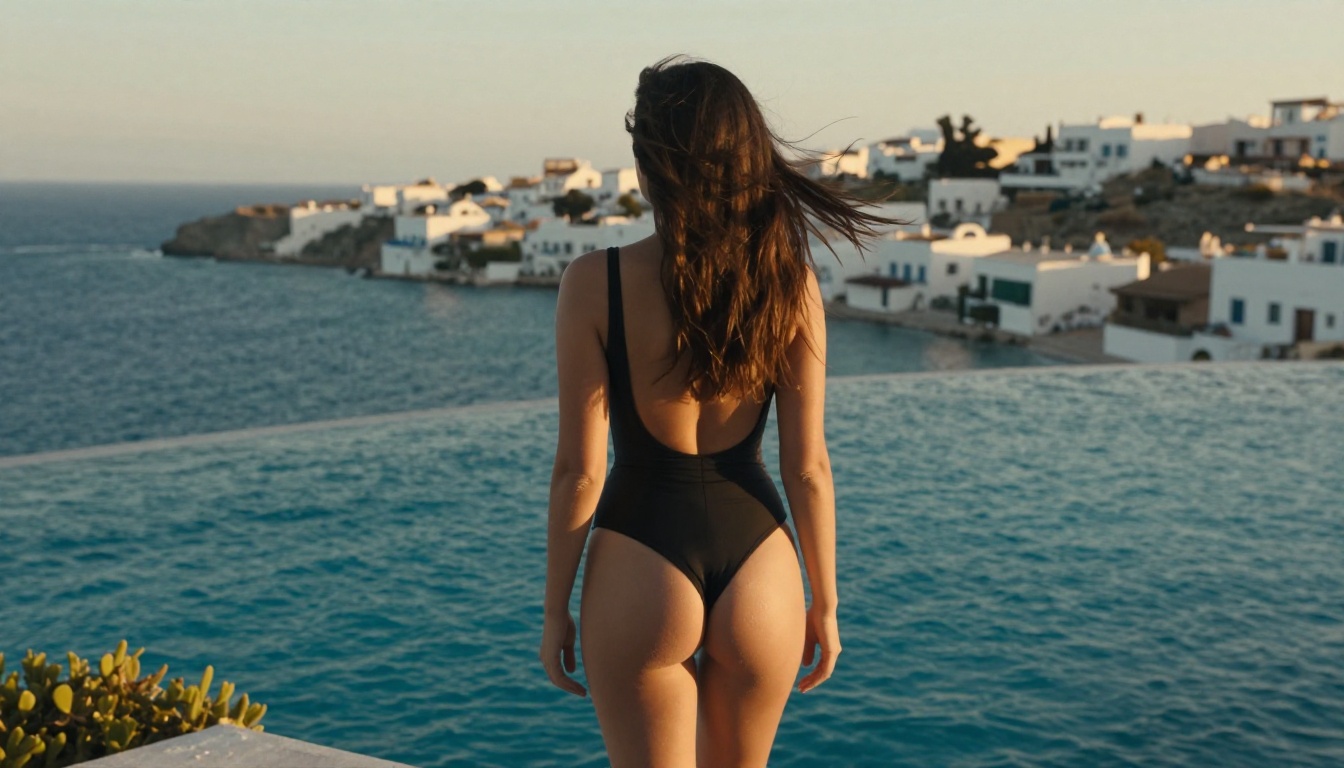
Wan 2.7 raises the bar for home-based NSFW AI video generation with dramatically sharper output, better motion coherence, and uncensored local inference. This article breaks down exactly what changed from earlier versions, what GPU hardware you actually need to run it locally, and how thousands of creators already use Wan 2.7's three variants online via PicassoIA with zero installation required and unlimited generations.
The release of Wan 2.7 landed differently from every previous version. Where earlier iterations in the Wan family earned their reputation through accessibility and solid open-source quality, 2.7 arrived with a claim that actually holds up: sharper NSFW video output, better motion coherence across frames, and three distinct generation variants covering text-to-video, image-to-video, and reference-to-video workflows. For creators who have been waiting for a local model that could produce genuinely attractive adult content without plastic-skin artifacts and swimming backgrounds, this update changes the calculation.
This is not a subtle upgrade. The jump from Wan 2.1 to 2.7 shows immediately in motion handling, skin texture preservation, and the ability to hold fine detail across full seconds of video without the typical cascade of distortions that plagued earlier diffusion video models.
What Changed in Wan 2.7
Wan 2.7 is not a point release in the cosmetic sense. The architectural improvements under the hood are what make the sharpness gains possible. Two core problems that plagued Wan 2.1 have been addressed directly: temporal consistency (how well the model keeps details stable across frames) and fine detail resolution (whether skin, hair, and fabric actually render as photorealistic textures rather than blurred approximations).
Sharper Motion and Better Frames
The improvement to temporal consistency is the most visible change. In Wan 2.1, fast motion sequences often produced smearing, limb distortions, and background swimming effects. Wan 2.7 introduces a refined attention mechanism that better anchors high-frequency details between frames. The result is that a subject moving across a scene stays sharp throughout, rather than degrading into artifact-heavy frames mid-clip.
For NSFW content specifically, this matters enormously. The subject's body, expressions, and pose transitions are the core of what creators care about. A model that loses detail during motion defeats the entire purpose. Wan 2.7 holds skin texture, hair movement, and fabric drape far more consistently than its predecessors.
The Three New Variants
Wan 2.7 ships in three distinct modes, each serving a different production workflow:
The R2V (reference-to-video) variant is the genuinely new addition to the family. It accepts a reference image to anchor the visual identity of the subject, then generates motion around that identity. This means you can lock in a specific look, body type, or aesthetic from an existing image and generate motion that stays true to it across the full clip.
The Real Cost of Running It Locally
Local inference sounds appealing until you actually price out what it requires. Wan 2.7, particularly the full-quality versions, demands serious GPU resources. This is not a model you can run on a gaming laptop and expect 1080p output.
GPU Requirements That Actually Matter
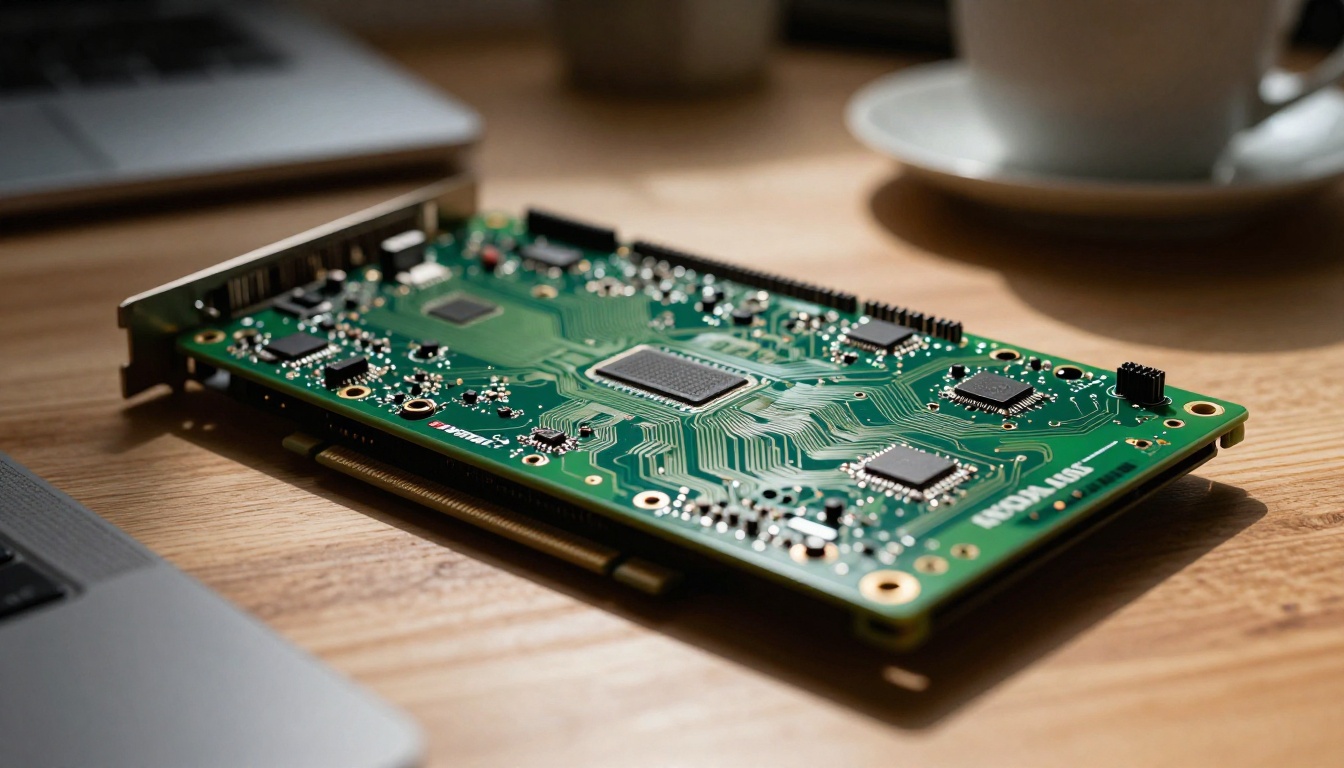
The minimum viable setup for usable Wan 2.7 output requires at least 16GB VRAM, with 24GB VRAM being the practical sweet spot for 720p without aggressive quantization. For 1080p output at full quality, you are looking at 40GB+ VRAM setups, which means either an RTX 4090, a workstation-class GPU, or a dual-GPU configuration.
💡 Reality check: A single RTX 4090 with 24GB VRAM can run Wan 2.7 at 720p with some quality compromises. A workstation GPU like the A6000 (48GB) or H100 (80GB) is needed for uncompromised 1080p at full batch speeds.
Beyond VRAM, generation speed becomes the next bottleneck. On consumer hardware, a single 5-second clip at 720p can take anywhere from 3 to 12 minutes depending on the card. At 1080p that window extends significantly. If you are planning to produce multiple clips, you are looking at hours of generation time per session.
Setup and Maintenance That Nobody Mentions
Running Wan 2.7 locally also means managing the environment yourself. That includes:
Python environment setup with correct CUDA versions
Model weight downloads (the full Wan 2.7 weights are significant in size)
Dependency management across ComfyUI, Diffusers, or custom scripts
Driver compatibility between your GPU, CUDA, and the inference framework
Updates every time the model receives patches or optimizations
Each of these layers introduces friction. For someone who wants to actually produce content rather than debug Python environment conflicts, the maintenance overhead is a real cost in time.
Running Wan 2.7 Online Instead
This is where the practical picture shifts. PicassoIA hosts all three Wan 2.7 variants natively, meaning you can generate at 1080p quality without owning the hardware and without spending an afternoon configuring Python.
The three models available online:
Wan 2.7 T2V for text-to-video generation up to 1080p
Wan 2.7 R2V for reference-anchored subject animation
No Install, No Waiting for Drivers
The online workflow cuts every friction layer from the local setup. You write a prompt, upload an image if you are using I2V or R2V, and the generation runs on cloud infrastructure. Output quality matches what a high-end local setup would produce without the hardware investment.
For NSFW video generation specifically, the uncensored access is the critical factor. PicassoIA operates with permissive content policies across its adult-oriented models, allowing creators to produce the kind of content that mainstream platforms block entirely.
The NSFW Question
Wan 2.7 is technically uncensored at the model level. The weights themselves have no content filters. Whether you can run it uncensored depends entirely on where you run it. Local inference gives you full control. Most cloud platforms apply filters regardless of the underlying model.
What Wan 2.7 Actually Permits
At the model level, Wan 2.7 can generate:
Suggestive and glamour content: Bikini, lingerie, artistic posing
Adult themes: Mature content without explicit acts
The model's outputs depend heavily on prompt quality. Wan 2.7 responds well to detailed prompts that specify lighting, camera angle, subject details, and atmosphere. Vague prompts produce generic results. Detailed prompts produce noticeably better composition and realism.
Best NSFW Video Models Right Now
Wan 2.7 is not the only option worth knowing. A comparison of top-performing video generation models for adult content:
For NSFW-specific workflows, Wan 2.7 on PicassoIA remains the most direct option because it combines high resolution with permissive content policy in an online environment that requires no setup.
Starting With the Right Image
The single biggest improvement you can make to your Wan 2.7 I2V or R2V output is the quality of your source image. The model animates what it sees. A soft, artifact-heavy source image produces soft, artifact-heavy video. A sharp, well-lit, detailed image produces significantly better motion output.
For NSFW video workflows, the recommended starting point is Seedream 4.5, the highest-performing image generation model for adult content on PicassoIA. It produces photorealistic skin texture, accurate anatomy, and natural lighting that translates cleanly into video when passed to Wan 2.7 I2V.
The workflow:
Generate your source image with Seedream 4.5 at 16:9 or your target ratio
Download the output or copy its URL
Pass it to Wan 2.7 I2V with a motion-focused prompt
Specify the type of movement, camera motion, and atmosphere
💡 Tip: The cleaner your source image's composition, the more control you retain over the video output. Busy backgrounds make it harder for the model to isolate and animate the subject coherently.
Prompt Writing That Actually Works
Wan 2.7's text encoder is sensitive to prompt structure. Unlike image models where a list of keywords often works, video prompts benefit from chronological descriptions of motion: what happens at the start, how it develops, and what the camera does during the clip.
Prompt Structure for Better Results
A strong Wan 2.7 prompt follows this pattern:
[Subject + starting position] → [motion/action over time] + [camera movement] + [lighting and atmosphere]
Example (suggestive, non-explicit):
"A woman in a silk robe sits at the window looking out at the rain, slowly turning her head toward the camera as the fabric slides off one shoulder, slow dolly-in from medium to close-up, soft grey diffused light through the rain-streaked glass, cinematic and intimate"
What to avoid:
Single static adjectives without motion verbs
Contradictory motion cues ("walking" and "lying down" simultaneously)
Overly long prompt lists that dilute the motion intent
Resolution and Parameter Settings
Wan 2.7 on PicassoIA exposes the main generation parameters directly. The settings that affect quality most:
Parameter
Recommended
Why
Resolution
1080p
Full sharpness benefit of 2.7
Steps
30-50
Higher steps produce sharper output
CFG Scale
6-8
Lower values produce more natural motion
Duration
5s default
Longer clips increase drift risk
How the Three Variants Differ in Practice
Running all three Wan 2.7 variants side by side reveals distinct use cases that go beyond what the technical descriptions suggest.
T2V (text-to-video) is the pure creative tool. You describe what you want and the model builds it from nothing. The sharpness gains in 2.7 show most clearly here because there is no source image constraining the output quality. The model generates from scratch and the detail level in skin, hair, and fabric is markedly better than Wan 2.1 or Wan 2.5 T2V.
I2V (image-to-video) is the practical production tool. It gives you a controlled starting point. Use a strong Seedream 4.5 source image and you have a consistent character identity that animates predictably. The motion tends to be more conservative than T2V because the model is working from an anchor rather than generating freely, but that conservatism is often exactly what a controlled output needs.
R2V (reference-to-video) is the newest and most interesting variant. It does not simply animate the reference image. It uses the reference as a style and identity anchor while generating new motion and even new poses. This makes it the best choice for creating variations: generate one strong source image, then use Wan 2.7 R2V to produce multiple motion clips that all share the same visual identity.
For comparison, Wan 2.6 I2V remains available and some creators prefer its motion characteristics for specific scene types. Having access to the full version history lets you choose based on output style rather than just recency.
What This Means for NSFW Content Creators
The practical takeaway from Wan 2.7 is that the quality floor for AI-generated adult video content has risen significantly. Where Wan 2.1 output often required heavy post-processing to be usable, 2.7's output is frequently production-ready without additional work.
For creators on PicassoIA, the three-variant approach gives a genuinely flexible production pipeline:
Use Seedream 4.5 for high-quality source images
Use Wan 2.7 R2V to maintain subject consistency across multiple clips
Use Wan 2.7 T2V for scenes that need fresh generation from scratch
Use Wan 2.7 I2V to animate existing photorealistic images
This covers the full creative pipeline from initial concept through to finished video, without leaving the platform.
💡 Worth knowing: PicassoIA's collection includes over 87 video models across multiple categories. If Wan 2.7 does not match your style target, browsing the full model library often surfaces alternatives that fit specific aesthetic needs.
Try It Without the Hardware Overhead
The argument for running Wan 2.7 locally was always about control and privacy. Both remain valid reasons. But the practical reality is that the hardware cost, setup time, and generation speed of local inference put it out of reach for most creators who want to produce content consistently rather than occasionally.
PicassoIA's hosted versions of Wan 2.7 T2V, Wan 2.7 I2V, and Wan 2.7 R2V give you the same model quality with none of the friction. Generation happens in the cloud, output downloads directly, and you can run back-to-back sessions without waiting for a GPU to cool down.
If you have not tried NSFW video generation with Wan 2.7 yet, the fastest way to evaluate it is to start with Wan 2.7 I2V, upload a source image, and write a motion prompt using the chronological structure above. The sharpness difference from previous versions is immediately visible in the first output. That is the strongest argument Wan 2.7 makes for itself.
Browse the full model catalog at picassoia.com/en/all-models to see what other options pair well with Wan 2.7 in your workflow.