The product ad video industry charges $5,000 to $50,000 for a single 30-second commercial spot. For most small and mid-size brands, that math kills the idea before it starts. Wan 2.7 changes that equation. Released by the Wan Video team, it is one of the most capable AI video models for commercial product content available today, handling everything from text-to-video scripting to image animation that gives static product photography cinematic motion. This article breaks down how Wan 2.7 works, why it is particularly strong for product advertising, and how to use it on PicassoIA to create ad-ready videos in minutes.
Why Product Brands Are Shifting to AI Video
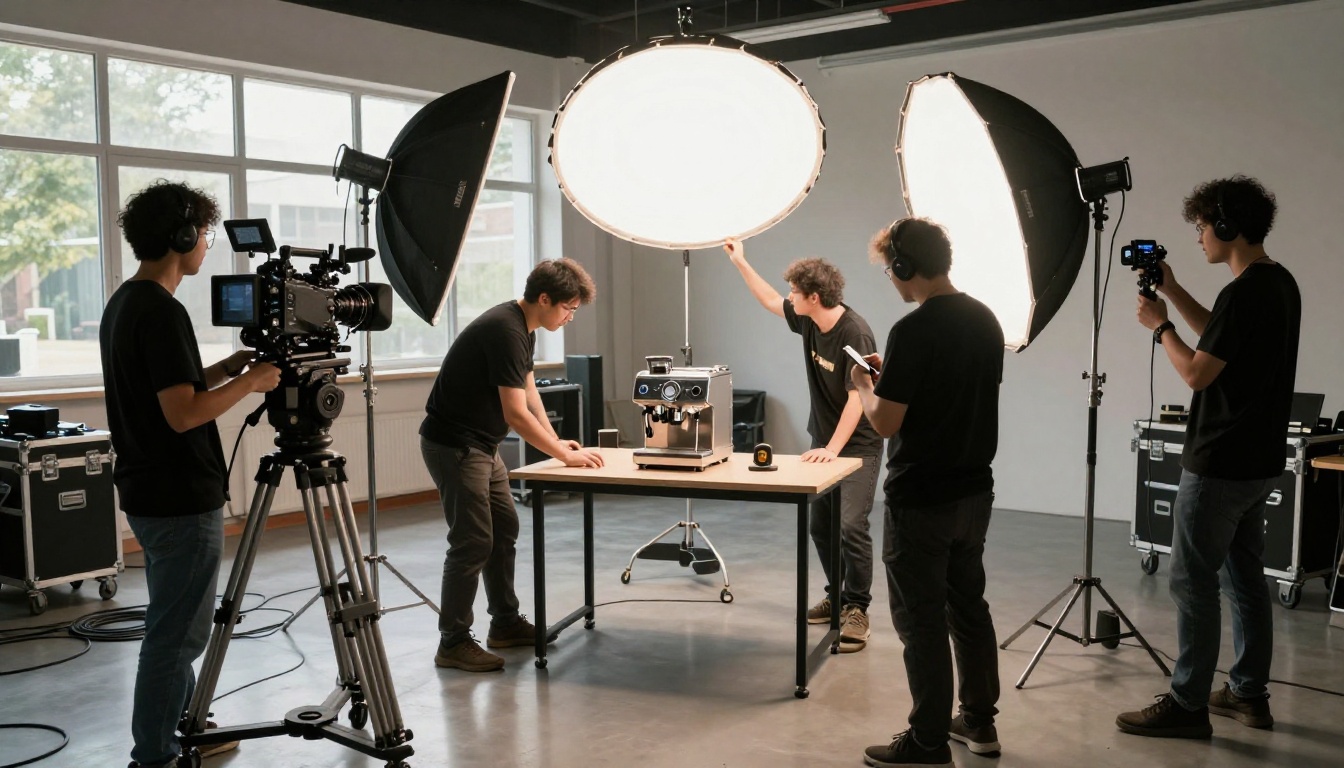
Physical product shoots are expensive, slow, and inflexible. You book a studio, hire a cinematographer, source props, coordinate a stylist, and spend two days of production time for 90 seconds of usable footage. When your product line changes or a campaign underperforms, you start over from zero.
AI video generation does not ask for any of that. A brand can now go from a product photo or a text brief to a fully rendered video in under three minutes. Wan 2.7 sits at the top of that capability curve.
The Traditional Production Problem
The real cost of a product video is not just the shoot day. It includes:
- Revision cycles with a production team charging hourly
- Storage and editing fees for raw footage
- Reshoots when a product changes packaging mid-season
- Geographic constraints when your studio is in a different city than your team
These costs compound fast for e-commerce brands running dozens of SKUs. A skincare line with 40 products faces the same budget math every quarter, and most of the time the videos simply do not get made.
What AI Changed in 2025
The real shift happened when AI video models crossed two simultaneous thresholds: photorealistic output at 1080p, and prompt-to-commercial coherence, meaning you can write a product brief and the model follows it with brand-relevant visual logic rather than generic animation. Wan 2.7 hits both marks in ways that earlier generations of AI video did not.
What Wan 2.7 Actually Is
Wan 2.7 is not a single model. It ships as three specialized variants, each targeting a different input type and use case for product advertising:
| Variant | Input | Best For |
|---|
| Wan 2.7 T2V | Text prompt only | Brand storytelling, scripted concept ads |
| Wan 2.7 I2V | Product image plus text | Animating existing product photography |
| Wan 2.7 R2V | Reference image subject | Subject-isolated animation in new environments |
Each variant shares the same core generation engine but differs in how it handles reference material, scene construction, and motion coherence.
Three Variants, Three Jobs
T2V (Text-to-Video) is where you bring only a written description. The model constructs the entire scene from scratch. For product ads, this means you can describe a scenario your product does not yet exist in physically, like a skincare serum being applied in a steamy morning bathroom, without ever booking a bathroom shoot.
I2V (Image-to-Video) takes your existing product photo and animates it. A still shot of a perfume bottle becomes a rotating reveal with atmospheric lighting shifts. This is the most widely used variant for e-commerce brands because they already have product photography from their catalog shoots.
R2V (Reference-to-Video) goes further by extracting a specific subject from a reference image and placing that subject into animated, AI-generated scenarios. For fashion brands with hero product shots, this is particularly powerful for creating multiple campaign environments from a single source asset.
The 1080p Output Story
Output resolution matters enormously for advertising performance. Social media platforms compress video aggressively, and 1080p gives you meaningful headroom. Wan 2.7 generates native 1080p output, which means your ads retain sharpness after platform compression on Instagram Reels, TikTok, and YouTube Shorts, where a lower-resolution source would visibly degrade.
💡 Tip: Always generate at 1080p even if your immediate platform target is 720p. You will have a higher-quality source file for repurposing across multiple channels and future campaigns.
Using Wan 2.7 T2V for Product Ad Scripts
The T2V variant rewards specific, commercially-oriented prompts. Vague inputs produce generic results. The model responds best when you write as if you are briefing a cinematographer on a physical shoot.
Writing Prompts That Sell
A weak prompt for a product ad reads: "a perfume bottle in a studio." That generates something, but not something you would run in a campaign.
A strong prompt reads: "A crystal perfume bottle rotates slowly on a mirrored surface in a dimly lit Parisian boutique interior, warm amber practical lights creating a gradient glow across the faceted glass, camera starts at a low angle and rises gently while orbiting the product, thin wisps of steam cross the foreground."
The difference is specificity of environment, light source, and camera motion. These three elements are what Wan 2.7 T2V uses to build commercial-grade visual coherence across the five-second clip.
Prompt structure for product ad T2V:
- Subject and the surface it rests on
- Environment and mood description
- Lighting description including direction and color temperature
- Camera motion (static, dolly-in, arc, gentle pan)
- Atmospheric details such as steam, dust motes, or bokeh
Brand Voice in Text-to-Video
Different product categories require different visual languages, and Wan 2.7 T2V delivers each when the prompt is explicit:
- Luxury goods: slow motion, dramatic shadows, tight close-ups on texture
- Food and beverage: warm tones, rising steam, natural surface textures, pour shots
- Tech products: clean white backgrounds, precise geometric motion, crisp movement
- Beauty and skincare: soft diffusion, warm skin-tone lighting, ingredient texture reveals
The model does not infer brand tone from a product name alone. You have to describe it.
Using Wan 2.7 I2V on Your Product Photos
The I2V workflow delivers the most immediate value for brands that already have product photography. You supply a product photo, write a motion brief, and the model produces a video that maintains your product's visual identity while adding cinematic movement.
Your Product Photo Becomes a Video
The process is direct. You upload a product image, any standard e-commerce photo works, and pair it with a prompt describing the motion you want. The model uses your image as the first frame and generates forward from that starting point.
For a skincare serum: "The serum bottle lifts gently off the surface as if weightless, rotating 90 degrees clockwise while golden light warms the label, soft bokeh background deepening behind it."
For a coffee product: "Steam rises from the open bag in slow curls, the camera gently dollying in until the label fills the frame, warm morning window light shifting slightly from left to right across the packaging."
💡 Tip: Start your I2V prompt with a physical action rather than a static description. Phrases like "the bottle rises," "the bag opens," or "the lid lifts" give the model a clear directional brief for the first movement.
Motion Types That Work for Ads
Not all motion is equally persuasive in product advertising. Based on what converts across social platforms, these motion types rank highest for engagement:
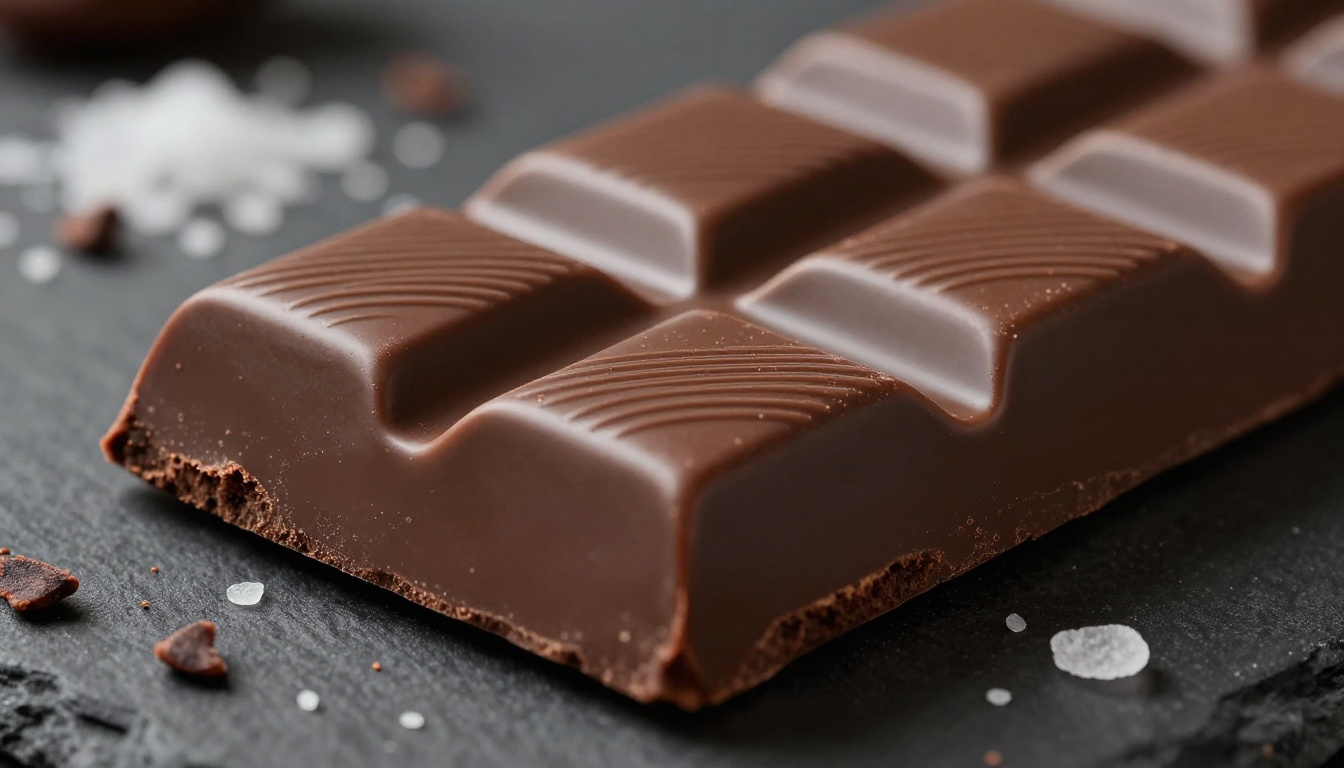
- Orbit or rotation around the product, revealing all angles
- Subtle float creating a premium, weightless brand feel
- Ingredient or material reveal through pours, drops, or particle effects
- Packaging open sequences showing the unboxing moment
- Scale transformation zooming into surface texture to show quality
Wan 2.7 R2V for Subject-Focused Product Animation
The R2V variant is the least discussed of the three but often delivers the strongest results for lifestyle-oriented product advertising, particularly for brands that need multiple campaign environments without a multi-day shoot schedule.
When R2V Beats I2V
I2V animates the entire input image including the background. R2V isolates your subject and places it into new contexts. This distinction matters in three specific situations:
- Your original product photo has a distracting or brand-inconsistent background
- You want the same product appearing in multiple different environments without reshooting
- You need visual consistency across a campaign series where the product looks identical
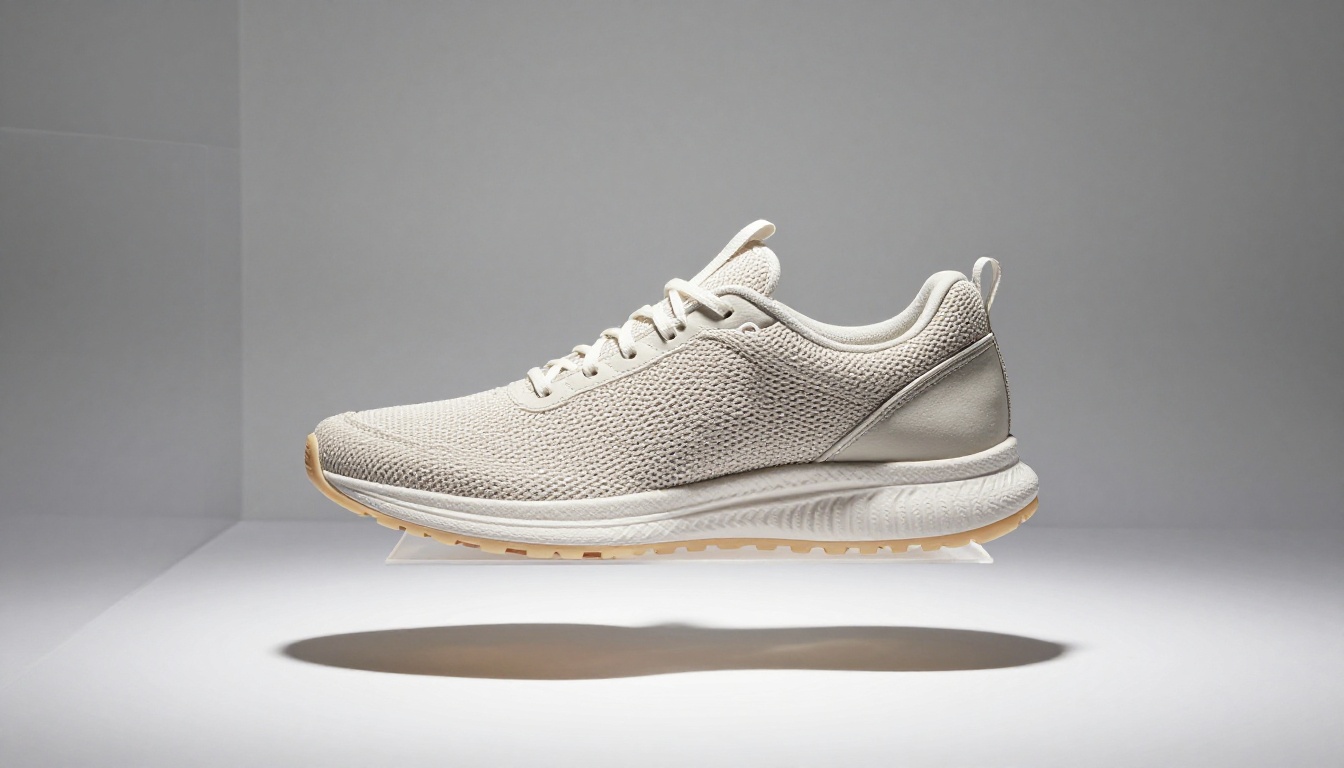
A single hero shot of your sneaker can become five distinct ad clips: one against urban concrete, one on a gym floor, one against pure white, one on grass, and one in a boutique interior. Same product shot each time, five entirely different environments. That is the core R2V value for fashion and accessories brands.
Best Product Types for R2V
R2V performs particularly well on products with strong, recognizable silhouettes:
- Footwear: clear outline that holds well when placed in new backgrounds
- Bags and accessories: geometric forms that remain visually coherent in motion
- Bottles and packaging: simple form factors that the model isolates cleanly
- Electronics: flat or angular form that reads well in varied environments
Softer products like food, loose clothing, and liquids do better with I2V, which preserves the original scene texture and material behavior.
How to Use Wan 2.7 on PicassoIA
PicassoIA hosts all three Wan 2.7 variants in its text-to-video collection. The platform requires no installation, no API configuration, and no local compute. You generate directly in your browser and download the MP4 when it is ready.
Step-by-Step for T2V Product Ads
- Open Wan 2.7 T2V on PicassoIA
- Write your prompt using the five-element structure described above
- Set duration to 5 seconds for social ad clips
- Select 1080p output resolution
- Click generate, wait 2 to 4 minutes, then download the MP4
For a 30-second finished ad, generate six 5-second clips using related prompts and assemble them in any video editor. Vary the camera angle and lighting description for each clip to create visual variety across the sequence.
Step-by-Step for I2V Product Shots
- Open Wan 2.7 I2V on PicassoIA
- Upload your product image in JPG or PNG format, ideally 1920x1080 or higher resolution
- Write your motion prompt starting with the first-frame action
- Generate and preview the result in the platform player
- If motion feels too aggressive, reduce the motion intensity slider and regenerate
💡 Tip: Use a product photo with a clean, neutral background for I2V. The model interprets the background as part of the scene and animates it along with the product. Cluttered or busy backgrounds create visual noise in the output video.
Wan 2.7 vs Other AI Video Models
Wan 2.7 is not the only strong option for product advertising on PicassoIA. Here is how it positions against the primary alternatives:
When to Pick Seedance 2.5 Instead
Seedance 2.5 generates up to 30-second clips in a single pass, making it more efficient for longer-form product storytelling where you want a complete narrative arc without assembling multiple shorter clips. If your ad format is a full 30-second brand video rather than 5-second social clips, Seedance 2.5 saves significant assembly time.
For e-commerce where product visual accuracy is critical, Wan 2.7 I2V remains the stronger choice. The product in your source image looks more like itself in the Wan 2.7 output compared to what Seedance produces with the same input.
When to Pick Kling v3 Instead
Kling v3 Video excels at cinematic camera movement with a film aesthetic that reads as premium production. If your brand identity demands complex camera paths and a prestige film look, Kling v3 produces the most cinematic motion results in the current model landscape.
Wan 2.7 generates cleaner product visibility and label fidelity. Kling v3 wins on motion complexity and cinematic feel. For most e-commerce brands running social ads, Wan 2.7 I2V is the correct default. Switch to Kling v3 when the campaign creative calls for a cinematic prestige treatment.
Real Product Ad Scenarios
Here is how different product categories use Wan 2.7 most effectively in practice:
Skincare and Beauty
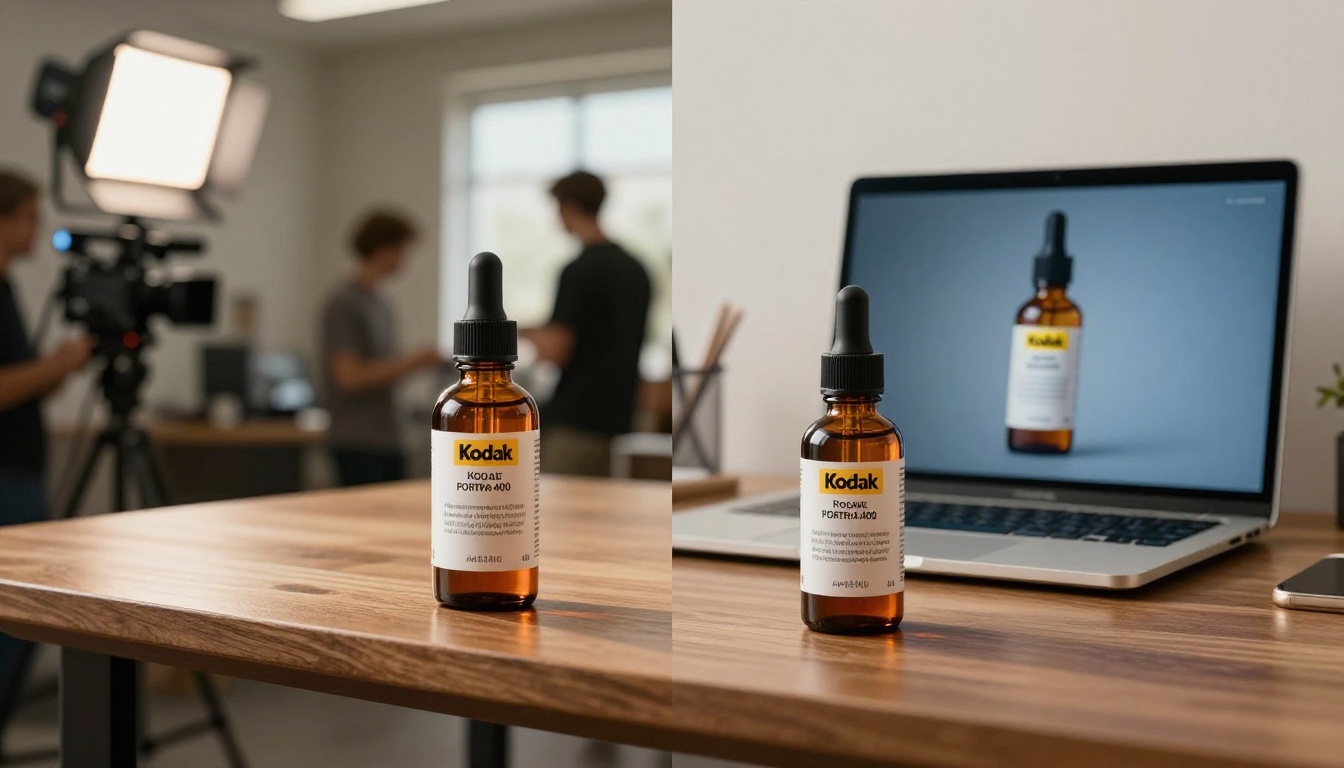
Workflow: Product photo on clean background, then Wan 2.7 I2V with a float plus rotation motion prompt. Layer with a second T2V clip featuring an ingredient or texture close-up.
The beauty category benefits most from I2V because product accuracy is non-negotiable. The label has to look exactly right. I2V preserves label typography and packaging color fidelity better than T2V, which can introduce variations in packaging details.
Example I2V prompt for beauty: "The serum bottle rises slowly off the marble surface and rotates clockwise, warm pink backlighting catching the glass edges, the gold label remaining sharp throughout, camera slowly tightening as the bottle completes its rotation."
Food and Beverage
Workflow: Wan 2.7 T2V for hero product scenarios requiring steam, condensation, or pour effects, plus I2V for specific packaging close-ups.
Food video ads depend on appetite appeal: steam, pour shots, condensation, and surface texture. T2V generates these scenarios more reliably than I2V because you can describe them precisely in the prompt without being constrained by a starting photo that lacks the specific atmospheric effect you need.
Example T2V prompt for beverages: "A glass bottle of cold brew coffee with condensation beads covering the exterior, a single water droplet slowly trailing downward across the label, morning window light from the left creating a warm gradient, camera completely static, shallow depth of field."
Fashion and Accessories
Workflow: Wan 2.7 R2V for placing hero products into multiple lifestyle environments, plus T2V for collection storytelling and mood pieces.
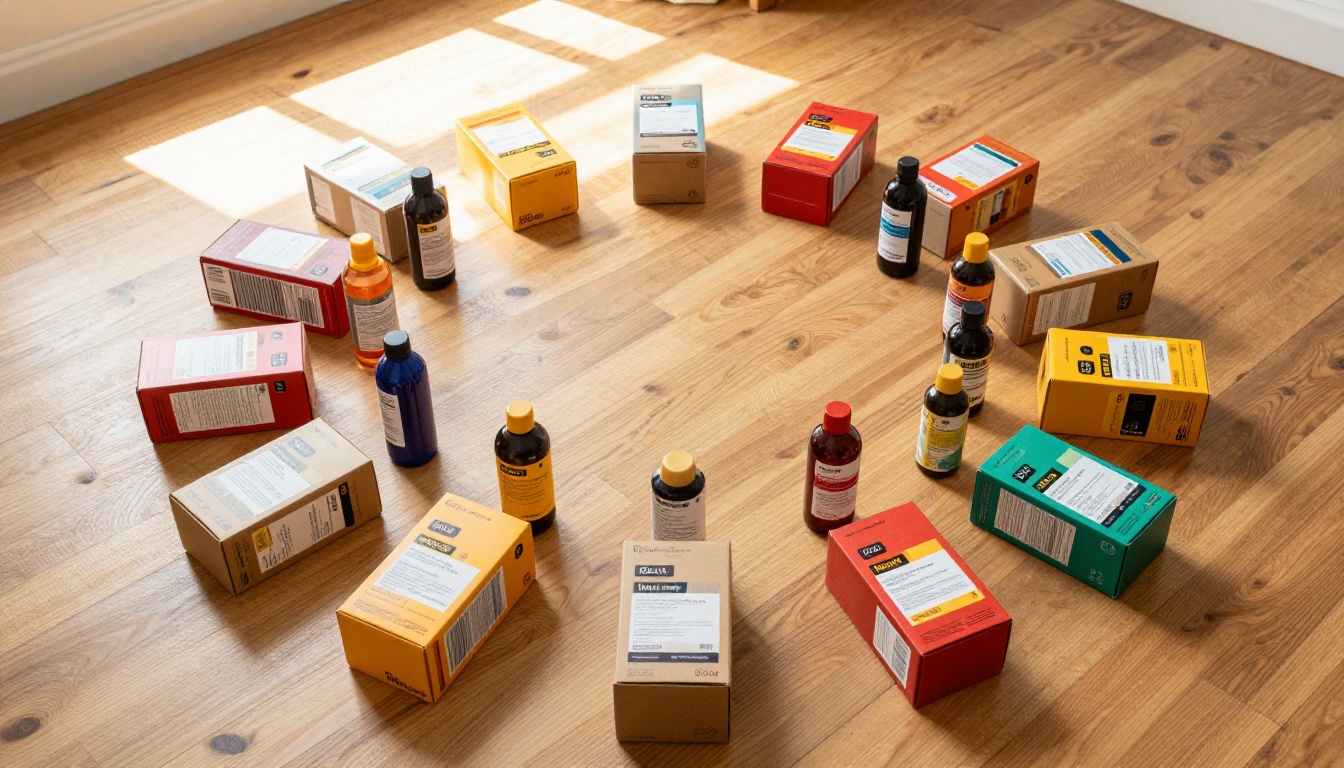
Fashion brands need multiple environments for the same product across a season. R2V's ability to extract a product subject and re-contextualize it into new generated scenarios makes it the most efficient workflow for accessories and footwear catalogs that need volume.
Full Campaign Production Workflow
A complete product ad campaign using Wan 2.7 on PicassoIA follows this structure:
Day 1: Asset and brief preparation
- Gather product photography, 5 to 10 hero shots per SKU, on clean backgrounds
- Write motion prompt briefs for each video concept using the five-element structure
- Decide which variant applies to each concept: T2V for scenarios, I2V for product animation, R2V for multi-environment placement
Day 2: Generation runs
- Run I2V on all hero product shots at 1080p via Wan 2.7 I2V
- Run T2V on contextual and lifestyle concepts via Wan 2.7 T2V
- Run R2V for multi-environment variations via Wan 2.7 R2V
- Generate more clips than you need: at this cost per generation, volume is a strategy
Day 3: Review and assembly
- Download all clips and review for quality and brand consistency
- Select the best generations per concept
- Assemble 30-second ads from 5-second clips in your video editor
- Add voiceover using PicassoIA's text-to-speech tools or music via AI music generation
💡 Tip: Generate 3 variations of each concept with slightly different prompts. Small changes to lighting description or camera motion produce meaningfully different outputs. Pick the best one rather than trying to perfect a single prompt first.
Other Video Models Worth Keeping in Rotation
While Wan 2.7 covers the majority of product ad scenarios, PicassoIA's video collection includes additional models for specific use cases:
- LTX 2.3 Pro: 4K output for luxury brand campaigns where ultra-high resolution is a creative requirement
- Hailuo 02: Particularly strong physics simulation for liquid product ads involving pour shots or splashes
- Veo 3.1: Native synchronized audio generation, useful when you want ambient sound or product sound effects built into the video
- P Video: Free and unlimited generations, ideal for volume-testing prompt variations before committing to a final direction
- Seedance 2.0: Strong performance on lifestyle context videos where the product appears in use
Running the same product photo through two or three different models takes less than 15 minutes and tells you immediately which model's output fits your specific product and visual identity best.
Start Making Product Ads That Actually Get Made
The barrier to producing professional-quality product ad videos has come down dramatically. What required a studio budget and a two-person production team in 2023 now takes a browser, a product photo, and a well-written prompt. Wan 2.7 T2V, Wan 2.7 I2V, and Wan 2.7 R2V are all available on PicassoIA right now, with no installation and no setup required.
Start with your best product photo. Write a 50-word motion brief using the five-element structure covered in this article. Run it through Wan 2.7 I2V on PicassoIA. What comes back will show you more about current AI video capability than any written description can convey. The platform also gives you access to 87 additional video models, image generators, audio tools, and more at picassoia.com/en/all-models so you can compare outputs and find the exact workflow that fits your brand's creative needs and production volume.
Product ad video is no longer a budget question. It is a prompt question.


