Wan 2.7 didn't arrive with a press tour. It landed as a model release from Alibaba's research team with three distinct capabilities bundled into a single version, and within hours the benchmarks started pouring in from researchers who had already pulled the weights and started running tests. That kind of reception tells you something important about the Wan series: it has earned serious attention in the open-source AI video community.
The Wan series is Alibaba's flagship family of video generation models, developed under their AI research division. Where many Chinese tech companies have focused on closed, API-only video tools, Alibaba took a different approach with Wan, releasing model weights openly and letting the research community build on top of them. Wan 2.7 continues that tradition while taking a meaningful leap in resolution, motion quality, and versatility.
What Changed in 2.7
The previous generation, Wan 2.6 T2V, was already capable at 720p text-to-video and image animation. Wan 2.7 pushes the ceiling higher in three specific areas:
- Native 1080p output across all three generation modes
- Improved temporal coherence, meaning less jitter and drift in longer clips
- Reference-to-video as a first-class feature, not an afterthought
💡 Temporal coherence is what separates professional-grade AI video from the flickery, inconsistent clips that made early text-to-video tools feel like party tricks. Wan 2.7 takes this seriously.
The architecture improvements center on the video diffusion backbone, which now handles longer token sequences more efficiently. The practical result: smoother motion transitions, better subject consistency across frames, and finer detail in complex textures like hair, fabric, and water surfaces.
The Wan Lineage
It helps to understand where 2.7 fits in the progression. The series has moved quickly:
| Version | Resolution | Defining Feature |
|---|
| Wan 2.1 | 480p / 720p | Solid open-source baseline |
| Wan 2.2 | 720p | Fast variants, audio sync support |
| Wan 2.5 | 720p-1080p | Better motion, I2V improvements |
| Wan 2.6 | 1080p | Refined quality, flash variant |
| Wan 2.7 | 1080p | T2V + I2V + R2V, full release |
Each iteration has built on the previous rather than replacing it. The Wan 2.2 I2V Fast variant still has a strong use case when you need speed over maximum quality. Wan 2.7 is the premium tier.

Three Modes in One Release
Most video generation models specialize. They do text-to-video, or they animate images, but rarely both at a high level. Wan 2.7 ships three distinct modes that cover the most common video generation workflows without requiring you to switch tools.
Text-to-Video (T2V)
Wan 2.7 T2V takes a text prompt and returns a full 1080p video clip. The model handles camera motion, subject movement, and scene composition from the prompt alone. The results are noticeably sharper than what earlier Wan versions produced, with better handling of complex prompt elements like crowd scenes, weather effects, and architectural environments.
For prompts involving physical motion, such as water flowing, fire, or fabric in wind, 2.7 shows the clearest improvement over its predecessors. The physics-adjacent motion has a more believable weight to it.
Image-to-Video (I2V)
Wan 2.7 I2V animates a still image you provide. This is the mode that gets the most use in real workflows because it gives you precise control over the starting frame. You are not guessing what the scene looks like. You bring it.
The 2.7 version handles edge cases that tripped up earlier models: faces with unusual lighting, scenes with multiple overlapping subjects, and architectural shots with repetitive geometric patterns. All of these are historically difficult for image animation because the model needs to infer depth and motion without seeing the frame before or after.
💡 For best results with I2V, use high-resolution source images with clear focal subjects. Wan 2.7 reads the image's implied depth and uses it to drive realistic parallax motion.
Reference-to-Video (R2V)
Wan 2.7 R2V is the mode generating the most discussion. You provide a reference image of a character or object, and the model generates a video featuring that subject in a new scene or motion context. It is not image animation. It is subject extraction combined with scene generation.
This has obvious applications in advertising, character-driven storytelling, and anywhere you need a consistent visual identity across multiple video clips.
Why 1080p Output Matters
The jump to native 1080p output sounds like a spec sheet bullet point. In practice, it changes what you can actually use AI-generated video for.
Resolution vs. Quality
There is a distinction worth making: resolution and perceptual quality are not the same thing. Early 1080p AI video models upscaled internally and delivered sharp but visually inconsistent results. Wan 2.7 renders natively at 1080p, which means the fine details are genuinely there rather than interpolated. Hair strands, background text, fabric weave patterns: these hold up at full scale.
At 720p, AI video works fine for web thumbnails, social previews, and rough pre-visualization. At 1080p with Wan 2.7's quality floor, the output becomes viable for broadcast b-roll, YouTube content, presentation videos, and short-form commercial work.
Motion Consistency Across Frames
The other thing 1080p forces the model to get right is motion consistency. At lower resolutions, small inconsistencies between frames are less visible. At 1080p, a subject's hair changing length between frames, or a hand flickering out of correct proportion, becomes immediately obvious.
Wan 2.7's motion consistency scores on standard benchmarks are among the highest for any open-weight video model released to date. That is observable in the frame-to-frame stability of the outputs, not just a claimed benchmark number.
How It Stacks Up Against Rivals
The AI video space has gotten genuinely competitive. Comparing Wan 2.7 honestly requires looking at what each model is actually good at.
Wan 2.7 vs. Closed Commercial Models
Kling v3 from Kuaishou and Veo 3 from Google are the current benchmarks for closed commercial video generation. Both produce excellent output. Sora 2 from OpenAI handles long-form narrative video better than most competitors right now.
Where Wan 2.7 differentiates itself:
| Factor | Wan 2.7 | Commercial Models |
|---|
| Model weights available | Yes (open) | No |
| Custom fine-tuning possible | Yes | No |
| Consistent subject reference | Strong (R2V) | Varies |
| Cost per generation | Low (self-hosted) | Pay-per-use |
| Native 1080p output | Yes | Yes (most) |
| Native audio generation | No | Some (Veo 3, Sora 2) |
Audio is Wan 2.7's clearest gap versus closed models. Veo 3 and Hailuo 02 generate synchronized audio natively. Wan 2.7 does not. For workflows where music or ambient sound matters, you will need a separate audio pipeline or a different model.
Open Source as an Actual Advantage
The open-weight nature of Wan 2.7 is worth taking seriously as a feature, not just a cost consideration. Fine-tuning on proprietary visual styles, integrating into custom pipelines, deploying in offline environments, running LoRA adaptations for specific subjects: none of this is possible with closed models. Wan 2.7 is genuinely extensible in ways that Seedance 2.0 and its closed contemporaries are not.
Use Cases That Actually Work
Content Creators and Social Video
Short-form video content is the obvious fit. Wan 2.7 T2V generates compelling 5-10 second clips from text prompts, which is exactly the length required for social media covers, intro sequences, and b-roll inserts. The 1080p output means no upscaling artifacts when posting to platforms that now support 1080p60 natively.
For content creators, the most immediately useful workflow is I2V: take a static graphic or photography asset you already have, animate it with Wan 2.7, and have a motion version within minutes.
Pre-Visualization in Film Production
Pre-visualization, roughing out shots before principal photography, has traditionally required either a skilled 3D artist or an expensive third-party studio. Wan 2.7 is not a complete replacement for either. But for quickly communicating camera angle, subject movement, and rough scene blocking to a director or cinematographer, AI video pre-viz has become genuinely useful at the 2.7 quality level.
The R2V mode is particularly relevant here: you can take a reference image of an actor or location and generate scene ideas with that specific visual identity intact.
Product and Marketing Video
Product demonstrations, lifestyle brand shots, and marketing b-roll are areas where the quality-to-cost ratio of Wan 2.7 becomes compelling. A product shot with basic motion, a lifestyle scene with a product integrated, a location establishing shot: all achievable from prompts or reference images at 1080p without a full video production budget.
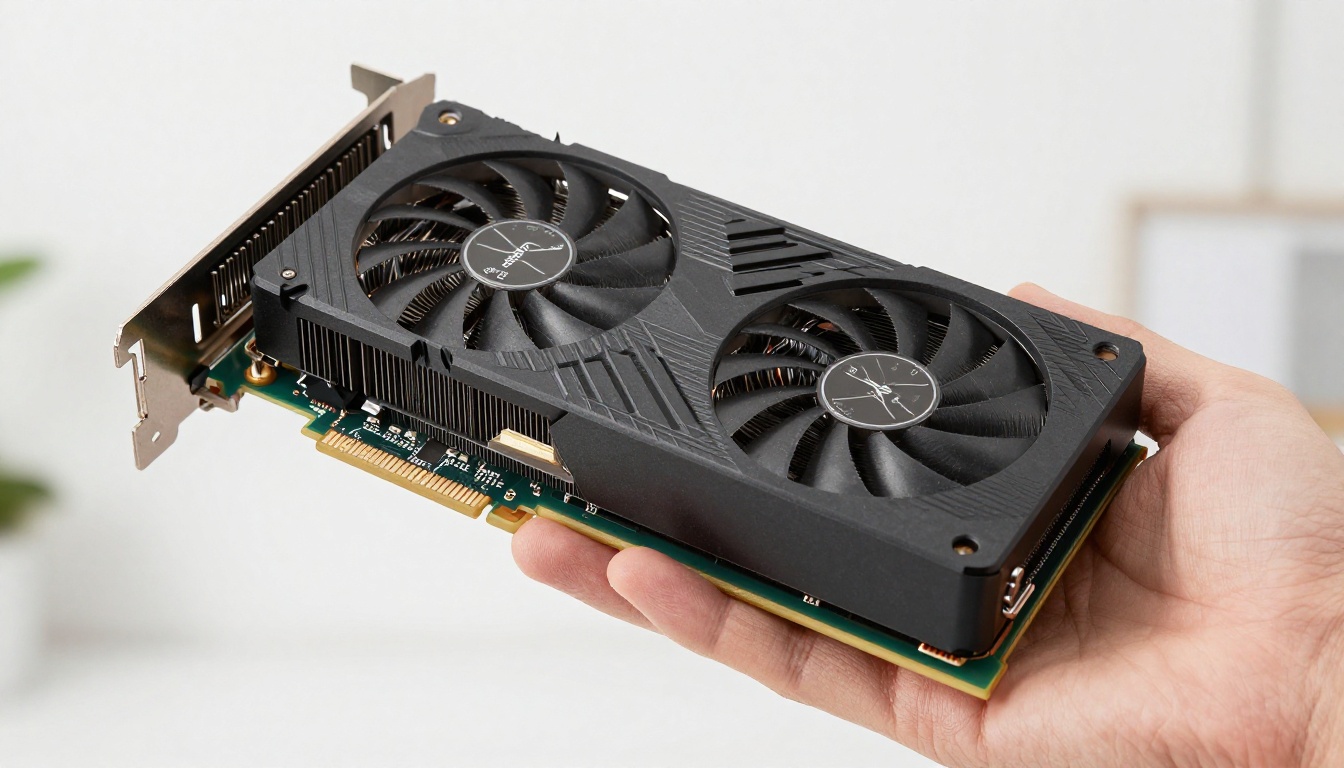
How to Use Wan 2.7 on PicassoIA
PicassoIA hosts all three Wan 2.7 variants, making them accessible without needing to set up local GPU infrastructure. Here is how to use each one effectively.
Using Wan 2.7 T2V
- Go to Wan 2.7 T2V on PicassoIA
- Write a detailed text prompt describing your scene, including subject, environment, lighting, and motion direction
- Set the duration (5 or 10 seconds) based on your use case
- Select 1080p output for maximum quality
- Submit and wait roughly 60-90 seconds for generation
Prompt tip: Wan 2.7 T2V responds well to camera direction terms. Phrases like "slow pan left", "aerial pullback", or "static medium shot" meaningfully influence the camera motion in the output.
Using Wan 2.7 I2V
- Go to Wan 2.7 I2V on PicassoIA
- Upload your source image (ideally 1080p or higher resolution)
- Add a motion guidance prompt describing what should move and how
- Keep the motion prompt short and specific, for example: "camera slowly pushes in, leaves rustle gently"
- Generate and review the clip at full resolution before downloading
Parameter tip: If your image has a strong horizon line, the model naturally interprets it as a dolly or push-in opportunity. Avoid overloading the motion prompt with conflicting directions.
Using Wan 2.7 R2V
- Go to Wan 2.7 R2V on PicassoIA
- Upload your reference subject image (works best with clean background or clear subject isolation)
- Write a scene prompt describing where and how you want the subject to appear
- Be specific about motion: "subject walks forward on cobblestone street, afternoon light from the left"
- Review consistency between the reference and the generated character across the full clip
💡 R2V works best when your reference image has strong, clear subject definition. A high-contrast photograph with a simple background gives the model the cleanest signal to work from.
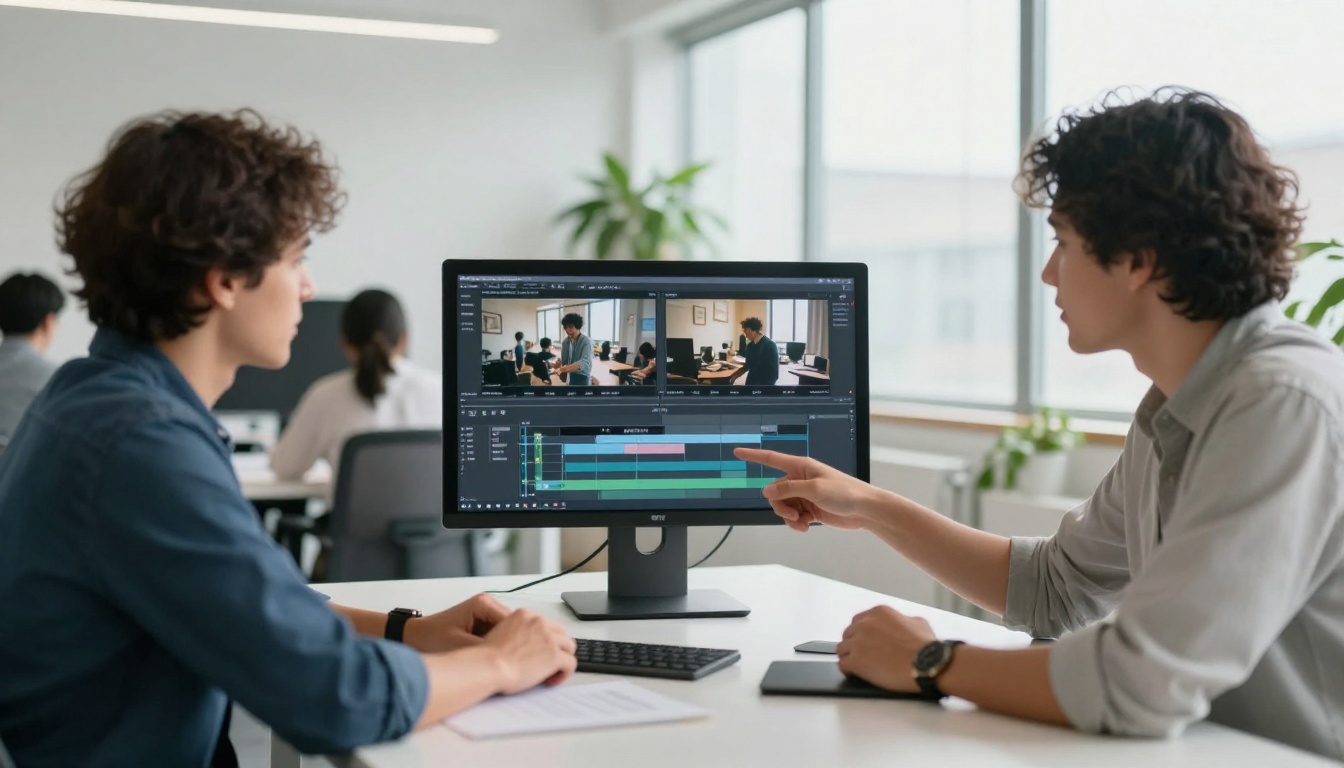
The Real Limits of Wan 2.7
Honest assessment matters more than hype.
What It Struggles With
Long clips with narrative continuity remain difficult. Wan 2.7 generates clips in the 5-10 second range effectively. A 60-second video with consistent characters moving through a coherent story is not what this model is built for. That remains an unsolved problem across most open video models at this generation.
Text rendering within video is poor. Any workflow requiring readable on-screen text should use compositing after the fact, not rely on the model to generate it.
Extreme motion including fast sports, rapid camera cuts, and high-frame-rate action produces more artifacts than the slower, considered camera work where Wan 2.7 truly shines. Work with the model's strengths rather than against them.
When to Use Alternatives
For fast generation with lower quality demands, Wan 2.2 T2V Fast is still worth considering. It is meaningfully faster at the cost of some quality. For native audio generation, Veo 3 or Hailuo 02 are the right choices. For audio-driven animation specifically, Wan 2.2 S2V handles sound-synced video generation well.
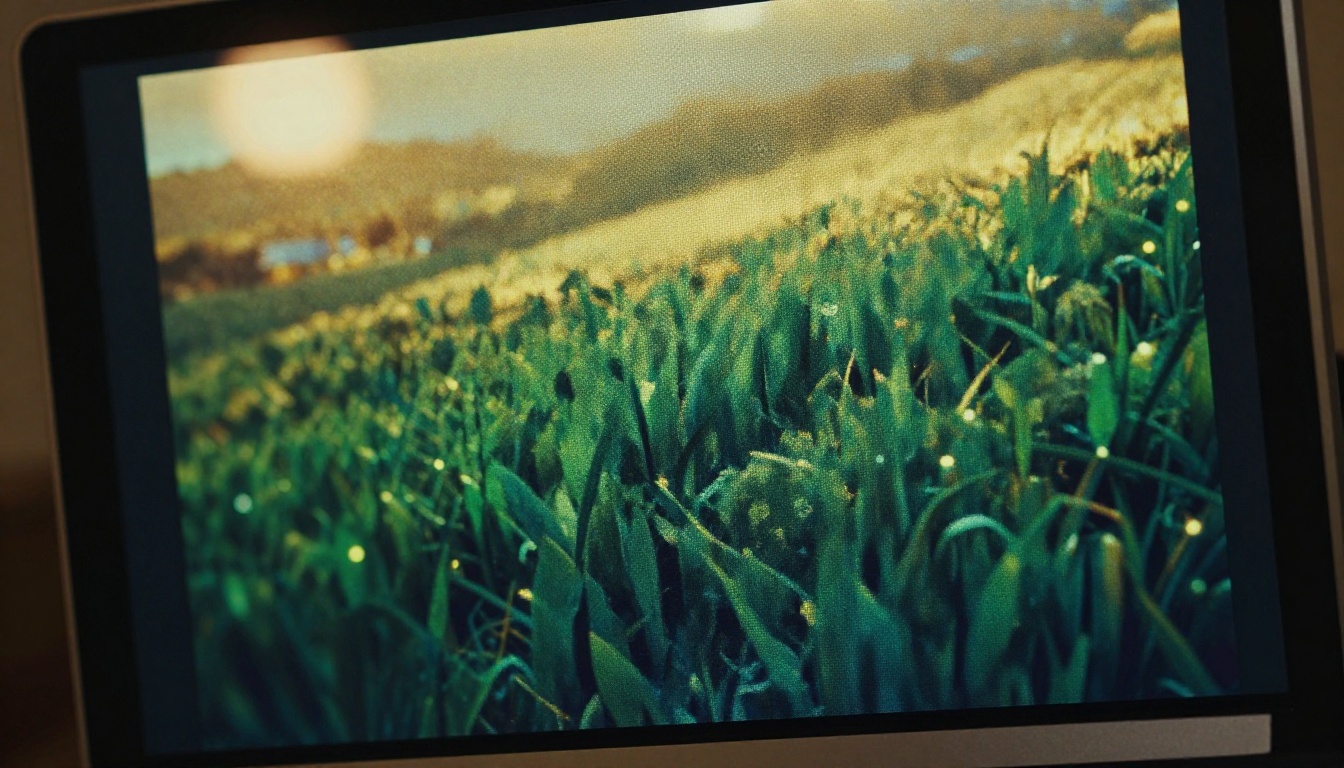
Start Creating AI Video Now
Wan 2.7 is the strongest open-weight video model available right now, with a combination of resolution, versatility, and consistency that has not existed at this price point before. The three-mode release covers the vast majority of real creative workflows without requiring a different tool for each task.
The fastest way to see what it does is to run it. PicassoIA gives you direct access to all three Wan 2.7 variants without any local setup required: no GPU, no model weights to download, no configuration files. You write a prompt or upload an image, and you get 1080p AI video back in under two minutes.
Try Wan 2.7 T2V to generate video from a text prompt, Wan 2.7 I2V to animate a still image you already have, or Wan 2.7 R2V to place a specific subject into a completely new scene. The quality floor for open-source video generation has moved up significantly with this release. There has never been a better time to put it to work.