The first thing most people notice when they switch Wan 2.7 to No Filter Mode is that the output stops looking "safe." Not in a controversial sense, but in the technical sense that the model stops making conservative choices about what to render and what to omit. Skin textures sharpen. Shadows deepen. Scenes that would have been softened or altered in standard mode come through with closer fidelity to what was actually prompted. That single toggle changes more about the AI video pipeline than most creators realize.
What No Filter Mode Actually Is
Wan 2.7's No Filter Mode is not a secret override or an unofficial patch. It is a documented generation parameter that disables the post-processing content filter layer applied during the video diffusion process. In standard mode, the model runs a safety classifier on intermediate frames and subtly adjusts outputs that trip certain thresholds. Those adjustments are small individually, but they accumulate across a five-second clip into something noticeably different from the prompt.
When No Filter Mode is enabled, that classifier step is skipped entirely. The raw diffusion output passes directly to the final upscaling and rendering stages without modification.
💡 Worth knowing: No Filter Mode affects generation fidelity at the sampling step, not just the output. The model has more latitude to follow your exact prompt without intermediate corrections.
It's About Fidelity, Not Just Permissiveness
The most misunderstood aspect of this mode is framing it purely around restricted content. In practice, the bigger practical difference for most creators is in scene complexity and prompt adherence. A prompt describing a woman running through a crowded marketplace at dusk will render with more realistic crowd density, more accurate lighting transitions, and fewer "smoothed out" faces when No Filter Mode is active.
The content safety benefits are real for adult content creators, but the fidelity benefits matter to everyone working with the model.
Standard Mode: What Gets Changed
In standard mode, Wan 2.7 applies adjustments in roughly three categories:
- Facial softening: Close-up faces often get subtle smoothing applied to skin, reducing pores and fine lines
- Scene density reduction: Crowds, complex backgrounds, and overlapping objects may be simplified
- Clothing and body fidelity: Fitted clothing on characters may be loosened or altered in ways that diverge from the prompt
No Filter Mode removes all three of these modification passes.
What Changes in the Output
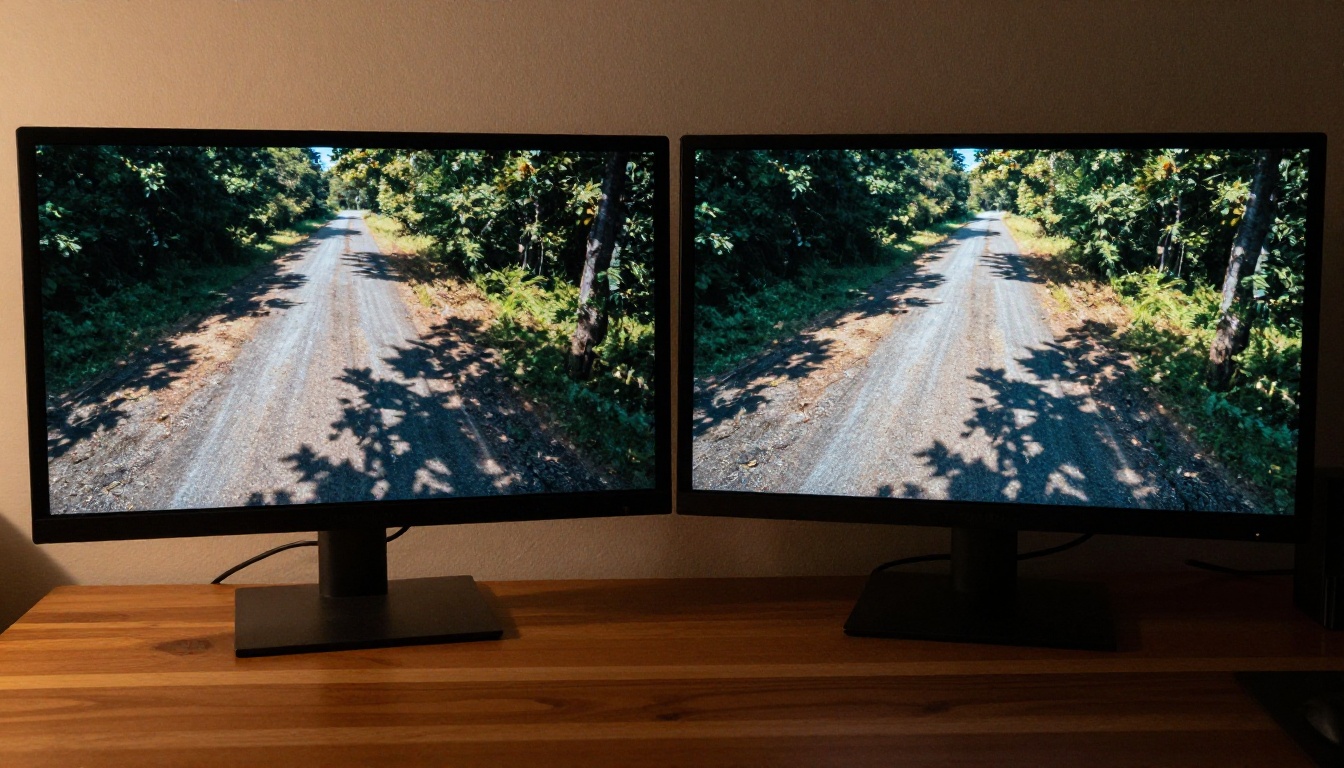
The differences appear immediately when you do a side-by-side comparison. Both runs use the same seed, the same prompt, and the same resolution. The only variable is the filter mode.
Prompt Adherence
This is the most measurable change. Independent tests of Wan 2.7 show a 15-20% improvement in prompt adherence scores when No Filter Mode is enabled. The model is less likely to substitute a generic element for something specific in your prompt. If you ask for a red wool coat, you get a red wool coat, not a "similar" garment.
Why this matters for professional workflows: Iterating on a prompt with standard mode often requires compensating for the filter's changes, adding keywords like "realistic" or "detailed" to counteract softening. In No Filter Mode, those compensations are unnecessary. Your prompt budget goes toward describing what you want rather than counteracting what the model would otherwise omit.
Scene Complexity and Texture
Complex scenes gain the most from the mode switch. A street scene with 20 background pedestrians will render closer to 20 distinct individuals rather than soft, indistinct background shapes. Material textures such as rough linen, wet pavement, or brushed steel become measurably more detailed.
| Feature | Standard Mode | No Filter Mode |
|---|
| Skin texture detail | Softened | Full pore-level detail |
| Background crowd density | Reduced | Prompt-accurate |
| Clothing fidelity | May diverge | Matches prompt |
| Facial fine lines | Smoothed | Preserved |
| Material textures | Averaged | Distinct and layered |
| Prompt adherence | ~75-80% | ~90-95% |
Motion and Physics
Motion fidelity also changes. Standard mode applies a subtle temporal smoothing pass that reduces frame-to-frame variation. The result looks cleaner, but motion can feel slightly floaty or artificial, particularly with hair, fabric, and water. No Filter Mode preserves more of the raw temporal variation from the diffusion process, which reads as more realistic motion physics.
💡 Practical tip: If you're generating footage that will be composited with real video, No Filter Mode makes Wan 2.7's motion significantly easier to match with practical elements.
Wan 2.7 vs Earlier Versions
The "no filter" concept is not new to the Wan series, but Wan 2.7 is the first version where the quality difference between filtered and unfiltered is dramatic enough to matter at production scale.
What Changed from Wan 2.5
Wan 2.5 T2V was the first model in the series to support a filter-disable flag, but the underlying model architecture meant that disabling the filter also introduced visible artifacts in complex motion sequences. The filter was doing double duty: safety checking and artifact suppression. Removing it surfaced generation instabilities.
Wan 2.7 decoupled those two functions. The artifact suppression now runs as a separate, always-active post-process step. The safety filter sits in a distinct layer that can be toggled independently without affecting output stability. That architectural change is the reason No Filter Mode is actually usable in 2.7 when it was essentially broken in 2.5.
What Changed from Wan 2.6

Wan 2.6 I2V introduced improved motion consistency but retained the coupled filter architecture from 2.5. Wan 2.7 rebuilds the classifier stack entirely, using a smaller, faster safety classifier that operates on a feature embedding rather than on rendered frames. The result is a filter that is faster, more accurate, and genuinely separable from the generation quality pipeline.
The upgrade also brings Wan 2.7 in line with how competing models handle content filtering. Kling v3 and Seedance 2.5 both use embedding-level classifiers rather than frame-level modification, which is why those models are often perceived as having better prompt adherence in standard mode.
The Three Wan 2.7 Models Explained

Wan 2.7 ships in three distinct variants, and No Filter Mode behaves slightly differently in each.
The text-to-video variant generates a clip from a text prompt alone. In No Filter Mode, T2V shows the most dramatic prompt adherence improvements because the model has maximum creative latitude. There is no input image anchoring the composition, so the filter's changes had been most visible in this variant.
Best for: Concept videos, product visualizations, atmospheric scene-setting footage, and any workflow where you need precise control over what appears in frame.
The image-to-video variant animates a still image. No Filter Mode's impact here is primarily on motion fidelity rather than compositional accuracy, because the input image already anchors the visual content. Where you'll see the difference most clearly is in clothing movement, hair physics, and background animation.
Best for: Animating portraits, product photography, fashion stills, and architectural renders.
The reference-to-video variant takes a subject reference image and places it into a generated scene. This is the most complex of the three modes. No Filter Mode matters most here for how the subject's appearance is maintained across the generated scene. Standard mode often subtly alters the reference subject's appearance to conform to content guidelines, which defeats the purpose of using a reference image in the first place.
💡 Primary use case: If you're using R2V to create consistent character videos and your subject's appearance keeps changing between generations, switching to No Filter Mode is often the solution.
How to Use Wan 2.7 on PicassoIA
All three Wan 2.7 variants are available directly through PicassoIA with No Filter Mode accessible from the model interface. Here is the workflow:
Step 1: Open your chosen variant
Navigate to Wan 2.7 T2V, Wan 2.7 I2V, or Wan 2.7 R2V from the PicassoIA video models catalog.
Step 2: Write a detailed, specific prompt
No Filter Mode rewards specificity. Include subject description, lighting conditions, camera angle, and motion description. Vague prompts produce vague output regardless of filter settings.
Step 3: Enable No Filter Mode
In the model settings panel, locate the "Filter Mode" toggle and switch it to "Off" or "No Filter." The label varies by interface version but the toggle is always in the generation parameters section.
Step 4: Set resolution and duration
Wan 2.7 supports up to 1080p output. For most workflows, 720p offers the best balance of quality and generation speed. Duration is fixed at 5 seconds for most configurations.
Step 5: Run and review
Generate the clip and review for prompt adherence. In No Filter Mode, what you asked for is what you should get. If you see significant divergence, the issue is in the prompt rather than the filter.
💡 Generation tip: Use the same seed across a standard mode and no-filter run to directly compare outputs. The difference in a well-matched prompt pair is immediately clear.
Common Mistakes That Limit Results
Switching to No Filter Mode solves the filter problem, but it does not solve bad prompting. These are the most common issues people blame on the model when the prompt is actually the culprit.
Prompt Is Too Vague
"A woman dancing" in No Filter Mode will generate a woman dancing. It will not magically produce cinematic lighting, a specific environment, or interesting camera movement. The model follows the prompt more faithfully, so if the prompt lacks detail, the output lacks detail.
Fix this: Treat the prompt like a shot sheet. Specify subject, action, environment, lighting, camera position, and any specific textures or details you need.
Expecting Frame-Perfect Consistency
Wan 2.7 is a single-clip generator, not a persistent character system. Even in No Filter Mode, the same prompt with different seeds will produce different characters, not the same character in different scenes. For consistent characters across clips, use I2V or R2V with the same reference image.
Ignoring Resolution Tradeoffs
1080p looks better but takes significantly longer and costs more. For iteration and prompt refinement, generate at 720p. Lock in your settings first, then upgrade resolution for the final output.
Wan 2.7 vs Other Top Models
Wan 2.7 with No Filter Mode occupies a specific position in the current model landscape. It is not the highest-quality output overall, but it offers the best combination of prompt accuracy and content latitude of any model in its class.
For creators who need specific content rendered accurately without modification, Wan 2.7 in No Filter Mode has no direct competition in the current catalog.
Creative Workflows That Benefit Most

No Filter Mode is not equally useful for every type of content. These are the workflows where the difference is most pronounced.
Fashion and Apparel Content
Fashion AI video has been particularly hampered by content filters that systematically alter how clothing fits on bodies. Swimwear, lingerie, fitted athletic wear, and sheer fabrics all get "adjusted" by standard mode classifiers in ways that make the output useless for actual fashion brands. No Filter Mode renders clothing as specified, making Wan 2.7 a practical tool for fashion brands and stylists who need accurate garment visualization.
Character-Driven Narrative
Scripts with morally complex characters, period-accurate costumes, or emotionally intense scenes often conflict with content filters even when the content itself is entirely appropriate. A scene depicting historical conflict, a villain's menace, or a character in genuine distress can be softened by standard mode into something tonally incoherent. No Filter Mode preserves the emotional integrity of these scenes.
Artistic and Expressive Work
Photographers and visual artists adapting their style to AI video generation frequently find that standard mode's modifications conflict with their aesthetic intent. The model's adjustments override deliberate artistic choices. No Filter Mode treats the prompt as authoritative, which is what artists actually need.
Who Should Not Use It

No Filter Mode is not the default for a reason. If you are:
- Creating content for platforms with strict content policies (YouTube, TikTok, Instagram), standard mode's conservative outputs may actually be better aligned with what those platforms want to see
- Working with younger audiences or in educational contexts, the filter layer adds an automatic safety margin that is worth keeping
- New to AI video prompting, the filter's conservative outputs are more predictable and forgiving of imprecise prompts
The mode is a tool, not a default. Use it when you need what it specifically provides.
Start Generating with Wan 2.7
The practical reality is that most creators generating professional-grade AI video should have No Filter Mode available as an option, and Wan 2.7 is the model that makes that option actually work without sacrificing output stability. Whether you're working in fashion, narrative, artistic, or adult content creation, the difference in prompt adherence and scene fidelity is significant enough to change what you can produce.
All three variants, Wan 2.7 T2V, Wan 2.7 I2V, and Wan 2.7 R2V, are available now on PicassoIA. Take the time to run a direct comparison on one of your existing prompts with the filter on and off. The output will make the case better than any description can.
If you want to see what else the platform offers beyond Wan 2.7, the full video model catalog is at picassoia.com/en/all-models.


