Wan 2.7 Pro has quietly become one of the most searched models in the AI video space, and not just for its 1080p output or motion quality. The search behind "Wan 2.7 Pro adult video free generation" tells you exactly what people want: uncensored output, professional quality, and zero cost. The reality is more nuanced than any headline suggests. Below is exactly what you can and cannot do, which platforms support it, and the fastest path to real results in 2027.

What Wan 2.7 Actually Does
The Wan series from Wan Video is an open-source video diffusion model lineage that has evolved rapidly through 2024 and into 2025. Wan 2.7 is the current flagship, building on the temporal consistency and motion smoothness gains introduced in Wan 2.5 and Wan 2.6. The "Pro" label, as used on most cloud platforms, refers to the full-size model at full resolution with stronger prompt adherence, in contrast to faster or distilled variants.
The model itself has no hard-coded content filter in its weights. That is the core reason for its popularity in NSFW and adult video generation communities. However, the platform running the model is where restrictions get applied. Running Wan 2.7 Pro locally on your own hardware gives complete control over what gets generated. Using it on a cloud platform introduces that platform's own moderation layer, which varies enormously from service to service.
Three Flavors of Wan 2.7
Wan 2.7 comes in three distinct generation modes, all accessible on PicassoIA:
- Wan 2.7 T2V: Text-to-video. Write a prompt, get a 1080p video clip. The fastest way to test a concept without preparing a source image.
- Wan 2.7 I2V: Image-to-video. Supply a source frame and the model animates it. This is the preferred workflow for adult generation because you control the exact starting composition, pose, and setting before adding motion.
- Wan 2.7 R2V: Reference-to-video. Give it a subject reference image and generate any new scene while preserving that subject's likeness. Ideal for building a consistent character across multiple clips.
For adult content specifically, I2V is the most reliable path. Generate your source image first with an uncensored image model, then feed it into Wan 2.7 I2V to add motion.
Why Model Size Matters
The "Pro" variant of Wan 2.7 typically runs at 14 billion parameters, the A14B configuration, versus the smaller 5B fast variant. The larger model handles fine anatomy, fabric physics, and skin-tone consistency significantly better. These are exactly the details that matter most for realism in adult content generation. On platforms that expose multiple Wan variants, choosing the Pro or A14B version is worth the slightly longer generation time.
Previous versions remain useful as well. Wan 2.6 T2V and Wan 2.6 I2V are solid fallbacks, and Wan 2.5 T2V is still available for low-quota situations. For quality output, however, Wan 2.7 is the current ceiling in the series.
The Free vs. Paid Reality
"Free" means different things in this context, so here is a direct breakdown of what actually costs nothing and what does not.
Where Free Generation Actually Exists
Most cloud platforms charge per generation. Wan 2.7 Pro is compute-heavy. A typical 5-second 1080p clip at 24fps takes meaningful GPU time, so truly unlimited free generation is rare. The exceptions worth knowing about:
PicassoIA Video offers unlimited video generation at up to 720p, 5 seconds per clip, with no per-credit charge. NSFW content is supported. For high-volume workflows where 720p resolution is acceptable, this is the most cost-effective option available anywhere.
P-Video supports 1080p output with the safety filter disabled by default. Duration is adjustable from 1 to 10 seconds across seven aspect ratios. It also includes a draft mode that generates instant low-resolution previews before committing to a full render, which saves significant credit on rejected concepts.
New user free credits on PicassoIA can be applied directly to Wan 2.7 I2V at signup without any additional configuration.
💡 Smartest workflow: Use Seedream 4.5 to generate source images without spending video credits, then apply credits only at the Wan 2.7 I2V step. This cuts total generation cost significantly compared to starting from text-to-video.
Where Free Has Limits
Free tiers on most platforms cap daily generation counts. Wan 2.7 T2V specifically, because of its computation cost, often draws from premium credit pools. If you plan to run batches of 10 or more clips in a session, a paid plan or PicassoIA's unlimited video offering is the practical solution for sustained volume.
Best Models for NSFW Videos on PicassoIA
Before getting into Wan 2.7 workflow specifics, it helps to know the full landscape of what is available for adult content on PicassoIA. Unlike Midjourney, DALL-E hosted services, or Stability AI's cloud products, PicassoIA does not apply blanket restrictions on creative content.
Seedream 4.5: Start Here
Seedream 4.5 is the top recommendation for NSFW image generation and the strongest starting point for any I2V pipeline. It generates in under 3 seconds, accepts adult prompts without filtering, and supports image editing alongside text-to-image creation. Its output has exceptional skin-tone realism and handles fine anatomical detail that other models struggle with consistently.
One critical note: the newer Seedream 5 Lite does not support NSFW content. Stick with Seedream 4.5 for unrestricted adult generation, as the two models behave very differently at content boundaries.
PicassoIA Image Editor Pro: Unlimited Edits
PicassoIA Image Editor Pro is the img2img model that refines any starting image. Its standout advantage is unlimited generations for Elite and Infinite plan subscribers. Where generating 1,000 images on a per-credit model would cost roughly $100, those same 1,000 images cost nothing extra here. It accepts NSFW content, returns results in under 1 second, and offers a 3-generation free trial with no credit card required.
Use it in your workflow to refine Seedream 4.5 outputs before feeding them into Wan 2.7 I2V. The unlimited iteration removes the cost pressure from the image-refinement step entirely.

Additional NSFW Image Models
| Model | Type | Speed | Best For |
|---|
| Qwen Image 2 | Text-to-Image and Edit | Fast | Open-source realism, complex edits |
| Grok Imagine Image | Image-to-Image | Fast | Bikini and swimwear style transfers |
| Recraft V4 | Text-to-Image | Medium | Highly realistic photorealistic output |
| P-Image | Text-to-Image | Under 1 second | Speed-first, instant generation |
NSFW Video Models Ranked
How to Generate Adult Videos with Wan 2.7
The workflow below is the most efficient path from zero to a finished 1080p adult clip using Wan 2.7 on PicassoIA.
Step 1: Create Your Source Image
Do not skip this step by going directly to text-to-video. Image-to-video consistently outperforms T2V for adult content for three reasons:
- You control the exact composition, pose, and setting before motion begins
- The model focuses on animating an existing scene rather than hallucinating one from scratch
- You can iterate on the still image cheaply before spending credits on video
Open Seedream 4.5 and generate your source frame. Write a detailed prompt covering the subject's physical description, the environment and background, the camera angle and lens equivalent, and the lighting conditions. Use specific language: "warm golden bedroom light from the left" is far more useful to the model than "indoor lighting."
After generating, run the image through PicassoIA Image Editor Pro for any refinements before moving on. This is where the unlimited generation advantage pays off. Iterate as many times as needed without burning a single credit, then move to the video step only when the source frame is exactly right.
Step 2: Write Your Video Motion Prompt
The video prompt describes motion and atmosphere, not the subject itself. Wan 2.7 I2V already knows what the subject looks like from your source image. Your job is to direct the camera and describe the movement.
Effective motion prompt structure:
[Subject action at frame 1] then [how it develops over 5 seconds] with [camera movement: slow dolly-in, gentle pan, or static] and [atmosphere: light quality, fabric movement]
Example prompt:
Subject turns slowly toward camera, hair falling across shoulder, lips parting slightly. Slow dolly-in from chest-level over 4 seconds. Warm amber bedside light with soft shadow movement on the wall behind.
What to avoid:
- Do not redescribe the subject's appearance (hair color, body type, clothing). The model uses the source image for this, and reprompting physical traits causes output conflicts.
- Do not ask for too much action in 5 seconds. Complex scene changes often produce visible artifacts.
- Do not write in past tense. Use present action as it happens.
Step 3: Set Resolution and Submit
In Wan 2.7 I2V on PicassoIA:
- Set resolution to 1080p for maximum quality output
- Leave aspect ratio as match_input_image to preserve your source composition
- Duration is fixed at 5 seconds, 24fps
Submit and wait. Typical generation time at 1080p is 2 to 4 minutes depending on server load. The Wan 2.1 I2V 720p variant processes significantly faster if you are testing concepts rather than producing final output.
Prompt Writing That Actually Works
The difference between an acceptable output and an exceptional one is almost entirely in how the prompt is written. Here are the patterns that consistently deliver results.
The 4-Part Prompt Formula
For I2V generation, structure prompts in four parts:
Part 1: Starting state. What is the subject doing at frame 1?
Part 2: Motion arc. How does that action develop over 5 seconds?
Part 3: Camera direction. Is the camera static, pushing in, pulling out, or panning?
Part 4: Environmental atmosphere. Light quality, fabric movement, air texture.
💡 Adding even minimal camera movement, such as "barely perceptible slow dolly-in," makes clips feel significantly more cinematic compared to a fully locked static frame. The motion reads as professional rather than generated.
Common Mistakes
Mistake 1: Describing the subject from scratch. The model has your source image. Reprompting physical characteristics causes output conflicts that degrade coherence and produce inconsistent skin tones or body proportions.
Mistake 2: Asking for too much action in 5 seconds. Wan 2.7 handles subtle, continuous motion exceptionally well. Complex scene changes, such as a subject walking across a room or picking something up, often fail because the model tries to interpolate too many keyframes and introduces visible artifacts at the midpoint.
Mistake 3: Not using R2V for consistent characters. Wan 2.7 R2V is specifically built for maintaining subject identity across different generated scenes. For projects involving multiple clips featuring the same person, R2V is the correct tool and produces dramatically more consistent results than running I2V separately each time.
Mistake 4: Skipping image refinement before video. If your source image has anatomical distortions or composition problems, the video will amplify them. Spending time on image quality first, using PicassoIA Image Editor Pro, is always worth it before committing to a video generation.
Wan 2.7 vs. Other Top Models
Context matters when choosing between Wan 2.7 and the alternatives. Here is where it leads and where other models close the gap.
Wan 2.7 vs. Kling v3
Kling v3 Video is Wan 2.7's most direct competitor at the cinematic quality tier. Both generate at 1080p and handle motion prompts with reasonable fidelity.
Where Wan 2.7 wins:
- Open-source weights give it broader availability on uncensored platforms
- R2V mode provides consistent character identity across multiple clips
- Better fine detail on skin texture and fabric physics in the output
Where Kling v3 wins:
- More predictable motion arcs on complex movement sequences
- Stronger temporal consistency on longer takes
- Camera motion control via Kling v3 Motion Control
For adult content specifically, the open-source nature of Wan 2.7 makes it more widely available on platforms that permit NSFW generation. Kling is proprietary software and its operators generally apply stricter moderation than open-source deployments.
Wan 2.7 vs. LTX 2.3 Pro
LTX 2.3 Pro is technically superior in resolution (4K at 50fps) and editing flexibility, including retake and extend modes for precise clip management. For professional or client-facing work, LTX 2.3 Pro is the stronger choice.
For NSFW generation workflow specifically, Wan 2.7 has the advantage of being more widely supported on uncensored platforms. The 5-second 1080p output is sufficient for the vast majority of use cases. LTX 2.3 Pro is only necessary if you specifically require 4K delivery quality.
The Wan Version Reference
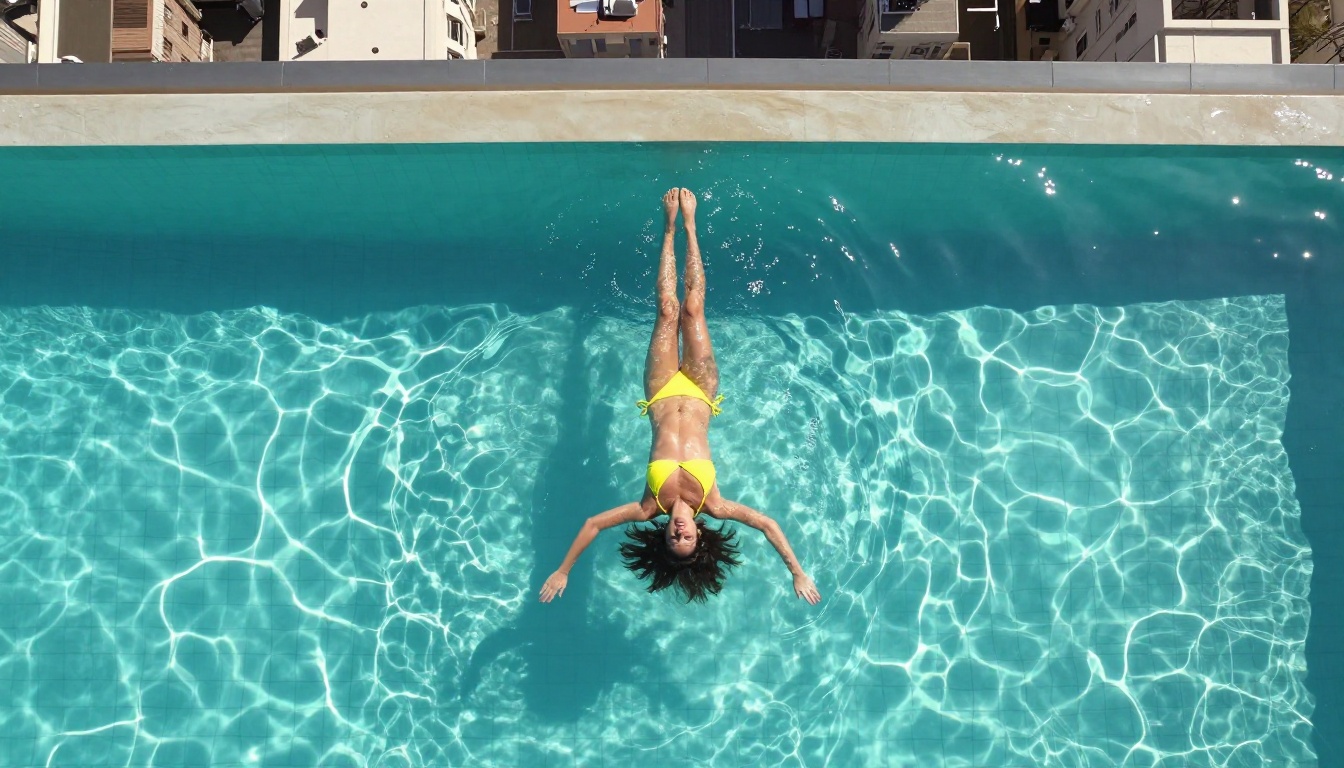
The Full NSFW Model Stack on PicassoIA
For anyone building a serious adult content generation workflow, here is the full recommended stack in priority order:
- Seedream 4.5: Best all-around NSFW image model. Generate source frames here first. Generates in under 3 seconds with exceptional realism.
- PicassoIA Image Editor Pro: Unlimited edits to refine images before video generation. Free trial, no credit card required.
- Qwen Image 2: Open-source with no content restrictions. Edit or create any image in seconds with very detailed realism.
- Grok Imagine Image: Realistically converts any existing image to bikini or swimwear format.
- Recraft V4: Very realistic photorealistic text-to-image output.
- P-Image: NSFW text-to-image generation in under 1 second for speed-first workflows.
- Wan 2.2 Image: Highly realistic images from text descriptions without content filters.
- Wan 2.2 I2V Fast: Convert static images to smooth animated video at fast turnaround speeds.
- PicassoIA Video: Unlimited video generation at 720p, 5 seconds per clip, no per-credit charge.
- P-Video: 1080p video, safety filter disabled by default, with draft mode for instant previews.
- Grok Imagine Video: Up to 15-second clips from text or reference image, no watermarks on output.
- LTX 2.3 Pro: 4K at 50fps when client-ready quality is required, with retake and extend editing modes.
Unlike mainstream AI platforms, PicassoIA gives creators full creative freedom with uncensored, high-performance models across the entire image-to-video pipeline.
Running Batches Without Hitting Credit Walls
For anyone producing more than a handful of clips per session, workflow efficiency becomes critical. Three patterns that work reliably in practice:
Pattern A: Draft-first with P-Video. Use P-Video's draft mode to produce instant low-resolution previews at no premium cost. Only upgrade the clips worth keeping to full resolution. This alone can cut credit consumption by 60-70% on a typical batch.
Pattern B: Unlimited source images. Since PicassoIA Image Editor Pro has unlimited generations on Elite and Infinite plans, generate as many source frame variations as needed without any budget pressure. Spend credits only at the video generation step when the source frame is finalized.
Pattern C: Stack Wan versions. Use Wan 2.7 I2V for final output clips and Wan 2.2 I2V Fast for rapid concept tests. The older model is faster and uses fewer credits, and the quality tradeoff is acceptable at the draft stage for most content types.
💡 For best results at scale, combine unlimited image generation on Image Editor Pro with Seedance 2.0 for social-length clips that include built-in native audio. The audio component adds production value to adult content at no additional generation cost.

Start Generating on PicassoIA
Wan 2.7 Pro is the strongest open-source video model for adult content generation available right now. The architecture does not filter, and on the right platform the output quality at 1080p is genuinely exceptional. The workflow is straightforward: source image in Seedream 4.5, refine in PicassoIA Image Editor Pro, animate in Wan 2.7 I2V.
The full catalog of NSFW-capable models, including every Wan variant, every uncensored image generator, and the unlimited video generation options, is at picassoia.com/en/all-models. Open it, pick your starting model, and start building.


