The way AI video generation works changed significantly in 2025, and Wan 2.7 Pro sits at the center of that shift. Where older models produced shaky, over-smoothed results that looked obviously artificial, Wan 2.7 Pro outputs clips that are difficult to distinguish from actual recorded footage. The image-to-video capability is where it truly stands out: feed it a single photograph, write a motion prompt, and it returns a five-second clip that moves naturally with realistic physics, consistent skin texture, and accurate lighting behavior. For creators producing adult content, this is a significant turning point.
What Wan 2.7 Pro Actually Does
Wan 2.7 is not a single model. It is a family of three distinct tools released by Wan Video, each designed for a different starting point:
- Wan 2.7 I2V (Image-to-Video): Takes a static photo and animates it based on a motion prompt. This is the model most relevant for turning portraits and glamour shots into short adult clips.
- Wan 2.7 T2V (Text-to-Video): Generates video from a text description alone, with no input image required.
- Wan 2.7 R2V (Reference-to-Video): Uses a reference subject from an image but allows more creative freedom over the final scene and motion.
For adult content creation, Wan 2.7 I2V is the workhorse. You start with an existing image of a person, and the model brings that exact person to life. The resulting clip maintains facial features, body proportions, skin tone, and even subtle details like hair texture and jewelry. That degree of consistency is what separates it from earlier generation models.
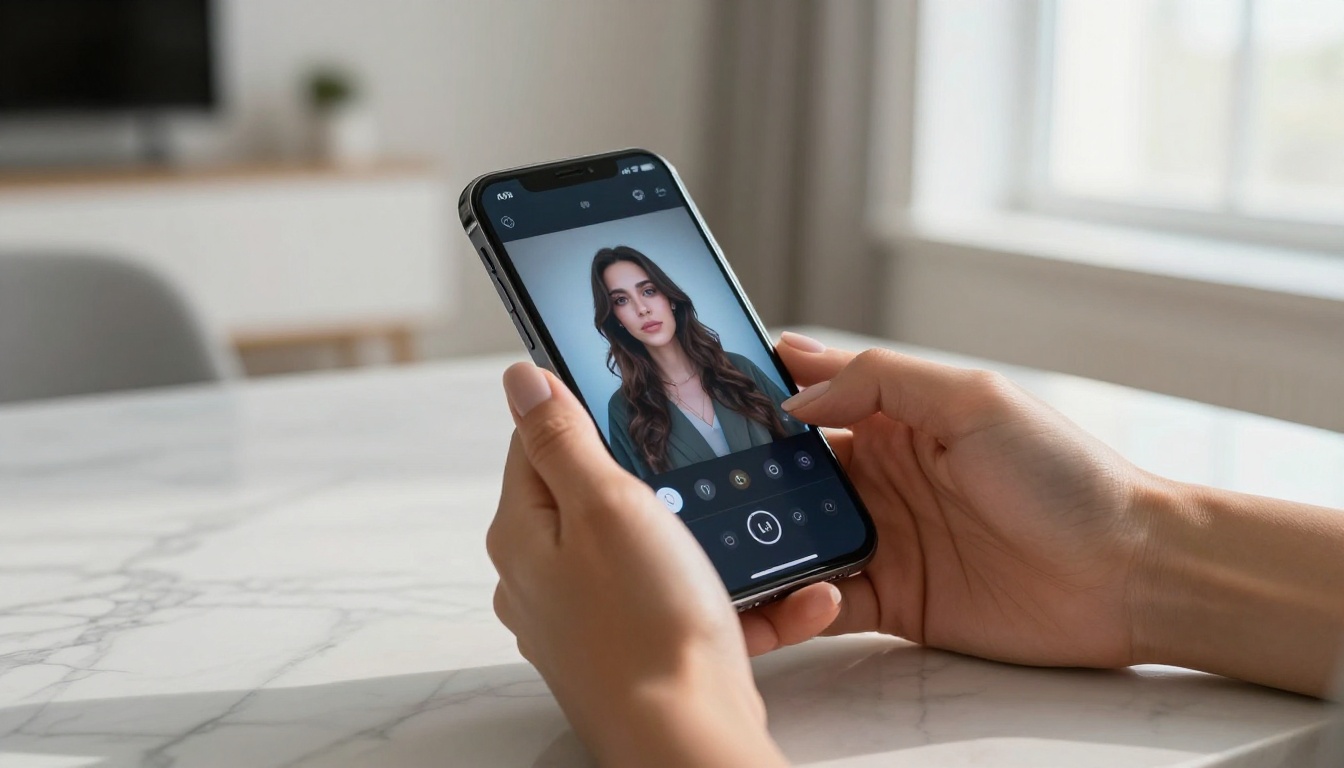
Image-to-Video at a New Level
The core advancement in Wan 2.7 is temporal coherence. In simple terms, this means the model does not "forget" what the subject looks like between frames. A woman's face at frame 1 remains the same woman at frame 120, with the same mole, the same eye color, the same hair movement. Previous models would often drift, especially in longer clips, producing what creators call "character morphing." Wan 2.7 Pro largely eliminates this problem.
The physics simulation is also notably improved. Fabric moves like fabric. Hair responds to implied wind. Water reflections behave realistically. For adult content where the subject is typically wearing minimal clothing, these physics upgrades directly affect how convincing the final result looks. A bikini top shifting as a woman turns is no longer a visual glitch but a detail that adds genuine realism.
Why the Results Look So Real
Three technical improvements drive the quality jump in Wan 2.7 Pro:
- Skin rendering: The model was trained on far more diverse human subject data, producing accurate skin tones across the full range of complexions. It handles subsurface scattering (the way light passes slightly into skin rather than bouncing directly off) far better than Wan 2.5 or earlier versions.
- Motion naturalness: Instead of generating smooth but lifeless transitions, the model incorporates subtle micro-motions: the slight rise of a chest with breathing, the natural sway of standing, the weight shift of someone adjusting position.
- Lighting consistency: The light source established in the source image is maintained throughout the clip. If your photo has soft left-side window light, that lighting stays consistent rather than randomly changing between frames.
💡 Tip: Start with a high-resolution source image. Wan 2.7 I2V cannot add detail that is not present in the original photo. A sharp, well-lit source image produces dramatically better output than a blurry or poorly exposed one.
How to Use Wan 2.7 I2V on PicassoIA
Wan 2.7 I2V is available directly on PicassoIA with no setup, no API credentials, and no local hardware required. The process takes three steps.
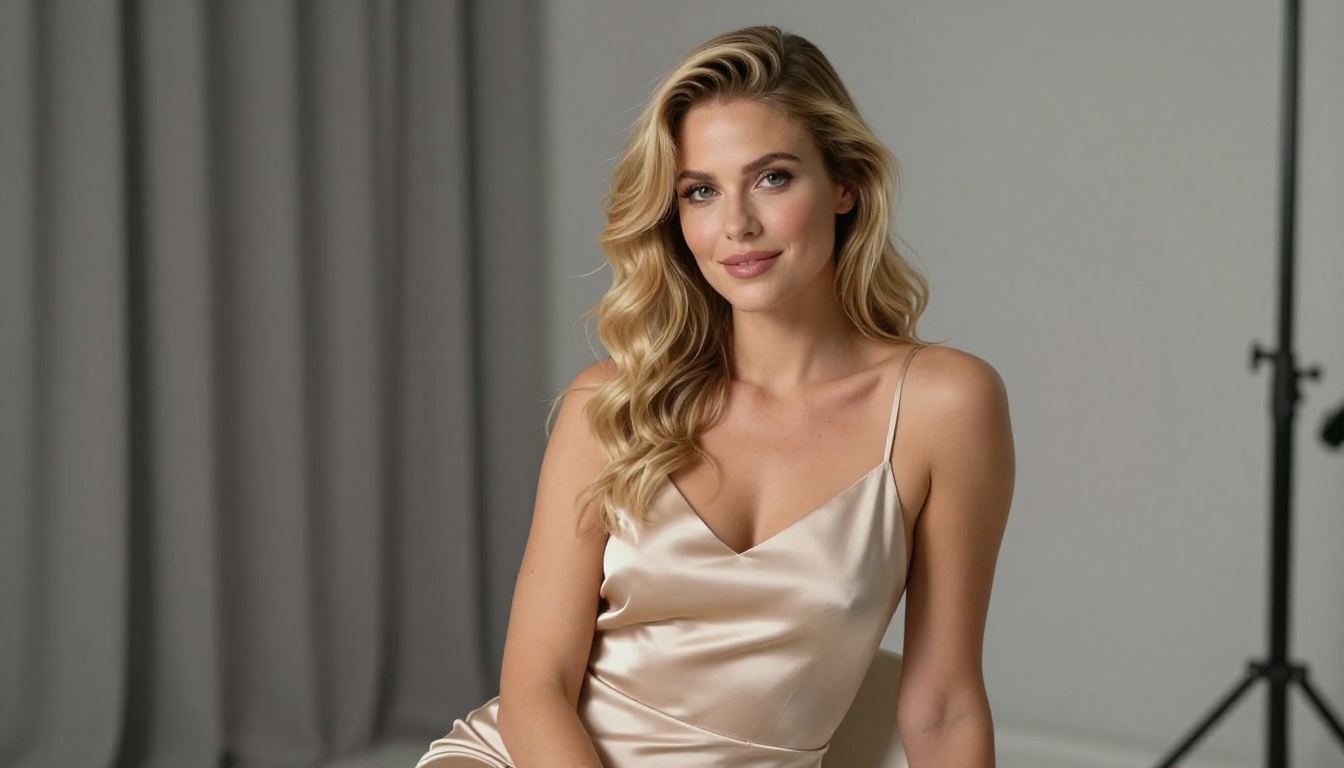
Step 1: Pick Your Source Image
Your source image is everything. The model animates what it sees, so the quality, clarity, and composition of your input directly determine what comes back.
For adult content, the best-performing source images share these characteristics:
- High resolution: 1024px or above on the shortest side.
- Clear subject: The person should be the primary focus with a non-distracting background.
- Natural pose: Stiff or overly posed subjects animate awkwardly. Relaxed, natural poses produce more convincing motion.
- Good lighting: Even, soft lighting without harsh overexposed areas gives the model the most information to work with.
If you do not have a suitable source image, you can generate one directly on PicassoIA using an image model before feeding it to Wan 2.7 I2V. This is a popular workflow: generate an ideal starting frame with full creative control, then animate it.
Step 2: Write Your Motion Prompt
The motion prompt tells Wan 2.7 I2V what should happen in the clip. Writing it well is the most important skill to develop.
Structure your motion prompt in three parts:
| Part | What to Describe | Example |
|---|
| Subject action | What the person is doing | "woman slowly turns her head to look over her left shoulder" |
| Camera movement | How the camera behaves | "gentle slow dolly-in toward subject" |
| Atmosphere | Lighting and mood details | "warm afternoon light, soft bokeh background" |
A complete prompt looks like this: "Woman slowly brushes her hair back with her right hand, chin tilted slightly upward, gentle smile forming. Camera stays fixed. Warm natural window light from the left. Soft focus background."
Avoid overly complex prompts with multiple simultaneous actions. The model performs best when given one clear primary action to execute.
Step 3: Set Resolution and Generate
Wan 2.7 I2V on PicassoIA supports 720p output. For adult content where detail matters, always select the highest available resolution. The model generates a 5-second clip at 24fps. While that sounds short, 5 seconds of smooth, realistic motion is far more impactful than 30 seconds of jerky, low-quality output.
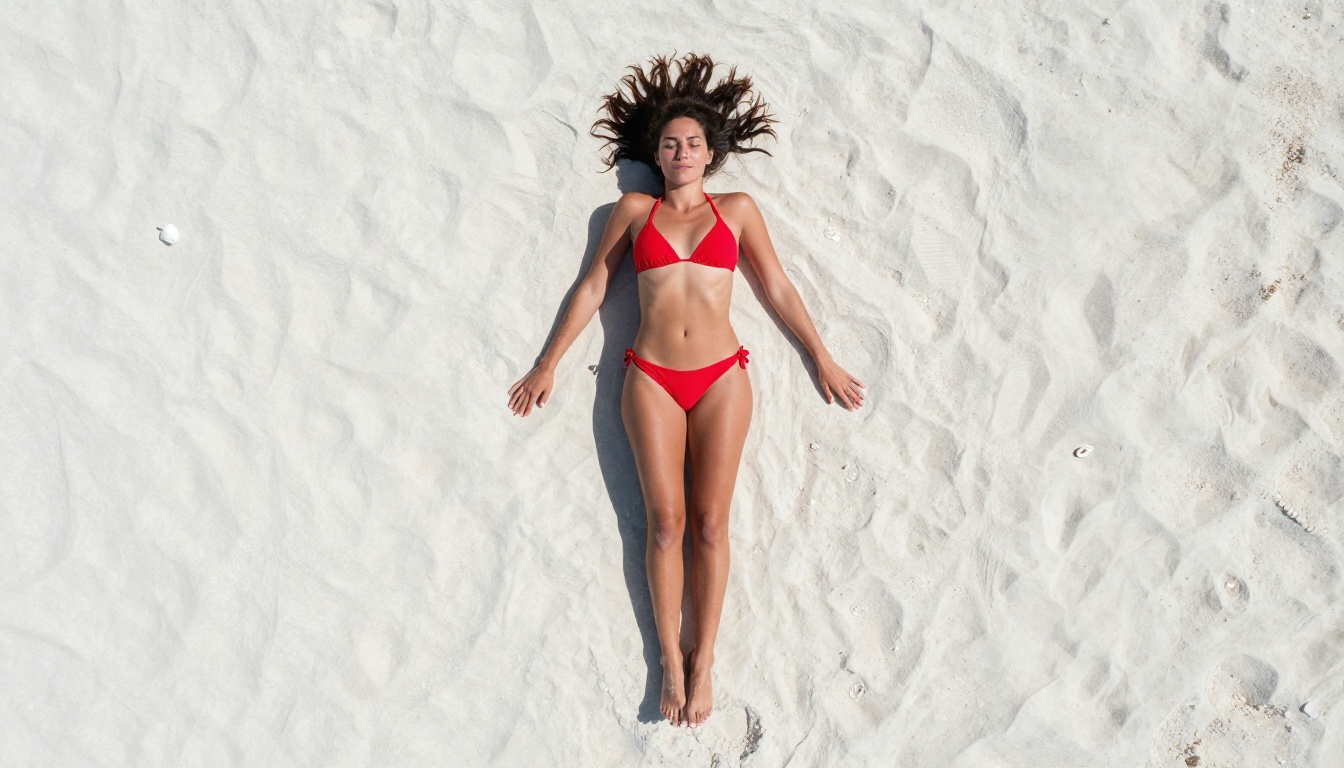
After generation, you can extend, retake specific segments, or use the clip as a source for further editing. Combining multiple 5-second clips into a longer sequence is a standard production approach that many creators use.
Best Models on PicassoIA for Adult Content
Wan 2.7 I2V handles the animation step, but you also need strong image models to create the source frames. PicassoIA carries the best NSFW-capable image and video models on one platform.
For Images
Seedream 4.5 is the top recommendation for generating source images for adult content. It accepts NSFW prompts, supports image editing workflows, and generates results in under 3 seconds. The output quality is consistently high across different body types, lighting conditions, and clothing styles. Note that the newer Seedream 5 Lite does not support NSFW content.
PicassoIA Image Editor Pro fills a different role. Its primary advantage is unlimited generations included in Elite and Infinite plans. Generating 1,000 images costs nothing extra, compared to approximately $100 on similar models like Nano Banana 2. It handles NSFW prompts, returns results in under one second, and includes a 3-generation free trial with no credit card required.
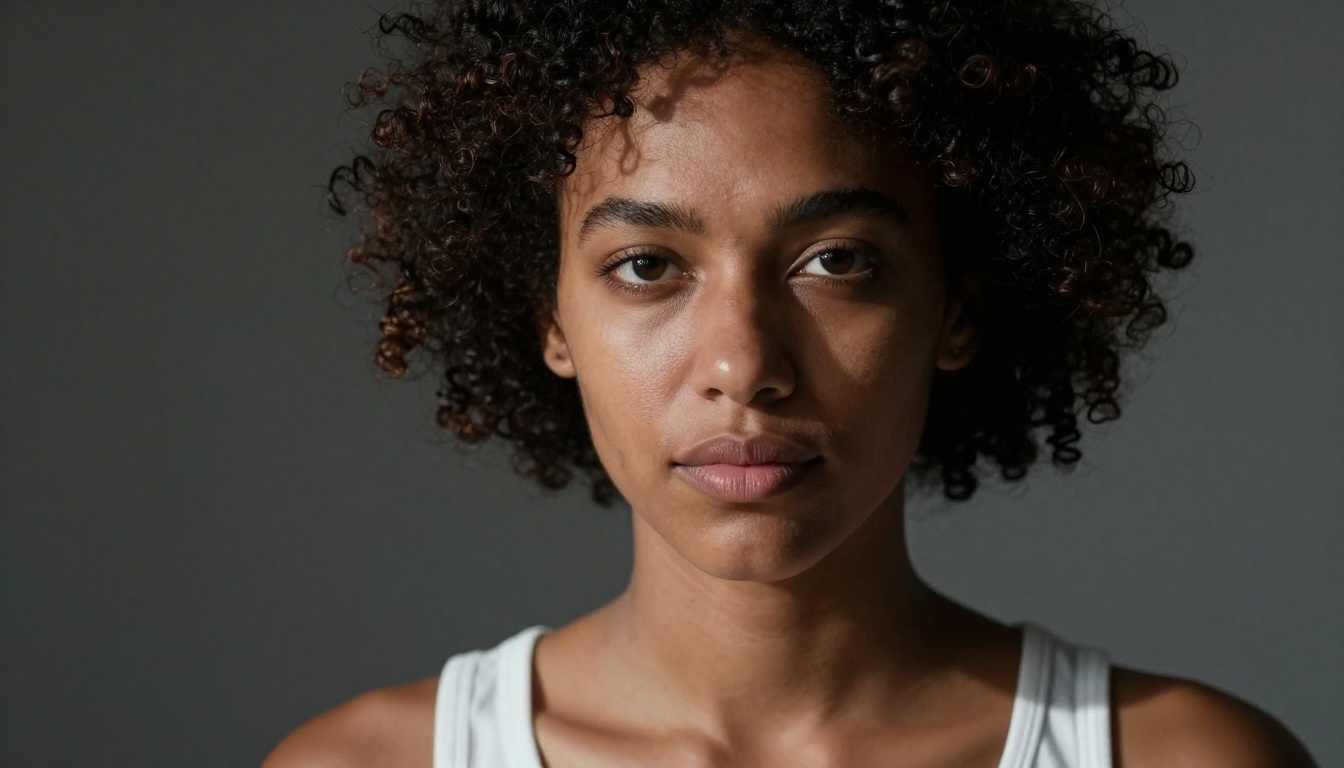
Other strong options on PicassoIA include:
- Qwen Image 2: Open-source model with detailed realism. Supports both editing and creation from text.
- Grok Imagine Image: Particularly effective at converting any photo to a bikini format with high realism.
- Recraft V4: Very realistic text-to-image results with consistent quality across subjects.
- P-Image: NSFW-capable text-to-image generation in under 1 second.
For Videos
Beyond Wan 2.7, PicassoIA carries several other video models that work well for adult content:
- PicassoIA Video: Unlimited video generation at up to 720p, 5 seconds per clip. No generation limits on eligible plans.
- P-Video: Safety filter off by default. Accepts text, image, or audio input. Outputs up to 1080p with adjustable duration from 1 to 10 seconds.
- Grok Imagine Video: Clips up to 15 seconds, no watermarks, and the ability to re-edit existing footage.
- LTX 2.3 Pro: Highest fidelity option at up to 4K/50fps, with retake and extend editing modes for precise control over specific segments.
💡 PicassoIA's advantage: Most mainstream AI platforms restrict adult content at the model level. PicassoIA carries uncensored models that give creators full creative freedom without running into generation blocks on every other prompt.
Wan 2.7 vs. Other Video Models
How does Wan 2.7 Pro actually stack up? Here is a direct comparison against the models creators most commonly use for adult video content:
| Model | Resolution | NSFW | Clip Length | Strengths |
|---|
| Wan 2.7 I2V | 720p | ✅ | 5s | Best temporal coherence, realistic physics |
| P-Video | 1080p | ✅ | 1-10s | Highest resolution, safety filter off |
| PicassoIA Video | 720p | ✅ | 5s | Unlimited generations |
| Grok Imagine Video | 720p | ✅ | 15s | Longest clips, no watermarks |
| LTX 2.3 Pro | 4K | ✅ | Variable | Highest fidelity, retake and extend modes |
The right choice depends on your priority. If consistent character appearance across frames is critical, Wan 2.7 I2V wins. If you need the longest clips or the highest resolution, P-Video or LTX 2.3 Pro are worth considering. Many creators use Wan 2.7 I2V for the primary animation pass, then use LTX 2.3 Pro to refine and extend specific sections.
Pro Tips for Better Adult Clips
Getting consistently good results from Wan 2.7 I2V takes more than uploading a photo and hitting generate. These practices make a measurable difference.
Source Image Quality Matters Most
The single biggest factor in clip quality is the source image. A sharp, high-resolution image with clear subject-background separation gives the model maximum information. Images with heavy compression artifacts, noise, or blur force the model to fill in missing information, which introduces inconsistencies across frames.
If you are generating source images with Seedream 4.5, specify high-resolution output and include prompt terms like "sharp focus", "photorealistic skin texture", and "natural lighting". These details carry directly into the video output.
Prompt for Single Actions
Wan 2.7 I2V handles one clear motion per clip far better than multiple simultaneous actions. Instead of "woman dances and laughs and tosses her hair," try "woman slowly tilts her head back, eyes closed, subtle smile." Then generate a second clip for the next action. Combining clips in post gives you more control over pacing and tone.

Use Natural Motion, Not Dramatic Motion
The model produces the most convincing results with natural, subtle motions: a slow turn, a gentle hair flip, a weight shift. Highly dramatic movements like jumping or running produce artifacts and character drift. For adult content, this works in your favor since intimate, slow movements are both more convincing and more compelling.
💡 Seed control: Set a fixed seed when generating your first clip. If the result is close but not quite right, small prompt adjustments with the same seed let you iterate toward the exact motion you want without starting from scratch every time.
Chain Multiple Clips
Five seconds is the clip length, but there is no limit on how many clips you generate. A practical workflow:
- Generate a 5-second clip of your subject in the opening position.
- Generate a second clip that begins approximately where the first ended.
- Cut them together in any basic video editor.
Using PicassoIA Video for draft passes and Wan 2.7 I2V for the final render is another efficient production approach.
What Wan 2.7 Pro Actually Produces
The clips that Wan 2.7 I2V generates fall into a specific quality tier. They are not broadcast cinematic output, but they are significantly above what most AI video models produced even 12 months ago. For adult content distributed on platforms that accept AI-generated material, the quality is more than sufficient.
The main visible artifacts to be aware of:
- Hand and finger rendering is still imperfect. Avoid prompts that direct the subject to use their hands prominently in close-up.
- Background consistency can drift slightly if the background contains complex details. Simpler backgrounds like solid colors or blurred bokeh give the model less to track and produce cleaner results.
- Very long hair can flicker or lose consistency at the tips, especially in motion. Shorter hairstyles or pulled-back hair animates more cleanly.
These are known limitations. The Wan Video team has been releasing updates rapidly through 2025, and the jump from Wan 2.5 to 2.7 was substantial. Each update has addressed specific artifact categories.
The Workflow from Photo to Clip
Putting it all together, a practical workflow for producing adult video clips with Wan 2.7 Pro on PicassoIA looks like this:
- Generate your source image with Seedream 4.5 or PicassoIA Image Editor Pro. Specify high resolution and a clear, natural pose.
- Refine the image if needed with Qwen Image 2 or Grok Imagine Image for specific adjustments.
- Feed the image into Wan 2.7 I2V. Write a focused motion prompt. Select 720p resolution.
- Review the output. If character drift or artifacts appear, regenerate with a slightly different seed.
- Chain clips if you want longer sequences. Generate 3 to 5 clips of 5 seconds each and cut them in sequence.
- Optionally upscale the final video if you need higher output resolution for distribution.
The entire process from blank canvas to a polished short clip can be completed in under 30 minutes on PicassoIA, without downloading any software or managing any local hardware.
Other Wan 2.7 Modes Worth Using
While Wan 2.7 I2V is the primary tool for image-to-video workflows, the other two models in the family serve specific creative purposes.
Wan 2.7 T2V generates video from a text prompt with no input image. This is faster to iterate when you do not have a specific subject in mind but want to generate scene-based content from scratch. It shares the same temporal coherence and physics improvements as I2V.
Wan 2.7 R2V uses a reference image to anchor subject identity but gives more control over the scene environment. This is useful when you want to place a specific person in a different setting without being constrained to the exact background of your source photo.
Together, these three models cover the full production spectrum: scene creation from text, subject animation from a photo, and creative scene repositioning from a reference. Most creators who work with adult content end up using all three at different stages of a project.
Best NSFW Models on PicassoIA
For creators who want a complete NSFW production setup, here is the full ranked list of models available on PicassoIA:
- Seedream 4.5 ⭐ The top recommendation. Accepts adult content, supports image editing, and generates ultra-realistic results in under 3 seconds. (Its successor, Seedream 5 Lite, does not allow NSFW.)
- PicassoIA Image Editor Pro Img2img with unlimited generations. Need 1,000 images? They are free with your Elite or Infinite plan. Accepts NSFW, returns results in under a second, and includes a 3-generation free trial with no credit card required.
- Qwen Image 2 Open-source model that edits or creates any image in seconds with very detailed realism.
- Grok Imagine Image Realistically converts any image to a bikini format.
- Recraft V4 Very realistic results from text-to-image prompts.
- P-Image NSFW text-to-image generation in under 1 second.
- PicassoIA Video Unlimited video generation from text prompts at up to 720p.
- P-Video Text, image, or audio to video up to 1080p. Safety filter off by default.
- Grok Imagine Video Clips up to 15 seconds, no watermarks, also edits existing video.
- LTX 2.3 Pro Up to 4K/50fps with retake and extend editing for precise control.
Unlike most mainstream AI platforms, PicassoIA gives creators full creative freedom with uncensored, high-performance models.
Start Creating on PicassoIA
All three Wan 2.7 models are accessible on PicassoIA right now, alongside the full range of NSFW image and video tools. The platform requires no installation, no local GPU, and the interface is designed to move through the image-to-video workflow quickly.
If you are starting with image generation, Seedream 4.5 is the right entry point for NSFW source images. From there, Wan 2.7 I2V handles the animation. For high-volume workflows, PicassoIA Image Editor Pro and PicassoIA Video offer unlimited generation plans that remove per-clip cost concerns entirely.
The full catalog of uncensored AI models is available at picassoia.com/en/all-models. Whether you are producing a single clip or building a full content library, the tools are there and ready to use. Pick your source image, write your motion prompt, and see what Wan 2.7 Pro produces in one generation.


