Wan 2.7 just changed what AI video generation means for creators who work outside the restrictions of sanitized platforms. The update introduces native voice synchronization directly into the video generation pipeline, so your clips don't just move, they speak — with mouth movements mapped precisely to audio in real time, without any post-processing patchwork. For anyone producing talking-head content, dubbed video, or animated personas, this is the update that actually matters.
What Wan 2.7 Actually Does
The Wan series from Wan Video has been climbing the leaderboards for months, but version 2.7 marks a genuine shift in what the model prioritizes. Earlier versions focused on motion quality and resolution scaling. Version 2.7 adds the audio layer as a first-class citizen, meaning the model reads a voice input and uses it to drive facial animation directly during the generation pass, not as a secondary lipsync correction step applied after the fact.
This makes a practical difference for creators producing talking-head content, dubbed video, or animated personas that need to sound and look like they're actually saying something. The result is noticeably tighter sync than you get from tools that apply audio alignment as a separate pipeline stage.
Three Variants, One Workflow
Wan 2.7 ships in three distinct modes, each covering a different starting point in the production workflow:
- Wan 2.7 T2V — Text to video. You write a prompt and the model generates a clip with motion and audio sync baked in from a pure text description.
- Wan 2.7 I2V — Image to video. Feed it a portrait or character still and it animates the figure with voice-driven lip movement that originates from the source image.
- Wan 2.7 R2V — Reference to video. This lets you lock a specific character's appearance and animate it consistently across multiple clips without visual drift between takes.
All three variants are available on PicassoIA and support 1080p output with the native voice sync feature active by default.
How Voice Sync Works in Wan 2.7
Frame-Level Audio Analysis
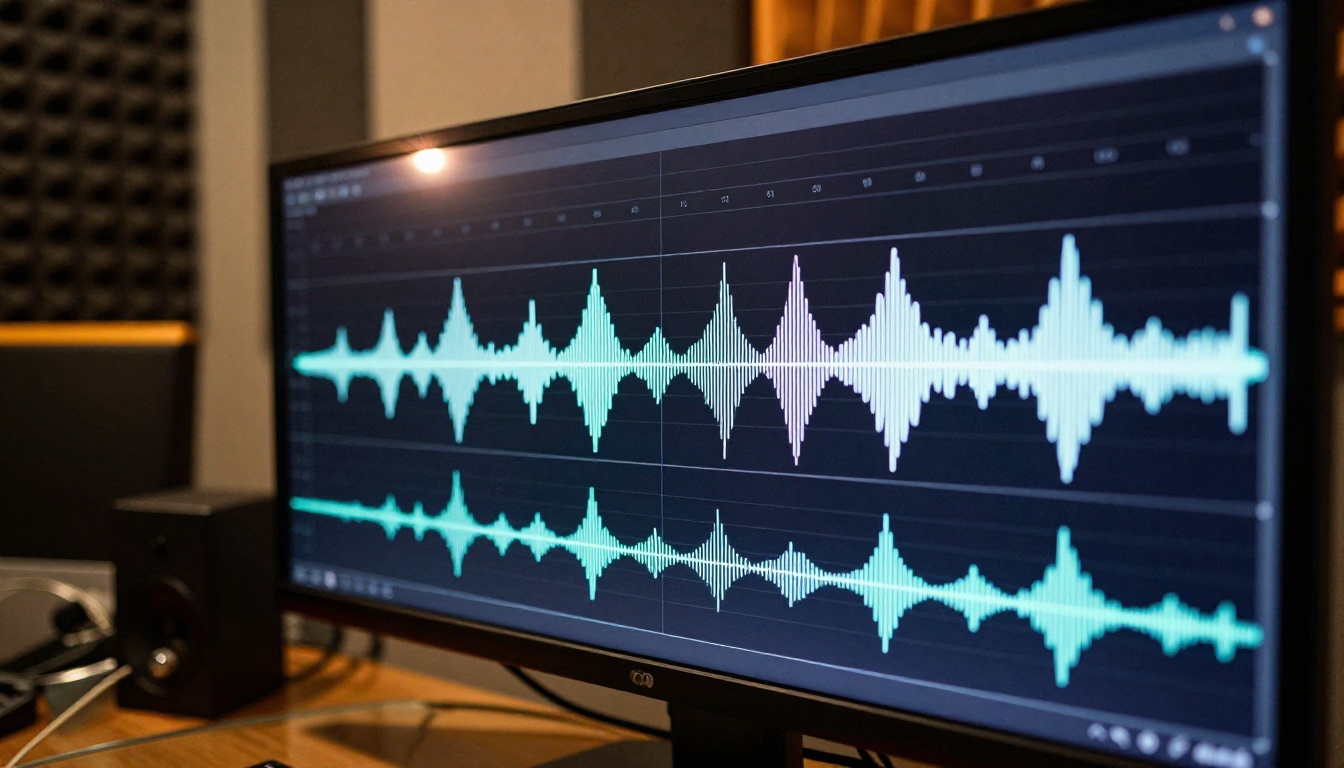
The older approach to lipsync in AI video was retrofitting: generate the video first, then run a separate model to warp the mouth region to match an audio file. That layered approach introduces artifacts at frame boundaries, especially during fast speech or consonant-heavy audio. The two-stage process also means the base video doesn't account for the fact that a speaking person holds their body slightly differently, their breathing patterns change, their neck muscles shift.
Wan 2.7 processes audio at the same time it generates each frame. The model uses audio attention layers, essentially parts of the neural network that pay attention to spectral information in the audio signal and translate that into facial muscle deformation data. The result is that phoneme shapes, the specific mouth configurations for sounds like "B", "M", "F", and vowels, are generated natively rather than grafted on afterward.
💡 What this means in practice: There's no post-processing seam. The jawline movement, the lip compression on "P" sounds, the slight cheek tension during "S" — all of it emerges from the generation process rather than being painted on top. You get posture, breath, and expression that actually belong to a speaking person.
What Makes It Uncensored
The "uncensored" designation in Wan 2.7 refers to two distinct things. First, the model does not apply content filtering during generation that would cause it to refuse or degrade output when the subject matter falls outside mainstream content guidelines. Second, the audio sync works regardless of the spoken content — there's no phrase-level filtering that causes lip sync to break down or become imprecise for adult-oriented dialogue.
This matters because many lipsync tools on the market will silently fail, produce degraded output, or block generation entirely for content that isn't family-friendly. Wan 2.7 treats the audio signal as data and processes it without editorial judgment, making it genuinely useful for mature content creators, adult entertainment producers, and anyone building content that requires unrestricted voice animation at full quality.
Resolution and Output Specs
Wan 2.7 across all three variants supports:
| Spec | Wan 2.7 T2V | Wan 2.7 I2V | Wan 2.7 R2V |
|---|
| Max resolution | 1080p | 1080p | 1080p |
| Audio sync | Native | Native | Native |
| Uncensored | Yes | Yes | Yes |
| Starting point | Text prompt | Image + audio | Reference image |
| Character consistency | Per-clip | Per-clip | Across clips |
Voice sync in the video generation step is one half of the equation. The other half is applying lipsync to existing footage or adding it to static images that weren't generated with Wan 2.7. These are the tools doing it best right now on PicassoIA.
Sync Lipsync 2 and 2 Pro
Sync Lipsync 2 is built specifically for high-fidelity audio-to-lip alignment. You provide a video or image and an audio file, and the model outputs a clip where the mouth movements match the speech at a phoneme level. The workflow is straightforward: upload source, upload audio, get output.
The Pro version, Lipsync 2 Pro, adds higher resolution output, better handling of side-angle faces, and improved performance on rapid speech patterns. If you're working with fast talkers, heavy consonant clusters, or faces not fully front-facing, the Pro variant handles edge cases that the base version struggles with.
Both models are particularly strong on realistic photographic subjects, which aligns well with the kind of output Wan 2.7 produces.
Omni Human 1.5 from ByteDance
Omni Human 1.5 from ByteDance takes a different approach. Rather than purely matching audio to a pre-existing video, it generates the facial animation from a single portrait photo and a voice file. The output is a natural-looking talking video where the face didn't exist in video form before — it was always just a still image.
This makes Omni Human 1.5 a natural companion to AI-generated portraits. Generate a portrait with PicassoIA's image tools, hand it to Omni Human 1.5 with your TTS audio, and you have a talking character without any source footage. The model also handles full-body references well, not just face crops, which matters for content where the framing extends below the shoulders.
Kling Lip Sync
Kling Lip Sync from KwaiVGI is one of the faster options in this space. It processes the audio-video alignment quickly without sacrificing the quality of the mouth region rendering. For creators who are iterating through multiple takes or testing dialogue variations, the speed advantage is real. It handles multiple face orientations well and performs cleanly on both close-up and medium-shot compositions.
For creators who need the absolute tightest precision on professional-grade output, Lipsync Precision from HeyGen is the benchmark option, with frame-accurate sync across longer clips.
How to Use Wan 2.7 on PicassoIA
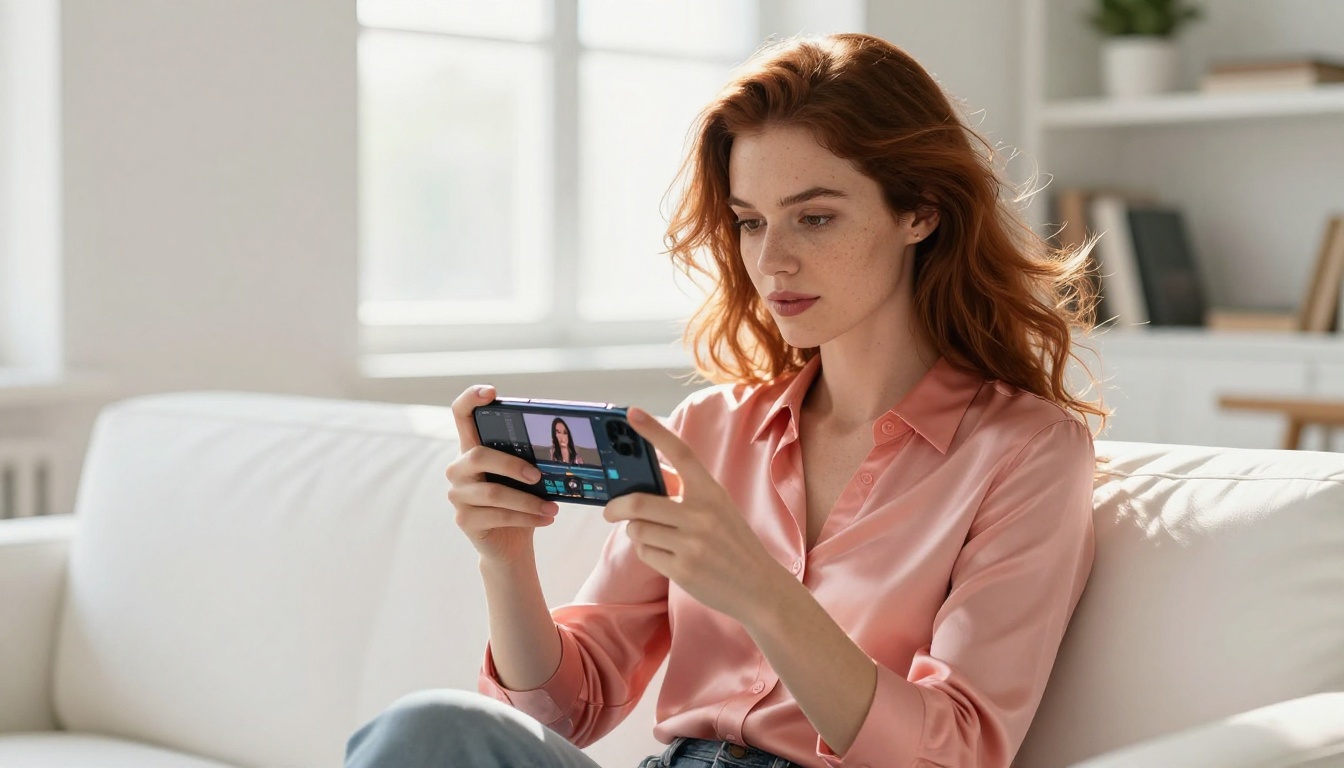
PicassoIA hosts all three Wan 2.7 variants with full resolution output for subscribed users. Here's how to use Wan 2.7 I2V to create a voice-synced clip from a portrait image:
Step 1: Prepare your source image
Generate or upload a photorealistic portrait. The model works best with images where the face is clearly visible, front-facing or slight angle, with good lighting on the facial features. Use PicassoIA's image generation tools to get a high-quality base portrait if you don't have one already.
Step 2: Prepare your audio
Record or generate a voice clip in WAV or MP3 format. The cleaner the audio, the better the sync quality. Avoid heavy reverb, overlapping voices, or background noise. See the TTS section below for the best voice generation options to produce clean, expressive audio.
Step 3: Select Wan 2.7 I2V on PicassoIA
Navigate to the Wan 2.7 I2V page and open the generation interface.
Step 4: Upload and configure
- Upload your source portrait as the reference frame
- Upload your audio file for voice sync
- Set resolution to 1080p for maximum output quality
- Write a motion prompt describing the head movement and setting (e.g., "woman speaking directly to camera, subtle natural head movement, neutral expression, warm indoor lighting")
Step 5: Generate and review
Hit generate and review the lip sync quality, particularly on consonant-heavy words and transitions between vowel sounds. If the sync needs a second pass of refinement, run the output through Sync Lipsync 2 Pro for precise correction.
💡 Pro tip: The R2V variant, Wan 2.7 R2V, lets you reuse the same character face across multiple clips. Generate one base clip and use R2V for all subsequent takes to maintain character consistency across a series.
TTS Models That Pair Perfectly
Voice sync quality depends as much on the audio input as the model processing it. These text-to-speech options produce the kind of clean, natural voice output that gives Wan 2.7 the best material to work with.
ElevenLabs V3
ElevenLabs V3 remains one of the most expressive TTS models available. It handles emotional inflection, pacing variation, and natural breathing patterns in a way that makes the resulting audio sound like a real human recorded in a professional studio. For lipsync purposes, this expressiveness translates to more varied phoneme patterns that look natural when animated. Monotone TTS output tends to produce a flat, repetitive lip movement that reads as artificial even with good sync alignment.
V3 supports over 30 languages and voice cloning from short reference clips, making it practical for building a custom persona voice and maintaining it across a long-form content series.
Speech 2.8 HD
Speech 2.8 HD from MiniMax is built for studio-quality output at higher audio bitrates. Its default voices have a natural warmth that works well for content targeting mature audiences. The model supports voice cloning, so you can create a consistent character voice and apply it to every clip in a series. The HD bitrate gives Wan 2.7 more frequency detail to work with during the sync process, which helps with sibilants and fricatives that lower-quality audio tends to blur.
Chatterbox
Chatterbox from Resemble AI gives you direct control over emotional delivery through its emotion parameters. You can adjust confidence, warmth, or urgency at specific moments in the script without re-recording the entire line. For content creators who need a character voice that shifts tone mid-clip, this level of control is useful. The Chatterbox Turbo version runs significantly faster for rapid iteration workflows.
| TTS Model | Expressiveness | Languages | Voice Cloning | Best For |
|---|
| ElevenLabs V3 | Very High | 30+ | Yes | Narrative, dialogue |
| Speech 2.8 HD | High | Multi | Yes | Voiceovers, series |
| Chatterbox | Medium-High | English-primary | Yes | Emotion-driven clips |
Wan 2.7 vs. Earlier Versions
The version-to-version progression in the Wan series is worth tracking if you're deciding which variant to use for a given project:
The gap between 2.6 and 2.7 is specifically the audio integration architecture. Wan 2.6 had solid motion quality and resolution improvements but required audio sync to be applied as a post-process. Version 2.7 integrates it at the generation level, which is the meaningful architectural change that eliminates the two-stage artifact problem.
For reference, Wan 2.2 S2V also supports audio-synced video but targets a different use case. It's optimized for short-form social content with automated audio matching rather than the detailed voice-driven animation that 2.7 provides.
The Right Stack for Voice-Synced Content
Putting together a reliable workflow for voice-synced content means pairing the right tools at each step. Based on the models available on PicassoIA right now, here are three proven production stacks:
For talking-head clips from a portrait:
- Generate portrait image with PicassoIA's image tools
- Generate voice with ElevenLabs V3 or Speech 2.8 HD
- Animate with Wan 2.7 I2V
- Refine lipsync with Lipsync 2 Pro if needed
For dubbed or translated content:
- Source video clip (existing footage or newly generated)
- Generate dubbed audio in target language with ElevenLabs V2 Multilingual
- Apply sync with Lipsync Precision from HeyGen for frame-accurate alignment
For fully text-driven talking clips:
- Write your script and describe the visual in a text prompt
- Run Wan 2.7 T2V with audio input enabled
- Use P Video Avatar for persona-based character delivery across a series
💡 Important: When using Wan 2.7 I2V for adult content, the model's uncensored processing applies to both the visual generation and the audio sync pass. The output reflects the audio accurately without degradation or filtering artifacts, regardless of the spoken content.
Try It on PicassoIA
All the models in this article are live on PicassoIA right now. Whether you want to start with Wan 2.7 T2V for a text-driven clip, drop a portrait into Wan 2.7 I2V to bring a character to life, or run your footage through Sync Lipsync 2 Pro for clean audio alignment, the full catalog is at picassoia.com/en/all-models.
The voice sync feature in Wan 2.7 is not a minor update. It closes a gap that has frustrated creators for a long time — the disconnect between the generated video and the audio that's supposed to drive it. With native sync in the generation pass, uncensored audio support, and three production-ready variants on the platform, this is the practical tool that was missing from most adult-oriented and unrestricted content workflows.
Pick a character, write a script, and generate something worth watching.


