Wan 3.0 just changed what cinematic AI trailers look like. Where previous models produced footage that felt smooth but artificial, Wan 3.0 introduces motion physics, temporal coherence, and dramatic scene control that puts it squarely in the conversation with professional-grade tools. If you have been making AI trailer content, this update matters.
What Makes Wan 3.0 Different
Wan Video has consistently released models that prioritize visual fidelity over speed, and Wan 3.0 is no exception. The step from Wan 2.7 to 3.0 is not just an incremental patch. It represents a fundamental rethinking of how the model handles motion, camera dynamics, and scene lighting.
From Wan 2.7 to 3.0: The Real Changes
Wan 2.7 T2V already delivered 1080p output with strong temporal consistency. Wan 3.0 builds on that foundation by improving three specific areas:
- Motion coherence: Objects and characters maintain consistent shape and detail across all frames, even during fast cuts
- Depth rendering: Foreground and background elements separate more convincingly, giving footage that film-lens bokeh quality
- Lighting continuity: When you specify a lighting direction in your prompt, it holds throughout the clip rather than drifting
These are not cosmetic upgrades. For trailer work specifically, motion coherence is everything. A single frame of a character warping or a background flickering breaks the illusion completely.
Resolution, Grain, and the Film Look
Wan 3.0 outputs at up to 1080p with support for cinematic aspect ratios (2.39:1, 1.85:1) that immediately read as "film" to a viewer's eye. The model also responds well to film grain prompts, Kodak and Fuji emulation descriptors, and anamorphic lens flare instructions, all of which you can inject directly into your text prompt.

The difference between Wan 3.0 footage and generic AI video is visible within the first two seconds of playback. Where other models default to a flat, digital look, Wan 3.0 generates footage with what practitioners call "photochemical noise": that slight organic randomness that makes an image feel recorded rather than rendered.
How Wan 3.0 Handles Trailer Production
Making a cinematic trailer with AI is not just about generating pretty clips. Trailers have specific structural needs: establishing shots, rising tension, fast-cut action sequences, and a punctuating final beat. Wan 3.0 addresses each of these with distinct prompt-handling improvements.
Prompt-to-Scene Precision
One of the most cited weaknesses in earlier video AI models was prompt drift, where the model partially ignores your instructions and defaults to something generic. Wan 3.0's improved text encoder means that compositional instructions like "low-angle shot from below, looking up at a figure silhouetted against a sunset sky" actually produce what you asked for.
This matters enormously for trailer production. You are not just generating random footage; you are building a sequence with intention.

Effective prompt categories for trailer shots:
- Establishing shots: Wide or aerial, slow dolly or static, golden hour or overcast for mood
- Character close-ups: 85mm lens descriptor, rack focus, shallow depth of field, emotion-specific lighting
- Action sequences: Motion blur descriptors, dust and particle effects, fast pan, impact frames
- Transition shots: Empty landscapes, abstract textures, negative space
Camera Movement Control
Wan 3.0 responds to camera movement descriptions in natural language. Specify a dolly-in, a tracking shot, a handheld shake, or a crane sweep, and the model renders appropriate motion blur, parallax, and perspective shifts.
For trailers, the most useful camera moves are:
- Slow dolly forward into a character's face for tension
- Fast whip pan between action beats for energy
- Static wide with subject moving through frame for scale
- Slow crane up and away for emotional release
Pairing these with the right lighting descriptor (harsh midday sun vs. soft overcast vs. practical interior lamps) determines whether your clip reads as action, thriller, romance, or drama.
Audio Sync After Generation
While Wan 3.0 is a video model, its outputs pair naturally with audio tools on PicassoIA. For clips needing built-in audio generation, Pixverse v6 produces cinematic visuals with audio, and Seedance 2.5 handles clips up to 30 seconds with native audio.

Wan 3.0 vs. the Competition
The cinematic AI video space is genuinely competitive. Here is how Wan 3.0 stacks up against the models most commonly used for trailer work:
| Model | Resolution | Motion Quality | Prompt Adherence | Best For |
|---|
| Wan 3.0 | Up to 1080p | Excellent | Very High | Narrative trailers, atmosphere |
| Wan 2.7 T2V | Up to 1080p | Very Good | High | Broad cinematic use |
| Ray 3.2 | HDR 1080p | Excellent | High | High-contrast dramatic shots |
| Kling v3 Video | 1080p | Very Good | Good | Action and character animation |
| Veo 3.1 | 1080p | Excellent | Very High | Naturalistic scenes with audio |
| Sora 2 Pro | HD | Excellent | Very High | Complex multi-element scenes |
| Seedance 2.5 | Up to 1080p | Very Good | High | Long clips up to 30 seconds |
| LTX 2.3 Pro | 4K | Very Good | Good | Ultra-resolution output |
💡 Tip: Wan 3.0 wins on atmosphere and narrative control. If you need audio baked into the clip, use Veo 3.1 or Seedance 2.5. For 4K final delivery, LTX 2.3 Pro is the pick.
How to Use Wan Models on PicassoIA
PicassoIA hosts the full Wan 2.7 lineup with the same interface pattern that Wan 3.0 uses. Here is exactly how to apply these tools for trailer production.
Text-to-Video with Wan 2.7 T2V
Wan 2.7 T2V is the text-to-video entry point, ideal for establishing shots and atmospheric scene-setting clips.
- Go to Wan 2.7 T2V on PicassoIA
- Write your prompt using this structure:
[Shot type + subject] + [action/motion] + [lighting] + [camera move] + [atmosphere]
- Set your preferred duration and aspect ratio
- Generate, then download the clip to your editing timeline
Example prompt: Extreme low-angle shot, a figure in a dark coat walking toward camera through a foggy street, practical lamp light from the right casting long shadows, slow dolly forward, overcast night atmosphere, 35mm lens, film grain

Animating Stills with Wan 2.7 I2V
Wan 2.7 I2V takes an image and animates it. This is one of the most practical workflows for trailer creation because you have precise control over the first frame.
The workflow:
- Generate or source a photorealistic still image
- Feed it into Wan 2.7 I2V
- Write a motion prompt describing what should change in the scene
- Download the clip
This works particularly well for dramatic portrait shots where you want subtle facial movement, or landscape shots where you want clouds to drift and grass to sway without major scene changes.
Subject Reference with Wan 2.7 R2V
Wan 2.7 R2V lets you animate a specific subject from a reference image across different scenes. For trailer production, this means you can place a recurring character or vehicle into multiple generated shots while keeping it visually consistent.
💡 Tip: Use R2V when you are building a trailer around a specific protagonist or prop. Consistency across shots is what makes a trailer feel like a cohesive film preview rather than a random collection of clips.
Also worth noting: Wan 2.2 I2V Fast and Wan 2.5 I2V are excellent for faster iteration during the concept phase before moving to the full Wan 2.7 or 3.0 quality pass.

The biggest skill gap between mediocre AI trailer footage and convincing cinematic work is prompt quality. Wan 3.0's improved language processing makes this easier, but the fundamentals still apply.
Opening Shot Formulas
A trailer's first shot has one job: establish world and genre within three seconds. The best opening shot prompts follow this pattern:
- Scope indicator: Aerial, extreme wide, satellite distance
- World detail: Specific geography, weather, time of day
- Mood cue: Lighting direction and quality (harsh midday, golden backlight, overcast diffuse)
- Motion: Usually slow and deliberate (slow pan, gentle push, static)
Example: Aerial view of a dense forest at dawn, ground fog sitting in valleys between tree lines, first light catching treetops from the east, very slow pan from left to right, 35mm, natural color grade, film grain
Tension and Pacing Shots
For mid-trailer tension sequences, the prompt logic flips. You want faster implied motion, tighter framing, and harder light:
- Framing: Close-up, over-the-shoulder, extreme close-up on eyes or hands
- Light: Single hard source, harsh shadows, strong contrast ratio
- Motion: Handheld shake, crash zoom, fast cut implied by motion blur
- Atmosphere: Dust, smoke, rain, or heat distortion as texture
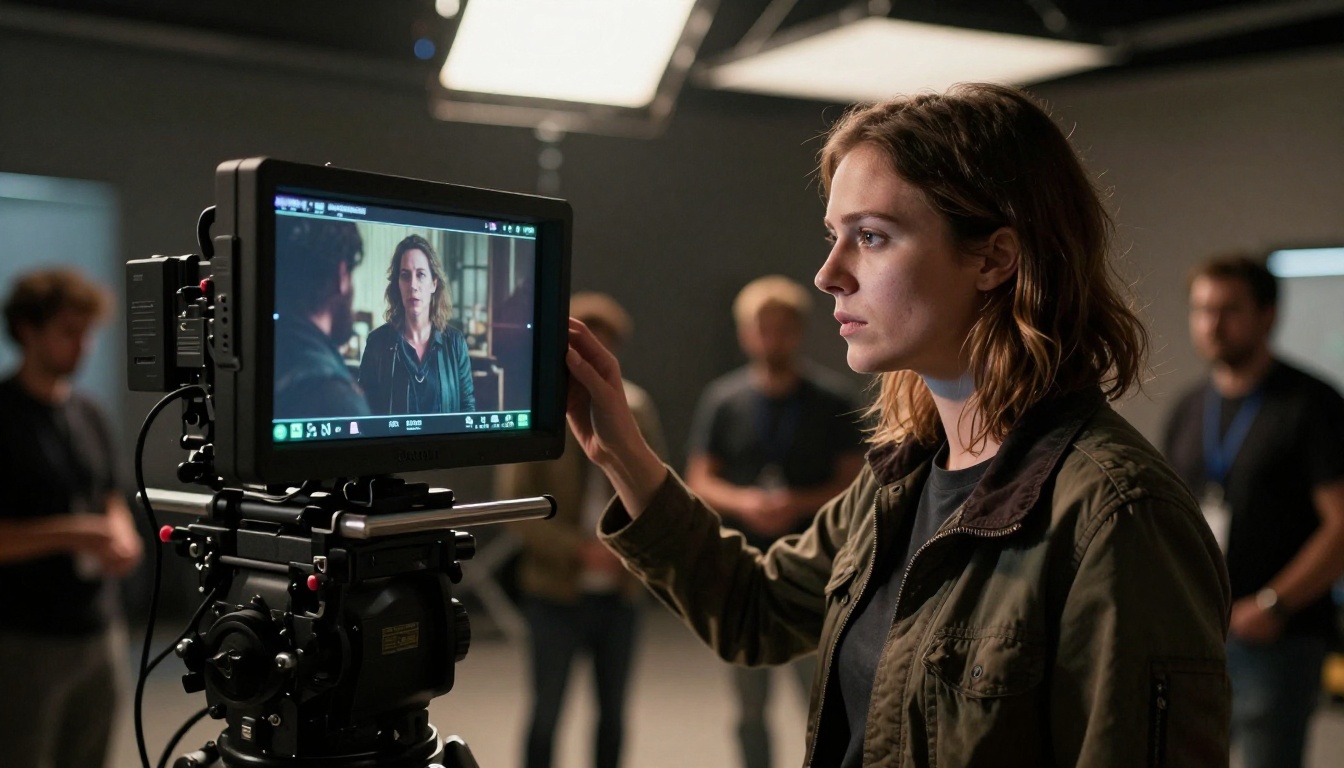
The words that reliably trigger cinematic output in Wan 3.0 include: anamorphic lens flare, volumetric light shafts, practical lighting, film grain, Kodak Portra 400, Fuji Velvia, 2:39:1 aspect ratio, depth of field, rack focus, motion blur.
Words to avoid in your prompts: 3D render, digital art, illustration, watercolor, flat lighting, artificial.
Post-Production for Wan 3.0 Clips
Wan 3.0 generates strong clips, but trailer production usually involves a post pass before everything goes into the edit.
Upscaling for Final Delivery
PicassoIA's Video Upscale by Topaz Labs takes your generated clips to 4K at up to 120fps. For trailers delivered to streaming platforms or cinema screens, this upscale step is practical. The model handles motion grain and edge detail better than generic upscalers.
Runway's Upscale v1 is the alternative if you need faster throughput, though Topaz is the quality pick for final deliverables.
Lipsync for Dialogue Sequences
If your trailer includes speaking characters, PicassoIA's lipsync tools sync mouth movement to recorded or generated dialogue. The workflow:
- Generate your character shot with Wan 3.0
- Record or generate the dialogue audio
- Feed both into the lipsync tool
- Receive a character clip with naturalistic mouth sync
This is how you build trailer sequences with narration or character dialogue without any live-action shooting.
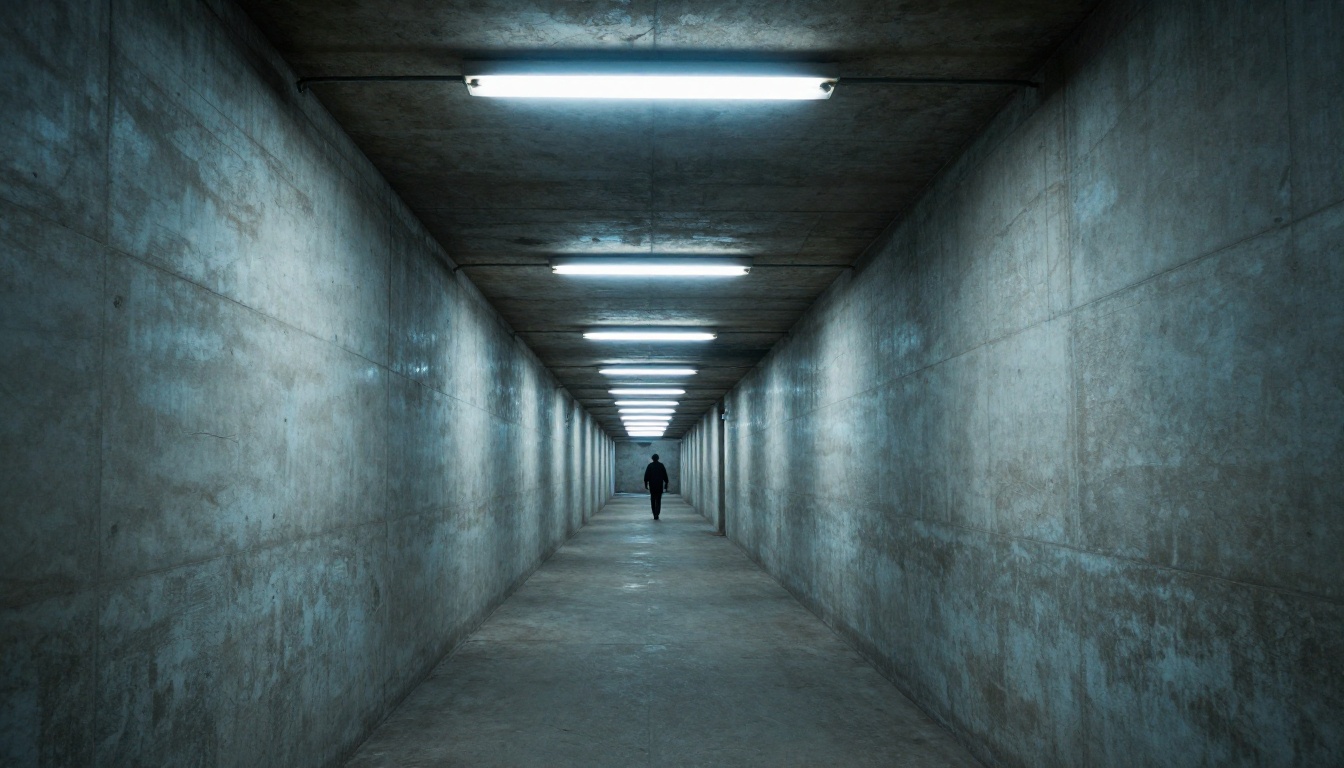
Three Trailer Workflows That Deliver
Workflow 1: Atmosphere-First Trailer
Generate 8-10 establishing shots with Wan 2.7 T2V, focusing on location and weather. Cut them to a music track, adding title cards between beats. No characters needed. This is the "world reveal" structure used by many sci-fi and horror trailers.
Workflow 2: Character-Led Trailer
Start with a reference image of your protagonist. Run it through Wan 2.7 R2V to generate multiple scenes with consistent character appearance. Cut together as a character-focused sequence with rising tension.
Workflow 3: Action Montage
Generate a series of tight action clips with Wan 2.7 I2V, using still images as first frames. Cut them fast, matching beats. Use Gen 4.5 for any transition clips where you need particularly smooth motion between shots.
💡 Tip: The strongest AI trailers mix two or three generators rather than one. Use Wan 3.0 or Wan 2.7 T2V for atmospheric shots, Kling v2.6 for action, and Hailuo 02 for close-ups. Each model has a different motion signature, and mixing them makes the trailer feel more like a real multi-camera production.
The Speed Tradeoff
Speed is Wan 3.0's main tradeoff. Because it runs a significantly larger model than Wan 2.2 5B Fast or Wan 2.5 T2V Fast, generation times are longer per clip. For a 10-clip trailer, plan for more generation time than you would with faster models.
The quality difference justifies this for final output. During the iteration phase, use Wan 2.2 T2V Fast or Wan 2.1 T2V 720p to draft your sequences quickly, then switch to Wan 3.0 or Wan 2.7 T2V for the final quality pass.
This two-phase approach cuts your overall production time significantly and lets you experiment with composition and timing before committing to high-quality renders.
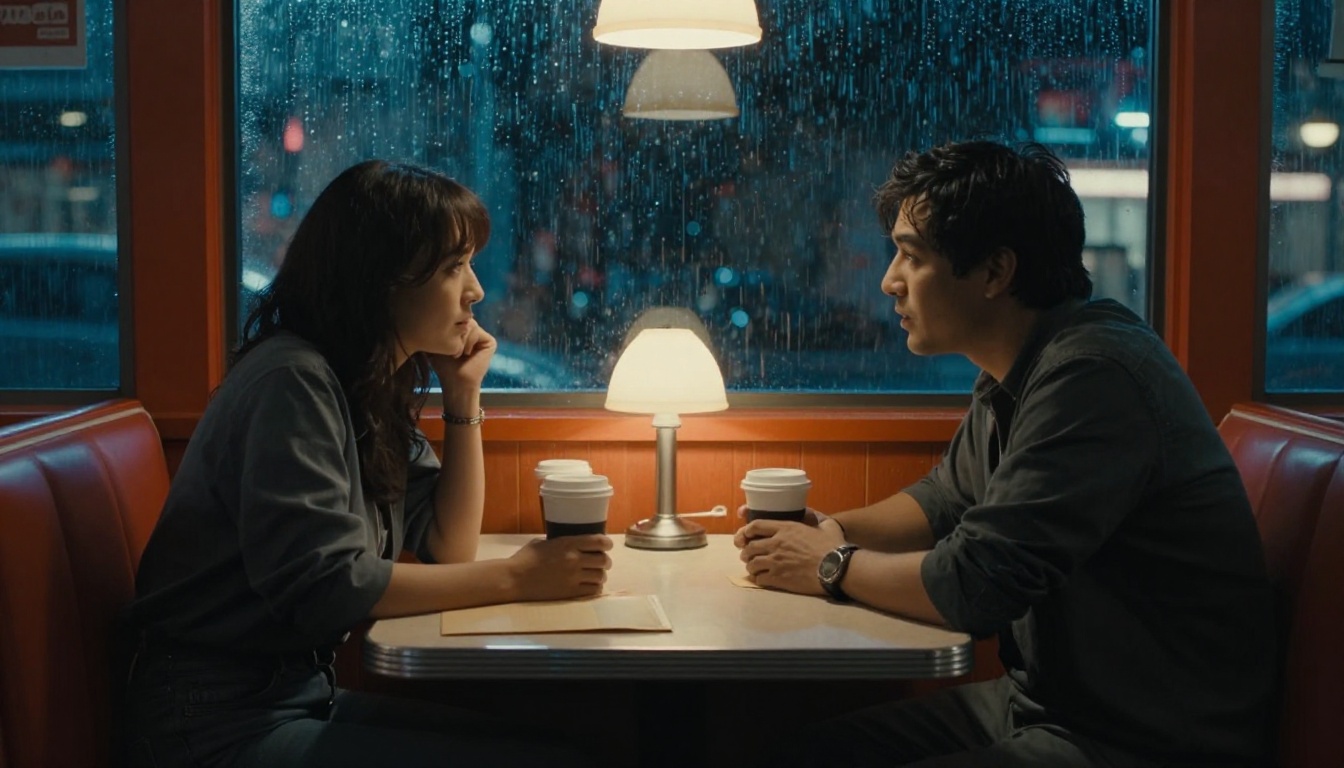
Start Making Trailers on PicassoIA
Everything in this article is available on PicassoIA right now. The Wan 2.7 models are live, the upscaling tools are ready, and the lipsync pipeline is operational.
Start with a single establishing shot. Write a detailed prompt using the formulas above, run it through Wan 2.7 T2V, and see what comes back. The ramp-up is short because the feedback loop is fast, and every clip you generate sharpens your instinct for the next one.
The most effective AI trailer makers right now are not the ones with the biggest budgets. They are the ones who have put in the iteration hours with tools like Wan 3.0, building an intuition for what works. PicassoIA gives you access to every model in this article from one place, with no setup required.


