Selling AI art works when you treat it like a small product business instead of a lottery ticket. One image rarely earns anything. A catalog of consistent, correctly labeled, print-ready images sold in three places does: wall art prints, stock licensing and an Etsy shop.
This article walks through each route with its real costs, the platform rules that can get a shop or contributor account banned, and a repeatable workflow you can run on PicassoIA. There are no income promises here. Results depend on your niche, your quality bar and how many finished products you actually publish.
💡 Short version: pick one narrow niche, produce 30 to 50 print-ready images, list them as wall art on Etsy, and upload the most commercial ones to stock agencies that accept AI. Add video loops and music after the image catalog is running.
Pick Your Route First
Each route rewards a different habit. Print sellers win on taste and niche focus. Stock contributors win on volume and tag discipline. Etsy sellers win on presentation, pricing and customer service. You can feed all three from one image library, but launch them one at a time so you can see what is working.
| Route | Startup cost | Typical time to first sale | Main effort | Income pattern |
|---|
| Wall art on Etsy (print on demand) | Low, no inventory | Weeks to months | Listings, mockups, search terms | Grows with every listing |
| Digital downloads on Etsy | Very low | Weeks to months | File sizes, descriptions | Small per sale, no shipping |
| Stock licensing | Free to upload | Weeks, then a slow build | Volume, titles, tags | Many small royalties |
| Local markets and fairs | Medium (prints, table) | Same day | Display, talking to buyers | Higher margin, limited reach |
| Video loops and music | Free to low | Weeks | Clips, tracks, licensing | Small add-on |
These are typical patterns, not guarantees. Wall art is the most forgiving place to begin, because people redecorate, move house and buy gifts all year, so demand renews itself.
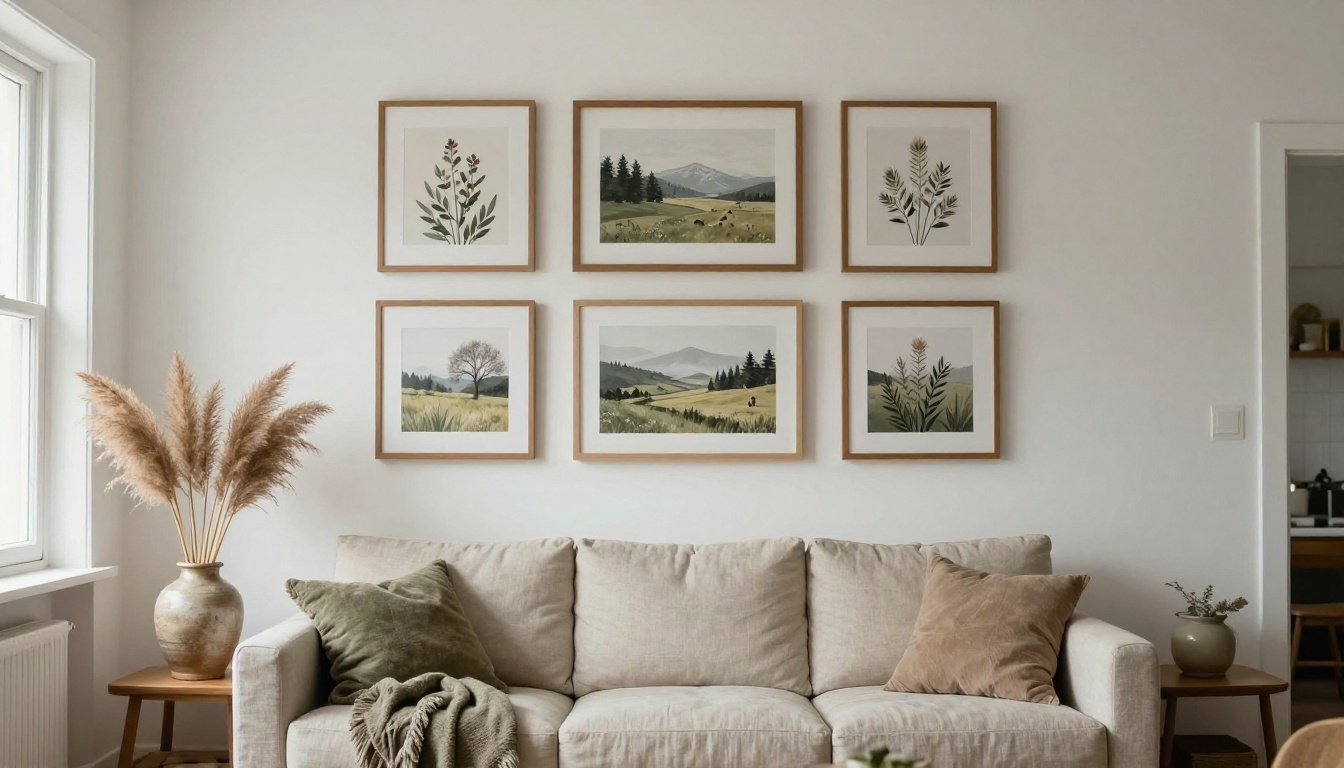
Selling AI Art Prints
Choose Niches With Repeat Demand
Shoppers rarely type "AI art" into a search box. They type "boho botanical print set", "moody coastal wall art" or "nursery animal prints". Pick a niche where one buyer needs several pieces, because sets and gallery wall bundles lift your order value.
- Botanical and floral: pressed flowers, herb studies, wildflower fields.
- Coastal and desert landscapes: calm palettes that match neutral rooms.
- Nursery and kids rooms: soft animals, pastel skies, gentle shapes.
- Abstract color fields: easy to match to a sofa or a rug.
- Typographic posters: short phrases in clean lettering, best made with a text-strong model such as Ideogram v4 Quality.
- Moody travel scenes: old harbors, mountain passes, quiet streets at dusk.
💡 Generate every set with one shared palette. Three pieces that hang well together sell better than three strong images that clash.
Print on Demand or Print Yourself
With print on demand, you upload the file and a partner prints and ships each order. You hold no stock and risk no upfront money, but margins are thinner and you control less of the paper and packaging. Printing yourself raises the margin and lets you check every sheet, but you need a large-format printer, good paper, packing materials and time for shipping.
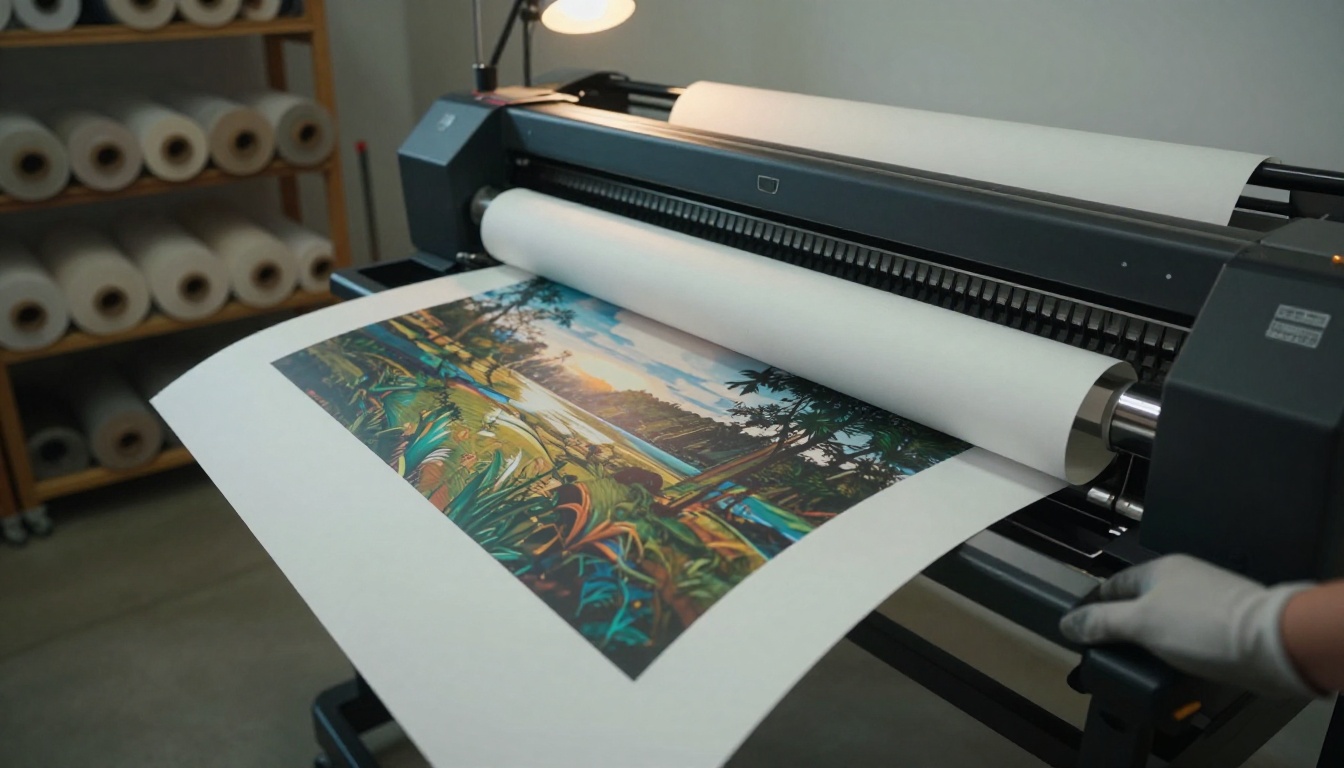
Start with print on demand, then order sample prints of your best three pieces before you list anything. Hold them next to your screen. If the colors shift or the blacks look muddy, fix the file before a customer finds the problem for you.
Paper, Size and Resolution
Print files are measured in pixels, and the math is simple: inches multiplied by 300 gives the pixel size for a sharp print.
| Print size (inches) | Pixels at 300 dpi |
|---|
| 8 x 10 | 2400 x 3000 |
| 11 x 14 | 3300 x 4200 |
| 16 x 20 | 4800 x 6000 |
| 24 x 36 | 7200 x 10800 |
Most generators output a few thousand pixels at best, so plan to upscale. Topaz Image Upscale enlarges up to 6x, Clarity Pro Upscaler and Google Upscaler hold fine detail well, and Real ESRGAN is a quick 4x option. Many print partners accept lower resolution for the biggest sizes because the viewer stands farther away, but check each partner's file requirements.
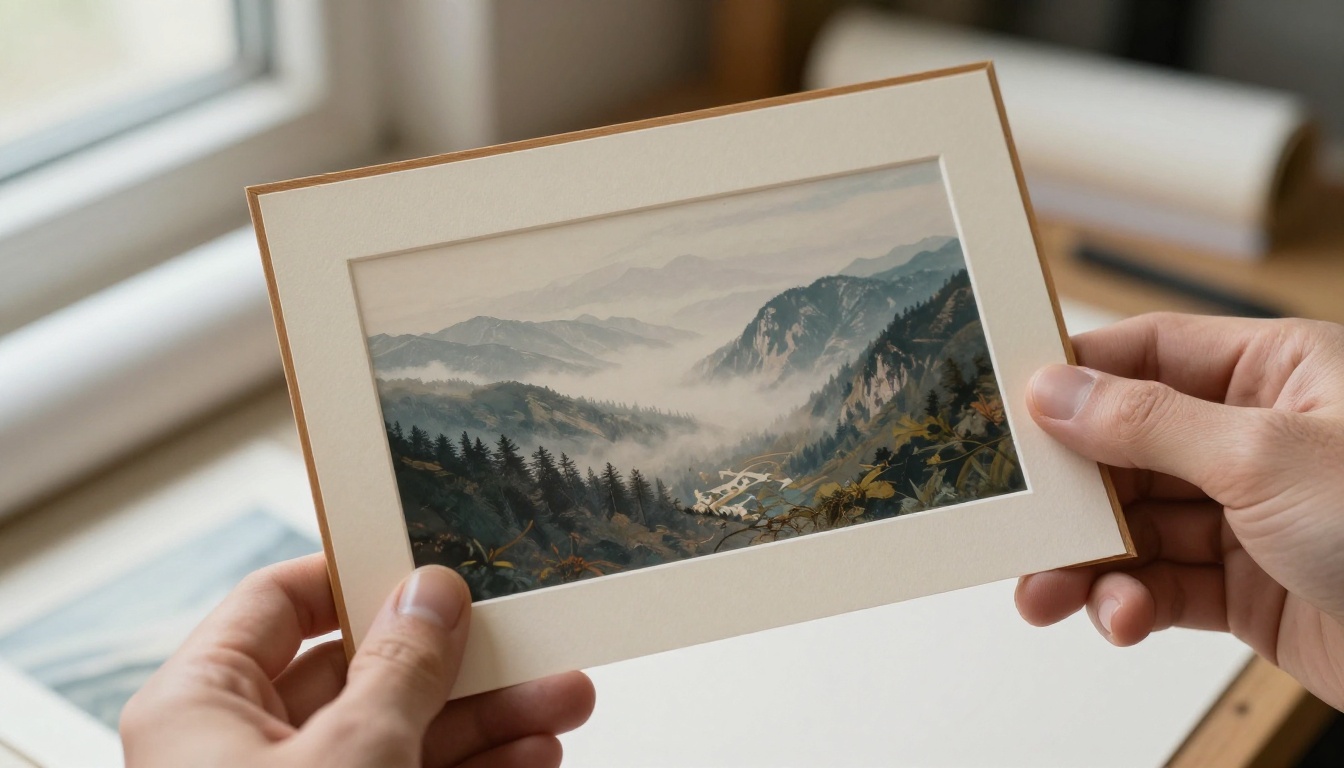
Paper matters as much as pixels. Matte cotton rag paper suits landscapes and botanicals, while smooth satin suits high contrast abstract work. Offer two or three paper options at most, so your listing stays simple.
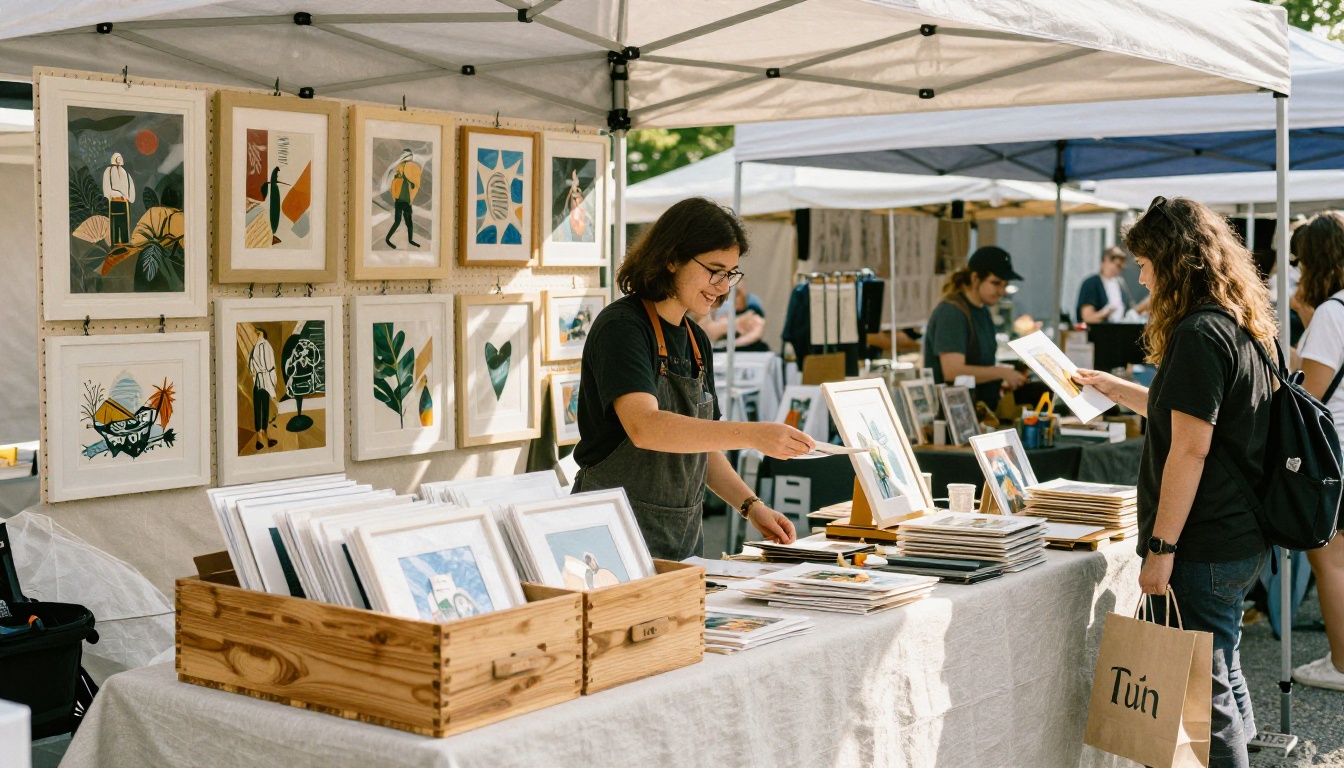
Sell at Local Markets Too
Weekend fairs and pop-up markets turn the same files into cash on the same day. Keep unframed prints in a bin for impulse buys, hang two or three framed pieces to show the finished look, and carry a card reader and a few mailing tubes. If a shopper asks how the art was made, give a straight answer, because buyers respond better to honesty than to a dodge. Check the fair's rules first: some markets are for handmade work only and do not accept AI-generated art.
Licensing Stock Images
Stock licensing flips the model. Instead of selling one print to one buyer, you license an image repeatedly to designers, bloggers and marketers, and the agency pays you a share each time. Each download pays little, so this route rewards volume and discipline.
Check Which Agencies Accept AI
Policies differ sharply and they change, so read the current contributor rules before you upload a single file. Some agencies take AI images with strict labeling, and others refuse them or run their own programs.
Adobe Stock is a good example of a labeled system. Contributors must tick Created using generative AI tools for AI content, and tick the fictional box when an image shows a made-up person or property. Prompts, titles and tags must not name artists, real people, fictional characters, copyrighted works, government agencies or third-party brands. You must also hold the rights to license the image, so read the commercial-use terms of the tool you generated with.
Titles and Tags That Get Found
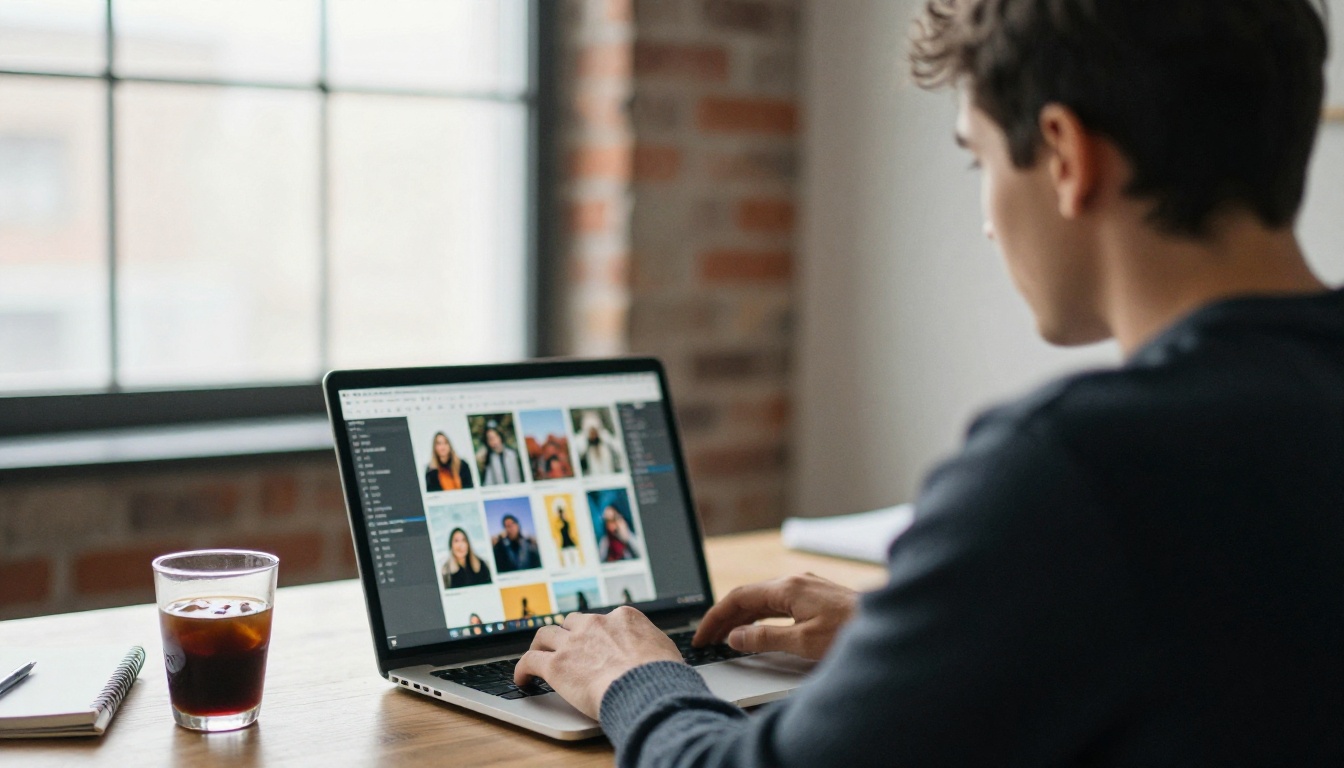
Buyers search for what they see, so write titles as plain descriptions: Aerial view of a turquoise coastline at sunrise, not Dreamy Serenity. Put the main subject first, then setting, light and mood. Add tags from most to least relevant and skip filler that does not match the image.
What do buyers actually need? Backgrounds, textures, seasonal scenes, home office and business scenes with empty copy space for text, and food or travel images that look like real photographs. Flux 2 Pro and Imagen 4 Ultra are good picks for photographic detail.
Avoid the Common Rejections
Reviewers reject AI images for the same handful of reasons. Check each file at 100% zoom before you submit:
- Visible artifacts: extra fingers, warped hands, melted background objects, garbled text.
- Look-alike logos or products: anything resembling a known brand.
- Real-person likeness: faces that read as a specific celebrity.
- Near duplicates: ten almost identical variations of one scene.
- Missing labels: AI content submitted without the required checkbox.
- Low resolution: files that fall short of the agency's minimum size.
Fix small flaws with an image editor such as PicassoIA Image Editor Pro instead of regenerating the whole image, and use Bria Remove Background when a buyer needs an isolated subject.
Setting Up an Etsy Shop
Etsy is where most print sellers begin, since shoppers arrive already wanting decor. It also has the clearest AI rules of the three routes.
Follow the Disclosure Rules
Etsy's creativity standards ask sellers to label items by how much human involvement went into them. AI-assisted designs belong in the Designed by a seller category, and the listing description should say plainly that AI tools were used. Selling AI prompts or prompt packs as a product is not allowed, and listings that break the rules get removed. Read the current seller policy before every new product type, because the wording changes.
Photos and Mockups That Sell
Etsy lets you add a long row of photos, so fill it:
- A bright room mockup that shows the print at real scale.
- A second mockup in a different room and frame color.
- A close-up of paper texture and print detail.
- A size chart with every format you sell.
- A "what you get" image showing the deliverables.
- A set view if you sell bundles.
Build room mockups by generating an empty wall scene and placing your art on it with PicassoIA Image Editor Pro. Keep mockups honest: the art, colors and proportions must match what the buyer receives.
For digital downloads, include the common ratios so buyers can frame at any standard size: 2:3, 3:4, 4:5, 5:7 and ISO A sizes.
Price With Fees Built In
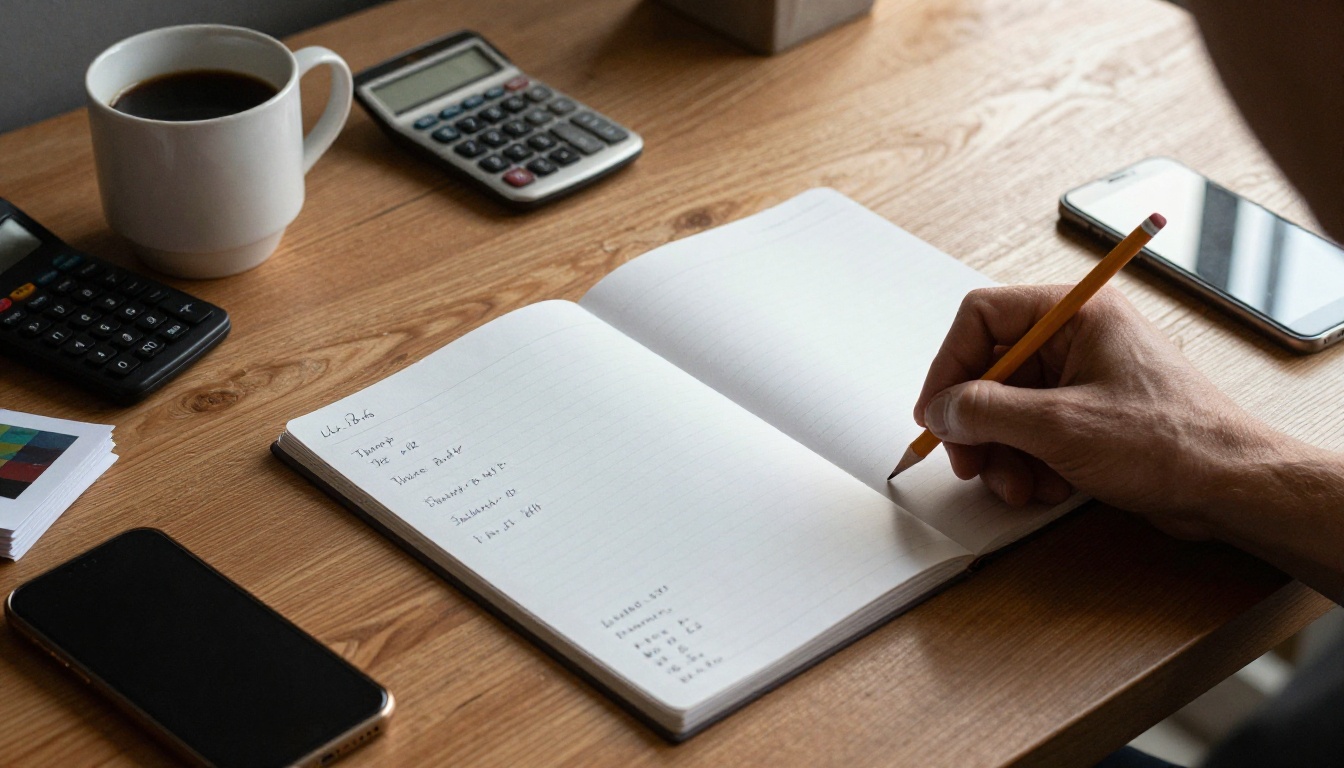
Etsy charges listing, transaction and payment processing fees, and a print partner charges production plus shipping. Work backward from the price. The numbers below are illustrative only, so check the current fee schedule and your partner's rates.
| Line | Example |
|---|
| Sale price (16 x 20 print) | $30.00 |
| Print and shipping from partner | $14.00 |
| Marketplace and payment fees | about $3.50 |
| Left for you | about $12.50 |
Offer free shipping by building the cost into the price, because many buyers filter for it. Raise prices on sets, and price digital downloads lower since nothing is printed or shipped. Change one thing at a time for two weeks, so you know which change moved sales.
How to Use Seedream 5 Pro
Here is the workflow on PicassoIA with Seedream 5 Pro, a strong default for print work. It turns a text prompt, or up to 10 reference photos, into a 1K or 2K image. It accepts prompts up to 4,000 characters, offers ratios from 1:1 and 2:3 to 21:9, and saves PNG or JPEG.
- Open the Seedream 5 Pro page and click into the prompt box.
- Write the prompt using the formula below.
- Set size to 2K, aspect ratio to 2:3 or 3:4, and format to PNG.
- Generate, then judge the result against your niche palette.
- For a matching series, upload up to 10 earlier winners as reference images and repeat the palette words in the prompt.
Write a Print-Ready Prompt
Use this order: subject, palette, medium, composition, mood. Name three colors, ask for empty space where the eye can rest, and keep text out of the image.
Quiet coastal dunes at dusk, terracotta, sage green and cream palette, soft painterly look with gentle grain, wide negative space across the upper third, calm minimal mood, suited to a living room wall, no text.
Set Size and Ratio
A 2K image is about 4 megapixels, far short of the roughly 29 megapixels a 16 x 20 print needs at 300 dpi. That is fine, because upscaling closes the gap. Choose 2:3 for 4 x 6, 8 x 12, 12 x 18 and 24 x 36 prints, and 3:4 for 9 x 12 and 18 x 24. For 8 x 10 and 16 x 20 (4:5), generate 3:4 and crop slightly.
Upscale Before You Upload
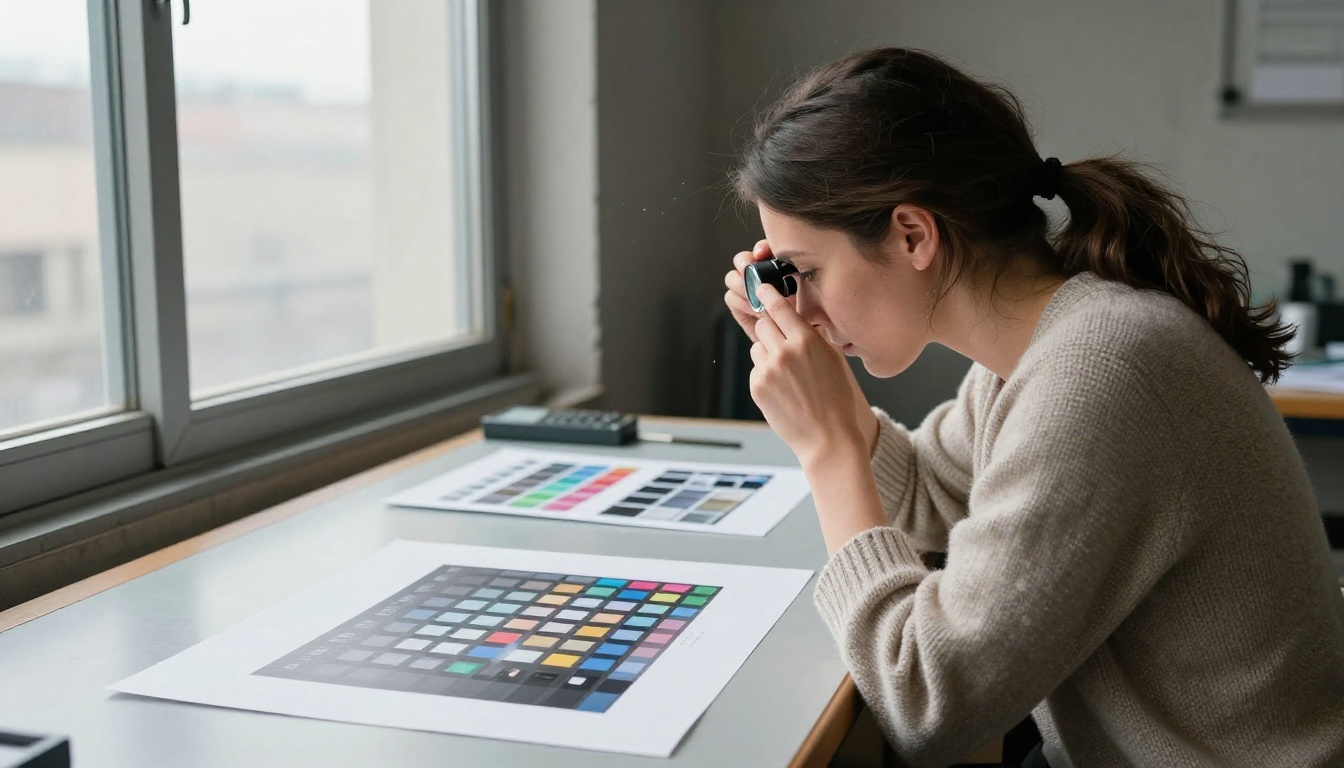
Run each keeper through an upscaler, then inspect the result at 100% zoom as if you were holding a loupe over the paper. Look for waxy surfaces, smeared fine lines and mushy edges. Different products suit different models:
Who Owns Pure AI Images
The US Copyright Office concluded in its January 2025 report that works generated entirely by AI are not copyrightable, and that a prompt alone is not enough to count as authorship. Human selection, arrangement and creative edits of AI output can still be protected. In practice, someone could copy a purely AI-generated image and you may have little legal recourse in the US.
Build products that are harder to clone: edited files, curated sets, a consistent shop identity and bundles with your own arrangement. This is not legal advice, and the rules differ by country.
Words to Keep Out of Prompts
Leave out living artists, brands, characters and celebrities. It protects you on stock agencies and on Etsy, where intellectual property complaints close shops. Describe a style by its qualities instead: soft watercolor wash, loose edges, muted pigments.
Video Loops and Music Add Income
Your catalog does not have to stop at still images. Short looping clips and ambient tracks sell in a few places, and they reuse the same niche work.
- TV art bundles: 16:9 looping scenes, such as slow waves or drifting fog, sold as digital downloads for screens that display art.
- Stock video: short background clips on agencies that accept AI video, under the same labeling rules as images.
- Ambient tracks: calm instrumentals for shops, cafes and creators who need background audio, where the platform allows AI music.
Animate your best stills with Seedance 2.5 Lite or Wan 3, then keep the clip short and the loop seamless. Compose ambient music with Music 2.6, Lyria 3 or Stable Audio 2.5.
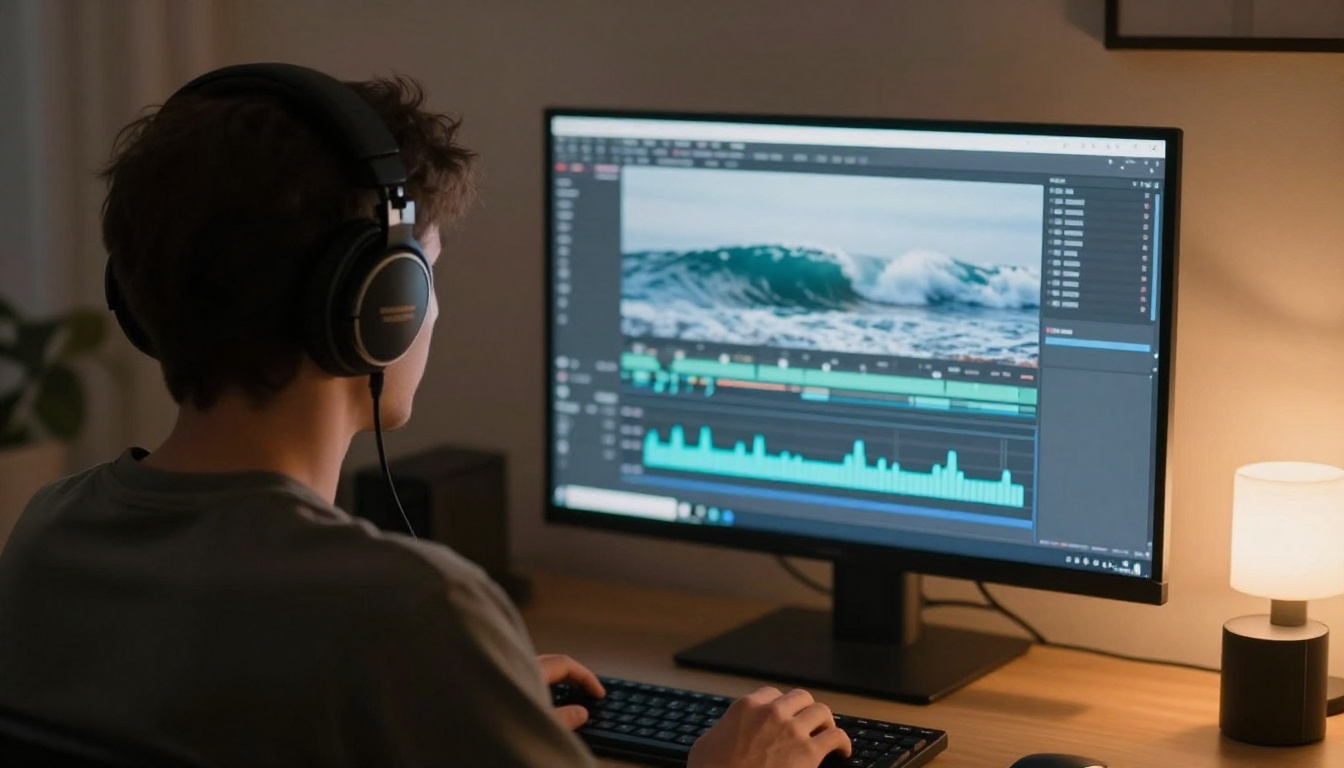
💡 Music platforms and buyers often restrict AI-made audio, and the rules vary by country and service. Treat video and music as a small add-on until you have confirmed where you are allowed to sell them.
Make Your First Ten Prints
A month is enough to find out whether your niche has legs. Run this plan:
- Week 1: choose one niche, study ten competing listings, and generate 30 images with one shared palette.
- Week 2: pick the best 12, upscale them, and order sample prints of the top three.
- Week 3: open the shop with 5 listings, full photo sets, honest AI disclosure and prices that survive fees.
- Week 4: submit your 20 most commercial images to stock agencies that accept AI, then check which listings get views and adjust the next batch.
Nothing here needs special equipment. It needs a clear niche, a steady batch of finished files and patience while listings gather views.
Open Picasso IA, choose Seedream 5 Pro, and generate ten images for one niche today. Put them side by side, keep the seven that look like they belong on one wall, and upscale them. Then run the same prompt through Flux 2 Pro and see which result you would rather hang in your own home. When you want more options, browse every model at picassoia.com/en/all-models, including video and music models for your next product.


