Picking the right AI image generator in 2027 feels like a full-time job. New models drop weekly, every platform claims photorealistic outputs, and the gap between a polished demo and real-world results can be enormous. We spent three weeks testing 15 of the most widely used AI image generators, running identical prompts across each one to eliminate bias and give you an honest comparison. Here is what we actually found.
How We Ran the Tests
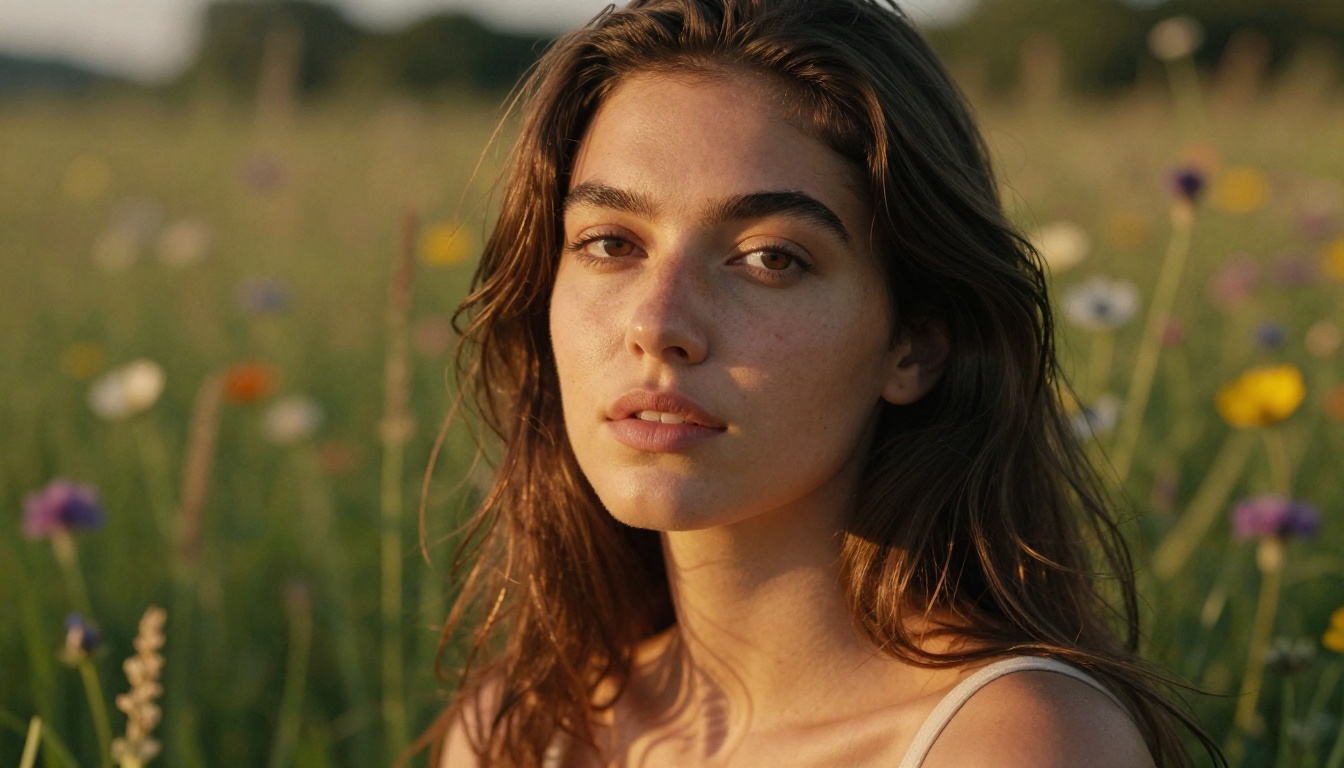
Every model received 50 prompts spread across four categories: realistic portraits, outdoor environments, product photography, and abstract compositions. Outputs were evaluated blind by five reviewers who scored them across five dimensions without knowing which model produced each image.
Our Scoring Criteria
We scored each model 1 to 10 on five dimensions:
| Dimension | What It Measures |
|---|
| Photorealism | How closely outputs resemble real photographs |
| Prompt Accuracy | Whether the model followed every instruction |
| Consistency | Reliability across all 50 prompts |
| Detail Retention | Skin texture, fabric, hands, backgrounds |
| Speed | Time to first usable output at default settings |
The final rankings combine all five scores. We did not cherry-pick outputs. Every score reflects the average across the full prompt set.
Speed vs. Quality Tradeoffs
One thing became obvious quickly: speed and quality are rarely at peak performance simultaneously. The fastest models (under 10 seconds) tend to sacrifice fine texture detail, while the most photorealistic outputs routinely take 30 to 60 seconds. There is no free lunch. We factored this into our ratings but gave heavier weight to output quality, since most real-world use cases can tolerate a longer wait for better results.
The Top 5: Photorealism Champions
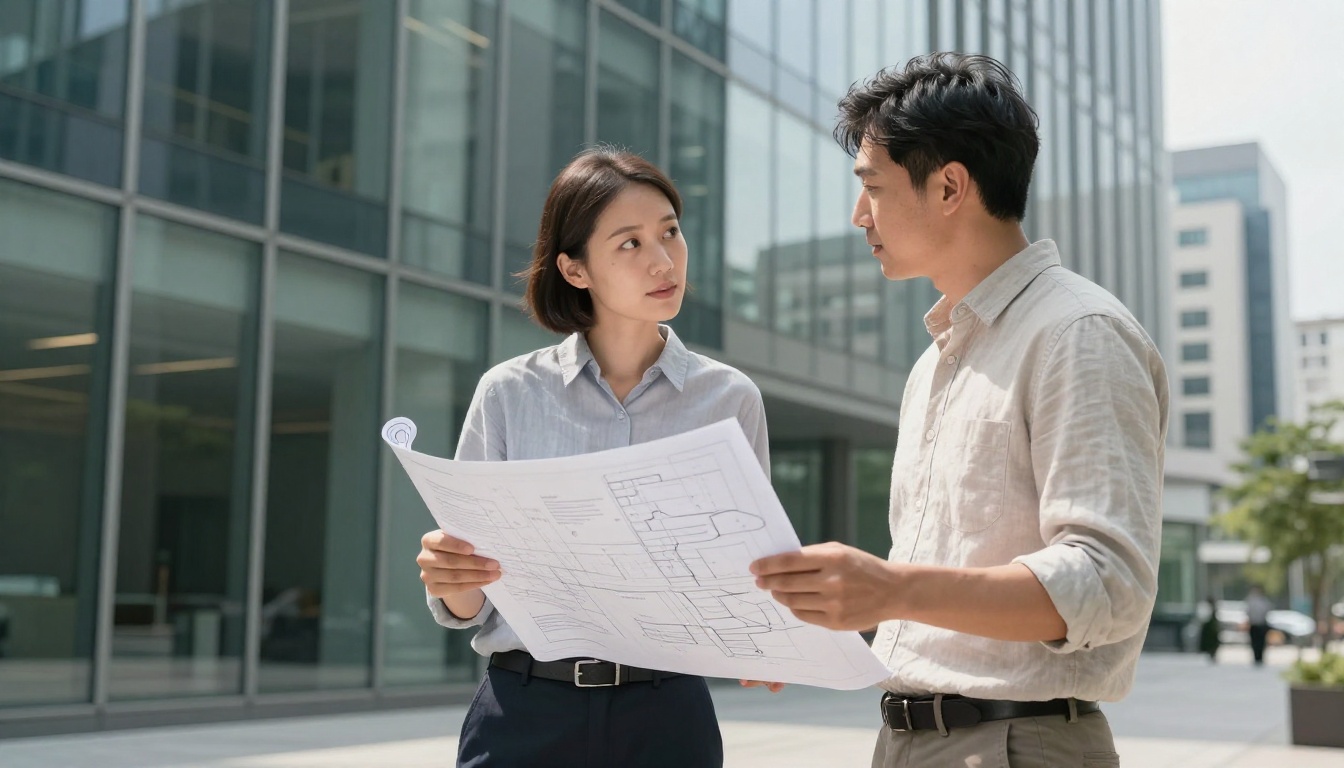
These five models separated themselves from the rest with consistently stunning outputs, strong prompt adherence, and the kind of fine-detail rendering that makes it genuinely difficult to tell whether an image was AI-generated or photographed.
1. FLUX Krea Dev (Score: 9.4/10)
FLUX Krea Dev is the standout model from Black Forest Labs, fine-tuned with Krea's aesthetic sensibility to produce images that feel less like AI art and more like editorial photography. Skin texture, fabric detail, and natural lighting all feel remarkably grounded. We threw some of our hardest prompts at it, including complex multi-person scenes and intricate background details, and it held up far better than we expected.
Strengths: Photorealism, natural lighting, fine texture detail
Limitations: Slightly slower than FLUX Schnell variants, occasional hand rendering issues
💡 FLUX Krea Dev shines brightest on portrait and fashion prompts. Describe the lighting direction specifically, for example "volumetric morning light from left," and you will get dramatically better results.
2. GPT Image 2 (Score: 9.1/10)
GPT Image 2 from OpenAI is the most capable instruction-follower in our test. Where other models struggle with specific positional details such as "the coffee cup is on the left side of the table," GPT Image 2 gets it right more often than any other model. Photorealism is excellent, though FLUX Krea Dev edges it slightly on fine skin texture.
Strengths: Prompt accuracy, instruction following, compositional control
Limitations: Can feel slightly too clean for editorial photography vibes
3. Seedream 4.5 (Score: 8.9/10)
Seedream 4.5 from ByteDance produces jaw-dropping 4K resolution outputs that hold up under heavy cropping and zooming. Landscape and architectural prompts are particularly strong, with atmospheric depth and color grading that rivals professional post-processing. Portrait results are also excellent, with natural skin tones across diverse subjects.
Strengths: 4K output quality, landscapes, color accuracy
Limitations: Slightly less reliable on complex multi-element compositions
4. Wan 2.7 Image Pro (Score: 8.7/10)
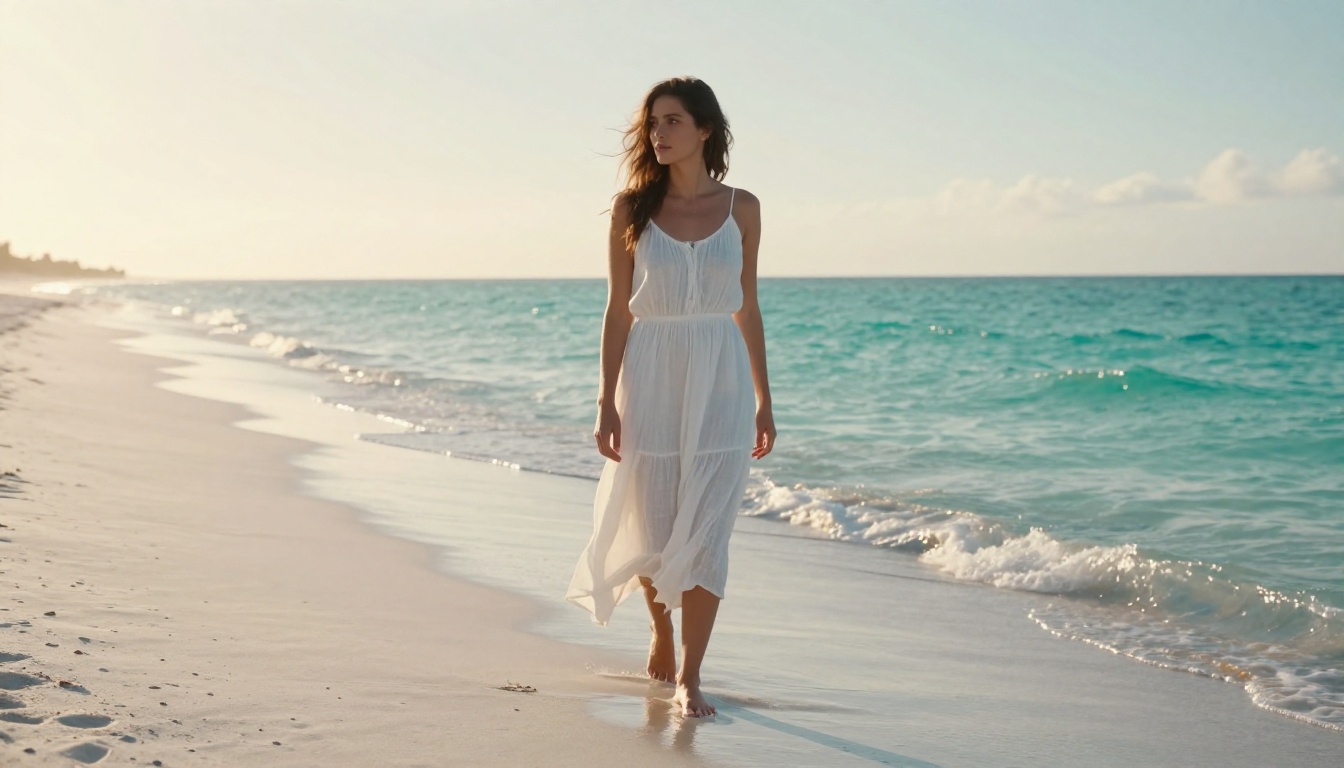
Wan 2.7 Image Pro brings 4K generation capability to a model that is already strong on composition and atmospheric rendering. We were particularly impressed by its handling of environmental light, where golden hour prompts produced the kind of warm, directional light that is notoriously difficult to replicate artificially. Outdoor portrait results rivaled some of the dedicated portrait models.
Strengths: Atmospheric lighting, outdoor environments, 4K resolution
Limitations: Interior and studio scene prompts are less reliable
5. Hunyuan Image 2.1 (Score: 8.5/10)
Hunyuan Image 2.1 from Tencent surprised us with 2K resolution outputs that felt more polished than many 4K competitors. The model handles diverse skin tones with exceptional accuracy and avoids the over-smoothed, waxy skin texture that plagues many AI image generators. It is one of the most consistent performers in our entire test, rarely producing broken anatomy or failed hands.
Strengths: Skin tone accuracy, consistency, anatomy rendering
Limitations: Caps at 2K resolution, some style prompts feel slightly saturated
Strong Contenders Worth Your Time
These five models are genuinely excellent and should not be overlooked. Whether they land below the top five comes down to specific weaknesses rather than overall quality problems.
6. Recraft 20B (Score: 8.3/10)
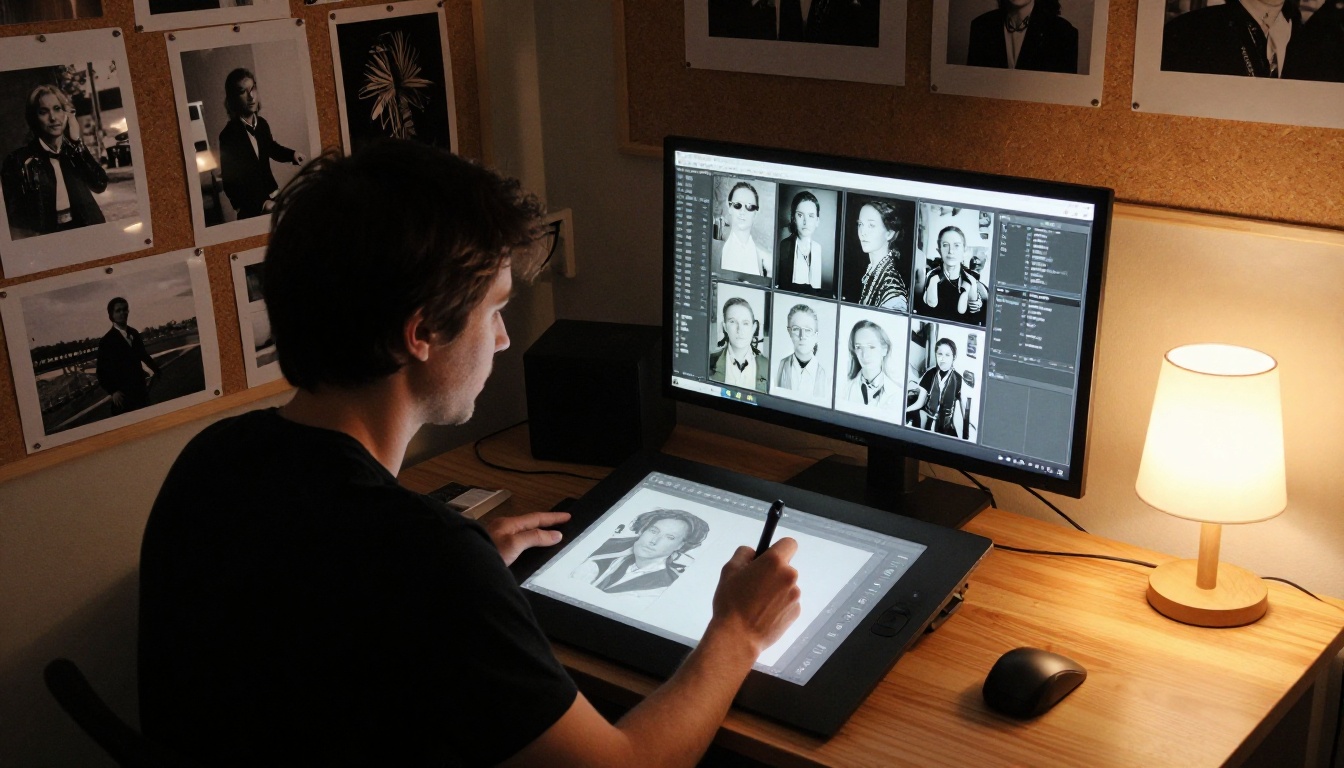
Recraft 20B by Recraft AI is the most style-flexible model in our test. It can shift from photorealistic outputs to graphic design-adjacent results within the same base model, making it uniquely versatile for creators who need more than one aesthetic. The raw photorealism score is slightly below the top five, but for brand content and marketing use cases, Recraft 20B often delivers the most usable results.
Strengths: Style flexibility, brand and marketing content, graphic design outputs
Limitations: Photorealism in portrait prompts trails the top tier
7. Reve Create (Score: 8.1/10)
Reve Create is built around prompt adherence, and it delivers on that promise. Complex multi-element scenes where other models drop details consistently come through with Reve. The companion tools, including Reve Edit and Reve Remix, make it particularly powerful as part of a full editing workflow rather than a standalone generator.
Strengths: Prompt accuracy, multi-element scenes, editing ecosystem
Limitations: Slightly flatter lighting compared to top-tier models
8. Gen4 Image Turbo (Score: 7.9/10)
Gen4 Image Turbo from Runway delivers precise outputs at faster speeds than most competitors. Its real strength is cinematic framing, where compositions feel deliberate and well-proportioned. If your use case involves generating images that will be used as video thumbnails or cinematic stills, Gen4 Image Turbo is the model to reach for.
Strengths: Cinematic composition, speed, consistency
Limitations: Photorealistic texture detail slightly below the top tier
9. Stable Diffusion 3 (Score: 7.7/10)
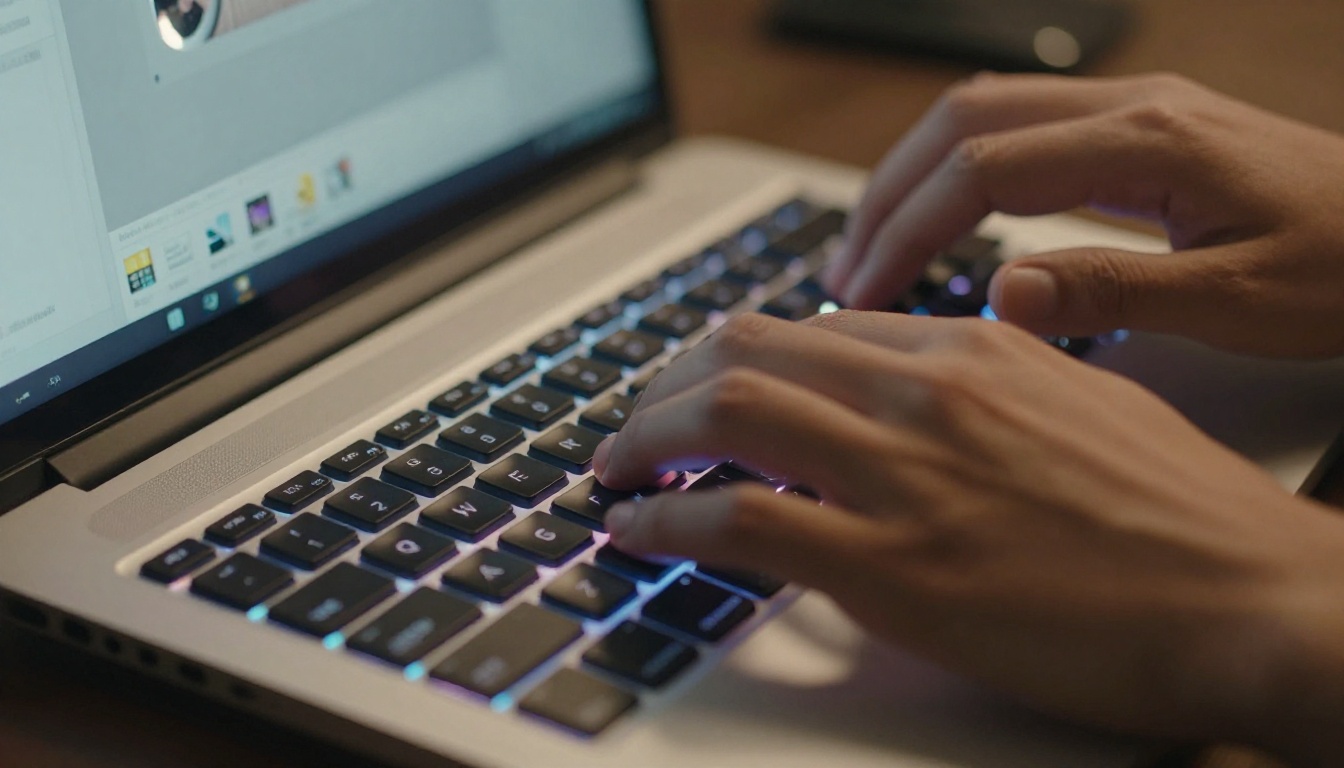
Stable Diffusion 3 from Stability AI is the most accessible entry point in this list for users who want maximum control over the generation process. It supports custom LoRA fine-tuning, detailed prompt weighting, and a wide range of stylistic configurations. Raw photorealism is below the top eight, but for users who want to customize every aspect of the output, it remains one of the most powerful platforms available.
Strengths: Customizability, LoRA support, community ecosystem
Limitations: Requires more prompt engineering to achieve photorealistic outputs
10. FLUX Redux Dev (Score: 7.5/10)
FLUX Redux Dev from Black Forest Labs is not a general-purpose generator. It specializes in creating image variations from reference inputs, making it indispensable for brand consistency workflows where you need multiple images that maintain a cohesive visual identity. Judge it on variation quality rather than raw generation capability and it is genuinely excellent.
Strengths: Image variation quality, brand consistency, reference-based generation
Limitations: Not a standalone generator for text-to-image prompts
The Niche Picks: Capable but Specialized
These five models did not make our top ten for overall general performance, but each has a specific use case where it outperforms everything else.
11. Bria Fibo
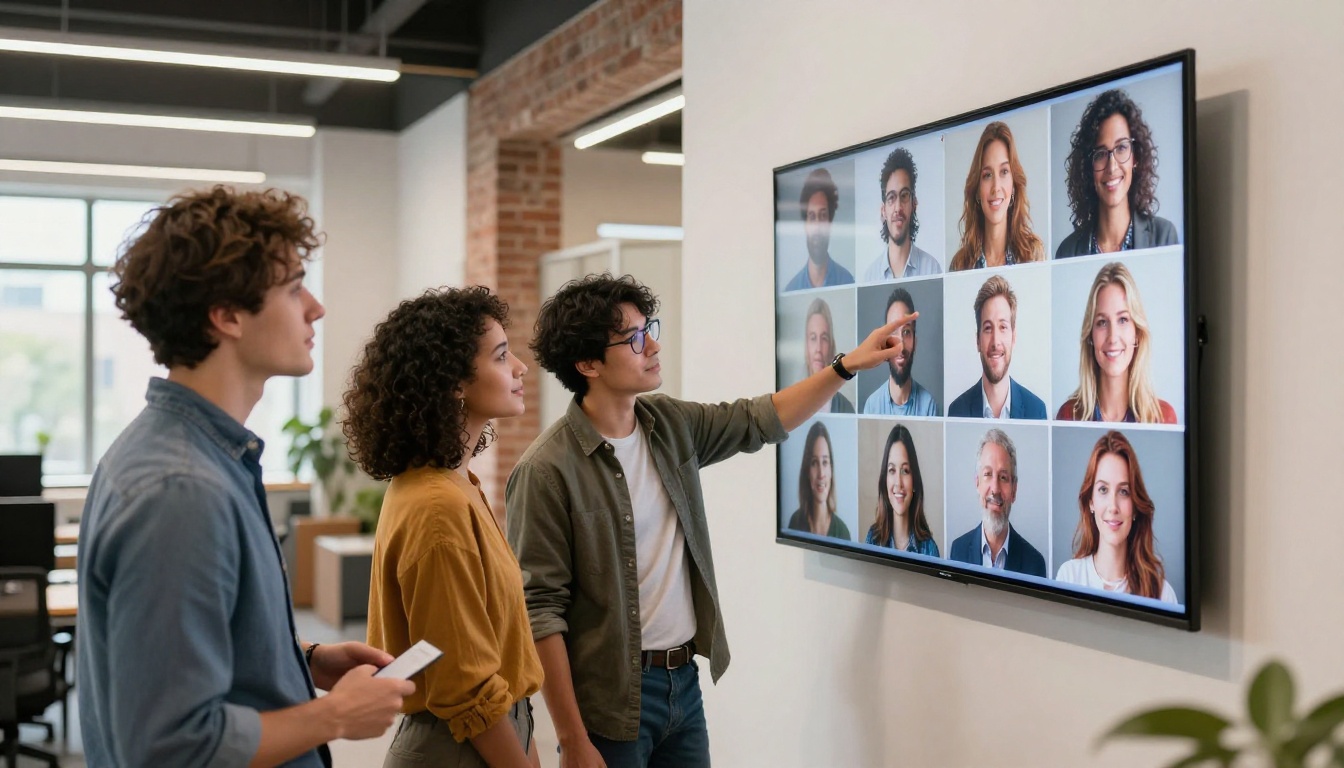
Bria Fibo is built for commercial precision. Clean edges, accurate compositions, and licensing-ready outputs make it the right pick for product visualization and commercial design workflows, even if raw photorealism trails the top-tier models.
12. FLUX Schnell LoRA
FLUX Schnell LoRA trades some quality for significant speed. For use cases that require rapid iteration and prototype previewing, its fast generation times make it a practical workhorse even if the final output quality lags behind FLUX Krea Dev.
13. Riverflow 2.0 Pro
Riverflow 2.0 Pro specializes in embedding readable, accurate text within images, which remains one of the hardest challenges for AI image generators. If your workflow involves creating social graphics, posters, or promotional material with text overlay, this is the model to use.
14. P Image Trainer
P Image Trainer is less a generator and more a training tool. Feed it a reference image set and it trains a custom LoRA that you can apply to your generation pipeline. For users building a consistent brand visual identity, it is an indispensable part of the workflow.
15. Qwen Image Edit Plus
Qwen Image Edit Plus from Alibaba's Qwen team is primarily an image editing model rather than a from-scratch generator. Its ability to apply targeted edits via text prompts, such as changing clothing color, adding objects, or relighting a scene, is among the best we tested.
Full Rankings at a Glance
Best for Specific Use Cases
Not every photographer or designer needs the same model. Here is our shortlist by use case.
Best for Portraits
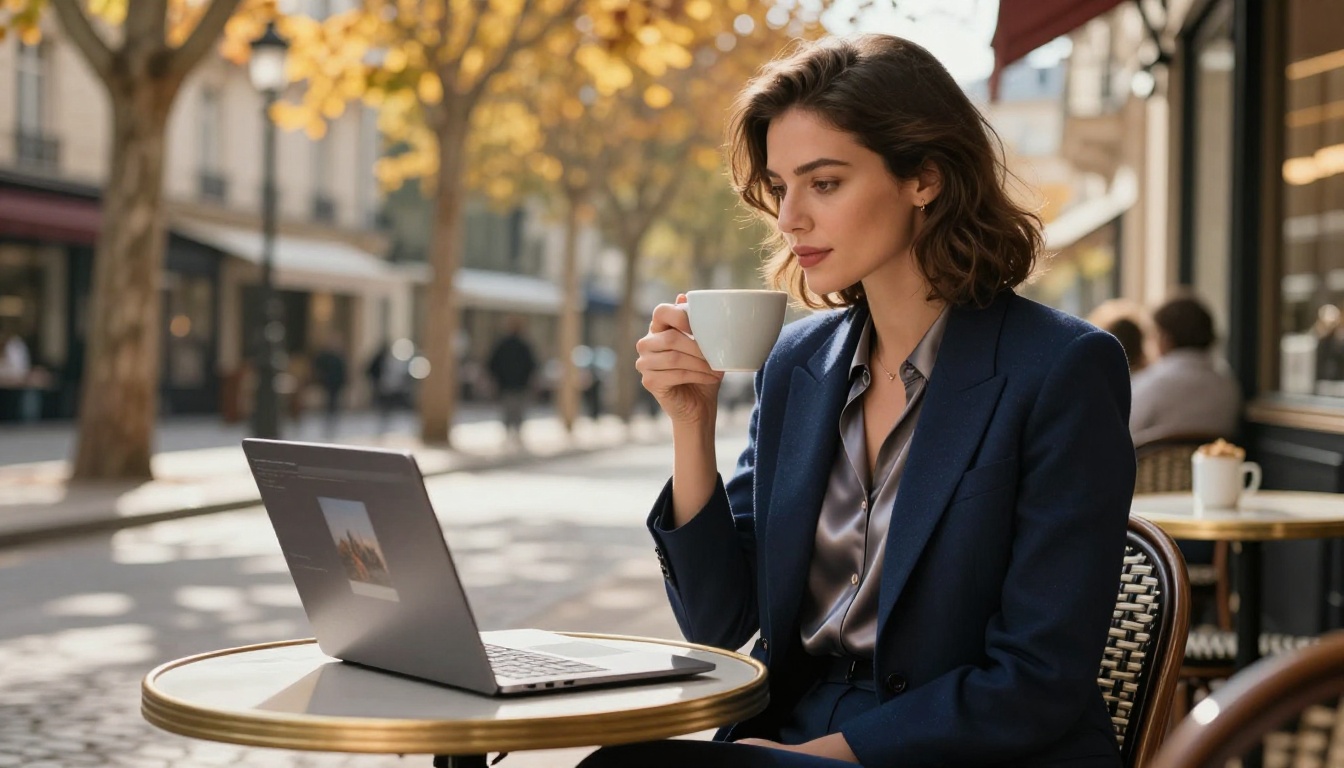
FLUX Krea Dev is the clear winner for portrait photography. Skin texture, natural hair rendering, and realistic eye detail are consistently strong across different lighting conditions. Hunyuan Image 2.1 is the best alternative for diverse skin tones specifically.
Best for Product Photography
Bria Fibo was built for this. Its commercial-focused outputs with clean edges and accurate proportions are better suited for e-commerce and product visualization than any other model we tested. For products with text elements such as packaging or labels, Riverflow 2.0 Pro is the right pick.
Best for Landscapes and Environments
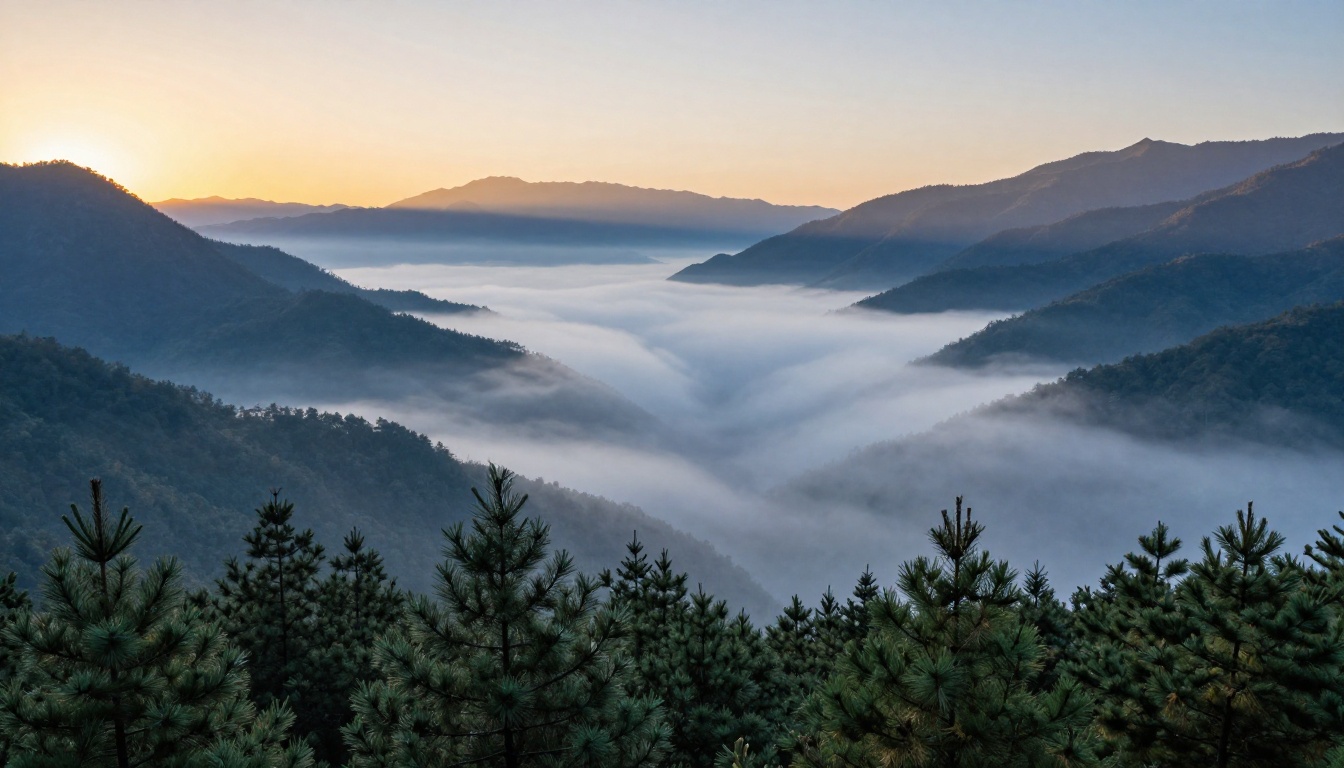
Seedream 4.5 and Wan 2.7 Image Pro trade places at the top depending on the specific environment. Seedream 4.5 edges ahead on color accuracy for golden hour and sunset scenes; Wan 2.7 Image Pro handles atmospheric fog and overcast conditions better.
💡 For landscape prompts, always specify the time of day and light direction. "Overcast diffused light" and "golden hour light from the southwest" produce dramatically different results even with identical scene descriptions.
How to Use These Models on PicassoIA
All 15 models in this ranking are available on PicassoIA. Here is exactly how to access and compare them on the platform.
Step 1: Pick Your Model
Head to the text-to-image collection page and search by model name. The collection includes over 90 models, so using the search function is faster than scrolling. Click the model card to open its dedicated page.
Step 2: Write a Strong Prompt
Strong prompts reliably include five elements, stacked in this order:
- Subject: Who or what is in the image
- Environment: Where the scene takes place
- Lighting: The direction, color temperature, and quality of light
- Camera perspective: Lens type, angle, and distance
- Style: Photographic style or film emulation reference
Weak prompt: "a woman in a field"
Strong prompt: "A woman in her late twenties in a wildflower meadow at golden hour, soft light from the left, shot at eye level with an 85mm f/1.4 lens, Kodak Portra 400 film grain, photorealistic 8K RAW"
Step 3: Lock Your Seed and Iterate
Most models offer a seed parameter. Once you find an output direction that feels right, copy the seed number and lock it. From that point, changing only the prompt while holding the seed stable lets you iterate systematically. This is the fastest way to refine a result without starting from scratch every time.
Step 4: Use the Right Aspect Ratio
For general use, 16:9 is the most versatile. For portrait-specific prompts, consider 3:4 or 9:16 to give the model more vertical space to work with. Product shots often perform best at 1:1 or 4:3. Matching the aspect ratio to the subject dramatically improves composition quality.
Start Generating Your Own Images
Reading about AI image generators can only tell you so much. The real difference between models becomes clear when you start testing them with your own prompts and your own use cases. Every workflow has a different winner, and the only way to find yours is to run the comparison yourself.
All 15 models in this ranking are live and ready on PicassoIA right now. Start with FLUX Krea Dev if you need photorealistic portraits. Try GPT Image 2 if your prompts involve complex instructions and specific compositional details. Move to Seedream 4.5 or Wan 2.7 Image Pro for landscapes that need that extra resolution punch.
Pick a model, write a strong prompt, and see for yourself how far AI image generation has come. The tools are there. The only thing left is the prompt.


