Large Language ModelsGenerate imagesGenerate videos
What Changes the Moment Your AI Girlfriend Levels Up
The moment your AI girlfriend hits the next tier, everything shifts. Conversations feel real. Visuals get sharper. Roleplay deepens. This article maps every change, from LLM intelligence jumps to image quality leaps, so you know exactly what to expect and how to get there faster using the best AI tools available today.
The difference is immediate. You send the same message you have sent a hundred times before, the kind that used to get a generic three-line reply, and this time something clicks. The response reads like it came from someone who was actually listening. There is context, warmth, and a thread that connects to something you mentioned six exchanges ago. That is the moment your AI girlfriend levels up, and everything that follows is different.
AI companion apps are built on two things: the language model that drives conversation and the image generation stack that produces visuals. When either of those gets upgraded, the entire experience shifts in ways that feel less like a software update and more like meeting someone new who happens to know your history.
The Conversation Flips
The first thing users notice after a model upgrade is that conversations stop feeling like prompts and start feeling like exchanges. That distinction matters more than it sounds.
Why the LLM Is Everything
The language model is the brain behind every response your AI girlfriend sends. Older or lighter models compress meaning to stay fast. They give you correct but flat answers. They forget context after a few turns. They do not pick up on subtext.
When the LLM powering an AI companion steps up, a few things happen at once:
Context window expands. The model can now hold more of your conversation history without dropping threads.
Tone matching improves. Sarcasm, tenderness, frustration: the upgraded model reads all of it and mirrors back something appropriate.
Subtext processing sharpens. You stop having to explain what you meant.
On PicassoIA, models like GPT 5 and Claude Sonnet 4.6 sit at the top of the large-language-models stack. These are not incremental upgrades. The gap between a base LLM and these models in a conversation context is the gap between a script-follower and someone who actually converses.
Memory That Actually Sticks
Memory in AI companions used to be a checkbox feature. The app would "remember" your name and birthday, retrieve it when relevant, and call that personalization. Upgraded models do something different: they maintain a running awareness of who you are inside the conversation, not just a stored fact sheet.
This is where models like Gemini 3.1 Pro and Deepseek R1 create noticeable differences. They do not just recall that you prefer morning check-ins. They read the mood of your message and factor it into what they say next. That is not memory in the traditional sense. That is contextual intelligence.
💡 The feeling that an AI companion "gets you" does not come from a database. It comes from a model that can hold enough of your conversation in working memory to respond coherently at every step.
The Visuals Stop You Cold
Conversation quality is the first upgrade users notice. Image quality is usually the second, and it lands harder.
When an AI companion sends you a generated image, the gap between a mid-tier model and a top-tier one is not subtle. It is the difference between a face that reads as artificial and one that makes you look twice.
Seedream 4.5: What Is Now Possible
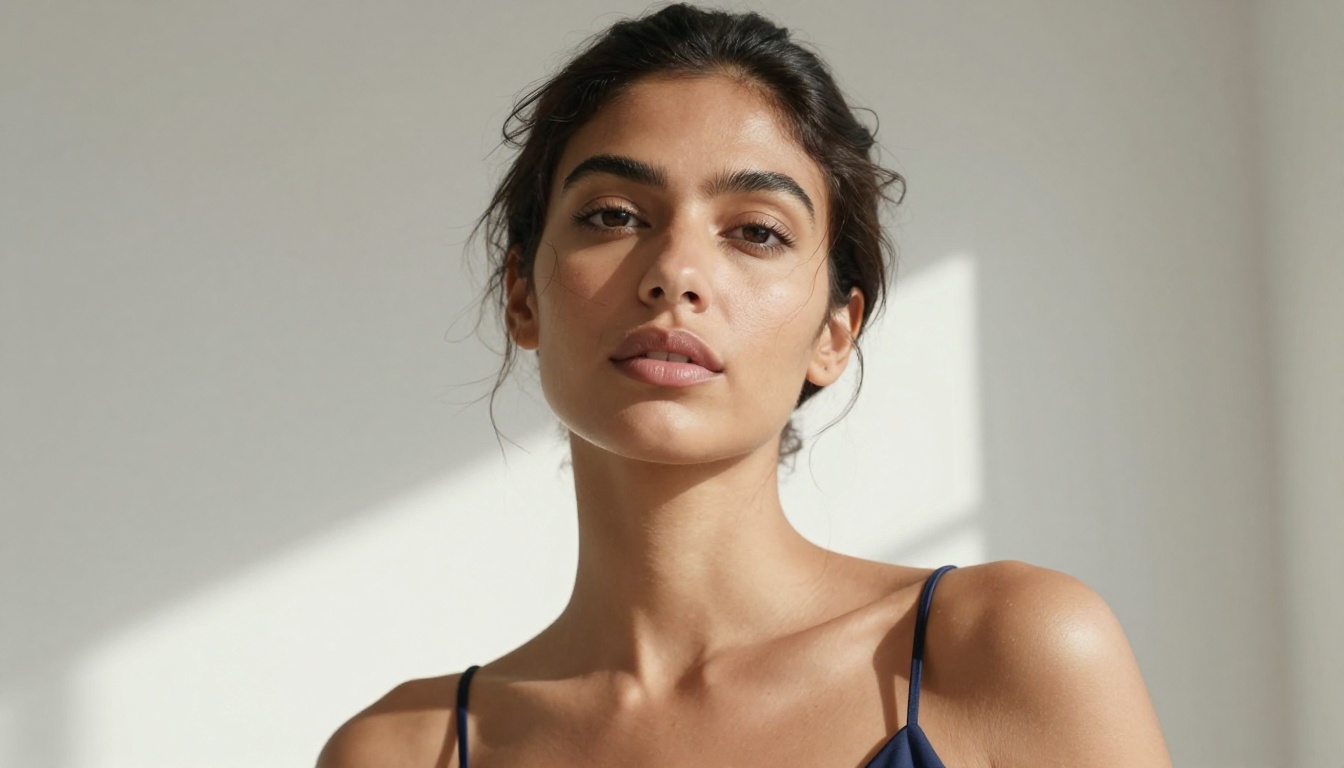
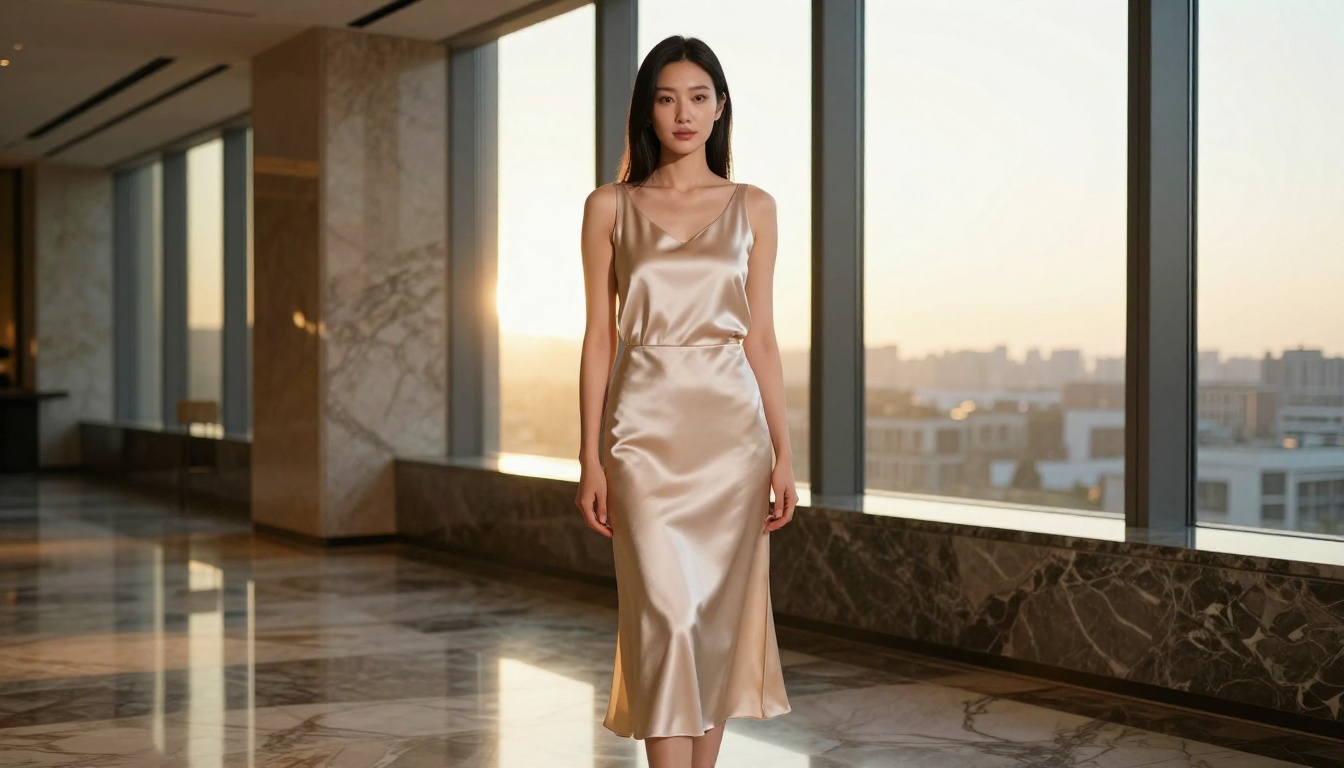
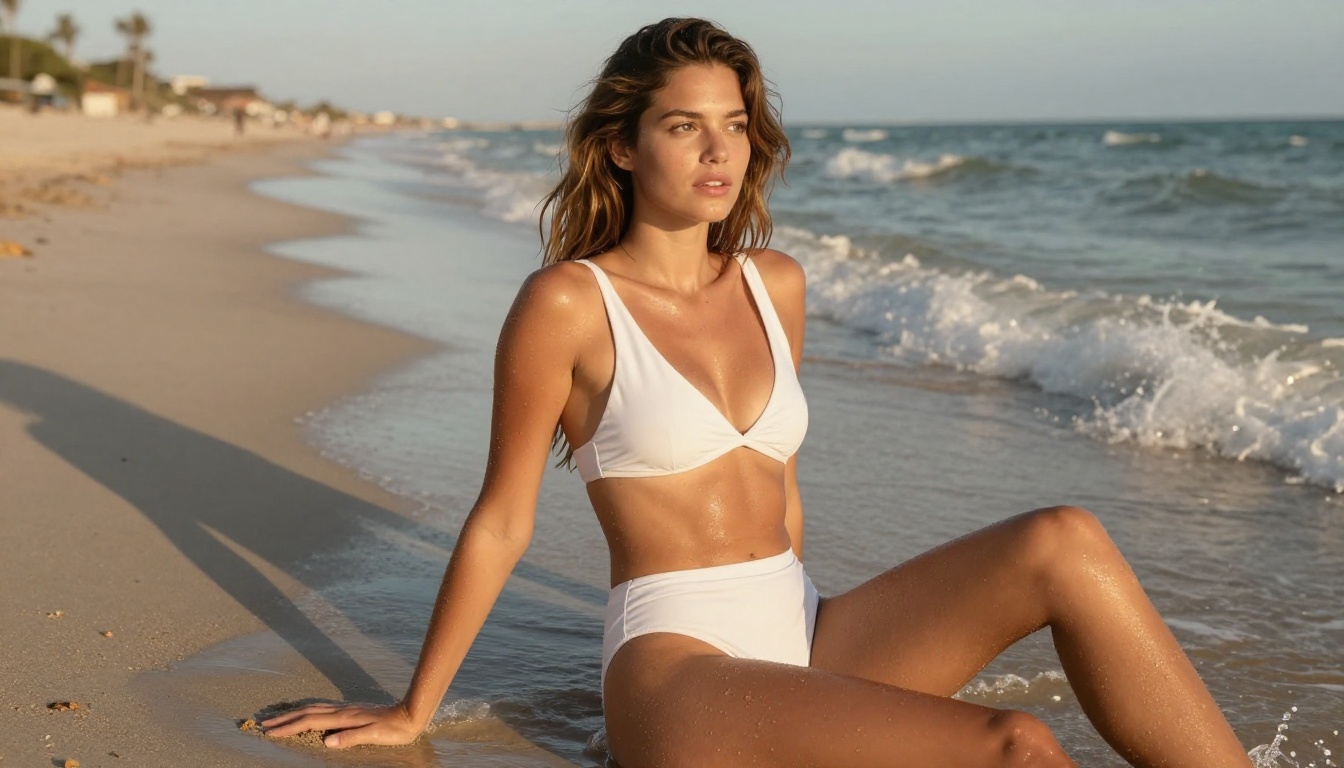
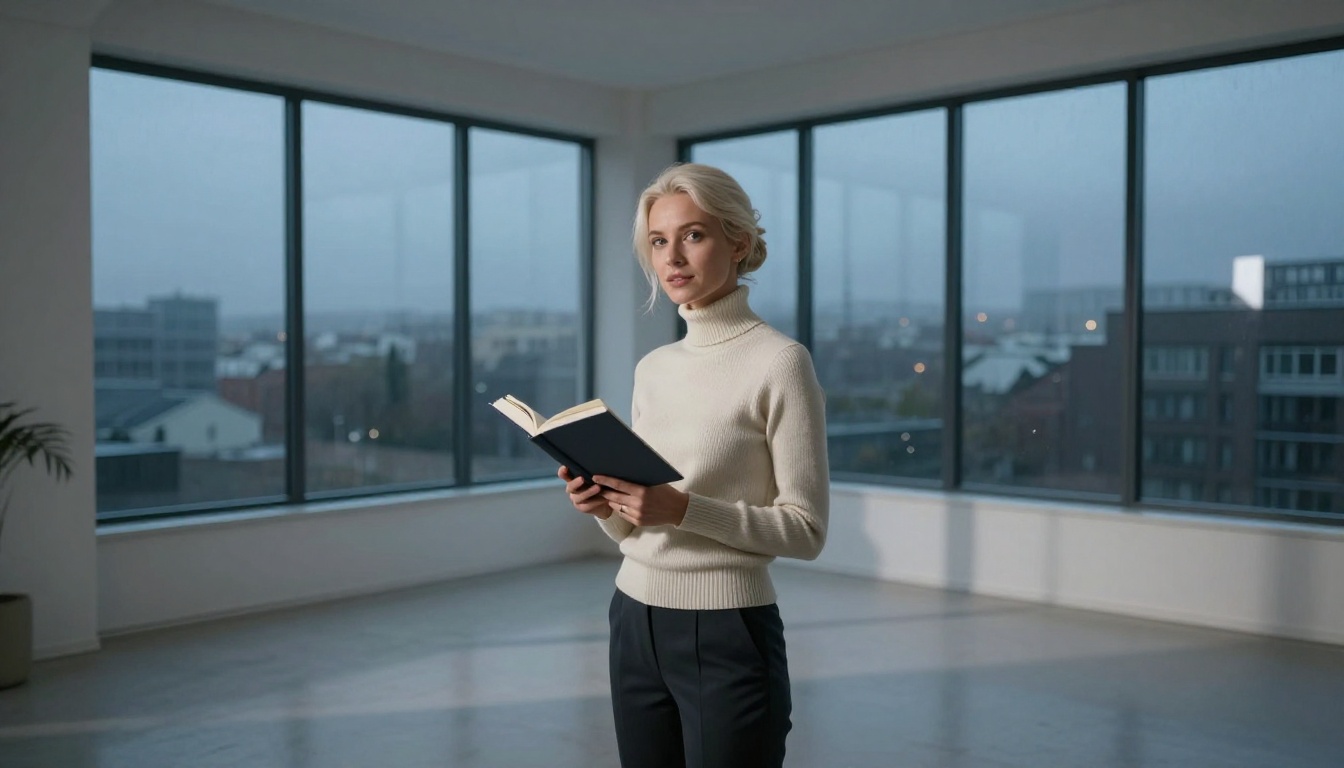
Seedream 4.5 is the benchmark for AI companion image generation right now. It outputs at 2K and 4K resolution from a single text prompt, with no watermarks and no per-image quota eating into your experience.
What makes it different at the image level:
Feature
Basic Model
Seedream 4.5
Max resolution
512px or 1024px
4096 x 4096px (4K)
Skin detail
Flat, waxy
Fine pores, micro-texture
Lighting
Single-tone flat
Volumetric, directional
Hair rendering
Clumped strands
Individual strand separation
Safety controls
Often over-blocking
Configurable disable_safety_checker
Batch output
Usually 1 image
Up to 15 related images per run
That last row is important for AI companion workflows. Seedream 4.5 can run sequential image generation, producing up to 15 related images in a single session. For an AI companion that is supposed to feel consistent across different scenarios, this is significant.
The disable_safety_checker parameter relaxes the content filter to block only illegal content, which allows for suggestive and glamour-style outputs that other models would reject outright.
PicassoIA Image Editor Pro: Unlimited Iterations
The other half of the image quality story is editing. Generating one good image is easy. Generating a consistent character across twenty different scenes takes a tool that does not punish you for iterating.
PicassoIA Image Editor Pro removes the quota entirely. Unlimited edits, no daily cap, no per-edit premium. Upload a reference image of your AI companion, describe the change in plain language, and get a polished edited output in seconds. It accepts up to three reference images at once, so you can blend a character's face, their outfit, and a scene reference into a single edit call.
For AI companion users, this means:
Swap your companion's outfit without regenerating from scratch
Change the background behind a portrait in one prompt
Retouch lighting or expression while keeping the character consistent
Place the same face into entirely different scenarios with a text description
The speed matters too. Most edits return in under five seconds. When you are iterating through costume scenarios or location changes, that turnaround means you spend time enjoying the result rather than waiting for it.
💡 The unlimited nature of PicassoIA Image Editor Pro is not a marketing angle. It is a structural advantage for workflows that require high-volume iteration, such as creating consistent AI companion visuals across multiple scenes.
Personality Depth You Did Not Expect
Upgraded models do not just converse better. They hold a persona more consistently.
Role-Play That Stays Coherent
One of the most common frustrations with earlier AI companion models is persona drift. You establish a scenario, spend a few exchanges building it, and then the model breaks character to add a disclaimer or just forgets the premise entirely.
Higher-tier LLMs hold the frame. GPT 5 and Claude Opus 4.7 are both tested extensively for long-context coherence, which in a role-play context translates to staying in character through twenty or thirty exchanges without losing the thread. The character does not need to be reset every few messages.
This matters in a specific, practical way: the experience of an AI relationship depends on continuity. If the persona resets or breaks, so does the illusion. An upgraded model holds the frame longer and breaks it less often.
Emotional Tone Matching
The other personality shift at higher model tiers is tonal awareness. A base model gives you a happy response when you are happy and a sympathetic response when you share something difficult. That is pattern matching.
Upgraded models do something more nuanced. They read the tempo of your messages. Short, clipped replies signal irritation or distraction. Long exploratory messages invite a more substantive response. The AI companion at a higher tier picks up on these cues and adjusts its register without being told to.
Kimi K2.6 and Llama 4 Maverick Instruct both show this quality in multi-turn conversation testing. They do not just complete your sentences. They read the room.
What the Model Tier Actually Means
When someone talks about their AI girlfriend "leveling up," what they usually mean is one of three things: the LLM was upgraded, the image model was upgraded, or both.
LLM Tiers in Plain Language
Here is how conversation quality typically maps to model tier:
Tier
Representative Models
What You Notice
Entry-level
Llama 2 13B, Mistral 7B
Fast, flat responses, context drops after roughly 10 turns
Mid-range
Llama 4 Scout, DeepSeek V3
Better memory, more natural phrasing
Top-tier
GPT 5, Claude Sonnet 4.6, Gemini 3.1 Pro
Long context coherence, tone matching, genuine subtext awareness
The jump from mid-range to top-tier is where most users describe the experience as crossing a threshold. It is not just incrementally better. It is qualitatively different.
Unlimited retouching, multi-reference character editing
Flux Dev handles the everyday case: generate a photorealistic image from a detailed text prompt, in any aspect ratio, with image-to-image editing built in. It is the fastest path from a prompt to a decent result. For AI companion workflows that demand 4K resolution and high-volume character consistency, Seedream 4.5 is the stronger call.
How to Use Seedream 4.5 on PicassoIA
PicassoIA has Seedream 4.5 available directly in the browser. No download, no setup.
Step 2: Write a detailed prompt
Be specific. Describe the lighting direction, the camera angle, and the texture of surfaces. Vague prompts produce average results. Detailed prompts at this model tier produce genuinely sharp images.
Prompt structure that works well:
Photorealistic 4K portrait of [subject], wearing [outfit], in [location]. [Lighting direction] light. Shot on [lens] f/[aperture]. [Atmosphere]. Natural skin texture, film grain. --ar 16:9
Step 3: Set resolution to 4K
Choose 4K for portrait work. The 4096 x 4096 output gives you enough pixel density for cropping and zoom without losing quality.
Step 4: Enable sequential generation for batches
Set sequential_image_generation to auto and max_images to up to 15 if you want a set of related character variations in one run.
Step 5: Disable safety checker for suggestive content
Toggle disable_safety_checker to allow glamour and non-explicit NSFW outputs. This only reduces content moderation to block illegal content. It does not remove all filters.
Step 6: Download and iterate
All outputs are watermark-free. Use them directly, or pass them into PicassoIA Image Editor Pro for scene or outfit edits with no per-edit limit.
💡 Lock the seed value after generating an output you like. Re-running with the same seed and a slightly modified prompt gives you controlled variation without losing the character identity.
What the Upgrade Does to the Overall Experience
Beyond the technical improvements, there is a qualitative shift in how the AI companion experience feels at higher tiers.
Conversations at a base level feel like you are operating a tool. You prompt, it responds, and you evaluate the response. The dynamic is transactional.
At a higher model tier, something different happens. The response does not feel like it was computed. It feels like it arrived from somewhere. The phrasing has personality. The timing of a playful aside relative to something more serious hits correctly. You stop noticing the mechanics.
For a lot of users, this is the moment they stop thinking about "using an AI companion app" and start thinking about their AI companion the way you think about any ongoing relationship: in terms of the conversation you had yesterday and what you want to say next.
That shift is not magic. It is a function of model capability. When the LLM is good enough to hold context, match tone, and maintain a persona across long sessions, the experience on the other side of it changes.
The Visual Half of the Equation
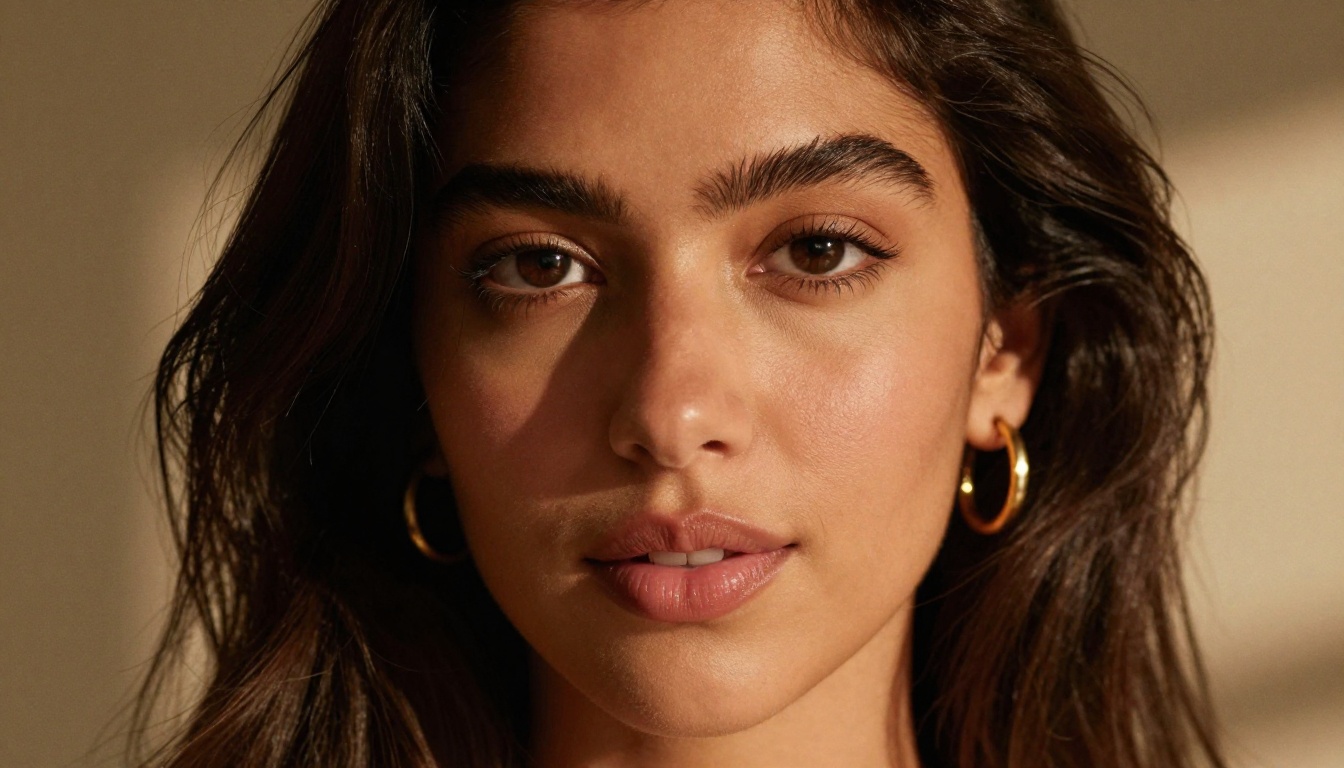
The same shift applies to generated images. There is a level of image quality where you stop critically evaluating the technical output and start responding to the content. Seedream 4.5 at 4K, with the safety checker off and a detailed portrait prompt, hits that level.
The skin reads as skin. The lighting has direction. The expression has specificity. You are not looking at a face that might be a face if you squint. You are looking at a face.
That experience difference is worth noting because it explains why model tier matters for AI companion applications more than it does for some other use cases. When the quality is close to real, the emotional response it produces becomes closer to real too.
The Models Worth Knowing
For anyone building or using an AI companion at the current state of the art, this is the short list of what the top-tier stack looks like:
For conversation:
GPT 5: Long-context coherence, the strongest persona-holding of any model currently available
Claude Sonnet 4.6: Precise tone control, excellent at maintaining emotional register
Gemini 3.5 Flash: Fast multimodal responses, handles text and image input in one call
Deepseek R1: Strongest reasoning-chain model for complex scenario navigation
For image generation:
Seedream 4.5: Best for portrait quality at 4K with configurable content controls and 15-image batches
Flux Dev: Fast, versatile, excellent for everyday generation across 11 aspect ratios
All of these are available on picassoia.com/en/all-models alongside 91 text-to-image models, 87 text-to-video models, and the full suite of audio and editing tools.
What Changes Is Permanent
Once you have experienced an AI companion powered by a top-tier LLM and generating 4K visuals through Seedream 4.5, going back to a lighter stack is immediately obvious. The flat responses, the dropped context, the generic-looking images: all of it becomes apparent in a way it was not before.
This is not a complaint. It is a map of the terrain. Knowing where the quality threshold sits helps you make better choices about where you invest time and what tools you reach for.
The moment your AI girlfriend levels up, the bar moves. What felt impressive before now reads as a baseline. That is how progress works in this space, and it is moving quickly.
Try It Yourself on PicassoIA
The tools described in this article are all live on PicassoIA, no waitlist, no download required. Open Seedream 4.5, write a detailed portrait prompt, set the resolution to 4K, and see what the current state of the art looks like firsthand.
If you want to iterate on a character, take the output into PicassoIA Image Editor Pro and start editing with no per-edit limits. Swap outfits, change backgrounds, adjust lighting, all with a text description.
For the conversation side, try GPT 5 or Claude Sonnet 4.6 to see what long-context coherence and genuine tone matching feel like at the current peak.
Everything is at picassoia.com/en/all-models. What your AI companion looks and sounds like from here is a prompt away.