If you have ever typed a sentence and watched a computer generate a photorealistic image from nothing, you have already seen a diffusion model in action. These models sit behind most of today's major AI image generators, from Stable Diffusion to Flux Dev, and the way they work is far simpler to grasp than most people expect. This article explains diffusion models without equations, without jargon, and without skipping the parts that actually matter.
The Noise Problem Nobody Talks About
Most explanations of diffusion models start with complicated math. That is the wrong place to start. The right place is a much simpler question: what if you could teach a computer to undo randomness?
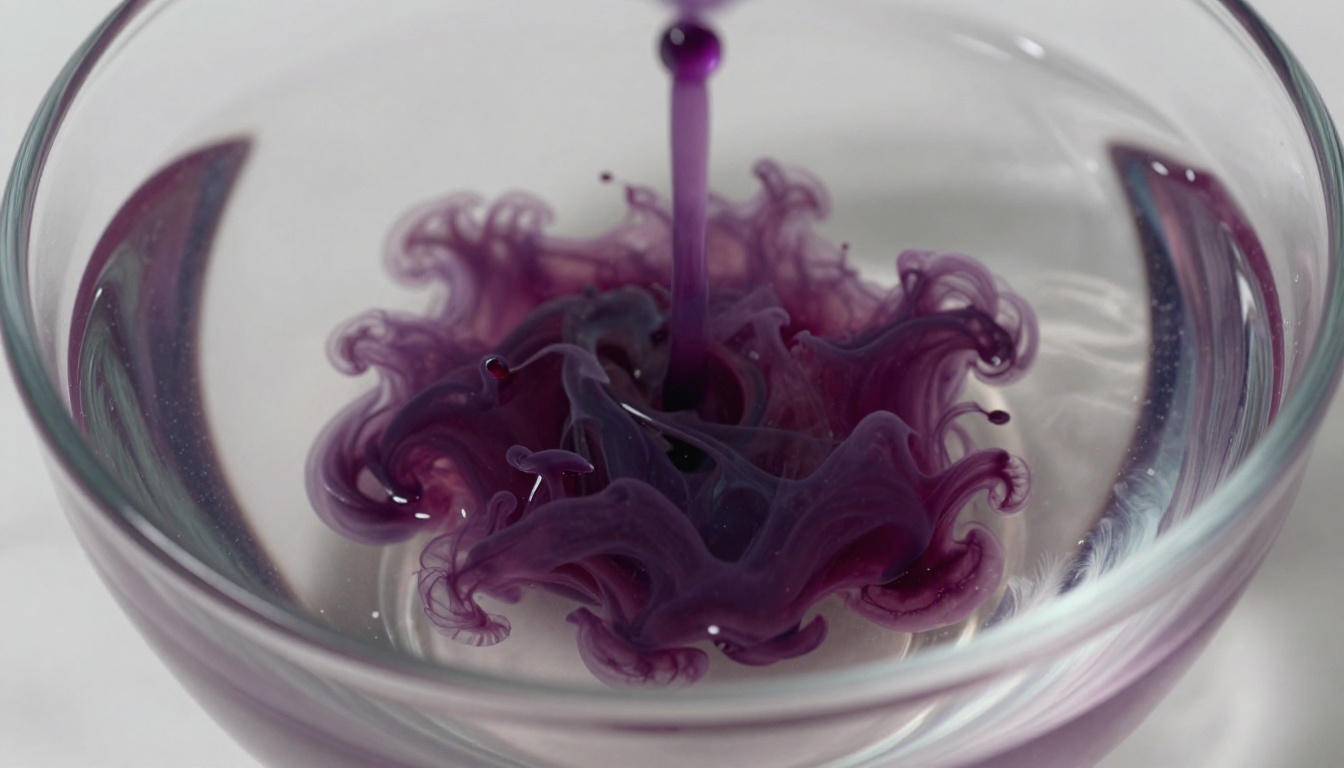
Think about what happens when you stir a drop of ink into a glass of water. The ink spreads, mixes, and eventually you cannot tell where it started. That process of spreading out, becoming uniform, losing structure, is called diffusion. It happens with ink in water, with heat through a metal rod, and with scent in a room.
Diffusion models borrow that idea and run it in reverse.
Why Noise Makes Sense as a Starting Point
In the world of images, "noise" means random pixel values. Take any photograph and add enough random values to every pixel and you end up with static, like a broken television. The original image is completely gone.
That is the starting point for every diffusion model. Not because it is interesting, but because it is useful. Pure noise is easy to generate. You do not need a dataset of images to produce random pixels. You can make them instantly, from nothing.
The insight that made diffusion models practical is this: if you can train a neural network to take a slightly noisy image and predict what the clean version looks like, you can chain that process together hundreds of times to go from pure noise all the way back to a coherent image.
How a Diffusion Model Actually Works
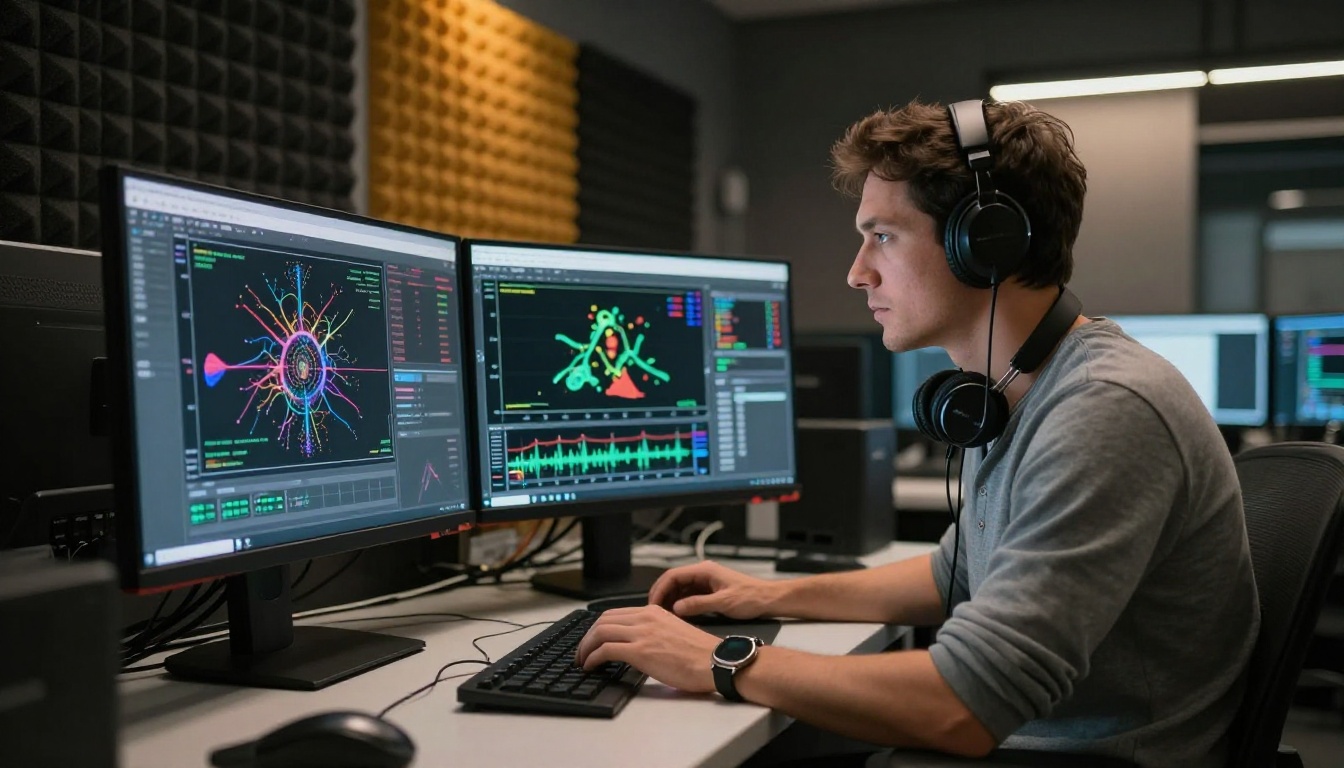
At its core, a diffusion model is a neural network with a single job: predict the noise in an image. That sounds almost too simple, but that one capability, scaled up with enough data and compute, produces the photorealistic outputs you see today.
Step One Is Pure Destruction
Training starts by destroying images on purpose. The researchers take millions of real photographs and, in a controlled way, add random Gaussian noise to them at many different levels. At noise level 1, the image looks almost normal, just a little grainy. At noise level 500, it is heavily degraded. At noise level 1,000, it is pure static.
For every noisy version, the network is told: here is the noisy image, here is the noise level, now predict what the noise looks like. Over millions of training examples, the network gets very good at recognizing patterns of noise at every severity level.
Step Two Is Where the Magic Happens
Once trained, you run the model in reverse. You start with a completely random noise image, feed it to the network, ask it to predict the noise at step 1,000, subtract some of that noise, then ask it to predict the noise at step 999, subtract again, and repeat.
After 1,000 of these small denoising steps, the static has resolved into a coherent image. The network was never told to draw anything specific. It was only told to remove noise. But because it learned from millions of real photographs, the image that emerges looks like a real photograph.
💡 The core idea: Diffusion models do not generate images by drawing from scratch. They generate by subtraction, removing noise until structure appears.
What the Network Actually Learns
The most surprising thing about diffusion models is what the neural network is actually learning during training. It is not learning to draw eyes, or trees, or faces. It is learning the statistical structure of images, the patterns that make pixel arrangements look like real things rather than random noise.
The Training Loop Explained
Here is what the training loop looks like in plain terms:
- Take a real image from the dataset
- Choose a random noise level between 1 and 1,000
- Add exactly that much noise to the image
- Show the noisy image and the noise level to the network
- Ask the network to predict the original noise that was added
- Compare the prediction to the actual noise
- Adjust the network's weights to make the next prediction slightly better
- Repeat billions of times
After enough iterations, the network has seen so many examples that it has internalized what "natural image" means at a deep statistical level. It knows, without being explicitly told, that sky pixels tend to appear above ground pixels, that faces have a certain symmetry, that textures repeat in predictable ways.
Why 1,000 Steps Changes Everything
Earlier diffusion approaches tried to go directly from noise to image in one shot. The results were poor. The jump was too large, too much information had to be inferred at once.
Breaking the process into 1,000 small steps changes the difficulty of each individual step dramatically. At each step, the network only needs to make a small correction. Small corrections are easier to predict accurately. The accumulation of 1,000 small accurate corrections produces a large, accurate result.
This is why later work focused heavily on reducing the number of steps needed, using SDXL Lightning 4Step to achieve quality results in as few as 4 steps, or Flux Schnell which produces sharp images in seconds.
Forward vs. Reverse in Plain Terms
The two halves of a diffusion model have formal names: the forward process and the reverse process. In practice, they are simple to describe.
One Direction Destroys, One Builds
| Process | Direction | What Happens | When It Runs |
|---|
| Forward | Image to noise | Gradually adds Gaussian noise until image is destroyed | During training only |
| Reverse | Noise to image | Gradually removes noise until image is reconstructed | During inference (image generation) |
The forward process has no learnable parameters. It is just a mathematical formula that adds noise. The reverse process is where the neural network lives. All the intelligence is in learning to run that second direction.
The Role of the U-Net
The neural network architecture most diffusion models use is called a U-Net. The name comes from its shape: it compresses the image down to a small representation (the bottom of the U), then expands it back to full size (the right side of the U), with connections between matching levels on each side.
This architecture is particularly good at processing images because:
- Compression captures global structure (is this an outdoor or indoor scene?)
- Expansion reconstructs fine details (what does the texture of grass look like here?)
- Skip connections let fine details flow directly from compression to expansion without getting lost
More recent models like Flux Dev have moved toward transformer-based architectures instead of U-Nets, which handle very high resolutions more efficiently and allow more nuanced prompt following.
Text Prompts and How They Steer the Noise

Explaining how a diffusion model generates images from noise is the first part of the story. The second part is explaining how text prompts control what image emerges. This is where text-to-image models differ from simple diffusion models.
CLIP and the Bridge Between Words and Images
Text-guided diffusion models use a separate model called CLIP (or similar text encoders) to translate your written prompt into a numerical representation. CLIP was trained on hundreds of millions of image-text pairs from the internet, learning which words and phrases tend to appear alongside which visual concepts.
When you type a prompt, CLIP converts it into a vector, a list of numbers that represents the semantic meaning of your text in a space where related concepts are close together. A prompt about "a red apple on a wooden table" produces a vector that is mathematically close to vectors for related concepts like "fruit", "kitchen still life", and "natural light".
That vector is then fed into the diffusion model at every denoising step, acting as a constant guide that pulls the emerging image toward the described concept. Without this guidance, the model would just generate random photorealistic images with no connection to your words.
Classifier-Free Guidance
There is a technique called classifier-free guidance that makes text-to-image results significantly sharper and more adherent to the prompt. Here is the basic idea:
At each denoising step, the model runs twice:
- Once with the text prompt, predicting noise conditioned on your description
- Once without any prompt, predicting noise from the image alone
The final noise prediction combines both: start with the unprompted prediction and add an amplified version of the difference between the prompted and unprompted predictions. This amplification (the guidance scale setting you see in many interfaces) pushes the output more aggressively toward your prompt at the cost of some image diversity.
💡 Practical tip: Higher guidance scale values (7-10) produce images that match your prompt very literally. Lower values (3-5) produce more creative but sometimes unexpected results.
Popular Diffusion Models Right Now
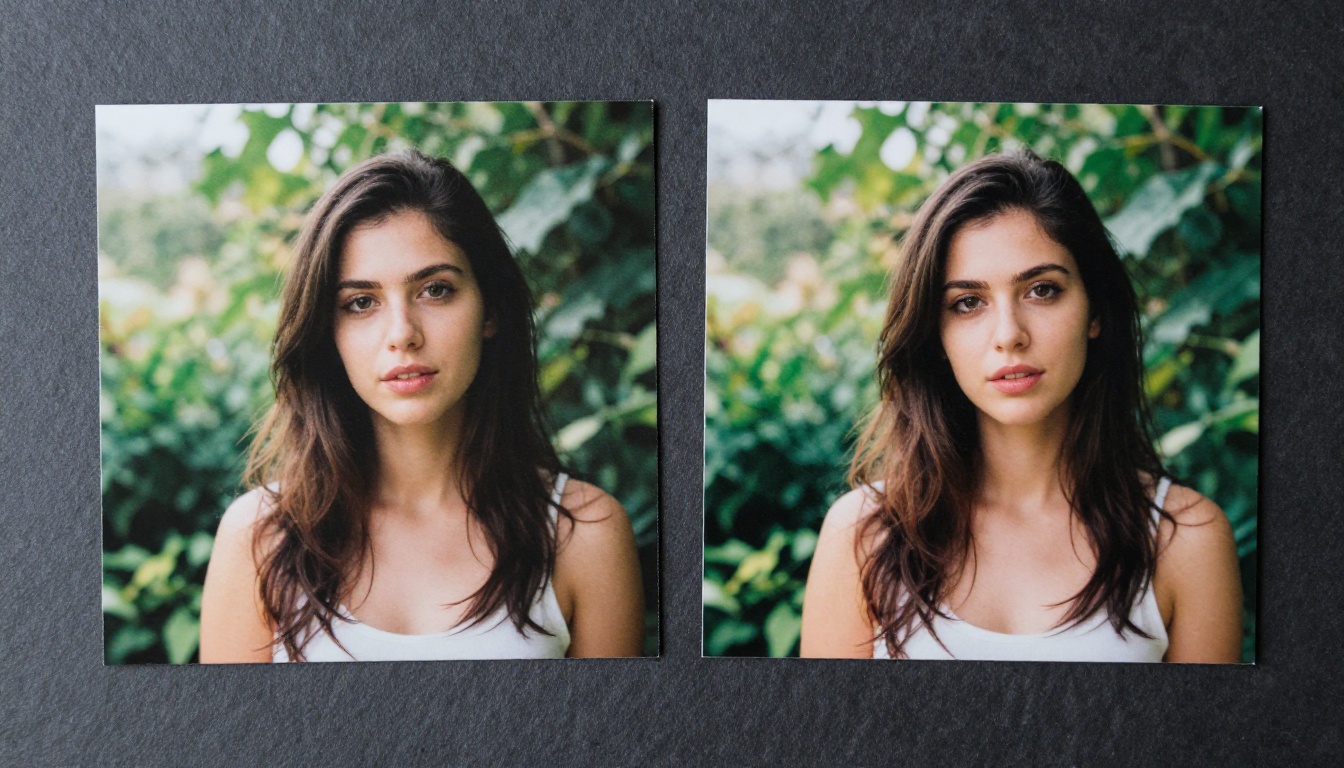
The diffusion model landscape has changed fast. A model that was state-of-the-art two years ago is often significantly surpassed by what is available today. Here is where things stand.
Stable Diffusion and Its Variants
Stable Diffusion was the model that brought diffusion image generation to the public. Released in 2022 by Stability AI, it was the first major text-to-image model with open weights, meaning anyone could run it on their own hardware.
Its core innovation was latent diffusion: instead of running the denoising process directly on pixel values (which is computationally expensive at high resolutions), it runs the process in a compressed "latent space" and only decodes the result to pixels at the very end. This made high-quality generation practical on consumer hardware.
Since then, the family has expanded considerably:
- Stable Diffusion 3.5 Large uses a transformer-based architecture for significantly better prompt adherence and fine detail rendering
- Stable Diffusion 3.5 Medium offers a solid balance between quality and generation speed for everyday use
- SDXL introduced higher native resolution and better handling of complex multi-subject compositions
Flux and the New Generation

The Flux family from Black Forest Labs represents the current leading edge of open-source diffusion models. Built by many of the same researchers who created Stable Diffusion, Flux uses a flow matching approach instead of traditional diffusion, which technically makes it a close relative rather than a pure diffusion model, but it operates on the same core principles and is trained in the same way.
What sets Flux apart is its exceptional handling of text within images, fine anatomical detail, and prompt precision. Where earlier models would struggle to render a coherent hand or a legible word in a scene, Flux handles both reliably.
Other Notable Models
The diffusion model ecosystem extends well beyond these two families. A few others worth knowing:
- Imagen 4 from Google delivers rich photorealism and exceptional lighting fidelity across a wide range of subjects
- Kandinsky 2 from AI Forever adds strong support for multilingual prompts, making it more accessible globally
- Material Diffusion specializes in generating seamless tileable textures for 3D work, game development, and product design
- Realistic Vision v5.1 is fine-tuned specifically for photorealistic portrait and lifestyle photography
Try These Models Right Now
You do not need a GPU, a Python environment, or any technical background to run these models today. Picasso IA gives you direct access to over 91 text-to-image diffusion models through a browser interface, no installation required.
Here is what you can do right now:
- Generate portraits, landscapes, and product shots using Flux Dev or Stable Diffusion 3.5 Large
- Experiment with speed vs. quality by comparing Flux Schnell against Flux 1.1 Pro Ultra
- Edit existing photos with inpainting and outpainting tools that use diffusion to fill or extend images naturally
- Upscale and restore images using super-resolution models that apply similar denoising principles to recover fine detail

The best way to build intuition about what a diffusion model is doing is to use one. Type a prompt, watch the result, change one word, watch it change. The intuition you build from a few minutes of hands-on time is worth more than hours of reading explanations.
Diffusion models work because they learned from the world. Every image they generate carries the statistical fingerprint of millions of real photographs. When you type a description and an image appears, what you are seeing is a model that spent billions of training steps learning to answer one question: what does the world look like when all the randomness is removed?
That question, asked at scale, turns out to produce something very close to reality.


