Every time you type a prompt into an AI chatbot, upload an image to an AI editor, or ask a tool to generate something for you, data moves. Where it goes, who sees it, and whether it's used to train the next version of that same tool are questions most users never think to ask. This article breaks down exactly what happens to your information when you use AI sites, which parts of the privacy policy actually matter, and how to protect yourself without giving up the tools you love.

What AI Sites Actually Collect
Most people assume AI tools only process the text or images they explicitly submit. The reality is broader.
The Data You Type In
Every prompt you write is logged. Whether it's a question to an AI chatbot or a creative brief for an image generator, that text is transmitted to the provider's servers. In many cases it is stored indefinitely, associated with your account, and flagged for human review as part of "safety" monitoring.
Some platforms are transparent about this. Others bury it in a 14,000-word privacy policy most users skip entirely.
Images and Files You Upload
When you upload a photo to an AI editing tool, image enhancement service, or face-swap app, that file is transferred to a remote server. What happens next depends on the platform's terms. Some delete it within hours. Others retain it for weeks and may analyze it with additional models to improve their systems.
💡 Worth noting: Uploading a photo of your face, your home, or someone else's likeness to an AI site carries real-world risk if the platform has vague data retention policies.
Your Device and Browser Data
Beyond what you intentionally submit, AI sites also collect:
- IP address and approximate location
- Browser type, version, and operating system
- Session duration and interaction patterns
- Device identifiers on mobile apps
- Cookies and third-party tracking pixels
This data is used for analytics, fraud prevention, and often, targeted advertising.

Where Does Your Data Go After You Submit It
It May Train Future Models
This is the part that surprises most people. Many AI companies include a clause in their terms of service that allows submitted content to be used for model training. That means the prompt you typed, the image you uploaded, or the conversation you had could directly influence how the model behaves for future users.
Some platforms let you opt out of this. Some require you to find a buried setting to do so. Others make training data use the default with no opt-out option at all.
Here is a simplified comparison of common policies:
| Platform Type | Default Training Use | Opt-Out Available |
|---|
| AI Chatbots | Often yes | Sometimes |
| AI Image Generators | Varies | Sometimes |
| AI Voice Tools | Often yes | Rarely |
| AI Code Assistants | Varies | Often yes |
Third-Party Sharing
Data shared with third parties falls into a few categories:
- Cloud infrastructure providers such as AWS, Google Cloud, or Azure that host the actual servers
- Analytics services that measure usage patterns
- Advertising partners on platforms with free tiers
- Business partners for unspecified "joint offerings"
The third-party section of a privacy policy is where the most uncomfortable surprises tend to live.
How Long They Keep It
Retention periods vary widely:
- Session data: Often deleted within 30 days
- Account data: Kept as long as your account exists
- Uploaded files: 24 hours to indefinite, depending on the platform
- Conversation history: Months to years, in many cases

Reading a Privacy Policy Without Losing Your Mind
Privacy policies are long by design. Most run between 8,000 and 20,000 words. Here is how to get the information you need in five minutes.
Three Sections That Actually Matter
1. "Information We Collect": Lists what data the platform gathers. Look for mentions of biometric data, voice recordings, or "inferred" information, which means conclusions drawn about you from your behavior.
2. "How We Use Your Information": This is where training data use appears. Search for phrases like "improve our services," "train our models," or "develop new features." These are often the clauses that permit your data to be used for AI training.
3. "Sharing With Third Parties": Look for how many categories of third parties are listed. The more vague and broad this section is, the more cautious you should be.
The "Legitimate Interests" Loophole
In European privacy law (GDPR), companies can process your data without explicit consent if they claim "legitimate interests." This clause is frequently used to justify data collection that would otherwise require your approval. If a privacy policy relies heavily on "legitimate interests" without specifying what those interests are, that is a signal worth taking seriously.
💡 Tip: Use your browser's Ctrl+F search to find phrases like "train," "improve," "legitimate interests," and "retain" in any privacy policy. You'll cut through 90% of the filler in seconds.
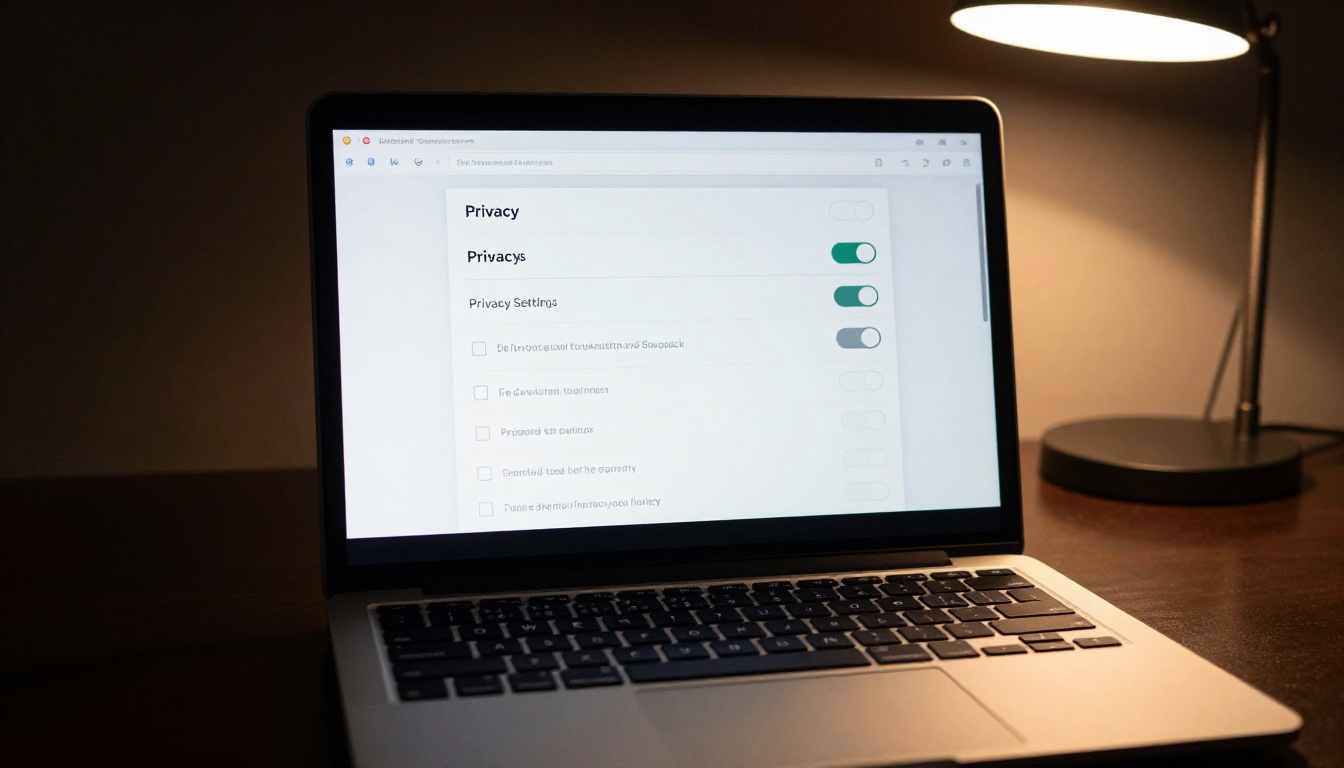
Not all AI sites treat your data the same way. Some have built strong privacy practices as a competitive advantage. Others treat user data as a revenue stream.
How to Compare Privacy Policies
When evaluating an AI platform, check for:
- Clear retention periods with specific timeframes, not vague phrases like "reasonable period"
- Explicit opt-out mechanisms for training data use, accessible directly in account settings
- Third-party audit reports or independent security certifications such as SOC 2 or ISO 27001
- Geographic data storage disclosure so you know which country's laws apply to your information
Red Flags to Watch For
Be cautious of AI sites that:
- Have no privacy policy at all, or one that is clearly copied from a generic template
- Claim ownership of content you generate using their platform
- Don't offer account deletion, or make it difficult to submit a deletion request
- Are based in jurisdictions with minimal data protection laws and no international compliance commitments
Your Rights Over Your Own Data
Depending on where you live, you have legal rights over your personal data that most AI platforms are required to honor.
The Right to Delete
Under GDPR (Europe), CCPA (California), and similar frameworks, you can request that a company delete your personal data. This typically covers your account information, stored files, and conversation history. It does not always cover data that has already been incorporated into model training weights, which remains a significant gap in current regulation.
Opting Out of Training Data Use
Several major AI platforms have added opt-out mechanisms after sustained public pressure:
- Look for a setting labeled "Improve the product," "Help train our AI," or "Contribute to model development"
- Some platforms require a written request rather than a simple toggle in settings
- Opting out of future training does not remove data that was already used
GDPR and CCPA at a Glance
| Right | GDPR (EU) | CCPA (California) |
|---|
| Access your data | Yes | Yes |
| Delete your data | Yes | Yes |
| Opt out of data sale | Yes | Yes |
| Data portability | Yes | Limited |
| Know who data was shared with | Yes | Yes |
If you are outside these jurisdictions, your protections depend entirely on the platform's voluntary policies.

What Changes With AI Image Generators
AI image generators add a specific wrinkle to the data privacy conversation: the content you create may be subject to different rules than the prompt you typed.
Who Owns the Images You Create
Ownership of AI-generated images is still legally ambiguous in most countries. Most platforms claim a broad license to use, display, and sublicense your outputs. Read the "Intellectual Property" or "Content" section of any platform's terms before using AI-generated images commercially.
Your Prompts Are Data Too
When you type a prompt into an AI image generator, that text is treated as user data, not just an instruction. It can be stored, reviewed, and potentially used to refine future models. Platforms like GPT Image 2 and Seedream 4.5 operate on major cloud infrastructure with enterprise-grade security, but their data handling still depends on the specific platform through which you access them.
💡 Note: If you are using an AI image generator for professional or commercial work, check whether the platform offers a business or API plan. These tiers typically come with stronger data privacy guarantees than free consumer accounts.
On PicassoIA, models like Hunyuan Image 2.1 are accessible through a platform built for creative users, with clear terms around how submitted prompts and generated content are handled.

The risk profile of your data changes depending on what type of AI tool you are using.
AI Chatbots
These tools store the most personal data because users naturally share sensitive details in conversation. People ask AI chatbots about health symptoms, relationship problems, financial situations, and legal questions. All of this flows into stored conversation logs.
Best practice: Use the platform's "temporary chat" or incognito mode if available. Never share government ID numbers, financial account details, or medical record information in an AI chat session.
AI Image and Video Tools
The data risk here is primarily in the images you upload. Face photos, location-identifiable backgrounds, and images of minors all carry elevated risk.
Best practice: Strip EXIF metadata from photos before uploading. Most smartphones embed GPS coordinates, device model, and timestamp data into every photo file by default.
AI Voice and Audio Tools
Voice data is biometric data. A recording of your voice can be used to identify you, replicate your speech, or in some jurisdictions, it constitutes a protected category of personal information under law.
Best practice: Only use AI voice tools on platforms with explicit biometric data policies that prohibit resale or third-party sharing.

Simple Steps to Protect Yourself
You don't need to stop using AI tools. You need to use them with awareness.
What to Avoid Sharing
Regardless of which platform you use, avoid entering:
- Full legal name combined with birthdate and location
- Financial information of any kind, including account numbers or card details
- Health conditions that you wouldn't share publicly
- Passwords or access credentials (AI chatbots receive these regularly and should not)
- Other people's personal information without their explicit consent
- Private images of real people, including yourself in sensitive contexts
How to Review Your Account Settings
Once a month, spend five minutes reviewing the privacy settings on any AI platform you use regularly:
- Check whether training data opt-out is still active
- Review connected apps and third-party integrations
- Download a copy of your stored data if the option is available
- Delete conversation history if the platform supports it
- Review active sessions and revoke any you don't recognize
💡 Tip: Set a recurring monthly calendar reminder labeled "AI privacy check." It takes five minutes and builds a consistent habit that costs nothing.
Use Separate Accounts for Sensitive Work
If you use AI tools for both personal and professional work, consider maintaining separate accounts. This limits cross-contamination of data types and makes it simpler to delete one context without affecting the other.
Choose Platforms That Earn Your Trust
Voting with your account matters. Platforms that offer clear opt-outs, honest retention policies, and responsive data deletion processes exist because users demanded them. Supporting those platforms signals to the market that privacy is a feature worth building.

Start Creating, With Your Eyes Open
Understanding what happens to your data on AI sites doesn't mean avoiding these tools. It means using them with intention. The platforms that take privacy seriously stand out precisely because so many don't, and choosing those platforms is itself a form of advocacy for better standards across the industry.
AI image generators on PicassoIA give you access to some of the most capable models available today, from GPT Image 2 to Seedream 4.5, through a platform built with the creative experience at its center. Whether you're generating artwork for a project, experimenting with different visual styles, or producing images for professional use, PicassoIA offers a range of tools that don't require you to sacrifice quality for access.
The next time you open an AI tool, take 60 seconds to check its privacy settings before you start. Then create freely, knowing exactly what you've agreed to and what you haven't.
Start creating images on PicassoIA and see what's possible when powerful models meet an informed, confident creator.


