What Is FLUX.2 Pro and Why Everyone Is Talking About It
FLUX.2 Pro from Black Forest Labs is rewriting what creators expect from AI-generated images. This article breaks down what separates it from every other model — from its photorealism to prompt precision — and why photographers, designers, and developers are switching fast.
The AI image generation space moved fast in the past two years, but nothing shifted the conversation quite like the arrival of FLUX.2 Pro. Within days of release, social feeds filled with side-by-side comparisons, Discord channels lit up with outputs, and developers started rewriting their pipelines to plug it in. Something was clearly different this time — and once you see the output, it's obvious why.
What FLUX.2 Pro Actually Is
FLUX.2 Pro is a text-to-image generation model built by Black Forest Labs, released in early 2025 as the successor to the widely-adopted FLUX.1 series. It sits at the top of the company's model hierarchy — the premium option designed for maximum quality, highest-fidelity output, and near-perfect prompt adherence.
The name follows a convention established with the original series: the number indicates generation (FLUX.2 being second-generation), while "Pro" signals the quality tier within that generation. Simple naming, serious output.
Black Forest Labs and the FLUX Family
Black Forest Labs was founded by the same core team behind Stable Diffusion — including Robin Rombach and Andreas Blattmann — who left Stability AI to build a new architecture from scratch. Their goal was direct: close the gap between AI output and real photography.
The FLUX.1 release in mid-2024 turned heads immediately. It was sharper, more adherent to prompts, and more consistent with complex compositions than anything before it. FLUX.2 builds on that foundation with structural improvements that push the bar further than most people expected so quickly.
The Architecture Behind It
FLUX.2 Pro uses a rectified flow transformer architecture — distinct from traditional U-Net-based diffusion models like early Stable Diffusion versions. This architecture processes the full image token sequence rather than working through a U-Net bottleneck, which produces better global coherence and spatial accuracy across the entire frame.
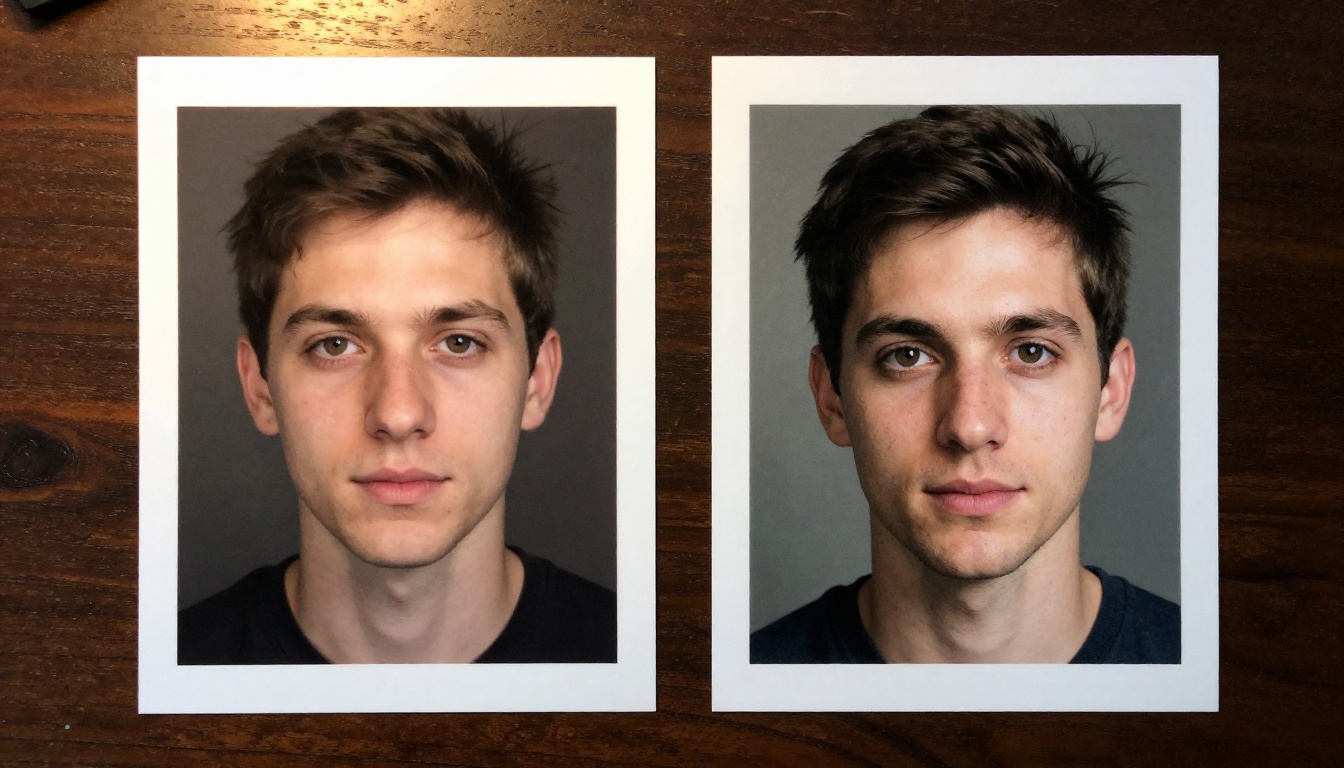
The model was trained at significantly higher resolution and with a larger dataset than FLUX.1, which shows up immediately in how it handles fine detail — skin texture, fabric weave, hair strands, and subtle lighting gradients all render with a fidelity that feels almost documentary rather than generated.
The FLUX Model Lineup Explained
If you're new to the FLUX family, the naming gets confusing fast. Here's where each model sits in the hierarchy:
For production-quality images — marketing visuals, editorial content, portfolio work — FLUX.2 Pro is the default answer. It delivers the highest quality per generation without the extended wait times of FLUX.2 Max.
If you're iterating on a prompt and need fast feedback on composition, FLUX.2 Dev is the right starting point. Once you've dialed in the prompt structure, switching to Pro for the final output is the standard workflow for most creators.
💡 Quick tip: Don't skip FLUX.2 Dev during prompt development. It costs less per generation and gives directional feedback fast enough to iterate through five or six prompt versions in the time a single Pro generation takes.
Why the Output Looks So Different
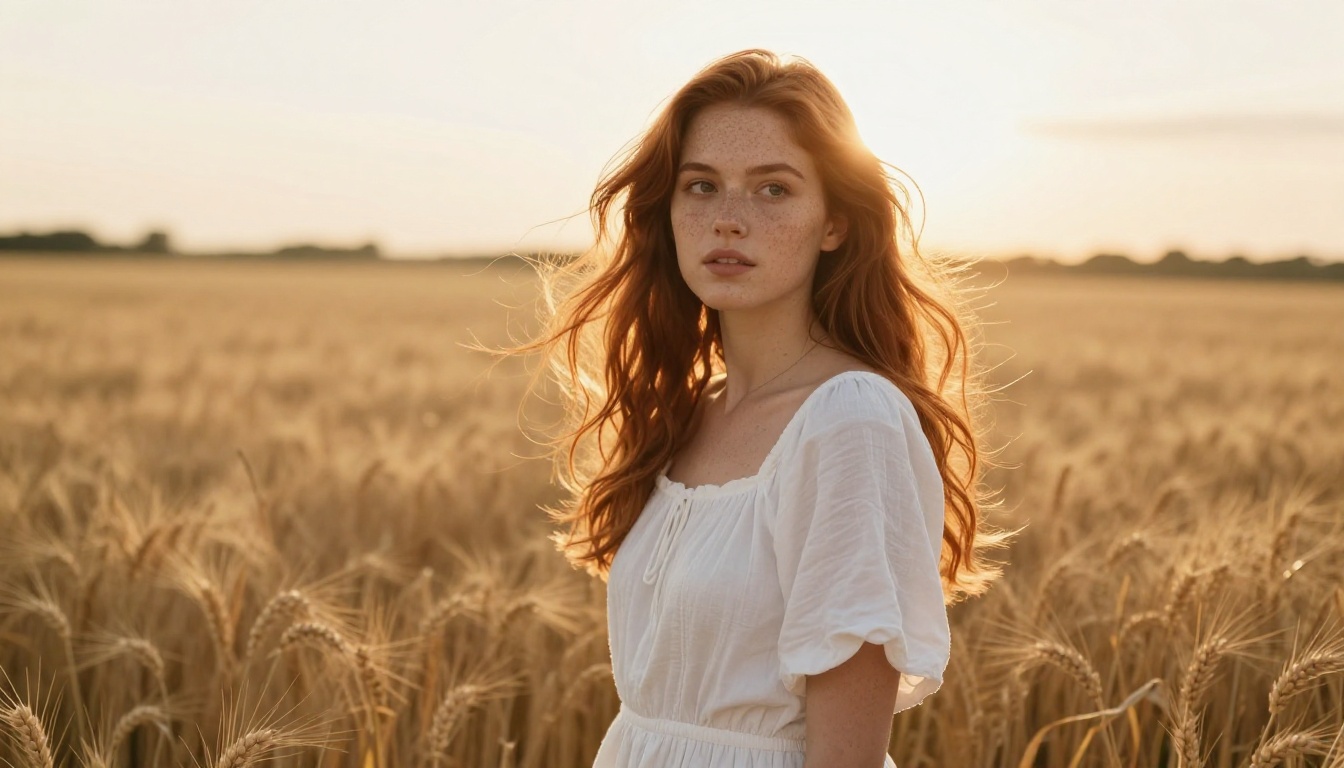
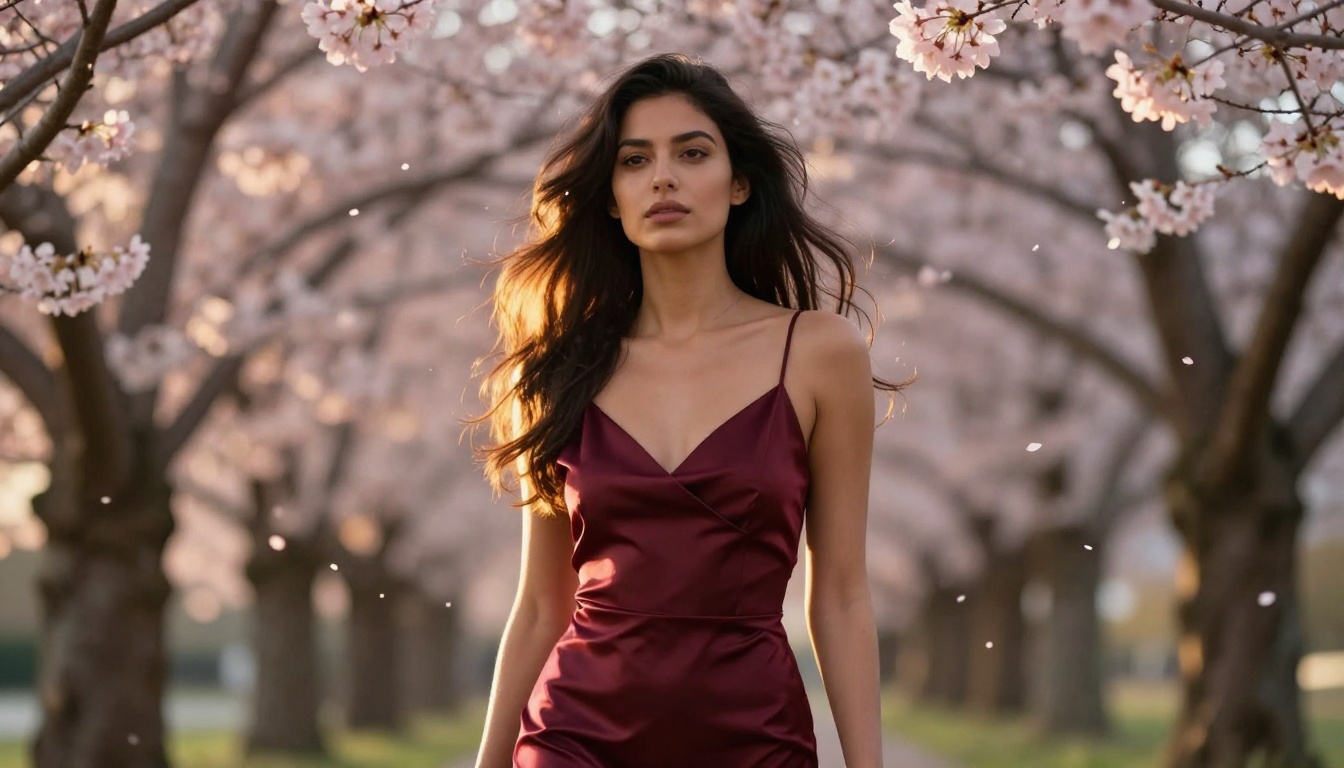
The first time most people see FLUX.2 Pro output, the reaction is the same: they look twice. The skin pores are there. Individual hair strands catch light separately. The catchlight in an eye lands exactly where it should for the described lighting setup. It doesn't look processed — it looks captured.
Several factors drive this.
Prompt Adherence That Changes Everything
Prompt adherence is the gap between what you asked for and what the model actually generated. With most models, that gap is wide. You describe a woman in a blue coat standing in a crowded Tokyo street at dusk — and you get approximately that, with several details missing, remixed, or wrong.
With FLUX.2 Pro, the gap narrows significantly. Spatial relationships land correctly. Colors are accurate to the description. Clothing details like fabric patterns, structural fit, and layering come through. When you specify lighting direction — "warm sidelight from the left at 3000K" — that is what you get.
This matters most to photographers and directors who think in precise visual terms. The ability to describe a shot and receive something close to the intended result is what separates a professional tool from a casual one.
Detail and Texture Rendering
FLUX.2 Pro renders micro-detail at a level that holds up to heavy crop and zoom. A few areas where this shows up consistently:
Skin: Natural pore visibility, realistic subsurface scattering, accurate sebum highlights on nose and forehead
Fabric: Thread-level texture on denim, silk sheen that moves with light direction, tweed grain visible at high resolution
Hair: Individual strand separation, realistic flyaways, accurate interaction with wind and gravity
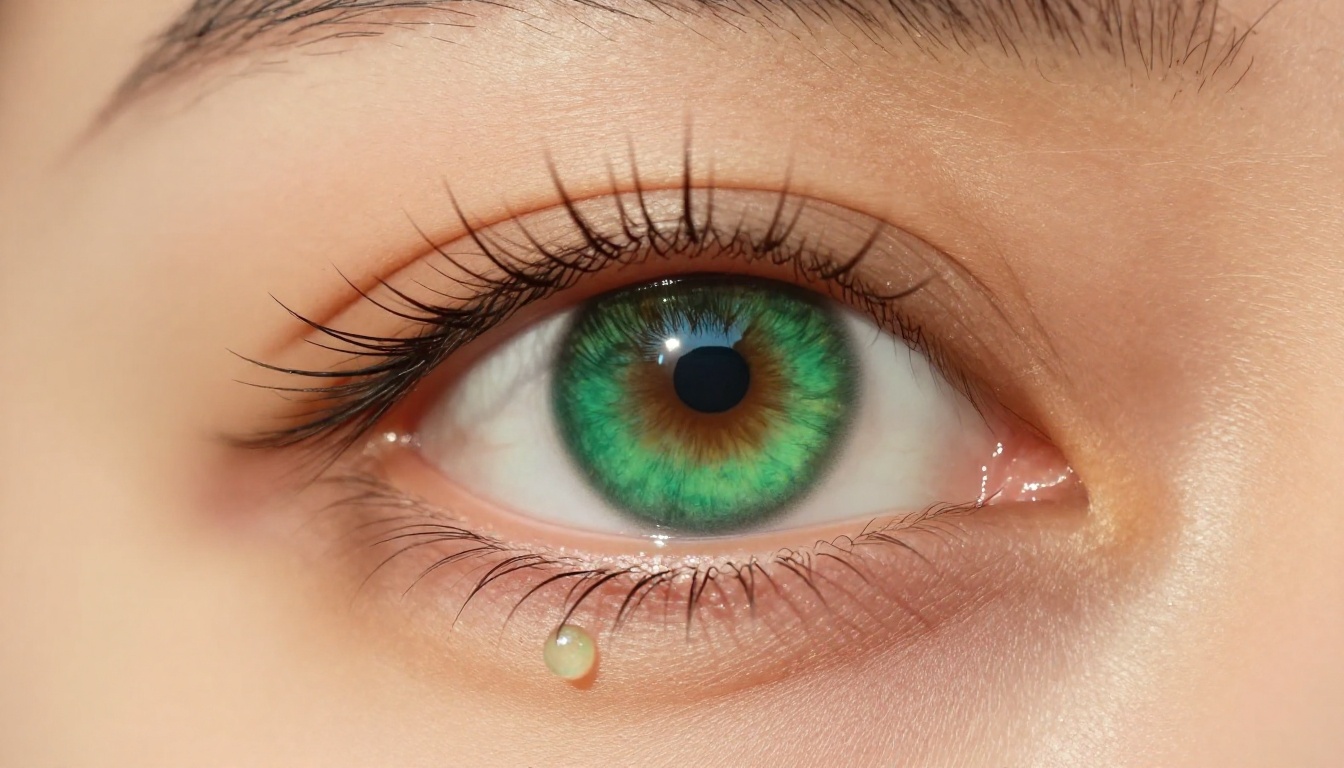
Eyes: Accurate limbal rings, natural iris color depth, realistic corneal reflections from environmental light
Backgrounds: Depth haze, natural motion blur on distant elements, consistent bokeh shaped by the specified aperture
It's not about sharpness alone — it's about the kind of layered detail that makes an image feel spatially believable rather than generated.
FLUX.2 Pro vs. Everything Else
Against FLUX.1 Pro and FLUX.1.1 Pro
The jump from FLUX.1 Pro to FLUX.2 Pro is significant, but not always visible on simple prompts. Where FLUX.2 separates itself is on:
Complex compositional prompts — multiple figures, specific spatial arrangements, architectural interiors with accurate perspective
Long descriptive prompts — FLUX.2 retains more of the prompt content, especially attributes added late in a sentence
Fine detail retention at scale — outputs hold quality when upscaled, with fewer artifacts in regions of high texture complexity
FLUX.1.1 Pro Ultra remains competitive for specific use cases — particularly maximum-resolution portrait output where the ultra tier's resolution advantage shows clearly. But for general professional work across varied subject matter, FLUX.2 Pro is the stronger all-around option.
Against Stable Diffusion and Midjourney
Feature
FLUX.2 Pro
SD 3.5 Large
Midjourney v6
Prompt adherence
Excellent
Good
Very Good
Photorealism
Top-tier
Very Good
Very Good
Fine detail
Exceptional
Good
Very Good
Composition control
Excellent
Good
Limited
API access
Yes
Yes
No public API
Commercial license
Yes
Yes
Plan-dependent
Style neutrality
High
High
Low
The biggest practical difference against Midjourney: it pushes you toward its own aesthetic. It is opinionated in ways that make it excellent for certain styles and frustrating for others. FLUX.2 Pro is more neutral — it renders what you describe rather than interpreting it through a signature visual style.
Stable Diffusion 3.5 Large offers genuine competition on realism, but FLUX.2 Pro's prompt adherence still edges it out on complex, multi-element descriptions where attribute binding matters.
Who Is Actually Using This
Photographers and Visual Artists
Portrait photographers use FLUX.2 Pro to generate lighting test setups before committing to a physical shoot. Fashion studios use it for mood board generation. Editorial teams generate content-specific visuals without stock photo licensing costs or scheduling constraints.
The output quality is high enough that FLUX.2 Pro images appear in published digital editorial content. Whether that's good or bad for the broader industry is a separate conversation — but the quality threshold for passing visual inspection is genuinely crossed here.
Developers and API Users
Developers integrating image generation into applications have specific requirements that FLUX.2 Pro meets well:
Consistency across generations — same prompt structure produces reliably similar outputs between runs
Prompt sensitivity — small changes produce predictable changes in output, enabling programmatic prompt construction
Commercial licensing — outputs are commercially usable without attribution requirements baked into the license
The API is clean and straightforward. A basic generation call completes in under 30 seconds for most prompts, with batch processing available for higher throughput needs.
For teams building image-heavy applications — real estate visualization, product mockup generation, avatar creation, editorial automation — FLUX.2 Pro is currently the most reliable high-quality option with a clear commercial path and stable API behavior.
"A woman in her 30s with curly brown hair sitting at an outdoor cafe table in Rome, late afternoon sun casting long shadows across the cobblestones, warm backlit golden light, shot at 85mm f/2, creamy bokeh on the street behind her, photorealistic skin texture, Kodak Portra 400 grain"
Step 3 — Set your aspect ratio. For editorial and social content, 16:9 works well. For portrait orientation, 9:16. Square 1:1 for product shots.
Step 4 — Run the generation. FLUX.2 Pro usually nails the composition on the first try. If something is off, the prompt rather than the model is typically the cause — refine the description rather than retrying with the same input.
Step 5 — Iterate. Adjust lighting description, add a specific camera angle, or change environmental detail. Small prompt changes produce meaningful differences in FLUX.2 Pro in a way that's more predictable than in other models.
Parameters Worth Adjusting
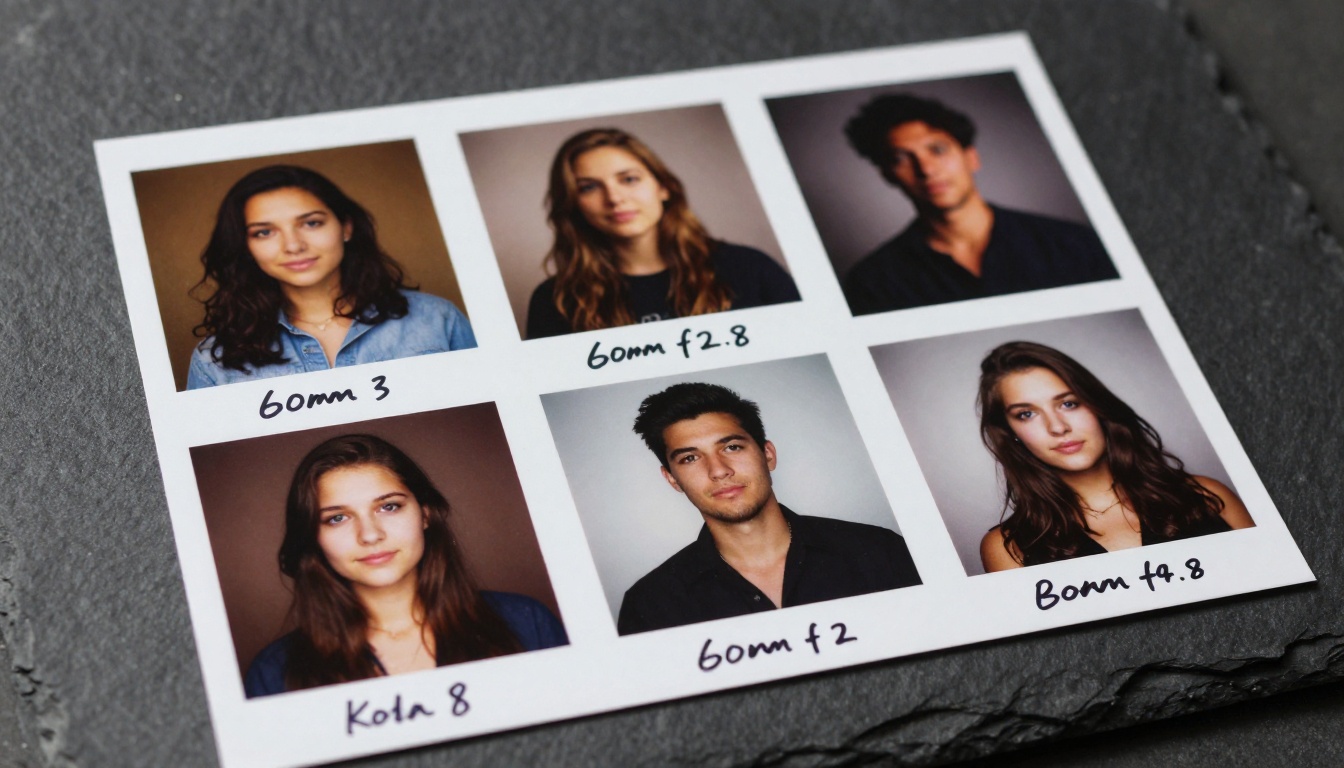
💡 Pro tip: Add lens specifications to your prompts — "85mm f/1.8", "35mm f/2.4", "50mm f/4" — to control perceived depth of field and rendering style. FLUX.2 Pro understands photographic terminology and applies it accurately to the output.
A few patterns that consistently improve output quality:
Describe the light source and direction explicitly: "volumetric morning light from upper left" beats "good lighting" every time
Name the film stock: "Kodak Portra 400 grain" or "Fujifilm Velvia saturation" applies a consistent tonal quality the model recognizes
Specify perspective: "low angle looking upward" or "aerial wide shot" shapes composition strongly and reliably
You can also use FLUX.2 Flex as a base for custom LoRA fine-tuning if you need a model specialized on your specific visual style or recurring subject matter. And for text-based image editing — changing elements within an existing image — Flux Kontext Pro and Flux Kontext Max extend the FLUX.2 ecosystem further.
Pricing and What You Get
FLUX.2 Pro is a paid model — there is no free tier for full-quality generation. Pricing on PicassoIA is per-generation, which makes it accessible for individual creators who don't need a monthly subscription commitment.
For most creators doing regular production work, pay-per-use credits on Pro give the best quality-to-cost ratio. High-volume API users typically work at volume pricing tiers.
The commercial license included with FLUX.2 Pro outputs is worth noting specifically — images can be used in commercial projects, advertising, and editorial content without attribution. That's a meaningful practical advantage over some alternatives with more restrictive terms that require licensing disclosure or prohibit certain commercial applications.
Start Creating with FLUX.2 Pro
The conversation around FLUX.2 Pro isn't hype that fades after the first week. The output quality stands on its own. Whether you're a photographer building a new workflow, a designer generating content at scale, or a developer adding image generation to an application, the model delivers at a level that changes what you expect from AI-generated visuals.
The best way to form your own opinion is to try it directly. Write a prompt that describes exactly the image you'd imagine for your use case — specific light, specific subject, specific atmosphere — and see how close the output lands.