Something shifted quietly in the AI image generation world in early 2025. A model called Nano Banana started showing up in creators' workflows, not because of a massive marketing push, but because people kept recommending it to each other. Designers were sending it to designers. Marketers were sharing it with teammates. The reason? It did something that felt almost boring in its simplicity: you wrote what you wanted, and you got it back. No fuss, no elaborate prompt engineering, no waiting minutes for a result that looked nothing like what you asked for.
This article breaks down exactly what Nano Banana is, why it became one of the most talked-about text-to-image models in a very short time, and what you can realistically produce with it today.

What Nano Banana Actually Does
Nano Banana is a text-to-image model developed by Google. But calling it just a "text-to-image model" undersells what it actually handles. It sits at the intersection of two things that usually require separate tools: generating images from scratch and editing existing photos through written descriptions.
You can use it with no reference image at all, typing a scene from scratch and getting a finished photograph-quality output. Or you can drop in one or more existing images and describe what you want changed, and it applies those changes accurately. Most models force you to choose one mode or the other. Nano Banana handles both in the same interface, with the same prompt structure.
Text to Image, Plain Language Only
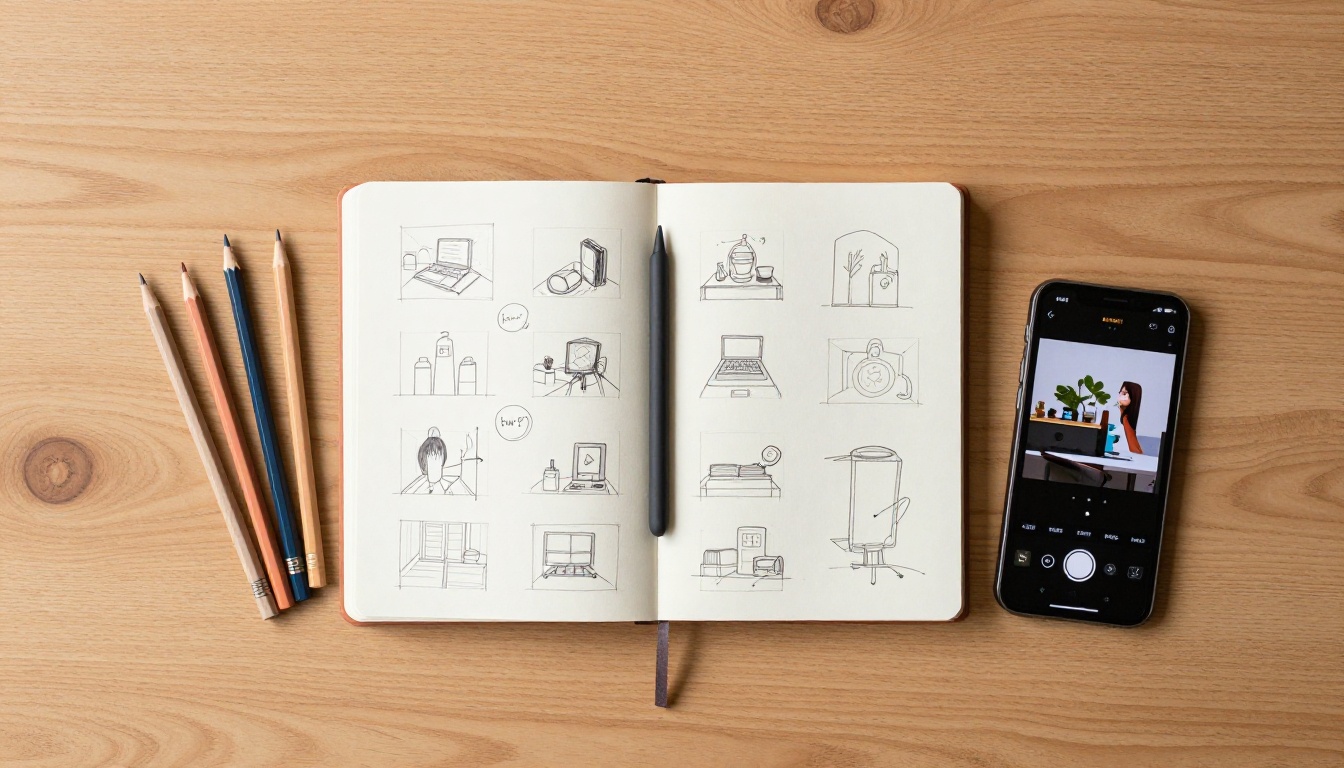
The most immediate thing you notice when using Nano Banana is that it does not require prompt engineering expertise. You do not need to know magic words, negative prompts, or specific technical terms to get a good result. You write the way you would describe something to another person, and the model interprets that description with high accuracy.
💡 Tip: Write your prompts the way you would describe a photo to a colleague over the phone. "A woman in a red jacket standing outside a coffee shop on a rainy day" works better than a wall of technical keywords.
This is not a small thing. Many text-to-image models have a steep learning curve where the quality of your output depends heavily on how well you know the model's preferred phrasing. Nano Banana flattens that curve significantly. The output reflects the specific details in your prompt rather than producing a generic interpretation of the subject.
Edit Photos Without Opening Software
The second capability is where things get interesting for working professionals. You upload a photo, describe what you want changed, and Nano Banana returns an edited version. This replaces what used to require opening Photoshop, creating a selection, working with masks, and manually blending the edit into the original image file.
The types of edits that work well include:
- Background replacement: Swap a plain studio backdrop for a specific location or environment
- Object addition or removal: Add a product to a scene or eliminate a distracting element
- Color and texture changes: Change the color of clothing, furniture, or surfaces through description
- Lighting adjustments: Describe a different light source and receive a relit version
- Style blending: Reference another image to pull stylistic elements into your target photo
This is not destructive editing. You are not moving sliders on a single file. You are describing a result and receiving a new image that matches that description, leaving your original untouched and ready for comparison.
Why It Blew Up So Fast
Speed is the obvious answer, but it is more specific than that. Nano Banana returns results in seconds, not minutes. That time difference matters more than it sounds on paper.
When a tool responds in under ten seconds, iteration becomes free. You do not commit to a direction and wait to see if it worked. You try something, see it immediately, adjust, and try again. That feedback loop changes how people work. It makes experimentation the default rather than something you plan for deliberately.
Speed That Changes Workflows
The practical effect of fast generation is that it changes which projects feel worth attempting. Before fast models, generating a set of five background variations for a product shoot meant committing real time and compute. With Nano Banana, you generate all five in the time it used to take to generate one, review them side by side, pick the best, and move on.
| Task | Old Approach | With Nano Banana |
|---|
| 5 background variations | 10-20 minutes | Under 1 minute |
| Portrait edit via text prompt | 15-30 minutes in Photoshop | Seconds |
| Testing a marketing visual concept | Book a photographer | Describe and generate |
| Blending two reference image styles | Manual compositing | Multi-image input |
This table is not about replacing professional work. It is about what becomes possible in the exploration phase, before you commit to a direction that gets expensive to produce and difficult to reverse.
The Multi-Image Input Nobody Expected
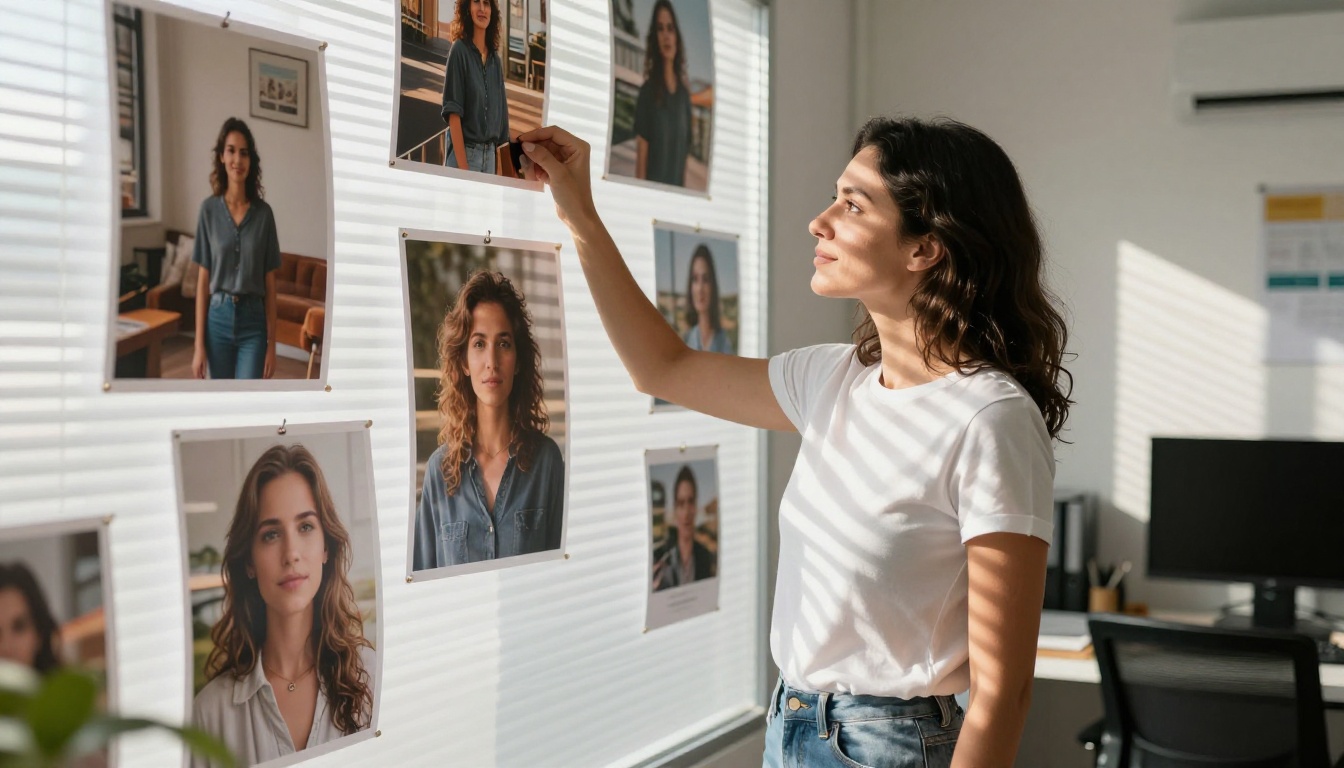
Most text-to-image models accept a single reference image alongside a prompt. Nano Banana accepts multiple images at once, and this changes what is possible in a concrete way.
The most common use case is style blending. You have a product photo and a branding reference. You want the product photo to reflect the visual language in the branding reference. You upload both, describe the relationship you want, and the model synthesizes a result that pulls coherently from both inputs.
Another use case is multi-person editing. You have two separate photos of people and want them placed naturally in a shared scene. You describe the scene, provide both images as inputs, and get a composite that places the subjects convincingly within that new environment.
💡 Tip: When using multiple reference images, describe the relationship between them in your prompt. "Make the scene in the first image match the lighting style of the second image" gives the model clear instructions about how to weight the inputs against each other.
Nano Banana vs Other AI Image Models
It helps to be honest about what Nano Banana is and is not. It is excellent at certain things and less suited to others, and knowing the difference helps you use it well.
Where It Wins
Prompt accuracy is where it consistently outperforms alternatives. When you write a specific detail, it appears in the output. Fine descriptions of color, texture, position, and mood translate reliably. This is not universal among image generation models. Many produce beautiful images that have only a loose relationship with what you actually wrote.
Dual-mode capability is its other major advantage. Having both generation and editing in one tool with one consistent workflow means fewer context switches. You start generating concepts, shift to editing a reference photo, then generate variations of that edited version, all without changing tools or relearning an interface.
Browser access removes setup friction entirely. There is no local installation, no GPU requirement, no API key management. You open the tool in your browser and use it immediately.
When to Try Something Else
If you need highly stylized artistic output with extreme aesthetic specificity, photorealistic rendering at very large scales, or very long generation queues running in parallel at high volume, other specialized models may serve better in those contexts. Nano Banana is optimized for accuracy and speed at a practical working resolution, not for pushing aesthetic extremes in one specific direction.
How to Use Nano Banana on PicassoIA
Nano Banana is available directly on PicassoIA, with no account setup or API access required. Here is exactly how to use it step by step.
Step 1: Write Your Prompt
Open Nano Banana on PicassoIA and find the prompt field. Write your description in plain language. Be specific about what matters: the subject, the environment, the lighting, the mood, and any details that are important to the output you want.
For generation from scratch, describe the full scene:
"A close-up of a ceramic coffee mug on a wooden table with morning light coming from the left, small steam rising, soft focus background of a kitchen window"
For image editing with a reference, describe what you want changed:
"Replace the background with a sunlit Mediterranean terrace while keeping the subject and foreground unchanged"
What makes a strong prompt:
- Describe specific details rather than general categories
- Include lighting direction when visual quality matters
- Reference textures, colors, and materials explicitly
- Use natural sentence structure rather than comma-separated keyword lists
Step 2: Add Reference Images (Optional)
If you want to edit an existing photo or blend multiple references, click the image input area and upload your files. Nano Banana accepts multiple images simultaneously, which is one of its most distinct features compared to similar tools.
When uploading references:
- The first image is typically treated as the primary subject
- Additional images are treated as style or context references
- Your prompt should describe the relationship between the inputs clearly
💡 Tip: For product photography edits, upload the product image as your primary reference and describe the new setting in detail. The model preserves the product accurately while building the new background around it without manual selection or masking.

Step 3: Choose Format and Run
Select your output format before generating. Nano Banana outputs in JPG or PNG:
| Format | Best For |
|---|
| JPG | Web use, social media, marketing assets, smaller file sizes |
| PNG | Transparent backgrounds, print assets, files destined for further editing |
Click generate. Results typically arrive in under ten seconds. If the result is close but not exactly right, adjust your prompt and run again. The iteration speed makes this fast enough that refining in three or four rounds still takes less time than a single generation on slower tools.
Common prompt adjustments that improve results:
- Add more specifics if the output feels too generic
- Describe unwanted elements explicitly to avoid them appearing
- Reference specific lighting directions ("from the left," "overhead," "diffused")
- Specify the scale or framing you want ("close-up," "wide shot," "eye level")
What You Can Actually Make
The use cases that have driven adoption are fairly consistent across industries. Here are the three that come up most often among people who use Nano Banana regularly.
Product Photo Backgrounds
E-commerce photography is expensive. Shooting a product in multiple environments to test which background converts better requires multiple shoots. With Nano Banana, you photograph the product once against a clean background and generate as many setting variations as you want from that single source.
This works particularly well for lifestyle backgrounds. A skincare product can appear on a marble bathroom shelf, a wooden spa surface, an outdoor table with natural light, or a clean abstract color gradient, all from a single source image. Each variation takes seconds and costs nothing beyond the tool itself.
Portrait Retouching at Scale
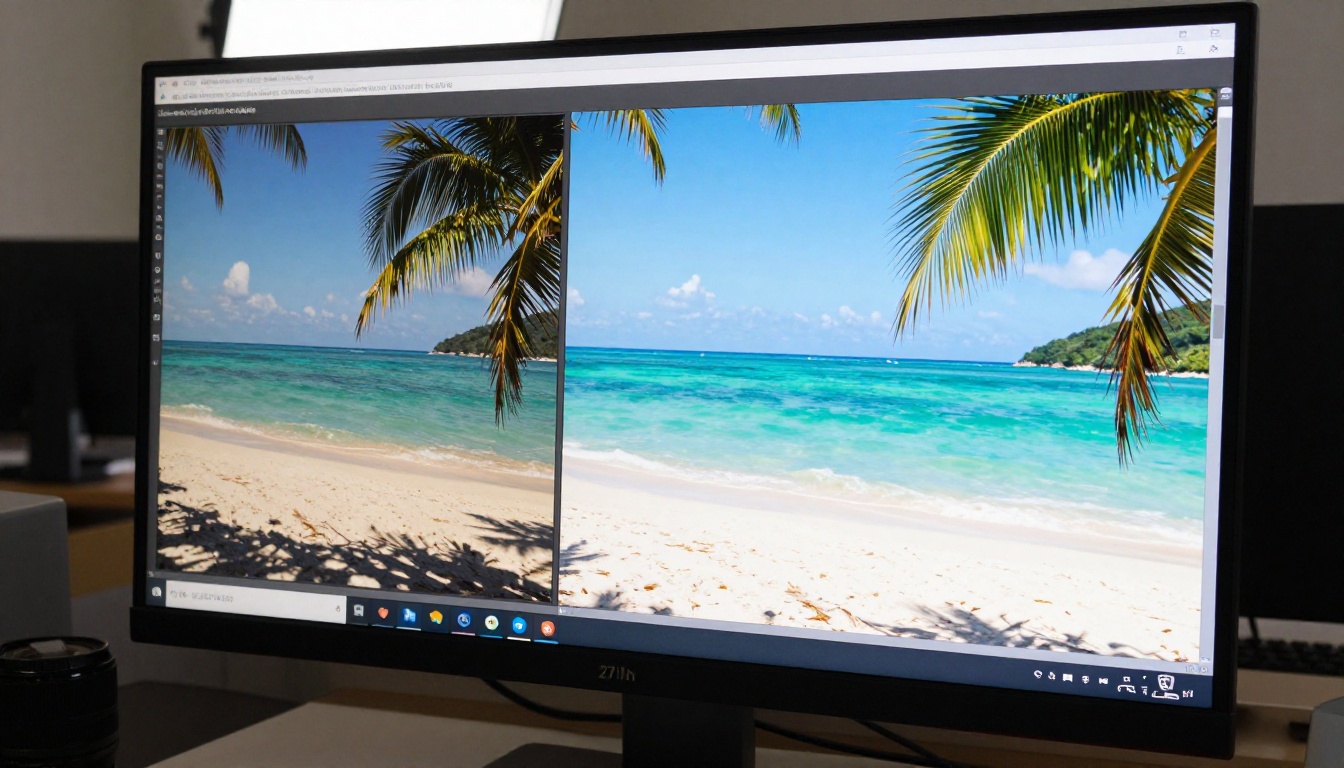
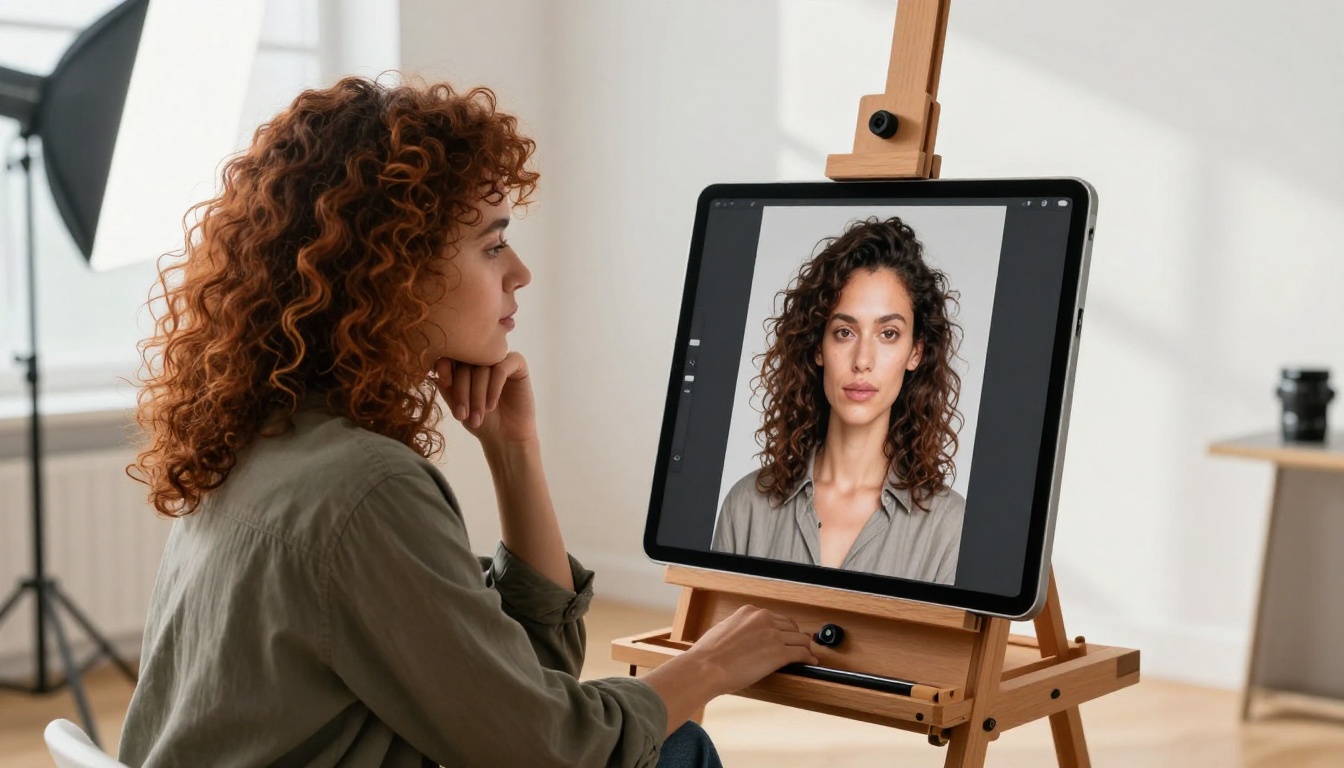
Portrait editing that used to require manual work on each individual file can now be described once and applied through prompting. Changing lighting conditions, adjusting the background behind a subject, modifying the apparent time of day in a scene, or altering clothing details can all be accomplished through plain text.
For content teams producing large volumes of portrait assets, this changes the math significantly. Instead of an editor touching every file individually, the work becomes writing one accurate prompt and reviewing the outputs. The time savings compound quickly at volume.
Marketing Visuals Without a Shoot
Testing a visual concept before committing to a photoshoot is now practical at the individual asset level, not just the concept level. You describe the visual you have in mind, generate a version that looks close to the real thing, share it with stakeholders, and collect feedback on something concrete.
If the concept does not land, you iterate with a new prompt at no additional cost. If it does, you have validated the direction before spending on production. Stakeholders respond to visual references far more clearly than to written descriptions in a brief.
💡 Tip: Use Nano Banana outputs as realistic mockups during the concept phase. They are accurate enough to present to clients or internal stakeholders for alignment, at a cost of seconds rather than hours.
Who Is Using Nano Banana
The adoption has not come from one type of user. It has spread across creative and business roles because the problem it solves is not role-specific. Needing a visual quickly and accurately is something almost everyone in a creative or marketing workflow deals with regularly.
Designers Who Draft Fast
Designers use Nano Banana to generate concept visuals before moving to more controlled production tools. The ability to see something close to the intended output early helps in client presentations, internal reviews, and visual moodboarding. It reduces the time between having an idea and being able to show it to another person.
The multi-image input is especially useful for designers who work with brand references. They upload the brand photography style they are trying to match and describe what they want created in that visual language. The model produces a starting point that is already in the right visual territory, ready for refinement.
Marketers Who Test Before They Spend
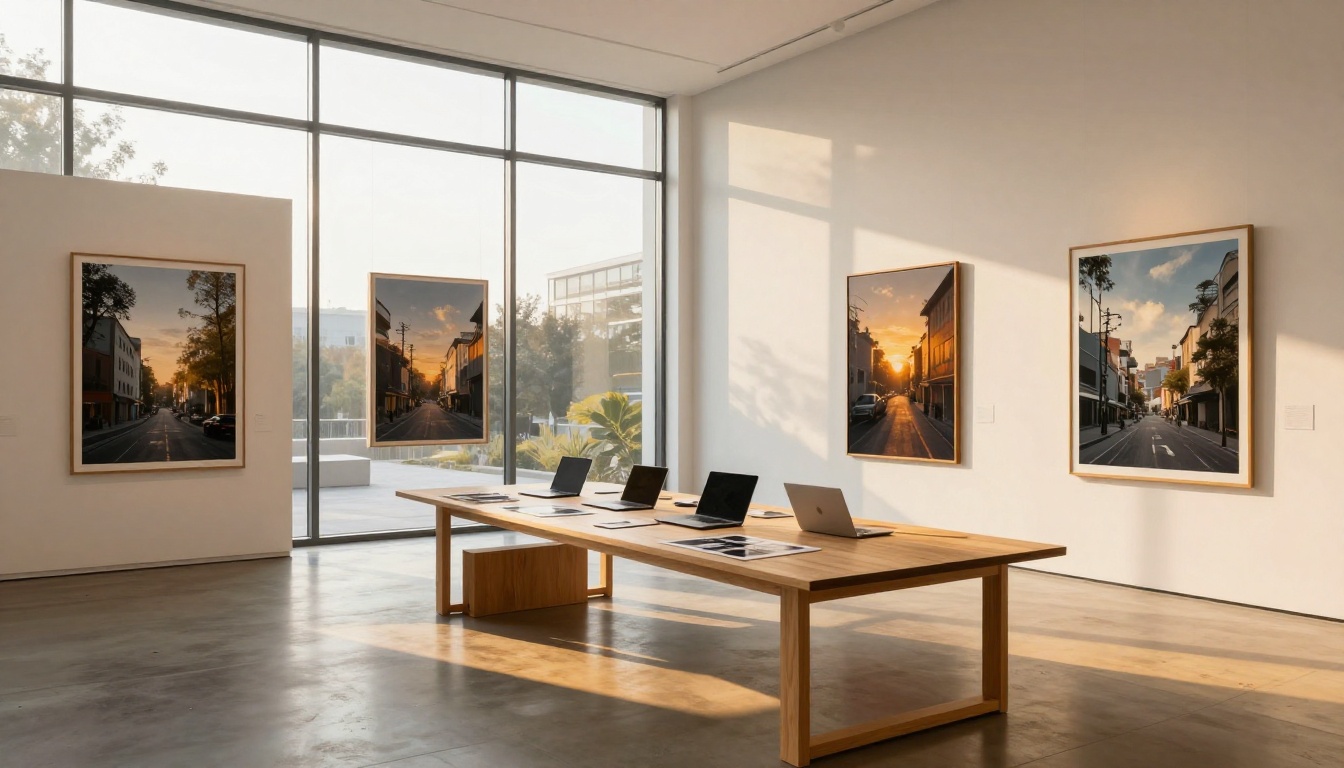
Marketing teams have a specific recurring problem: they need to validate visual directions before committing production budgets. Nano Banana makes this practical at the asset level, not just the abstract concept level.
Instead of describing a visual direction in a brief and hoping production matches the intent, you generate a version that looks like what you meant. Alignment happens earlier, which reduces expensive revisions later in the process when changes become harder to absorb.
How marketing teams are using it:
- Generating A/B test visual variants without duplicate production shoots
- Creating localized versions of campaigns with regionally appropriate backgrounds
- Building social content at volume without per-post photography costs
- Producing event visuals with specific venue backgrounds from a single subject photo
Start Generating Right Now
Nano Banana on PicassoIA is available in your browser right now, with no installation and no technical setup required. If you have a visual idea that you have been putting off because producing it felt expensive or slow, this is the practical place to start.
The best way to see how it responds is to try it directly. Write a prompt for something specific, something with clear details, and see what comes back. If it is close but not exactly right, describe the difference in a follow-up generation. Within a few iterations you will have a clear sense of how the model reads your descriptions and how to write for it effectively.
The gap between having an image in your head and holding a finished file used to be measured in hours or days. With Nano Banana, it is measured in seconds. That shift is precisely why so many people who tried it once kept building it into their regular workflow.
Open Nano Banana on PicassoIA and generate your first image in under a minute.


