Running AI video generation at home sounds like the ultimate creative setup. You control everything, there are no per-minute fees, no rate limits, no waiting in a queue behind 500 other people. But the moment you start pricing out hardware, the reality hits fast. The costs are real, they are front-loaded, and most tutorials conveniently skip them. This article breaks down every dollar you will spend, from the GPU in your case to the electricity meter on your wall, so you can make an informed decision before committing.
The Hardware Bill Nobody Talks About
The single biggest expense in any home AI video setup is the graphics card. Everything else is negotiable. The GPU is not.
GPU Prices in 2025
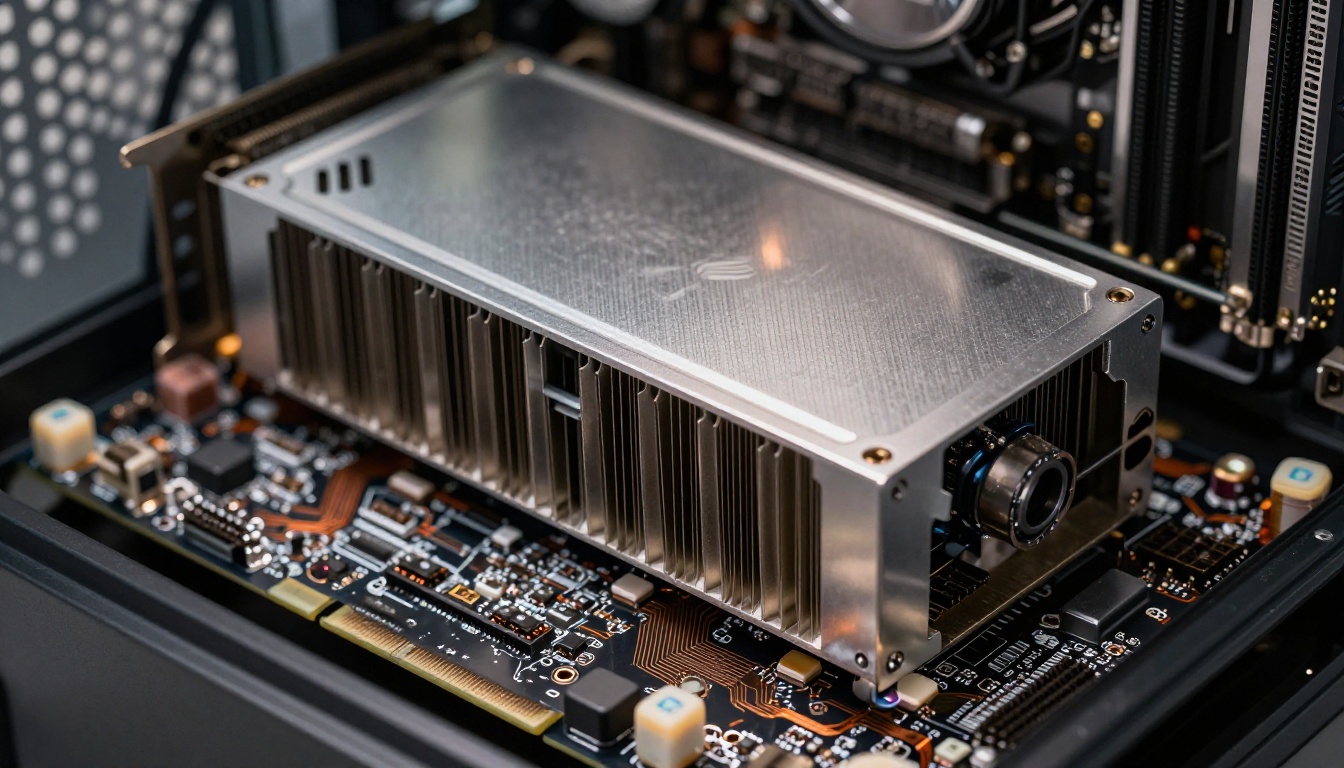
AI video generation is GPU-bound. Modern models like Wan 2.7 T2V and Kling v3 Video require significant parallel compute to run at reasonable speeds. Here is what the current GPU market looks like for AI workloads:
| GPU | VRAM | Approx. Price (2025) | AI Video Performance |
|---|
| RTX 4060 Ti | 16GB | $420 | Slow, limited to smaller models |
| RTX 4070 Ti Super | 16GB | $780 | Good for 480p-720p generation |
| RTX 4080 Super | 16GB | $1,000 | Strong 720p, some 1080p |
| RTX 4090 | 24GB | $1,600-$1,900 | Best consumer option |
| RTX 5090 | 32GB | $2,000+ | Top of market |
💡 The GPU is not a one-time purchase. It is the core of your entire setup. Skimping here means waiting 10-15 minutes per short clip instead of 2-4 minutes.
The RTX 4090 remains the sweet spot for most home creators who are serious about AI video. At 24GB VRAM, it handles the majority of current open-source video models without quantization tricks. The RTX 5090 at 32GB opens the door to the largest models at full precision.
How Much VRAM Do You Actually Need
VRAM is the real bottleneck, not raw compute. Most AI video models have a minimum VRAM floor below which they simply will not run, or they run so slowly that the result is unusable.
Here is the honest breakdown by resolution target:
- 8GB VRAM: You can run small image models. Video is extremely limited, low resolution, short clips only.
- 12GB VRAM: Older video models at 480p. Tight quantization required.
- 16GB VRAM: The practical minimum for modern video models. 720p generation is achievable with most current open-source options.
- 24GB VRAM: The recommended floor. 1080p generation with models like Wan 2.7 T2V runs comfortably.
- 32GB+ VRAM: Full-precision runs of the largest models. Future-proof for the next 2-3 years of open-source releases.
The 16GB cards are tempting because of their price point, but they put you in a frustrating middle ground: capable of generation, but constantly bumping against memory limits and needing workarounds that eat into your time.
The Electricity Nobody Calculates
Hardware cost is a one-time hit. Electricity is a subscription you sign up for the moment you power on.
What AI Video Generation Pulls from the Wall
A high-end GPU under full AI workload draws significantly more power than people expect. The RTX 4090 alone has a TDP of 450 watts. Add the rest of a full system, including CPU, RAM, storage, motherboard, and cooling, and you are looking at 600 to 750 watts total system draw during active generation.
Compare that to typical computer use:
| Activity | Estimated System Draw |
|---|
| Web browsing / idle | 80-150W |
| Gaming (RTX 4090) | 450-550W |
| AI video generation (RTX 4090) | 600-750W |
| AI video generation (RTX 5090) | 700-900W |
The difference matters because AI video generation is not a quick task. You are not pulling 700 watts for 30 seconds. A single 5-second 1080p video clip can take 4-12 minutes of continuous full-load operation, depending on the model and your hardware.
Monthly Power Costs by GPU

Let us put real numbers to this. Average residential electricity in the US costs around $0.13 per kWh. In Europe, costs typically run $0.25-$0.35 per kWh.
If you generate AI video for 4 hours per day, 5 days per week, here is what you spend on electricity annually:
| GPU Tier | System Draw | Monthly Cost (US $0.13/kWh) | Monthly Cost (EU $0.30/kWh) |
|---|
| RTX 4070 Ti | ~450W | ~$11/month | ~$26/month |
| RTX 4090 | ~700W | ~$17/month | ~$40/month |
| RTX 5090 | ~850W | ~$21/month | ~$49/month |
These numbers are modest for US users. For creators in Europe or other high-electricity regions, the annual power cost starts to become a real line item worth calculating before you buy hardware.
💡 Use a smart plug with power monitoring to track your actual watt-hours consumed per session. It gives you precise data instead of estimates, and most cost under $20.
Software: Free, Until It's Not
Open-Source vs Paid Tools
The software side is where home setups have a genuine advantage. Tools like ComfyUI and Automatic1111 are free and open-source. The underlying models, including the Wan 2.7 T2V, Wan 2.5 T2V, and older Stable Diffusion variants, are openly downloadable from research repositories.
But "free" software still has costs:
- Time cost: ComfyUI has a steep learning curve. Setting up a working video generation workflow can take a full weekend of troubleshooting.
- Update friction: When a new model drops, you need to manually download it, configure nodes, and test compatibility. This is hours of work per model update.
- Dependency conflicts: CUDA versions, Python environments, and GPU driver compatibility create constant friction for non-technical users.
- No support: When something breaks at 2am, you are on your own with forum posts from 2023.
For creators who value their time over upfront cash, paid cloud interfaces with one-click model access often make more financial sense when you honestly factor in hourly rate.
Model Downloads and Storage Costs
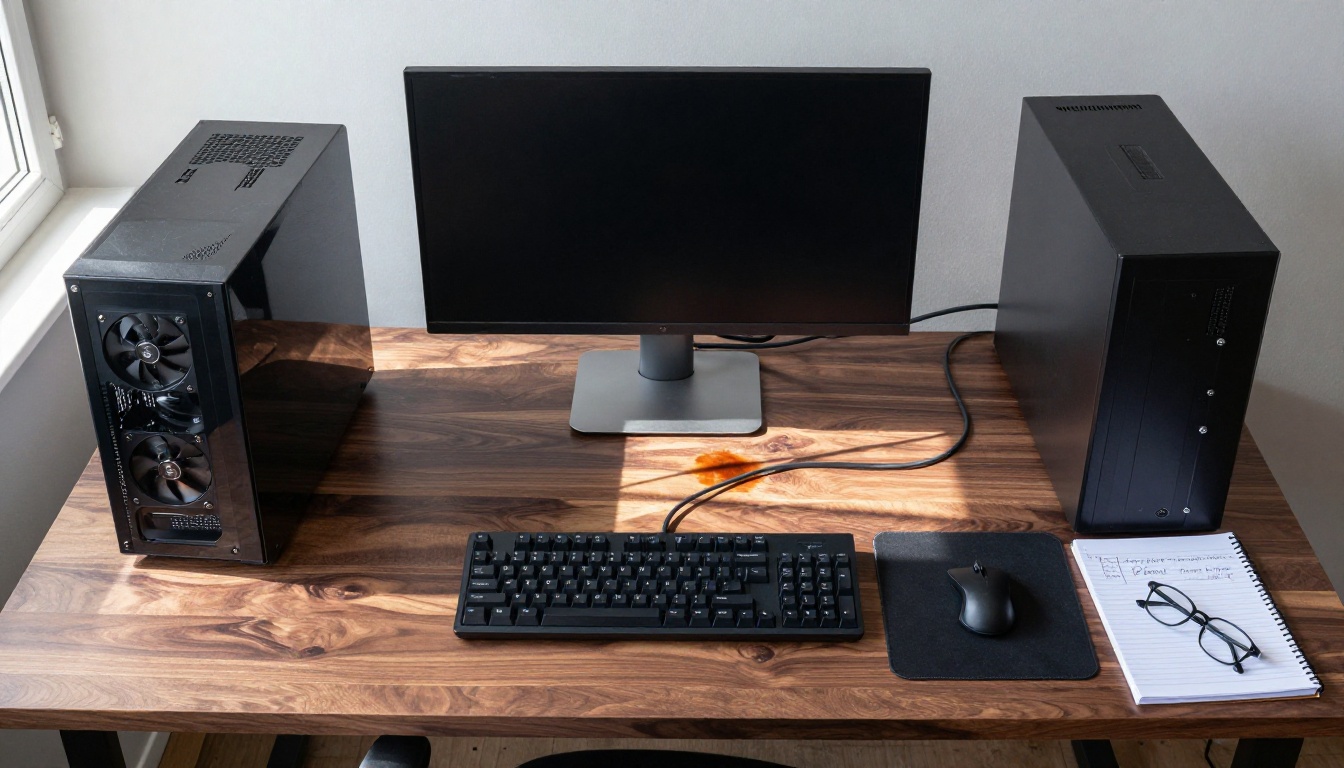
AI video models are large. The Wan 2.7 model series requires 14-30GB per checkpoint file depending on precision level. Running multiple models means having fast NVMe storage with substantial capacity.
A realistic local storage budget:
- NVMe SSD for active models: $100-200 for 2-4TB (fast loading speeds matter for workflow)
- External HDD for archive storage: $60-100 for 4-8TB backup
- Model downloads: Most major models are free to download, but bandwidth and time add up
If you want 5-10 different models simultaneously accessible for quick switching, plan on 200-400GB of active fast storage just for model weights. That fills a 2TB SSD faster than expected when you include the operating system, software installations, and generated output files accumulating over weeks.
Cloud vs. Local: The Real Tradeoff
When Cloud Makes More Sense
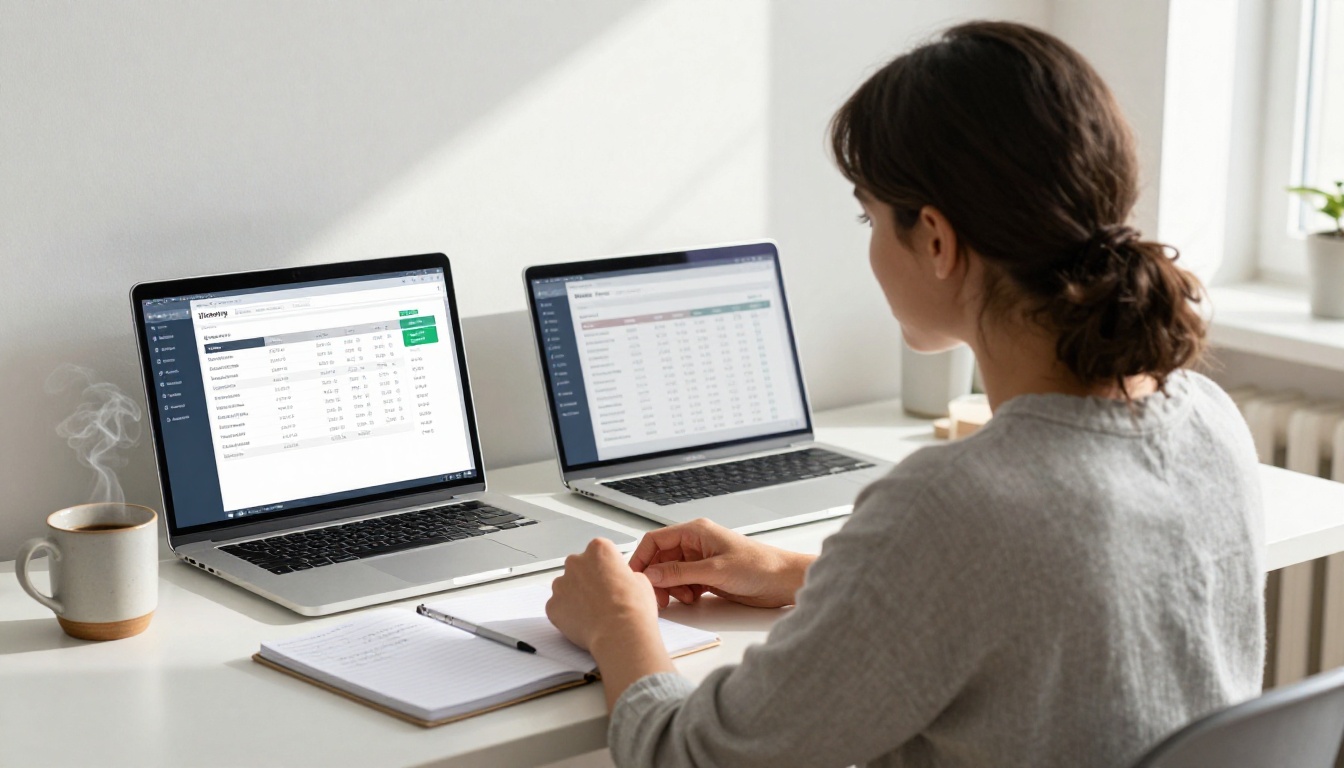
Cloud-based AI video platforms charge per generation, usually by the second of video produced or by compute credits consumed. For light users, this is dramatically cheaper than owning hardware.
If you are generating fewer than 30-40 short clips per month, cloud almost always wins on pure cost math. You avoid:
- $1,600+ GPU purchase
- $400+ supporting hardware (CPU, RAM, PSU, case)
- $150-200 electricity cost per year
- Hours spent on setup and maintenance
Platforms with access to models like Kling v3 Video, Sora 2 Pro, Veo 3, and Hailuo 02 give you access to the most capable video models on the market without owning a single piece of hardware.
Cloud also wins on quality per dollar at the current moment. Models like Seedance 1.5 Pro with native audio generation, and LTX 2 Pro producing 4K output, are not feasibly runnable at home by most users given the VRAM and compute requirements involved.
When Local Wins
The economics flip once volume increases. At 100+ generations per month, the per-unit cost of cloud adds up fast. A local setup pays for itself over time for heavy users.
Local also wins on:
- Privacy: Your prompts and generated content never leave your machine.
- Speed of iteration: No queues, no network latency, instant feedback on parameter changes during a session.
- Customization: Fine-tuned models, custom workflow nodes, and experimental features not available on any commercial platform yet.
- Batch processing: You can queue 50 generations overnight and wake up to results, with no per-generation cloud charge accumulating.
💡 The break-even point for most setups lands roughly 6-18 months of heavy use compared to equivalent cloud costs. The faster you use it, the faster it pays off.
Try These Models Without the Hardware Cost
Before investing thousands in hardware, testing your actual workflow on existing models tells you what you need. Cloud access to the best models costs a fraction of hardware and gives you real data about your usage patterns.
Top Models Available Right Now
The video model landscape has expanded considerably. These are the standout options for different use cases:
For text-to-video at 1080p:
- Wan 2.7 T2V: Consistent motion, strong prompt adherence, reliable 1080p output
- Kling v3 Video: Cinematic quality, excellent for narrative and character scenes
- Seedance 1.5 Pro: Fast generation with built-in audio support
- LTX 2 Pro: 4K output capability with strong fine detail retention
For fast iteration and prompt testing:
- Wan 2.2 T2V Fast: Quick results for validating prompts before committing to full generation
- Hailuo 02 Fast: 512p quick generation, ideal for checking composition and timing
- Ray Flash 2 720p: Free tier 720p generation, solid for workflow iteration
For premium quality output:
- Veo 3: Native audio generation alongside video, highly realistic footage
- Sora 2 Pro: HD output with strong temporal consistency across frames
- Pixverse v5: 1080p with strong stylistic control per prompt
Testing across these models tells you which output style and which generation speed match your actual workflow before you spend a cent on hardware.
The Total Cost of Ownership
Year One Budget Breakdown
Here is a realistic total cost of ownership for a serious home AI video setup in year one:
| Category | Low-End Setup | High-End Setup |
|---|
| GPU (RTX 4070 Ti / RTX 4090) | $780 | $1,900 |
| CPU, RAM, Motherboard | $400 | $700 |
| Power Supply (850W-1200W) | $120 | $200 |
| Case and cooling | $100 | $200 |
| NVMe SSD (2TB) | $120 | $250 |
| Operating system | $0 (Linux) | $140 (Windows) |
| Electricity (year, US rates) | $130 | $200 |
| Year One Total | $1,650 | $3,590 |
Year two and beyond, your costs drop to electricity and any hardware replacements or upgrades. That is the point where local generation becomes genuinely cost-competitive with cloud, assuming consistent heavy use.
Is the Investment Worth It
The honest answer depends on two things: volume and patience.
If you are a creator generating 50-100+ clips per month and you are comfortable spending time on setup and maintenance, the math works in favor of local hardware within 12-18 months. The savings compound over time and you gain workflow control that cloud simply cannot match.
If you generate occasionally or want to focus on content rather than infrastructure, cloud access to models like Wan 2.7 T2V, Kling v3 Video, and Sora 2 Pro gives you access to better models than anything you can run at home right now, without the upfront cost or maintenance overhead.
There is also the hidden cost people consistently underestimate: your time. Setting up and maintaining a local AI video pipeline is a hobby within a hobby. Troubleshooting driver conflicts, redownloading corrupted model files, and managing storage adds hours per week. Cloud platforms absorb all of that silently.
💡 The smartest path for most creators: start with cloud, identify your actual usage patterns over a real month, then invest in hardware only if the numbers genuinely justify it.
Start Creating Without the Hardware Bill
If you want to experience what AI video production actually feels like before committing to hardware, working with existing cloud models is the fastest path to a real answer. You get access to Wan 2.7 T2V, Kling v3 Video, LTX 2 Pro, Veo 3, and dozens more video models, all without buying a single GPU.
Run some clips, track your actual generation volume over a real month, and then decide whether home setup math works for you. That approach saves money and avoids the buyer's remorse that comes with a $2,000 GPU sitting under-utilized in a corner. The hardware will still be there when you are ready, and by then you will know exactly what you need.


