The gap between "looks AI-generated" and "indistinguishable from a photograph" has closed faster than anyone predicted. GPT Image 2 sits at the center of that shift. Released as part of OpenAI's GPT-4o platform, it processes text and images together in a single model rather than bolting a separate image generator onto a language model. That architectural choice is what separates it from Flux, Midjourney, DALL-E 3, and most of what came before.

How GPT Image 2 Actually Works
Most image models are separate systems from the language model they work with. DALL-E 3, for example, receives text from GPT-4 and sends that text to a completely independent image diffusion pipeline. The language model and image generator do not share weights, memory, or reasoning context.
GPT Image 2 breaks that pattern entirely.
Built Natively Into GPT-4o
GPT Image 2 is not an API layer sitting on top of a language model. It is woven into GPT-4o itself. When you describe what you want to see, the model that generates the response is the same model that generates the image. The distinction sounds subtle, but in practice it changes everything.
The model can reference what it said three messages ago when generating an image. It can use the surrounding conversation context to infer details you did not explicitly state. If you ask for "the same character, now in a winter coat," it knows what the character looks like from the previous image without you re-describing every feature.
What Native Multimodality Actually Means
Multimodal here does not mean "accepts both text and image inputs." Most models have accepted inputs in both formats for a while now. Native multimodality means the model reasons across modalities simultaneously rather than converting inputs sequentially.
💡 Practical impact: When you write a long, detailed prompt with multiple subjects, lighting conditions, and spatial relationships, GPT Image 2 follows all of them at once rather than prioritizing the first few and dropping the rest.
This is the mechanism behind the instruction-following accuracy that makes GPT Image 2's outputs so different from other models.

The Instruction-Following Difference
Give any modern image model a simple prompt and it will produce something usable. Give it a complex, multi-constraint prompt and you start seeing where each model's reasoning ceiling is.
Why Other Models Fail Complex Prompts
Models like Flux Redux Dev and Ideogram v4 Quality are extremely good at aesthetic output. They produce beautiful images. But if you write a prompt like "a woman in a red dress standing on the left side of the frame, with a man in a blue suit on the right, both looking toward a window in the center background, afternoon sun coming from behind the window creating backlight," most models will get two or three of those constraints right and ignore or merge the rest.
The model is making statistical inferences from training data rather than reasoning through the spatial and compositional logic of the request.
GPT Image 2's Precision in Practice
GPT Image 2 treats image generation more like executing a technical specification than interpolating aesthetic patterns. That difference shows up clearly in tests with:
- Multi-subject scenes with assigned positions and relationships
- Lighting constraints that require physically coherent setups
- Negative space instructions telling the model what to not include
- Style-specific compositions that deviate from typical training examples
The result is not that GPT Image 2 always produces more visually stunning output. Recraft v4.1 Pro or Krea 2 Large can produce aesthetically richer results in many creative styles. But GPT Image 2 does more of what you actually asked for, more consistently.

Text in Images: A Real Breakthrough
Rendering legible, correctly spelled, contextually placed text inside an image has been one of the hardest problems in image generation since the field began. Most models produce garbled letters, misspellings, or characters that look like text from a distance but dissolve into noise up close.
How Older Models Handle Text
Diffusion models learn to generate images by predicting pixels from noisy starting points. Text in images is treated as just another visual pattern. The model learns that certain pixel arrangements look like letters, but it has no concept of what those letters mean or how they should be spelled.
The result is that models like early Stable Diffusion and DALL-E 2 could suggest the presence of text without generating readable content. Even newer models like Seedream 4.5 have improved text handling substantially, but multi-word text, cursive scripts, and small-size text remain inconsistent.
Why GPT Image 2 Gets It Right
Because GPT Image 2 shares the language reasoning of GPT-4o, it actually processes what the text is supposed to say before rendering it. It is not predicting pixels that look like letters. It is generating a representation of specific characters in a specific arrangement.
The practical results:
- Storefront signage reads correctly in multiple languages
- Handwritten notes on paper look authentic with proper letterforms
- Product labels, book jackets, and newspaper headlines render legibly at full resolution
- Small text captions in documentary-style scenes hold up under zoom

Photorealism: What the Tests Show
Raw photorealism, the kind that makes you look twice at an image before deciding if it is a photograph, is an area where multiple models compete seriously. But they compete in different ways.
Skin, Hair, and Material Textures
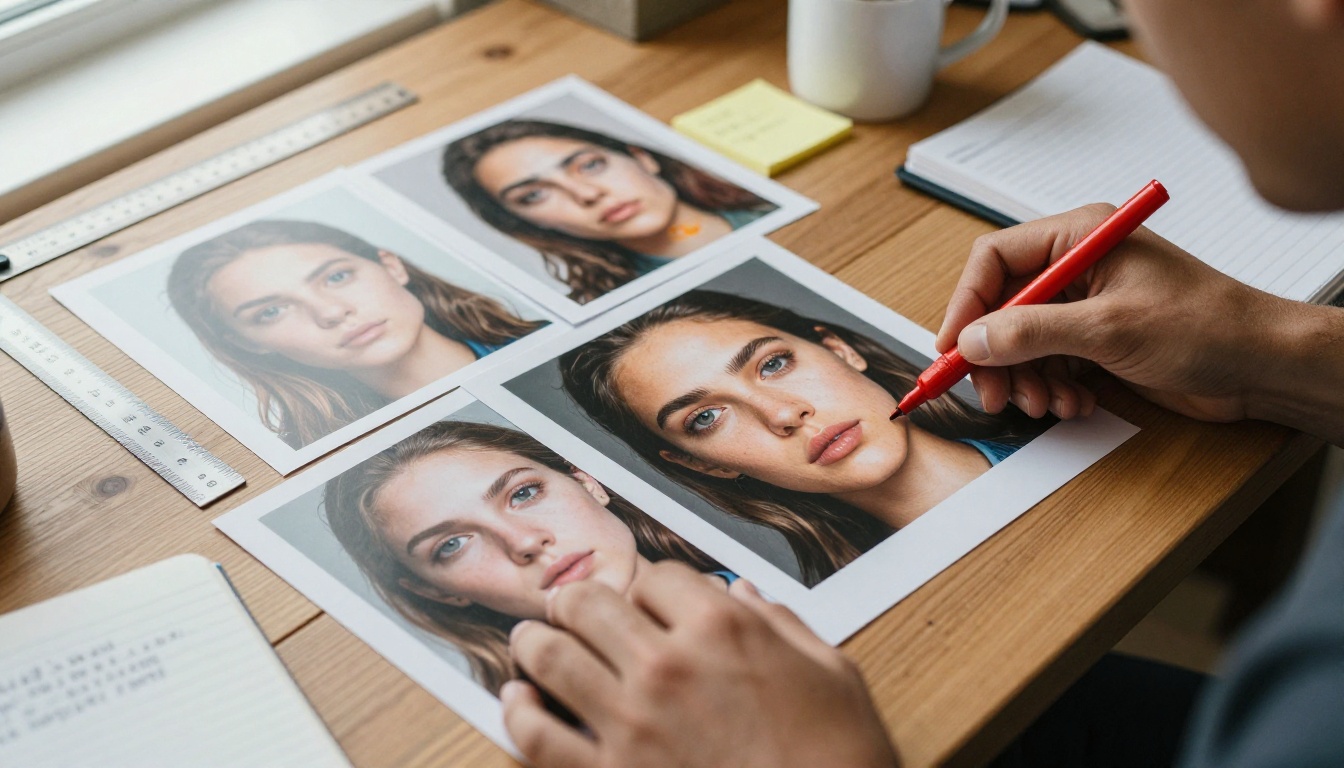
GPT Image 2 renders organic textures with a level of physical accuracy that goes beyond pattern matching. Individual hair strands catch light from specific directions. Skin shows pores, follicles, and the slight translucency of surface layers, particularly visible in areas like earlobes and the tip of the nose where light passes through.
This comes down to the model's representation of light-material interaction rather than memorizing what "realistic skin" looks like from training data.
Lighting Physics and Scene Coherence
The single biggest tell in AI-generated images has always been lighting inconsistency. A subject lit from the left with a shadow falling from the right. Multiple light sources creating impossible shadow directions. Specular highlights on surfaces that would not catch light from the implied source.
GPT Image 2 reasons about scene geometry before rendering. If you specify "morning light from a window at the left side of the room," the shadows, highlights, and reflections throughout the entire scene align to that single light source.
💡 Comparison note: Reve 2.1 and Hunyuan Image 2.1 also produce highly realistic outputs. The difference with GPT Image 2 is coherence under constraint rather than peak visual quality in optimal conditions.

Model Comparison: Head to Head
| Model | Text Rendering | Instruction Accuracy | Scene Coherence | Aesthetic Richness |
|---|
| GPT Image 2 | Excellent | Very High | Very High | High |
| Flux Redux Dev | Poor | Moderate | Moderate | Very High |
| Ideogram v4 Quality | Very Good | Moderate | High | High |
| Recraft v4.1 Pro | Good | Good | High | Very High |
| Seedream 4.5 | Good | Moderate | High | High |
| Reve 2.1 | Fair | Moderate | High | Very High |
GPT Image 2 consistently leads instruction accuracy and scene coherence benchmarks. The tradeoff is that models optimized purely for aesthetic output, such as Flux or Recraft, can still produce visually richer, more detailed images in specific style categories.
The choice between models depends on whether you are optimizing for creative beauty or specification compliance. For commercial creative work where output needs to match a brief precisely, GPT Image 2 has a clear edge.
Editing Without Starting Over
One of the less-discussed advantages of GPT Image 2 is what happens after the first image is generated.
Object-Level Changes in Existing Images
Traditional image editing with AI means re-generating the whole image or using an inpainting mask to repaint a region. GPT Image 2 can be instructed to make object-level changes while preserving the rest of the scene with high fidelity.
"Remove the bag from her shoulder."
"Change the color of the car to silver."
"Add a coffee cup on the table in the foreground."
These operations work reliably across multiple editing passes. The model maintains scene memory within the conversation, so subsequent edits do not drift away from the original composition.
Preserving Identity Across Iterations
Subject consistency across multiple generated images is a known weakness of diffusion models. Most models need a LoRA fine-tune or reference image input to maintain the same face or character across outputs.
GPT Image 2 can maintain approximate character consistency across a short conversation thread without additional inputs, though a dedicated tool like PicassoIA Image Editor Pro with LoRA support offers more robust consistency for long projects.
Speed, Cost, and API Access
Raw capability is only half the equation. Where GPT Image 2 fits in a production workflow depends on how fast it runs and what it costs.
Generation Speed
GPT Image 2 runs at a slower per-image speed than lightweight diffusion models optimized for throughput. A standard 1024x1024 output typically takes between 15 and 40 seconds depending on prompt complexity and API load.
For comparison, models like P Image Upscale and other throughput-optimized tools produce results in under 5 seconds. The quality premium of GPT Image 2 comes with a real latency cost.
What It Costs in Practice
| Use Case | GPT Image 2 | Flux Dev | Ideogram v4 |
|---|
| Single image | ~$0.04-0.08 | ~$0.01-0.03 | ~$0.02-0.05 |
| 100 images | ~$4-8 | ~$1-3 | ~$2-5 |
| Volume discounts | Limited | Yes | Yes |
For low-volume creative work where quality and accuracy matter most, GPT Image 2's cost is reasonable. For high-volume batch generation at scale, lighter models become more practical. Using upscalers like Clarity Pro Upscaler to improve cheaper-model outputs can sometimes close the quality gap at significantly lower cost.
Using GPT Image 2 on PicassoIA
GPT Image 2 is available directly on PicassoIA in the text-to-image category. Here is how to get the best results.
Step by Step
- Open the model page at picassoia.com/en/collection/text-to-image/openai-gpt-image-2
- Write a fully specified prompt, including subject, environment, lighting, angle, and any text that should appear in the image
- Be explicit about composition, telling the model exactly where elements should appear in the frame
- Specify the lighting source by direction and quality (e.g., "soft diffused light from a north-facing window" rather than just "natural light")
- Iterate using conversation context, modifying specific elements without rewriting the whole prompt from scratch
Tips for Better Output
- Use scene geometry language: Write "subject positioned in the left third of the frame" instead of "subject on the left"
- Name camera equipment: Prompts referencing specific lenses and apertures (e.g., "85mm f/1.8, shallow depth of field") activate the model's representation of how optics shape the image
- Describe what is NOT in the scene: Negative constraints work well, such as "no people in the background" or "completely empty streets"
- Layer context across messages: Start with a base scene, generate once, then request specific modifications in follow-up messages
💡 Quality boost: After generating with GPT Image 2, run the output through Image Upscale by Topaz Labs or Real ESRGAN to push resolution further without regenerating from scratch.
Where GPT Image 2 Still Falls Short
No model is right for every situation. Being honest about GPT Image 2's weaknesses matters as much as its strengths.
Current Limitations
- Highly stylized output: Models like Krea 2 Large or Recraft v4.1 Pro still produce more visually distinctive results in editorial illustration, graphic design assets, and stylized portraiture
- Anatomical edge cases: Hands in unusual poses, extreme camera angles, and highly specific body positions still produce errors occasionally
- Volume production: For batch-generating hundreds of images, throughput-optimized models with lower latency are far more practical
- Fine-tuning and LoRA support: Models in the open-source ecosystem allow custom fine-tuning for brand-specific styles. GPT Image 2 does not support this natively
When to Choose Something Else
If your workflow requires producing large volumes of images quickly with a consistent visual style, a fine-tuned Flux model or a platform like PicassoIA Image Editor Pro with LoRA training will serve you better. GPT Image 2 earns its place when precision matters more than volume.
For AI-powered text generation alongside your image work, PicassoIA also offers top language models like GPT-5 and Claude Opus 4.7 to write copy, generate prompts, or refine your creative briefs before you generate.
Start Creating With GPT Image 2
GPT Image 2 does not replace creative intent. It executes it more reliably. That is the real difference from every other model in the current landscape: not that it produces the most beautiful images by default, but that it produces the images you actually described with fewer compromises.
If you have not tried it yet, GPT Image 2 is available on PicassoIA with no setup required. Write your first detailed prompt, run it once, then compare the result against what you asked for. That comparison is where you see the difference most clearly.
For creative professionals who work from precise briefs, product designers generating scene mockups, or anyone who has spent hours iterating on prompts trying to get a model to follow a specific instruction, GPT Image 2 closes a gap that has frustrated users since AI image generation began. The platform also gives you everything you need to push images further afterward, with super-resolution tools like Crystal Upscaler and Recraft Crisp Upscale available in the same workspace.


