The gap between Kling v3 Omni Video and earlier Kling releases is not subtle. Anyone who has compared the outputs side by side knows it immediately: the older models produce footage that feels slightly artificial, with motion that sometimes stutters or drifts, while v3 Omni renders scenes that are almost indistinguishable from real camera work. That improvement did not happen by accident. It came from a series of architectural decisions, training upgrades, and a fundamentally different approach to how the model interprets both text prompts and visual inputs. This article covers every major dimension of that difference and explains what each change means for the footage you actually produce.
The Kling Version Ladder at a Glance
Before getting into the specifics, it helps to see the full version history laid out clearly. Kwai's Kling series has shipped multiple releases over a compressed timeline, each targeting a different combination of quality, speed, and accessibility. Understanding where each version sits in the lineup makes the jump to v3 Omni much easier to contextualize.
From v1.5 to v3 Omni: The Timeline
The Kling lineage covers a lot of ground:
Why Each Release Moved the Bar
Each generation of Kling was not simply a quality bump. Kling v2.0 introduced a completely rewritten motion physics engine that simulated real-world momentum more accurately than any v1.x model could. Kling v2.6 then layered cinematic motion curves on top of that foundation. By v3, the architecture shifted again at a much deeper level, and the Omni variant represents the culmination of that entire development arc rather than just another incremental polish pass.
Resolution and Output Quality
Resolution is one of the most immediately visible differences between Kling generations, but it only tells part of the story. The way each model uses its resolution budget matters as much as the raw pixel count, and this is where v3 Omni separates itself most sharply from its predecessors.
Native 1080p vs. Upscaled Guessing
Older Kling models, specifically the Standard tiers from Kling v1.5 Standard and Kling v1.6 Standard, generated video at 720p and used upscaling to reach higher display resolutions. Upscaling introduces well-known artifacts: halos around high-contrast edges, smoothed-over fine textures, and a characteristic "soap opera" sheen that makes footage look artificially clean in a way that reads as synthetic rather than captured.
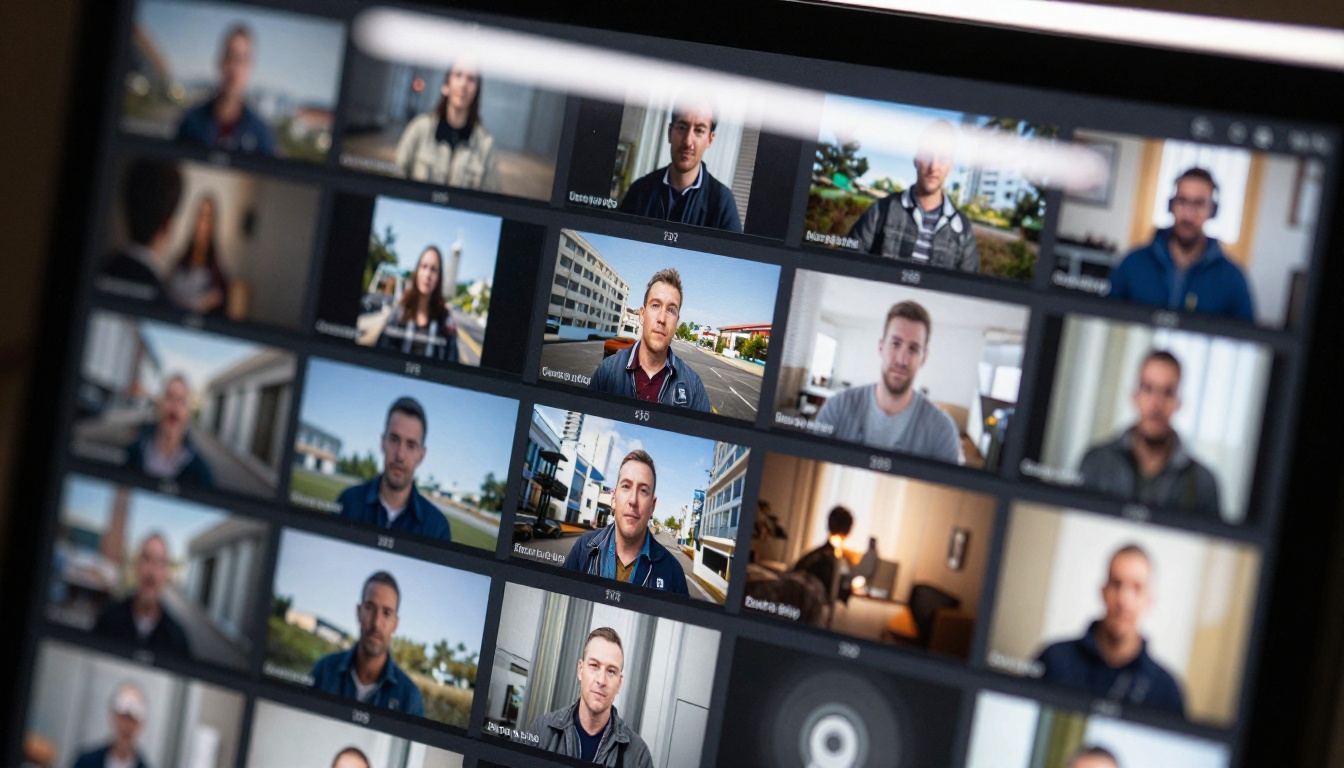
Kling v3 Omni Video generates natively at 1080p throughout the entire synthesis process. Every pixel is calculated from scratch within the model's latent space, meaning fine detail, grain structure, and texture heterogeneity are preserved without the averaging artifacts that post-hoc upscaling introduces. The difference is most visible in surfaces with complex microstructure: woven fabric, rough stone, skin pores, hair strands, and wet surfaces where light scatters in multiple directions.
💡 Pro tip: When evaluating AI video outputs, check fine textures first. Look at fabric weave patterns, individual hair strands, or rough material surfaces. These are the first things upscaling smooths away. Native 1080p synthesis preserves them at full fidelity.
Color Accuracy and Dynamic Range
The color rendering in Kling v3 Omni Video reflects a significantly more calibrated approach to dynamic range management. Earlier Kling models, including Kling v1.6 Pro, tended to clip highlights aggressively and crush shadow detail, producing video that looked slightly flat or overprocessed. The v3 Omni output shows a markedly different approach:
- Lifted shadow detail with visible texture retained in dark areas
- Specular highlights that bloom naturally rather than hard-clipping to pure white
- Accurate skin tone rendering across a wide range of complexions without the orange or gray casts common in earlier models
- Consistent white balance maintained across the full temporal extent of a clip
- Natural color temperature transitions when lighting conditions change within the scene
These improvements align with how professional cinema cameras handle dynamic range, which is precisely why v3 Omni output reads as genuinely cinematic rather than as AI-generated material attempting to approximate it.
Motion Physics and Temporal Coherence
This is where the generational difference between Kling versions is most pronounced and most consequential for creative work. AI video generators live or die by their ability to produce motion that looks physically plausible and internally consistent across every frame.
How v3 Omni Handles Complex Movement
Older Kling models, even the Pro tiers, struggled consistently with several categories of movement:
- Hair and cloth physics: Fabric in v1.x and early v2.x releases would occasionally "slide" across the body surface without responding to implied gravity or air resistance, creating a floating quality that breaks realism immediately
- Hands and fingers: Notoriously difficult for diffusion-based video models, v1.x versions showed visible morphing artifacts during hand movement, with fingers sometimes fusing together or splitting apart between frames
- Background stability: Static backgrounds would exhibit low-frequency "breathing" artifacts, where the scene appeared to pulse subtly even when nothing was supposed to be moving
Kling v3 Omni Video addresses all three categories through what appears to be a physics-informed temporal attention mechanism built directly into the denoising architecture. Cloth drapes and responds dynamically to implied body movement and air currents. Hair flows with plausible momentum rather than teleporting between frame states. Backgrounds hold position with stability even in longer clips where earlier models would drift.
The improvement in hand rendering alone is significant enough to change what content types are viable with AI video generation. Scenes that would have been unusable with older models due to hand artifacts now produce clean, naturalistic results.
Character Consistency Across Frames
One of the hardest unsolved problems in AI video generation is keeping a character looking like the same person from frame 1 to frame 120. In older Kling models, including Kling v2.1, face topology would sometimes drift subtly over the course of a clip. Cheekbone prominence, eye spacing, or jaw shape would shift slightly between frames in ways that no single frame reveals but that the moving image makes unmistakable.
💡 What changed: Kling v3 Omni Video applies identity-locking constraints at the latent level, anchoring character features to a stable representation that persists throughout the generation window. The result is footage where a character maintains consistent facial geometry, skin tone, and distinguishing features from the first frame to the last.
Kling v2.6 Motion Control introduced some of this capability for motion-driven generation, and Kling v3 Motion Control extended it further with fine-grained animation control. The Omni variant incorporates the best of both approaches while also supporting full text-to-video generation without requiring a reference image as input.
Prompt Adherence: Night and Day Difference
Temporal coherence is about how well a video looks internally consistent. Prompt adherence is about how accurately the output matches what you actually asked for. These are related but distinct problems, and they require different solutions at the architecture level.
Why Older Models Drifted
Kling v1.5 Pro and Kling v2.0 used conditioning approaches that weighted certain semantic concepts more heavily than others based on frequency in training data. If your prompt specified a specific location alongside a specific action and a specific color, the model would often optimize for the visual elements with the strongest training signal at the expense of the others. The environment might render beautifully but the specified color would be approximated, or the lighting description would be ignored in favor of generic midday illumination.
This drift was not random. It reflected biases baked into earlier training distributions where visual concepts with higher training frequency dominated the conditioning gradient, causing less common specifications to be under-represented in the output.
How v3 Omni Stays On-Script
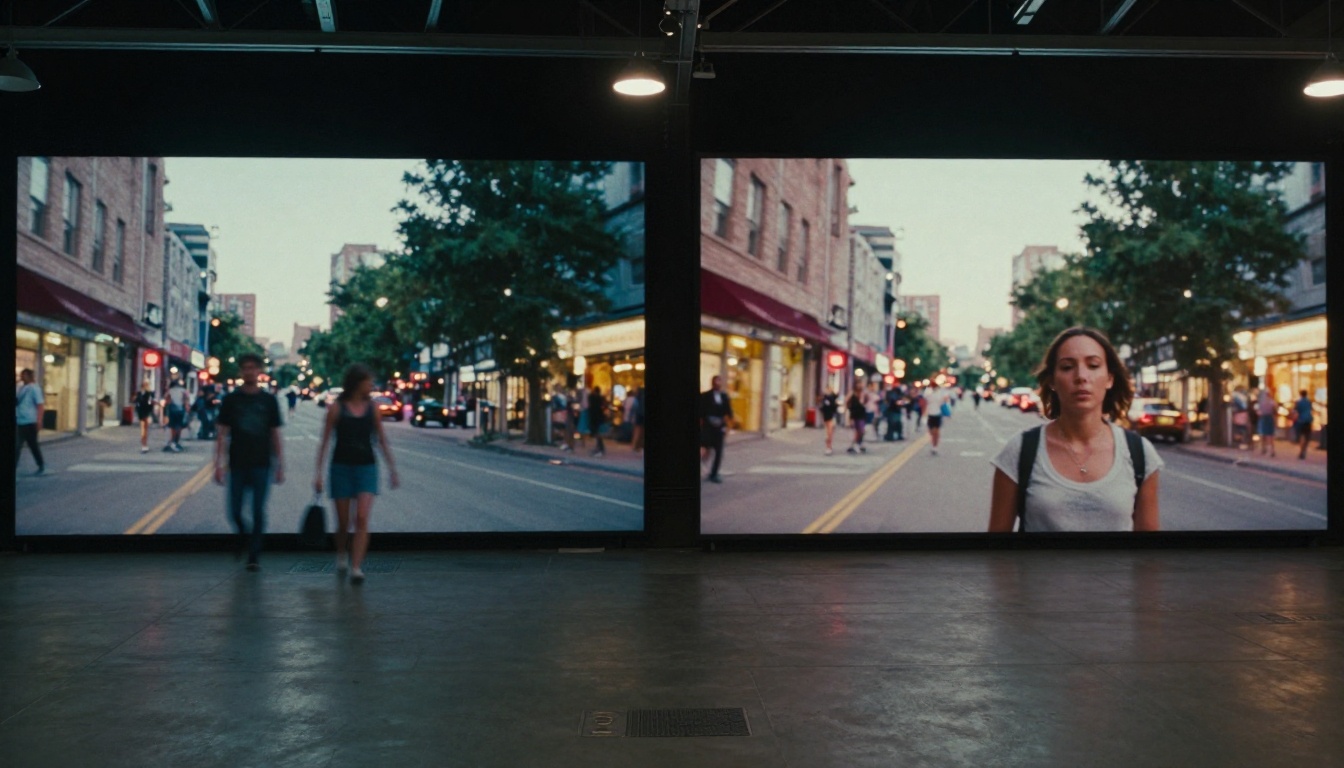
Kling v3 Omni Video uses a multimodal language model in its conditioning pipeline rather than a pure vision-language encoder. This gives the model a richer semantic representation of the full prompt before generation begins, and it maintains that representation as a strong constraint throughout the denoising process rather than allowing the generative signal to override it as the clip progresses.
In practical terms, this means:
- Color specifications like "deep burgundy" or "muted sage green" are rendered with high accuracy rather than being rounded to the nearest common training-data color
- Spatial relationships ("in the far background," "foreground right") are respected across the full frame
- Camera movement instructions like "slow dolly-in" or "gentle pan left" are executed with proper cinematic timing and easing
- Mood and atmosphere descriptors translate into actual lighting and color grading decisions rather than being treated as decoration
- Material specifications affect how surfaces render, not just what objects appear
The difference is most noticeable in prompts with five or more simultaneous specifications. Earlier models would satisfy two or three and interpolate the rest. Kling v3 Omni Video routinely delivers on all of them at once, which changes what is achievable with a single generation pass versus requiring multiple attempts.
Speed and Throughput
Quality improvements mean nothing if they come at the cost of generation times that make creative iteration impractical. The Kling series has always had to balance these competing demands, and the relationship between version and wait time is not linear.
Generation Time Compared
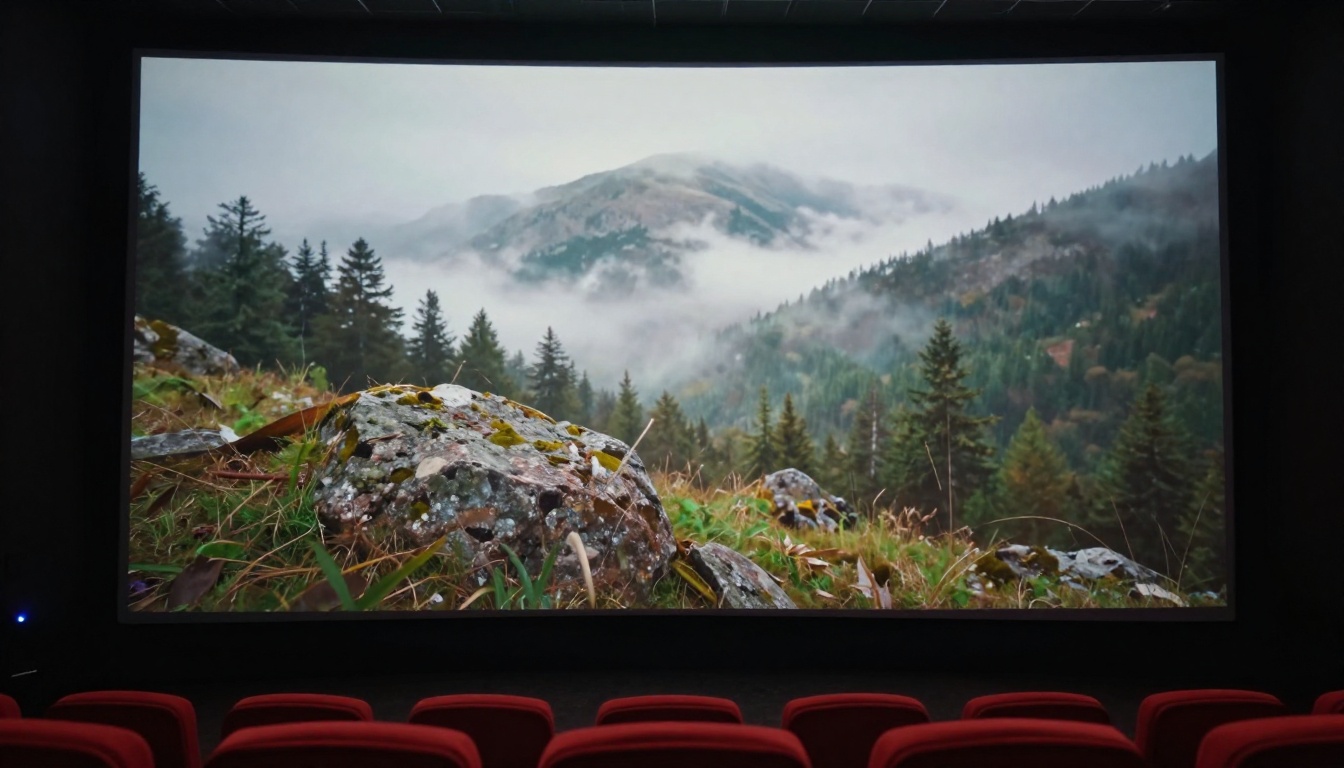
Kling v3 Omni Video is not the fastest model in the Kling lineup, but it is considerably faster than you might expect given the quality level it delivers. The efficiency improvements come from architectural optimizations that reduce redundant computation during the temporal denoising process, specifically through a more efficient attention mechanism that avoids recalculating frame-level context that does not change between denoising steps.
What It Means for Your Workflow
For content creators working iteratively, the practical implication is that you can realistically generate four to six distinct shots per hour, review them for quality, and adjust your direction before committing to a final prompt. That is a usable creative iteration cycle for professional work. Earlier Pro-tier models at equivalent output quality targets were slower and produced less consistent results per attempt, meaning more generations were needed to obtain one usable output and the effective throughput was much lower than the raw generation time suggested.
The Omni Architecture
The "Omni" name signals something specific about how this version of Kling was built, and that architectural distinction explains most of the behavioral differences discussed above.
What "Omni" Actually Means in Practice
In AI model naming conventions, "Omni" consistently refers to multimodal architecture: a single unified model that can accept and process multiple types of input simultaneously through a shared representation space. For Kling v3 Omni Video, this means the conditioning system can process several input modalities at once:
- Text prompts with high semantic fidelity via the multimodal language model encoder
- Reference images for image-to-video workflows, used as a hard first-frame constraint
- Motion control signals when combined with Kling v3 Motion Control
- Style references for maintaining consistent visual aesthetics across multiple clips in a project
Older Kling models handled these input types as separate specialized variants. Kling v1.6 Pro was strong for text-to-video but required a different model path for image-to-video. The Omni architecture collapses these distinctions into a unified pipeline where all conditioning signals work together rather than competing.

Multimodal Input Capabilities
The multimodal conditioning also explains why Kling v3 Omni Video performs dramatically better on complex prompts than its predecessors. Because the conditioning encoder was trained on diverse input modalities simultaneously, it developed richer internal representations of visual concepts than encoders trained exclusively on image-text pairs. The model has, in effect, learned a denser semantic space where unusual or specific visual requests have clearer representations and stronger gradient signals during generation.
💡 In practice: When you provide a reference image alongside a text prompt to Kling v3 Omni Video, the model uses both as simultaneous constraints rather than averaging between them. Your image sets the visual starting point; your text shapes the motion, lighting evolution, and scene dynamics. Both inputs are honored together.
How to Use Kling v3 Omni on PicassoIA
Kling v3 Omni Video is available directly on PicassoIA, without requiring API keys or managing your own compute infrastructure. The workflow is straightforward, but a few specific prompt practices consistently produce better results regardless of your subject matter.
Step-by-Step Walkthrough
Step 1: Open the model page
Go to Kling v3 Omni Video on PicassoIA directly.
Step 2: Write a structured prompt
Organize your prompt around four core elements:
- Subject: Who or what is in the scene, with specific physical details
- Environment: Where the scene takes place, including surface materials and weather or interior conditions
- Motion: What moves, how it moves, and at what pace. Be specific about momentum ("slow, deliberate walk" versus "quick stride")
- Camera: Angle, lens type (wide, telephoto, macro), and any camera movement like dolly, pan, or handheld
Step 3: Add a reference image (optional)
If you have a specific visual starting point, upload it. The Omni architecture uses it as a hard first-frame constraint, not a loose style suggestion. The generated clip will begin from that exact visual state.
Step 4: Set clip duration
For evaluation runs, five to seven seconds provides enough material to assess motion quality across a meaningful temporal range without consuming significant generation time.
Step 5: Generate and evaluate
Check motion physics first (cloth, hair, secondary motion), then character consistency from first to last frame, then color and fine detail quality. This order matches the hierarchy of how quickly each artifact type becomes visible.
Step 6: Refine and iterate
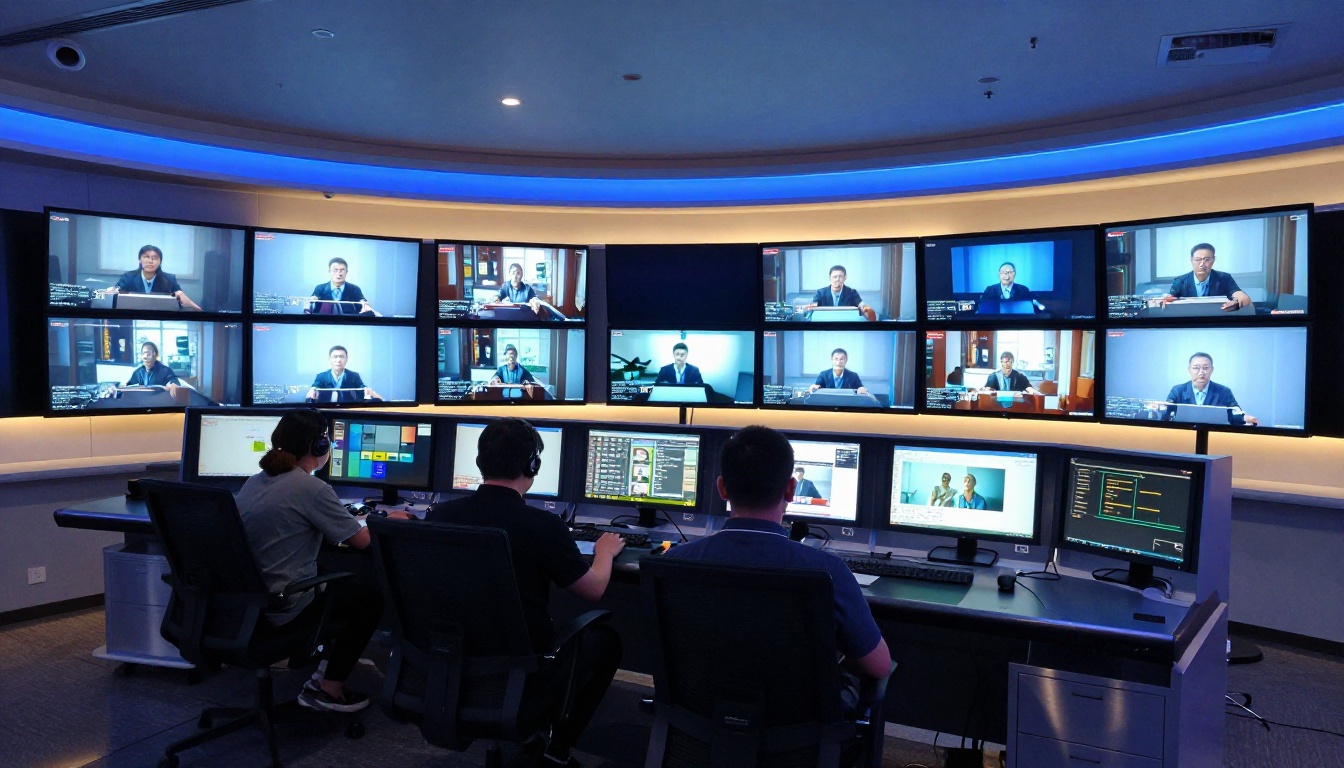
Because v3 Omni is highly responsive to prompt specificity, targeted edits to the prompt produce targeted changes in the output. You can isolate which element of the scene needs adjustment and correct just that element without disturbing what is already working.
Tips for Maximum Quality
The following adjustments consistently produce better outputs with Kling v3 Omni Video:
- Specify lighting direction explicitly: "Warm afternoon light from camera-left with long directional shadows" produces more accurate results than simply "golden hour" or "warm lighting"
- Name camera motion precisely: "Slow dolly forward," "static locked-off shot," and "gentle handheld with minimal shake" all produce distinctly different motion behaviors even with identical subject descriptions
- Describe material texture: Mentioning that a fabric is "heavy linen" versus "lightweight silk" affects how cloth physics render throughout the clip
- Avoid compound location changes: A five-second clip that begins indoors and ends outdoors will cause temporal model confusion. Pick a single environment per clip and let the motion within that space tell the story
- Use Kling Avatar v2 for talking head content: For close-up face-to-camera video with speech or expression, Avatar v2 is optimized specifically for that use case and will outperform the general Omni model on those specific outputs
The Honest Assessment
Understanding architecture is useful context, but the output itself is what matters for creative work. Across every measurable dimension, the generational difference is real and consistent.
Where v3 Omni wins decisively:
- Temporal consistency across clips longer than three seconds
- Prompt fidelity for complex multi-element scene descriptions
- Fine detail in textures, surfaces, and material rendering
- Character identity stability throughout a clip's full duration
- Dynamic range and color accuracy that reads as cinematically graded rather than AI-generated
Where older Kling models still have a role:
- Speed-critical workflows where Kling v2.5 Turbo Pro generates fast at very solid quality
- Simpler scenes where Kling v2.1 delivers clean results at lower compute cost
- Experimental content where the older models' occasional rendering characteristics produce interesting stylistic effects
Kling v3 Omni Video represents a genuine architectural generation step, not an incremental polish pass. The changes are foundational and they produce measurably different output quality across every dimension that matters for professional creative use.
Start Creating Cinematic Video Today
If you have been working with earlier Kling versions and are weighing whether the upgrade to v3 Omni is worth it for your workflow, the fastest way to answer that question is direct comparison. Run the same prompt verbatim through Kling v2.1 Master and Kling v3 Omni Video and place the results side by side. The difference in motion smoothness, character stability, prompt accuracy, and overall visual fidelity will be immediately apparent without needing to measure anything.
PicassoIA gives you access to the full Kling model lineup, including Kling v3 Omni Video, Kling v3 Motion Control, Kling Avatar v2, and every older version, without requiring API credentials or infrastructure setup. Whatever scene you are trying to produce, from social media clips to production-quality cinematic assets, the tools are ready to use right now.

Visit picassoia.com/en/all-models to see the full generation catalog, including 87 text-to-video models, image-to-video tools, motion control options, and the complete suite of AI visual generation capabilities. The output quality available today represents a significant shift in what is achievable through text prompting alone, and Kling v3 Omni Video sits at the top of that range right now.


