Most AI image tools give you one thing: a prompt box. You type, you wait, you get a result. Sometimes it's good. Often it's generic. And if you want to change something, you start over from scratch.
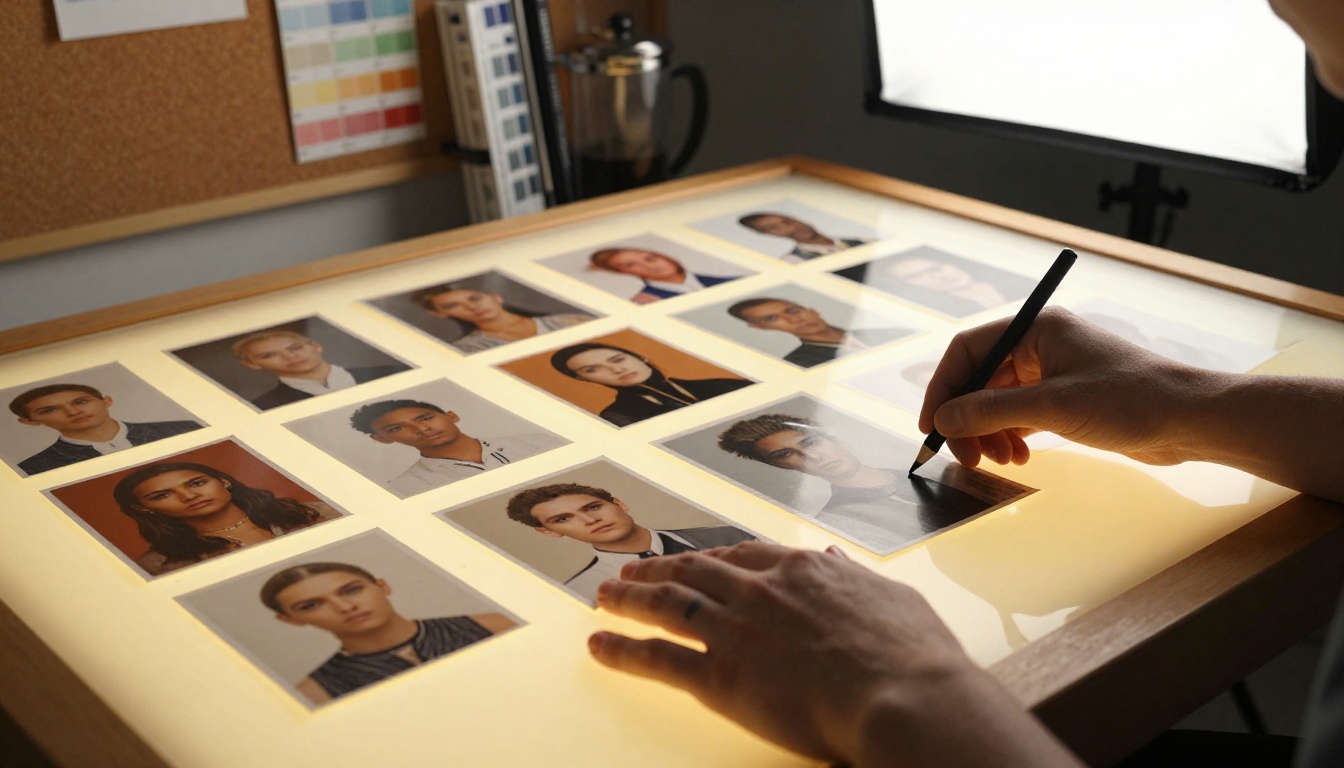
Nano Banana 2 takes a different approach — one that's built around how creative work actually happens. Not a single prompt in isolation, but an ongoing conversation. Not one reference image, but up to 14. Not training data from two years ago, but live results from the web. This isn't a minor upgrade over what came before. It's a different model of thinking about what an AI image tool is for.
What "Fast" Actually Means
Speed in AI image generation is usually talked about in seconds-per-generation. That's the wrong metric. What actually slows down a creative workflow isn't the 8 seconds a model takes to render — it's the 40 minutes you spend trying to get back to something close to a result you almost had three iterations ago.
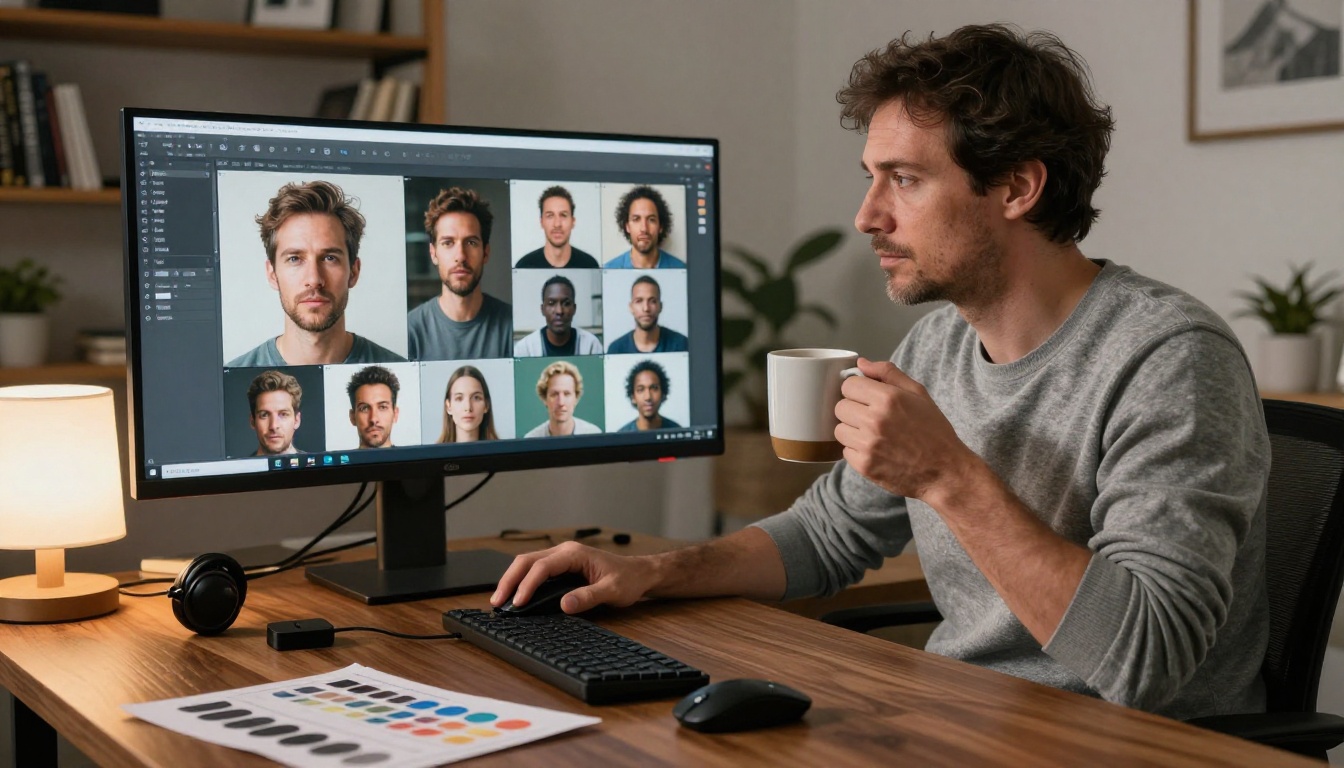
Real speed is iteration speed. How quickly can you move from a rough concept to something refined? How many re-prompts does it take before you stop losing ground? How much context does the model retain between turns? Most text-to-image tools score poorly here. They're fast per render, but slow per idea.
Nano Banana 2 in Practice
Nano Banana 2 generates sharp images in seconds. But more importantly, it remembers what you built. You can describe a change — "make the background darker and shift the jacket to burgundy" — and it applies that without starting fresh. That's the speed advantage that actually matters in a real creative workflow.
💡 Tip: When iterating with Nano Banana 2, describe changes incrementally. "Same character, now in a forest at dusk" will preserve far more visual continuity than rewriting the full prompt from scratch each time.
Multi-Image Fusion Up to 14 References
Why 14 Matters
Nano Banana 2 accepts up to 14 reference images in a single generation. This is one of the most practically useful features of any current text-to-image model — and it's one that most tools simply don't offer.

Most models accept zero to one reference image. Some accept two or three. The logic behind 14 is that real creative work rarely comes from a single reference. A fashion shoot involves a mood board. A character design pulls from multiple sources. A product visual needs to respect a brand color, a setting, and a talent reference simultaneously.
Being able to hand the model all of those references at once — rather than describing them in prose and hoping it synthesizes correctly — is a qualitative difference, not just a quantitative one.
Character Consistency Across Sessions
One of the persistent frustrations with AI image generation is character drift. You generate a strong character in one session, then try to recreate it in the next and get something slightly off — different jawline, different eye shape, slightly different proportions.
Nano Banana 2 handles this with explicit character consistency: faces, outfits, and design details stay stable across multiple generations in the same session. This is significant for any project that requires visual continuity — editorial shoots, character development, product lines, and brand visual systems.
| Feature | Nano Banana 2 | Typical Model |
|---|
| Reference images | Up to 14 | 0–3 |
| Character consistency | Session-level | Per-generation |
| Conversational editing | ✓ Yes | ✗ No |
| Real-time web grounding | ✓ Yes | ✗ No |
| Output resolutions | 1K / 2K / 4K | Usually fixed |
| Aspect ratio presets | 15 options | 2–5 options |
Real-Time Web Grounding Changes Everything
How Google Search Integration Works
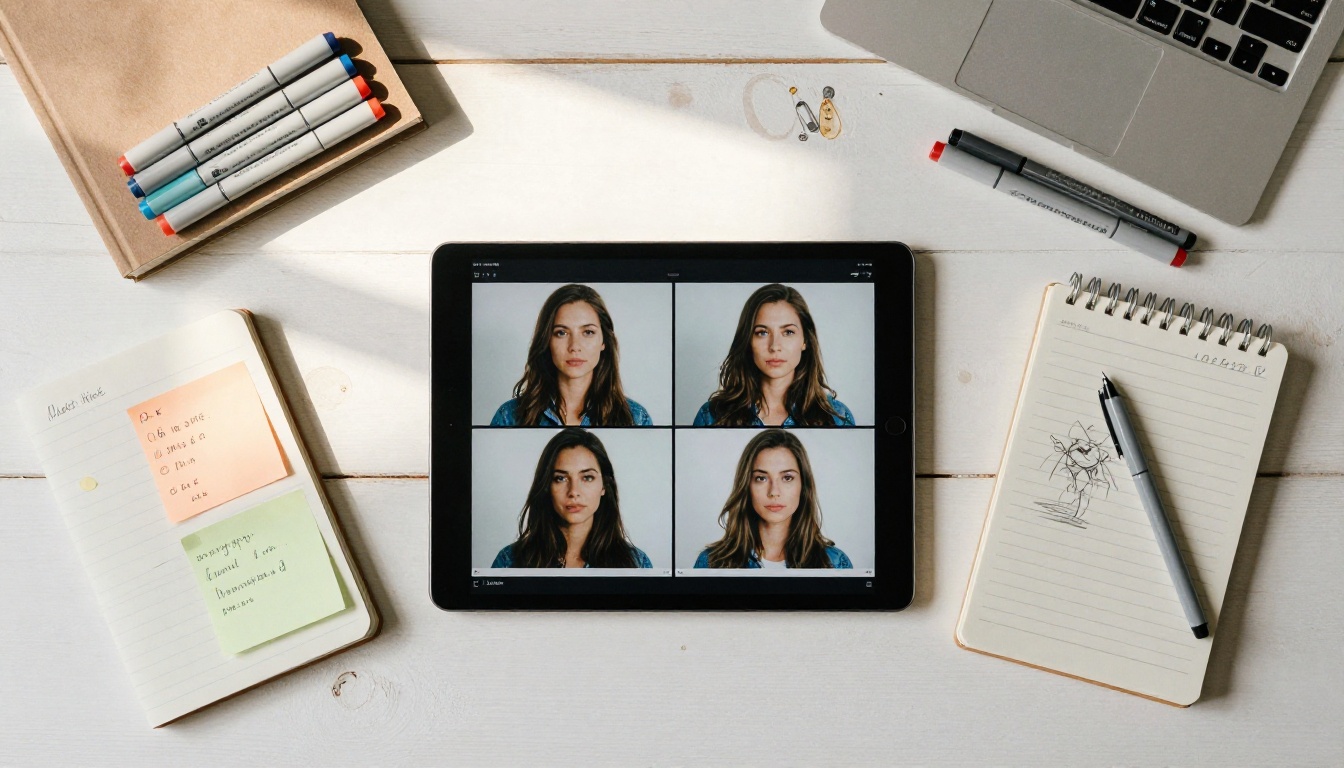
This is the feature that has no equivalent in competing models. Nano Banana 2 connects to Google Search in real time. When you generate an image tied to current events, live sports scores, recent product launches, or trending visual styles, the model pulls fresh context rather than relying on training data with a fixed cutoff date.
Most image models were trained on data from months or years ago. If you want to generate something that references a recent trend, a current season's fashion, or a location as it looks today, those models have no way to close that gap. They'll generate something plausible — but not accurate.
When Static Training Data Isn't Enough
Consider a few practical use cases where this makes a real difference:
- News and editorial: Generating scene-setting visuals that reflect current contexts, not outdated ones
- E-commerce: Showing products in environments that reflect current seasonal trends and aesthetics
- Social media: Creating content that references recent cultural moments and visual styles
- Travel: Generating visuals of locations as they currently appear, not as they appeared in training datasets years ago
💡 Tip: To activate web grounding in Nano Banana 2, enable the Google Search toggle before generating. For visual references of real places or objects, also enable Image Search to let the model pull actual photographs as context material.
Conversational Editing That Remembers
Building on What You Built
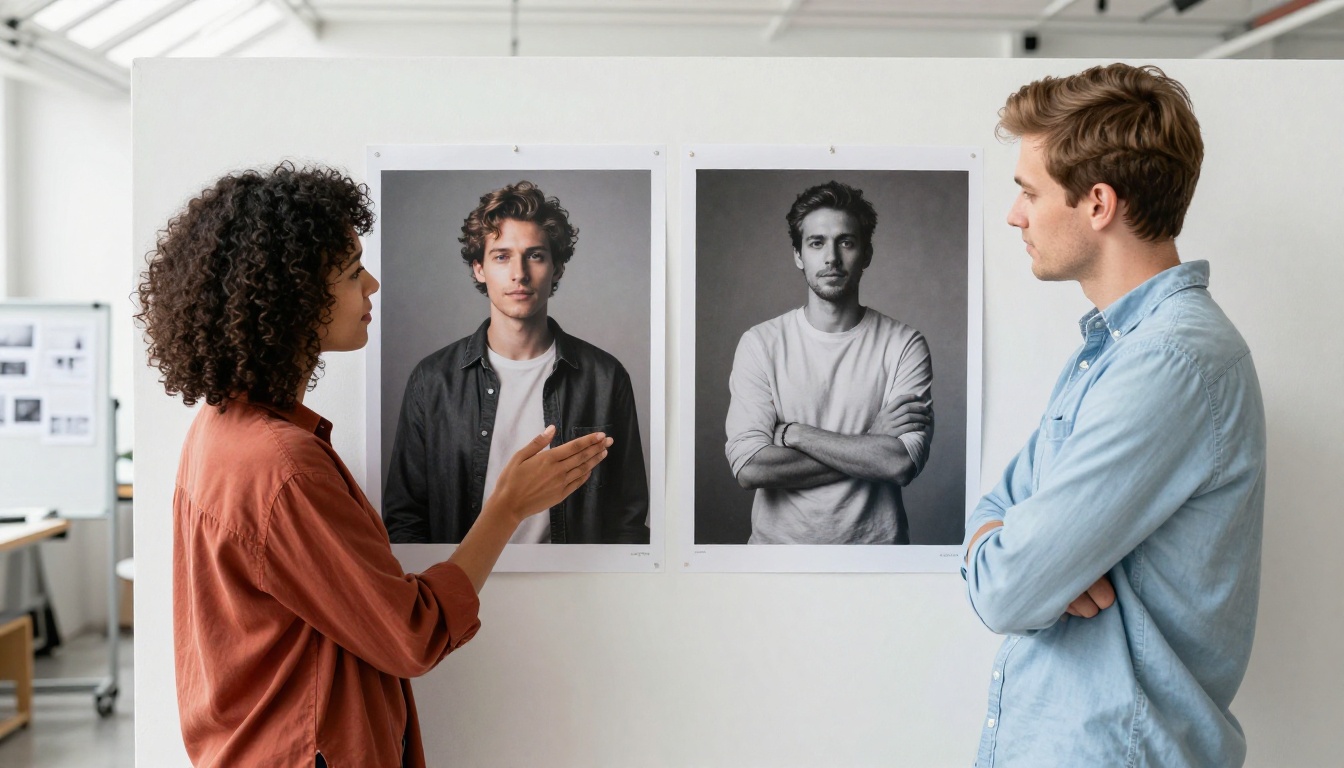
Most AI tools treat every generation as stateless. Your previous prompt is gone. Your previous output is a file sitting on your desktop. The model has no memory of what you were trying to build.
Nano Banana 2 runs more like a conversation with a designer. You establish a direction, then refine it. You can say "keep everything the same but remove the watch" and it will. You can say "now do the same shot but with morning light instead of golden hour" and it adjusts just that parameter while preserving everything else.
This matters in two distinct ways:
- Time savings: You stop spending iterations re-establishing context that the model already has
- Creative fidelity: The output reflects what you actually had in mind, not a probabilistic guess based on your final description alone
The result is a workflow that feels less like prompting a machine and more like briefing someone who has been paying attention to the whole conversation from the start.
How Nano Banana 2 Stacks Up
Nano Banana 2 vs Flux Models
Flux Schnell and Flux 2 Pro are strong choices for pure image quality and prompt adherence. The Flux family produces consistently sharp, detailed outputs with excellent color fidelity. But they are stateless — no conversational memory, no multi-reference fusion, no real-time web grounding.
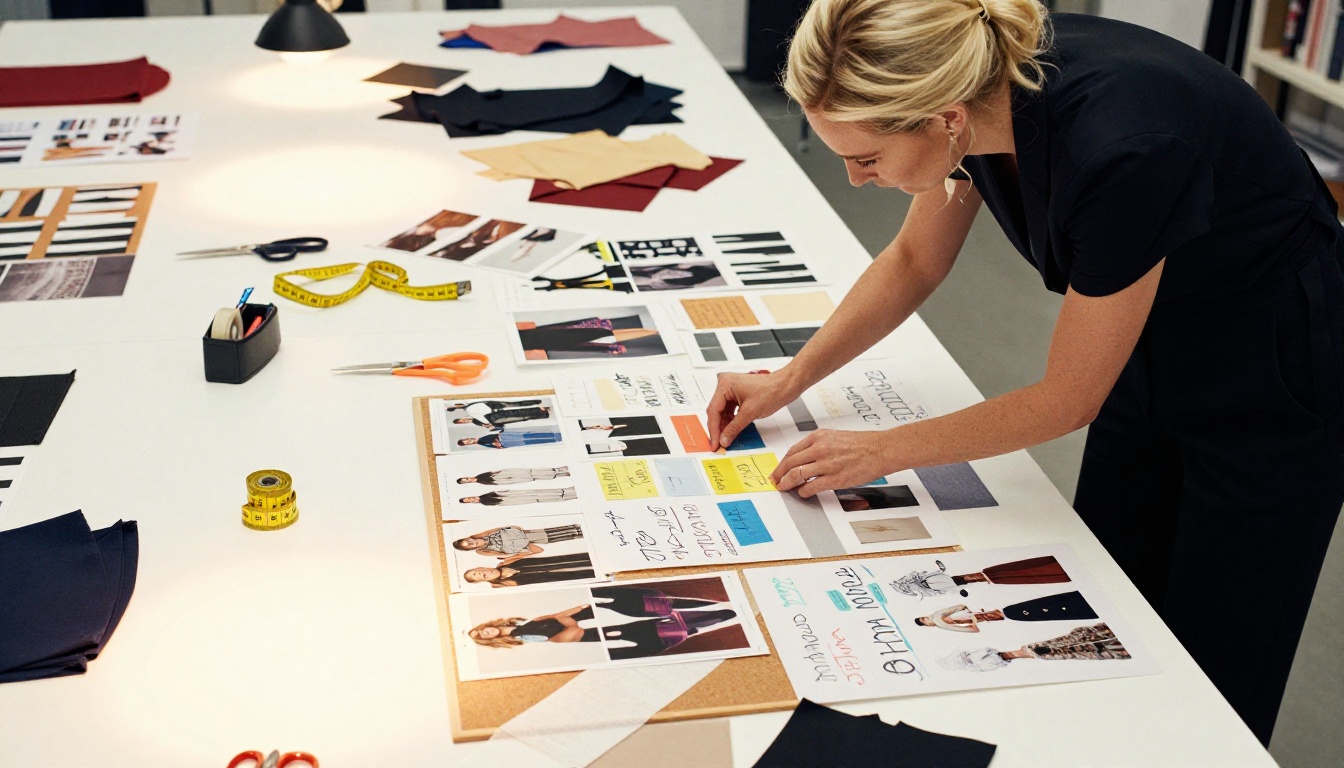
For a project where you have a clear final vision and need to execute it with precision, Flux Dev is hard to beat on pure output quality. For a project where you're developing the vision iteratively from multiple reference points, Nano Banana 2 has a clear structural advantage in how the workflow operates.
Nano Banana 2 vs GPT Image 1.5
GPT Image 1.5 is OpenAI's current image generation model and shares some philosophical DNA with Nano Banana 2 — both are designed to function within a broader conversational context rather than as standalone prompt-to-output tools. GPT Image 1.5 excels at following complex multi-step instructions with high accuracy.
Where Nano Banana 2 differentiates: the explicit multi-image reference fusion (up to 14 vs GPT's more limited reference handling), the direct Google Search integration for real-time grounding, and the wider aspect ratio flexibility across 15 presets including the ultra-wide 21:9 format.
Nano Banana 2 vs Stable Diffusion
Stable Diffusion 3.5 Large gives you the most granular control of any open-weights model — fine-tuning, LoRA, ControlNet, custom checkpoints, and full pipeline customization. That power comes at a cost: complexity, setup time, and no out-of-the-box reference fusion or web grounding capability.
Nano Banana 2 trades that level of technical control for accessible, fast, multi-reference generation that anyone can use without any configuration. Different tools for different workflows.
How to Use Nano Banana 2 on PicassoIA
Nano Banana 2 is available directly on PicassoIA — no API key needed, no installation, free to start. Here's how to get the most out of it.
Step 1 — Write Your Prompt
Be descriptive but specific. Nano Banana 2 handles natural language well, so you don't need keyword-stuffed prompts. Write it the way you'd describe the image to a person.
Weak: "A woman in a city"
Strong: "A woman in her 30s, shoulder-length red hair, wearing a slate grey trench coat, walking along a rain-slicked street at dusk, warm light from a nearby café window catching her profile, photographed from behind and slightly to the left"
The more specific the brief, the more the model's strengths kick in.
Step 2 — Upload Reference Images
If you have references, use them. The model uses them as compositional and stylistic anchors, not just loose inspiration. You can upload:
- Portrait references for character consistency across multiple generations
- Style references for visual mood, color palette, and lighting direction
- Location references for environmental and architectural details
- Product references for e-commerce, commercial, or brand work
Step 3 — Choose Resolution and Ratio

- 1K at 9:16 — fastest output, ideal for social content and quick iteration
- 2K at 16:9 — editorial and web publishing sweet spot
- 4K at 16:9 or 3:2 — print, commercial, and high-resolution final delivery
For most iterative work, start at 1K to move fast, then do a final generation at 4K when you have the composition locked.
Step 4 — Iterate Conversationally
Don't restart unless you genuinely need to. Follow up with change instructions — the model holds session context. A productive iterative workflow looks like this:
- Initial generation: Establish the core subject, setting, and mood
- Refine lighting: "Shift the lighting to golden hour, more directional from the left"
- Adjust composition: "Tighten to a closer crop, bring more emphasis to the face"
- Final details: "Add texture to the background, slightly desaturate the greens"
Each step builds on the last instead of forcing a full re-prompt from scratch.
💡 Tip: Enable Google Search grounding before your initial generation if your subject is tied to anything current — a recent fashion season, a real-world location, a cultural moment. It keeps the visual output grounded in how things actually look right now.
Resolution Control Without the Tradeoffs
One of the practical friction points with AI image generation is resolution management. Most tools give you one output size. If you need something larger, you run a separate upscaling pass with a different tool.
Nano Banana 2 gives you three native output resolutions — 1K, 2K, and 4K — with 15 aspect ratio presets covering everything from vertical social formats (9:16) to ultra-wide editorial (21:9). This removes the upscaling step entirely for most workflows.
For context, SDXL and Qwen Image 2 both require additional tools or workflow steps to hit comparable output resolutions from a single generation.
| Resolution | Best For |
|---|
| 1K | Quick drafts, social media, fast iteration cycles |
| 2K | Editorial, web publishing, blog visuals |
| 4K | Print, commercial, high-resolution final delivery |
Who Gets the Most Out of This Model
Not every model is the right tool for every job. Here's who Nano Banana 2 is genuinely built for:
Creative directors and art directors who work from mood boards and need to synthesize multiple visual references into a single coherent output. The 14-image fusion is directly built for this workflow.
Content creators and social media teams who need to produce a high volume of visually consistent content quickly. The conversational editing loop means significantly less time re-establishing context between generations.
Marketers and brand teams who need images that reflect current trends or real-world contexts. The Google Search integration keeps outputs current in a way that static models with fixed training cutoffs simply can't match.
Freelancers and generalists who want a capable all-in-one tool without configuring workflows, installing software, or managing API keys. Nano Banana 2 is free, requires no setup, and handles the full cycle from concept to final resolution output in one place.
It's also worth being direct about what it isn't: if you need fine-tuned control through LoRA weights, custom checkpoints, or ControlNet guidance, Flux Dev or Stable Diffusion 3.5 Large are better fits for that level of technical control.
Try It on PicassoIA
Nano Banana 2 is available on PicassoIA with no setup required. Write a prompt, upload your references, pick a resolution, and start building — then keep going from there without losing the thread.
If you want to run comparisons while you work, nano-banana-pro is also available on PicassoIA, as is Imagen 4 for Google's highest-fidelity output option. Each one handles a different part of the creative spectrum. But for fast, iterative, reference-rich AI image generation that stays current with the world, Nano Banana 2 is the one worth starting with.


