If you've spent time comparing AI image generation models, you already know the pattern: every new release promises sharper details, better prompt adherence, and faster output. Most of the time, the differences are subtle enough that you need side-by-side comparisons to notice them. Nano Banana 2 Lite breaks that pattern. Google's compact image generation model takes a fundamentally different approach to the quality-vs-speed tradeoff that defines this space, and once you start working with it, what separates it from the crowd becomes apparent fast.

What Is Nano Banana 2?
Nano Banana 2 Lite is Google's lightweight text-to-image model designed for fast, high-quality image generation without the computational overhead that larger models require. It occupies an interesting position in the market: it isn't trying to be the most powerful model available, and that deliberate restraint is exactly what makes it useful. The "Nano" in the name signals its core design priority. Efficiency first. Quality as a byproduct of tight architectural decisions, not raw computational force.
The Architecture Behind It
Where models like Seedream 5 Pro and Reve 2.1 are built to maximize image fidelity at the cost of longer inference times, Nano Banana 2 is built around a streamlined diffusion pipeline. The model compresses its parameter count without sacrificing the representational capacity needed for photorealistic output. This means faster denoising cycles, a lower memory footprint, and generation times that feel noticeably snappier even at high resolution.
💡 What this means for you: You can run more iterations in less time. For creative workflows that rely on rapid prototyping, this architectural decision alone changes how you work.
Why Nano Stays Competitive
The assumption most people bring to this comparison is "smaller model equals worse quality." With Nano Banana 2, that assumption doesn't hold cleanly. The model's training approach prioritizes a curated dataset with high-quality image-text pairs over raw dataset size. The result is a model that punches above its weight class on common subjects: portraits, landscapes, product photography, and architectural scenes all render with impressive fidelity.
Full-size models win on edge cases. Highly complex compositions, unusual artistic styles, or prompts that push far outside the training distribution are where larger models show their advantage. But for the 80% of everyday image generation tasks, Nano Banana 2 is competitive, and it gets there faster.

Speed That Actually Matters
Speed in AI image generation often gets discussed in abstract terms. "Model X is 2x faster than Model Y." Those numbers rarely convey what it actually feels like to work with a fast model versus a slow one, and they almost never capture the real workflow implications.
Generation Time Comparison
Here's a practical comparison of what you can expect across popular models on comparable hardware:
Times are approximate and vary based on server load and prompt complexity.
Why Speed Changes Your Workflow
When a generation takes 3 seconds instead of 12, you stop treating each output as precious. You start iterating. You try a different angle on the prompt, adjust the lighting description, push the composition in a different direction. That psychological shift from "careful single shot" to "rapid iteration" fundamentally changes the quality of your final result.
💡 Creative insight: The fastest route to a great image is often 15 fast attempts, not 3 slow ones. Nano Banana 2 makes the fast-iteration approach practical without sacrificing the quality you need at the end of it.
The speed advantage also changes which tasks you're willing to tackle with AI generation at all. When output takes 15 seconds per image, generating 30 variations for a content calendar becomes a half-hour task. At 4 seconds per image, it's 2 minutes. That's not a marginal improvement. It's a different category of workflow.
Image Quality Up Close
Speed means nothing if the output looks wrong. So what does Nano Banana 2 actually produce, and where does its rendering approach differ from the competition?
Portrait and Skin Rendering

Portrait generation is where AI image models reveal their character most clearly. Skin rendering exposes whether a model genuinely grasps the physics of light interacting with human skin, or whether it's pattern-matching to training examples.
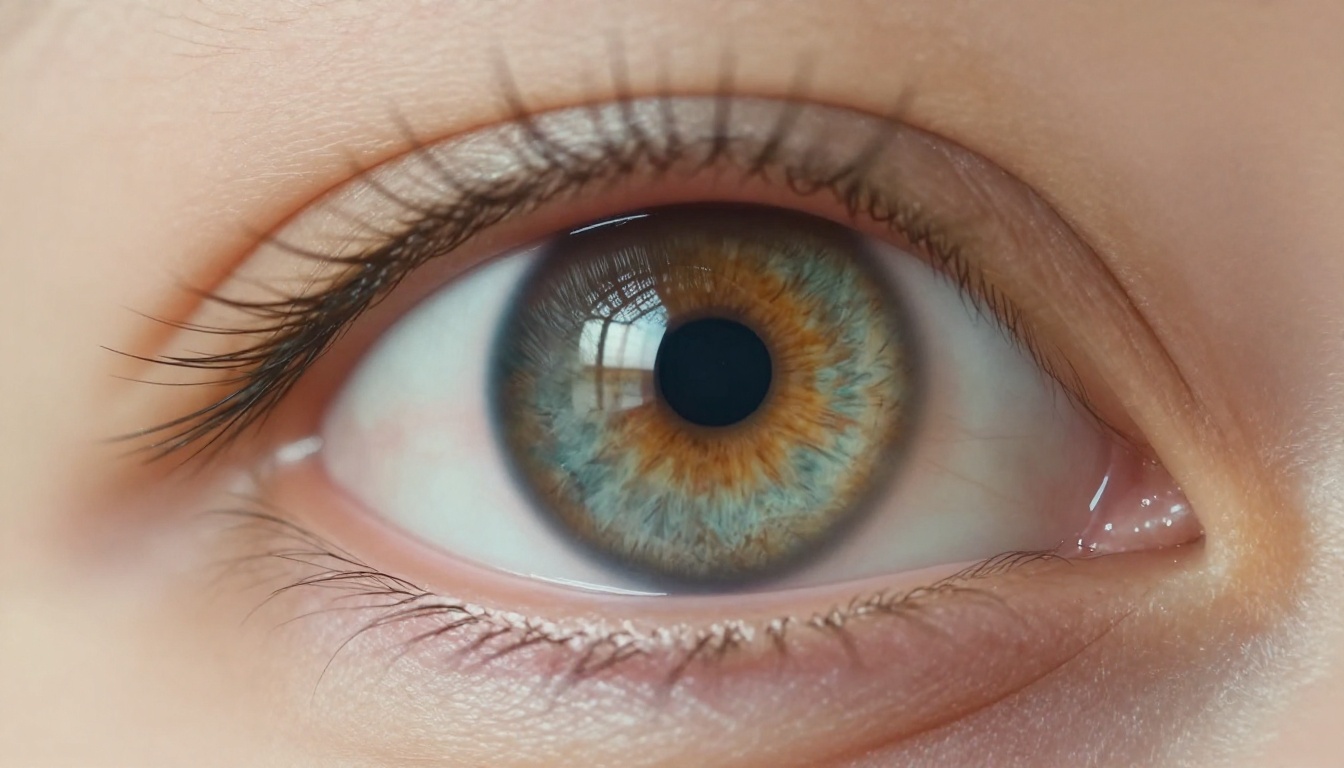
Nano Banana 2 handles portrait subjects with a naturalness that avoids two common failure modes: the plastic-doll smoothness that makes skin look artificial, and the over-sharpened pore detail that reads as uncanny. Skin in Nano Banana 2 outputs has appropriate texture variation, subtle subsurface scattering in highlights, and natural color variation across the face that matches how real photography behaves.
Hair rendering follows a similar pattern. Individual strands catch light with physical accuracy. The model doesn't apply motion blur uniformly or skip it entirely. It appears where physics would suggest it should. Eyelashes show realistic curvature and variation. Eyes carry genuine catch-lights rather than flat synthetic reflections.
This isn't a small thing. Portrait quality is what most people notice first and remember longest. A model that gets skin and eyes right earns trust fast.
Scene Complexity and Detail

Complex scenes with many small details test a model's ability to maintain coherence across the full image. A clock face with visible gears, a crowded urban environment, an architectural interior with dozens of distinct surface types: these are genuinely hard to generate with consistency.
Nano Banana 2 handles scene complexity better than its parameter count would suggest. The model prioritizes spatial coherence, meaning objects maintain consistent perspective and scale relationships across the frame. You won't find a window that should be 10 meters away rendered at the same sharpness level as the foreground subject. Depth cues are respected throughout the image.
Surface textures are another area of strength. Metal shows appropriate patina and micro-reflections. Fabric shows weave patterns. Wood grain follows physical fiber direction. These details are what separate images that read as real from images that read as AI-generated, even when viewers can't immediately articulate why.
Where complexity does create challenges is in very high element counts. Scenes with dozens of individual objects in motion, or highly intricate patterns repeated across large areas, can show artifacts. This is the most visible sign of the parameter efficiency tradeoff.
Color Accuracy and Tone

Color science is one of Nano Banana 2's most consistent strengths. The model produces images with natural color temperature transitions across different lighting conditions. Golden hour scenes show warm-to-cool gradients that match real-world color physics. Interior scenes balance ambient and artificial light sources without the oversaturation that makes many AI-generated images immediately recognizable as synthetic.
Tonal range is well-calibrated. Highlights don't blow out unnecessarily, and shadow detail is preserved without lifting the black point into an unnatural gray wash. For photographers and designers who need AI-generated images to sit alongside real photography in a layout or feed, this tonal accuracy is significant. Images that clash tonally with real photos break the illusion immediately.
How Nano Banana 2 Compares
Placing Nano Banana 2 in context requires honest comparison against the models you're most likely already working with.
vs. Seedream 5 Pro
Seedream 5 Pro is the heavy-hitter in this comparison. Bytedance's model is built for maximum fidelity at up to 2K resolution, and it shows. In side-by-side comparisons at high complexity, Seedream 5 Pro produces more native detail in extreme close-ups and handles unusual artistic prompts with more confidence.
The tradeoff is significant. Seedream 5 Pro takes 2-3x longer to generate, and for most practical use cases, the quality difference is difficult to spot in finished work. If you're generating hero images for large-format print, Seedream 5 Pro wins. If you're generating content for web or social media, or rapidly iterating toward a creative brief, Nano Banana 2's speed changes the math considerably.
The honest answer: use Seedream 5 Pro when resolution is the constraint. Use Nano Banana 2 when iteration speed is the constraint.
vs. Reve 2.1
Reve 2.1 targets prompt adherence as its primary differentiator. The model is specifically tuned to follow complex, multi-element prompts with high fidelity to the written description. If your workflow involves prompts with 10+ specific compositional requirements, Reve 2.1 handles them more reliably.
Nano Banana 2 wins on natural image quality for straightforward prompts. When the subject is clear and the composition is defined, Nano Banana 2's outputs have a more natural photographic feel. Reve 2.1 can feel slightly over-engineered for simple subjects, prioritizing prompt accuracy over natural rendering. The choice depends entirely on whether you're working with complex precise creative briefs or naturalistic image generation.
vs. Stable Diffusion XL
The SDXL comparison reveals Nano Banana 2's design philosophy most clearly. SDXL is highly customizable through LoRA fine-tuning and ControlNet conditioning, making it the right choice for workflows that require precise control over outputs or consistent branded visual styles. Nano Banana 2 is a closed, optimized model that prioritizes out-of-box quality over configurability.
| Feature | Nano Banana 2 Lite | SDXL |
|---|
| Setup complexity | Zero | High |
| Out-of-box quality | High | Medium-High |
| Customization | Limited | Extensive |
| Speed | Fast | Variable |
| Fine-tuning support | No | Yes |
| Best for | Rapid iteration | Branded consistency |
For most users who don't need custom fine-tuning, Nano Banana 2 delivers better results faster from day one. The absence of configuration overhead isn't a limitation. For the right use case, it's the point.
How to Use Nano Banana 2 on PicassoIA
Nano Banana 2 Lite is available on PicassoIA with no setup required. Here's how to get the most from it starting with your first generation.
Getting Your First Image
Navigate to the Nano Banana 2 Lite model page on PicassoIA. The interface is clean: text prompt input, aspect ratio selector, generate button. Unlike more complex model interfaces, Nano Banana 2 doesn't require extensive parameter tuning to produce quality results. The defaults are well-chosen and work for most use cases immediately.
Start with a clear, specific prompt. Describe these four things:
- Subject: What or who appears in the image
- Setting: Where they are and what surrounds them
- Lighting: Time of day, direction, and quality of light
- Style: Photographic style (portrait, documentary, architectural, product)
The more concrete and physical your description, the better the result.
Prompt Tips That Work
Nano Banana 2 responds well to prompts that describe physical reality rather than conceptual abstractions. The model is trained on photographic imagery, so prompts written the way a photographer would describe a shot to a collaborator produce the best results.
What works well:
- "A woman in her 30s reading at a cafe window, afternoon sunlight from the left, shallow depth of field, 50mm lens, Kodak Portra color science"
- "Aerial view of a coastal town at sunrise, morning fog lifting off the harbor, soft overcast light, telephoto compression"
- "Close-up of hands holding a coffee cup, steam rising, warm tungsten kitchen light, 85mm macro lens, natural skin texture"
What works less well:
- Abstract emotional concepts without physical grounding ("a feeling of longing")
- Extreme stylistic departures from photography ("anime style", "watercolor illustration")
- Very long lists with 15+ specific requirements that compete or conflict with each other
The single most effective prompt habit: end with a camera and film specification. "85mm f/1.8, Kodak Portra 400" consistently pushes the model toward its strongest photographic rendering mode.
Parameter Settings Worth Trying
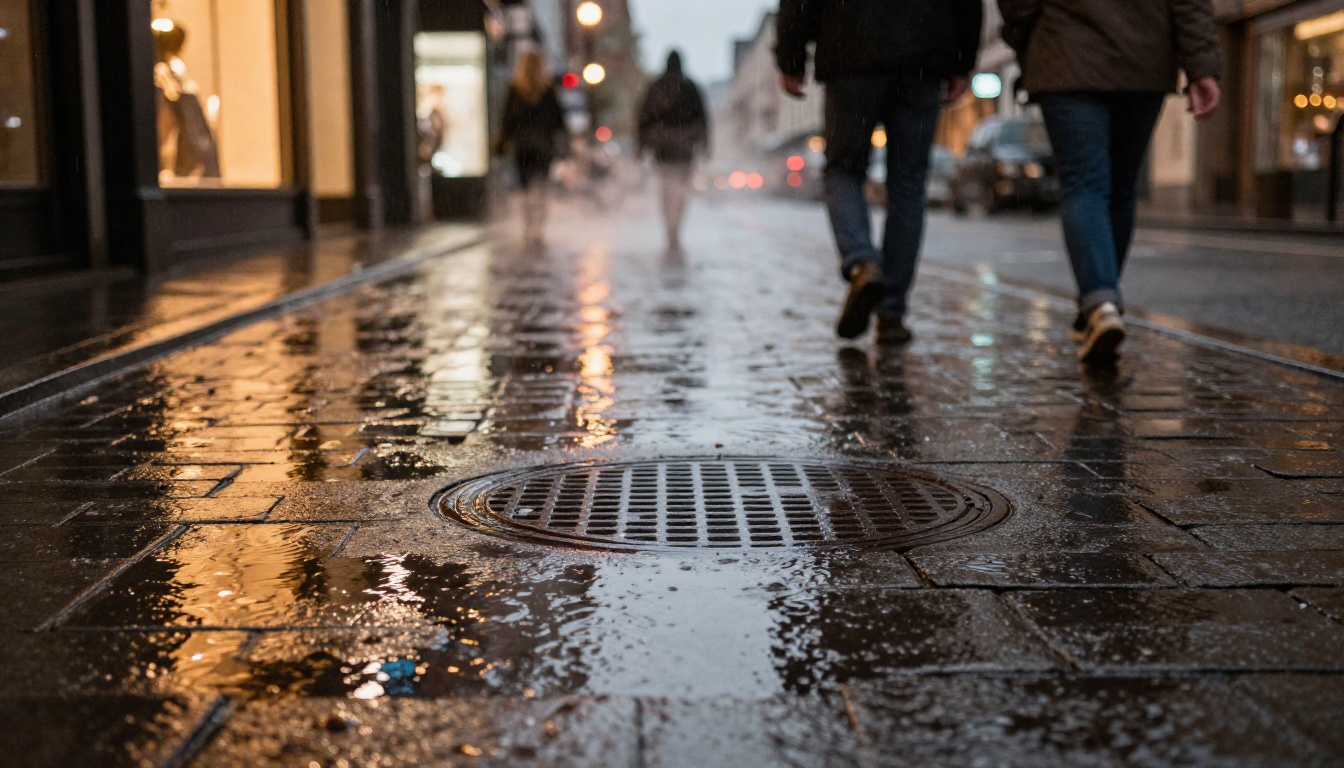
The 16:9 aspect ratio is the model's natural home for landscape and environmental shots. For portraits, 4:3 or 3:4 produces more natural compositions. Both work well, but 16:9 at native resolution showcases the color and lighting capabilities most clearly.
For product photography prompts, try square (1:1) ratio. The centered composition bias works in favor of product isolation.
💡 Pro tip: Run the same prompt 3-4 times with different seeds to find the strongest composition. Because generation is fast, this takes less time than you'd expect and consistently produces better results than relying on a single output.
Best Use Cases for This Model
Not every model is the right tool for every situation. Here's where Nano Banana 2 genuinely delivers.
Social Media Content
The combination of speed and natural image quality makes Nano Banana 2 ideal for high-volume social media content production. Generating 20-30 images for a content calendar in a single session is practical. The outputs have a photographic quality that integrates well with real photos in a feed without looking synthetic or out of place.
For content teams managing multiple brand accounts, the ability to iterate rapidly on visual directions without waiting 10-15 seconds per image is a real operational advantage.
Product Mockups
Product mockups require accurate surface rendering and believable environmental integration. Nano Banana 2's strong material and texture rendering makes it a solid choice for lifestyle product shots: a coffee mug on a morning kitchen counter, a book on a weathered wooden desk, a skincare product on a marble bathroom shelf.
The physical accuracy of light interaction with surfaces in these outputs is high enough for actual marketing materials. For studios that need rapid client-facing mockups before committing to a full photo shoot, this workflow is genuinely useful.
Pair Nano Banana 2 with PicassoIA's super-resolution models to upscale the output to print-ready dimensions when needed. The base generation quality holds up well through upscaling because detail is rendered accurately from the start, not artificially sharpened in post.
Creative Direction and Iteration
When you're in the early stages of a project and need to rapidly test visual directions, speed is everything. Nano Banana 2 makes mood board creation, initial concept exploration, and client-facing visual presentations genuinely fast. You can test a dozen different lighting directions or color palettes in the time another model needs to render two images.
This is particularly useful in agency or studio contexts where creative direction approval cycles require showing multiple options quickly. Nano Banana 2 makes "show me three different takes on this" a fast answer rather than a slow one.
Where Nano Banana 2 Falls Short
There are real scenarios where Nano Banana 2 is not the right choice.
Very high-resolution output: If you need native 2K or 4K resolution for large-format print work, Seedream 5 Pro delivers more native resolution detail. PicassoIA's super-resolution tools can extend Nano Banana 2's output, but native resolution remains a real advantage in the highest-demand print scenarios.
Precise compositional control: Prompts requiring highly specific spatial arrangements of multiple elements are more reliably handled by models tuned for prompt adherence. Complex compositional briefs with exact placement requirements will see better results from Reve 2.1.
Custom style consistency at scale: If your workflow requires a consistent branded visual style that goes beyond what a prompt can achieve, SDXL's LoRA ecosystem provides customization options Nano Banana 2 doesn't have. For brands with highly specific proprietary visual identities, custom fine-tuning capability matters.
These limitations are real. But for most everyday image generation work, they don't apply. The model's strengths cover the substantial majority of practical use cases that content creators, marketers, and designers actually run into day to day.
Start Creating With Nano Banana 2 on PicassoIA
The real difference between Nano Banana 2 and other image models isn't a single standout feature. It's a set of deliberate tradeoffs that add up to a genuinely different working experience: faster output, natural color science, and strong photorealistic performance on the everyday subject matter that most image generation workflows actually require.
Nano Banana 2 Lite is available now on PicassoIA alongside 90+ other text-to-image models including Seedream 5 Pro, Reve 2.1, and P Image Ideogram. Running the same prompt across multiple models is the fastest way to see concretely what each one does differently and where each one fits in your workflow.
Take 20 minutes. Run 3-4 prompts through Nano Banana 2 and one or two competing models, and pay attention to how the outputs differ in skin tone, shadow detail, and color temperature. You'll have a far clearer picture of where each model fits in your specific work than any written comparison can give you.
Browse the full model library at picassoia.com/en/all-models and start generating.


