What Makes Qwen Image 2 Pro Different From Other Image Models
Qwen Image 2 Pro breaks from the pack in AI image generation by delivering precise text rendering, bilingual support, strong instruction fidelity, and a native editing ecosystem. This article compares it directly against FLUX, Seedream, Imagen, and SDXL, showing where each model wins and loses across real creative use cases.
Most AI image models share the same core weakness: they struggle with text inside images, they hallucinate details when instructions get complex, and they were designed for English-speaking users submitting simple prompts. Qwen Image 2 Pro breaks all three of those patterns at once, and that is what makes it genuinely different from anything else available today.
Released by Alibaba's Qwen team, Qwen Image 2 Pro is not just an upgrade to a base model. It is a fundamental rethink of what a text-to-image system should prioritize. While most competitors optimize for aesthetic benchmark scores and photorealism ratings, Qwen Image 2 Pro targets the practical failures that make other models frustrating in real creative work: garbled text, ignored instructions, and zero editing capability without external tools.
This breakdown looks specifically at where Qwen Image 2 Pro diverges from models like Flux 2 Pro, Seedream 5 Pro, Imagen 4, and SDXL, with concrete technical reasons behind each difference and real-world implications for designers, marketers, and developers who need reliable outputs.
Why Qwen Image 2 Pro Stands Out
The Architecture Behind the Results
The Qwen Image 2 Pro lineage starts from Qwen2.5-VL, a large multimodal foundation model with deep natural language comprehension. That heritage is unusual for an image generator. Most diffusion-based models are trained primarily on visual data with a comparatively shallow text encoder, meaning the model processes your prompt as a rough set of visual keywords rather than as coherent language.
Qwen Image 2 Pro was built on top of a model that already had strong language understanding, which means the "reading" part of the generation pipeline is significantly more capable than what Flux Dev or Stable Diffusion variants use. In practical terms: when you write a long, specific, multi-clause prompt, Qwen Image 2 Pro parses it the way a capable language model would. It processes relationships between objects, negations, conditional clauses, and relative positioning within a single prompt pass.
This architectural difference is not subtle. It is the reason why Qwen Image 2 Pro produces dramatically different results on complex prompts compared to models that use CLIP-style text encoders with token limits and weak semantic parsing.
From Base Models to the Pro Tier
The Qwen image model family has expanded rapidly and deliberately. Starting with the original Qwen Image, then Qwen Image 2, then Qwen Image 2512, and now the Pro tier, each version has added measurable improvements in text rendering accuracy, face quality, and compositional fidelity. The Pro designation signals a higher parameter count and extended fine-tuning that specifically addresses the weakest spots of its predecessor.
The jump from Qwen Image 2 to Qwen Image 2 Pro is most visible in three areas: typographic accuracy, complex scene composition, and the consistency of outputs across repeated generations with the same prompt. Where earlier versions would sometimes drop a word from a text prompt or misplace an object, the Pro version handles these situations with noticeably higher reliability.
💡 Note: If you need text accuracy combined with photo editing in a single workflow, look at Qwen Image Edit Plus, which extends the generation pipeline into a full round-trip editing system built on the same foundation.
Text in Images: Where Most Models Fail
The Typography Problem
Ask Flux Schnell to generate a promotional poster with a specific headline, and you will often get something that looks like text but reads as a language that does not exist. Ask SDXL the same thing, and the letters might be individually recognizable but kerned so poorly the words become unreadable. This is not a minor inconvenience for creative teams. It blocks entire use cases: advertising, signage, social media graphics, editorial layouts, any output where words need to be legible.
Qwen Image 2 Pro was specifically trained to treat text inside an image as a semantic element, not as a visual texture. The model understands that letters must connect into words, words into readable strings, and those strings must match what was specified in the prompt. You can ask for a storefront sign that says "OPEN DAILY 9-5" and get exactly those words, correctly spelled, in a coherent typographic layout. That level of reliability is rare across any current image model.
The model also handles font style instructions better than most alternatives. Specifying "bold serif font," "italic script," or "handwritten chalk style" produces results that correspond to those descriptions, rather than generating a generic sans-serif regardless of what was asked.
Bilingual Text: Chinese and English Together
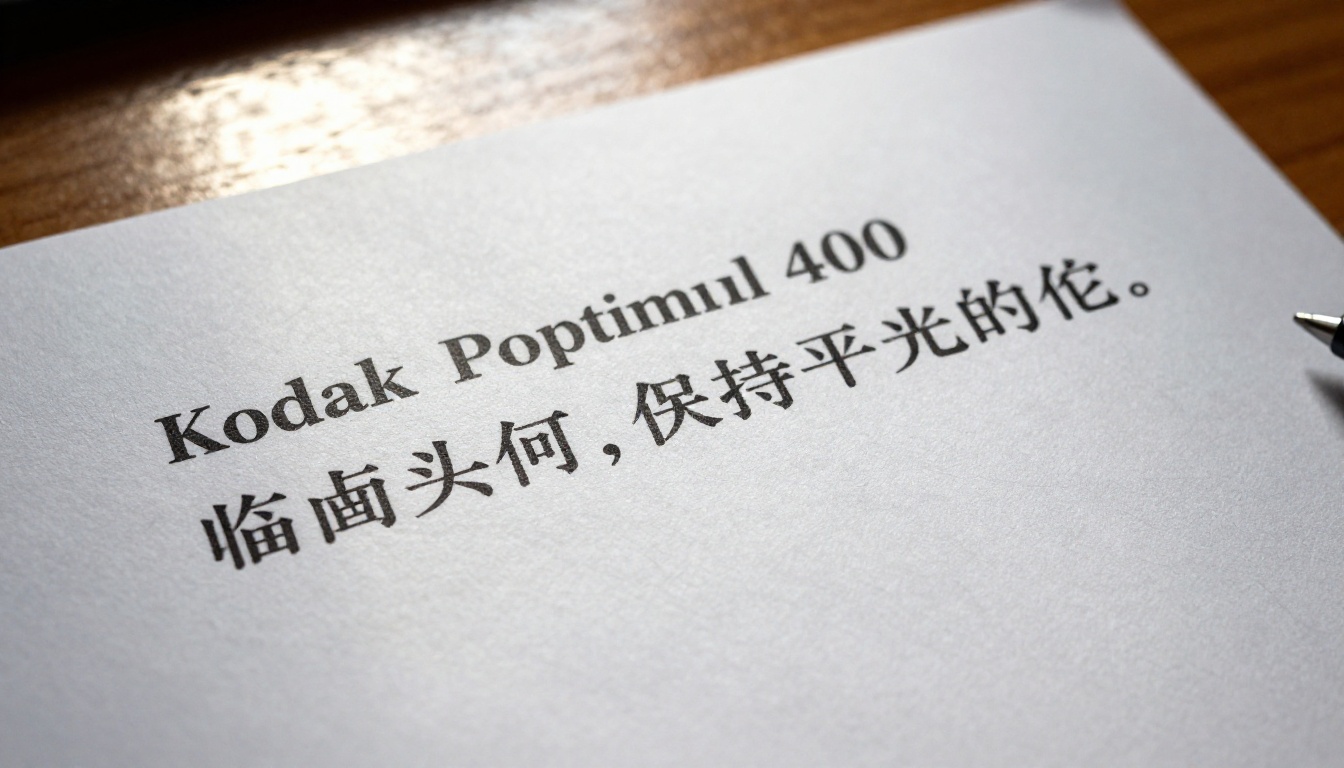
This is where Qwen Image 2 Pro operates without any real competition at its quality tier. It can render both Chinese and English text within the same image, correctly, with proper character formation and appropriate spacing for each script. For content creators targeting Chinese-speaking markets, or for bilingual branding work, this is a capability that simply does not exist at comparable quality in any Western-developed model.
Flux Pro may produce acceptable English text on a good generation. Ask it for Chinese characters and you get visual noise that vaguely resembles CJK script without being semantically correct. Seedream 4.5, developed by ByteDance, handles Chinese better than most Western models but still produces inconsistent results on mixed-language layouts where both scripts must coexist legibly.
💡 For bilingual content workflows, Qwen Image 2 Pro is currently the most consistent option available through any browser-based image generation platform.
Most image models are genuinely good at style. Tell them "cinematic lighting, golden hour, shallow depth of field" and they deliver something atmospheric and visually pleasing. Where they fail is specificity. Say "a woman in a red dress standing on the left side of the frame, facing right, with a white car partially visible behind her shoulder" and you will often get a woman, possibly a red dress, maybe a car somewhere, but the spatial relationships, the directionality, the intentional framing: those details evaporate.
Qwen Image 2 Pro inherits the language model's capacity to parse spatial and relational instructions with greater fidelity. It does not just extract nouns from your prompt. It processes prepositions, directional modifiers, size relationships, and conditional clauses. The spatial accuracy in compositions generated by Qwen Image 2 Pro is measurably better than Flux Kontext Pro on most spatial instruction types, and substantially better than older architectures like Realistic Vision v5.1 or Playground v2.5.
When Other Models Guess
The core problem with most diffusion models is that they probabilistically hallucinate details not specified in the prompt. This is partly intentional design: models like Flux Dev are built to be generative and creative, filling in compositional gaps with what looks plausible. That creativity is a feature for open-ended prompts and a bug for precise commercial briefs.
Qwen Image 2 Pro does not hallucinate as aggressively when given detailed instructions. When you write a specific prompt, it treats unspecified elements conservatively. The background remains neutral unless you describe it. Props stay absent unless you include them in the prompt. Objects maintain their described relationships to each other across the frame. This makes the model far more predictable for commercial use cases where output consistency matters more than creative surprises between generations.
Qwen Image Edit and Qwen Image Edit Plus are not separate tools bolted onto the generation pipeline as an afterthought. They share the same foundational architecture as Qwen Image 2 Pro, which means the editing model actually understands the semantic content of the image it is modifying.
When you ask Flux Fill Pro to replace an object in a photo, it works at the pixel-diffusion level. It does not "know" what an object is; it fills a masked region with visually plausible pixels. When you ask Qwen Image Edit to change the color of a jacket in a portrait, it understands it is looking at a jacket on a person with a specific fabric texture, and it changes the jacket color while preserving the material quality, the fold shadows, and the contextual relationship to the body beneath it. That semantic awareness produces cleaner edits on complex subjects.
💡 For LoRA-based style customization on top of editing, Qwen Image Edit Plus LoRA lets you apply custom-trained visual styles to the editing workflow without losing the semantic precision of the base model.
Specialized Edit Applications
The Qwen editing ecosystem on PicassoIA includes a set of task-specific applications built directly on the core models:
Qwen Image Edit Plus LoRA Skin: Professional-grade skin retouching that preserves natural texture while correcting blemishes and tone inconsistencies
Qwen Image Edit Plus LoRA Relight: Change the lighting direction, color temperature, or shadow quality in an existing photo without re-generating it
This level of specialization is only achievable because the underlying model is semantic. You cannot build reliable skin retouching on top of a model that treats skin as a pixel region rather than an understood body part within a scene. The semantic foundation of Qwen Image 2 Pro is what makes the entire editing ecosystem possible.
Speed vs Quality Tradeoff
How It Compares in Practice
Qwen Image 2 Pro is not the fastest model available. If generation speed is the primary requirement, Flux Fast or Flux Schnell will produce images noticeably faster. But for work where output quality, text accuracy, and instruction fidelity are required, the generation time of Qwen Image 2 Pro is reasonable, and the reduction in failed or unusable generations more than compensates for the time difference.
The image must contain readable text, especially mixed-language or bilingual text in the same frame
You are writing long, detailed prompts with spatial, relational, or conditional instructions
Editing capability within a consistent model family is part of your workflow
The output is for commercial use, where predictability across multiple generations matters more than creative randomness
Your audience includes Chinese-speaking users, making bilingual text accuracy non-negotiable
You are building a repeatable content pipeline that requires consistent compositional outputs
For abstract art, experimental aesthetics, or rapid iteration on style concepts, models like Flux Redux Dev, Seedream 4.5, or Flux Krea Dev may suit the task better. Different tools for different creative outcomes.
How to Use Qwen Image 2 Pro on PicassoIA
Step 1: Access the Model
Go to Qwen Image 2 Pro on PicassoIA. No installation, no API key configuration. The model runs directly in the browser and generates images without a local setup requirement.
Step 2: Write a Structured Prompt
Qwen Image 2 Pro rewards structured, sentence-based prompts. Because it processes language the way a foundation model does, you get significantly better results when prompts are written in clear, complete sentences rather than comma-separated keyword lists.
Less effective:
woman, red dress, city, night, cinematic
More effective:
A woman in a fitted red dress stands on the left side of the frame, facing right toward the camera, on a busy city street at night. Behind her, blurred taxi headlights create warm amber bokeh. Shot at 85mm f/1.4, natural street lighting, Kodak Portra 400 film grain.
💡 Prompt tip: Write your prompt as a precise visual brief, not as a tag cloud. Qwen Image 2 Pro processes it as language first and image second. Sentence structure, word order, and relational phrasing all affect the output.
Step 3: Include Text Requirements Explicitly
If you need readable text in the image, specify it with exact spelling. Put the text you want in quotation marks within your prompt. For bilingual text, include both language strings and describe their relative positioning.
Example prompt with bilingual text:
A clean promotional banner with the headline "SUMMER SALE" in bold serif font centered at the top, and below it the Chinese characters "夏季特卖" in matching weight and style. White background, generous whitespace, minimal professional layout.
The model will attempt to render both scripts accurately within the same image. For best results, keep the total text content concise and describe the font style explicitly.
Step 4: Iterate With the Edit Models
After generating a base image you are satisfied with, the Qwen Image Edit family lets you refine specific elements without regenerating from scratch. Change the background, swap a color, adjust the lighting, reframe the composition, all while preserving the elements you want to keep. Because the edit model shares architecture with the generator, it understands the context of what it is modifying rather than just blending pixels.
Step 5: Post-Process With Specialized LoRA Tools
If the generated image needs targeted refinement, the specialized LoRA applications on PicassoIA let you apply professional-grade adjustments:
This three-step workflow of generate, edit, and upscale lets you take an image from initial concept to production quality without leaving PicassoIA.
Step 6: Apply ControlNet for Structural Control
For projects that require precise control over composition or pose, PicassoIA's ControlNet-compatible models let you provide a reference image that constrains the structure of the output. Combined with Qwen Image 2 Pro's strong instruction following, you can specify both the structural layout via ControlNet and the semantic content via your text prompt, resulting in outputs that match your reference composition while following your detailed description.
Start Creating With Qwen Image 2 Pro
Qwen Image 2 Pro represents a specific, deliberate departure from what most image models prioritize. Text accuracy, instruction fidelity, bilingual support, and a cohesive editing ecosystem are not features that were added to address user complaints. They were the primary design targets from the architecture level up, which is why the quality difference on those specific tasks is so pronounced compared to models built primarily around aesthetic benchmarks.
For any workflow that requires precise outputs, commercially reliable results, or legible typography inside generated images, this is one of the most capable options currently available.
Try Qwen Image 2 Pro on PicassoIA now. Start with a prompt that would normally trip up other models: something with readable text in two languages, a complex spatial composition, or a multi-object scene with specific relational instructions. The difference that a language-first image model makes becomes immediately apparent.
To see everything available on the platform, browse the full model collection on PicassoIA, where Qwen Image 2 Pro sits alongside over 90 other text-to-image models, video generators, editing tools, and specialized applications, all accessible from a single interface.