When AI image generation first became widely accessible, most tools felt about the same: vague, unpredictable, and frustrating when precision mattered. Then Recraft V4.1 Pro arrived and started doing things that made designers actually pay attention. This is not about benchmark numbers or marketing copy. The differences are practical, visible, and in many cases determine whether a professional can actually use the output in real production work.
The Problem Most Image Models Share
Most AI image generators share a core weakness: they are optimized for impressiveness, not precision. You get something that looks great as a thumbnail but falls apart when you need to replicate it, scale it, or integrate it into a brand system.
Style Drift is Real
Ask Flux 1.1 Pro or Stable Diffusion 3 to generate five variations of the same subject in the same visual style, and by the fourth image, something has shifted. Lighting direction changes. Skin tone drifts. The composition moves away from what was established in the first generation. This style drift is not a bug in any single model; it is a fundamental limitation of how most diffusion models interpret prompts without anchoring to a consistent style space.
For a designer producing a set of 20 product images for an e-commerce brand, this is not a minor inconvenience. It means manual correction on every single output before anything can go to production.
Vector Output Has Always Been a Gap
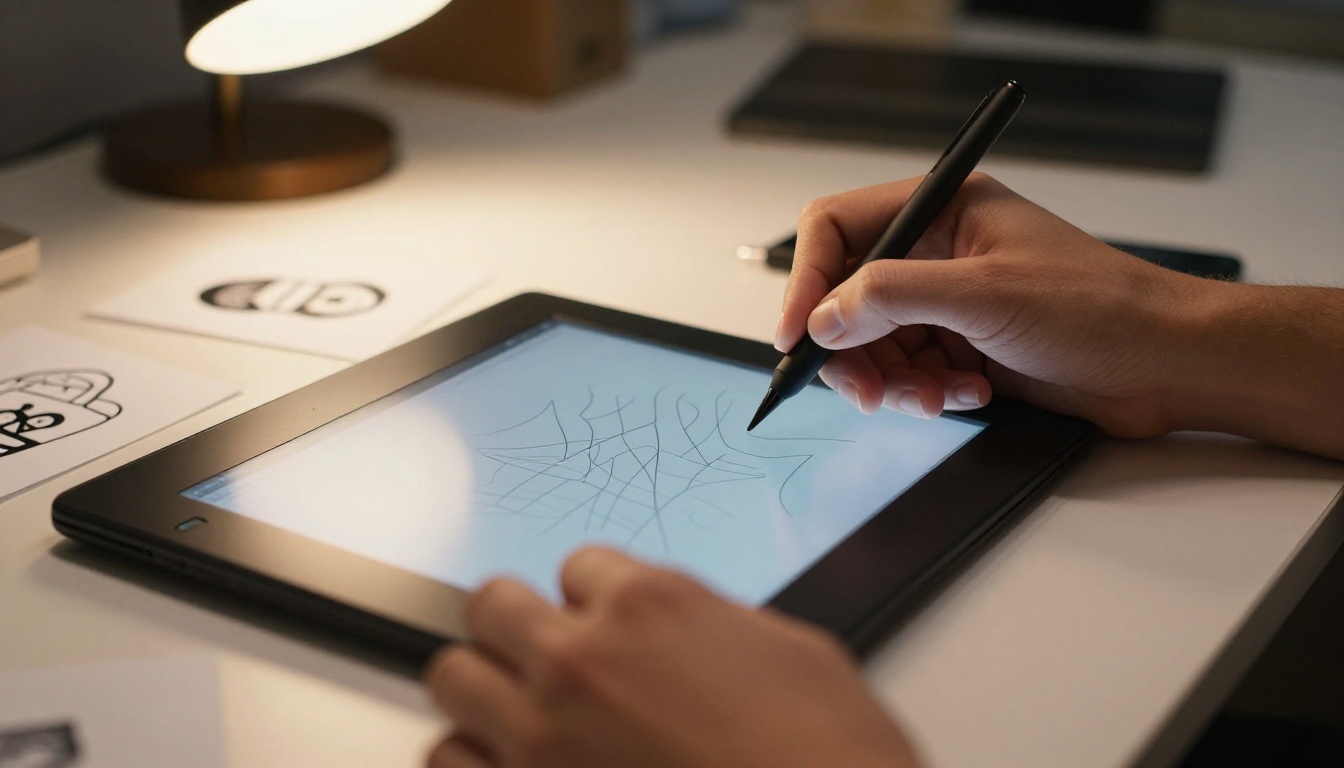
Raster images can be resized to a point, but professional design work, logos, print materials, brand assets, and anything that needs to scale from a business card to a billboard has to live in vector format. Until Recraft V4.1 Pro, there was no AI image model that could generate vector-quality output natively. Other tools generate rasters that then require vectorization software to convert, and that conversion almost always introduces artifacts and loses fine detail.
What Recraft V4.1 Pro Actually Does Differently
Recraft V4.1 Pro was built with a fundamentally different architectural goal than most image models. Rather than prioritizing artistic impressiveness across all possible styles, Recraft AI built this model around four concrete professional requirements: style consistency, vector fidelity, photorealistic precision, and commercial-grade output reliability.
Style Tokens That Actually Hold
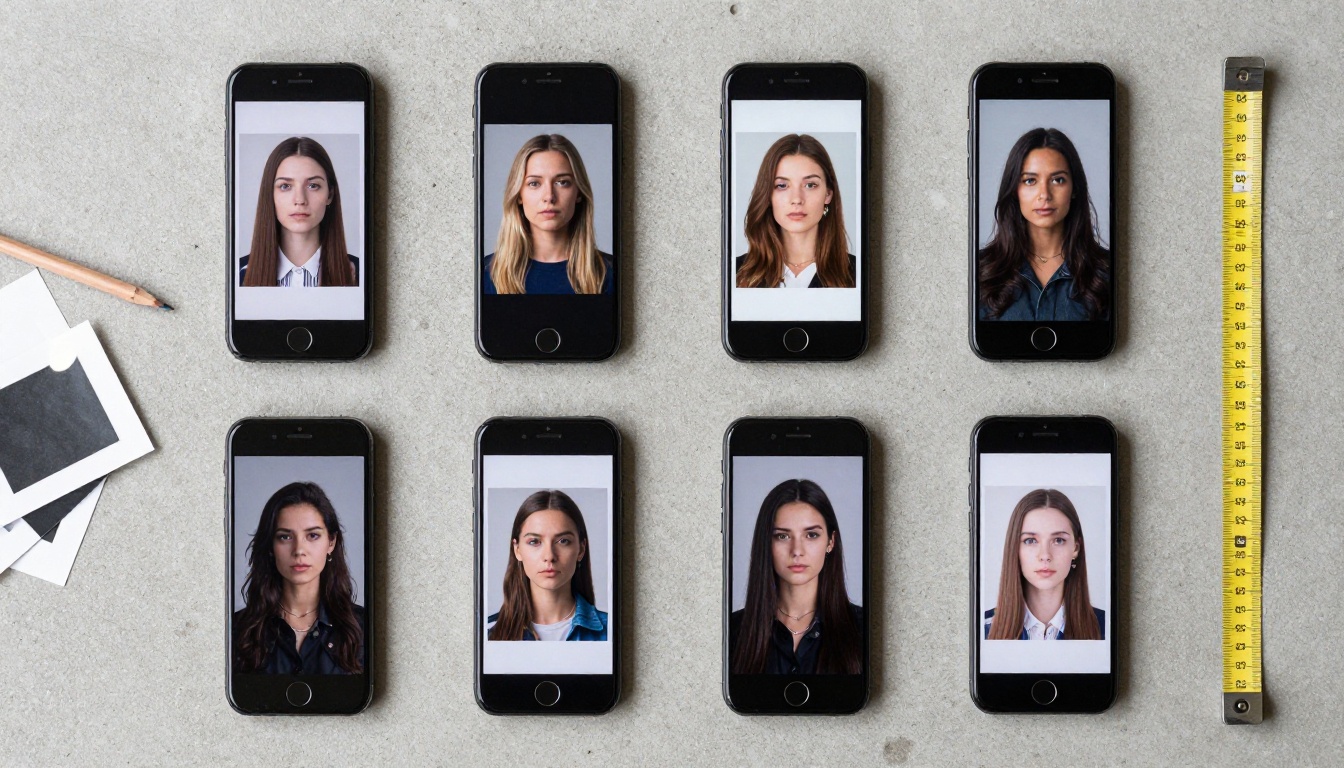
The single biggest differentiator in Recraft V4.1 Pro is the style token system. You define a visual style once, and the model holds that style across every subsequent generation in that session. Lighting temperature, color palette behavior, skin rendering approach, texture depth: all of it remains coherent from the first image to the fiftieth.
This is not something Flux 1.1 Pro Ultra, Ideogram V4 Quality, or Seedream 5 Pro offer at the same level. Those models are excellent in their own right, but they are not designed around the style consistency use case. Recraft V4.1 Pro is.
Native SVG Export
Recraft V4.1 Pro SVG is the variant that takes this further. It generates true SVG files, not raster images dropped into SVG containers. The output is scalable at any resolution with no quality loss, and the vector paths are clean enough to edit directly in Illustrator or Figma without major cleanup work.
This positions Recraft in an entirely different category from other image generators. It is not competing with Flux Dev on who generates a more dramatic sunset. It is competing with professional design software on who delivers production-ready brand assets faster.

How the Full V4.1 Family Breaks Down
Recraft did not release a single model. They released a coordinated family of tools targeting different needs within the same professional workflow. Knowing which variant to use and when is the difference between productive output and wasted generations.
When to Choose Utility Pro
Recraft V4.1 Utility Pro is the model you reach for when the workflow involves generating dozens of images for review before committing to the final production run. It maintains most of the style consistency of the full Pro variant but generates significantly faster, which matters when you are iterating on prompt language or exploring creative directions.
The speed tradeoff is minimal at the individual image level. Where it becomes apparent is in fine-grained photorealistic detail, specifically in skin texture, material surfaces, and complex background environments. For those, the full Recraft V4.1 Pro is worth the wait.
Recraft V4.1 Pro vs. Other Leading Models
Positioning Recraft honestly requires looking at the models it is most likely compared against in a professional context.
Against Flux 2 Pro
Flux 2 Pro is an excellent general-purpose photorealism model. It handles complex prompts well, generates rich detail, and has strong community support. Where it falls short relative to Recraft V4.1 Pro is in two specific areas: style consistency across sessions and vector output capability.
Flux 2 Pro generates outstanding individual images. For projects where each image is a standalone asset and style consistency between generations is not critical, it remains one of the best options available. The moment a project requires ten images that must feel like they came from the same photo shoot, Recraft V4.1 Pro holds an unmistakable advantage.
Against Ideogram V4
Ideogram V4 Quality is widely regarded as the strongest text-in-image model available. If the core use case involves generating images with accurate, readable text integrated into the visual, Ideogram V4 is the correct choice. Recraft V4.1 Pro does not compete on this dimension. Its text rendering is adequate but not the focus.
Where Recraft clearly wins against Ideogram is in pure photorealism, vector output, and style token consistency. Ideogram V4 is a specialized tool. Recraft V4.1 Pro is a production workflow platform.
Against Seedream 5 Pro
Seedream 5 Pro from ByteDance handles aesthetically rich imagery with strong compositional instinct. It tends toward dramatic, visually impactful outputs that perform well on social media and in marketing contexts. Recraft V4.1 Pro trades some of that visual drama for precision and repeatability.
For brand work, architectural visualization, product photography, and technical documentation imagery, Recraft is the better choice. For social-first creative content where each image is judged on its own visual impact, Seedream 4.5 is worth considering alongside it.
Where Recraft V4.1 Pro Excels in Practice
The model's real-world differentiation becomes clearest in these specific workflow scenarios.
Brand Asset Production
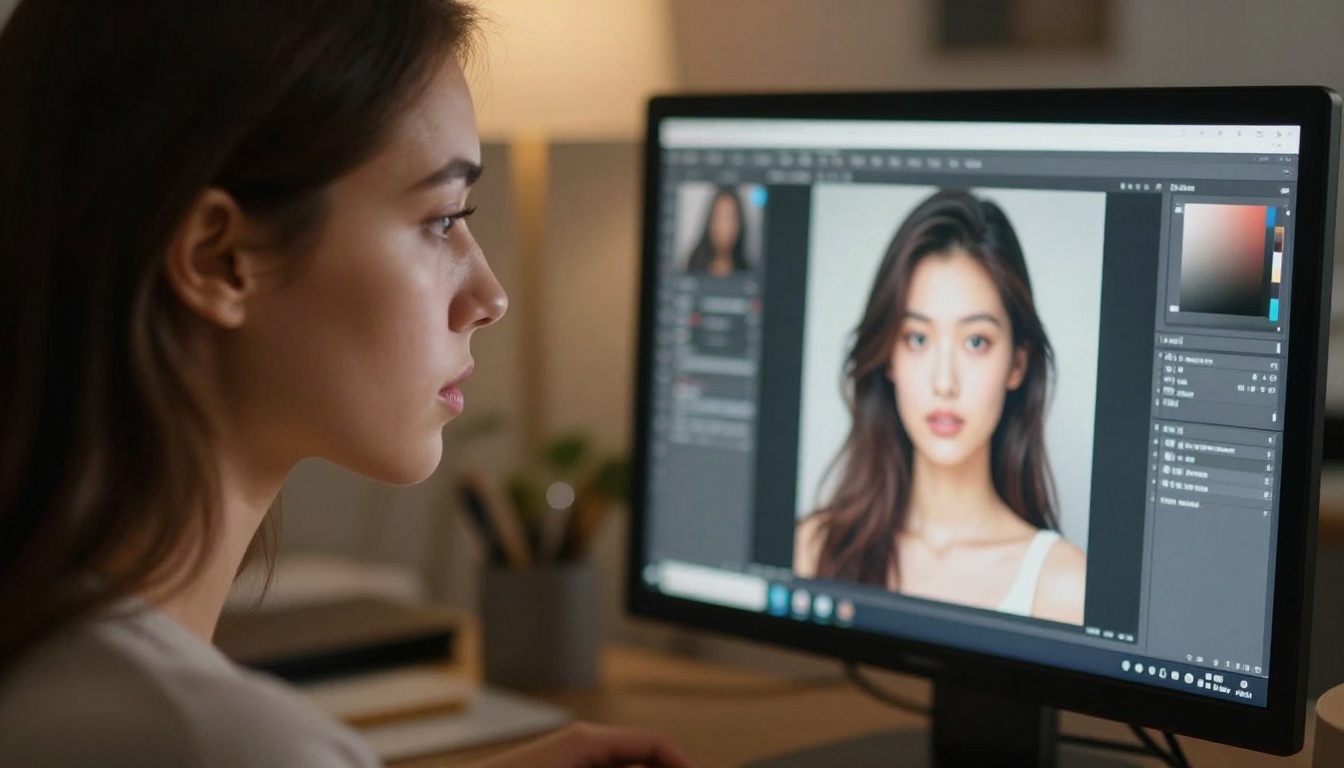
A company needs 50 lifestyle product images with consistent warm morning light, a specific color temperature, and a branded visual language. With most models, this requires extensive prompt engineering per image and still produces inconsistent results. With Recraft V4.1 Pro, the style token is defined once and the model maintains it across all 50 generations.
Practical note: Style tokens work best when established with a reference image and a detailed style descriptor in the first generation. Subsequent prompts inherit that visual space automatically.
Logo and Icon Design
The Recraft V4.1 Pro SVG variant is the most direct AI tool for simple icon and logo work. The SVG output is path-based and imports cleanly into design software. It is not a replacement for strategic brand identity work, but for iconography systems, website illustrations, and simple logo marks, it is genuinely faster than traditional vector creation workflows.
Print-Ready Materials
Print production demands resolution that most AI image generators struggle to deliver reliably. Recraft V4.1 Pro's photorealistic mode outputs images at dimensions and quality levels that pass standard print production requirements without upscaling artifacts. Combined with its style consistency, this makes it viable for brochures, catalog photography, and packaging mockups.

The Technical Reasons Behind the Differences
The style consistency and vector capability in Recraft V4.1 Pro are not accidents. They reflect architectural decisions that Recraft AI made deliberately when training this model.
Separate Style and Content Pathways
Most diffusion models blend style and content into a single latent space. This is efficient and produces strong individual results, but it is precisely why style drifts when you change the subject. Recraft's architecture separates the style pathway from the content generation pathway, allowing the model to hold one constant while varying the other. This is the mechanism behind the style token system.
Vector-Native Training Data
The SVG variants were trained on actual vector data, not on raster images of vector artwork. This is a significant distinction. A model that learns vector representation from vector files understands paths, curves, and the mathematical structure of vector graphics in a way that a raster-trained model cannot replicate through conversion or approximation.

How to Use Recraft V4.1 Pro on PicassoIA
PicassoIA provides access to the full Recraft V4.1 family without requiring API keys or complex setup beyond the platform itself. Here is how to get professional results quickly.
Getting Your First Image
- Open Recraft V4.1 Pro on PicassoIA
- Write your prompt with specific style descriptors: lighting direction, color temperature, surface textures, and camera lens characteristics
- Generate one reference image and evaluate whether the style matches your intent
- Once satisfied with the reference, use subsequent prompts to vary subject and composition while keeping style descriptors identical
Tips for Consistent Results
- Be specific about lighting: "Warm amber light from the upper left at 45 degrees" performs better than "warm lighting"
- Name your surface materials: "Brushed stainless steel with fine grain texture" beats "metallic surface"
- Reference photographic specs: Mentioning f-stop, focal length, and ISO pushes the model toward photorealistic rendering
- Hold your style language constant: Copy the exact style descriptor from your reference prompt into each follow-up generation
When to Switch to SVG Variants
Switch to Recraft V4.1 Pro SVG or Recraft V4.1 SVG when:
- The output needs to scale to print sizes without quality loss
- The asset will be edited or color-adjusted in vector software
- You are generating icons, logos, or geometric compositions
- The design system requires SVG format for web or app integration
Tip: SVG variants perform best with prompts that describe clean, defined shapes and limited color palettes. Photorealistic prompts with complex textures generate better results in the standard Pro raster variants.
Where Other Models Still Win
Honesty matters in a comparison like this. Recraft V4.1 Pro is not the best model for every use case.
Artistic and expressive styles: Flux Dev and Flux 1.1 Pro handle painterly, stylized, and abstract outputs with more creative range. Recraft V4.1 Pro is engineered for professional precision, which can feel constrained when the goal is pure artistic experimentation.
Text rendering: Ideogram V4 remains the clear leader for prompts that require readable text integrated into imagery. Recraft's text handling is functional but not specialized for this.
Raw visual drama: Seedream 5 Pro and Recraft 20B both produce images with more immediate visual impact for social content. Recraft V4.1 Pro's photorealism is measured and precise, which is exactly what brand work requires but can feel understated for consumer-facing creative work where boldness matters more than consistency.
What This Means for Your Workflow
The real question is not whether Recraft V4.1 Pro is better than other models in absolute terms. It is whether it is right for what you are trying to produce.
If your work involves producing consistent professional imagery at volume, generating scalable vector assets, or delivering outputs that need to pass through production workflows without extensive correction, Recraft V4.1 Pro is the most precise instrument available for those tasks.
If you need artistic range, text integration, or maximum visual impact per individual image, the alternatives are worth keeping in your toolkit alongside it.
Most professional image workflows end up using multiple models. Recraft V4.1 Pro earns its place as the go-to for anything requiring consistency, precision, and production-ready output quality. For everything else, the full catalog on PicassoIA has a model built for that purpose too.
Start creating now: The full Recraft V4.1 family is available on PicassoIA. Start with Recraft V4.1 Pro for your next brand project and see what precision-engineered AI image generation delivers. Access every available model at picassoia.com/en/all-models.