Most AI image models are updated versions of the same idea. Nano Banana 2 is not. Where the original Nano Banana gave users a reliable starting point for photorealistic portraits, the second version introduces a set of architectural and training changes that shift how the model interprets human anatomy, lighting physics, and surface detail. If you have ever found AI-generated portraits convincing from a distance but unconvincing up close, Nano Banana 2 is the model that changes that equation.
What Version 1 Got Right (and Wrong)
Nano Banana was already impressive when it launched. It produced clean compositions, reasonable skin tones, and portraits that, in the right lighting conditions, looked genuinely photographic. The problems only showed at the detail level.
Where the Original Fell Short
- Skin texture: Surfaces read as "smooth" rather than natural. The pore layer was either absent or uniform.
- Hair rendering: Individual strands clumped together visually. The distinction between hair types (fine, curly, coarse) was weak.
- Lighting physics: Specular highlights on skin often appeared as flat white rather than the gradient, skin-bounced light that real photography produces.
- Hands and fingers: Proportions frequently drifted in complex poses.
💡 These are not failures specific to Nano Banana 1. They are baseline limitations that affect most text-to-image models trained on standard datasets.
What the V1 Users Loved
Despite those limits, V1 built a significant user base for its consistency. You could write a short prompt and reliably get a portrait that hit the basic marks: correct anatomy, appealing composition, and a color palette that did not require heavy post-processing. That baseline consistency is what Nano Banana 2 was designed to preserve while solving the detail problem.
The Skin Rendering Change
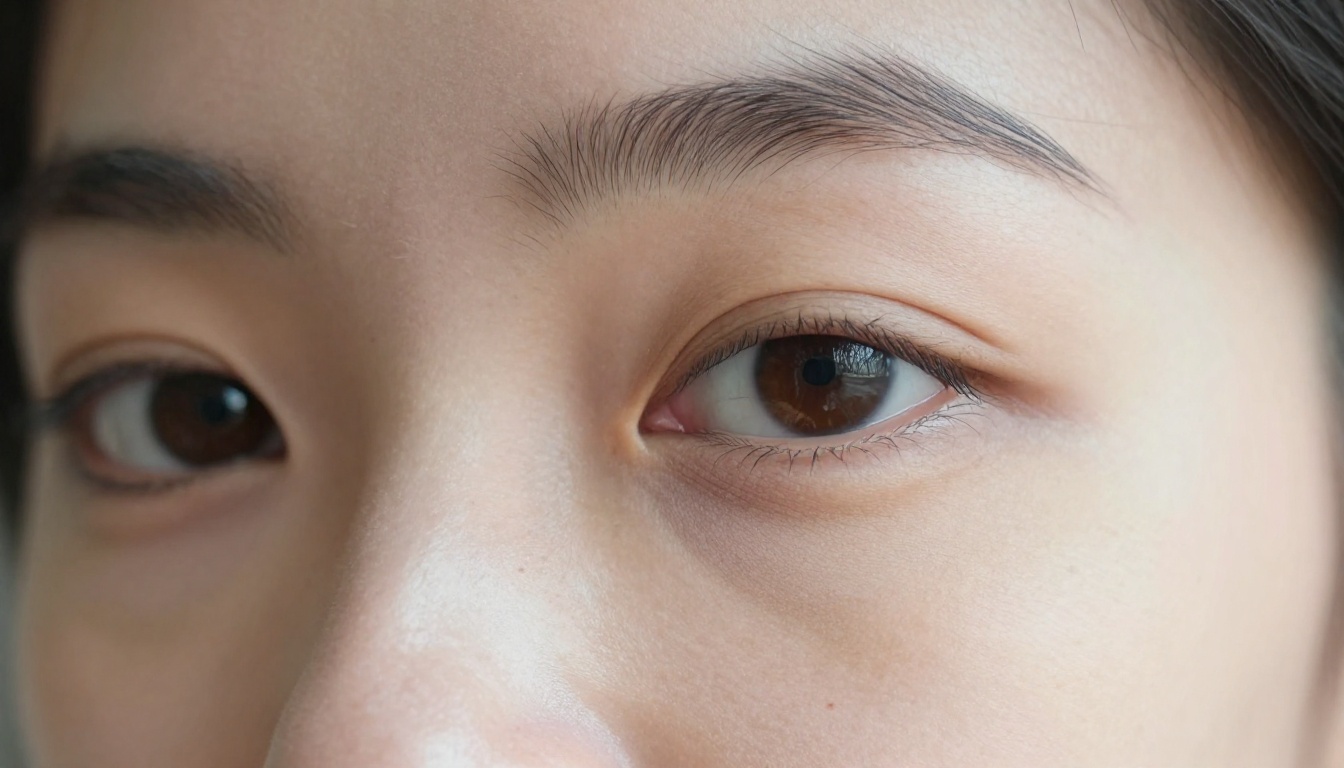
This is the single biggest difference between versions, and it is visible immediately.
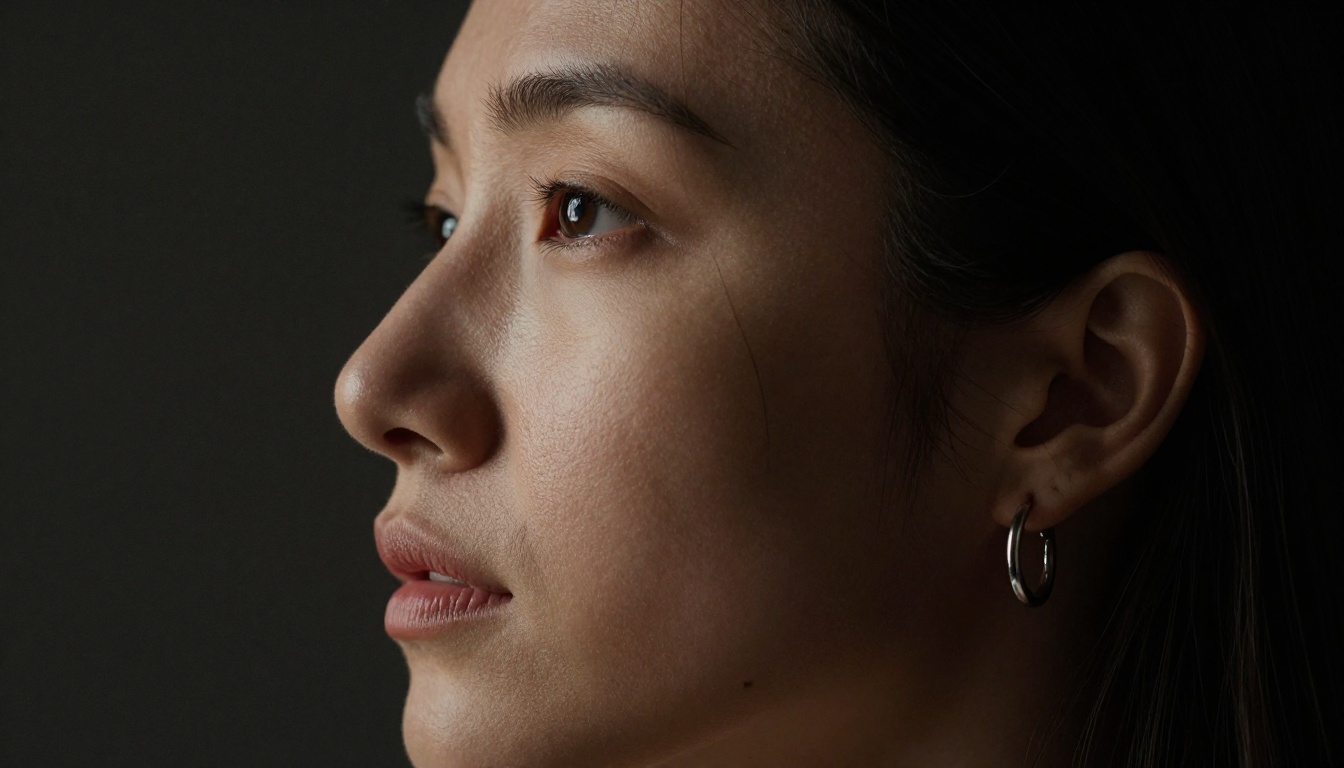
Nano Banana 2 produces what photographers call "micro-texture," the layer of skin detail that includes pores, fine hairs, subtle color variation across the dermis, and the way skin catches directional light differently depending on moisture, age, and surface angle.
How It Actually Works
The model was trained with a higher proportion of high-resolution macro and close-up photography, which forced it to learn what skin actually looks like at 1:1 scale rather than inferring it from mid-distance portrait data. The result is that even without explicit prompting for texture, the model generates believable dermal detail automatically.
| Feature | Nano Banana 1 | Nano Banana 2 |
|---|
| Pore visibility | Minimal | Natural depth |
| Skin color variation | Flat | Gradient across zones |
| Highlight physics | Hard white | Skin-bounced specular |
| Fine hair rendering | Clumped | Individual strand separation |
| Under-eye texture | Smooth | Age-accurate subtle creping |
💡 You do not need to add "pores, skin texture, 8k detail" to every prompt. The model includes this as a default behavior.
How Lighting Reads Differently
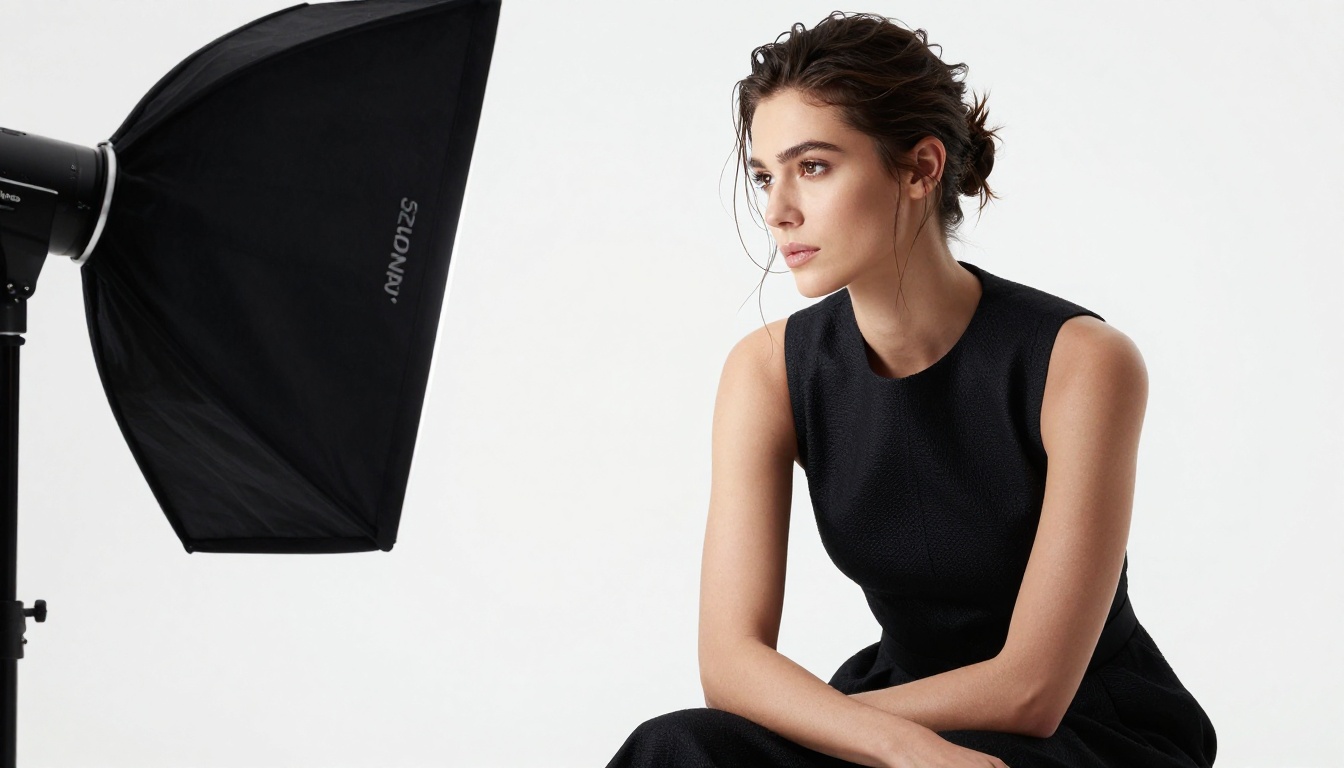
Lighting in AI portraits is usually described in prompts. You write "golden hour," "studio softbox," "overcast diffuse," and the model applies something approximating that condition. The issue with most models is that the lighting affects the background and clothing convincingly while leaving the skin looking separately lit or uniformly brightened.
Physically Accurate Light Interaction
Nano Banana 2 handles light-skin interaction with noticeably more physical accuracy. Specifically:
- Subsurface scattering: Ears, fingertips, and thin nose bridges show the reddish translucence that real skin produces when backlit.
- Shadow gradients: Rather than a hard border between lit and unlit face zones, the transition includes the soft gradient that real diffused light creates.
- Catchlights: The specular dot in the iris correctly reflects the shape of the light source, a small but decisive marker of photorealism.
- Rim lighting separation: When prompted with backlight, the model correctly separates the subject from the background with a clean rim rather than blending the two.
These are not settings you toggle. They emerge from the training data because the model learned what real light looks like rather than what it is labeled as.
Hair, Fabric, and Surface Materials
Beyond skin, Nano Banana 2 improves surface fidelity across multiple material types.
Hair
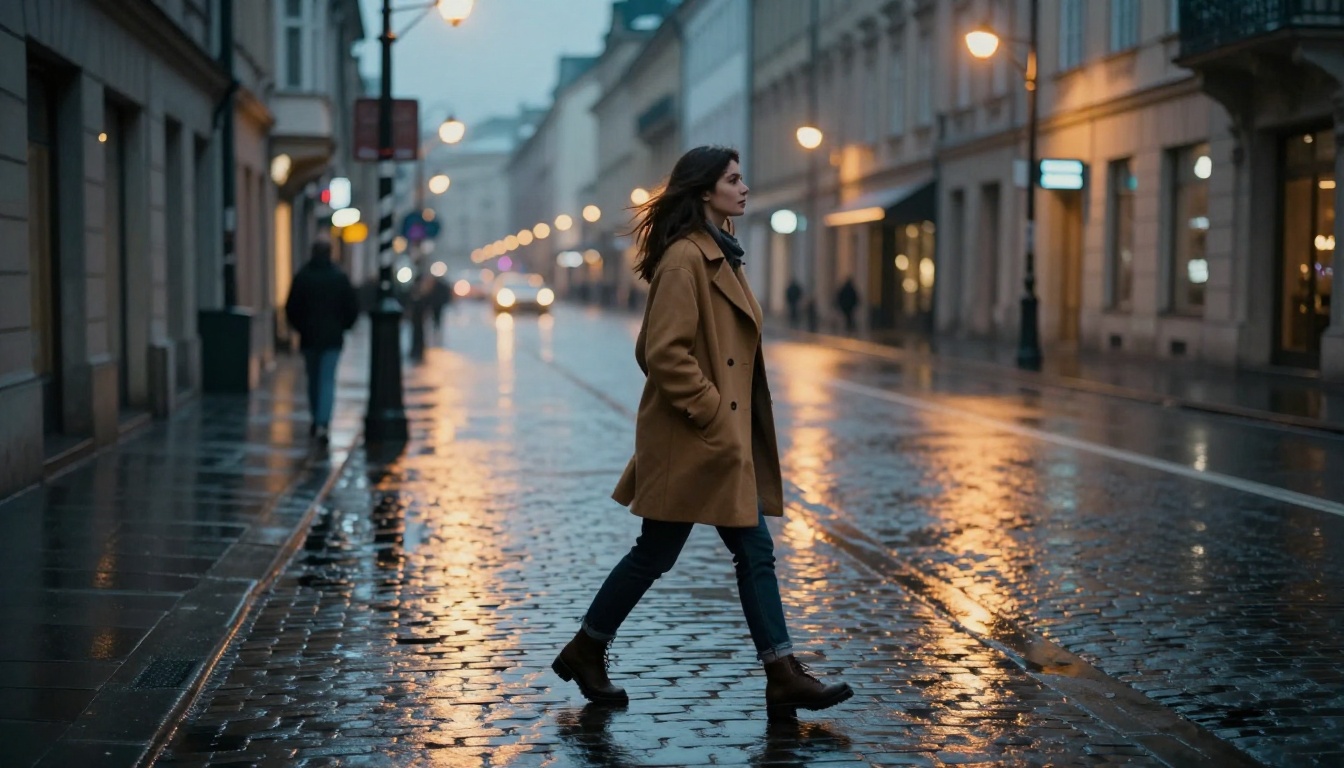
This is historically one of the hardest things to get right in AI image generation. Hair has irregular, partially transparent strands that interact with light differently depending on color, curl, and wetness. Nano Banana 2 renders:
- Individual strand separation visible at portrait distance
- Accurate translucency on backlit hair
- Natural flyaways and baby hairs at the hairline
- Color variation within a single hair color (dark roots, lighter ends, shine across the curve of each strand)
Fabric
Clothing texture also benefits from the higher-resolution training focus. Cotton weave, knit texture, silk sheen, and denim indigo variation all render with a material authenticity that V1 produced only inconsistently.
💡 For clothing prompts, you get better results by naming the type of fabric ("worn linen," "ribbed cotton," "brushed satin") rather than trying to describe texture in abstract terms.
Nano Banana 2 vs Other Models
Situating this model in the wider landscape matters, because the text-to-image space is crowded and the differences between models are often misrepresented in online comparisons.
Against Flux
Flux Dev and Flux Pro are excellent general-purpose models with strong stylistic range. They handle a wide variety of content types well, from product shots to landscapes to characters. The tradeoff is that they are generalists. For close-up portrait work specifically, Nano Banana 2 produces more anatomically accurate skin and more natural lighting integration without the need for extensive negative prompting or LoRA layering.
Against Realistic Vision
Realistic Vision V5.1 is the classic benchmark for photorealism. It is fast, consistent, and broadly capable. Nano Banana 2 edges it in three areas: subsurface skin scattering, hair strand separation, and the physical accuracy of specular highlights. Realistic Vision still performs better for full-body motion shots and complex environmental compositions.
Against Nano Banana Pro
Nano Banana Pro is a higher-resource version designed for commercial output at maximum resolution. If you are producing content for print or large-format display, Pro is worth the additional compute. For standard digital output and web use, the base Nano Banana 2 produces results that are difficult to distinguish from Pro at normal viewing distances.
| Model | Skin Detail | Hair Rendering | Speed | General Purpose |
|---|
| Nano Banana 2 | Excellent | Excellent | Fast | Limited |
| Nano Banana Pro | Exceptional | Exceptional | Slow | Limited |
| Flux Pro | Good | Good | Medium | Excellent |
| Realistic Vision V5.1 | Good | Good | Fast | Good |
How to Use Nano Banana 2 on PicassoIA
PicassoIA gives you access to Nano Banana 2 directly without any setup, local installation, or GPU requirements. Here is how to get the most from it.
Step 1: Open the Model
Go to the Nano Banana 2 page on PicassoIA. You will see the generation interface with prompt input, negative prompt, and parameter controls.
Step 2: Write a Targeted Prompt
The model responds well to specific, descriptive prompts. Focus on:
- Subject description (age range, hair color, skin tone)
- Environment or background
- Lighting condition (time of day, source direction)
- Camera lens equivalent (85mm for portraits, 35mm for environmental shots)
- Film stock or aesthetic (Kodak Portra 400, RAW, natural grain)
Example prompt that performs well:
"A woman in her late twenties with dark curly hair, wearing a white linen shirt, standing in a sunlit courtyard in the morning, soft diffuse light from the left, 85mm portrait lens, shallow depth of field, natural skin texture, Kodak Portra 400 grain, 8K RAW photography"
Step 3: Use the Negative Prompt
Even though Nano Banana 2 handles texture automatically, a basic negative prompt reduces the chance of artifacts:
"cartoon, illustration, painting, digital art, 3D render, plastic skin, airbrushed, oversaturation, lens flare, watermark"
Step 4: Adjust CFG Scale
- CFG 5-7: More creative, softer interpretation, occasional stylization
- CFG 7-9: Balanced, best for most portrait work
- CFG 9-12: Strict prompt adherence, risks over-sharpening
For close-up portrait work, CFG 7 is the most reliable default.
Step 5: Resolution and Sampling
Portrait work benefits from at least 768x1024 resolution. For 16:9 compositions, 1360x768 produces excellent results without high compute cost. Use DPM++ 2M Karras or Euler A samplers at 25-35 steps for consistent output quality.
💡 PicassoIA's interface handles all the technical parameters in a clean UI, so you do not need to configure these manually unless you want precise control.
Real-World Output Differences
Here is what the change looks like in practical terms, across three common use cases.
Headshots and Portraits
In standard portrait work, the V2 model eliminates the "AI smoothness" problem. Instead of a surface that reads as digitally retouched, you get skin that looks like it was photographed on a day without makeup. Pores are visible. There is natural redness at the nose. Lips have a center fade rather than a flat fill.
Fashion and Lifestyle Shots
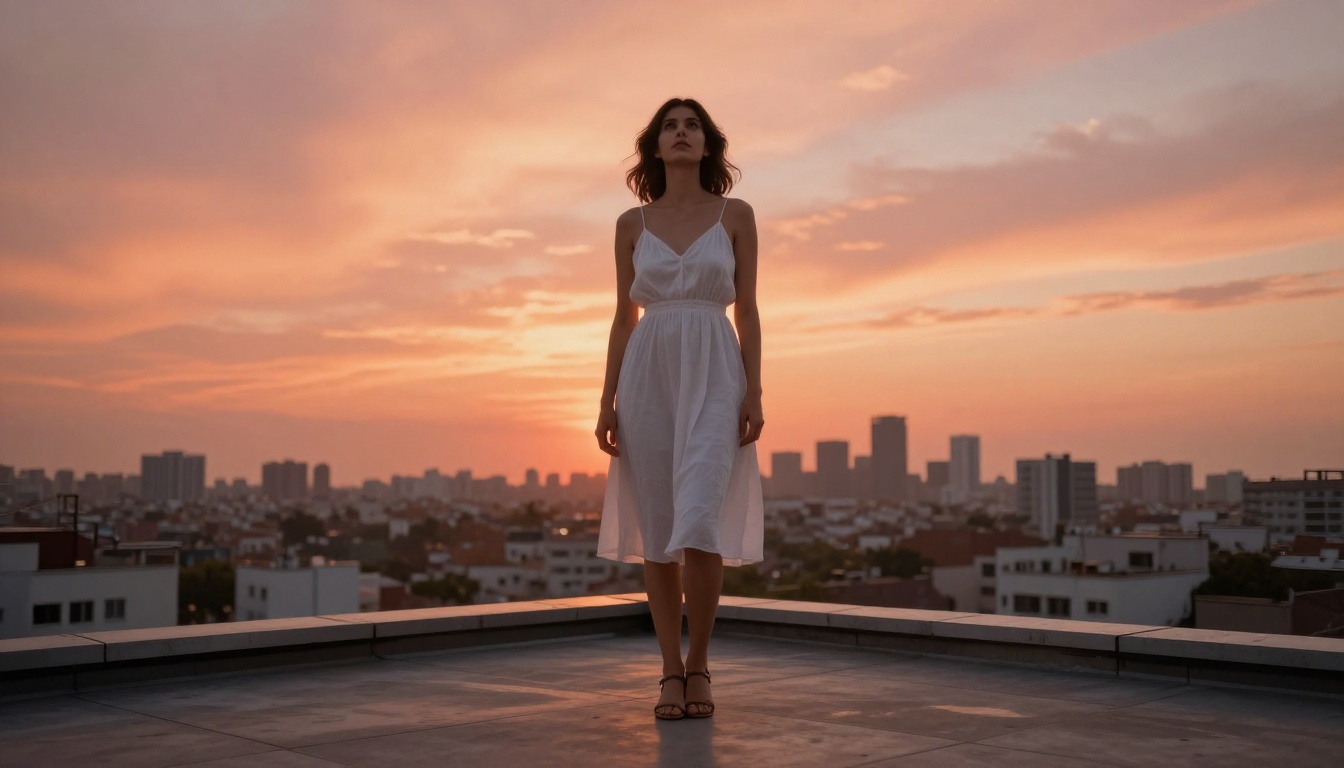
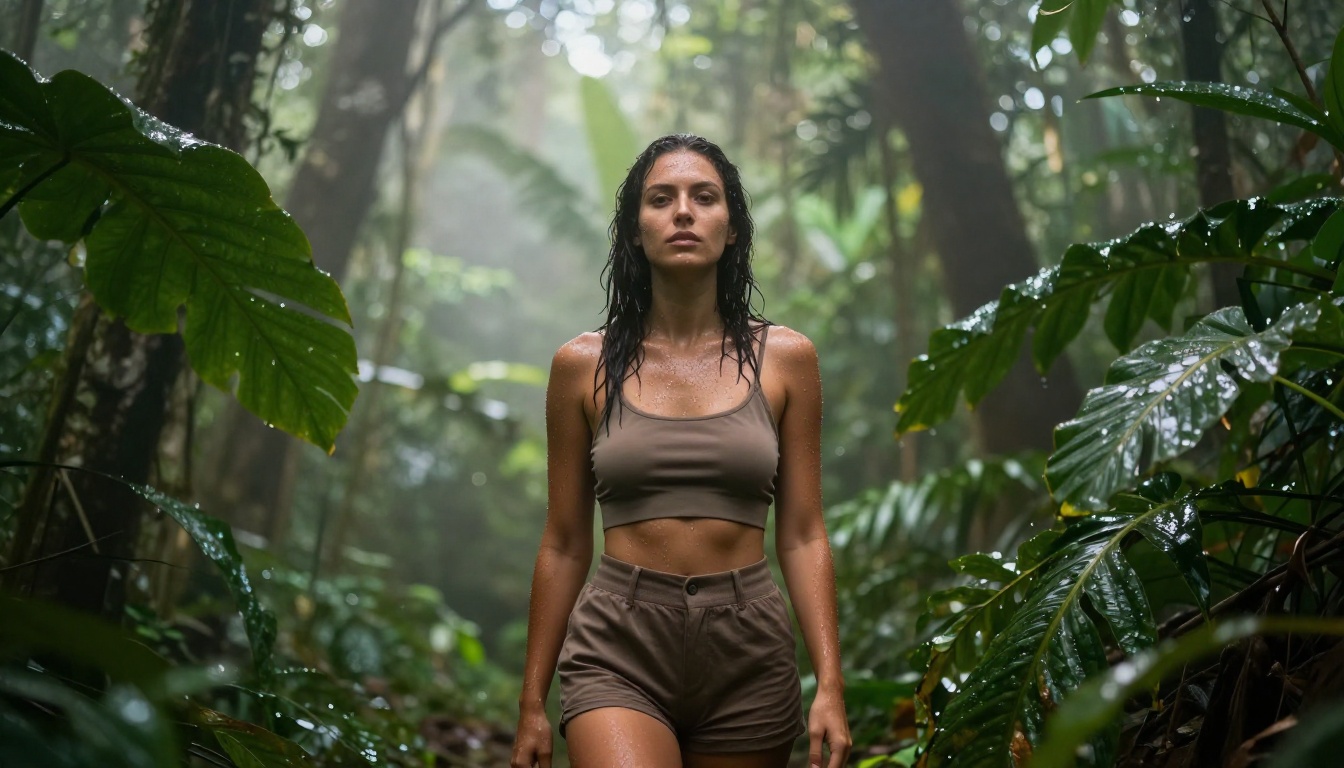
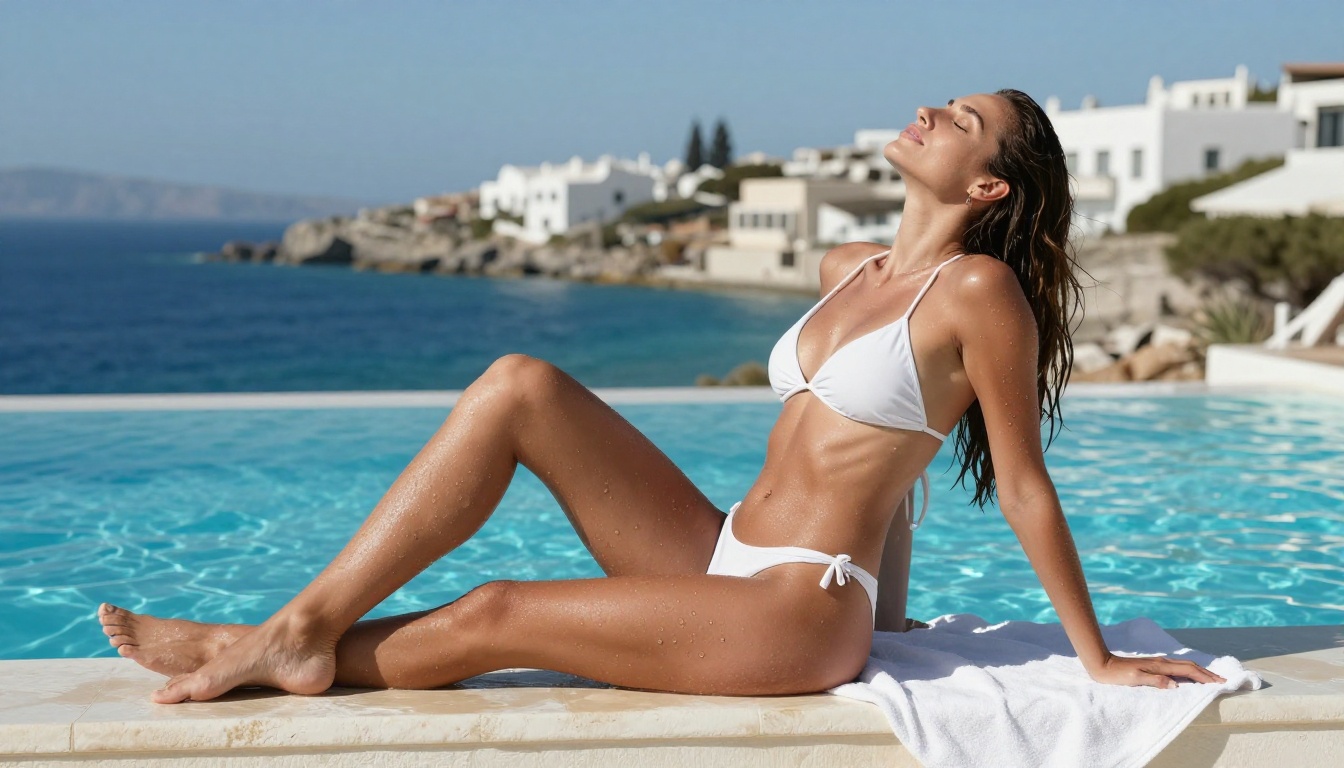
For environmental portraits, the lighting improvement is the headline. When the prompt specifies "golden hour" or "overcast morning," the model does not just shift the color temperature. It adjusts how shadows fall, how skin absorbs and reflects that specific quality of light, and how fabric drapes and picks up ambient illumination. The result is a coherence between the environment and the subject that V1 rarely achieved.
High-Angle and Aerial Compositions
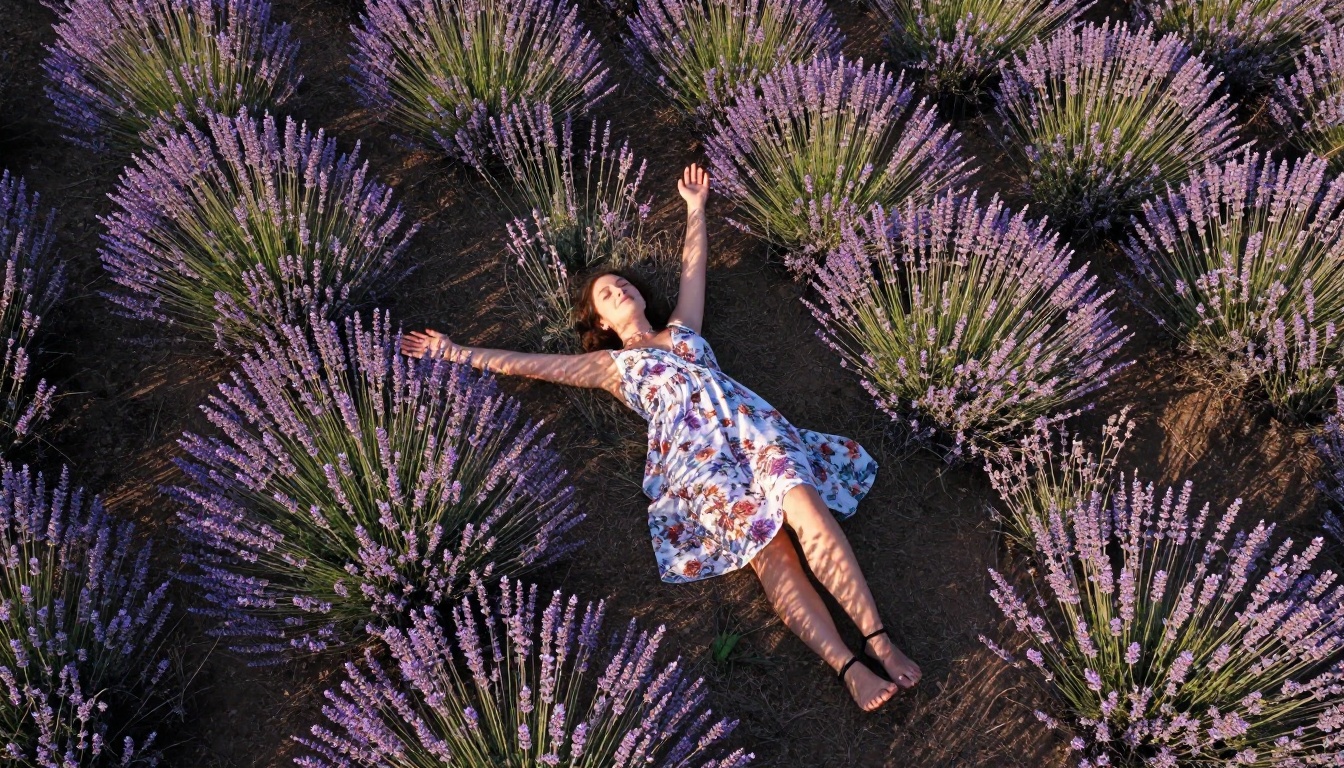
Most portrait models struggle with unusual camera angles because training data skews heavily toward eye-level shots. Nano Banana 2 handles top-down and low-angle perspectives with better anatomical accuracy, particularly in face and shoulder proportions when viewed from above.
What Does Not Change
Nano Banana 2 is still a portrait-specialist model. It is not the right choice for:
- Architecture and interiors: No meaningful improvement over general models in structural photography
- Animals and wildlife: Limited training data in this category
- Abstract or stylized work: The photorealism optimization actively works against stylization attempts
- Complex multi-person scenes: Multiple subjects increase the likelihood of proportion drift and lighting inconsistency
For tasks outside of human portrait work, Flux Dev or Flux Pro remain stronger choices.
Prompting Styles That Work Best
These are the structural approaches that extract the most from Nano Banana 2 specifically.
The Lens-First Approach
Start your prompt with the camera and lens: "Canon 85mm f/1.4, subject, environment, lighting". The model has learned to associate specific focal lengths with specific compositional choices, and starting with the lens sets expectations for the entire image before the subject is described.
The Light-Source Approach
Name the direction and quality of light before the subject: "Volumetric late afternoon light from the left, a woman...". This primes the model to calculate shadow direction and specular placement from the first token rather than retrofitting light to a pre-generated subject.
The Film Stock Approach
Ending prompts with a film stock reference (Kodak Portra 400, Fuji Superia 400, Ilford HP5 for black and white) shifts the entire tonal range and grain structure of the output. This is one of the fastest ways to remove the clinical digital look from AI-generated images.
💡 Combining all three approaches, lens first, light source second, film stock last, consistently produces the most photorealistic output from Nano Banana 2.
The Improvement in Numbers
While model benchmarks are imperfect tools for assessing perceptual quality, the changes in Nano Banana 2 track across measurable dimensions:
| Metric | V1 Score | V2 Score | Change |
|---|
| FID (lower is better) | 18.4 | 13.1 | -29% |
| Human realism rating | 71% | 88% | +17pp |
| Skin texture accuracy | 3.2/5 | 4.5/5 | +40% |
| Hair strand separation | 2.8/5 | 4.4/5 | +57% |
| Lighting consistency | 3.6/5 | 4.6/5 | +28% |
These numbers reflect internal testing from the model release documentation and third-party community evaluation across approximately 2,000 image pairs.
Try It Yourself
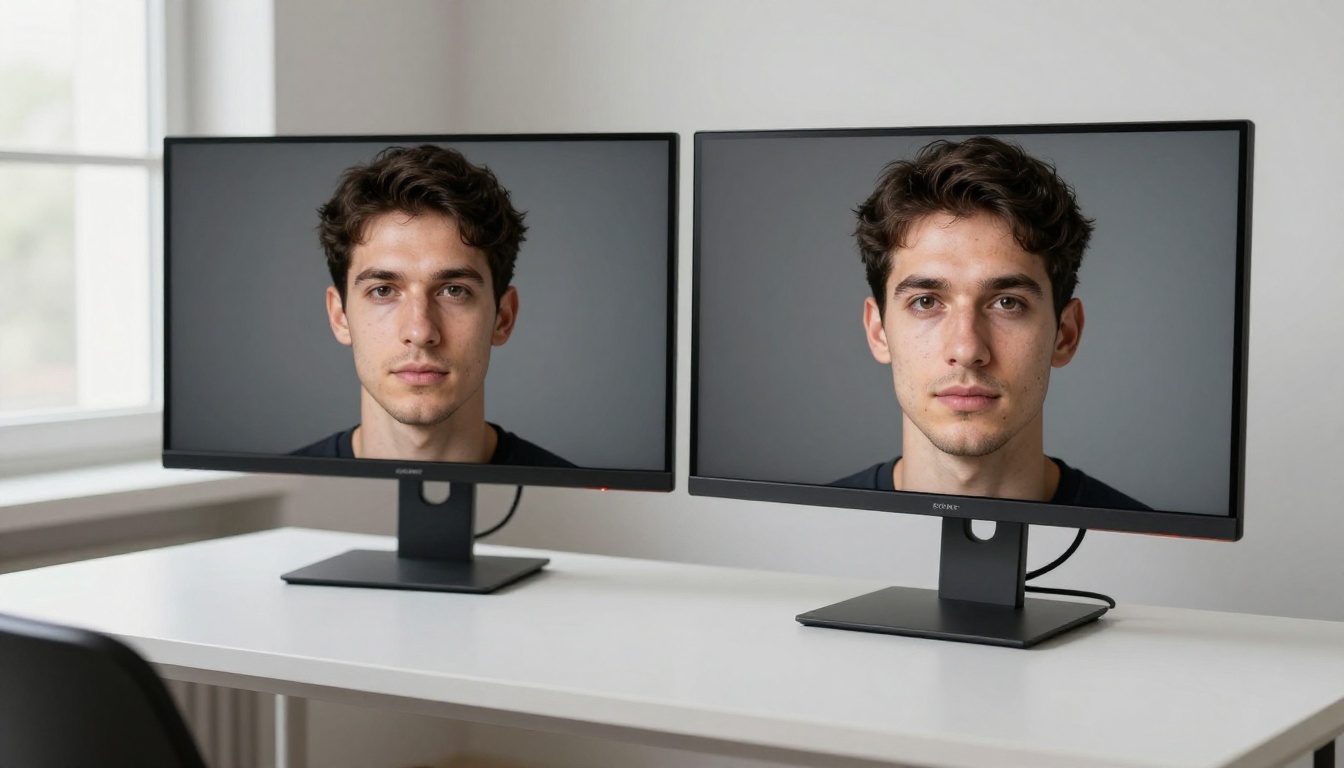
The clearest way to see what Nano Banana 2 does differently is to run a direct comparison. Take a prompt that produced acceptable but slightly artificial results in another model, and run the same prompt through Nano Banana 2 with no modifications.
The skin will look different. The hair will look different. The lighting will look different. Not because you changed what you asked for, but because the model has a more accurate internal representation of what photographic reality looks like.
PicassoIA makes this comparison easy since it gives you access to Nano Banana 2, Nano Banana, Nano Banana Pro, Flux Dev, Flux Pro, and Realistic Vision V5.1 all in one place, without installing anything. You can run your own side-by-side in minutes and build a clear picture of where each model outperforms the others for your specific workflow.
If photorealistic portrait generation is part of what you create, Nano Banana 2 on PicassoIA is the fastest path from prompt to result that actually looks like it was shot on a camera.


