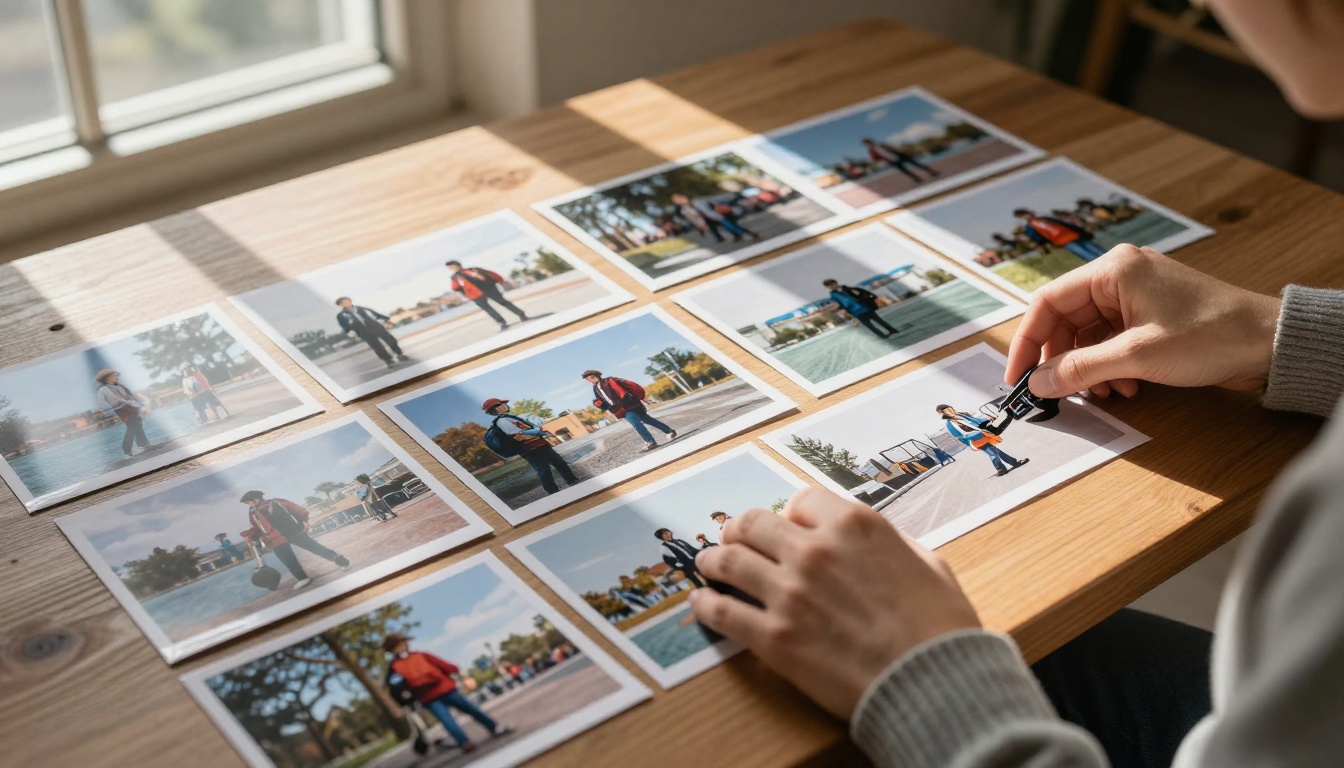
Every review of Grok Imagine follows the same script: a few sample outputs, a quick note about the AI being "impressive," and a recommendation to try it. What those reviews skip is the part that actually matters when you depend on image quality for real work. The real conversation about Grok Imagine's quality starts where most writeups stop.
The Baseline Nobody Discloses
Grok Imagine is built on Aurora, xAI's proprietary image diffusion model. It launched with strong initial buzz, largely because it's free and integrated into Grok's conversational interface. Most comparisons show cherry-picked results from optimal prompts, carefully cropped to hide the parts where quality breaks down. When you actually stress the tool across a range of subjects and prompt styles, the picture changes fast.
Resolution That Looks Solid Until You Zoom In
At thumbnail scale, Grok Imagine outputs look solid. Scroll past them on a social feed and nothing raises a flag. But zoom into 100% and the texture detail tells a different story. Skin surfaces flatten into smooth gradients where pores and fine lines should be. Fabric weaves smear into a single color block. Hair loses individual strand separation past the first or second layer from the scalp.
This is not unique to Grok Imagine. Many AI image generators struggle at pixel-level detail. What is unusual is the gap between perceived sharpness at display size and actual fidelity at 1:1 scale. The outputs look sharp because they have well-defined edges, but those edges sit on textureless surfaces that would not survive a print test or a close-up crop.
Prompt Adherence: Closer to Random Than Advertised
Grok Imagine handles natural language well for simple prompts. Complexity degrades adherence fast. Ask for "a woman in a red dress standing in front of a stone fountain at dusk" and you will get something roughly in that territory. Add specific spatial relationships, secondary subjects, or precise lighting conditions and the model starts making editorial decisions you did not request.
Multi-element prompts above a certain complexity threshold produce results that share a family resemblance to your request but do not execute it faithfully. A second subject appears in the wrong position. The lighting condition is interpreted loosely. The background substitutes something visually adjacent for what you specified. These are not catastrophic failures. They are the quiet kind that accumulate into real workflow friction over time.
Where the Real Artifacts Live
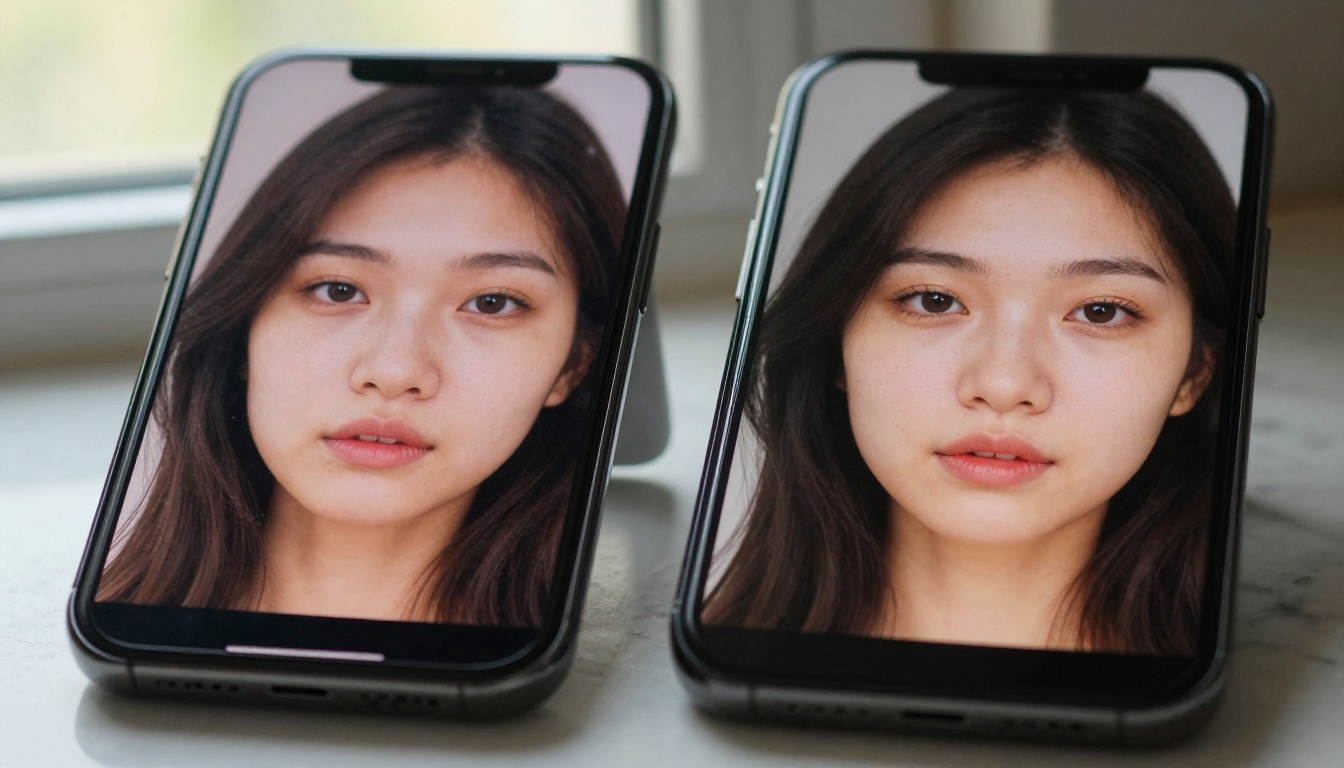
The most-discussed limitation of AI image generators is hands and faces. Grok Imagine has improved on both, but improvement does not mean solved. What gets far less coverage is where the real artifacts consistently appear and why they matter more for practical creative use.
Faces Improved, Backgrounds Ignored
Grok Imagine has invested visible effort in facial generation. For straight-on portraits with clearly stated lighting in the prompt, results are often convincing. The problem shifts to secondary faces in group shots, faces at angles beyond roughly 30 degrees from center, and faces in lower-resolution regions within a wider scene.
Background elements with structural complexity are where things quietly fall apart. Windows with pane grids. Bookshelves with readable spines. Signage, storefronts, any repeating architectural pattern. These elements render with the right impression but wrong execution. They read like a film set built to look real from 20 feet away. Move closer and they reveal themselves as representations rather than realistic surfaces.
Text Generation Remains Unreliable
In 2027, text rendering in AI-generated images remains the most consistently unreliable capability across nearly every image model. Grok Imagine is no exception. Single words in large display type will sometimes render correctly. Multi-word phrases, sentences, and anything resembling natural handwriting degrades into plausible-looking letterforms that do not spell anything coherent.
This matters practically if you are generating content for social media posts, thumbnails, product mockups, or any visual where text legibility is required. You cannot use Grok Imagine for these use cases and repair the text in post-production without a full manual rebuild of the text element.

What Grok Imagine Actually Gets Right
This is not an argument that Grok Imagine is a bad tool. It has genuine strengths that tend to get underreported in reactions that swing too far in either direction.
Mood and Atmosphere
Where Grok Imagine consistently outperforms expectations is atmospheric generation. It captures emotional register well. Moody, cinematic lighting setups. The quality of late-afternoon sunlight through curtains. The visual weight of empty urban spaces. When your prompt is primarily about feeling rather than precise description, Aurora's training shows real strength.
This makes it a genuinely useful tool for concept visualization, mood boards, and early-stage creative experimentation where photographic precision is not the goal. If you are communicating a visual direction to a team or client, Grok Imagine can produce compelling reference material quickly and at no cost.
Iteration Speed at Zero Cost
For a free tool with no credit system, the generation speed is competitive. Images return in a reasonable window without queuing that stretches into minutes. For rapid-fire ideation on creative concepts, especially at the beginning of a project when you are narrowing down directions rather than finalizing output, that speed matters.
The value proposition of Grok Imagine is real. The issue is when that free entry point becomes the ceiling of the workflow rather than the floor.
The Consistency Problem
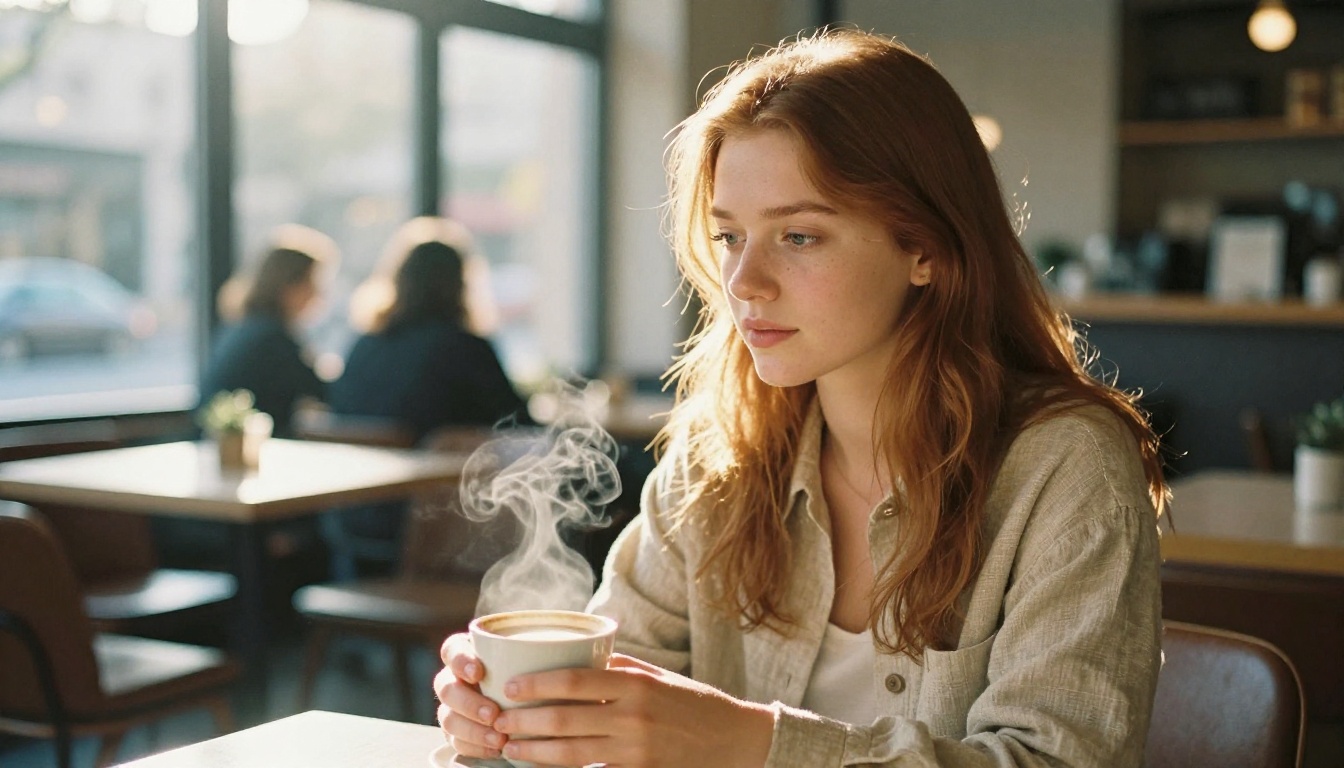
This is the quality issue that most reviews skip entirely, and it is the most operationally relevant one for anyone using AI images in actual production work.
Same Prompt, Completely Different Output
Grok Imagine gives you no seed control. You cannot reproduce a result. Run the same prompt twice and you get two different images that share a general character. For casual use, this is fine. For any workflow that requires iteration, or where you found something close to what you needed and want to refine it, this is a hard blocker.
Professional image workflows depend on reproducibility. You need to return to a result, adjust one element of the prompt, and generate a controlled variation. Without seed exposure, Grok Imagine operates as a lottery rather than a controlled creative instrument. You are not iterating. You are re-rolling and hoping the next spin lands closer.
No Parameter Control for Targeted Output
Beyond seed, Grok Imagine does not expose generation parameters to the user. No guidance scale adjustment. No step count. No sampler selection. No negative prompt field. You write a prompt and the model decides everything else.
For exploration, this creates a low friction floor. For targeted output, it creates a ceiling you cannot push through regardless of how precisely you word the prompt. This is a deliberate product decision by xAI, not a technical limitation. They have chosen a consumer-facing interface that prioritizes simplicity over control. That tradeoff is fine for the audience it is designed for. That audience may not include people doing production-quality creative work with real quality requirements.
Color Accuracy and Lighting Behavior
The Saturation Tendency
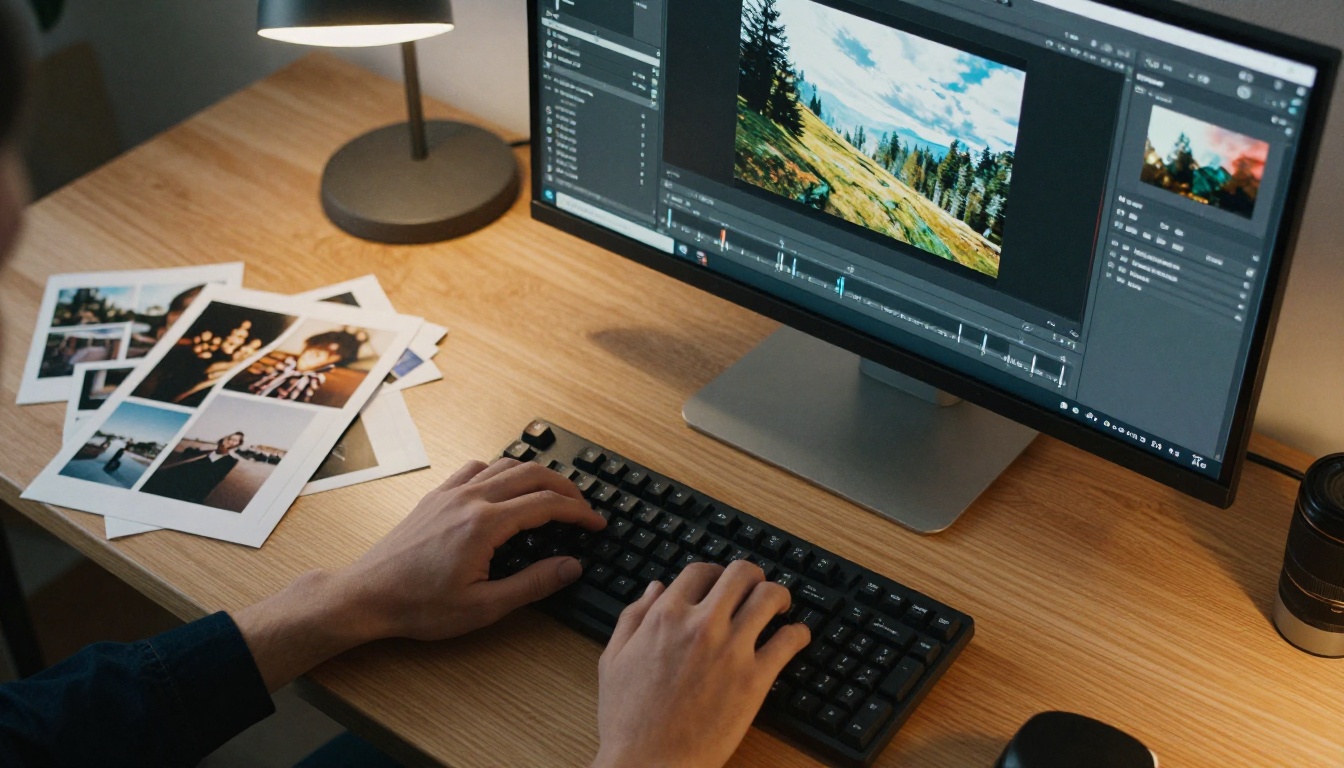
Aurora has a consistent tendency toward slightly elevated saturation in certain color channels, particularly warm tones. Skin skews slightly toward orange. Sunsets push into oversaturated coral. The effect is subtle enough that it looks appealing in isolation, but it creates problems when you are trying to match real-world color palettes or integrate generated images into existing visual systems with established color grading.
This is manageable at the prompt level to some extent. Explicitly calling for "neutral color grading," "muted tones," or referencing film stocks like Kodak Portra helps reduce the effect. But it requires knowing the problem exists and actively compensating for it on every single generation.
Highlight Clipping in Complex Scenes
Complex lighting with multiple sources creates clipping at the bright end in Grok Imagine outputs more often than it should. Candle light against dark backgrounds. Window light in shadowed rooms. The model often pushes highlights to white without retaining the gradation that makes lighting read as real.
The result is technically bright but dimensionally flat. Real light has gradation right up to the brightest point. Clipped highlights lose that subtle information, and the loss is exactly what separates a convincing photograph from something that reads as generated at a glance.
How Quality Breaks Down Across Use Cases
Not all use cases suffer equally from Grok Imagine's limitations. The quality gaps hit differently depending on what you are actually trying to produce.
| Use Case | Grok Imagine Fit | Core Issue |
|---|
| Mood boards and concepts | Good | Atmosphere without fine detail required |
| Social media visuals | Acceptable | Works at scroll-display size |
| Portrait photography | Mixed | Faces OK, backgrounds weak |
| Product mockups | Poor | Text accuracy and object detail |
| Print materials | Poor | Resolution ceiling |
| Video thumbnails | Poor | Composition randomness |
| Illustration and stylized | Good | Strong atmospheric rendering |
The pattern is clear. Grok Imagine performs well where impression matters more than precision. It falls short wherever precision is non-negotiable.
What Actually Fixes These Problems
The output from any AI image generator, including Grok Imagine, is not necessarily the final product. It is a starting point. The part most reviews skip is what happens after generation and how much of the quality gap can be recovered.
Upscaling Adds What the Base Model Misses
The texture detail that Grok Imagine loses at the pixel level can be recovered and genuinely improved through dedicated upscaling tools. This is not the same as scaling up an image in Photoshop. AI upscalers like Clarity Pro Upscaler and Topaz Image Upscale add genuine detail during the upscale process. Skin texture becomes tactile. Fabric weave resolves. Background elements sharpen into something that reads as real surface rather than painted impression.
Real ESRGAN is particularly effective for photorealistic content where fine texture is the primary concern. Crystal Upscaler adds a slightly more refined edge treatment that works well for portraits and fashion imagery where skin and fabric textures are the focal point.
The practical workflow: generate the composition and mood in Grok Imagine, then pass the output through a dedicated upscaler to recover the pixel-level quality the base model does not deliver natively.
💡 Practical workflow: Use Recraft Crisp Upscale when you need to preserve compositional integrity while recovering fine surface detail. Use Google Upscaler for a clean 4x pass when the image is heading to print or large-format display.
When Source Quality Matters From the Start
For use cases that require real control over output quality from the first generation, switching to a platform with full model access changes the ceiling entirely.
PicassoIA provides access to over 91 text-to-image models with full parameter exposure, seed control for reproducibility, and a catalog that spans photorealism, artistic styles, portrait-optimized pipelines, and specialized niches for different content categories. The difference is not only aesthetic. It is structural. You can reproduce results, control the generation process systematically, and iterate with precision rather than re-rolling until something close enough appears.
The hidden cost of "good enough" accumulates fast. If a Grok Imagine session takes 90 minutes to produce 3 usable images through re-rolling, and a controlled session on PicassoIA takes 25 minutes with seed-locked iteration, the economic argument for the free tool dissolves quickly when measured against real working time.
💡 Worth calculating: Count the generations you discarded in your last Grok Imagine session. Every regeneration is time spent waiting for output you will not use. Seed control on a capable platform eliminates most of that waste.

There is a version of every workflow where Grok Imagine is exactly the right choice. Fast, free, with good atmospheric quality for early-stage ideation. There is another version of every workflow where it is the wrong choice, and the hidden cost is the time spent re-rolling, compensating in post, and accepting results that fall short of what the work requires.
The missing conversation in most Grok Imagine reviews is the one about knowing which version of your workflow you are actually in. The quality limitations documented above are not dealbreakers in the right context. They become dealbreakers when the context requires precision, reproducibility, or pixel-level detail at scale.
The honest summary of Grok Imagine's quality gaps:
- Pixel-level texture detail is consistently weaker than display-size impressions suggest
- Prompt adherence degrades significantly with complex multi-element descriptions
- No seed control means no reproducibility and no systematic iteration
- Saturation tends warm and highlight clipping is frequent in complex lighting
- Text rendering remains unreliable for production use
What actually closes those gaps:
- Dedicated upscaling via Clarity Pro Upscaler, Real ESRGAN, or Topaz Image Upscale for recovering pixel-level quality
- Full-parameter generation on a platform with seed control for reproducible output
- Specialized models matched to your specific content category rather than a single general-purpose model
If you want to see what image generation feels like when you control the output rather than accept whatever the model decides, start with PicassoIA's super-resolution tools. Pass your existing Grok Imagine outputs through P Image Upscale for speed, Clarity Pro Upscaler for maximum detail recovery, or Bria Increase Resolution for 4x enlargement with genuine texture addition.
Then spend time in the text-to-image catalog with a model and seed you can reproduce. Generate the same subject twice with the same seed. Adjust one prompt element. See the result change in a controlled way. That experience of directed iteration is the thing Grok Imagine cannot offer, and it changes how you work with AI image generation at a fundamental level.
Browse all available models at picassoia.com/en/all-models and find the tools that fit the output quality your actual work requires.