GPT Image 1.5 arrived with a lot of fanfare about its photorealistic output and native editing chops. For most use cases, the praise is warranted. But the moment you steer toward anything adult-adjacent, a different side of the model shows up: a wall.
Not a warning. Not a gentle redirect. A flat refusal, often without a clear explanation of what crossed the line. This article breaks down exactly what GPT Image 1.5 blocks, why the moderation behaves the way it does, where it is inconsistent, and which AI image editors on PicassoIA actually give you the creative room to work.
What GPT Image 1.5 Actually Blocks
GPT Image 1.5 runs OpenAI's content policy through a vision-level filter that examines both the input image and the instruction together. The result is a system that errs aggressively on the side of refusal whenever the subject matter touches on bodies, clothing, or intimate contexts.
The Categories It Refuses
The clearest refusals happen in four main areas:
- Clothing removal or swap to swimwear or lingerie: Even requests like "change her outfit to a bikini" on a fully clothed photo routinely get blocked, particularly on female-presenting subjects. The same request on a male-presenting subject often clears.
- Body exposure edits: Any instruction that would result in more skin being visible tends to fail, including lowering a neckline, removing a jacket to reveal a tank top underneath, or adjusting fabric to show more of the figure.
- Suggestive pose modification: Asking the model to shift posture to something that could be read as sensual often triggers the filter even when the starting image is completely neutral and the target pose would be unremarkable in any fashion magazine.
- Implied nudity: Artistic requests framed around implied or artistic nudity, including classical art contexts and fine art references, are blocked by default with no exception for cultural or historical framing.
The frustrating aspect is not that a content policy exists. It is that the policy is applied at a threshold that catches a large number of innocent creative requests while the stated boundary, which is "no pornographic or explicitly sexual content," describes something much narrower than what the filter actually enforces.
Age Detection and Ambiguity Blocks
One of the more aggressive edges of GPT Image 1.5's policy is its age-ambiguity rule. If the model cannot confidently determine that a subject in an image is an adult, it refuses the edit entirely. This sounds reasonable in principle. In practice, it blocks edits on:
- Stylized portraits where aging cues are deliberately softened for an editorial look
- Cartoon or illustrated subjects with large eyes, common in anime-adjacent and game concept art
- Photos of adults with naturally youthful features or skin
- Any subject where the face is partially obscured by shadow, hair, or accessories
The model does not ask for age verification or give you a chance to provide context. It simply declines. This is a significant problem for illustrators, game artists, and anyone working with stylized or non-photographic source material.
How the Filter Works Under the Hood
Understanding the mechanics helps you predict when a refusal is coming. That prediction is useful whether you are trying to work within GPT Image 1.5's limits or deciding to move to a different tool.
Vision Model Screening
GPT Image 1.5 does not treat text prompts and images in isolation. The vision component scores the input image against a set of content thresholds before the edit instruction is even processed. So even if your text prompt is completely benign, an input image that scores above the threshold for "potentially adult content" can trigger a refusal before the model ever sees what you wanted to change.
This means you can get blocked on:
- An edit instruction that is perfectly safe in isolation
- An input image that passed moderation on a different platform
- A context that would appear in mainstream editorial photography, film, or fine art
The vision filter does not distinguish between artistic context and explicit content. It assigns probability scores and blocks anything above a numeric threshold, regardless of intent or artistic framing.
The practical consequence is that source images matter as much as your prompts. An image shot in warm natural light with relaxed poses may score lower than a more clinical studio shot, even if both are equally non-explicit. There is no reliable way to predict the score without testing.
System Prompt Restrictions
On top of the vision filter, OpenAI applies system-level restrictions that are not modifiable by users or API callers. These are baked into the model deployment, not configurable per request. Unlike some other AI platforms where operators can unlock additional capabilities for age-verified adult contexts, GPT Image 1.5 currently offers no such mechanism at any tier.
This is a deliberate product decision, not a technical limitation. The model architecture is capable of producing more than the policy allows. The restrictions exist because OpenAI has chosen not to offer adult content editing as a product, regardless of context or verification.
The Consistency Problem
The most reported complaint from creators working with GPT Image 1.5 is not the refusals themselves but the inconsistency. The same prompt submitted twice can produce completely different outcomes. This is not a bug in the traditional sense, but it is a serious usability problem for anyone building a repeatable workflow.
What Slips Through vs. What Gets Flagged
In practice, GPT Image 1.5's filter shows several well-documented inconsistencies:
- Gender asymmetry: Edits that expose comparable amounts of skin on male subjects versus female subjects are treated differently. Shirtless male edits clear the filter far more often than equivalent female requests.
- Framing language: Adding qualifiers like "professional," "editorial," or "fine art" to the same underlying prompt sometimes shifts the result from refusal to success, even though the intended edit is identical.
- Image source differences: An AI-generated input image may be blocked while a photographic reference for the same scene passes, or the reverse, with no apparent logic to the pattern.
- Time-of-day variation: Some users report that borderline requests are more likely to succeed during off-peak hours, suggesting that server load or A/B testing configurations may affect the effective threshold.
This inconsistency makes GPT Image 1.5 impractical for any production workflow that regularly involves fashion, beauty, glamour photography, or intimate photography. A reliable creative process cannot be built on a filter that behaves differently for identical inputs.
Why the Same Prompt Fails Twice
The scoring system incorporates a stochastic component similar to temperature in language model generation. A borderline image that scores 0.51 on the adult content scale during one run passes; the same image during a different run scores 0.49 and fails. Users who hit a refusal and immediately retry without changes sometimes clear the filter, and sometimes do not.
This creates two practical problems. First, it wastes API credits on failed calls with no way to predict or prevent them. Second, it makes automated workflows non-deterministic in a way that is difficult to handle gracefully.
The creative demand for adult-capable AI image editing is real and growing. A robust ecosystem of open-weight models and purpose-built platforms has filled the gap that GPT Image 1.5's restrictions create.
On PicassoIA, two tools stand out for users who need actual creative latitude.
Seedream 4.5 on PicassoIA
Seedream 4.5 is the primary recommendation for adult and suggestive content. Built by ByteDance, it produces 4K-quality photorealistic images with sophisticated rendering of body proportions, fabric physics, and lighting that makes it well-suited for fashion, glamour, and intimate photography workflows.
Why it outperforms GPT Image 1.5 for this use case:
- No hard blocks on suggestive clothing edits or skin exposure adjustments
- Consistent output without probabilistic refusals on borderline content
- Strong skin texture rendering at high resolution using natural, warm tones
- Responsive to artistic direction: lighting angle, mood, and compositional style all translate into the output without triggering content blocks
- Available with unlimited generations through PicassoIA's subscription model
PicassoIA Image Editor Pro
PicassoIA Image Editor Pro takes a workflow-based approach: it gives you an interactive editing environment with AI inpainting and outpainting that lets you modify specific regions of an image with text prompts.
For adult content editing, the inpainting workflow is the practical solution. You mask the region you want to change, write a description of the result you want, and the model fills the selection. The tool uses open-weight models under the hood that are not subject to the same system-level restrictions as GPT Image 1.5, so clothing swaps, skin exposure adjustments, and suggestive scene modifications all execute.
What it offers:
- Unlimited AI generations for subscribers
- Precise region masking with a brush tool for surgical edits
- Works with uploaded photos and AI-generated images
- Inpainting, outpainting, and object replacement in one interface
GPT Image 1.5 vs. Open Alternatives
Here is how the tools compare on the dimensions that matter for adult content editing:
| Feature | GPT Image 1.5 | Seedream 4.5 | PicassoIA Image Editor Pro |
|---|
| Swimwear and lingerie edits | Blocked | Supported | Supported |
| Skin exposure adjustments | Blocked | Supported | Supported |
| Suggestive pose changes | Blocked | Supported | Supported |
| Age-ambiguous subjects | Blocked | Flexible | Flexible |
| Consistency across runs | Inconsistent | High | High |
| Operator unlock available | No | N/A | N/A |
| Output resolution | Up to 1024px | 4K | Varies by model |
| Unlimited generation | No | Yes | Yes |
The table makes the trade-off clear. GPT Image 1.5 excels at general photorealistic editing with strong instruction following, but the content restrictions make it a poor fit for any workflow that regularly involves adult-adjacent creative work.
💡 Tip: For the fastest results on adult content edits, start with Seedream 4.5 on PicassoIA. It handles both text-to-image and image-conditioned generation, so you can use a reference photo as a starting point or work purely from a text description.
How to Use Seedream 4.5 for Adult Edits
Seedream 4.5 on PicassoIA is the most direct path to adult-capable AI image generation with high photorealistic quality. Here is the workflow that produces consistent results.
Step-by-Step on PicassoIA
- Open the Seedream 4.5 model page at picassoia.com and sign in or create a free account.
- Write a detailed prompt. Specificity is your advantage: describe the subject, clothing style and fabric, setting, lighting direction, and camera angle explicitly.
- Set the aspect ratio to 16:9 for wide editorial images or 9:16 for portrait-oriented content.
- Choose 4K output when you need high-resolution results for print, large-format display, or further editing.
- Iterate with small changes. Seedream 4.5 responds predictably to prompt adjustments. Adding or removing specific descriptors produces proportional changes in the output.
For region-based edits on existing photos, switch to PicassoIA Image Editor Pro, upload your source image, and use the mask brush to isolate the region you want to modify.
Prompts That Perform
GPT Image 1.5 forces you to over-engineer prompts to avoid its filter, often sacrificing creative specificity in the process. With Seedream 4.5, you write what you actually want:
- "Professional fashion photography, woman in sheer silk lingerie on a white bed, soft morning light from left window, 85mm f/1.8, photorealistic, 4K"
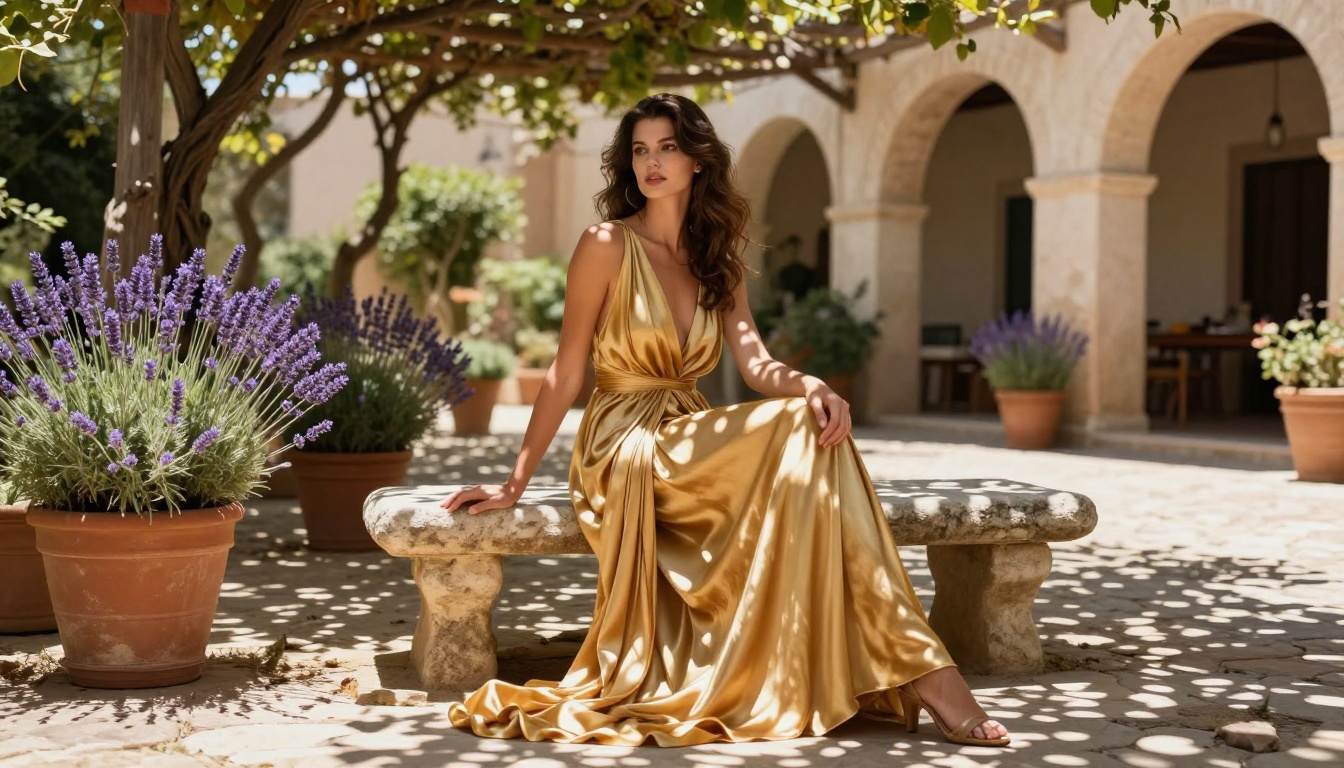
- "Glamour portrait, model in a white bikini on a sun-drenched terracotta rooftop, golden hour light from the right, Portra 400 tones, out-of-focus cityscape in background"
- "Editorial lifestyle photo, woman stepping out of a pool in a white cotton dress that clings when wet, natural morning light, wide establishing shot, RAW 8K"
None of these prompts would reliably complete on GPT Image 1.5. All of them execute on Seedream 4.5 with strong photorealistic results and no filter intervention.
For inpainting prompts in PicassoIA Image Editor Pro, describe only the masked region: "sheer lace bralette, warm skin visible underneath, natural diffused lighting, photorealistic texture".
Other models on PicassoIA that extend this workflow:
- Flux Kontext Dev for instruction-following image edits that preserve subject identity across multiple iterations
- Flux Fill Pro for high-quality inpainting on complex fabric and skin regions
- Flux Kontext Fast for rapid iteration when you need many variations without waiting

What Artists Actually Need
The conversation around AI content moderation frequently centers on harm prevention, which is a legitimate concern. But it consistently ignores the large population of professional users whose legitimate creative work gets blocked in the process.
The Projects Being Stopped
The users hitting GPT Image 1.5's walls are not bad actors. They are:
- Fashion and lingerie brands generating AI product imagery for e-commerce and seasonal lookbooks
- Photo retouchers using AI inpainting to adjust clothing fit, fabric drape, or coverage in existing editorial photos
- Adult content creators building AI-assisted production workflows for age-verified platforms
- Fine art photographers working in genres that include artistic nudity or intimate portraiture
- Game studios and illustrators generating reference and concept imagery for mature-rated projects
For all of these users, the GPT Image 1.5 content filter is not a minor obstacle. It makes the model functionally unusable for their primary work, pushing them toward tools that do not impose the same restrictions.
Moderation vs. Creative Freedom
The missing design element in most AI platform content policies is graduated operator control. A system that allows platform operators to unlock adult content for age-verified, appropriately licensed contexts would serve both goals simultaneously: protecting general users from unwanted exposure while giving verified professional users access to the capability they need.
GPT Image 1.5 currently has no such mechanism. PicassoIA's open-model approach achieves this by hosting models that do not carry the same system-level restrictions, giving professional users the freedom they need without requiring any special agreement or verification process beyond account creation.

Where GPT Image 1.5 Still Wins
It would be unfair to end without acknowledging what GPT Image 1.5 does well. For general-purpose photorealistic editing, it is a strong tool when the subject matter stays within its permitted zone. Tasks where it performs particularly well include:
- Object removal and clean background replacement with seamless fill
- Style transfer between images while preserving subject identity
- Text rendering within images, one of its standout capabilities relative to competitors
- Complex multi-element scene composition and object insertion
- Consistent character editing across multiple reference images, useful for product photography and branding work
The instruction following is precise and the output quality is high. If your workflow stays within the content limits, GPT Image 1.5 is a capable production tool.
The problem is that those limits are drawn more broadly than the stated policy implies, enforced inconsistently, and not adjustable regardless of context or verification. That combination is what drives professional users toward the PicassoIA ecosystem.
Start Creating on PicassoIA
If GPT Image 1.5's content walls have been stopping your projects, the practical next step is clear. PicassoIA has over 90 text-to-image models available, with Seedream 4.5 and PicassoIA Image Editor Pro leading the options for adult and suggestive content generation and editing.
There is no prompt-engineering workaround that makes GPT Image 1.5 handle adult edits reliably. The restrictions exist at the system level and cannot be bypassed through instruction framing or creative phrasing. The practical path forward is a model designed to handle the work you actually need to do.
Browse the full catalog at picassoia.com/en/all-models and filter by category to find the right tool for your workflow, whether you need text-to-image generation, inpainting, outpainting, or a full-featured photo editing environment. The platform has purpose-built models for each use case, all accessible without the content barriers that GPT Image 1.5 places in your way.