The number of AI image generators in 2027 is not overwhelming because there are too many platforms. It is overwhelming because picking the wrong platform locks you into a handful of models when the job you need to do calls for something very specific. Ask any designer or content creator what frustrates them most and you will hear the same complaint: the model that fits their project is never on the platform they already pay for.
That problem has a clear solution, and it starts with knowing which platform gives you the most options.
After reviewing what is available across every major AI image platform right now, PicassoIA stands alone at the top with 183 text-to-image models in a single organized library, plus hundreds more across 12 additional AI categories. No other consumer-facing platform comes close to that depth in 2027.
Why Model Variety Changes Everything
Choosing an AI image model is nothing like choosing a photo filter. Every model was trained on a different dataset, optimized for different output characteristics, and built around a specific design philosophy. A model that produces stunning photorealistic portraits will often fail at clean product mockups. A model built for raw generation speed sacrifices the fine-grained detail you need for print-ready editorial work. A model that handles text beautifully inside images might produce flat, lifeless skin tones.
Different Tasks, Different Tools
Here is a practical breakdown of where model specialization actually shows up in real creative work:
- Portrait photography: Models trained heavily on human subjects handle skin tones, hair detail, and facial symmetry far better than general-purpose models
- Product visualization: Clean edges, material textures, and neutral backgrounds require models optimized for commercial output
- Architectural rendering: Building proportions, interior lighting, and material surfaces are handled inconsistently across models
- Text in images: Only a small number of models in 2027 reliably render legible, well-spaced text within a generated image
- Artistic styles: Oil painting, watercolor, ink sketch, and retro-film aesthetics each benefit from purpose-trained models
- Photo restoration: Removing noise, repairing damage, and colorizing old photos require entirely different architectures than generative models
💡 Worth testing: Run the same prompt through three different models on any platform. The variation in output quality for your specific use case is almost always dramatic, even with very similar prompts.
Style Flexibility Is Not Optional
Clients shift their visual direction constantly. A brand that wanted cinematic realism last quarter might want a clean editorial look this quarter. A social campaign calling for warmth and naturalness is a completely different brief than a product launch requiring precision and polish. A platform with 10 models forces you to adapt your creative direction to the tool. A platform with 183 models lets the tool adapt to you.
This is the core argument for model variety, and it is why the count has become a meaningful competitive differentiator in 2027.
Here is how the major AI image platforms compare in 2026 based on available text-to-image models:
| Platform | Text-to-Image Models | Additional AI Categories | Free Tier |
|---|
| PicassoIA | 183 | 12+ categories | Yes (select models) |
| Replicate | ~150 (curated) | Multiple | Pay-per-run |
| Civitai | ~100+ (community) | Limited | Mostly free |
| RunwayML | ~15 | Video-focused | Limited |
| Adobe Firefly | ~5 | Creative suite | Subscription |
| Midjourney | 1 (versioned) | None | Subscription only |
The gap between PicassoIA and the next closest platform is meaningful, not marginal. But raw numbers only matter if the library is organized in a way that makes discovery fast. PicassoIA solves this with category filters, dedicated model pages, documented parameters, and example outputs for every model in the collection.
💡 Important context: Platforms that claim large model counts often include community-uploaded models with no quality filtering or documentation. PicassoIA's 183 models are curated, tested, and include models from verified labs and developers, not random uploads.
PicassoIA's 183-Model Collection
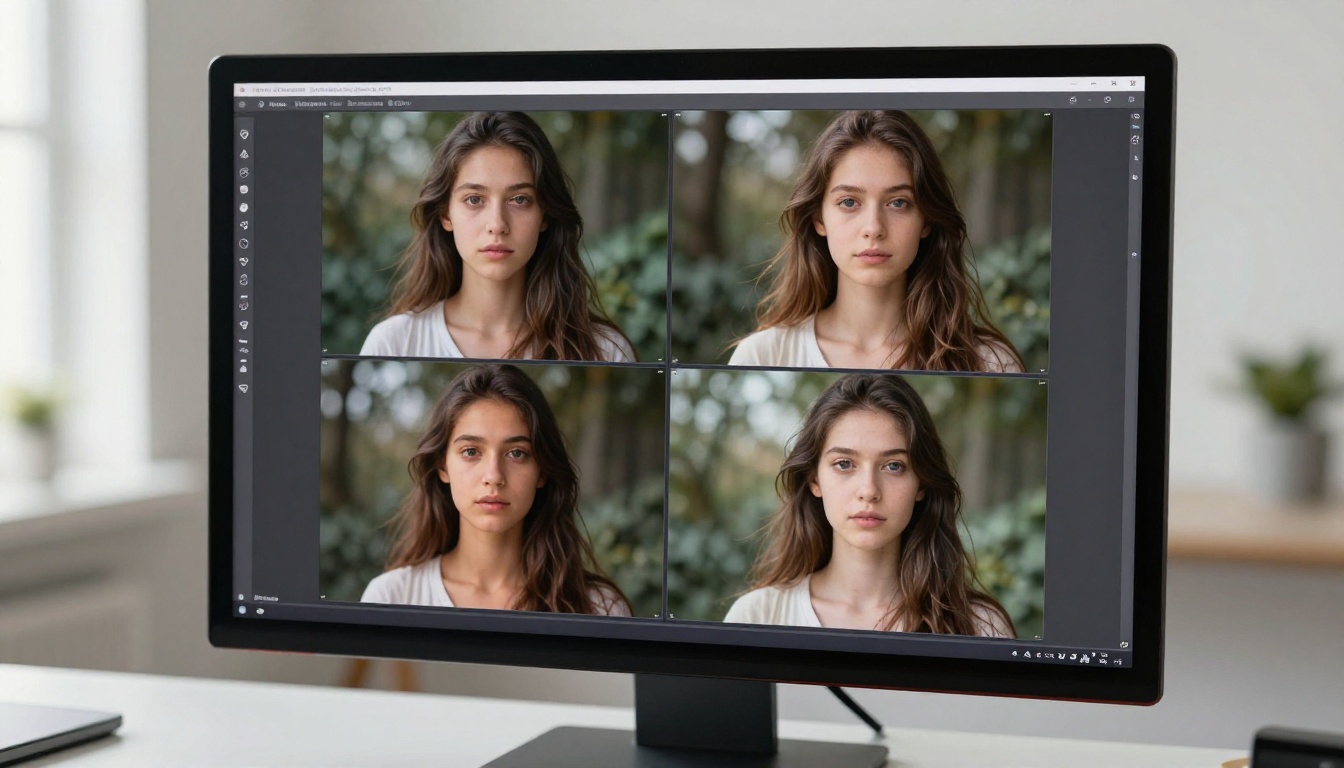
The text-to-image library on PicassoIA includes models from every major AI lab operating in 2027, alongside specialized open-source architectures and proprietary models built specifically for commercial use cases.
Text-to-Image: The Core
The flagship category covers the full spectrum of image generation needs:
Each model page includes documented parameters, expected output characteristics, and example images.
What Else Is in the Library
The 183 text-to-image models are only the beginning. PicassoIA also hosts:
- 87 text-to-video models for generating motion from prompts
- Super Resolution for upscaling images 2x to 4x without visible degradation
- Background Removal for clean, isolated subjects
- Face Swap AI for realistic identity replacement in images
- AI Music Generation for creating original tracks from text descriptions
- Lipsync for syncing speech audio to video
- ControlNet tools for pose-controlled and structure-guided image generation
- Large Language Models for text generation alongside visual work
This means a creator handling a full content production cycle, from ideation through image generation, editing, video creation, and audio, can do all of it in one place.

Models Worth Testing Today
With 183 options, knowing where to begin makes a real difference. These are the models that produce results worth seeing on a first test.
Flux Redux Dev
Flux Redux Dev by Black Forest Labs is purpose-built for creating variations from a reference image. You input an existing image and the model generates new outputs that maintain compositional similarity while varying style, color treatment, mood, or detail density. This is the model for brand visual testing and iterative creative development.
Best for: Designers who need multiple visual variants of a reference without manual retouching work.
GPT Image 2
OpenAI's GPT Image 2 is among the strongest prompt-following models available in 2027. Complex scenes with multiple subjects, specific spatial relationships, and detailed compositional requirements come out with a level of accuracy that most other models cannot match consistently. Text rendered inside images is also noticeably cleaner than the category average.
Best for: Marketing visuals with precise compositional requirements, scenes needing legible text elements.
Seedream 4.5
ByteDance's Seedream 4.5 outputs native 4K resolution images with rich color depth and natural photorealistic quality. Portrait work, outdoor lifestyle scenes, and editorial-style photography all benefit from its training. The color grading feels natural rather than processed, which is rare at 4K output.
Best for: High-resolution outputs for print, editorial photography, and premium social content.
Wan 2.7 Image Pro
Wan 2.7 Image Pro by Wan Video delivers 4K-grade image quality with strong prompt adherence and exceptional handling of fine surface textures. Materials like fabric, wood, metal, and skin all render with convincing micro-detail. Its sibling Wan 2.7 Image offers 2K output for cases where generation speed matters more than maximum resolution.
Best for: Product photography, architectural visualization, detail-rich lifestyle imagery.
Hunyuan Image 2.1
Tencent's Hunyuan Image 2.1 specializes in cinematic-quality 2K images with strong atmospheric control. Dramatic lighting scenarios, moody color palettes, and complex compositions with multiple depth planes all perform particularly well. It is the model to reach for when you need images that feel like film stills rather than photographs.
Best for: Concept art, cinematic stills, dramatic portrait lighting, mood-first creative briefs.

How to Browse and Use Models on PicassoIA
Navigating 183 models without a system leads to decision fatigue. Here is a practical approach that gets you to the right model in under five minutes:
Step 1: Filter by category. Open the PicassoIA model collection and apply the text-to-image category filter. This removes unrelated models from view immediately and focuses the list.
Step 2: Read the model card. Every model has a dedicated page describing its intended use case, documented parameters, and sample output images. Sixty seconds of reading tells you whether a model is built for what you need.
Step 3: Test with a simple prompt. On your first run with any new model, use a short, clear prompt with one primary subject and minimal modifiers. This shows you the model's default output characteristics before you layer complexity onto it.
Step 4: Adjust parameters strategically. Most models expose controls including aspect ratio, guidance scale, generation steps, and seed. Higher step counts improve detail in photorealistic models but increase generation time. Start with defaults and adjust one parameter at a time.
Step 5: Use P Image Trainer for custom styles. If you need a consistent brand aesthetic across outputs, upload reference images and train a custom LoRA. This applies your specific style to outputs from any compatible base model.
💡 Reproducibility tip: When you find a model, prompt, and seed combination that produces exactly the output you want, record all three. Repeatable results are one of the most valuable things you can build into an AI image workflow.

Picking the Right Model for Your Work
Here is a quick selection reference based on output goal:
| Output Goal | Recommended Model |
|---|
| Photorealistic portrait | Seedream 4.5 / GPT Image 2 |
| 4K high-resolution image | Wan 2.7 Image Pro |
| Image variations from a reference | Flux Redux Dev |
| Text rendered inside the image | GPT Image 2 / Ideogram Layerize |
| Regional editing and inpainting | Qwen Image Edit Plus / Fibo Edit |
| Custom brand style training | P Image Trainer |
| Photo restoration | Dust and Scratch v2 |
| Cinematic drama | Hunyuan Image 2.1 |
| Reframing and perspective shifts | Qwen Edit Multiangle |
| Font-accurate text in image | Riverflow 2.0 Pro |
This is a starting point, not a fixed rule. The same model behaves differently with different prompt structures, lighting descriptions, and aspect ratios. The practical advantage of a 183-model library is that switching between candidates costs nothing: a different model is two clicks away, not a different subscription.

What the Numbers Do Not Tell You
Model count is the most objective measure of platform depth, but three other factors determine whether a large library actually serves you well.
Interface and Navigation
A platform with 50 well-organized, documented models and a fast interface can outperform one with 200 models buried under poor navigation. The test is not how many models exist but how fast you can move between them. PicassoIA's category system, model cards, and example outputs make the 183-model library feel navigable rather than intimidating.
Pricing and Access
Not every model on PicassoIA requires a paid subscription. A meaningful portion of the library is accessible at no cost with usage limits, which makes extensive testing practical before you commit to a paid workflow. For high-volume professional output, paid tiers open up faster generation, higher resolution ceilings, and priority access to newly released models.
Model Freshness
A static library of 183 models is less valuable than a growing library that adds new models within weeks of major AI lab releases. PicassoIA has consistently added new models shortly after their public release across labs including OpenAI, Black Forest Labs, ByteDance, and Tencent. The 183 count reflects the library as of May 2026, and it has been growing steadily throughout the year.

The Gap Between One Model and One Hundred
There is a meaningful difference between using an AI image platform with a single core model and using one with 183. The single-model platform asks you to write better prompts to get different results. The multi-model platform lets you pick a fundamentally different tool for fundamentally different jobs.
For casual use, this distinction barely registers. For anyone generating images professionally, or for anyone who generates images regularly enough to care about quality, the model library depth of the platform they choose directly determines the ceiling of what they can produce.
The platforms with the largest libraries in 2027 are not large by accident. They are large because the teams behind them recognize that creativity does not fit into a single model's output range, and never will.

Start Creating on PicassoIA
If you have been working with a platform that offers a handful of models, the shift to a 183-model library is not a small upgrade. It is a different way of working. Instead of adapting your creative brief to what the model can produce, you select the model that was built for what your brief requires.
Start by visiting the text-to-image collection on PicassoIA. Pick two or three models from the list above based on your primary output goal. Run the same prompt through each of them. Within ten minutes, you will know which models belong in your regular workflow and which ones to return to when your next brief calls for something different.
The library is there, documented and ready. The gap between where you are and the result you want is, for the first time, mostly just the prompt.


