The free AI video space has never been more competitive. In 2026, you have open-source giants, freemium platforms with generous credits, and browser-based tools that require no installation whatsoever, all competing for the same users who refuse to pay monthly subscriptions just to render a 5-second clip. But which one actually delivers? We ran the same prompts across every major free-tier AI video tool available today, and the results were surprising in ways we did not expect.
What "Free" Actually Means in 2027
Before diving into which tool wins, it's worth defining the playing field. "Free" means very different things depending on which platform you're looking at, and the difference can mean everything when you're mid-project and suddenly out of credits.
Monthly Credits vs. Truly Free
Most big-name commercial tools, including Kling, Hailuo, and Pixverse, operate on a freemium credit model. You get a set number of free generations each day or month, often with watermarks or resolution caps applied to the free tier. The moment those credits run out, you're paying.
💡 Worth knowing: Credit resets vary wildly. Some tools reset daily, others weekly or monthly. Always check the fine print before starting a long project.
Truly free tools tend to be open-source models accessed through platforms like PicassoIA. Models like Wan 2.5 T2V, CogVideoX 5B, and Mochi 1 run on shared infrastructure and often cost nothing for shorter generations.
Open-Source vs. Freemium: The Real Difference
| Type | Examples | Watermark | Credit Limit | Resolution |
|---|
| Open-Source | Wan 2.5, CogVideoX, Mochi 1 | No | None | 480p–720p |
| Freemium | Kling, Pixverse, Hailuo | Yes (free tier) | Daily/Monthly | Up to 1080p |
| Platform-Based | PicassoIA collection | No | Per model | Up to 4K |
Open-source models accessed via platforms like PicassoIA tend to offer the cleanest experience: no forced watermarks, no account walls, and no credit timers ticking down while you're still refining your prompt.

Here's where things get interesting. The gap between the best and worst free tools in 2027 is enormous. Some produce smooth, cinematic-quality clips. Others churn out blurry, stuttering footage that looked dated three years ago.
Wan 2.5 and 2.6: The Open-Source Standard
The Wan series from Wan-Video has become the gold standard for free AI video generation. Wan 2.5 T2V handles text-to-video beautifully at 720p, and the faster variant, Wan 2.5 T2V Fast, cuts generation time significantly without a dramatic quality drop.
The newer Wan 2.6 T2V adds improved motion coherence and better handling of complex scenes with multiple subjects. For image-to-video workflows, Wan 2.6 I2V is arguably the most capable free model available right now for animating still photos into natural-looking clips.
Strengths:
- No watermarks when accessed on PicassoIA
- Excellent motion physics on humanoid subjects
- Open-source, with no credit walls
Weaknesses:
- Generation times can be slow on full-quality variants
- Complex backgrounds sometimes show subtle frame-to-frame drift
LTX 2.3 Fast: 4K in Seconds
LTX 2.3 Fast from Lightricks is the speed champion of the group. It produces 4K-capable video in a fraction of the time most other models need, making it exceptionally practical for content creators who need fast iteration. The LTX 2 Distilled version sacrifices a bit of detail for even faster renders, which works well for rapid storyboarding.
💡 Pro tip: LTX models respond exceptionally well to camera movement instructions in the prompt. Phrases like "slow dolly forward" or "steady pan left" produce noticeably better motion paths than generic descriptions.
Best for: Creators who need rapid prototyping, social media content where turnaround time matters more than absolute quality.
Kling v2.1: The Free Tier That Punches Hard

Kling v2.1 from KwaiVGI offers a free tier with a fixed number of daily credits. Within those credits, you get access to genuinely impressive quality: smooth motion, good prompt adherence, and 720p output. The upgraded Kling v2.1 Master pushes to 1080p but typically requires a paid plan.
The real story with Kling is its motion quality. Character movement feels more natural than almost any other free tool, which matters enormously when you're generating clips with people in them.
Watch out for: The daily credit reset is not always transparent. It's easy to burn through your free generations quickly on longer clips, and there's no warning before you hit the wall.
Ray Flash 2: Luma's Cinematic Option
Luma's Ray Flash 2 at 540p and Ray Flash 2 at 720p represent excellent free-tier options for users who prioritize cinematic style over raw resolution. The Ray series has always been known for its filmic color grading and natural camera simulation, and Flash 2 brings that same aesthetic to the free tier.
If you're working on anything that needs to look expensive without actually being expensive, Ray Flash 2 deserves serious attention.
Pixverse v4.5: Built for Social
Pixverse v4.5 is explicitly designed for short, punchy social content. It generates quickly, handles simple compositions well, and produces the kind of saturated, eye-catching clips that perform well on short-form platforms. The newer Pixverse v5 adds 1080p output but with tighter credit restrictions on the free plan.
Best for: TikTok, Instagram Reels, short product teasers, anything under 10 seconds.
Hailuo 2.3 Fast: Cinematic at No Cost
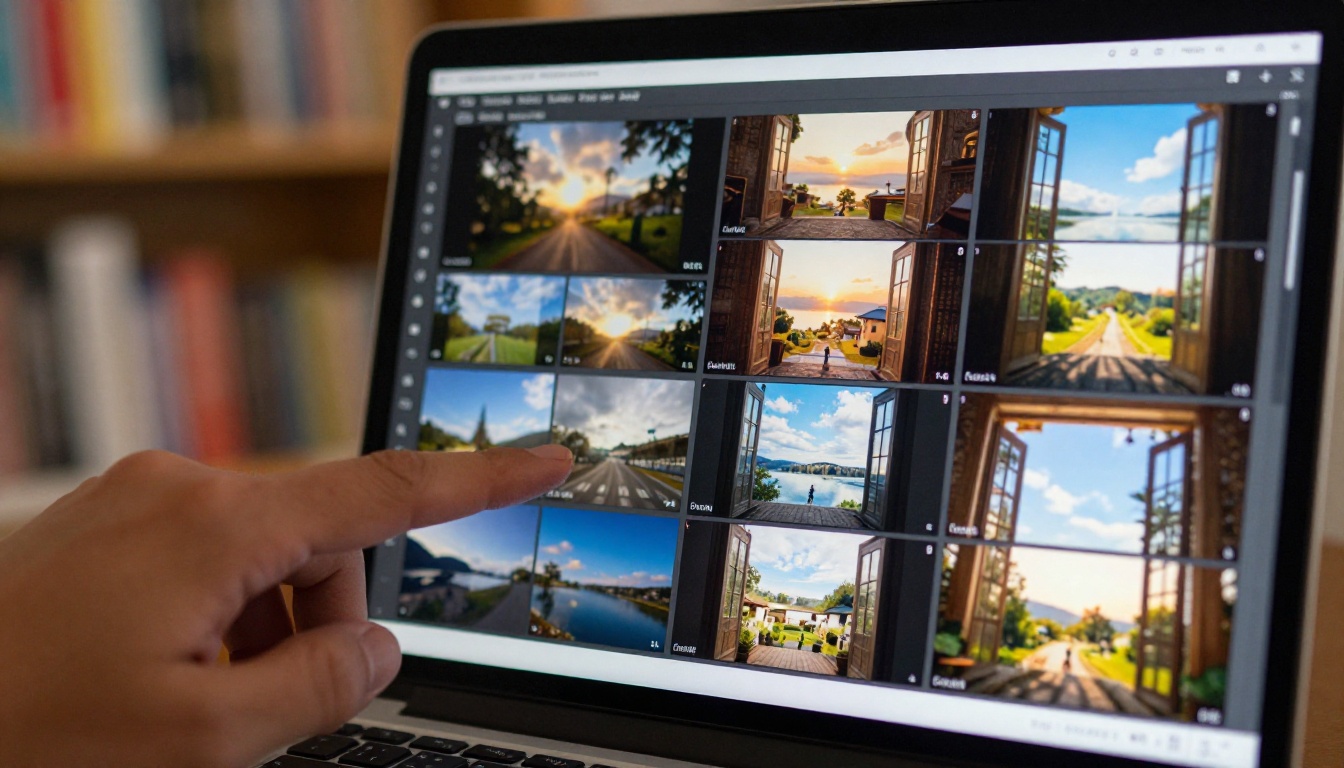
Hailuo 2.3 Fast from Minimax sits in an interesting position: it delivers near-cinematic quality with a meaningful free tier. The standard Hailuo 2.3 takes longer to generate but produces smoother motion in complex, multi-element scenes.
For storytelling work, Hailuo 2.3 is the tool that most consistently produces footage that doesn't look "AI-generated" at a glance. The motion feels intentional rather than algorithmically improvised.
Side-by-Side Comparison

Here's how the top free tools stack up across the metrics that actually matter for most users:
💡 The platform advantage: Accessing these models through PicassoIA means a consistent interface, no account juggling across five different platforms, and watermark-free output on open-source generations.
There's no single winner across every scenario. The right tool depends entirely on what you're actually making. Here's the breakdown by use case.
Best for Social Media Clips
Winner: Pixverse v4.5
Speed and visual punch matter most for social content. Pixverse generates fast, delivers saturated colors that pop on small screens, and handles short prompts well. When you need 10 variations of a 5-second clip to A/B test an ad creative, Pixverse's velocity is hard to beat.
Runner-up: Wan 2.5 T2V Fast for a watermark-free alternative with comparable generation speed.
Best for Product Demos
Winner: Hailuo 2.3 Fast
Product demos need to look credible. Hailuo 2.3's cinematic rendering avoids the telltale "AI shimmer" that undermines trust in commercial contexts. Objects stay consistent between frames, which is critical when showcasing a specific product in motion.
Runner-up: Kling v2.1 for its superior handling of human-product interaction scenes.
Best for Short Films and Storytelling
Winner: Wan 2.6 T2V
For anything longer than 10 seconds, narrative consistency matters more than raw speed. Wan 2.6's improved multi-subject coherence and open-source accessibility, with no credits expiring mid-project, make it the most reliable choice for storytellers who need to iterate freely without watching a credit counter.
Runner-up: Ray Flash 2 720p for its cinematic visual language and filmic color profile.
How to Use Wan 2.5 T2V on PicassoIA

Wan 2.5 T2V is consistently one of the most-used free text-to-video models on PicassoIA. Here's how to get the best results from it, even on a first attempt.
Step 1: Write a Structured Prompt
Wan 2.5 responds best to prompts that clearly define subject, action, environment, and camera behavior. Compare these two approaches:
- Weak: "A woman walking outside"
- Strong: "A woman in a red linen dress walks slowly through an autumn forest, fallen leaves on the path, cinematic wide shot, natural morning light, shallow depth of field, slight breeze moving hair"
The stronger version gives the model a complete picture. Every undefined element is a coin flip.
Step 2: Set Your Parameters
- Duration: Start with 5 seconds for testing, extend to 10 once you're satisfied with the motion
- Resolution: 720p balances speed and quality well on the free tier
- Seed: Fix your seed number when iterating on a working result without randomizing everything
Step 3: Use the Fast Variant for Iteration
Switch to Wan 2.5 T2V Fast while testing prompts. Only switch back to the full model for your final render. This approach saves significant time during the experimentation phase.
Step 4: Extend with Image-to-Video
Once you have a strong clip, grab the best frame and run it through Wan 2.6 I2V to extend the motion with tighter control over the starting composition. This workflow produces more consistent results than starting fresh with pure text-to-video for scenes with complex compositions.
💡 Prompt structure that works: Subject + Action + Environment + Lighting + Camera Style. Every specific detail reduces the model's randomness and pushes output toward what you actually want.
3 Mistakes That Ruin Free AI Video Results
Even with access to the best tools, most people get disappointing results for the same fixable reasons.
Mistake 1: Vague Prompts
"A city at night" produces mediocre results consistently. "A rain-slicked Tokyo intersection at 11pm, storefronts reflecting on wet pavement, pedestrians with umbrellas, slow lateral camera pan, film grain, cinematic color grade" produces something worth watching. The more specific your prompt, the less room the model has to guess incorrectly.
Mistake 2: Wrong Tool for the Job
Running a 30-second narrative clip through LTX 2.3 Fast because it's fast is a common mismatch. Speed-optimized models sacrifice some temporal consistency, which shows visibly in longer clips. Always match the tool's core strength to your actual requirement.
Mistake 3: Ignoring Image-to-Video
Most people stick to text-to-video and wonder why their outputs feel unpredictable. Starting from a specific, high-quality image and running it through a model like Wan 2.5 I2V or Wan 2.6 I2V gives far more control over the final result, since the model works from a fixed visual reference rather than inventing everything from scratch.
Also worth knowing: AnimateDiff Prompt Travel and Seedance 1 Lite are two underrated free options that reward users who take time to read their specific prompting documentation before diving in.
Start Creating Your Own Videos Today

Every model reviewed in this article is available directly on PicassoIA, with no juggling between accounts, no hidden credit systems to decode, and no watermarks on open-source generations. Whether you're producing social content, animating product shots, or building a short film scene by scene, the tools are there and they're free.
The difference between a mediocre AI video and an impressive one usually isn't the tool. It's the prompt quality, the workflow, and knowing which model to reach for at each stage of the process.
Pick one tool. Write a specific, structured prompt. Run it. Iterate. The results will surprise you.
Browse all text-to-video models on PicassoIA and start with Wan 2.5 T2V if you're not sure where to begin. It's free, it's powerful, and it's the model this comparison keeps returning to as the most reliable all-around performer in 2027.


